Hi! If you're looking for a stable, ad-free player that can be accessed from anywhere in the world and looks like a part of your brand, you've come to the right place. My name is Dima and in this video we'll take a detailed look at the settings of the Kinescope player and explain how it solves these and many other tasks all in one place. If you're interested in specific player features, click on the chapters in the timeline to jump straight to the segment you want. All player templates are stored in the player manager.
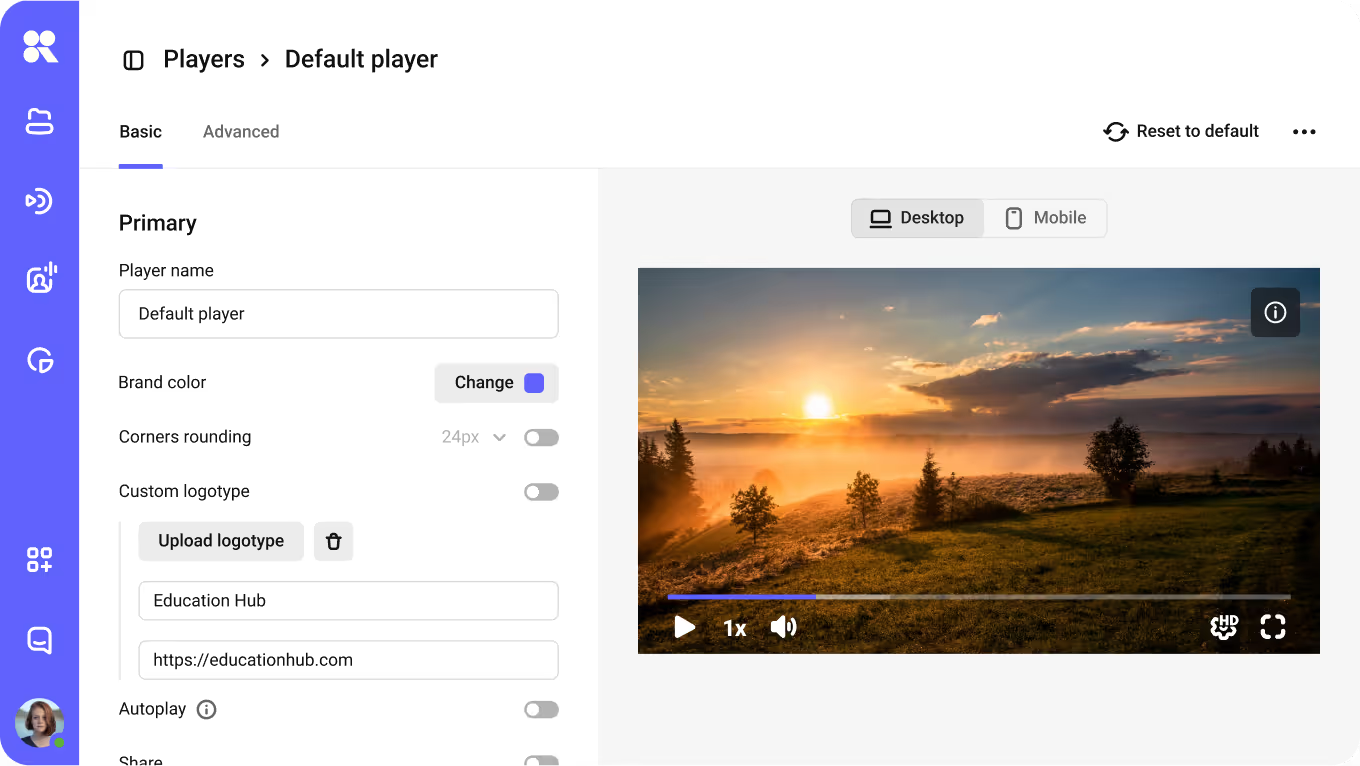
Go to Settings, then to the Players tab. Click on New Player, enter a name and open it for editing. The second way is to create a template directly from the video settings. Go into the video and click on Customize Player or Create New Player and it will automatically appear in the manager. So, click on create new player and proceed to the settings. Pay attention to the player window on the right. This is the preview window. All setting changes are displayed here in real time. Let's start with the basics. You can choose a brand color and it will be applied to the play button, the progress bar and the control panel.
Corner rounding allows you to seamlessly integrate the player into your platform's style. Optionally, you can add a logo to the bottom right corner of the video, and clicking it will open the link you specify. When autoplay is enabled, the video will start automatically when the page loads. According to browser policies, playback will start without sound. Sound will turn on after the first interaction with the player. When background video is enabled, all controls will be hidden, sound will be muted, and the video will loop continuously. This is a convenient setting if you want to use the video as a background or decorative element on the page.
For panoramic videos, there is also a 360 video mode. If the video has a non-standard resolution, the zoom to fill option will stretch it to fill the entire screen area from which the user is watching. For example, a vertical video with zoom to fill on a smartphone will occupy the entire screen. The download video option allows viewers to download the video. By default, this option is disabled. When enabled, a download icon appears below the player. The video can be downloaded in different resolutions, or you can download the transcript if the video has subtitles.
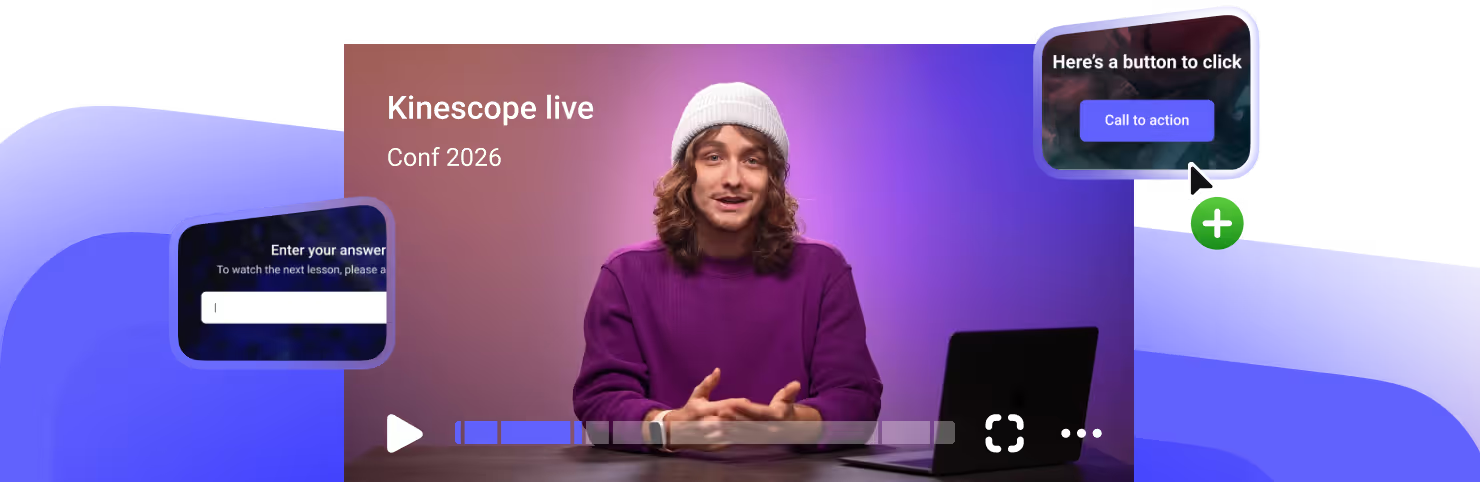
Default quality, speed, and volume settings determine the parameters with which the video will start for the viewer. If there are no specific requirements, we recommend leaving the default settings. At the end of the video, several scenarios are available. Looping, returning to the poster, or a rewatch button. And for those who want to convert a view into a targeted action, there is a call to action. A screen with a button appears in the video. You need to set a headline and a link, and the viewer will go to the product page, application form, or lead magnet.
Thanks to the call to action, the video stops being just an engagement tool and becomes a step in the sales funnel. Before launch, you can choose to show or hide the headline with the subheadline, the large play button, the playlist block, and the control panel. By default, everything is minimalistic. During playback, you can control the display of the headline, the progress bar, and the control panel. Different settings are suitable for different types of content. Let's move on to the advanced settings. Start the video with subtitles. When this feature is enabled, the player will start the subtitles and automatically select their language based on the user's browser settings.
We explain how to generate subtitles and chapters for videos using artificial intelligence in our video about video hosting. Auto-pause. If there are several players on the page, when one is started, the others will pause. The Cast to device section. Chromecast and AirPlay support is enabled by default. Viewers can cast the video to their TV directly from the player panel. The menu settings section is the gear icon in the control panel. Here we control what the viewer sees in the menu. Video quality, audio only mode for slower internet connections, playback speed, searching for subtitles and video scaling.
In the control bar elements section, each button can be enabled or disabled individually. Playback, volume, subtitles, playlist, picture-in-picture, track switching. We recommend the minimum set for short videos and the full set for long educational content. The watermark section. You can add custom text over the video to indicate authorship, adjusting the display type, size, frequency and transparency. We explain how to enable dynamic watermarks in our video about content protection and in the knowledge base. There are some nuances there. And the last section is additional. Saving player settings preserves the viewing position and other settings for each viewer.
When a viewer returns to the video, the player will start from the same spot where the user left off last time. Mouse click or tap control allows you to pause or rewind by clicking directly on the video. The About Kinescope item in the context menu can be disabled on paid plans. SEO optimization adds the video's metadata title, description, and poster to the embed code. Search engines see this data and recommend the video in their search results. It's important to note that this setting does not work if domain restriction or DRM encryption is enabled.
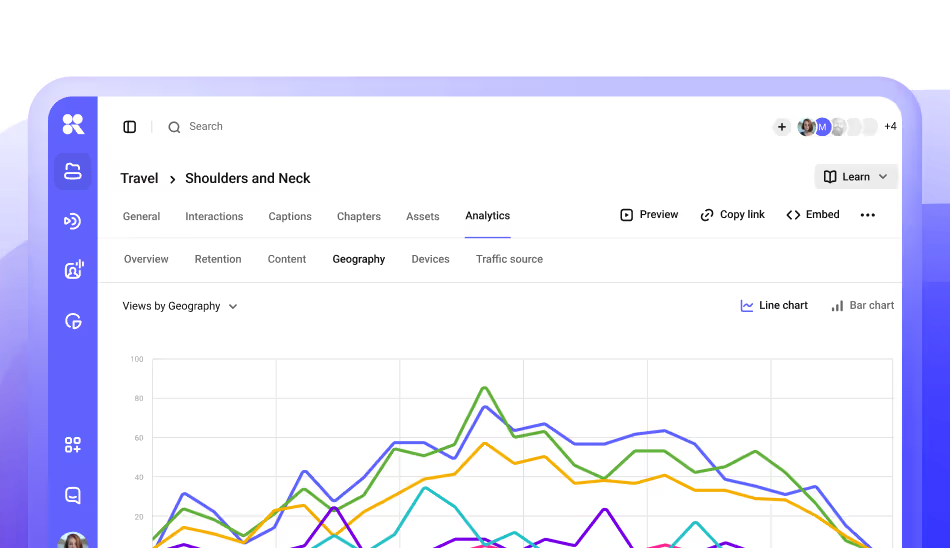
A crucial option is data collection. Without it, the analytics in your dashboard won't be updated. This feature is enabled by default. These are the player settings. If you want to create multiple player templates for different content types, we have a separate video guide with detailed examples. There is also a brief reference guide in the files attached to this video. You can get it by clicking the paperclip icon in the player control panel. If you are a developer and want to control the player via code, we'll show you how it works now.
With the iFrame Player API, you can control the player programmatically, play, pause, seek, adjust volume and quality. You can also subscribe to events such as pause, video end and CTA button clicks. This is especially valuable for LMS platforms for hosting courses. The API allows you to track viewing progress, automatically move to the next lesson, and link views to the grading system. The API also provides playlist management, video switching, track change events, and synchronization with your application's logic. And if you are building a product on a mobile platform, we have ready-made SDKs for Swift, Kotlin, Flutter, React, and Vue, all open source and customizable.
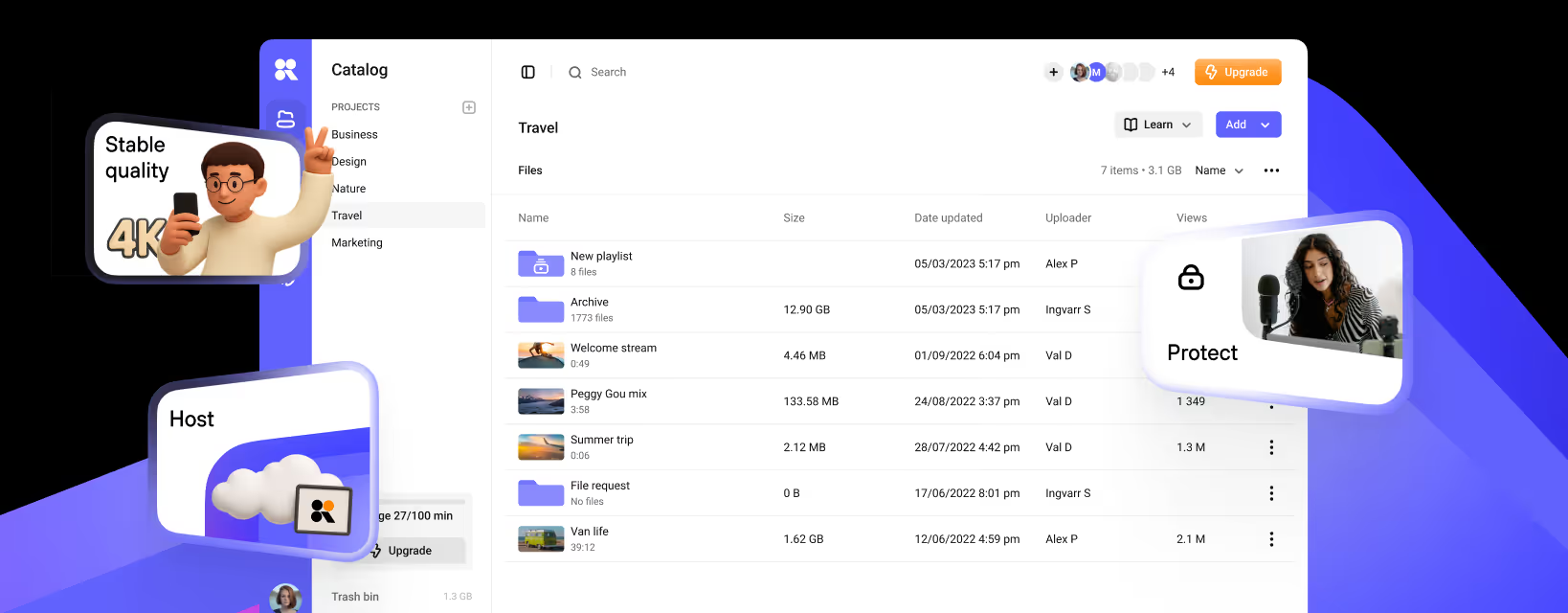
Full developer documentation is available in our knowledge base. Links are in the annotation. If you need to monetize your content and add third-party ads, like Google Ads blocks, our player also supports ad tags. The ad tag URL parameter is passed in the embed code. We support VAST, VPAID, and Google's IMA formats. Here's what you get with the Kinescope Player. Videos without ads or third-party logos, a player customized to your style, detailed analytics, flexible embedding, optimization for SEO and AI, as well as many other tools. And all of this is managed from a single Kinescope account.
You can try it out for free right now. After registration, you have an access to 100 minutes of video, 200 gigabytes of traffic, and team access for two people. All of this is available without linking a credit card, and with the promo code PLAYER, we give new clients 30 days of the super plan. Test Kinescope's unlimited features for a whole month. And if you need an enterprise plan, just write to us in the chat or leave a request on the website, and we'll offer a solution for your needs. That's all. Thank you for being with us. See you on Kinescope. See you in the future.