



















Cloud Video Hosting vs Self-Hosted




Introduction
Cloud vs. self-hosted affects security, cost, and scalability—and many teams pick wrong and pay for migrations later (Streaming Media 2025). No single right answer: cloud fits most; self-hosted fits strict compliance. This guide compares both and points you to the right choice. See also best online video platform for business.
We'll walk through cloud and self-hosted basics, real costs and security, when to choose each, and a simple decision framework.
Cloud vs Self-Hosted: The Basics
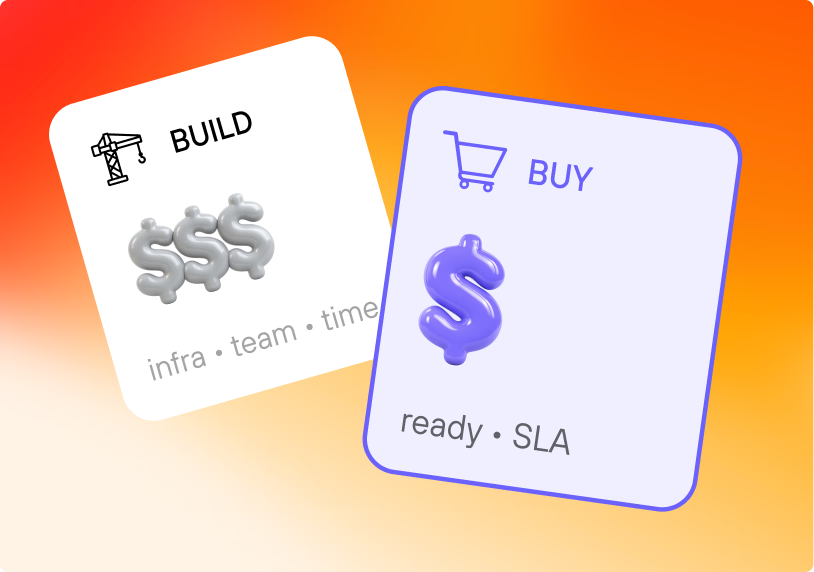
Cloud video hosting is a service where a third-party provider manages infrastructure, storage, delivery, and maintenance. You upload videos; they handle transcoding, CDN, and updates. Think of it like renting a ready office—no buildout, no DevOps. Providers like Kinescope, Vimeo, and Wistia offer pay-as-you-go pricing, global CDN, and enterprise DRM out of the box.
Self-hosted means you run video platform software on your own servers. You provision infrastructure, install and configure software, manage storage and CDN, and handle all maintenance. Full control, but you need a DevOps team and upfront investment. Common options: MediaGoblin, PeerTube (open source), Kaltura, Panopto (commercial).
Cloud costs €25–1,000+/month depending on traffic; self-hosted costs $93,000–385,000 in the first year (infrastructure + DevOps + ongoing). For most businesses, cloud is 10–30x cheaper.
Cost: Break-Even, TCO, and Real Numbers
If you're wondering "when does self-hosted become cheaper?"—the answer is almost never, unless you have very specific conditions. Here's the math that actually matters.
Break-even point
Self-hosted only beats cloud on cost when you're running 50+ TB/month of streaming traffic and you already have a DevOps team and infrastructure in place. Below that, cloud wins every time. One Reddit thread summed it up: "Self-hosted always beats cloud for raw price. Cloud wins when you need convenience, reliability, or scale." The catch: convenience and reliability are exactly what most businesses need.
Total cost of ownership (TCO)
Cloud shifts spend from CapEx to OpEx. You pay as you go: storage, bandwidth, encoding. No servers to buy, no cooling, no 3 a.m. on-call for hardware failures.
Self-hosted TCO in year one typically includes:
- Servers and storage: $15,000–50,000
- CDN/bandwidth: $5,000–20,000
- Engineering (setup + maintenance): $40,000–100,000+
- Software licenses (Kaltura, Panopto, etc.): $10,000–50,000
Self-hosted TCO year 1 (typical mid-range)
Real example: A healthcare company that needed on-prem compliance spent $146,000 in year one for self-hosted vs. $6,000 for a HIPAA-compliant cloud provider. They chose self-hosted anyway—data sovereignty made it non-negotiable.
Bottom line: If compliance isn't driving the decision, cloud is 10–30x cheaper for typical workloads.
First-year cost comparison
Costs, Security, and Performance
Here's how the two compare on what drives real decisions:
| Factor | Cloud Hosting | Self-Hosted |
|---|---|---|
| Setup time | 1–3 days | 2–6 months |
| Upfront cost | €10–100 | $13,000–85,000 |
| First year total | €300–12,000 | $93,000–385,000 |
| Scaling | Automatic | Manual provisioning |
| DRM / encryption | Built-in (e.g. Kinescope) | You build and certify |
| Data location | Provider servers | Your servers |
Setup time
Cloud usually wins on security—enterprise DRM, AES-256, professional monitoring—unless you need data never to leave your premises. Self-hosted fits strict data sovereignty or on-premises compliance (healthcare, finance, government). A healthcare company choosing self-hosted spent $146,000 in year one vs. $6,000 for a HIPAA-compliant cloud provider; compliance made it necessary.
On performance, cloud delivers global CDN and automatic scaling. Self-hosted puts load time and capacity planning on you. Kinescope's CDN targets under 2 seconds load time globally; results vary by region.
When to Choose Cloud or Self-Hosted
Choose cloud when you want to focus on content, not servers. You need DRM or security without hiring experts, variable traffic, predictable costs (e.g. €10/mo + €0.03/GB), limited technical resources, or global delivery. Kinescope and similar platforms give you enterprise security, auto-scaling, and pay-as-you-go without a DevOps team. That fits 90% of businesses.
Choose self-hosted only when you must: strict data sovereignty, 50+ TB/month with an existing DevOps team, or compliance that requires on-premises. Otherwise the cost and complexity rarely pay off.
Hybrid and Private Cloud: The Middle Ground
Cloud and self-hosted aren't the only options. Many enterprises split the load—and it often saves money and headaches.
Hybrid means cloud for public or high-scale content, self-hosted only where regulation demands it. A media company uses Kinescope cloud for 90% of content and self-hosted for sensitive internal communications, saving $100,000+ vs. all self-hosted.
Private cloud is dedicated infrastructure—either on your premises or a provider's—but not shared with other tenants. You get more control and data residency assurance than public cloud, with less ops burden than full self-hosted.
Use hybrid when: You have a small subset of content that must stay on-prem (e.g. classified government material, certain healthcare records), but the rest can live in the cloud.
Use private cloud when: You need stricter compliance and control than public cloud offers, but don't want to run hardware yourself. Providers like Muvi, Quickchannel, and others offer private or on-prem deployments.
Vendor Lock-In and Migration
"Can I switch later?"—yes, but it costs time and money. Here's what to expect.
Migration effort (days)
Cloud → another cloud: Migrating between cloud video platforms (e.g. Vimeo to Kinescope, Wistia to Brightcove) is doable. You re-upload or transfer video files and re-embed players. No hardware to move. Factor in a few days to weeks of effort depending on library size.
Cloud → self-hosted: Harder. You export assets and rebuild your delivery stack. Expect 2–6 months if you're building from scratch.
Self-hosted → cloud: Usually the smoothest direction. You're offloading complexity, not adding it. Most cloud providers support bulk uploads and migration assistance.
Pro tip: Choose a cloud provider with transparent pricing and export options. With Kinescope, you own your content; there are no exit fees or data lock-in.
Decision Framework and Conclusion
A simple decision rule: If you need strict data sovereignty, consider self-hosted or hybrid. If your monthly traffic is under 10 TB, you have no DevOps team, or your main concern is security or simplicity—choose cloud. In most cases, when there are no strict compliance requirements and no in-house DevOps, cloud is the right choice.
The right choice depends on traffic, team, and compliance. Choose cloud when you want to focus on content, not servers. Choose self-hosted only when compliance or data sovereignty makes it necessary. Otherwise cloud is the practical choice.
FAQ
Explore Kinescope
Last updated: January 2026.