Secure video hosting for content you can't afford to lose

Enterprise-level security without enterprise markup. Plus a built-in CDN, analytics, and a customizable player. Starting at €10/month.
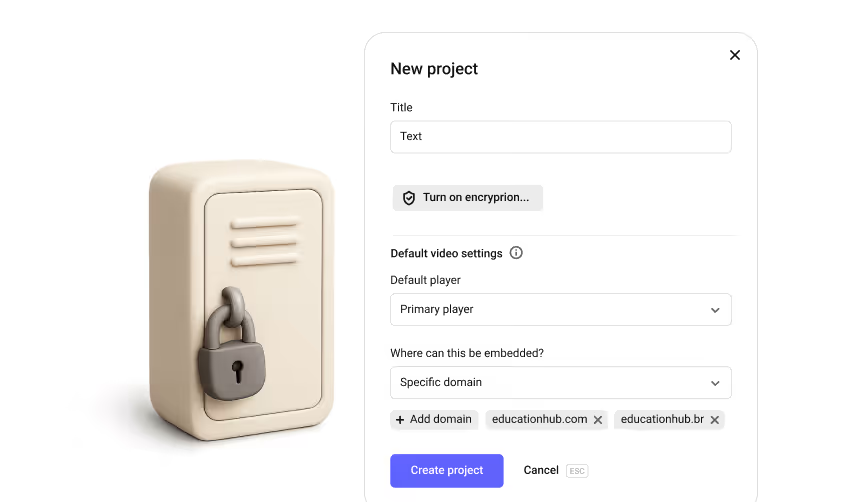
Hi! If you've started this video, you likely need a place to store and embed your video. I'm Dima, and in this video, I'll show you, with real examples, how Kinescope Video Hosting handles these and many other tasks in one place. If you're interested in specific hosting features, click the chapters on the timeline to jump straight to the part you need. Let's create a new project and upload our first videos. In the left panel, click the plus icon and create your first project. Give it a name and, if needed, enable encryption.

We'll leave the default settings as they are. You can always come back to them at the video level. Now, let's upload the first video. Kinescope supports most popular video formats. If your videos are on your computer, upload them using the button or drag them from a folder right into the interface. You can upload an entire folder of videos to Kinescope at once. The catalog will recreate its structure on our side. If you need to collect video from a colleague or contractor, send them a link to the request page. They'll upload videos directly to your library without needing extra access to your account.

You can also upload video via a YouTube link. Just enter the links and the video will be added to your account with metadata, poster, and subtitles. If you previously stored videos in the cloud, connect Kinescope to it and import directly without downloading videos to your computer. And last but not least, if you previously stored videos on any other video hosting, you can use our API to transfer your entire media library in one day absolutely free while preserving your folder structure. You can migrate your library from another host via API using the guides in our Help Center or by contacting Support Chat.

We'll set up the integration and migrate your video library in one day completely free of charge. For now, I'll just drag a couple of files from my desktop. Done. After uploading videos, Kinescope will automatically transcode them into several resolutions and prepare them for viewing. This ensures that Kinescope's content delivery system can quickly load videos for viewers regardless of their location or internet speed. Oh, looks like the videos in the catalog have already been processed. Now, let's go through the video level settings. Set the video title. If you like, add a subtitle and a description below the video.

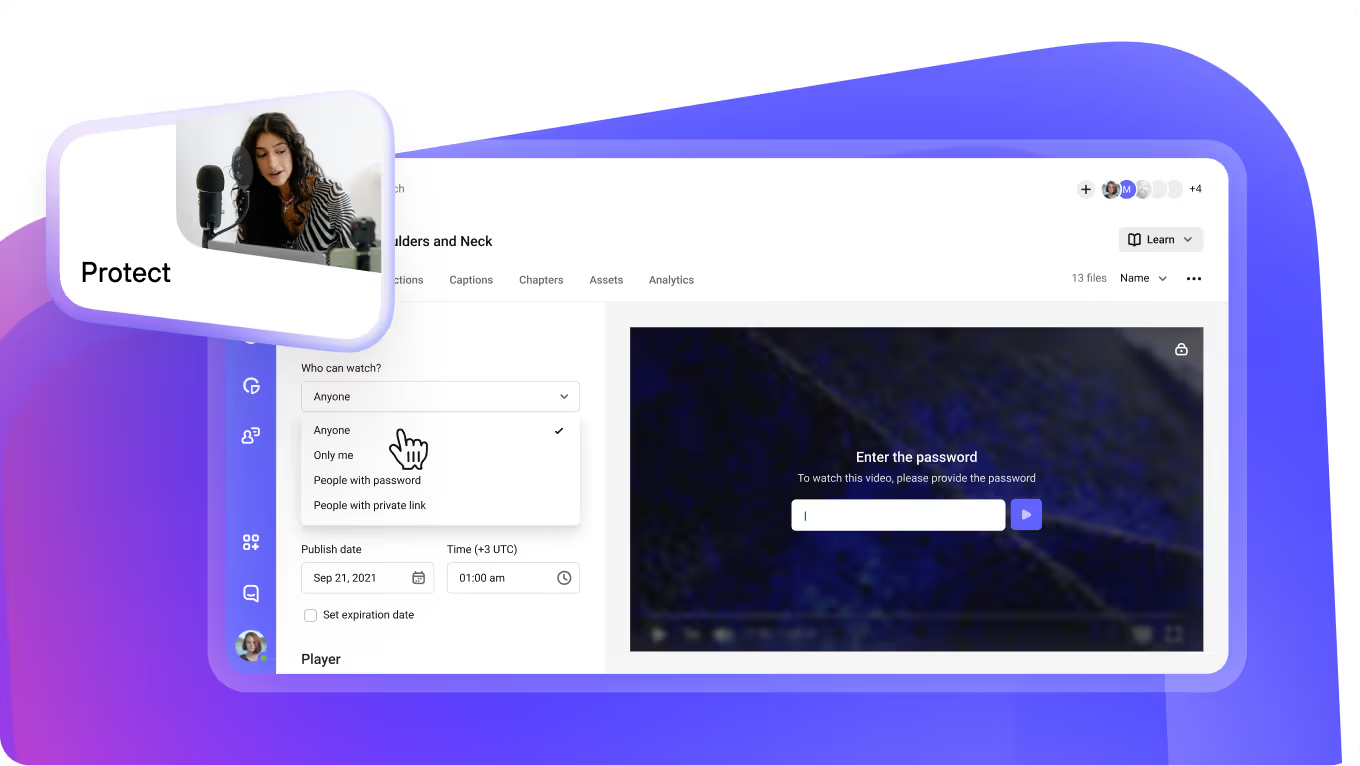
Choose one of the suggested posters, upload your own, or pick any frame from the video. If needed, you can also download the poster to your computer. Add tags. They will make it easier to search the video library and provide additional organization. Moving on to the privacy settings. We have a separate video about all content protection methods as well as detailed materials in our Help Center. For now, I'll briefly highlight the essentials. In Kinescope, you can enable project level DRM encryption, restrict video access by link, code, password, email, or corporate account, and activate static or dynamic watermarks that appear over the video.

We cover all protection tools in detail in a separate video and in our Help Center materials. For now, let's keep the default settings and move on. Player settings. The customizable player is also a unique and interesting Kinescope product. We've also made a detailed video about it and covered it in the Help Center. But for now, to avoid switching tools, we'll stick with the default player. If you need to upload a new version of a video, you don't have to re-add it. Just update the version in the settings and it will automatically update everywhere it's embedded.

To make your video more than just a playback and actively engage the viewer, add interactive elements. Let's start with annotations. They help viewers see extra comments and external links right on top of the video. To add an annotation, open the interaction tab in the video settings, enable annotations, and click add. Specify the exact appearance time, enter the text, and add a link if necessary. You can place the finished annotations along the timeline. They will appear in the top right corner of the video as a text bubble. Another element is Additional Video.

This feature lets you place links to your other videos directly inside the player. Open the Interaction tab, click Additional Videos, enable the feature, and click Add Video. Select the video from your library, give it a title, and set the appearance time on the timeline. You can upload several additional videos at the same time. During playback, they'll appear in the top right corner of the video with a thumbnail and text description. Finally, attach files to your video, presentations, guides, checklists, or any extra materials viewers can download while watching. Open the Interaction tab, click Attachments, enable the feature, and upload your files.

If needed, give the attachment a clear name. Done. The materials will appear right in the player under the paperclip icon. To make your video easy to watch even without sound, upload a subtitle file or generate them in Kinescope using AI. You can generate two subtitle tracks at once, in the original language and in English. Edit subtitles in the Kinescope interface. Chapters help viewers better navigate long videos and instantly jump to interesting segments. You can add chapters either manually or generate them using AI, all in just a couple of clicks. You can also edit or supplement the result directly in your dashboard.

You can embed videos from Kinescope onto any of your platforms, a custom-built website or mobile app, a Telegram mini app, a website builder, a closed corporate portal, or an LMS. There are two ways to embed your videos. A direct link is perfect if you just need to send a video via email, messenger, or, for example, attach a video to a document. Video opens on a separate web page optimized for any device. And if you want to embed the video directly on your platforms, use the embed code. The code on the page places the video player as a separate block within a site, app, or portal.

The adaptive code adjusts the player size for different screen formats. The fixed one preserves the specified dimensions in pixels. The pop-up code opens the video in a floating window above the page, while the AI code looks like a regular player, but contains the full video transcript based on captions. If you embed the video in this format, ChatGPT and other agents will see the content of the videos and recommend it in their responses. Try it out. That is it. Just copy the code and embed it. The video works. The embedded video does not load your resource because our infrastructure handles the content delivery.

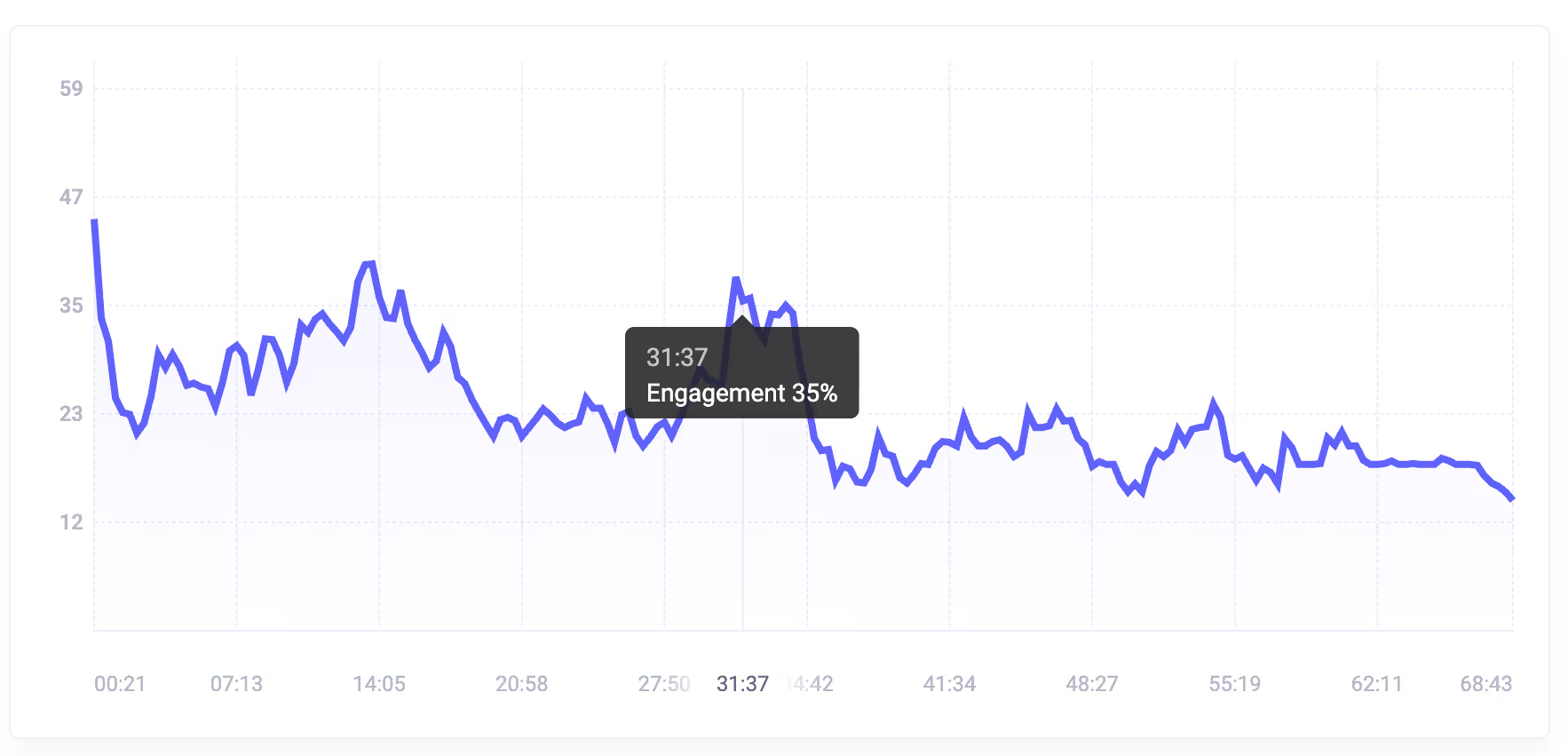
The page loads just as fast and the videos play without any third-party ads. After embed the video, you'll get detailed analytics, views, engagement, geography, and traffic sources. There will be enough data to compile detailed reports and understand through numbers how videos are watched and what to improve. We covered analytics in more detail in a separate video and in the Help Center materials. That is all. Let's summarize. Kinescope is a video hosting that gives you full control over your video. Upload from any source, embed the player without developers, protect from downloading, and track analytics.

Plus, you get an organized video library, team access, a built-in editor, and interactive elements. All of this is available in one place with our unified plan. Try it right now. The first 100 minutes of video and 200 gigabytes of traffic are already available in the free account. No card required. And with the promo code HOST, we give new clients 30 days of the super plan. Enjoy unlimited Kinescope features for a whole month. And if you need an enterprise plan, write to us in the chat or leave a request and we will offer a package solution tailored for your company. That is all. Thanks for being with us. See you on Kinescope. See you in the future.

Trusted by 6,000+ teams in 48 countries and counting.

One video hosting platform for everything
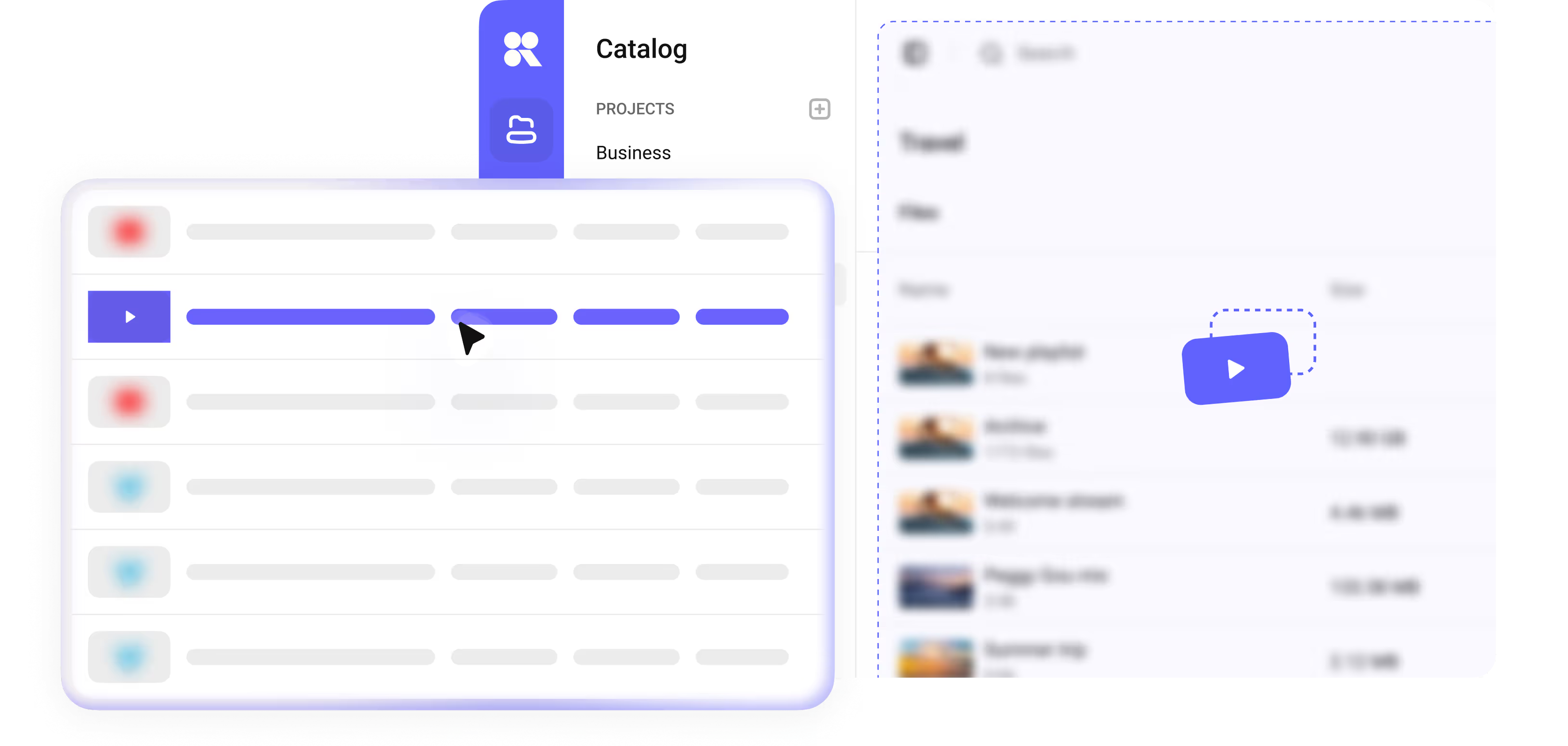
Fast uploads

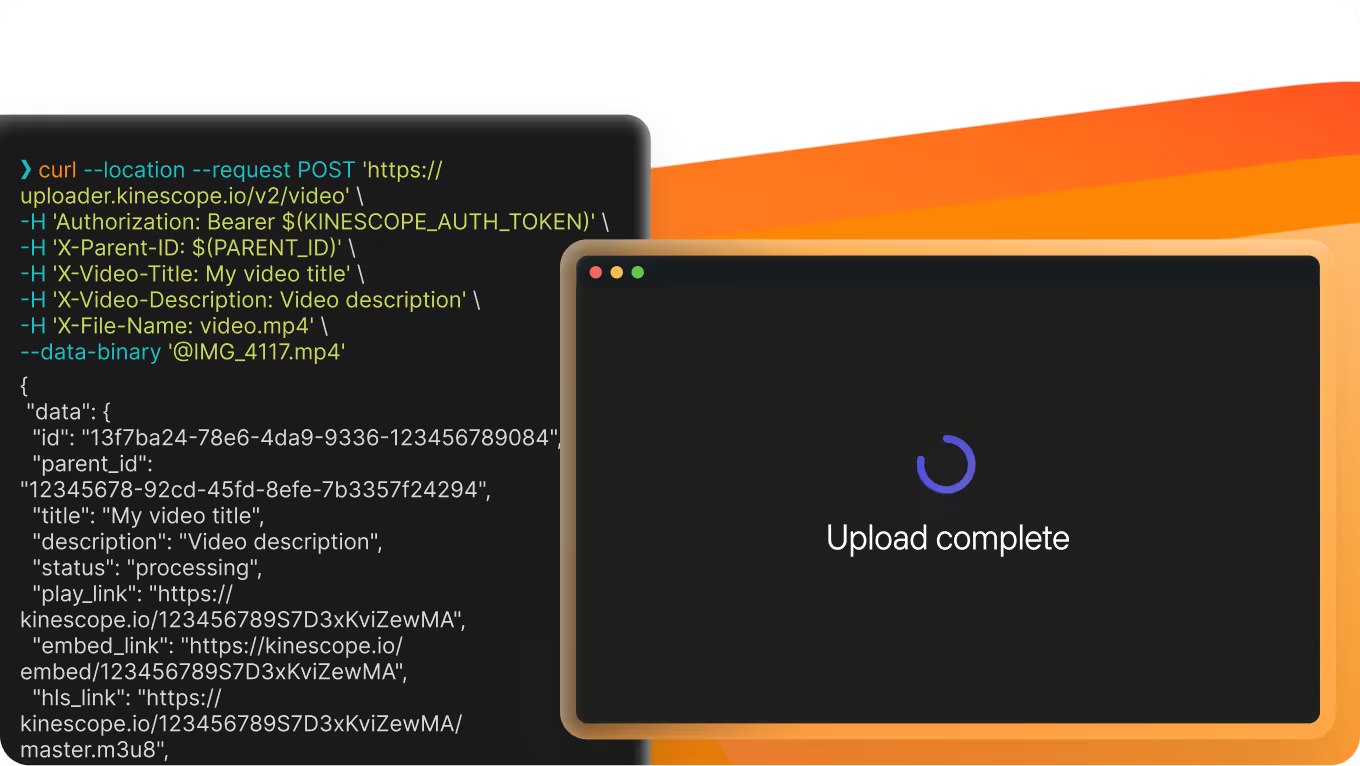
Upload manually, paste a link, push via our API, or auto-import from YouTube or Zoom. Transcoding runs in parallel, so even a 4K file is ready to embed within minutes.

Kinescope upload panel with manual, link, API and auto-import options
Easy embedding

Copy a snippet into WordPress, Webflow, Tilda, or a custom LMS — the embedded player keeps DRM, watermarks, and analytics live inside the iframe.

Kinescope embed snippet for putting a protected player on a site
Video protection

DRM (Widevine + FairPlay), watermarks, passwords, domain restrictions, unique access codes, and integration with your own auth backend. Paid courses, internal training, and NDA material stay out of reach for anyone you haven't authorized.

Kinescope video protection settings with DRM, watermarks and access rules
Customizable player

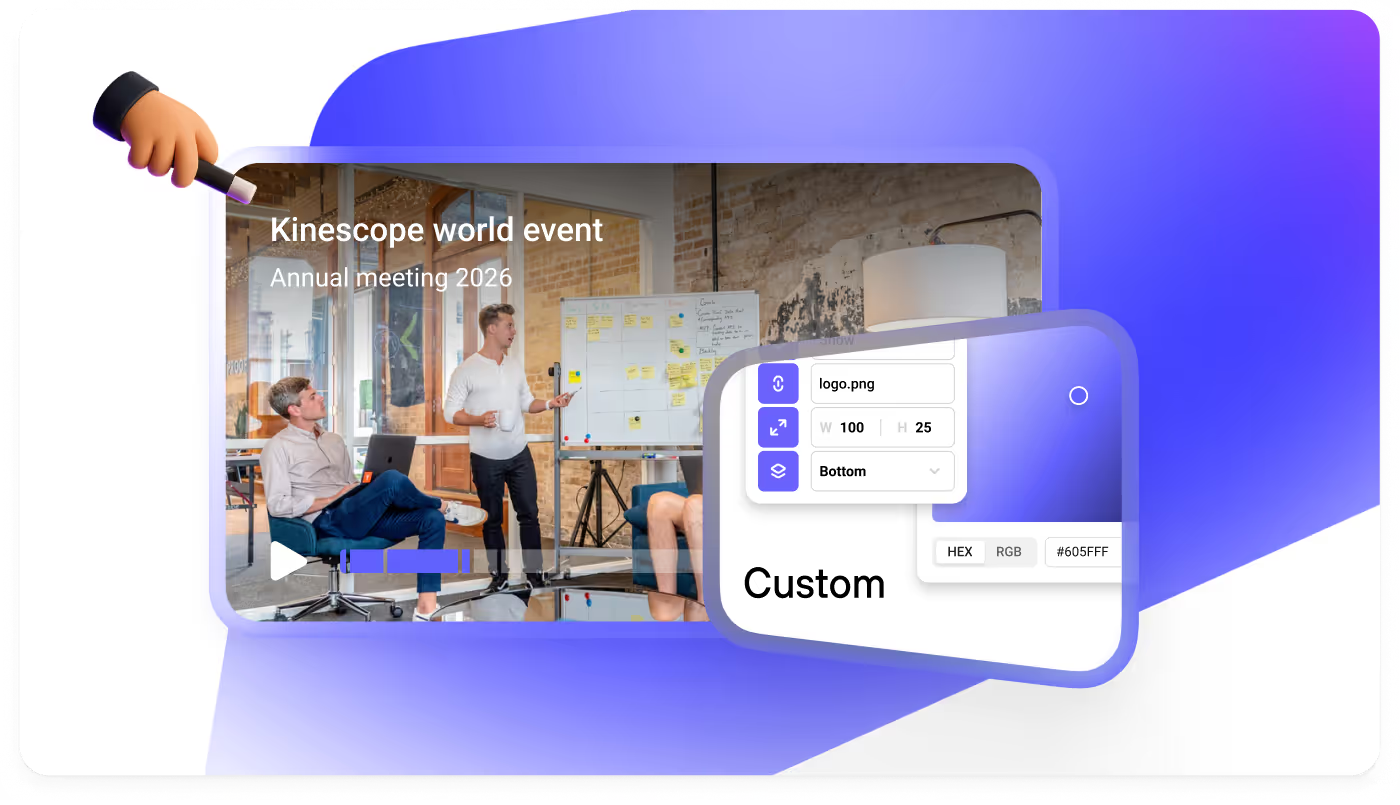
Choose your logo, brand colors, and controls free of charge. Full white-label on any paid plan — the embedded player looks like part of your site, not a vendor widget.

Kinescope player customization with logo, brand colours and controls
Built-in CDN

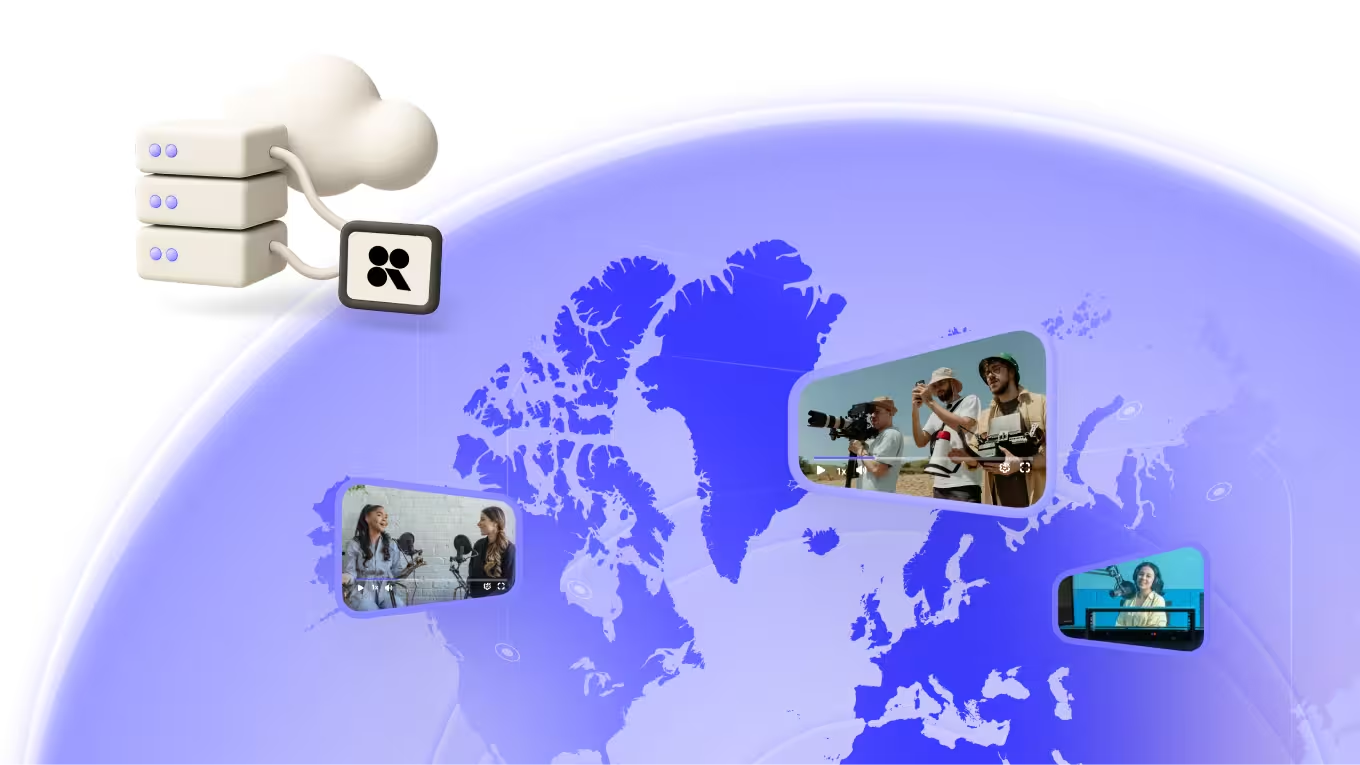
Our own points of presence across Latin America, the US, Europe and the CIS, with no third-party CDN in the chain and no reseller markup on your bill.

Kinescope built-in CDN points of presence for video delivery
Analytics

Per-video watch-through, top referrers, and viewer geography, right from the dashboard. Spot drop-off points and what holds attention — without exporting or stitching tools together.

Kinescope analytics dashboard with watch-through rates and viewer geography

A video hosting service with maximum protection

Security sits across the whole stack, not on top of it.

DRM encryption

DRM encrypts the video stream at delivery, and only authorized devices can unlock it at playback. The two industry standards Kinescope uses reach around 99% of consumer devices between them.

  • Widevine for Android and Chrome; FairPlay for Apple devices.
  • Blocks downloaders like SaveFrom and extraction tools like VLC or ffmpeg.
  • Blocks screen recording and screenshots on all platforms.

Access control

Match the rule to the content, from a signed link to a token signed by your own auth system.

  • Passwords, one-time codes, email access lists.
  • Domain and time-limited tokens.
  • Dynamic watermarks trace leaks to the source.
  • SSO (SAML) on the Mega plan.

Proven at scale

73M

videos stored in the cloud

5M

minutes watched per day

+75% YoY

traffic growth over the past year

99.98% uptime

guaranteed by SLA

Build video experiences your way

Kinescope is API-first — everything the dashboard does, your code can do too.

API & SDKs

The building blocks for video in any product — SDKs for JavaScript, iOS, Android, and React Native, plus a REST API and the docs to match. Ship video into your app without wiring the basics from scratch.

Integration

Pre-built connectors for the tools you're probably already on — Zoom, YouTube, WordPress, Webflow, and the common LMSs. Plug one in and skip the integration work.

MCP server

A native Model Context Protocol server, included on every plan, Free included. MCP-capable assistants like Claude or Cursor connect straight to your Kinescope library, so your team can search videos or trigger uploads without leaving the AI tool they already work in.

Predictable pricing

You pay for what you use. Everything else is already in.

Video storage

from €0.03/GB

Unlimited on paid plans. Rate tiers down with volume.

CDN traffic

from €0.03/GB

Uncapped on paid plans. Rate tiers down with volume.

Video processing

from €0.01/min

Flat through 60,000 minutes; custom pricing beyond.

See the full rate card and calculator →

Need to migrate from Vimeo, YouTube, or any other service?

Vimeo's storage and delivery caps are real. So is the Enterprise plan you need just to turn on DRM. None of that lives in Kinescope — storage and bandwidth are unlimited, and DRM is included in every paid plan. For the rest, see the full breakdown.

Coming from YouTube? You gain DRM, a full set of access restrictions, and a branded, ad-free player.

The move itself is on us — free on the Super and Mega plans. We'll pull your library across (all metadata preserved) and set you up on our side. It is usually done in a week or less.
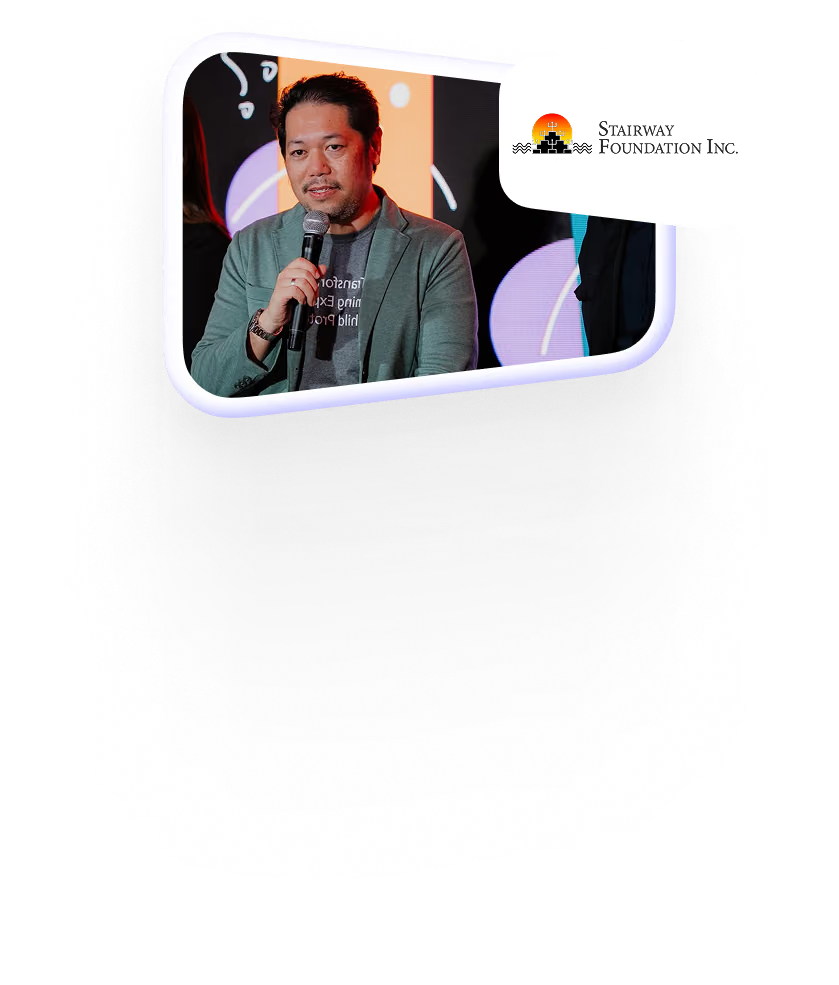
«We are very happy that we haven't encountered any technical glitches with the videos hosted on Kinescope. For us, reliability is very, very important. From our e-learning users, we haven't had any feedback that the video isn't loading or is slow. Nothing like that»

Ysrael C. Diloy, Child Protection Specialist, Stairway Foundation (9M+ children reached · moved to Kinescope from Vimeo)
Read more

Ready to host your first video?

Access-control matrix

Geo-blocking, domain allowlisting, expiring signed links, SAML SSO and EU data residency — the controls a secure or regulated setup needs, each mapped to the plan it's on.

Access controlWhat it doesAvailable on
Geo-blockingRestrict playback to the countries you allowAll paid plans
Domain allowlisting (whitelisting)The player loads only on domains you approveAll paid plans
Signed URLs with TTLExpiring, viewer-scoped playback linksAll paid plans
IP allowlistingRestrict playback to approved IP rangesMega plan
SAML SSOOkta, Azure AD and Google WorkspaceMega plan
Audit logs & RBACFull audit trail with role-based access controlMega plan
EU data residencyPersonal data stays in EEA infrastructure (Kinescope B.V., Netherlands), GDPR-compliantAll plans
Enterprise security & SLA →

FAQ

Can’t find the answer you need? Check out our Help Center.

Upload it to a platform that encrypts storage and delivery and restricts playback by domain and signed link — not a public site like YouTube. Kinescope encrypts every upload and adds domain locks, expiring signed URLs, dynamic watermarks and Widevine/FairPlay DRM, so only your authorized viewers can play it. For a step-by-step walk-through, read our guide to secure video hosting.

Password prompts are easy to share or bypass, so serious protection uses signed links and access controls instead. Kinescope gates each video by approved domain, expiring signed URL or viewer authentication, and can layer on DRM so the file itself stays encrypted even if a link leaks.

Yes. YouTube and Vimeo are built for discovery and reach; secure hosting is built for control. Kinescope keeps videos out of public search, encrypts them, and restricts access by domain, link expiry and DRM — made for course creators, enterprises and confidential content. If the question is who may watch at all rather than how the file is protected, see private video hosting. Comparing your options? See our roundup of the best video hosting platforms in 2026.

Dynamic watermarks (viewer ID burned over the frame), session passwords, one-time access codes, domain restrictions (video plays only on URLs you approve), authorized email lists, and integration with your own auth backend if you want Kinescope to validate a token against your own system. All included on every plan (even Free). One exception — SSO joins on Mega. These rules are covered in depth on our video access control page; for how the encryption itself works, see how video DRM works.

Yes. Unlimited seats on any paid plan; Free is capped at 2 members. Invite by email and assign roles per workspace. SSO comes with Mega.

Upload MP4, MOV, MKV, WebM, AVI, and most other common video formats up to 4K. Transcoding runs on our side; playback is delivered as HLS with adaptive bitrate, so each viewer gets the resolution their connection can handle. Subtitles upload as SRT or VTT.

Most files are embed-ready in minutes. Transcoding runs in parallel across resolutions, so playback can start on the first ready rendition while higher resolutions are still finishing — the player upgrades quality as each version becomes available. Long 4K uploads don't block the preview.

Yes. Kinescope generates AI subtitles in the video's language, chapter markers at logical breakpoints, and a short description of what's on screen. You trigger each one from the video's page when you're ready — they don't run automatically on upload. Accept the output as-is, or edit before publishing.

Live streaming is built into the same product, with the same dashboard and the same player. Run streams from OBS or any standard RTMP source; recording is automatic, so the VOD lands in your library when the stream ends. See live streaming for the full picture.

Yes. The player supports end-of-video CTAs, clickable annotations during playback, and in-player links. For live streams and webinars, pin a registration or offer link alongside the stream. Shareable watch pages can be white-labelled with your own logo, and the logo itself links back to your site. All of it routes to your own CRM or landing page — Kinescope doesn't sit between you and the leads.

Yes. Enterprise video hosting on Kinescope adds SAML SSO (Okta, Azure AD, Google Workspace) on the Mega plan, role-based access control, and full audit logs on top of DRM and signed URLs. See the enterprise plan for SLA and security-review details.

Yes. It's built as video hosting for business: an ad-free branded player, access control, per-viewer analytics, and predictable Pay-as-you-go pricing with unlimited videos and workspace members — no per-seat fees as the team grows.

Yes. Uploads up to 4K are stored and delivered from our own global CDN — a secure video server network across Latin America, the US, Europe and the CIS — so you get encrypted 4K/HD playback without renting or running a server yourself.