
























 Kinescope vs Vidyard:
video for your product or sales team
Does your team need to deliver a video library or send personal messages to customers? Compare hosting, protection, analytics and integrations to find the right fit for your workflow.


How Kinescope and Vidyard compare
Use cases
Kinescope brings paid courses, internal training, live events and branded video libraries into one platform. Vidyard combines video hosting with prospecting and customer follow-ups.
Pricing model
Kinescope bills for infrastructure usage, with unlimited workspace members on Super. Vidyard uses per-seat licensing, so team size affects the subscription cost.
Content protection
Both offer passwords and domain restrictions. Kinescope also includes watermarks and Widevine/FairPlay DRM at no extra charge on Super. Vidyard’s public plans don’t list Widevine or FairPlay.
Video analytics
Kinescope measures watch depth and placement performance, with exportable reports for courses, live streams and video libraries. Vidyard connects viewer insights to sales follow-ups and CRM workflows.
Branding and CTAs
Kinescope includes branded video pages, player customization and CTA buttons on Super. Vidyard offers branded pages and CTA templates on Starter, with custom CTAs on Teams.
APIs and integrations
Kinescope offers ready-made Moodle, WordPress and Open edX integrations, plus API and SDKs. Vidyard focuses on sales and marketing integrations, with management API access on Enterprise.
Compare features and plan terms


DRM protection

Widevine + FairPlay included on Super

Widevine/FairPlay not listed in public plans
CDN and infrastructure
Own (Latin America, US, Europe, CIS)
CDN with AWS infrastructure
Branding
White-label player and branded pages
Branded pages from Starter
Video analytics
Retention, export and viewer IDs via API
Viewer insights from Starter
Pricing
Usage-based, €10/month minimum
Per seat. Team plans quoted separately
SLA
99.98% on Mega
Not published in plan comparison
Video resolution
Up to 4K on Super
Up to 4K
Built-in video editing
Trimming and cutting
Trimming
Team members
Unlimited on Super
Per-seat licenses
API and integrations
REST API, SDKs and ready-made plugins
CRM on Teams, management API on Enterprise
You make the switch, we bring your videos
Kinescope can help move your library from Vidyard. Talk to support about file access and a free migration on Super. Plan the embed changes and check the copied videos before closing your old account.
Which platform fits your work?
Choose Kinescope if you need:
A home for courses, internal videos and content in your own product, with Widevine and FairPlay on Super, ready-made integrations, API access and no per-seat fees for your team. You track infrastructure usage as your library and audience grow.
Choose Vidyard if you need:
To record and send personal videos to prospects, see who watched and bring that interest into your CRM. Choose the plan around the integrations and team tools your sales process needs.
Meet Kinescope: everything you expect from professional video hosting
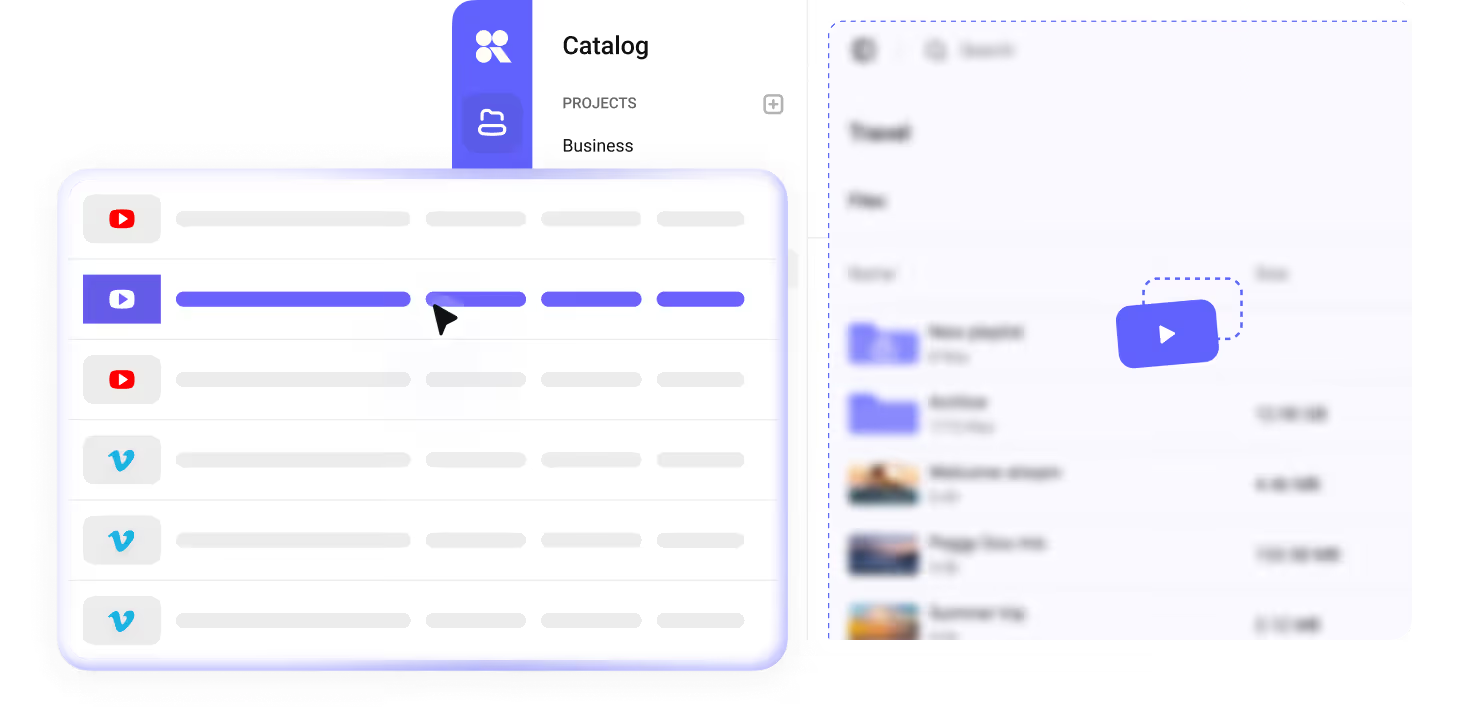
Delivery on our own CDN
Host your library and deliver videos through Kinescope’s own CDN. The player adapts video quality to each viewer’s connection.

DRM on Super plan
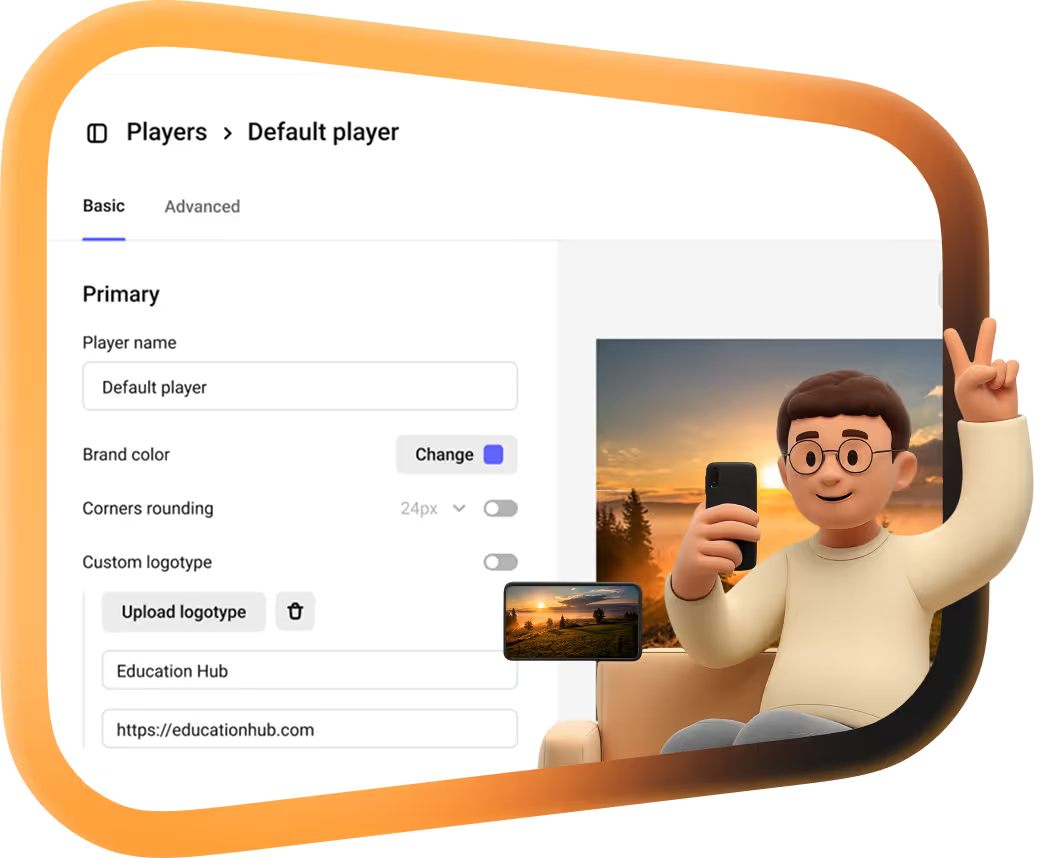
Combine Widevine and FairPlay encryption with passwords, domain restrictions and watermarks to protect paid videos and internal content. All included in your plan.

From live event to recording
Stream classes, webinars and events on your website, with chat and recording. Organize the recorded content in the same library afterward.

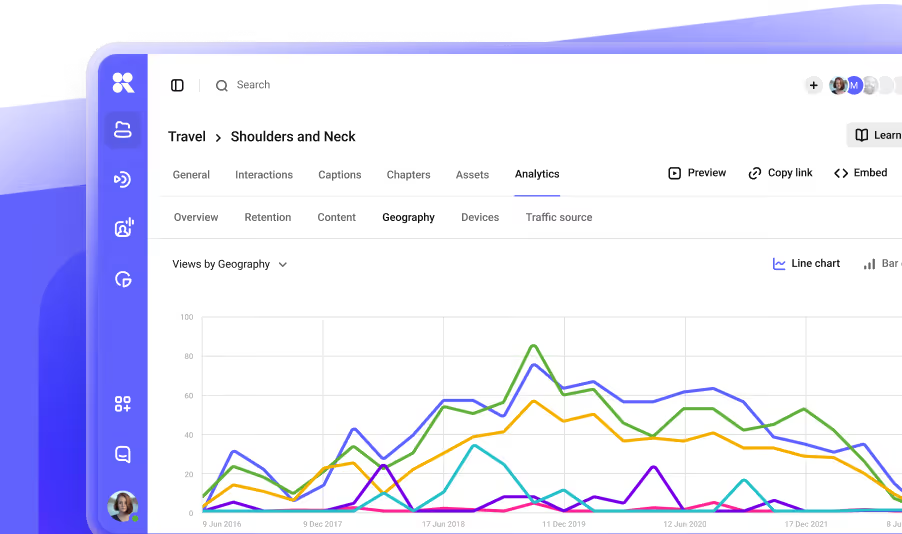
See what people watched
Track views, retention and audience sources. To associate viewing sessions with a person, pass their user ID through the player API.
Build video into your product
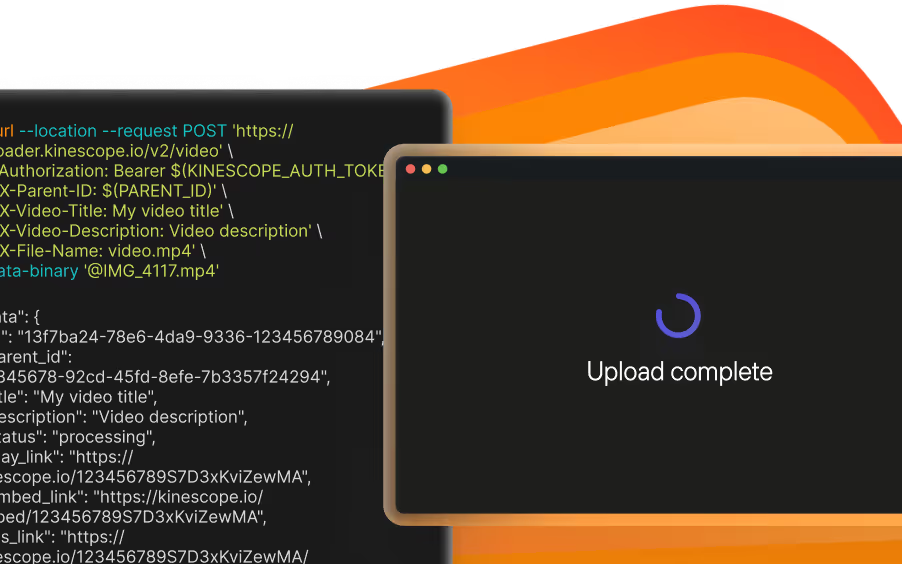
Connect Kinescope to Moodle, WordPress or Open edX through ready-made integrations. Use the REST API and SDKs when you need to automate uploads, manage videos or build playback into your own app.
A team without per-seat fees
Add workspace members on Super without buying seat licenses. Your bill varies with storage, delivery and video processing. Use the published usage tiers to estimate costs.



















Try Kinescope free — 100 minutes of stored video and 200 GB of traffic/month, no card required
FAQ
Can’t find the answer you need? Check out our Help Center.
It depends on how your team uses video. Consider Kinescope for a protected video library integrated into your website or product. Vidyard provides a sales workflow for recording prospecting messages, receiving view notifications and sending engagement data to your CRM. Check which of those routines your team relies on before migrating.
Super has no per-seat fee for workspace members. The final bill depends on infrastructure usage. Free is limited to two workspace members. When comparing costs with Vidyard’s per-seat subscriptions, confirm the seat count and billing term.
No. Vidyard offers Video Insights from Starter, including watch percentages and CTA clicks. Both platforms need a way to identify the viewer: Kinescope accepts a user ID through its player API, while Vidyard uses tracked links, forms and integrations, among other methods.
Kinescope support reviews your library and the available file-access options to arrange a free migration on Super. The source provider may charge for transfer traffic. Plan to replace embeds and reconnect integrations, then check the copied videos before closing your old account. Moving video files does not automatically transfer engagement history, CRM contacts or sales workflows.