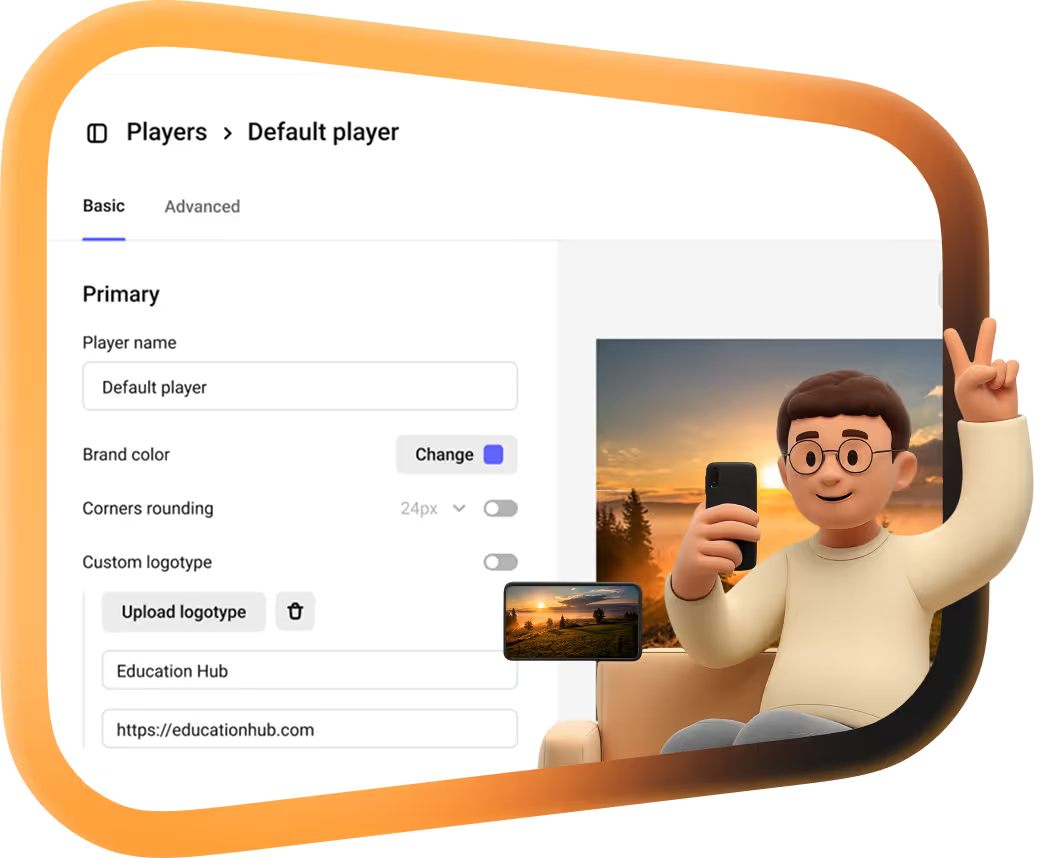
Multi-DRM video hosting:Widevine and FairPlay on every paid plan

Same encryption Netflix and Disney+ rely on, with watermarks and access rules that turn it into a full protection stack.














Add an extra layer of security at no extra cost
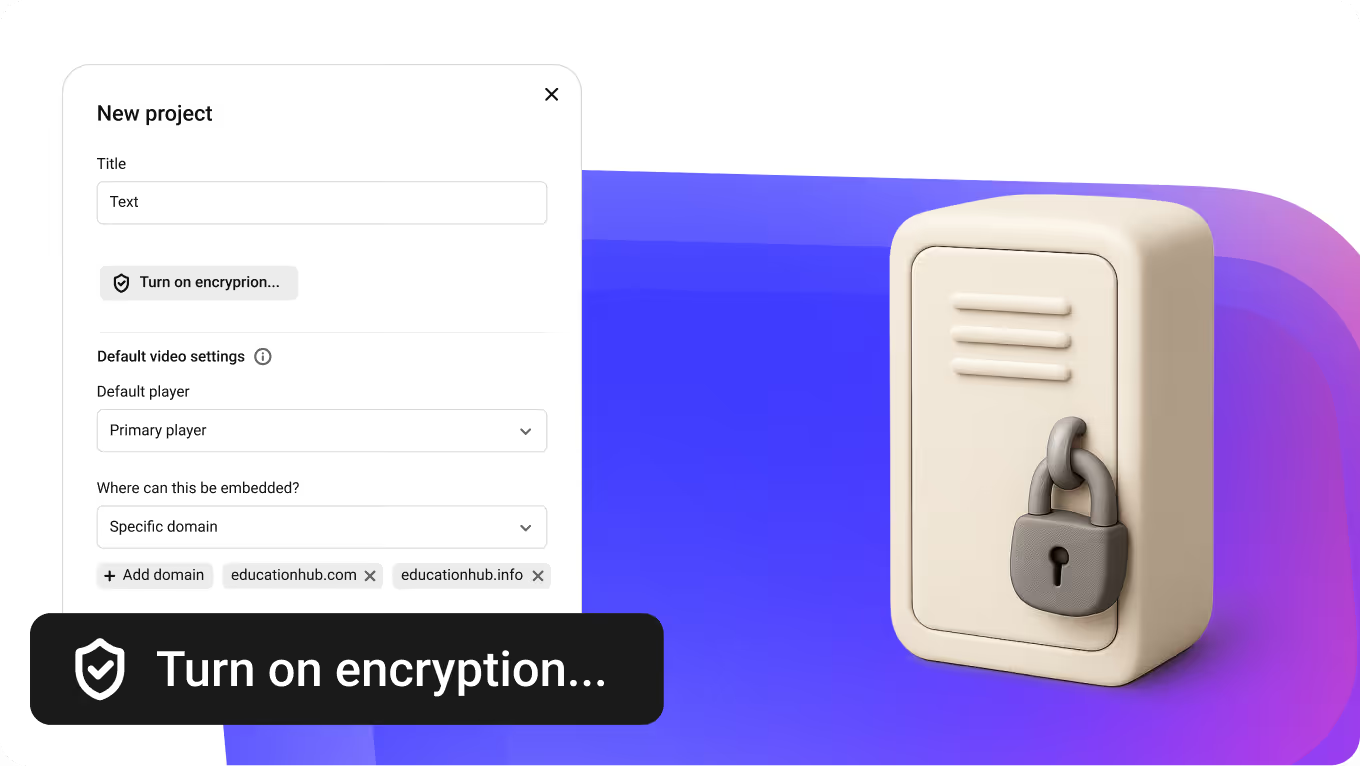
DRM is a per-project setting: switch it on, and every video in that project gets encrypted, both new uploads and the ones already there. The first pass usually takes under a day, videos stay playable meanwhile, and existing embeds keep working. Widevine and FairPlay protect every resolution at the file level, so any download attempt returns ciphertext.
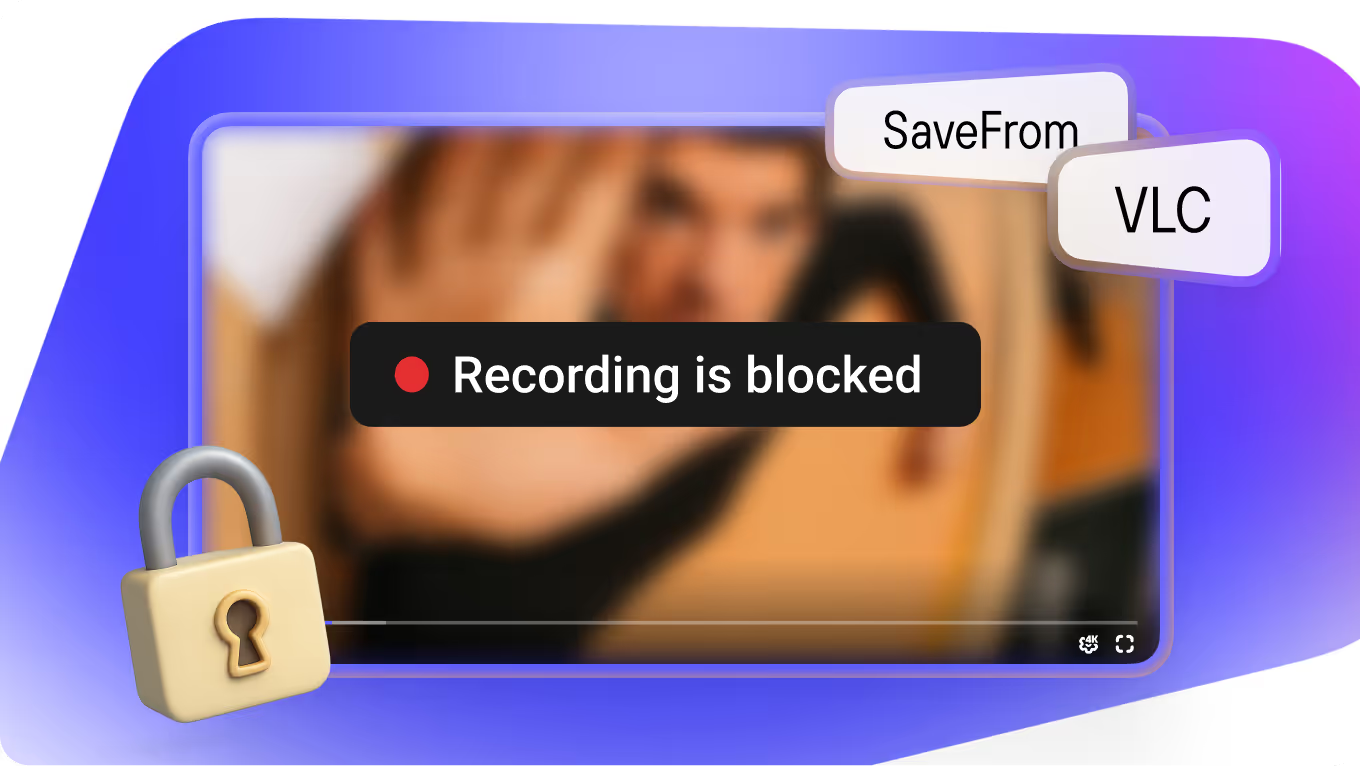
Each playback fetches a per-session license key from our DRM server, and without it the stream is unplayable. Downloaders like SaveFrom or VLC get nothing, and screen recording is blocked at the OS level wherever the system allows it.
Dynamic watermarks burn the viewer's name, email, or ID into every frame. Static watermarks add your logo or fixed text on top. A leaked screen recording traces back to the exact viewer who shared it.
Plays on Udemy, Moodle, Webflow, Canvas, and any platform that accepts an embed code. Widevine and FairPlay cover around 99% of consumer devices, with the few exceptions covered in the full compatibility list.
Multi-DRM without a DRM vendor
Multi-DRM means one library that plays under two DRM systems, Widevine and FairPlay, so every major browser and device is covered. Kinescope encrypts the files, runs the licence servers and ships the player; you switch DRM on per project.
- Licence servers for Widevine and FairPlay
- Run by Kinescope: a licence is issued for every playback session
- Encrypting every rendition
- One switch per project: MPEG-CENC for new and already uploaded videos, usually in under a day
- A player that picks the right DRM
- The Kinescope player; the embed code already carries encrypted-media
- Deciding who gets a key
- Your backend answers 200 or 403 to a drmauthtoken check
- Licence fees
- Included in every paid plan from €10/month, no per-licence charge
Which DRM will your viewer get?
Plays in Chrome, Edge and Firefox on desktop and in Chrome on Android.
- The player asks Kinescope for a licence for this session
- Optional: your backend answers 200 or 403
- The key is released and the video plays
- A saved copy of the file stays encrypted
Plays in Safari on Mac and on iPhone and iPad.
- The player asks Kinescope for a licence for this session
- Optional: your backend answers 200 or 403
- The key is released and the video plays
- A saved copy of the file stays encrypted
Firefox ESR on desktop, Firefox and Firefox Focus on Android, UC Browser and Chrome’s incognito mode on Android can’t play DRM streams. UC Browser tells the viewer; the others show nothing, so point viewers to Chrome.
- The player asks Kinescope for a licence for this session
- Optional: your backend answers 200 or 403
- The key is released and the video plays
- A saved copy of the file stays encrypted
DRM also needs HTTPS on the page that embeds the player. DRM compatibility in the docs
Match playback access to your own rules
DRM stops downloads and, where the OS allows it, screen recording, but it doesn't know which viewers are allowed to play. Kinescope works with your auth backend: when a viewer presses play, we pass their identifier to your server, and your rules decide whether the key gets released. The access decision stays in your system, where it always was.
Go beyond DRM with more access rules
Stack more access controls on top of DRM, in any combination that fits the scenario.
Lock the perimeter
Control which sites can host the player.
- Domain restrictions for embedded playback.
- Wildcard subdomain support (*.yourcompany.com).
- Block embedding entirely for direct-link-only delivery.
- Private-link override to bypass restrictions for one-off sharing.
Hand out the keys
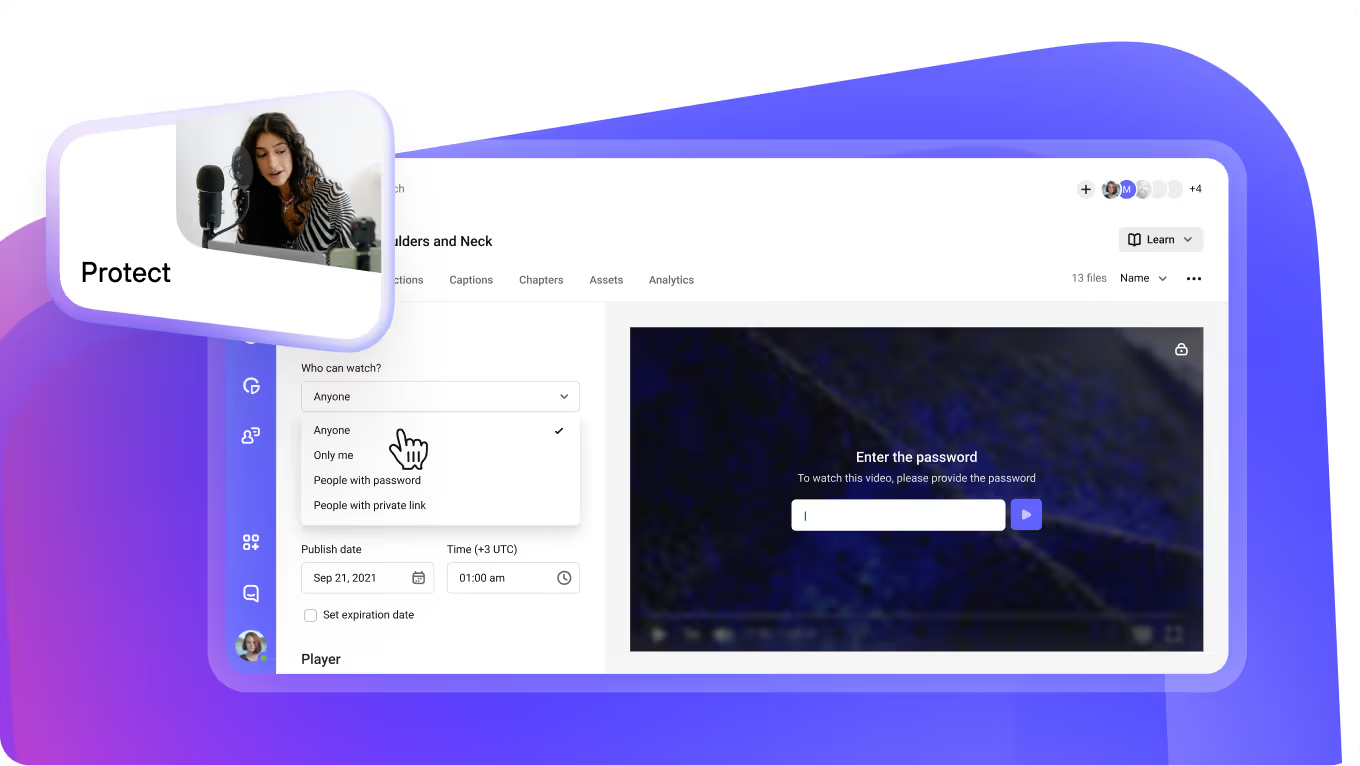
Pick how each viewer identifies themselves before the player loads.
- Auto-generated per viewer links.
- Password set per video.
- One-time codes with session limits and expiry.
- Access by approved email domains.
- SSO (SAML) on the Mega plan.
DRM pricing across platforms
Most platforms put multi-DRM behind an enterprise contract or a metered add-on. Kinescope includes Widevine and FairPlay on every paid plan from €10/month — no upsell, no custom quote.
Kinescope’s affordable, scalable, and accessible video solution has been a game-changer, empowering us to deliver world-class education to hundreds of thousands
Need DRM but not the price that goes with it on Vimeo?
On Vimeo, the Enterprise plan you need just to turn on DRM is real. So are the storage and delivery caps below it. None of that lives in Kinescope: DRM ships in every paid plan from €10/month, alongside unlimited storage and bandwidth. For the rest, see the full breakdown.
Coming from YouTube or some other free service? You gain DRM, a full set of access restrictions, and a branded, ad-free player.
The move itself is on us — free on Super and Mega plans. We'll pull your library across (all metadata preserved) and set you up on our side. All usually done in a week or less.
FAQ
Can’t find the answer you need? Check out our Help Center.
Stop paying enterprise prices for DRM
Get full protection from €10/month. No card required.