















Video DRM protection: how to stop downloads for good





A password on your course videos feels like a lock, but it controls who can open the video, while the file itself can still be saved. Most of what’s sold as “video protection” works the same way, and the file is still one browser extension away. The one mechanism that blocks the download works at the playback layer, built into the browser and device where the page around the video can’t reach it, and it’s called DRM.
This guide covers what DRM protection really does, the layers that go around it, where screen recording fits in (DRM blacks out most of it; a watermark covers the rest), and how to switch it on so a download attempt fails in front of you instead of in theory.
Key takeaways
- Passwords, private links, and “disable right-click” don’t stop downloading. They gate access; once someone has access, the video file is still retrievable, often in under a minute with a free browser extension.
- DRM is the only thing that blocks download at the player level. Widevine and FairPlay (with PlayReady for TVs and native apps) scramble the video so only an authorized player can unlock it — the same approach Netflix and Disney+ rely on.
- DRM also blacks out screen recording on hardware-protected sessions, the same black screen you get recording Netflix. The gaps it can’t close (a camera pointed at the screen, a software-only desktop session) are covered by a per-viewer watermark that makes any copy traceable.
- Real protection is layered: encryption plus DRM, signed expiring URLs, domain restrictions, and a watermark. Any one of them alone has a gap the next one covers.
- Where DRM lives matters. Buying a standalone DRM service and wiring it to your own player is a project; a hosting platform with DRM built in turns it into a setting.
What “video DRM protection” means
DRM stands for digital rights management. For video, it combines encryption with a check that allows an authorized player on an authorized device to decrypt and play the stream. Kinescope provides this protection through Widevine and FairPlay on every paid plan.
Without the right key, the video remains unreadable even if someone copies it. A DRM-protected file pulled off the network is still encrypted, so saving it or re-uploading it elsewhere does not make it playable.
Strip the acronym away and the job people want done is narrower and more emotional: stop your video from being downloaded and resold. Keep that in mind: it’s how to judge each method below.
Why access control alone won’t stop a download
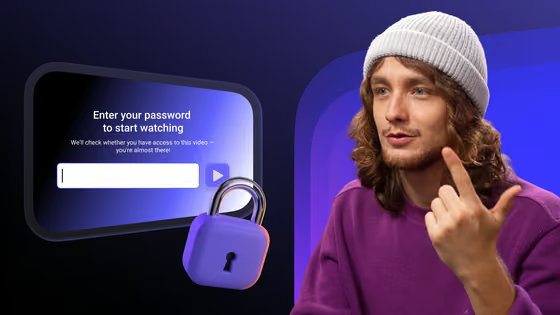
Most creators reach for access controls first (passwords, private links, domain limits), and those are worth having. They just answer a different question than people assume: they decide who can reach the video, while doing nothing to stop the file being saved once someone is in.
Take a password or login gate. The moment an authorized viewer presses play, the video streams to their browser, and from there it can be captured: the media requests show up in developer tools, and free extensions and desktop apps grab the stream and save it as an MP4. Disabling “right-click → save” was never the real exit; it changes nothing for anyone who opens the network tab instead.
Private and unlisted links have the same hole. “Unlisted” only keeps the video out of search; the file behind the link downloads like any other, and anyone who has it can both share and rip it.
Signed, expiring links are a real step up (more on them below), but on their own they still hand a playable file to the authorized viewer: the expiry kills the link, but while it’s valid nothing stops the viewer saving the file it points to.
The pattern across all of these: access-based protection assumes the danger is people who shouldn’t get in. Usually it isn’t: the person who leaks the video already paid and was let in.
How your video gets ripped
The tools are ordinary and easy to find. Two kinds do almost all the work, and neither takes any real skill to use.
Browser “video downloader” extensions
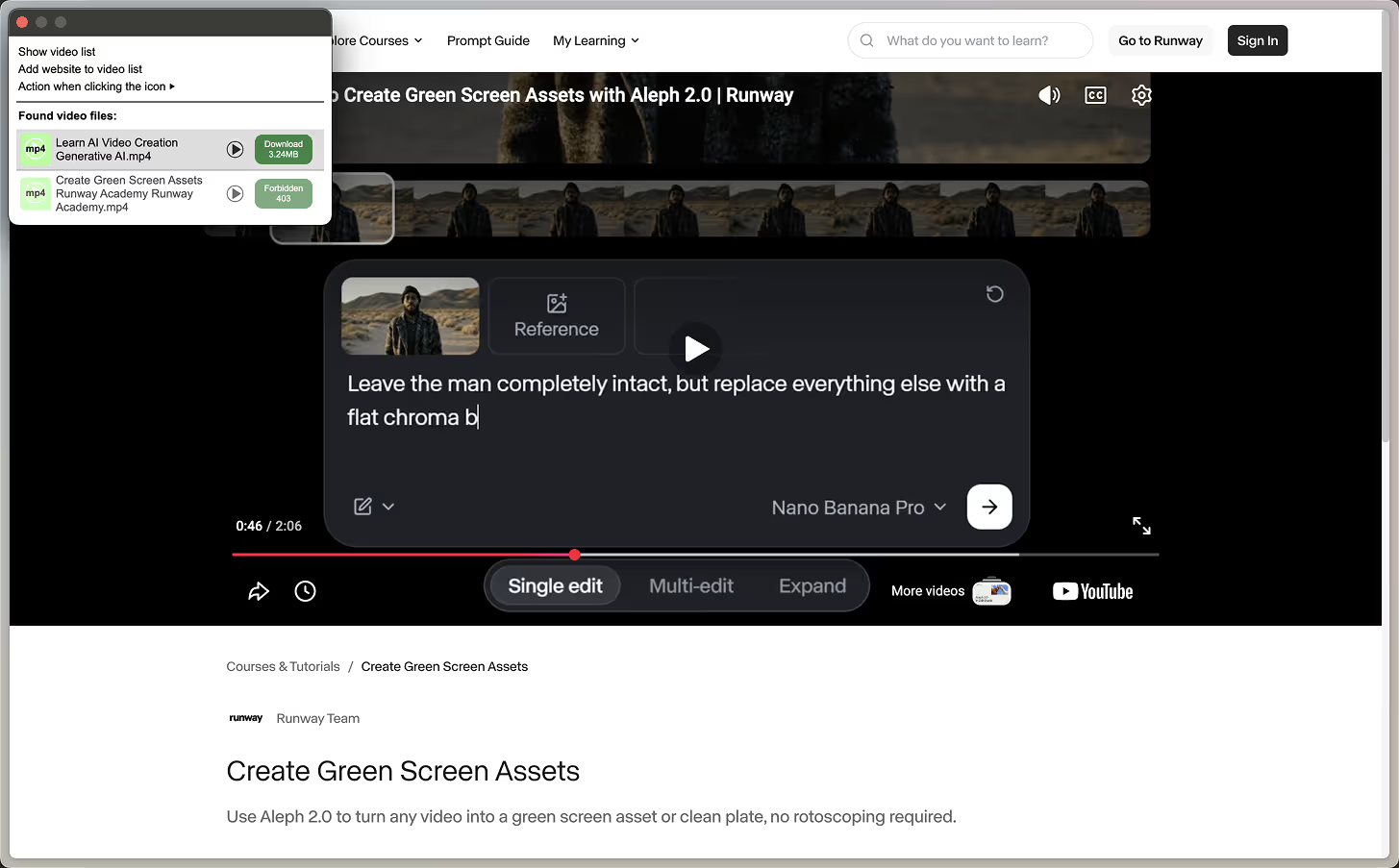
A whole class of browser extensions watches what a video page loads. A stream arrives not as one file but as a long list of small pieces the player plays in order; the extension grabs that list, collects the pieces, and reassembles them into one saved file in a single click. Point it at a DRM-protected video and it still collects the pieces, but the picture comes back black, because the unlocked video never passes anywhere it can read.
Dedicated download tools
A step up are standalone download tools, free and widely used. They collect the pieces more thoroughly: they reuse your browser’s login, so a password doesn’t stop them, and they pull video from thousands of sites with one command. That’s the catch: putting a video behind a login feels safe but does nothing to stop them saving it.
One half-measure is worth knowing. Some platforms scramble the video but send the unlock key over the same connection, where it shows up in the browser’s developer tools; anyone who finds it can unscramble and save the whole file. What changes things is putting the key somewhere the page can never see it, which is exactly what DRM does.
How DRM blocks downloading at the player level
DRM closes the inside-the-gate hole by changing what the browser receives: instead of a playable file, a scrambled stream and a note about where to request the unlock key. The player asks a DRM component built into the device to unlock the video inside a protected area the page can’t see, then sends the picture straight to the screen. The unlocked video never exists as a file the page can reach.
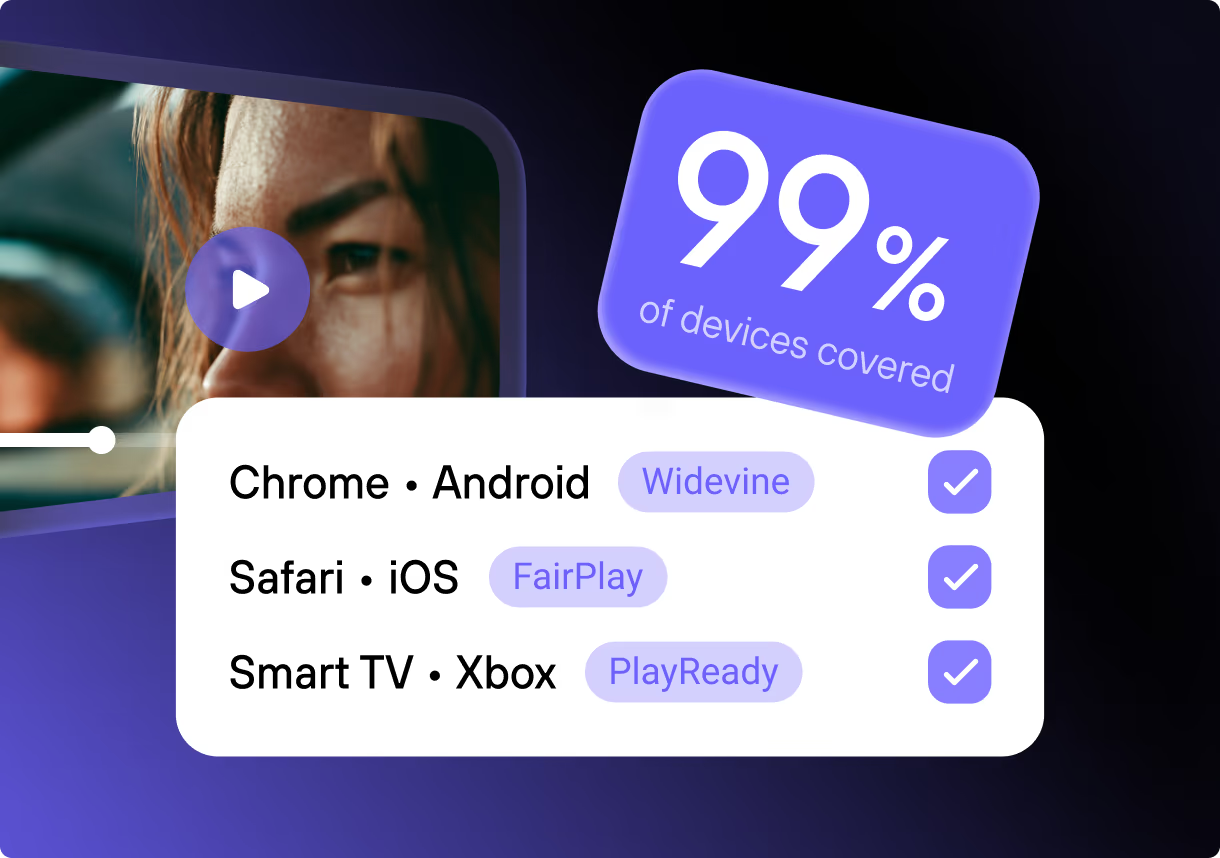
Two systems cover every browser between them, Widevine (Chrome, Edge, Firefox, Android) and FairPlay (Safari, iOS), and a serious platform implements both; cover only one and half your audience gets a downloadable fallback. A third system, PlayReady, matters mainly for smart TVs and native Windows or Xbox apps.
Google Widevine: Chrome, Firefox, Edge, Android
Widevine comes in security levels, and the level is what matters. The strongest, L1, unlocks inside the device’s secure hardware chip, where not even the device’s own software can grab the video, so copying becomes impractical. There’s a weaker software-only level too, so check that a platform uses the strong one wherever the device allows.
Apple FairPlay: Safari, iOS, iPadOS, Apple TV
Apple’s ecosystem won’t play DRM video through any other system. Without FairPlay Streaming, your Apple viewers either can’t watch the protected stream or get pushed to an unprotected one, and a large share of any web audience is on Safari or iOS.
Microsoft PlayReady: smart TVs, Windows and Xbox apps
PlayReady covers native Windows and Xbox apps and many smart TVs and set-top boxes. You don’t strictly need it for browser playback (Widevine and FairPlay already cover every browser), but it earns its place for living-room hardware and native apps.
Underneath, these systems share one way of scrambling the video: it’s encrypted once, and each can unlock that same copy, so you store a single protected version that plays everywhere.
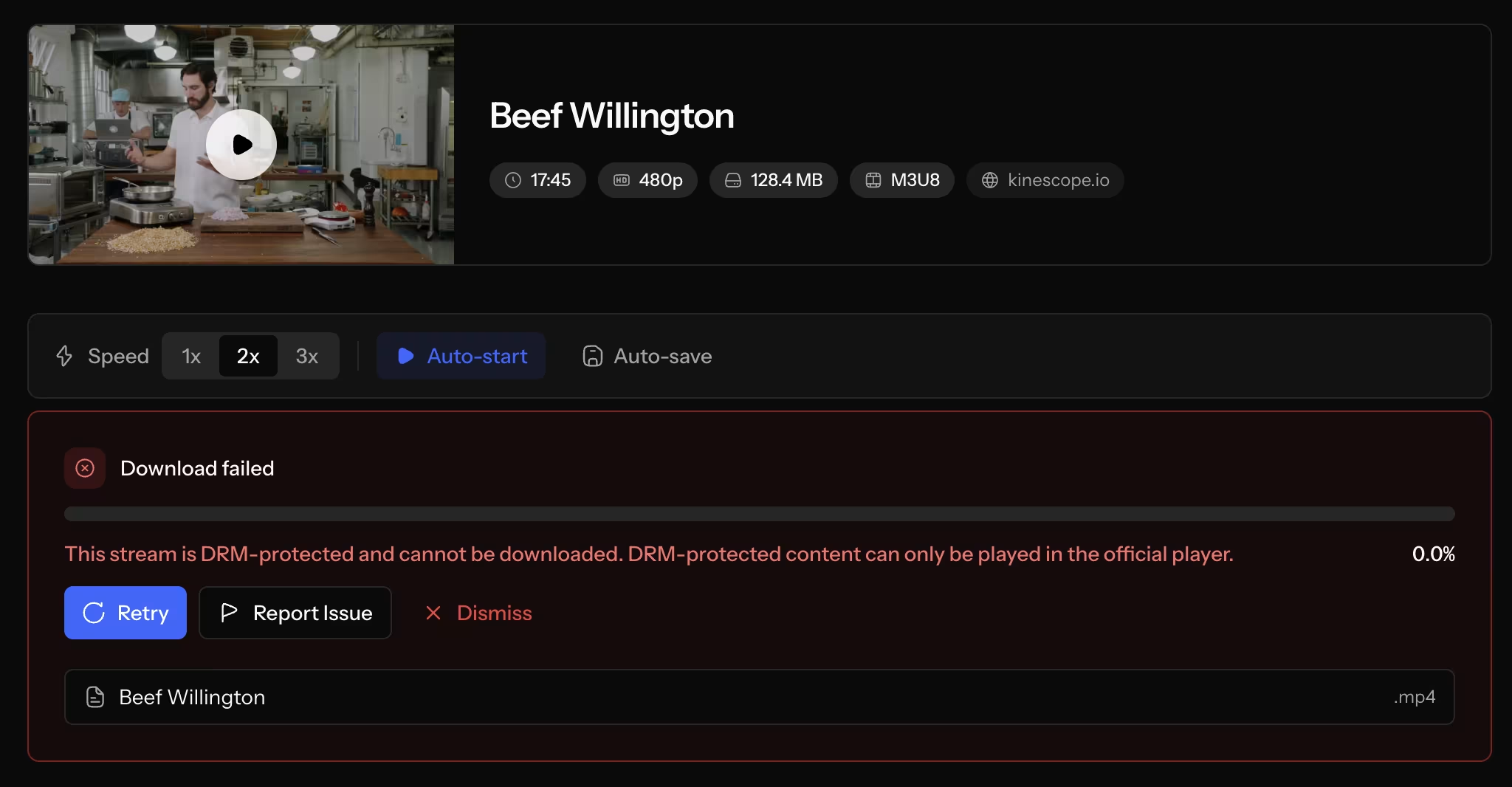
Kinescope’s built-in DRM encrypts each video once so both FairPlay and Widevine can unlock it. Point a download extension at the result and it returns an error instead of a file — the effect creators are looking for: the download fails. A determined person can still pull the encrypted pieces, but without the key the copy is scrambled and won’t play, so the effort returns a worthless file.
The layers that go around DRM
DRM is the core, but a serious setup wraps a few more layers around it, because each one closes a gap the others leave open.
Encryption at rest and in transit
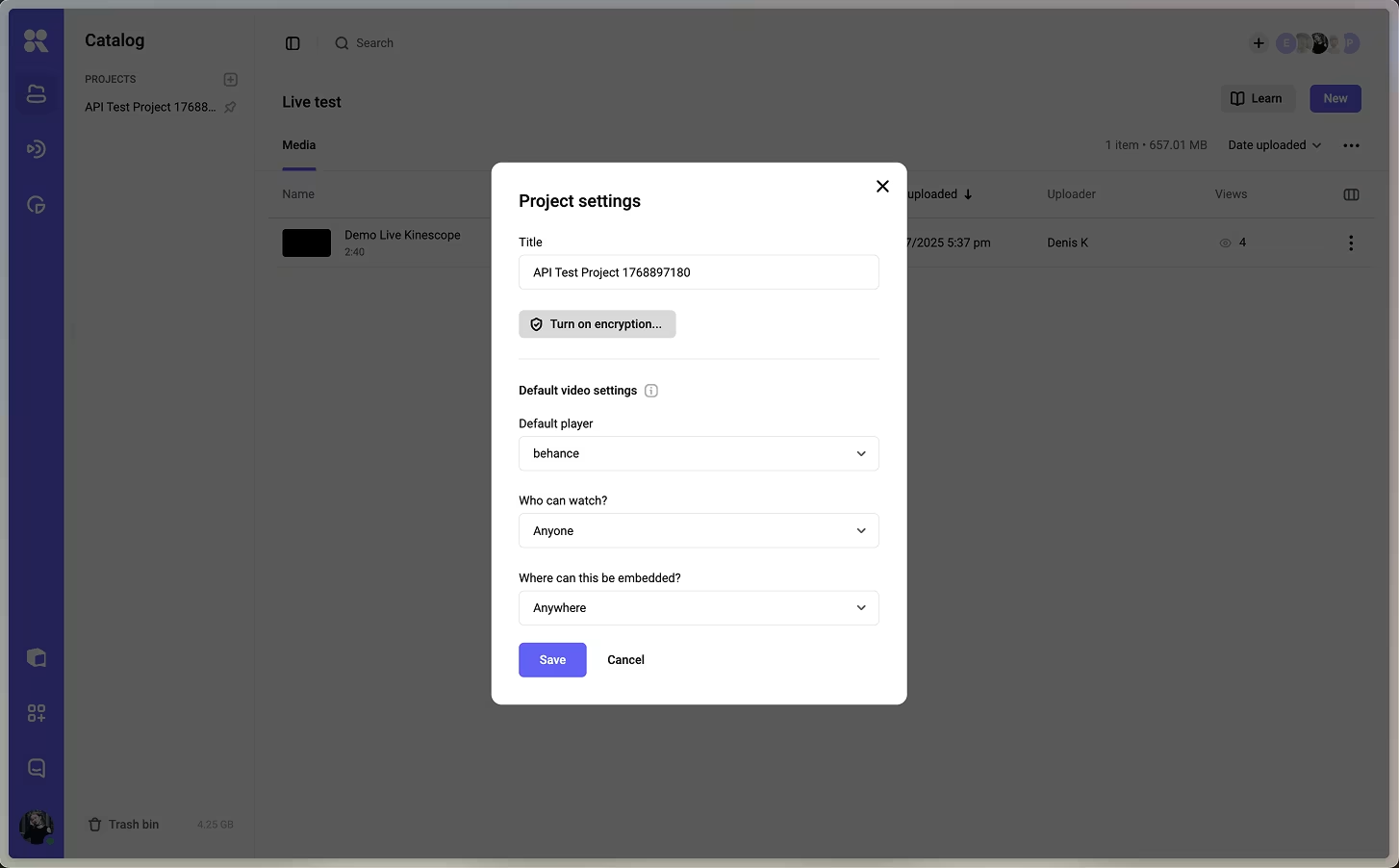
Before DRM licensing even enters the picture, the video should be stored and delivered encrypted, so an intercepted segment is useless on its own. On Kinescope, encryption is a per-project setting (off by default, included on the Super plan): switch it on and all that project’s videos, current and future, encrypt at once.
Signed, expiring URLs
Each playback link is signed and carries an expiry, so a leaked link stops working instead of serving your video indefinitely, the layer that keeps a shared link from becoming a permanent free copy.
Domain restrictions
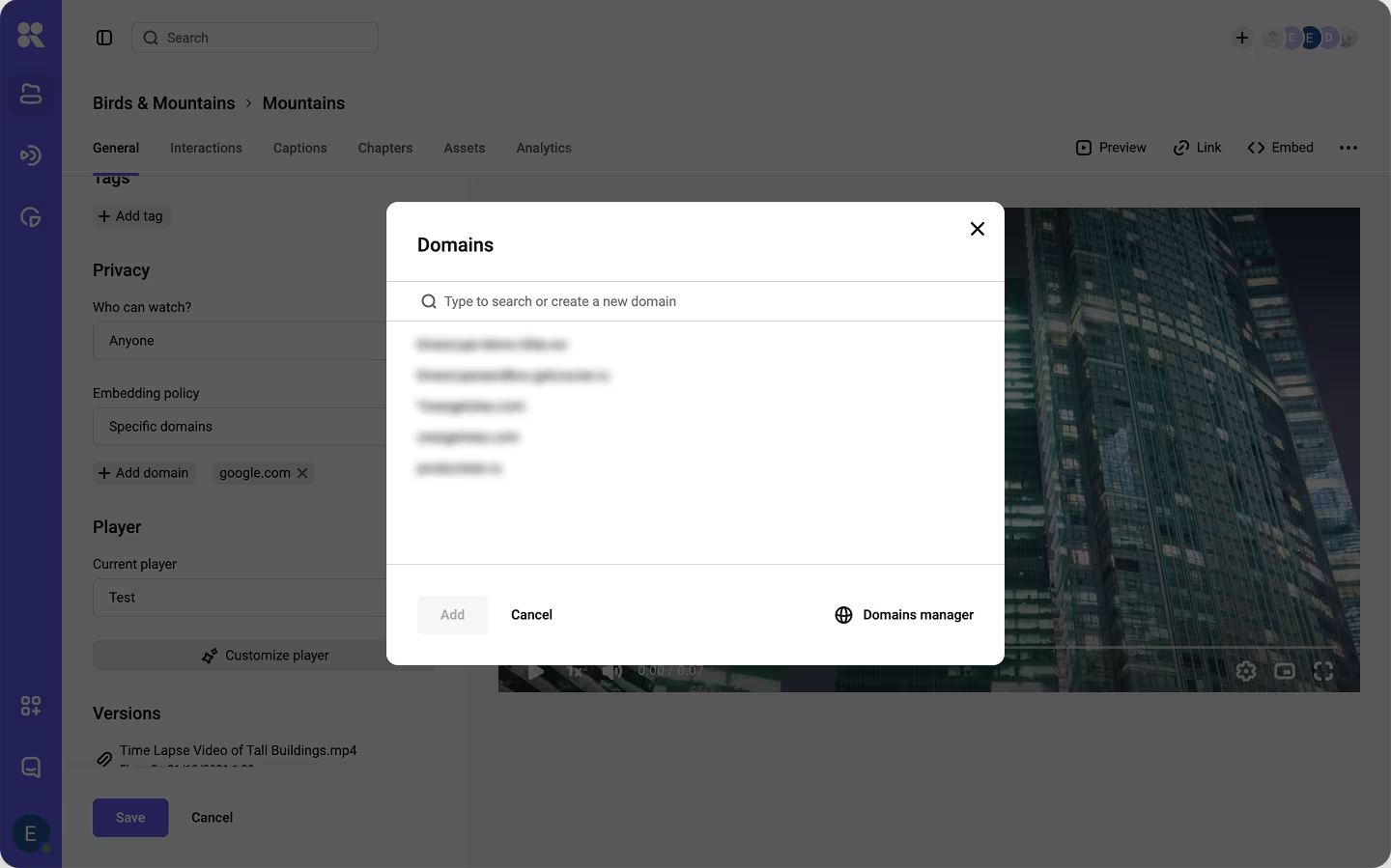
You can pin playback to a list of domains you own; embed the player outside it and it refuses to load. For a course that lives on one site or inside an LMS, this removes a whole category of re-embedding by itself.
None of these substitutes for DRM or for each other. Stacked on top of DRM’s control over decryption, they leave a downloader without an easy edge to grab.
Screen recording: what DRM covers, and what a watermark covers
Screen recording is where DRM explainers tend to oversell or undersell, so here’s the accurate version. On a hardware-backed session (mobile devices, Safari on a Mac or iPhone, and Edge on Windows) the operating system never hands the decrypted frames to a screen recorder, so a recording comes back as a black screen. It’s the same behavior you’ve seen trying to screenshot Netflix, and Kinescope’s DRM blocks screen recording on mobile for exactly this reason.
Two gaps remain:
- Software-only sessions. Default desktop Chrome and Firefox run Widevine L3, which isn’t hardware-backed, so a recorder there can still capture the picture.
- The analog hole. A second phone pointed at the monitor, which no DRM on any device can close.
Both gaps have the same answer, and it isn’t another lock.
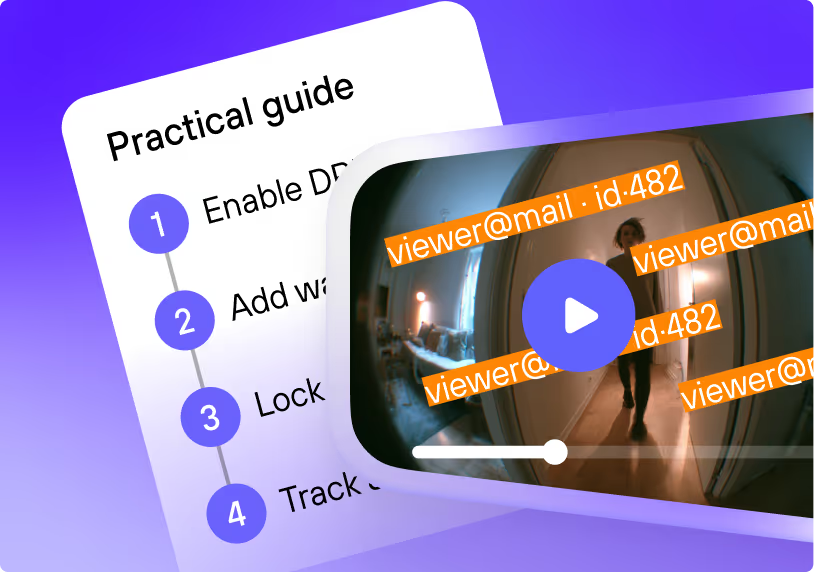
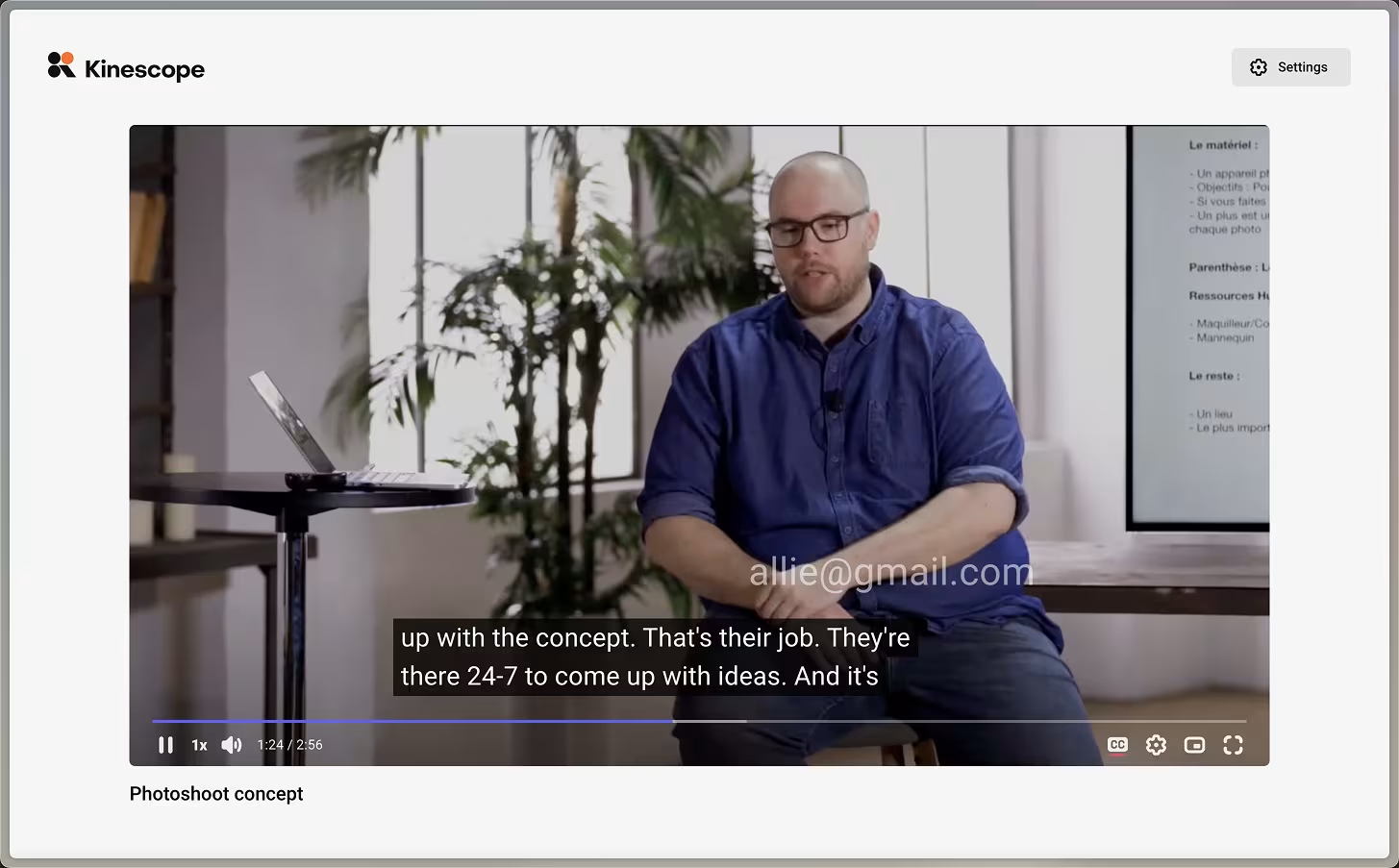
The answer is accountability. Kinescope offers two kinds of watermark. A dynamic one stamps each viewer’s identifier (their email or ID, passed in through the embed code) and jumps to random spots as it plays, so there’s no clean crop that removes it; if a recording shows up in a resale group, it points back to the account it came from. A visible “this copy belongs to john@example.com” is a deterrent in itself. A static watermark is a fixed text or logo, for branding rather than tracing. You set the text, the moving pattern, and how visibly it appears; carry the viewer’s identifier in it and a leaked recording stops being anonymous.
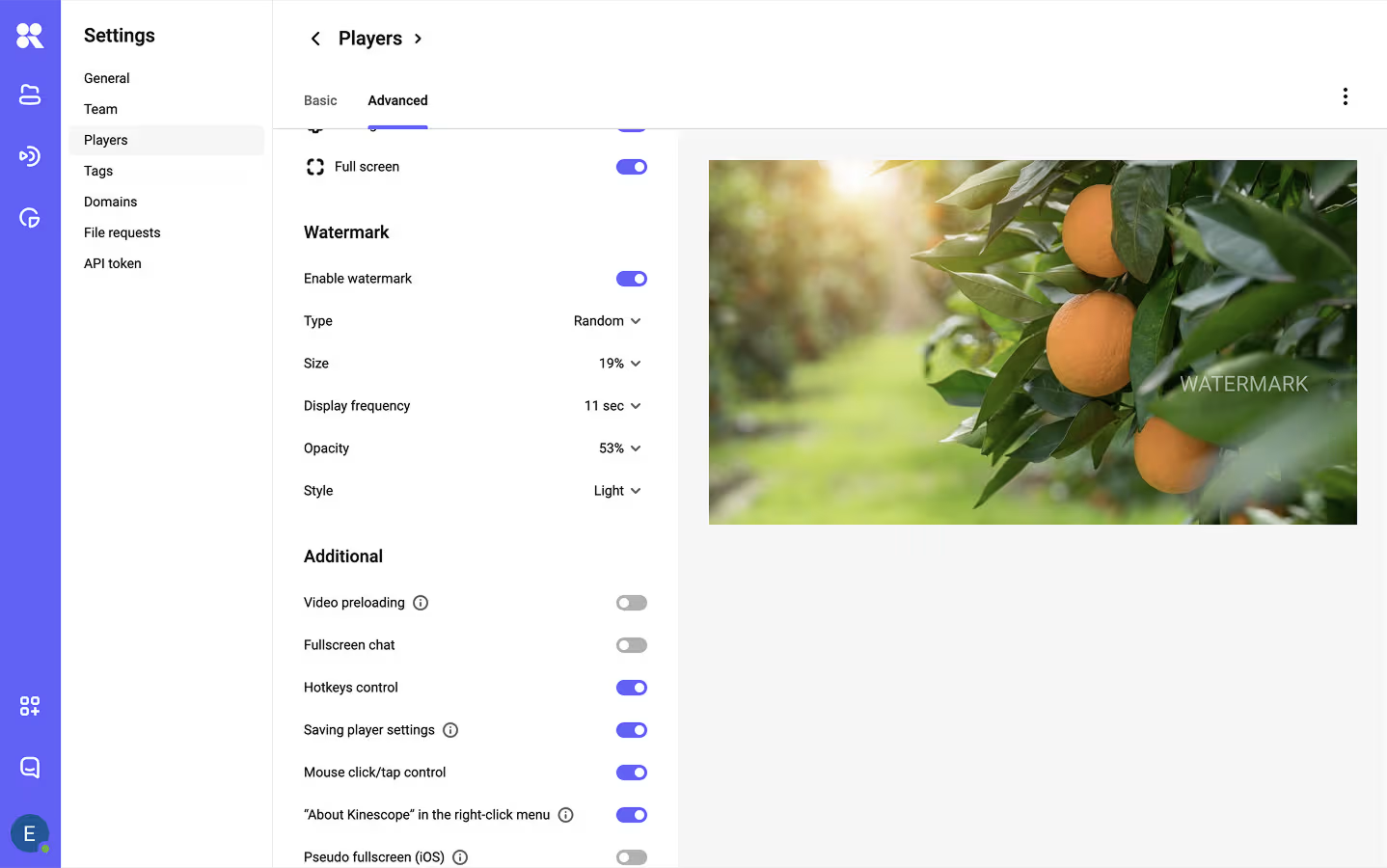
So the framing is two layers: DRM blocks downloading and blacks out recording on hardware-backed sessions; a watermark makes whatever’s left (software-only sessions and the camera) traceable. A setup with only one has a known gap.
Three ways a “protected” video still leaks
Plenty of setups technically have DRM switched on and still lose content. The failures cluster into three patterns, and all three are avoidable once you know to look for them.
The unprotected fallback
A platform that implements only one DRM system has to serve something to the browsers it doesn’t cover, and that something is usually a plain, downloadable stream. Your protection is then only as strong as your least-covered browser. Covering both Widevine and FairPlay closes this gap for a web audience (add PlayReady if you deliver to smart TVs or native apps).
The croppable watermark
A watermark pinned to one corner is a watermark someone crops out. The version that survives moves around the frame, or rides as a striped overlay, so there’s no clean crop that removes it without wrecking the picture. If you watermark, make it a moving one.
The raw download link left in the API response
This one is easy to miss. Some platforms expose a direct file URL in their API or player config for “convenience,” and that link sidesteps every player-level protection you set. Before trusting a setup, look at what the network requests and API responses hand out: protection at the player counts for nothing if a raw file URL is one tab away.
How to turn on video DRM in practice
DRM has a reputation for being hard because, done the traditional way, it is: you license a DRM service, stand up a license server, package each video for each system, and wire it into a player that completes the unlock check on every browser. That’s a real engineering project, and why standalone DRM has historically been enterprise-only.
On a hosting platform with DRM built in, the same outcome is a setting. The rough flow on Kinescope:
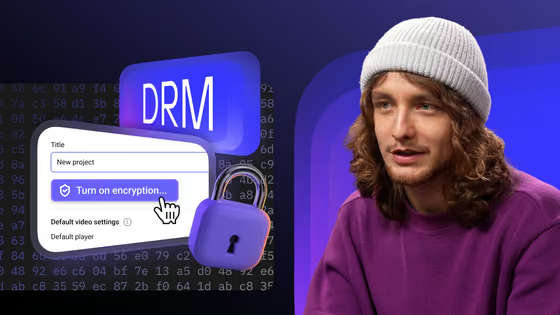
- Switch on encryption for the project (a project-level setting on the Super plan, covering every video in it). Encrypting an existing project runs in the background, usually within a day.
- Use the original embed code from your dashboard (it already contains everything DRM needs) and serve your site over HTTPS, since DRM won’t play without a valid SSL certificate.
- Add the surrounding layers you want: domain restrictions, signed URLs, and a watermark template with the viewer identifier.
- Test the failure case: open the video, then try to grab it with a download extension. A correct setup returns an error instead of a saved file, and anything pulled another way comes back scrambled.
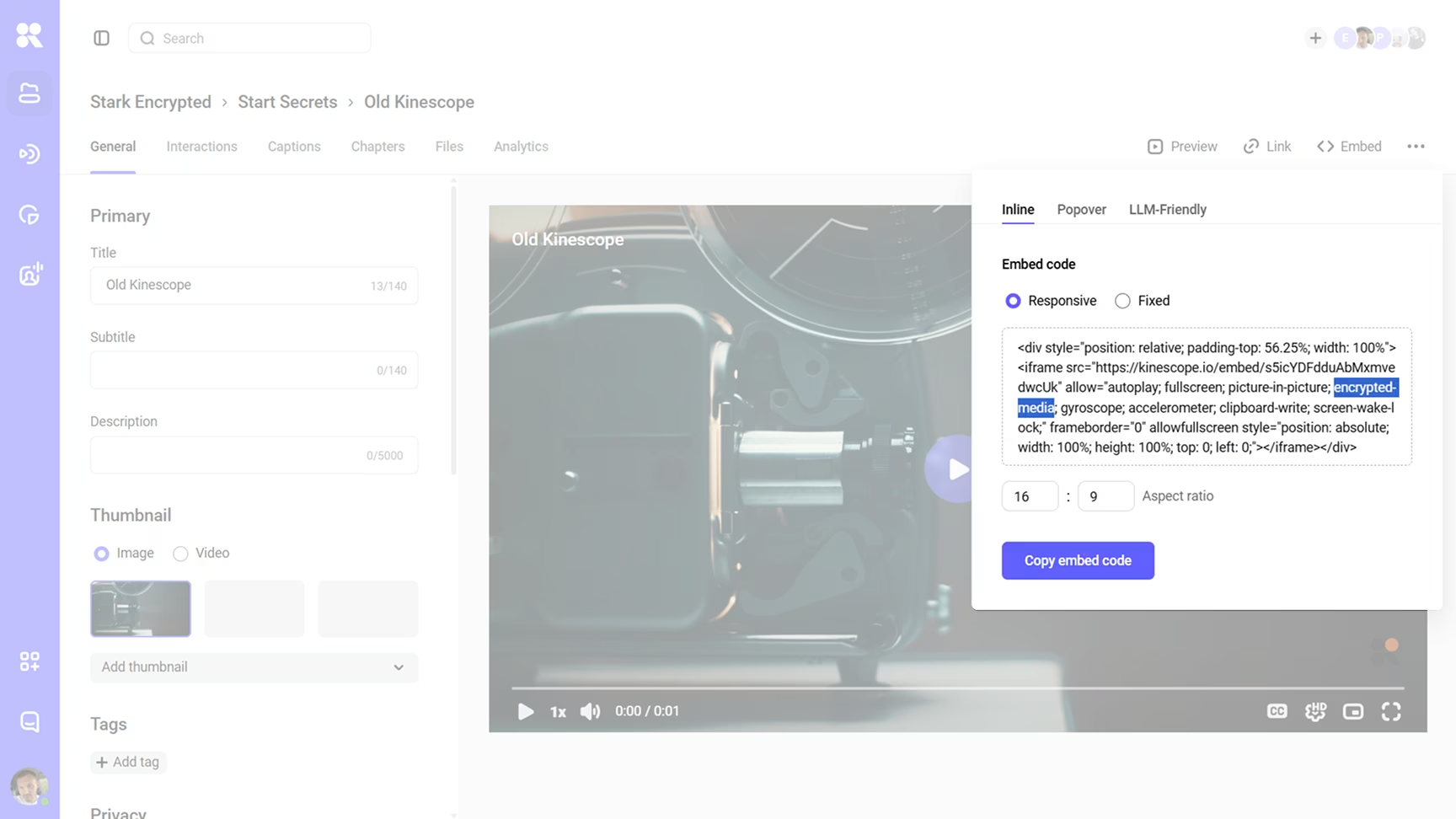
That last step is worth doing once: it catches the setup mistakes that leave a gap (encryption still processing, an old embed code, a missing SSL certificate) before your viewers do.
Does DRM slow playback down or break devices?
Two fair worries, because both used to be real:
- Speed. Hardware-backed decryption runs on dedicated paths on modern devices, so playback starts and seeks like an unprotected video. The cost lands on the platform’s packaging and delivery, not the viewer.
- Compatibility. This is why both DRM systems matter: a Widevine-only setup strands Safari, a FairPlay-only setup breaks everywhere that isn’t Apple. Covering both lets every browser play without dropping to the unprotected fallback where many “we have DRM” setups quietly leak.
Choosing a setup: standalone DRM vs DRM built into hosting
Standalone DRM providers like castLabs sell the licensing infrastructure and expect you to bring your own hosting, packaging, and player — built for media companies with platform teams. Desktop software like GiliSoft encrypts files for offline distribution, handy for a course on a USB stick but not for browser streaming.
For most course creators, SaaS products, and training teams, the question isn’t which DRM vendor but which video platform already includes DRM, collapsing host, packager, license server, and player into one setting instead of an engineering project.
Kinescope is that last category: hosting, encryption, multi-DRM, signed links, domain rules, and watermarking from one platform, with DRM on the Super plan rather than an enterprise quote. (See Kinescope vs Vimeo or secure video hosting.)
What DRM protection costs
Pricing is where the “DRM is enterprise-only” myth comes from. Vendors sell DRM in four shapes:
- Included in the plan, at no extra charge.
- Add-on: a flat monthly fee on top of the base plan.
- Per-license: a charge each time a viewer’s player requests a decryption key.
- Enterprise-only: no published price; talk to sales.
A snapshot of the market, as of mid-2026. Competitor prices are approximate, converted from published USD at about €1 = $1.15; verify current numbers before you commit, since DRM pricing moves:
| Platform | Entry price | How DRM is sold |
|---|---|---|
Kinescope |
from €10/mo | Included on the Super plan (Widevine + FairPlay) · usage-based |
VdoCipher |
from ≈€170/yr* | Included (Widevine + FairPlay) from the entry tier |
Gumlet |
≈€86/mo | Add-on (Widevine + FairPlay), on top of a hosting plan |
Mux |
≈€87/mo + €0.0028/license | Add-on (Widevine + FairPlay + PlayReady) |
castLabs |
from ≈€260/mo | DRMtoday — usage-tiered multi-DRM; Enterprise by quote |
Vimeo |
by quote | Enterprise-only; self-serve plans (to ≈€65/mo) have no DRM |
Wistia |
≈€69/mo | Business plan; no DRM — access controls only (domain limits, private links) |
GiliSoft |
≈€87 one-time | Desktop file encryption, not browser multi-DRM; Pro lifetime, 1 PC |
The pattern is clear: platforms that treat DRM as a built-in setting cluster at the low end, while those that gate it as an enterprise feature sit behind a quote or a per-viewer fee. Kinescope is in the included group — DRM on the Super plan rather than an enterprise add-on.
The cost math: protection vs the leak
Online course piracy isn’t a rounding error, even if the headline macro numbers are contested. The industry figures that circulate (tens of billions a year in lost revenue) vary widely and have been publicly challenged, so treat any single number with caution. The part that’s concrete is the arithmetic on your own launch: a €300 course with 500 buyers can easily have a few hundred pirated copies circulating in closed resale groups within weeks. If even 15% of those would have paid, that’s a five-figure hole in a single launch, and unlike the course, the pirated copy keeps costing you on every relaunch.
To decide whether it’s worth protecting, weigh the revenue at risk (price × buyers × the share who’d otherwise have paid) against what protection costs over the same period, usually tens of euros a month on a built-in platform. For anything priced as a serious product, the at-risk number dwarfs the protection bill. The expensive default is the opposite: pay nothing, until a copy turns up in a resale channel.
Where to start
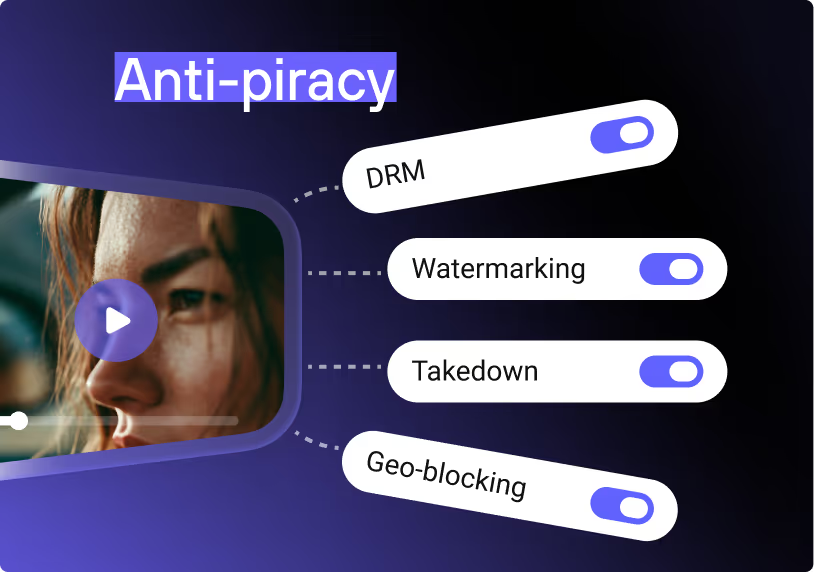
The protections people reach for first manage access rather than block downloading. The full stack covers each part: access controls decide who can open the video, DRM keeps the file unreadable once it’s copied, signed links and domain rules govern where it plays, and a watermark tags whatever still gets out with the viewer it came from. You don’t need all four to start; what matters is knowing which problem each solves. We put the whole stack into a one-page checklist (link to PDF) to run through before you call a video protected.
Doing all of that by hand is real work; a hosting platform with DRM built in turns it into a few settings. You can try Kinescope free: encryption, multi-DRM, signed links, domain rules, and watermarking from one platform. Start with your most-pirated video and try to download it yourself.