Best video hosting for online courses: 7 platforms compared




Video course hosting has to do more than hold lesson files. It needs to protect paid content, embed inside the LMS or site where students already learn, and keep playback steady when a launch sends hundreds of people into the same module.
That makes the choice narrower than a generic list of video platforms. Course creators need to know where to host course videos, what “private” actually protects, and how the bill changes with viewing time. This guide compares seven options and explains the trade-offs; if you are already evaluating the product, Kinescope’s secure video hosting for online courses page shows how it handles that job.
Key takeaways
- Course video has four hard requirements: protection for paid lessons, clean embedding, predictable bandwidth cost, and access control.
- Free and consumer platforms trade those away: public reach and ads instead of privacy, and no real protection against downloading.
- Usage-based hosting keeps cost predictable when a launch spikes traffic, where fixed-tier plans can force an expensive upgrade.
- The right choice depends on how you deliver: inside an LMS, on your own site, or as a protected library you fully control.
- Look for DRM, signed links, domain rules, and a clean embed as standard, then match the platform to how you sell.
How to choose video hosting for online courses
Course video is different from a marketing clip or a team recording. People have paid for it, they watch it on their own devices, and it often carries your whole business. Seven things matter more here than anywhere else.
The life of a course video
Upload
One master file per lesson.
Transcode
Into adaptive renditions for every device.
Embed
In your LMS or your own site.
Measure
Per-lesson engagement and completion.
Protection for paid content
If students have paid for a course, the video is an asset worth stealing. Password pages and unlisted links slow down casual sharing, but they don't stop a browser extension or a screen grabber. Real protection means encryption plus DRM, so the file can't be pulled and replayed elsewhere. This is the requirement free platforms simply don't offer. For a paid course, that single gap can turn one buyer into an unpaid distribution channel, so protection is the first box to tick.
Clean embedding in your LMS or site
A lesson belongs inside a course page, a membership site, or an LMS. The host has to give you an embed that drops into those places, keeps your branding, and hides distractions like recommended videos or channel links. A clumsy embed leaks attention to someone else's platform at the exact moment a student should be learning. Most course hosts support a standard iframe or oEmbed, which is what LMS platforms and page builders expect, so a lesson slots in without custom work.
Predictable bandwidth and cost
Courses have spiky traffic: a launch, a cohort start, or a sale sends everyone to the videos at once. Plans with a fixed monthly bandwidth allowance can turn that success into a problem, where crossing the cap triggers a forced upgrade. Usage-based pricing, where you pay for what you use, tracks real demand and stays predictable as it grows.
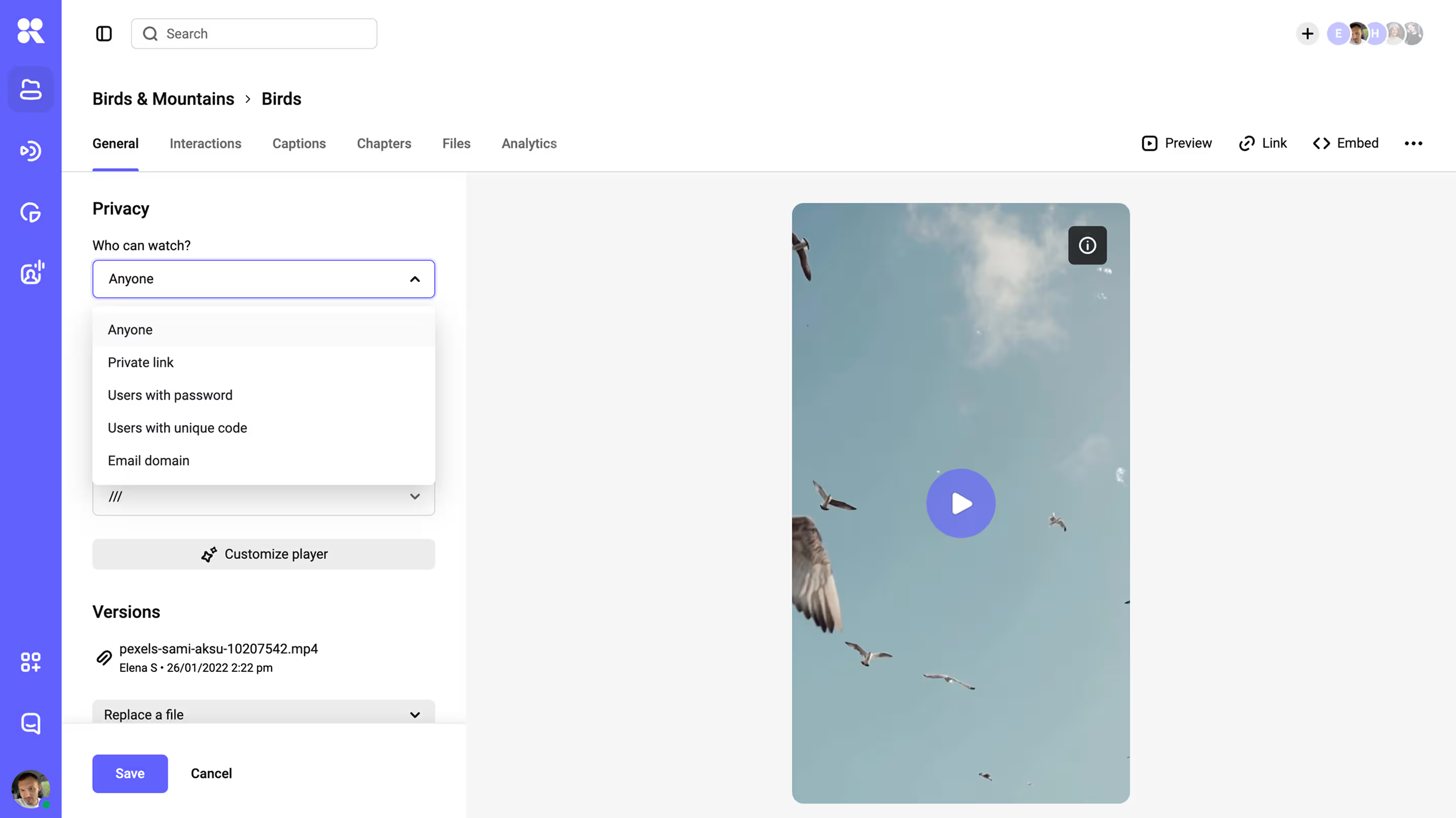
Privacy and access control
Beyond DRM, you need to decide who can watch: only logged-in members, only on your domain, only for a set window. That calls for signed, expiring links and domain rules, so a URL copied out of your course stops working somewhere else. You can also scope access by course or module, so someone who bought one program can't reach another.
Reliable playback on any device
Playback that stalls is one of the fastest routes to a refund request. Students watch on whatever they have, from an old laptop to a phone on mobile data to a tablet on hotel wifi, so a lesson has to hold up across connections. Adaptive streaming over a CDN adjusts quality to each one, serving a 4K desktop and a phone on patchy data from the same file, each getting the quality its connection can hold.
Captions and accessibility
Captions widen your audience, support non-native speakers, and are a legal requirement in many markets. A course host should make uploading or generating captions straightforward, and the player should present them cleanly across devices, including where buyers expect accessibility standards like WCAG.
Engagement and completion analytics
Course creators need to know which lessons hold attention and where students drop. Per-video engagement data feeds directly into completion tracking and into deciding what to re-record, so analytics earns its keep as a working tool here.
Best video hosting for course creators: seven options
The platforms most people reach for first were built for public audiences, and it shows the moment you put paid lessons on them: free and social platforms trade privacy and protection for reach, ads, and someone else's recommendations.
Once you rule those out for delivery, the real choice is among hosts built to embed and protect, and the fit depends on whether you sell inside an LMS, on your own site, or through a protected library you run yourself. Here's where the common options land in 2026, with prices to confirm on each vendor's page before you commit.
YouTube (private or unlisted)
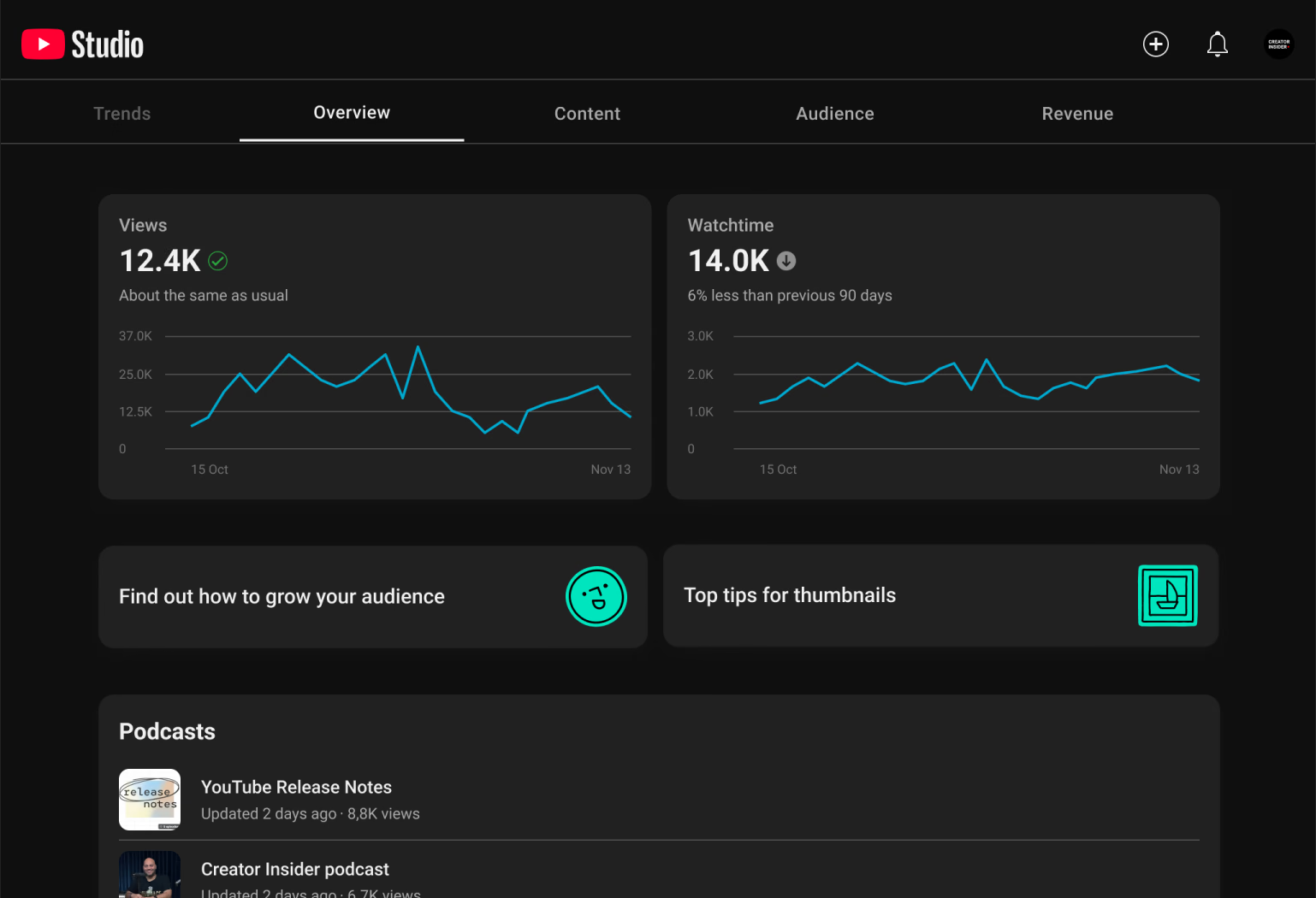
Free, dependable, and unmatched for reach, which is also why it can't hold a paid course: unlisted is not private, there's no stream protection, and the player surrounds your lesson with ads and other creators' videos. It costs nothing and reaches everyone, so keep it as the promotional channel that feeds people toward a course hosted somewhere protected, not as the place the lessons live. If that is the decision in front of you, a YouTube alternative built for paid content solves the access problem the unlisted link never did.
Vimeo
A long-standing pick for creators who want an ad-free, branded player. Its self-serve tiers, billed annually, are Starter at €8 a month, Standard at €19, and Advanced at €69, with Enterprise priced on request.
Two things decide it for a course. Real DRM is available only on Enterprise; the self-serve tiers protect the page with passwords and domain rules but don't encrypt the stream. And self-serve plans carry a monthly bandwidth cap, so a launch that runs hot can push you toward a custom Enterprise contract.
Kinescope
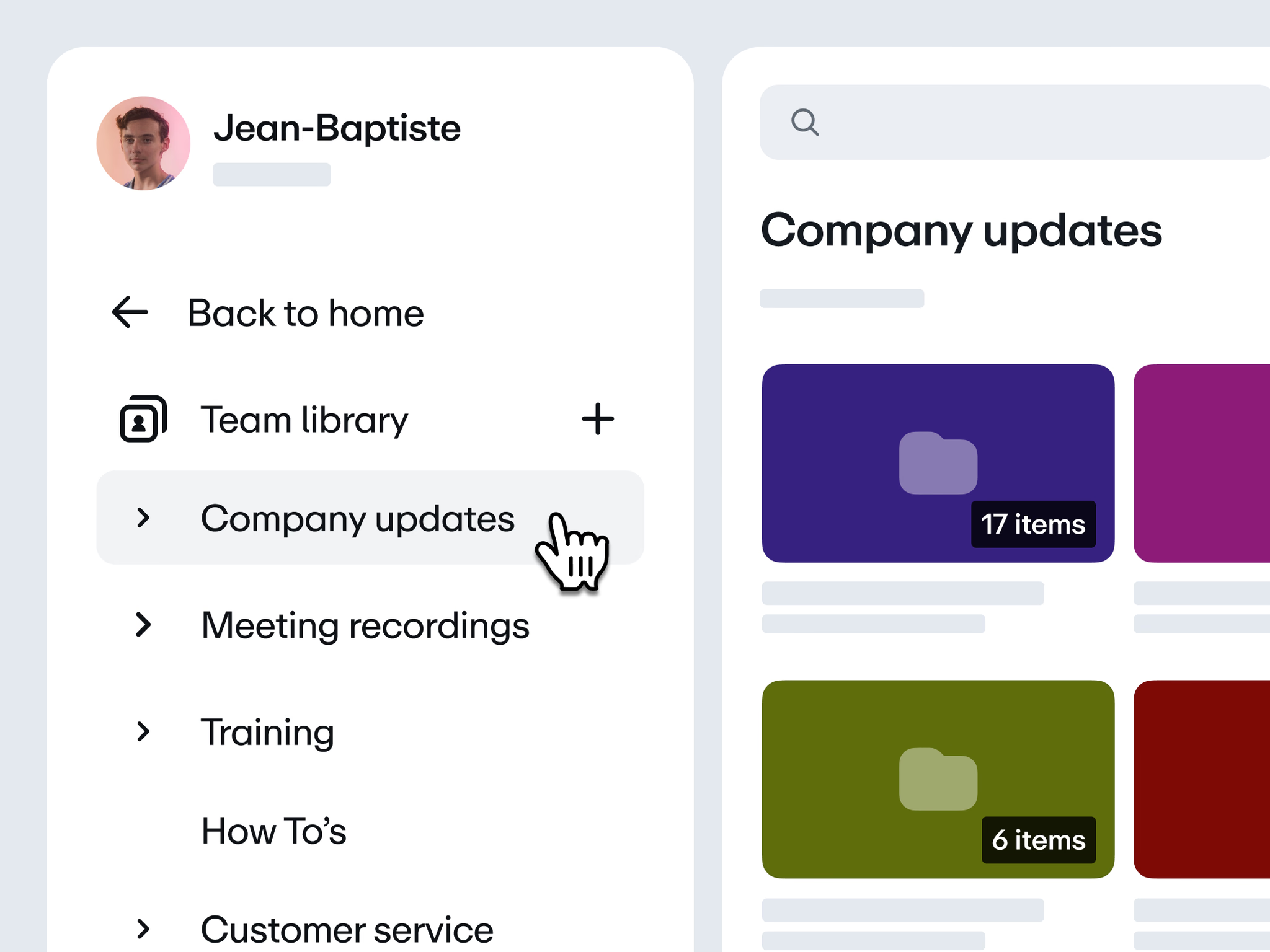
Kinescope is a full video platform: hosting, an adaptive branded player, multi-DRM, delivery, and per-video analytics in one place. The protection a paid course needs is standard, not an add-on: encryption and DRM (Widevine and FairPlay), signed and expiring links, domain rules, and a dynamic per-viewer watermark.
AI features generate subtitles in 90+ languages, chapter markers, and a short on-screen summary on demand. Pricing is usage-based from €10 a month: €0.03 per gigabyte delivered and stored, where €10 is a monthly minimum that already covers usage up to that amount, so a quiet month is €10 and a busy one scales with views, with no bandwidth cap.
It embeds inside any LMS or your own site, with simple integrations for Moodle and WordPress, and because we're EU-based the content stays under GDPR. The practical point for a course seller is that DRM, the one feature that most reliably deters piracy, is part of the base price.
Bunny Stream
The closest option to our own model: pure usage-based pricing from about €1 a month, run by the European CDN provider bunny.net. You pay for storage (a fraction of a cent per gigabyte per month) and delivery bandwidth, with standard encoding and the player included at no extra charge.
Security covers signed URLs, domain and geo restrictions, and download blocking, and full multi-DRM (Widevine and FairPlay, branded MediaCage) is available, billed per playback-device license rather than bundled in. It's API-first and EU-hosted under GDPR, so it fits course creators comfortable managing videos in Bunny and embedding them into their own LMS or site.
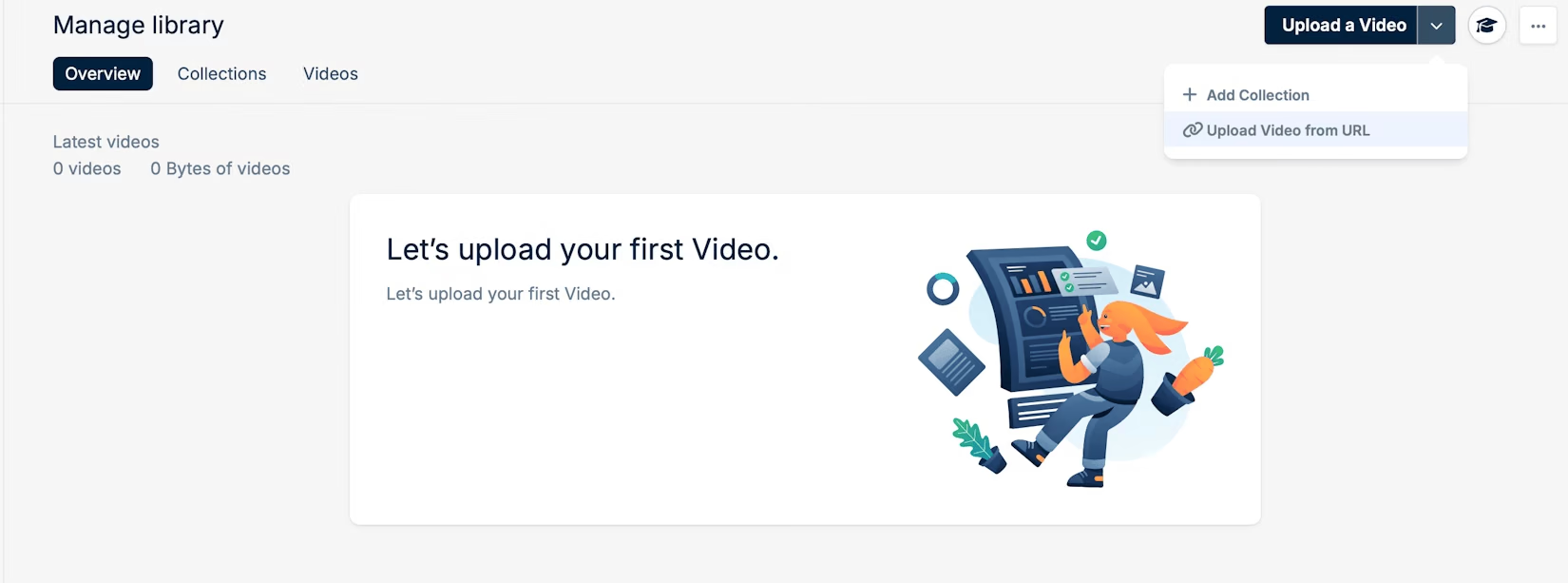
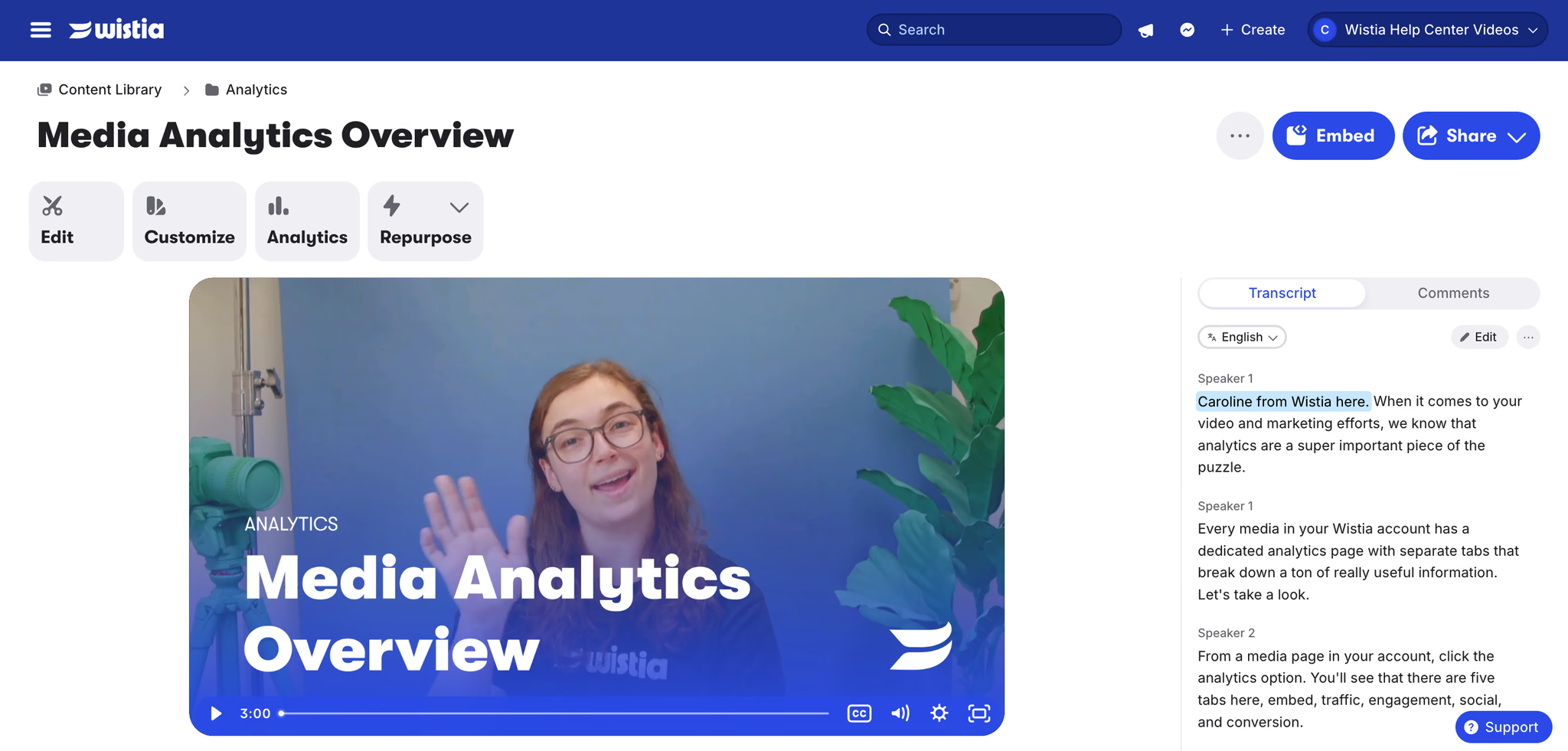
Wistia
The strongest marketing toolset in this group: viewer-level engagement heatmaps, email lead capture, and deep CRM integrations. Its 2026 structure is Free, Business (around €73/month billed annually, with 250 GB of storage and three users), and custom Enterprise, with add-ons for automation, webinars, and extra seats that stack well above the headline number.
The catch for a paid course is protection: Wistia has no DRM on any tier, guarding the page with passwords and domain rules but not encrypting the stream, so a browser extension can still pull the file. Strong for marketing video, weaker where piracy is the real risk.
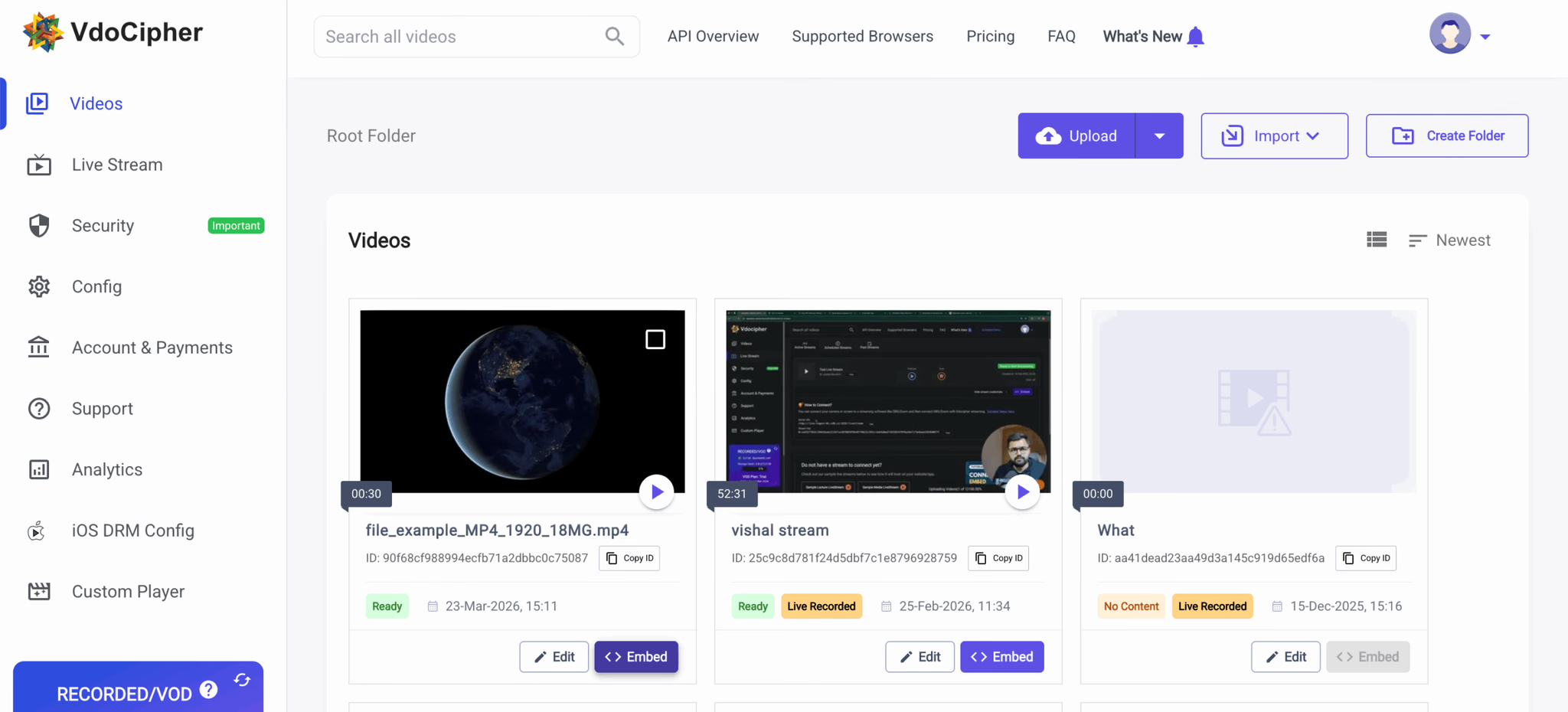
VdoCipher
A DRM-first specialist built around anti-piracy for paid content: multi-DRM (Widevine and FairPlay), dynamic watermarking, and geo-restriction, with plugins for WordPress, Moodle, Teachable, Thinkific, and Kajabi. Pricing is sold as annual bandwidth credits rather than a monthly fee. The entry plan runs around €137 a year for 1,000 GB, then per-gigabyte overage, which suits a predictable annual library. If protection is your single biggest concern and you don't need a wider marketing toolset, that's the case it fits.
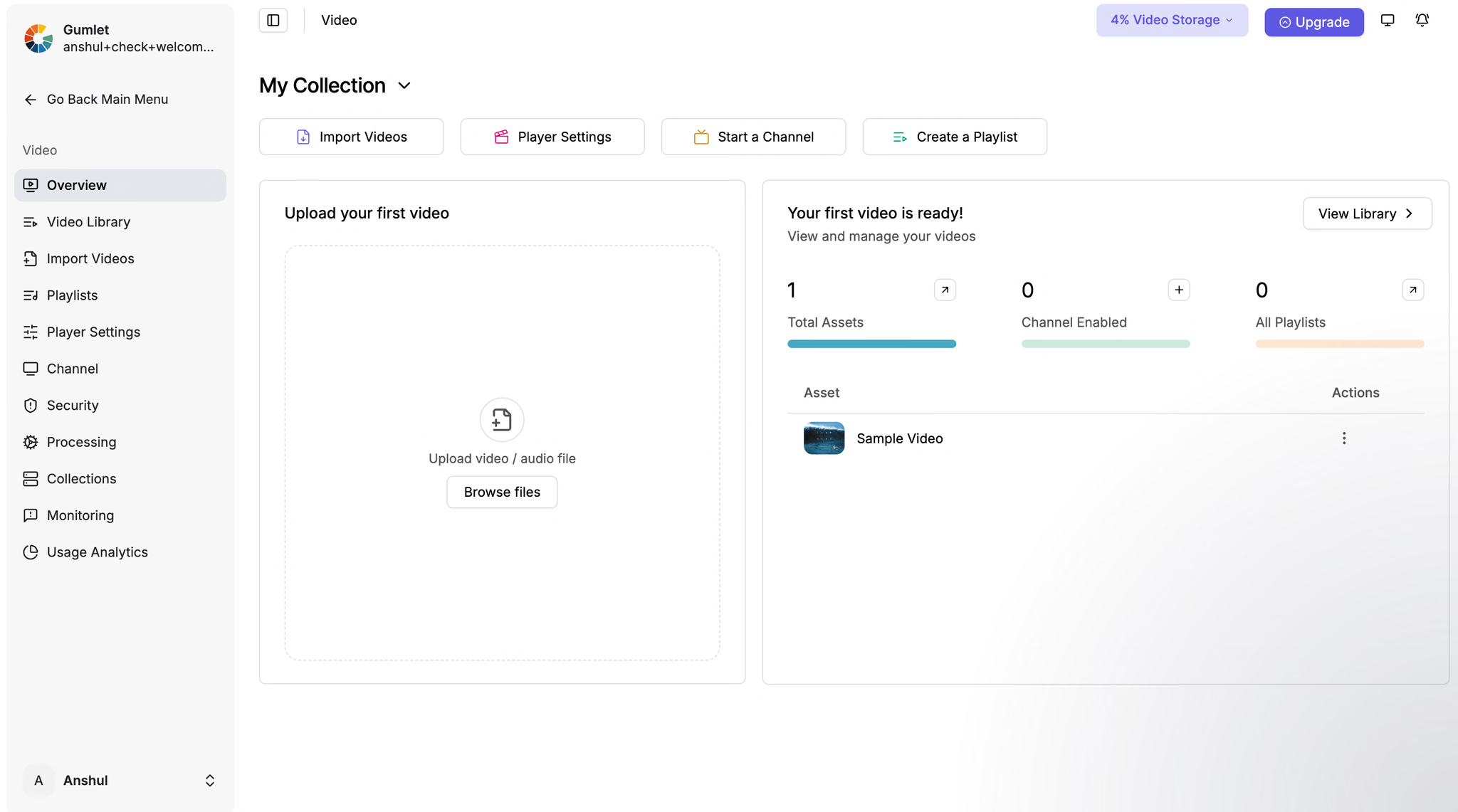
Gumlet
A newer host aimed squarely at creators, with flat plans (Creator around €5.50/month, Growth around €17/month, Business around €91/month billed annually) and DRM offered as a separate add-on (around €91/month, free for the first few videos). It carries SOC 2 and ISO 27001 attestations and includes analytics on every plan.
Video hosting for online courses compared
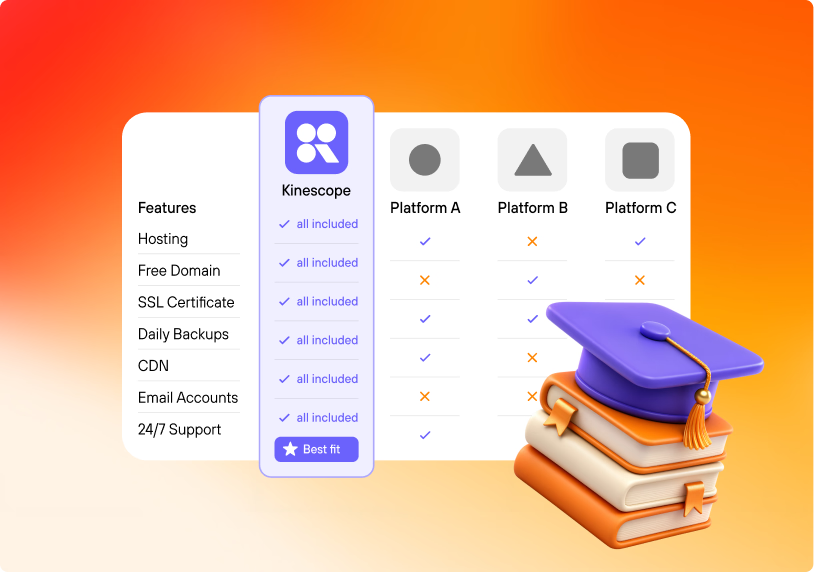
For a course, the axes differ from marketing video: protecting paid lessons, embedding cleanly into an LMS, seeing who watched what, and keeping every learner able to follow along. Here's how the options compare, plus price. Treat it as a starting grid, since these plans keep changing.
| YouTube | Vimeo | Kinescope | Bunny Stream | Wistia | VdoCipher | Gumlet | |
|---|---|---|---|---|---|---|---|
| Protects paid lessonsDRM | No | Enterprise only | Yes, included | Yesper-license | No | Yes | Add-on |
| LMS / course embed | Embed with ads | Clean iframe | iframe + Moodle, WordPress | iframe / API | iframe + integrations | Plugins: Moodle, Teachable, Thinkific | iframe / API |
| Per-lesson analytics | Channel-level only | Engagement (plan-based) | Per-video engagement | Engagement + heatmaps | Heatmaps + CRM (deepest) | Usage + security | Per-video, all plans |
| Subtitles & AIlanguages, chapters | Auto captions, many languages | Auto captions + chapters | AI subtitles (90+ languages), chapters, summary, audio tracks | Subtitles (no AI) | Auto captions | Subtitles (no AI) | AI captions + chapters + translation |
| Starting price | Free | €8 / €19 / €69 | From €10/mo | From ~€1/mo | Free; ~€73/mo | ~€137/yr | ~€17/moDRM +~€91 |
Prices marked ~ are approximate, converted from each vendor's USD pricing at about €0.92 to the dollar; Vimeo and Kinescope bill in euros. Verify on each vendor's page.
In-video quizzes, branching, and SCORM packages aren't a hosting feature: SCORM is how many corporate LMS platforms bundle lessons and report completion, but that bundle is built in authoring tools like Articulate Storyline or Camtasia, which embed the hosted video inside it. The host handles protected delivery, the LMS embed, and per-lesson analytics.
If you want a side-by-side on a specific platform, we keep detailed pages for Kinescope vs Vimeo, Kinescope vs Wistia, and Kinescope vs Bunny.
Where to host course videos in an LMS or on your site
Delivery is where a course host earns its place. The video has to appear inside your pages and keep students there.
The embed code
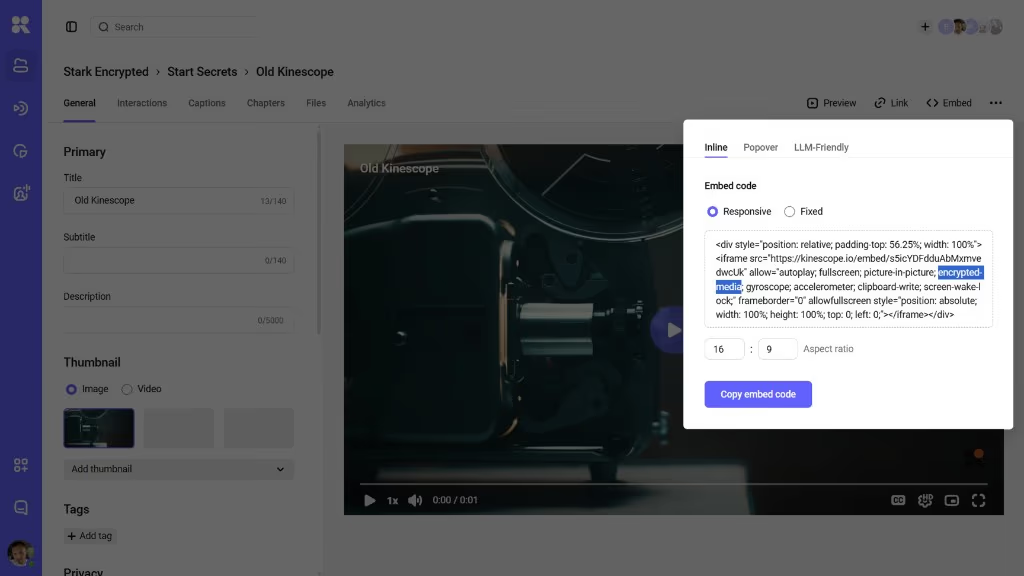
A managed host gives you an iframe embed you paste into a lesson page, an LMS block, or a page builder. The player carries your branding and nothing else, so the student stays on your course. On Kinescope the embed is a single snippet per video, and the same code works across an LMS, a membership plugin, or a custom site.
Keeping embeds private
An embed on its own can be lifted and dropped on another site. Domain rules fix that by letting the video play only on domains you list, and signed links add a per-viewer, time-limited token so a copied URL expires. Together they keep a lesson playing where it should and nowhere else.
In common course platforms
The embed behaves a little differently depending on where you sell, but the pattern holds. In LMS and course builders like Teachable, Thinkific, and Kajabi, you paste the snippet into a lesson's code or embed block and it renders inside your branded course player. In Moodle and other standards-based systems, the same iframe drops into an HTML block or a page resource.
On a self-hosted site or a membership plugin, such as WordPress with MemberPress, the embed sits in the page like any other block, with your membership rules deciding who reaches the page and domain rules deciding where the video plays. The test is the same everywhere: paste it, view the lesson as a student would, and check the player is yours and the distractions are gone.
Keeping course content secure
Protection is the difference between a course you sell once and a course that spreads for free. A leaked paid course doesn't cost you once; it keeps costing you on every future cohort and relaunch, which is why creators treat it as a first-order decision rather than a setting to reach later. Three layers do the work.
DRM for paid lessons
DRM encrypts the video and hands playback to the device's secure path through Encrypted Media Extensions, the browser standard behind Widevine on Chrome and Android and FairPlay on Apple. A download attempt fails, and a copy pulled another way comes back scrambled and won't play. It's the same protection studios use, available to course creators without the studio budget.
Signed, expiring links
A signed link works for a set window and a set viewer, then stops. For a course, that means a lesson URL shared in a group chat expires instead of becoming a free copy. It's access control that survives being copied.
Watermarking
A dynamic watermark burns a viewer's identifier into the playback, so if a screen recording does escape, it traces back to the account it came from. It won't stop capture on its own, but it changes the incentive to share. For a cohort course, a visible per-viewer mark is often enough on its own to keep lessons out of group chats.
Estimating what a course costs
On a usage-based host the bill has three parts: delivery (the gigabytes streamed to students), storage (keeping your masters and their encoded versions), and a one-time transcode each time you upload or replace a video. Only delivery moves with how much a course is watched; storage grows slowly with the size of your library; transcoding is a one-off per video, not per view.
As a rough guide, video is stored across all its rendered resolutions at roughly eight gigabytes an hour, and streamed at about two to three gigabytes per viewing hour once quality adapts to each connection. Delivery is the line that scales with a launch, while storage and transcoding stay comparatively steady.
On Kinescope, delivery and storage start at €0.03 per gigabyte and tier down as volume grows, while each upload is transcoded once at €0.01 per minute. It all draws from a €10 monthly minimum that already includes your usage up to that amount, so it starts at €10 and scales with how much your course is watched.
Running the numbers
Say a course has ten lessons averaging 40 minutes each, about six and a half hours of video, and 500 students who work through most of it. Three lines make up the bill.
Transcoding is a one-time fee at upload: at €0.01 a minute, processing all 400 minutes costs about €4, charged once no matter how many people watch. Storage holds the source plus its rendered resolutions, on the order of eight gigabytes an hour, so roughly 50 gigabytes at €0.03 per gigabyte a month, a couple of euros.
Delivery is the part that moves: at about two to three gigabytes per viewing hour, 500 students working through six hours each adds up to a few thousand gigabytes over the cohort, and the per-gigabyte rate tiers down from €0.03 as that volume grows.
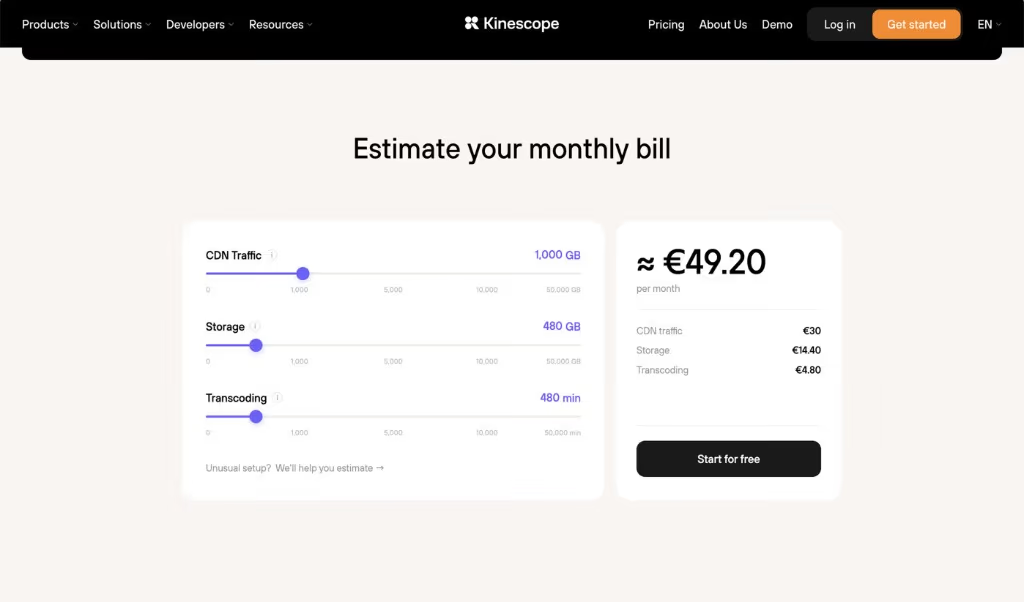
The shape is the point: transcoding is paid once, storage stays a small steady line, and only delivery grows when a launch does well, which is the cost you want to be paying. If you want a figure for your own course, the cost calculator turns your lesson lengths and audience into an estimate.
Setting up a protected course library
The path is the same on any managed host. Here’s how it looks on Kinescope, as an example.
Upload and organize
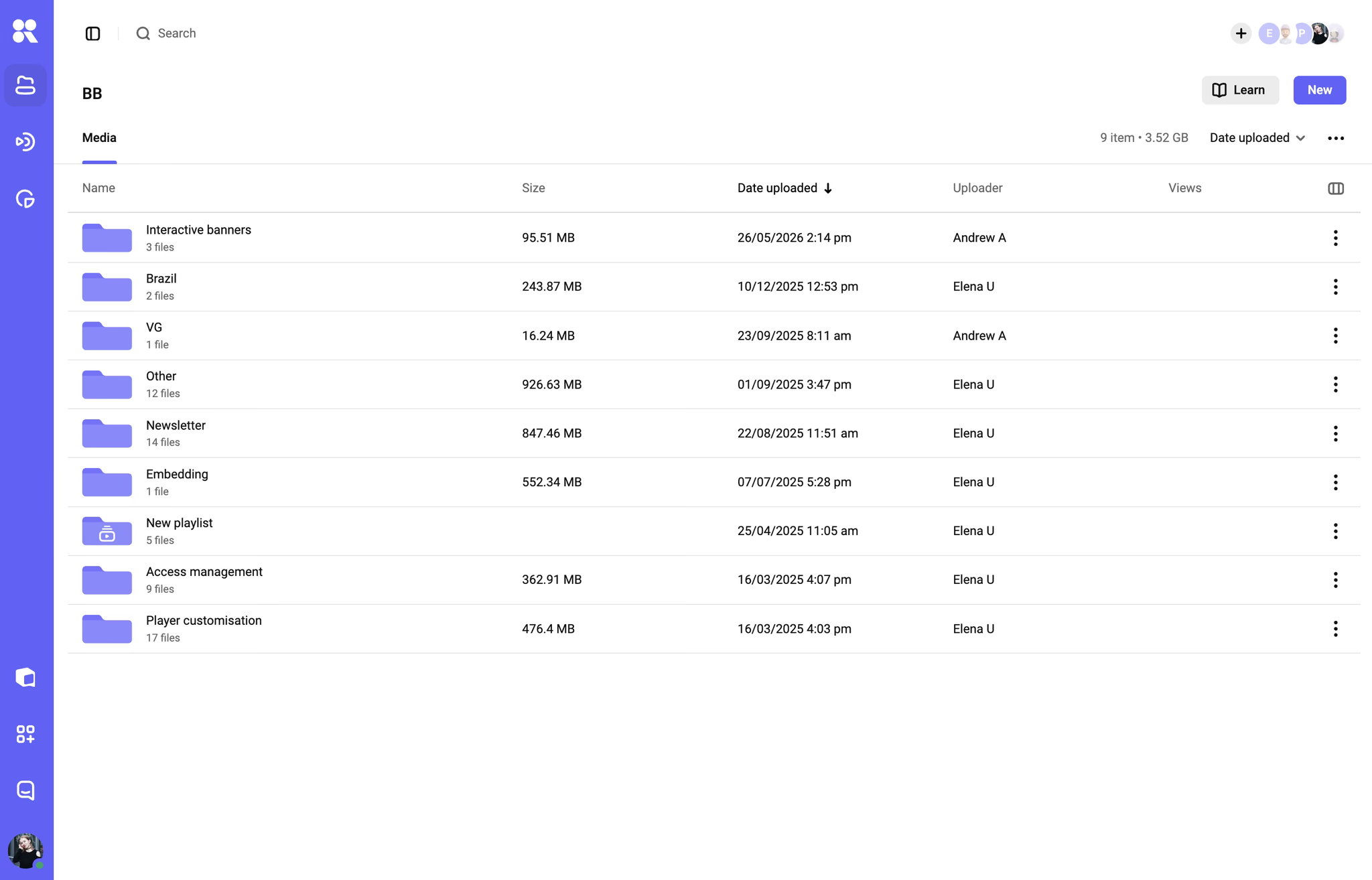
Upload your lessons and group them by course or module in the dashboard. Each video transcodes once into adaptive quality levels, ready to stream to any device.
Embed and protect
Turn on DRM and domain rules, copy the embed for each lesson, and paste it into your LMS or site; the setup docs cover each step.
The security settings you'd expect to configure across separate tools are toggles on the same platform, and the analytics show engagement per lesson once students start watching. Before you announce the course, run the download test yourself: open a lesson, point a browser download extension at it, and confirm it fails, so you know the protection is live rather than just switched on in a menu.
A short checklist before you choose
Run through these before you commit a course library to any platform.
- Does it protect paid content? Encryption and DRM that go beyond a password page.
- Does it embed cleanly where you sell? Test the embed in your actual LMS or site, branding intact, distractions gone.
- Is the cost predictable at a spike? Prefer usage-based pricing, or confirm exactly what happens when you cross a bandwidth cap.
- Can you control access? Signed links, domain rules, and viewer-level access beyond all-or-nothing privacy.
- Does playback hold on poor connections? Adaptive streaming over a CDN, tested on mobile data.