Anti-piracy software for video: what to look for




Search “anti-piracy software” and the results cover three separate kinds of product under one label: encryption that stops a download, crawlers that find your content on pirate sites, and services that file legal takedowns. A monitoring subscription can’t encrypt a video, and DRM can’t find a leaked copy on a tracker, so which one you need depends on which problem you have.
This guide sorts anti-piracy software into its three real parts, gives you a checklist for comparing tools inside each, and separates the video question from the software-license products that share the same search results while solving a different problem. If what you’re protecting is a paid course, a film, or a live stream, this is how to read the market.
Key takeaways
- The search term mixes three jobs. A course that gets downloaded needs delivery protection; a catalog already on Udemy needs monitoring and a takedown.
- Delivery protection (DRM, watermarking, access control) is where most video piracy is stopped, so for most video businesses it’s the place to start.
- Tools like PACE and LicenseSpring rank for “anti-piracy software” but protect application licenses, and they need a different toolkit.
- No product stops a camera pointed at the screen; realistic protection raises the cost of copying and traces the copies that escape.
- Kinescope covers delivery protection built into hosting from €10/month; leak monitoring and takedown are separate vendors.
Three products that all call themselves anti-piracy software
Anti-piracy for video breaks into three jobs, matching the three stages of protection: prevent, detect, enforce. Most tools do one well, and no single product covers all three.
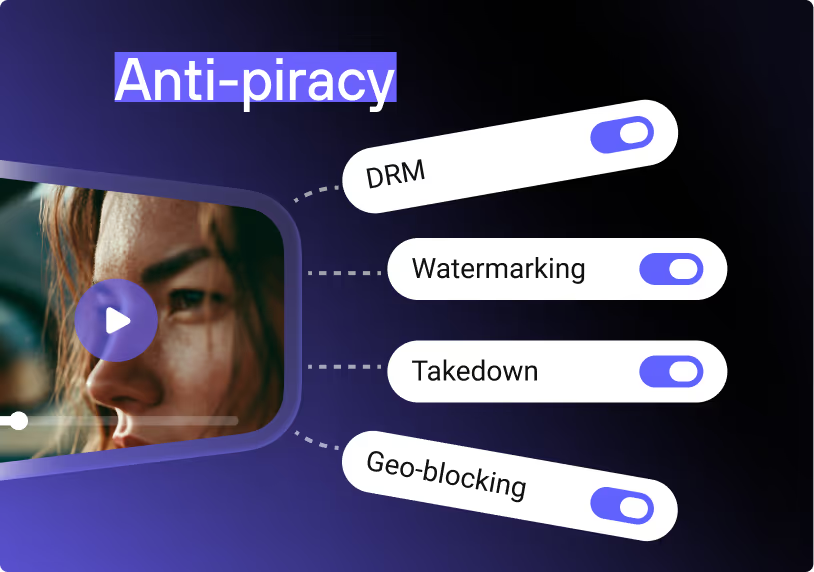
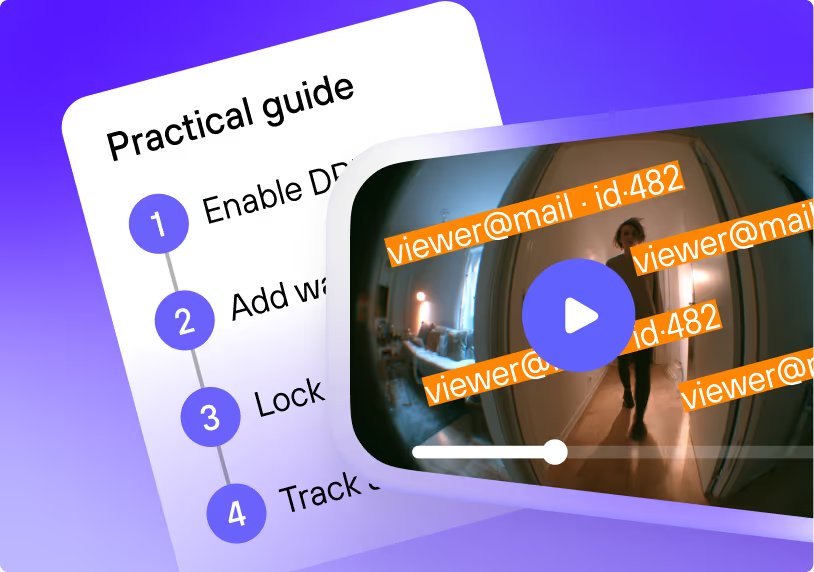
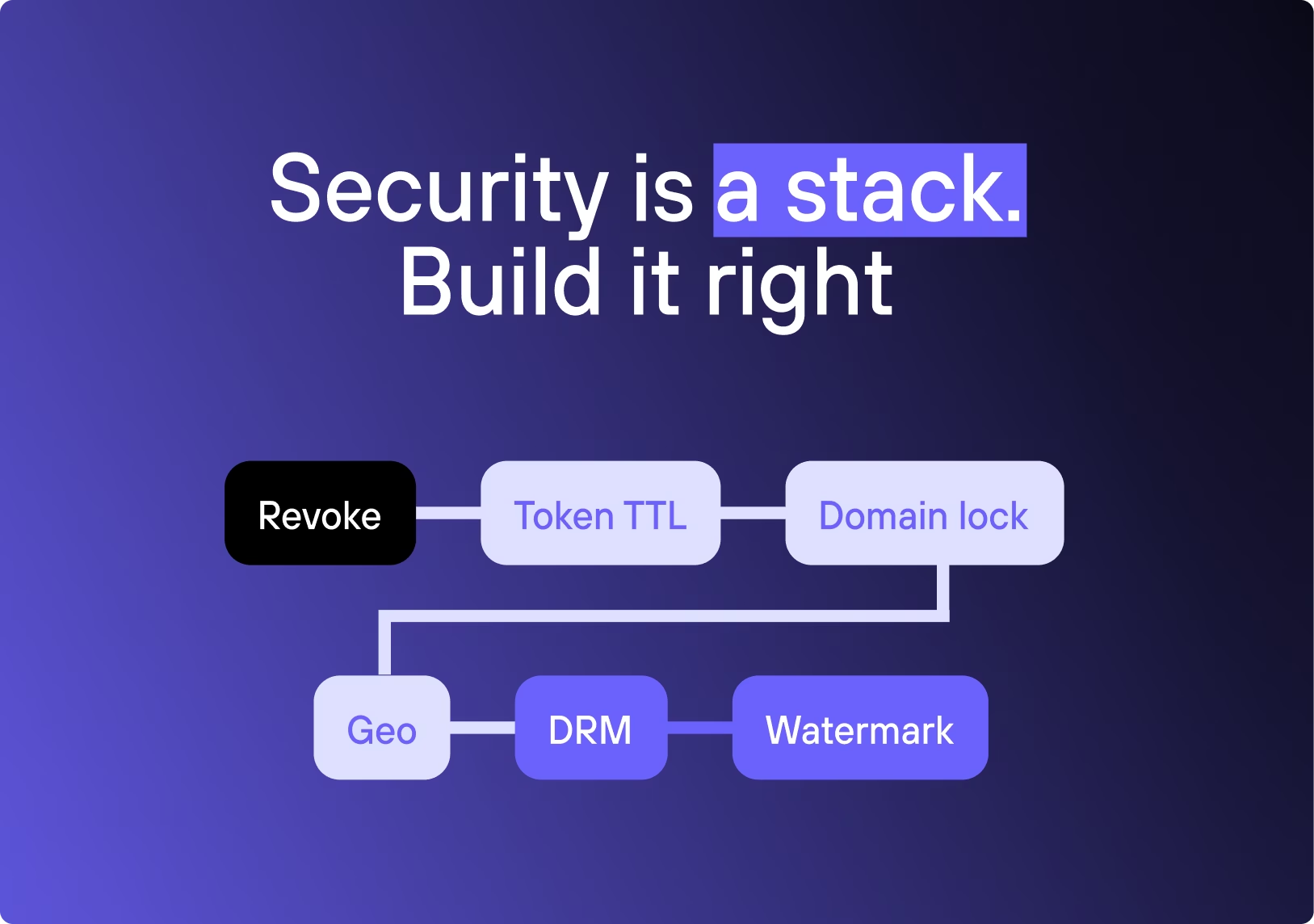
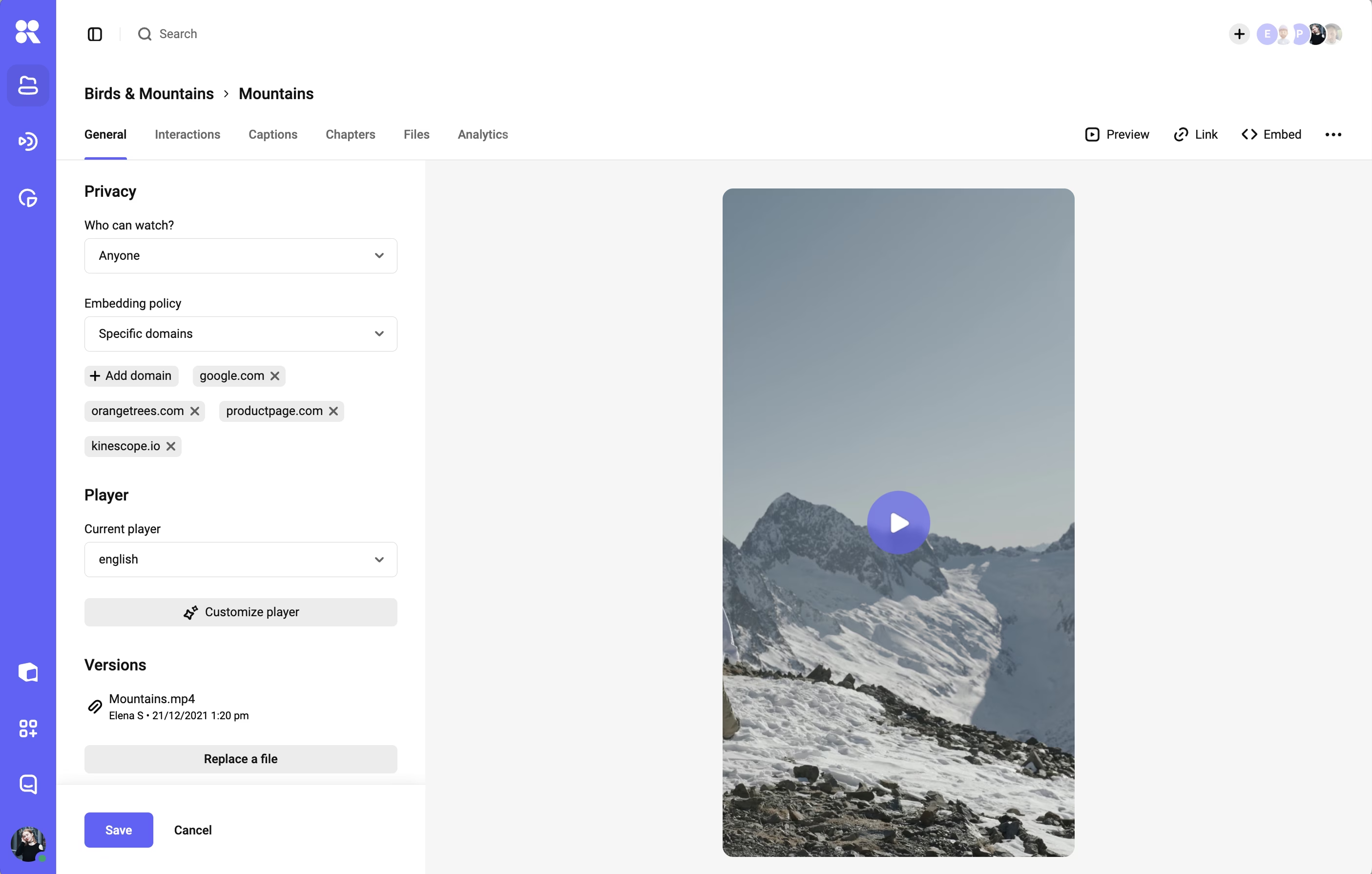
Delivery protection stops the content from being taken in the first place. DRM encryption locks the file so only authorized devices decrypt it; watermarking ties each playback to a viewer, either as a visible per-viewer overlay or an invisible forensic mark embedded in the video; access controls (signed links with token TTLs, domain locks, geo rules, IP allowlists, concurrency limits) decide who can reach the stream at all.
It’s usually part of the video platform, works before any leak, and either blocks a copy outright or makes one traceable to the account that made it. This is the prevention-and-tracing layer, and for most video businesses it does the heavy lifting, because it shuts down the routine methods (plugin downloads, VLC rips, resold links) that account for the bulk of piracy.
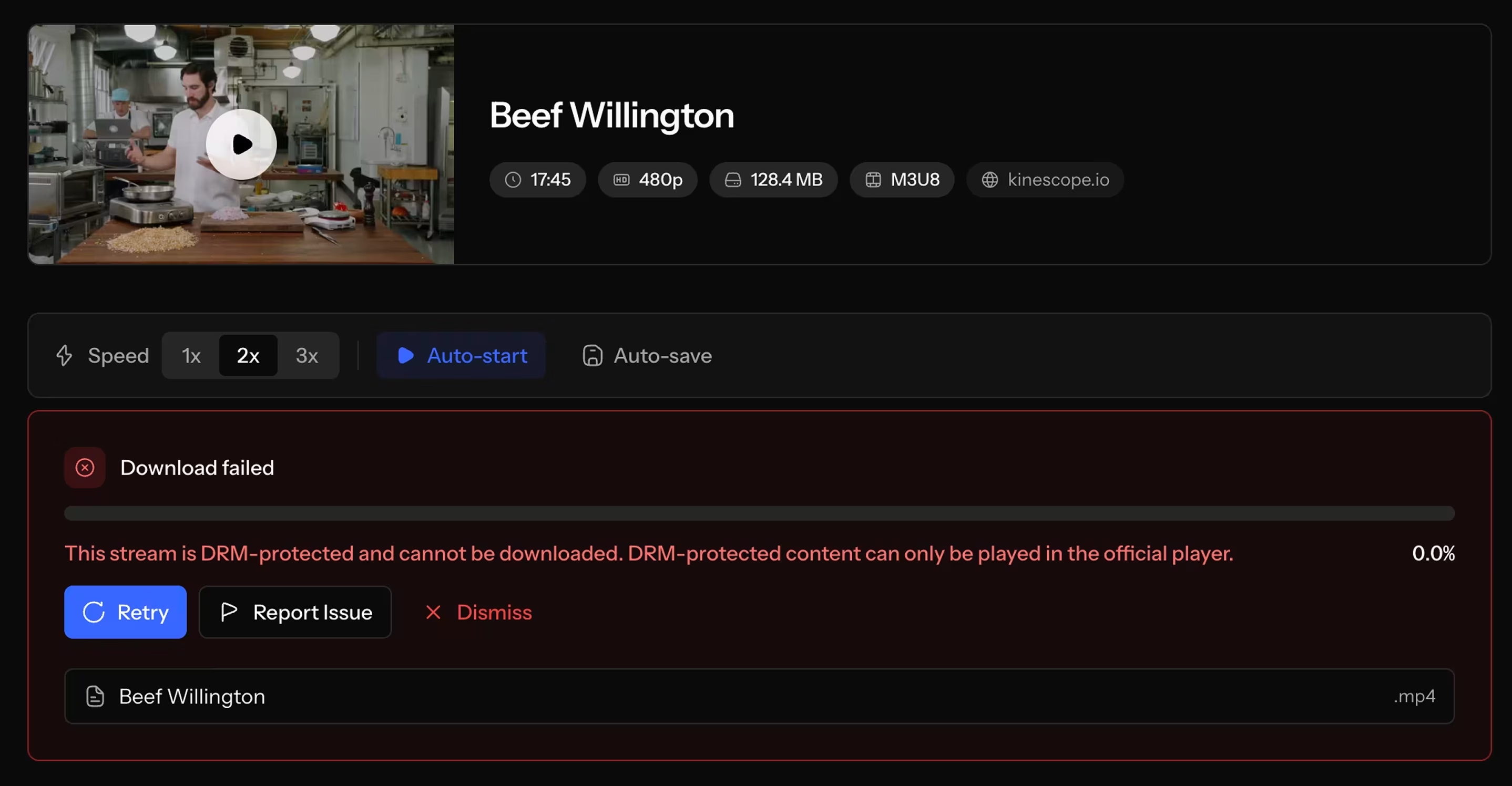
Leak monitoring watches the open web, torrent trackers, social platforms, and marketplaces for copies of your content, then alerts you. It does nothing to prevent a leak, just finds leaks that already happened. The value is visibility: you learn a copy exists, where it’s hosted, and sometimes how widely it’s being watched, which tells you whether it’s worth acting on.
The limits are just as real, because a crawler indexes public sites and open trackers but can’t see inside a private Telegram group or a members-only forum, which is exactly where paid-course leaks tend to travel. Specialist vendors such as Red Points and the monitoring arms of DoveRunner and MarkMonitor sell this as crawling-and-alerting, usually per title or as a subscription.
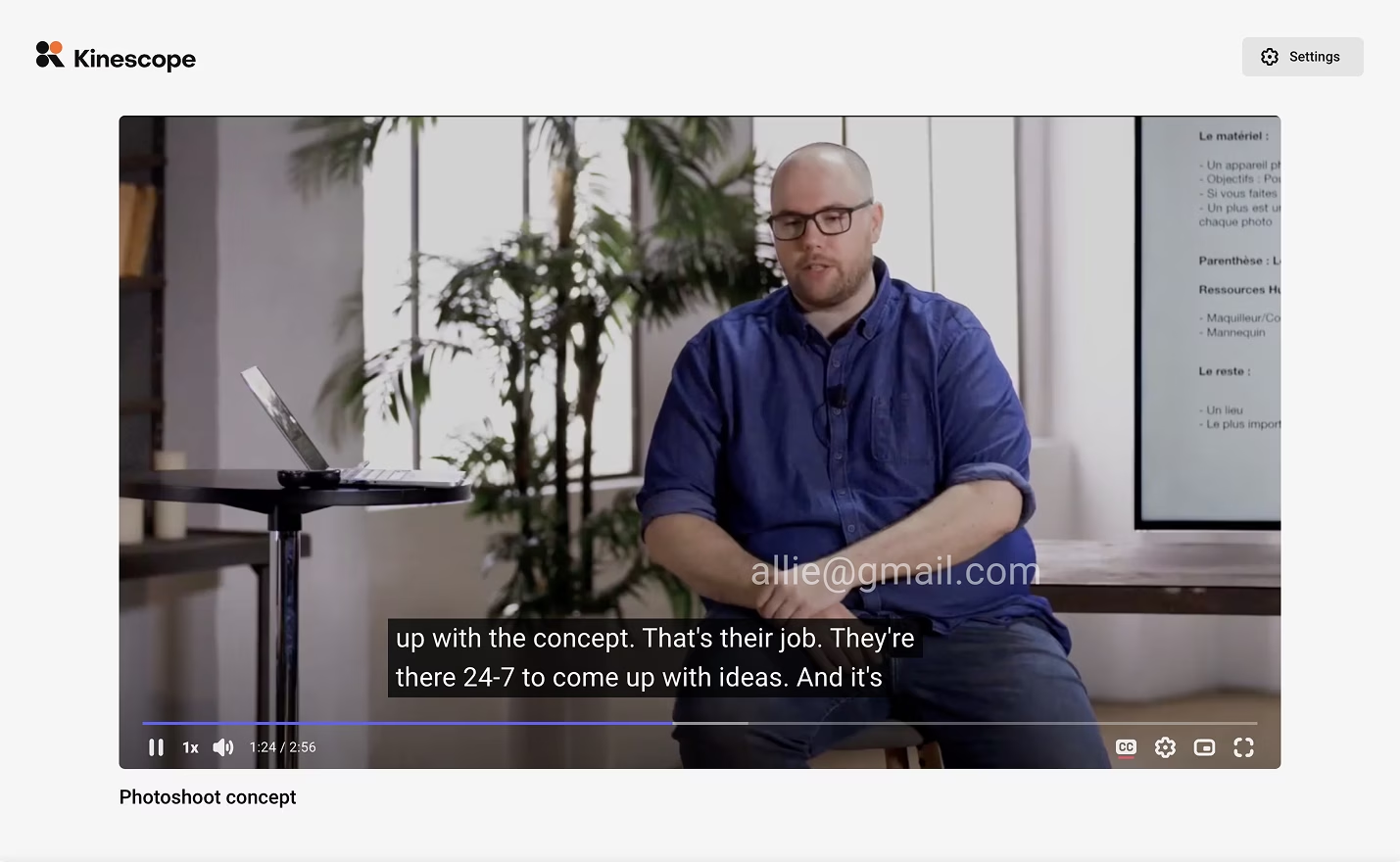
Takedown and enforcement acts after detection: filing DMCA notices, pursuing removal, and escalating to legal action. It’s reactive by design, and its reach depends on where the copy is hosted: compliant hosts remove content on a valid notice within days, while closed channels like Telegram routinely ignore them.
In practice it’s a cycle rather than a one-time fix (you file, the copy comes down, a fresh one appears, and you file again), so the real difference between services is how much of that loop they automate. Enforcement is often bundled with monitoring, priced per notice, on retainer, or as a share of recovered revenue.
The legal machinery is worth knowing, because it’s what a takedown service operates. In the US, DMCA §512 runs on notice-and-takedown: a valid notice needs six specific elements, and a compliant host that wants to keep its safe harbor must remove the material expeditiously. The uploader can counter-notice, and the host then restores the file in 10 to 14 business days unless you’ve filed suit.
The EU works similarly under the Digital Services Act, applied to all platforms since February 2024: hosts must run a notice-and-action mechanism, and a proper notice is the point at which they gain “actual knowledge” of the content. Both regimes only bind hosts that want to stay compliant, which is why offshore lockers and Telegram can shrug them off.
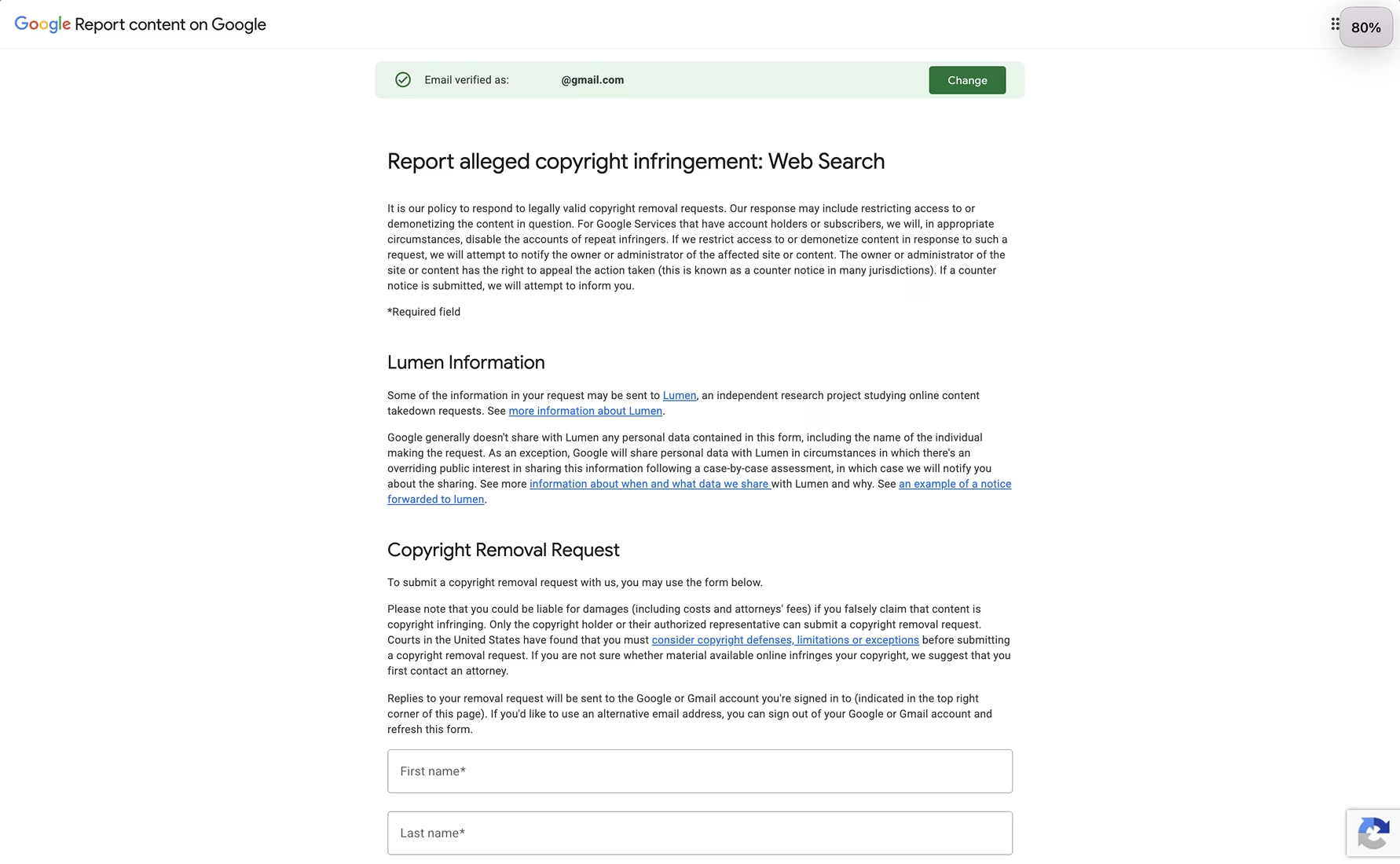
The practical takeaway: decide which stage is your actual problem before you shop. A course creator whose lessons get downloaded and resold has a prevention problem, so delivery protection is the fit and a monitoring subscription won’t close that gap. A studio sending out pre-release screeners needs prevention plus monitoring, because one leak is catastrophic and worth actively hunting.
A catalog that’s already circulating widely leans on monitoring and takedown. When a cybersecurity instructor found his paid course copied slide-for-slide on Udemy in 2024, adding encryption would have changed nothing: the copy was already out. The only thing that helped was finding it and filing a takedown. Naming your stage first is what keeps you from paying for the wrong category, since the tools aren’t interchangeable.
A checklist for comparing anti-piracy software
Inside any of the three categories, the same five questions separate a fit from a mismatch. Ask each vendor:
- Which stage does it cover — prevention, detection, or enforcement? A tool that does one rarely does the others well.
- What exactly does it stop? Be specific: browser-plugin download, screen recording, link sharing and reselling, re-upload. A product that blocks downloads may do nothing about a shared login.
- Where does it break? Every tool has a boundary. Ask where theirs is, and be suspicious of anyone who says “nowhere.”
- What’s the cost model? Per title, per monthly active user, per stream, flat, or a percentage of recovered revenue. The model matters more than the sticker price, because it decides how cost scales as you grow.
- Does it need integration and upkeep, or is it built into the platform the video already runs on? A separate vendor means another system to wire in and maintain; protection inside your hosting means a setting to switch on.
That last question is where the real cost hides for a small team: a standalone tool adds integration and maintenance that a €500 course rarely justifies, which is why “already included in the platform” often wins on total cost.
The pricing model scales differently in each case. Per-title pricing suits a small, fixed catalog and punishes a growing one, while per-monthly-active-user is predictable but climbs as you succeed.
A share of recovered revenue aligns a takedown service with your outcome but only applies after a leak, while flat or usage-based platform pricing folds protection into a bill you already pay. Map the model to how you’ll grow, or a tool that looks cheap now becomes the expensive one at scale.
Why software-license protection isn’t anti-piracy software for video
Half of what ranks for “anti-piracy software” solves a different problem entirely: protecting software licenses. Tools like PACE and LicenseSpring handle activation keys, entitlement checks, and anti-tamper for applications: PACE runs the iLok platform and fuses integrity checks into an app’s binary, and LicenseSpring binds a licence to a device fingerprint. They stop someone from running an app they didn’t pay for, which has nothing to do with video.
If you’re protecting a course, a film, or a stream, a license-key system does you no good: there’s no application to activate, only a video to encrypt, trace, and control access to. The confusion is understandable, because both live under “anti-piracy,” but the toolsets don’t overlap. Video protection is DRM, watermarking, and access control; software protection is licensing and activation.
A quick tell when you’re reading a vendor’s site: if the language is about license keys, activation servers, seat counts, and anti-tamper, the product is built for applications. If it’s about DRM schemes, watermarking, and playback, it’s built for video. Buying the first when you need the second is the most common way a protection budget gets spent on nothing.
Anti-piracy software compared: the three approaches
For video, once you’ve set license-protection tools aside, the choice comes down to the three delivery-stage categories:
| Approach | What it does | Where it breaks | Typical cost model |
|---|---|---|---|
| Delivery protection (DRM, watermarking, access control) | Blocks downloads and casual capture; makes a leak traceable to one viewer | The analog hole (a camera pointed at the screen) | Part of the video platform; flat or usage-based |
| Leak monitoring | Crawls web, torrents, social, and marketplaces; alerts you to copies | Finds leaks, can’t prevent them; misses private and closed channels | Subscription or per title |
| Takedown and enforcement | Files notices, pursues removal and legal action | Reactive; closed channels ignore notices; new copies reappear | Per notice, retainer, or a share of recovered revenue |
Read across the row and the division of labour is clear: delivery protection acts before a leak, monitoring watches the open web, and enforcement removes what’s already out.
A serious setup uses more than one: prevention to keep most copies from existing, plus monitoring and takedown for the ones that escape. A smaller operation usually starts with delivery protection alone, because stopping the easy copies removes most of the problem for the least ongoing effort.
Where the limit is
No anti-piracy software makes video theft impossible, and any vendor who implies otherwise is overselling. The hard boundary is the analog hole: someone can always point a second camera at the screen and record what plays. DRM doesn’t stop it, monitoring only catches the result later, and takedowns chase it after the fact. MovieLabs, the studio-backed content-protection body, says it directly: camcording can’t be prevented, only addressed after the fact by forensic watermarking.
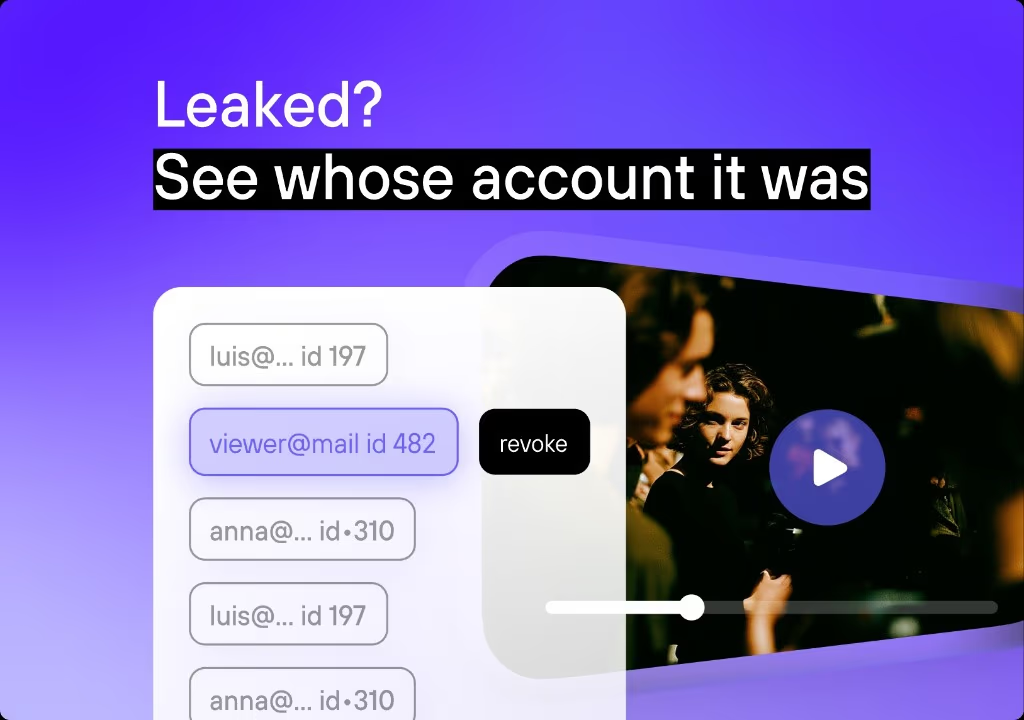
The analog hole isn’t the only leak no product fully closes. A paying customer can re-upload what they legitimately decrypted, and a shared or resold login can spread access with no “cracking” at all. These are trace-and-revoke problems: a per-viewer watermark names whoever recorded the copy, and access controls like concurrency limits narrow how far one login travels. That’s exactly why delivery protection pairs encryption with watermarking instead of trusting encryption alone.
The numbers explain the mindset: MUSO counted 141 billion visits to video-piracy sites in 2023, and the US Chamber of Commerce puts US losses to video piracy at $29.2 billion a year at minimum.
So the realistic goal is a bar high enough that copying isn’t worth the effort, plus traceability so the copies that do escape lead back to a source. Delivery protection raises the bar and adds the traceability; monitoring and enforcement handle the aftermath, and on closed channels that aftermath is a recurring chase rather than a clean removal.
Match the spend to what the content is worth: a €500 course and a studio film land at very different points on that curve, and buying studio-grade enforcement for a small catalog is as much a mismatch as leaving a valuable one on prevention alone.
Where Kinescope fits among anti-piracy software
Kinescope is a delivery-protection tool, the first of the three classes, built into video hosting instead of sold separately. It protects the stream and who can reach it with Widevine and FairPlay DRM, per-viewer watermarking, domain locks, password and access-code restrictions, and signed links with token TTLs, all set per project. It breaks at the analog hole, which the watermark traces rather than prevents. And it costs usage-based pricing from €10/month, with no separate DRM contract.
One detail decides the fit for course platforms: an auth-backend hook lets the license server check your own system (whether this viewer has paid) before it releases a key, so access is tied to who has paid, checked at playback. Downloads through browser plugins, VLC, or ffmpeg are blocked, and screen recording is blocked at the OS level on iOS, Android, Safari, and Edge.
What Kinescope does not do belongs in the decision too: there is no leak monitoring and no takedown service. Those are the second and third classes, so if your catalog is already circulating you will want a vendor like Red Points alongside whatever hosting you run. See how the pieces fit together in Kinescope’s anti-piracy stack.