










12 best AI course creation tools in 2026





Creating a course involves several kinds of work: deciding what to teach, writing lessons, producing videos and building activities. AI tools can help at each stage, but they produce different results. Some give you a script or a finished video, while others assemble lessons into a course you can publish.
For example, a course about using a CRM needs more than an explanation of the software. Learners need to see the steps and practise choosing what to do next. A video generator can help with the demonstration, while a course builder brings the explanation, practice and learner access together.
In this guide, we compare 12 AI course creation tools and explain where each fits, whether you need help with one lesson or a place to build and publish the whole course. The comparison uses documented capabilities and published plans to distinguish the work each tool covers.
Compare the tools by what you need to produce
Before comparing subscriptions, decide where learners will take the course. If you plan to sell it through a hosted school, the school’s lesson editor and payment features may cover your needs. If you need to transfer a complete course into an existing learning management system, or LMS, choose a course builder that exports a format it supports.
SCORM is a common format for moving learning content into an LMS and reporting information such as completion and scores. Export options vary: a tool may provide an independent course package or a dynamic SCORM package that continues loading content from its authoring service. Our SCORM authoring tools comparison explores those publishing choices in more detail.
| Tool | Starting price | What it generates or helps create | SCORM export | AI narration languages |
|---|---|---|---|---|
| Storyflow | ≈€8.80/month | Visual course plans and connected lesson notes | No; board exports | Not applicable |
| ChatGPT / custom GPTs | Free for ordinary drafting | Outlines, scripts, explanations and quiz drafts | No built-in course exporter | Not a lesson-narration exporter |
| Synthesia | Free; downloads from Starter plan, ≈€25.40/month | Videos with AI presenters and voiceovers | Enterprise plan | 160+ |
| Guidde | Free; downloads from Pro plan, ≈€16.70/creator/month, billed annually | Software walkthroughs; AI narration from Business plan | Enterprise plan | 50+ from Business plan |
| Descript | Free; Hobbyist plan ≈€21.00/editor/month | Edited recordings and AI speech | Media export; package elsewhere | Multiple languages, including English, French, German and Portuguese |
| X-Pilot | One free video; Creator plan ≈€16.70/month | Explanatory videos from source material | Conflicting vendor claims; MP4 export confirmed | Not confirmed in public documentation |
| SkillStudio | Free for personal use; Starter plan €29/month | Presenter videos, quizzes and courses from documents | Free and paid plans | Multilingual generation; narration count unverified |
| Mindsmith | Free; Professional plan ≈€42.90/author/month | Lessons, questions and interactive scenarios | Dynamic SCORM | 70+ |
| Coursebox | Free; Creator plan €30/month | Courses, quizzes, training videos and an AI tutor | Dynamic from Creator plan; self-hosted on higher plans | 100+ for training-video voices |
| LearnWorlds | €29/month, plus €5 per paid enrolment | Course outlines, lesson text and assessments inside a school | No export; import on higher plans | Native narration not confirmed |
| LearningStudioAI | Starter plan ≈€34.20/month | Editable lessons and quizzes from a topic or document | SCORM 1.2 and 2004 from Starter plan | 9 language and locale options |
| Mini Course Generator | Creator Plus plan ≈€42.90/month; free trial | Short courses, quizzes and interactive activities | Enterprise plans, starting with Launch plan | Voiceover included; language list unverified |
Pricing snapshot updated on 24 September 2026. Native euro prices are retained. Amounts marked ≈ use the latest ECB reference rate available at this update, €1 = US$1.1411, and are rounded to €0.10. The checkout amount can differ with exchange rates and applicable taxes. The starting plan does not necessarily include every capability in its row.
Below, we have grouped the tools by the work they help you do: plan the course, write the lessons, create videos, add practice and assemble the finished course. Some cover several stages, so these groups are starting points rather than a list of tools you need to buy. If you want to build everything in one place, start with the course builders in the final group.
Course planning
1. Storyflow: organise the material before generating lessons
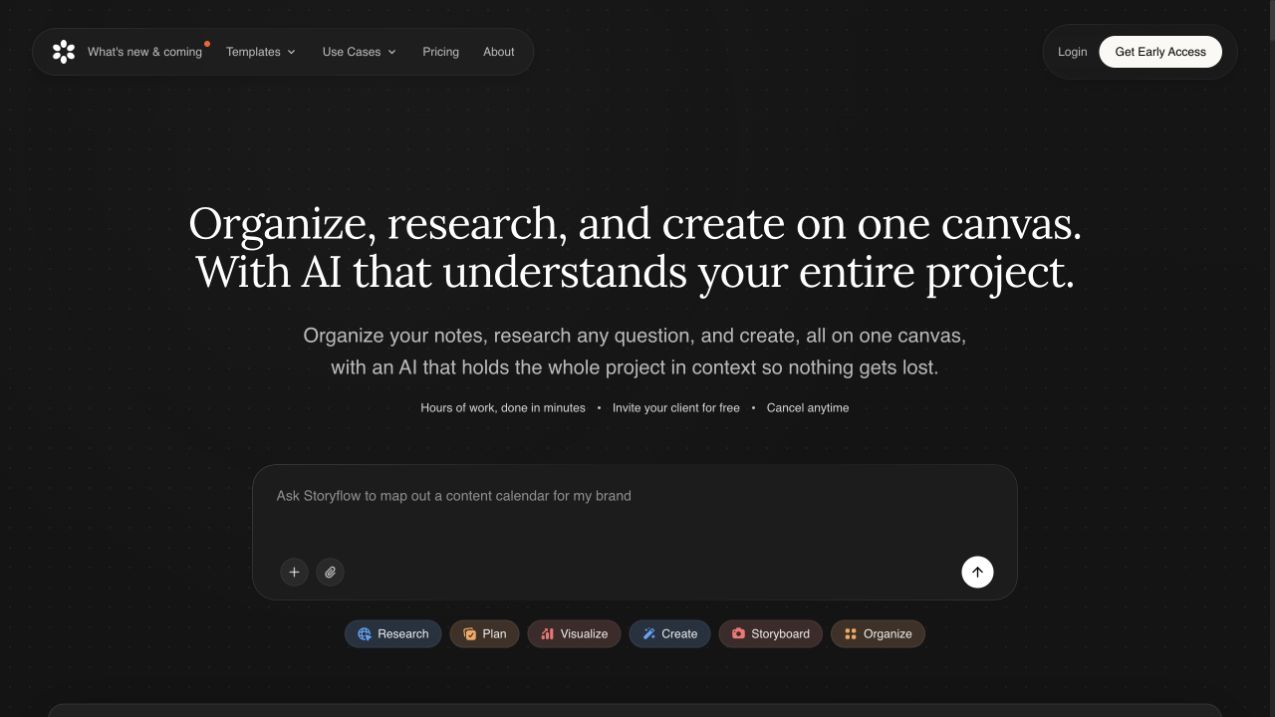
Storyflow brings the course outline and its supporting material onto one visual canvas. You can arrange modules and lessons as linked cards, with research links, PDFs, images and scripts beside the lessons they support. Even a frame from a reference video can sit on the board, so the idea for a demonstration stays with the topic it belongs to.
Its AI can draft a curriculum map or expand a module using selected source documents. As the course takes shape, you can ask it to adapt the outline for beginners or shorten a lesson, then continue editing the board yourself.
A view-only link lets a collaborator review the plan without an account, and PNG, SVG or PDF exports give you a reference to use while building the lessons. The Plus plan covers this planning work for approximately €8.80 a month with monthly billing during paid early access. Narration, SCORM packaging and course delivery still happen in other tools.
Lesson writing
2. ChatGPT: develop explanations from your own sources
ChatGPT is useful when you know what a lesson should teach but need help working through the wording. You can supply source material, describe the learner’s starting knowledge and develop an explanation, a worked example or assessment questions in the same conversation. Ordinary drafting is available on the free plan, with limits on uploads and other features.
A useful prompt specifies who the lesson is for, what it should teach and which sources to use. With that context, you can ask ChatGPT to draft an explanation at the right level, then work through it in the conversation: expand a difficult point, simplify the wording or add a question based on the material. After checking and editing the draft, you can use the text in your course editor or as a video script. Publishing the course still happens elsewhere, because ChatGPT does not provide a built-in SCORM course exporter or a student checkout.
For a series of lessons, a custom GPT can save you repeating the same brief in every conversation. It stores instructions about the audience, tone and lesson format, together with reference files to draw on when drafting. As of September 2026, creating one requires an eligible workspace on a Business, Enterprise or Edu plan. OpenAI also plans to replace custom GPTs with plugins, which bring reusable instructions, reference files and connected apps together.
Video creation and editing
The tools below help you create presenter videos, screen demonstrations and edited recordings. Once you export a finished video, you can upload it to Kinescope and embed our player in a course platform that supports external video, or on your website. This is useful when your editor does not provide hosting, or when you want more control over how the video is shared and maintained. You can restrict viewing with a password, limit embedding to selected domains and replace a recording without updating its links across several courses. If your existing platform already covers these needs, you can use its hosting.
Kinescope’s AI helps prepare the uploaded video for learners: it generates subtitles and suggests chapter titles with timestamps for you to review. Learners can then follow the spoken explanation or jump back to a particular topic. The subtitle text can also become the basis for lesson notes or self-check questions: through our MCP server, now in public beta, a connected AI assistant can retrieve it and draft those materials for you to check. Course assembly and assessments stay in your course platform.
3. Synthesia: turn a finished script into a presenter video
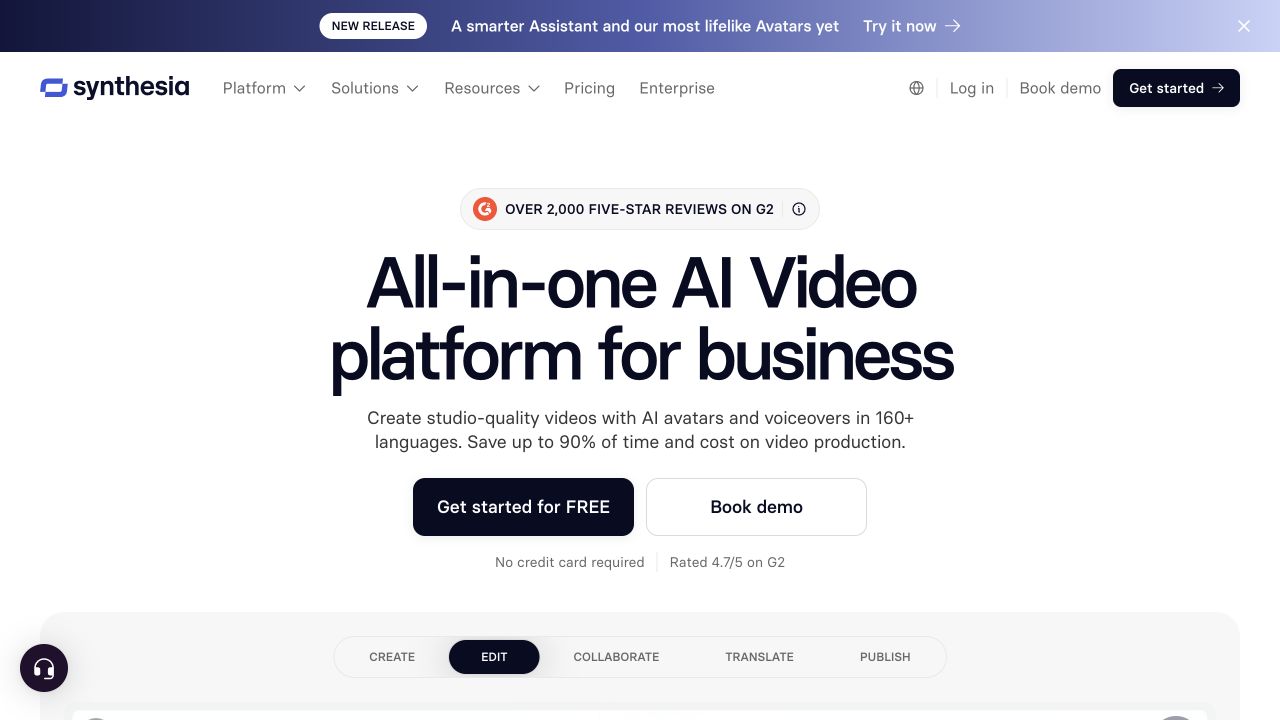
Synthesia produces videos with AI presenters and generated speech in more than 160 languages. It works well when a lesson needs someone to explain an idea and you already have the script, slides or supporting visuals. Once the script is in the editor, you can revise the explanation without arranging another recording session.
That also makes it useful for producing language versions of the same lesson. The teaching sequence can stay consistent while the narration changes, although translations, pronunciation and specialist terms still need review.
The free Basic plan lets you create up to 10 minutes of avatar video a month. To download the videos and remove the Synthesia logo, you need the Starter plan at approximately €25.40 a month with monthly billing, which keeps the same video allowance.
For delivery through an LMS, SCORM export is available on the Enterprise plan. Its completion reporting uses a configured viewing threshold, so a course that tests practical skills still needs an activity in which learners apply what the video explains.
4. Guidde: explain a workflow while showing the application
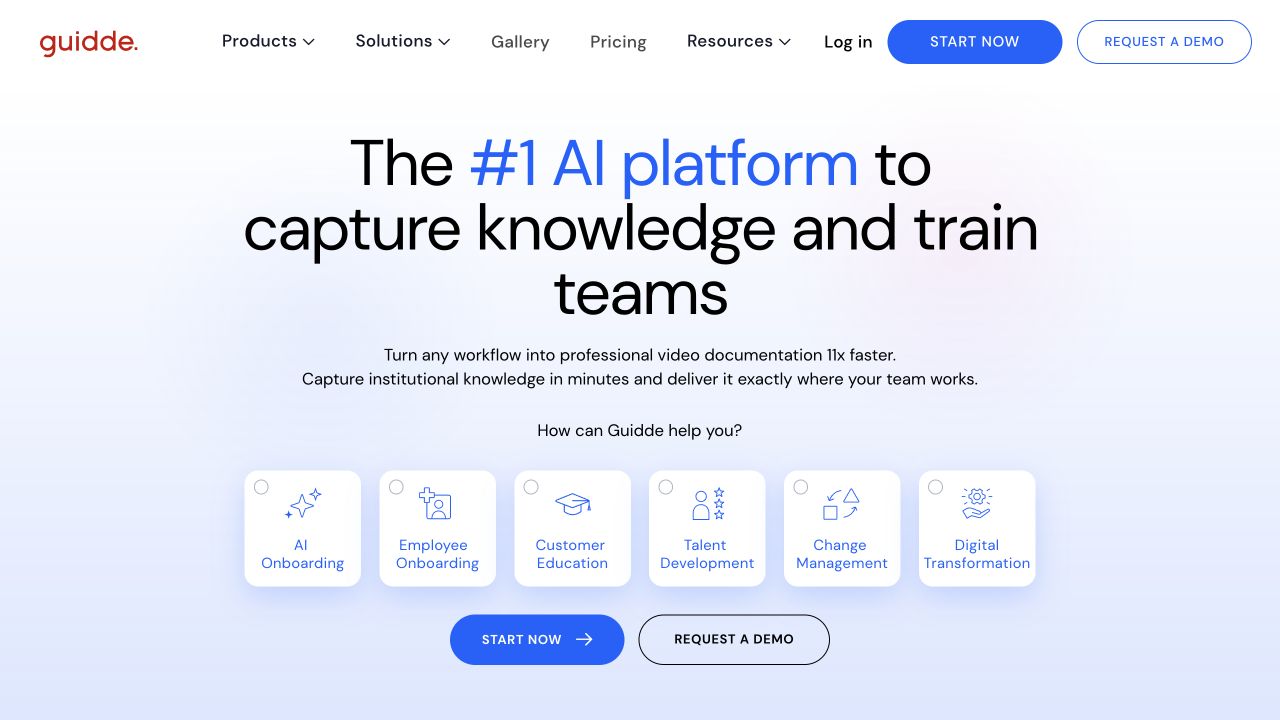
Guidde captures a software workflow and turns it into a guide with steps and narration. Learners see the application’s screens with instructions and visual highlights that draw attention to each action. In the editor, you can dim the rest of a screen and spotlight the button or field they need, making its location easier to follow. This makes Guidde useful for teaching an application where a spoken explanation alone would leave learners searching through the interface.
You can make up to 25 how-to videos for free, though taking a downloadable guide into your course requires the Pro plan, at approximately €16.70 per creator per month, billed annually. If learners need a spoken explanation alongside the clicks, the Business plan adds generated narration in more than 50 languages. The Enterprise plan is needed when the guide must also be delivered as a SCORM package, so a narrated LMS lesson goes beyond what the entry paid plan covers.
5. Descript: make recorded lessons easier to edit
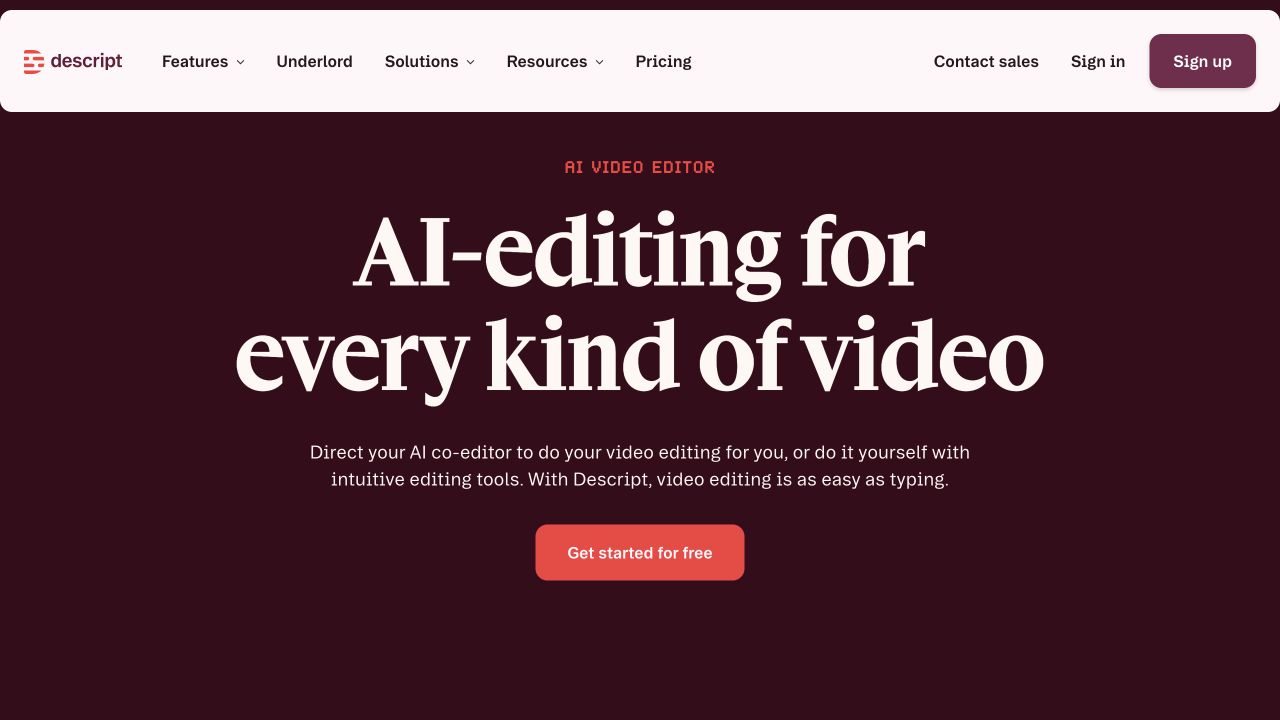
Descript starts with a recording and lets you edit it through its transcript. If a workshop contains a useful explanation buried between pauses, digressions and repeated attempts, you can work through the text to remove those sections and refine the accompanying video. This suits creators who already have teaching material on camera and want to turn it into shorter lessons. You can try that editing workflow with one media hour a month on the free plan. For longer recordings, the Hobbyist plan raises the allowance to 10 hours for approximately €21.00 per editor per month on monthly billing.
You can also generate narration from a script in languages including English, French, German and both Brazilian and European Portuguese. Choosing a voice tagged for the script’s language helps, though Descript notes that tone and voice consistency can vary between passages.
Descript’s published export workflow does not include native SCORM packaging. If you need assessments and learner progress tracking alongside the edited video, a course platform needs to provide those features.
6. X-Pilot: build an explanatory video from written material
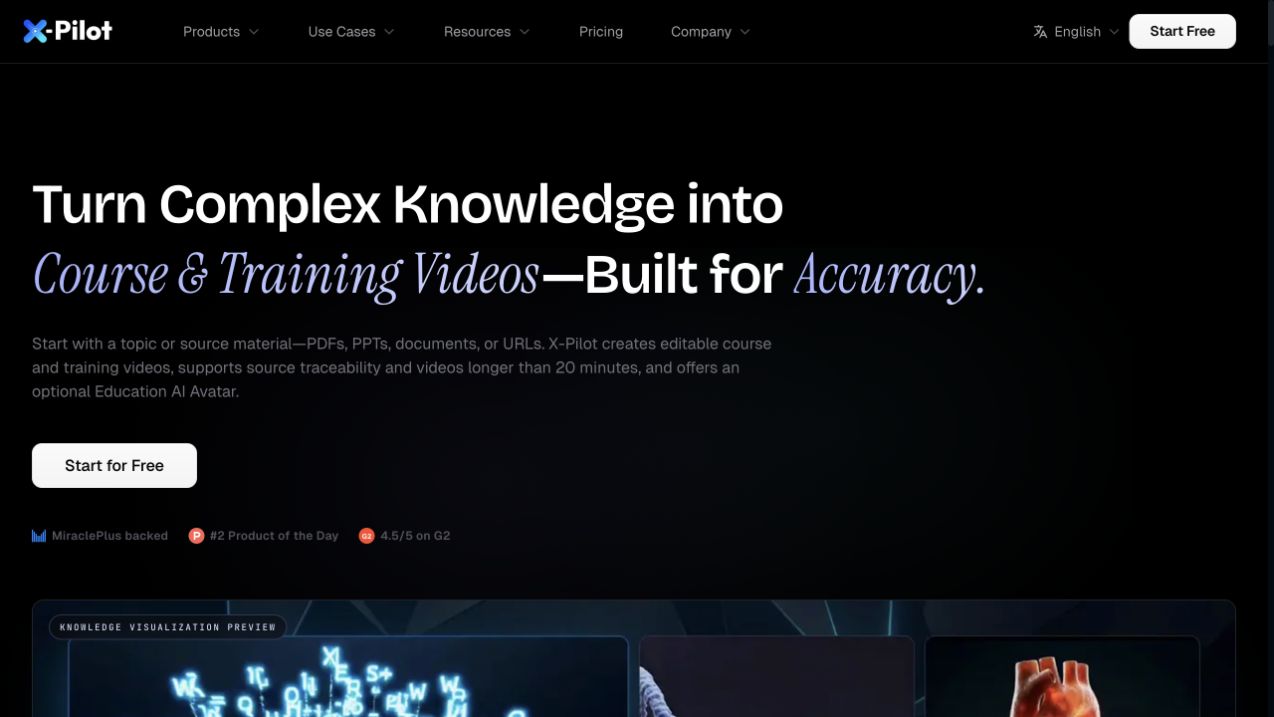
X-Pilot turns supported documents and other source material into an editable video project. You can review the outline and scenes, request changes in natural language and export an MP4. That gives you a way to develop a written explanation through diagrams and scene order while keeping the video project open to revision.
The free offer lets you take one video through to a watermarked 720p export. For ongoing production, the Creator plan costs approximately €16.70 a month, although unused monthly credits do not carry forward. X-Pilot is easier to assess for a course that accepts MP4: that export is confirmed, while its public pages make conflicting SCORM claims. LMS packaging and the narration languages available for your project still need vendor confirmation.
7. SkillStudio: turn procedures into video and questions
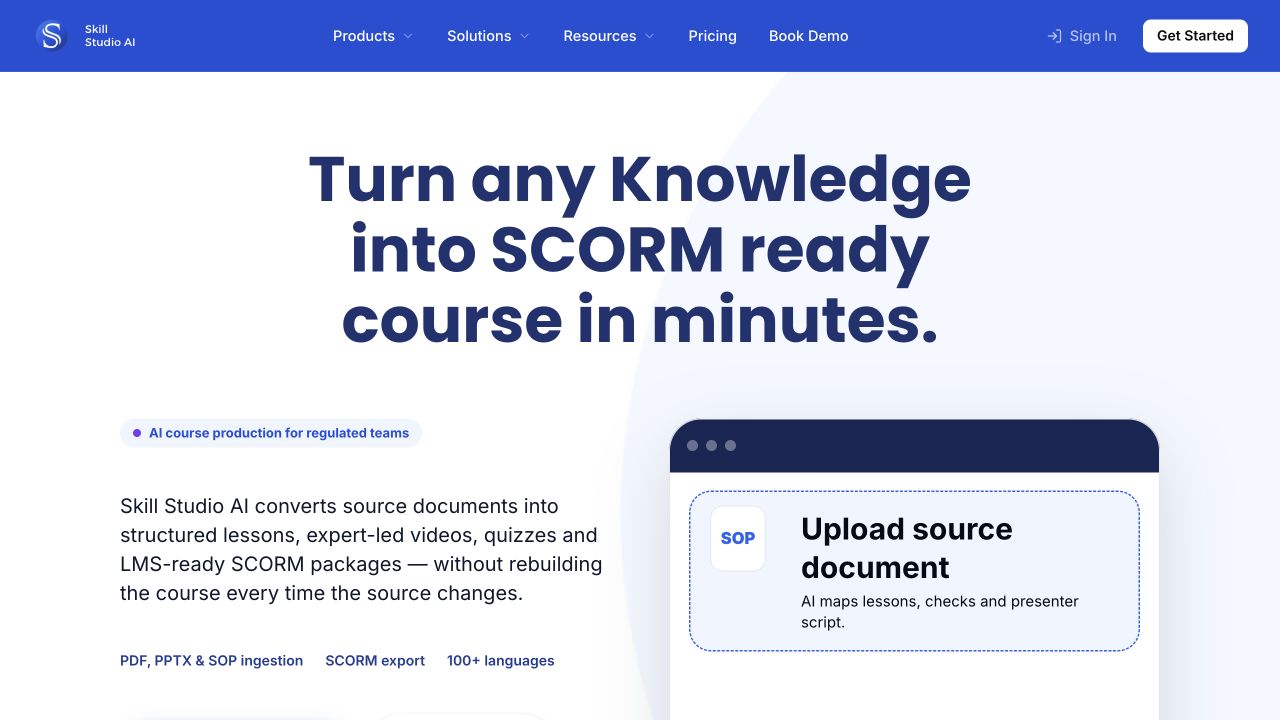
SkillStudio turns source documents into lessons with presenter video, questions and SCORM packaging. Scripts and quiz checks remain editable before export, so the explanation and assessment can be developed together and delivered through an existing LMS.
Its document-based workflow also extends to later changes. SkillStudio describes selective regeneration of the sections affected by an updated source, rather than rebuilding the whole course. For a procedure that changes regularly, that makes maintaining the lesson part of the same process as creating it. Learner delivery can stay in the LMS where the package is published.
Publishing the package is possible even on the free plan, which includes SCORM export for personal use. Selling the course raises a different question: the Starter plan costs €29 a month, but its public description does not clearly establish commercial-use rights. Those rights are explicit on the Business plan, so a paid subscription alone should not be taken as permission to sell the result.
Quizzes and interactive practice
Several course builders include quizzes alongside lesson text. When the practice itself needs different paths through a situation, branching authoring gives you control over what follows each learner decision.
8. Mindsmith: build activities into the lesson
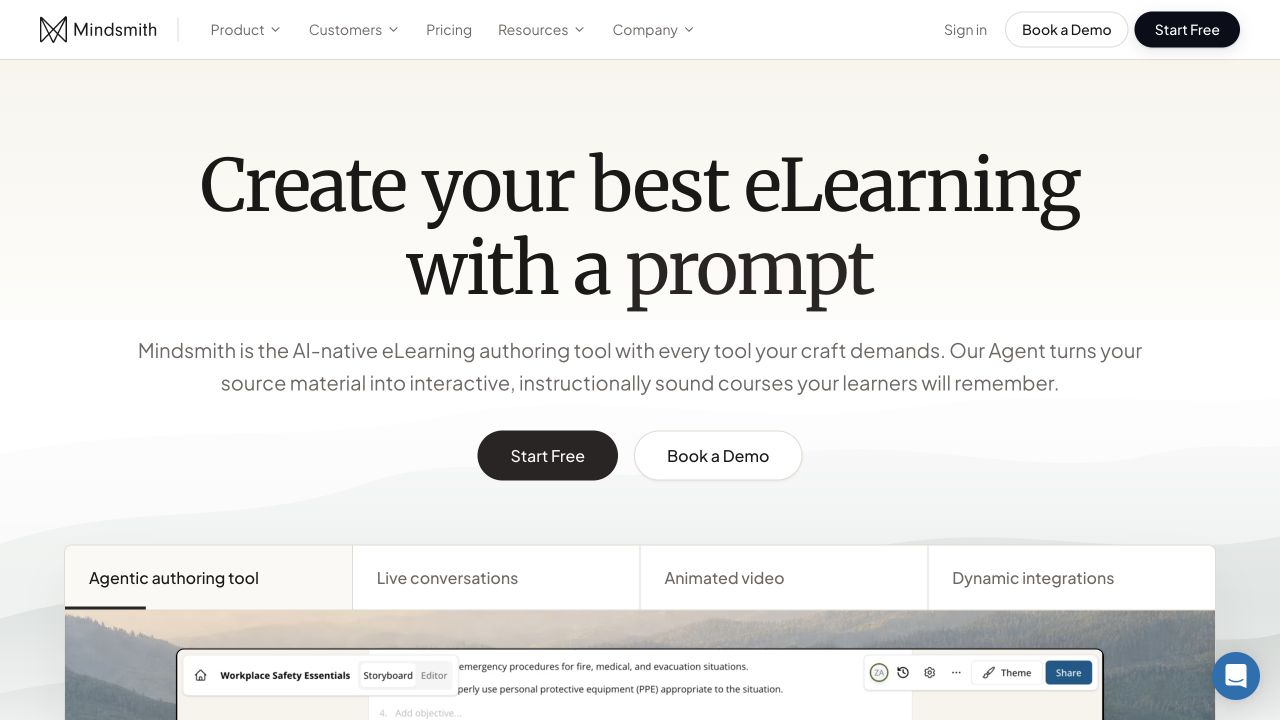
Mindsmith combines lesson authoring with a visual canvas for branching experiences. Its AI can generate scenes, dialogue and choices from a description. You can then connect those elements on the canvas and preview the paths a learner could take.
Those connections define what follows each learner decision: one answer can open a different scene or conversation from another. Viewing the branches together helps you develop the consequences of each choice and check how the scenario unfolds. You can combine video, text and questions along those paths, with generated narration in more than 70 languages.
The free plan lets you create and share lessons, including through dynamic SCORM, with a one-time allocation of AI credits. For continued AI generation, the Professional plan provides a monthly credit allowance and removes Mindsmith’s branding for approximately €42.90 per author per month with monthly billing.
Dynamic SCORM lets you revise a lesson centrally while learners access it through an LMS. That connection is useful for updates, but it means Mindsmith remains involved in delivering the lesson. If you need an independent course archive, the availability of a static export needs confirmation.
Course assembly and publishing
If you want to develop the lessons and arrange how learners reach them in the same place, these course builders cover more of the process. The choice depends on how you want to deliver the course. You might share it by link, publish it in an existing LMS or sell access through your own online school.
9. Coursebox: generate a course around existing content
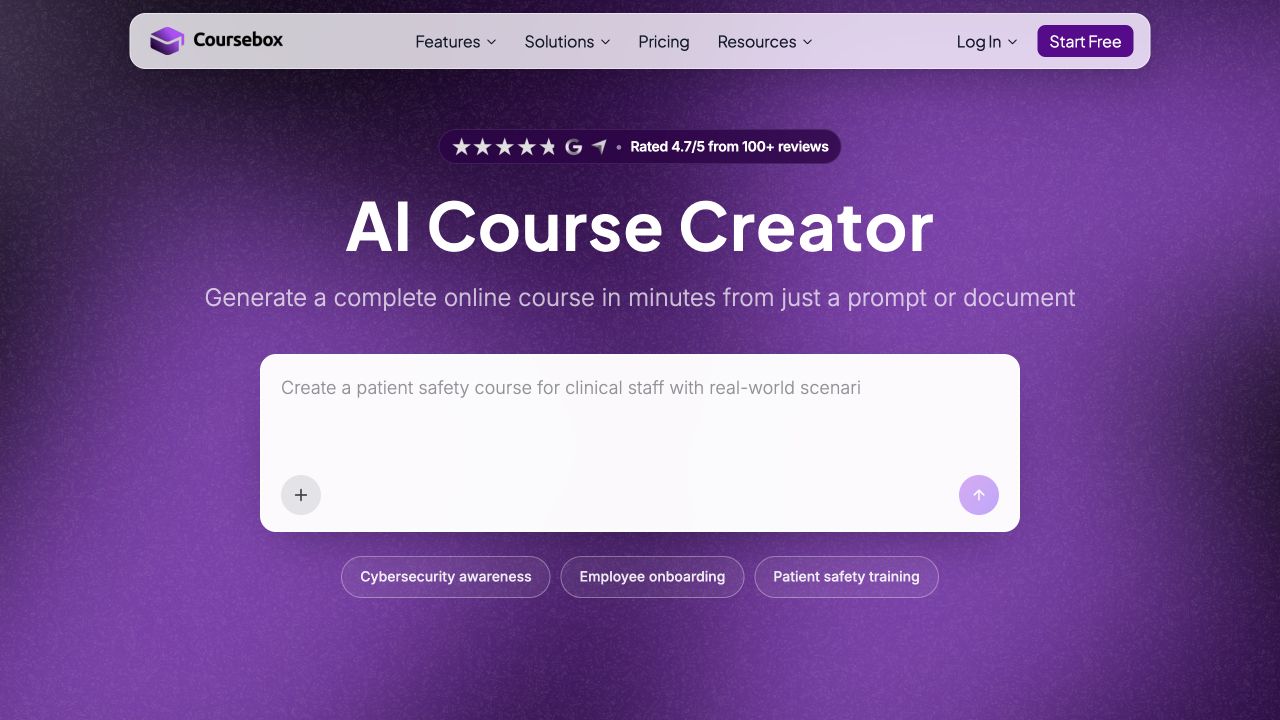
Coursebox combines course generation, quizzes and training-video tools with an AI tutor learners can use inside the course. The source material can therefore serve two purposes: developing the lessons and providing the tutor with content for its answers. Authors can restrict those answers to their own material, making this an option for courses where learners need to ask follow-up questions as they work.
Coursebox can take existing documents through to a course you share online or deliver through an LMS. How you publish it affects whether learners can use the tutor: hosted delivery and dynamic SCORM retain that live connection, while a self-hosted export leaves the tutor and some other live features behind. Dynamic SCORM starts on the Creator plan and requires an active subscription, while self-hosted export is available on higher plans.
The free plan supports three mini-courses of up to five pages each, published with Coursebox branding and shared with learners by link or embed. The Creator plan costs €30 a month with monthly billing and removes that branding. A short course can therefore reach learners on the free plan, but exporting it to another LMS requires a paid plan.
10. LearnWorlds: create the course where you will sell it
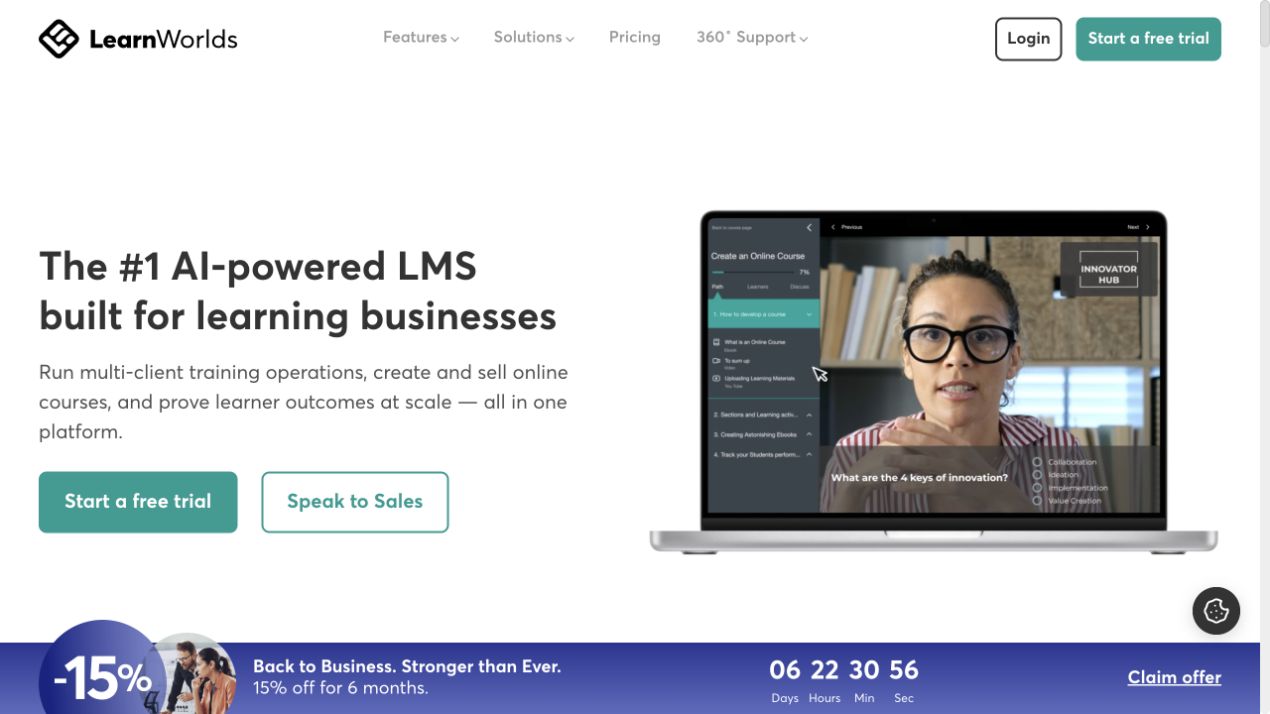
LearnWorlds combines AI-assisted authoring with a hosted school. Its tools help develop outlines, lesson text and assessments alongside course pages, learner access and payment integrations. For an independent creator selling a course on their own site, this keeps writing the lessons and setting up the school in the same environment. Videos made with other tools can still become part of those lessons.
That school becomes the course’s home, with the Starter plan costing €29 a month on monthly billing plus €5 per paid enrolment. You can bring SCORM content into LearnWorlds on eligible higher plans, but courses built there cannot be exported as SCORM packages. It therefore makes more sense for running your own school than for creating a course you intend to deliver through another LMS.
11. LearningStudioAI: make a course from a topic or PDF
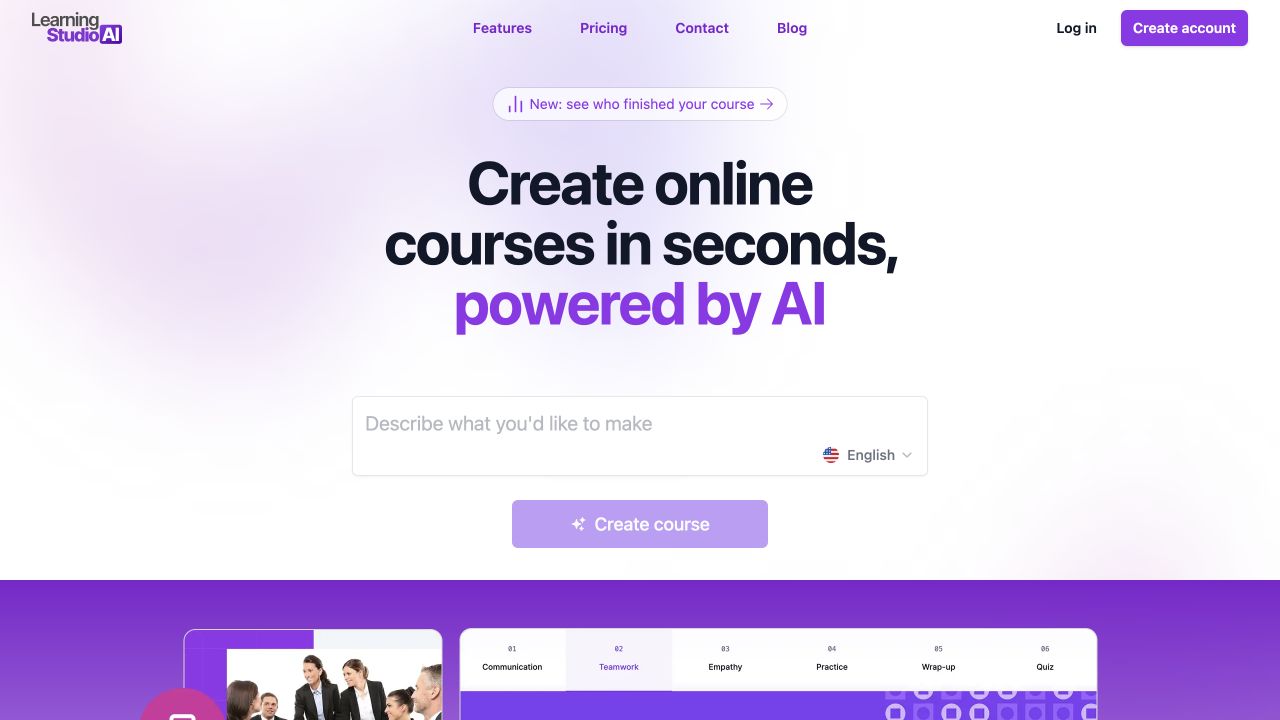
LearningStudioAI turns a topic or document into lessons you can continue shaping in a visual editor. Text, images, video and quizzes are separate blocks, so you can expand an explanation or add an example where it belongs in the lesson. AI suggestions are available for individual blocks as well as the initial draft.
If a written guide skips a step that beginners need, you can add an explanation or demonstration at that point in the generated lesson. The surrounding structure stays available to edit, with narration in nine language and locale options, including Brazilian and European Portuguese voices.
Once the lessons are ready, you can share the hosted course by link or download a SCORM 1.2 or 2004 package for an existing LMS. That downloadable package is a reason to consider LearningStudioAI alongside Coursebox, whose entry-level export keeps a live connection to its service. LearningStudioAI includes SCORM and five AI course generations a month on the Starter plan, at approximately €34.20 a month with monthly billing, though it does not offer an independent HTML download. You can explore the editor for free, but generating a course requires a subscription.
12. Mini Course Generator: publish a short learning experience
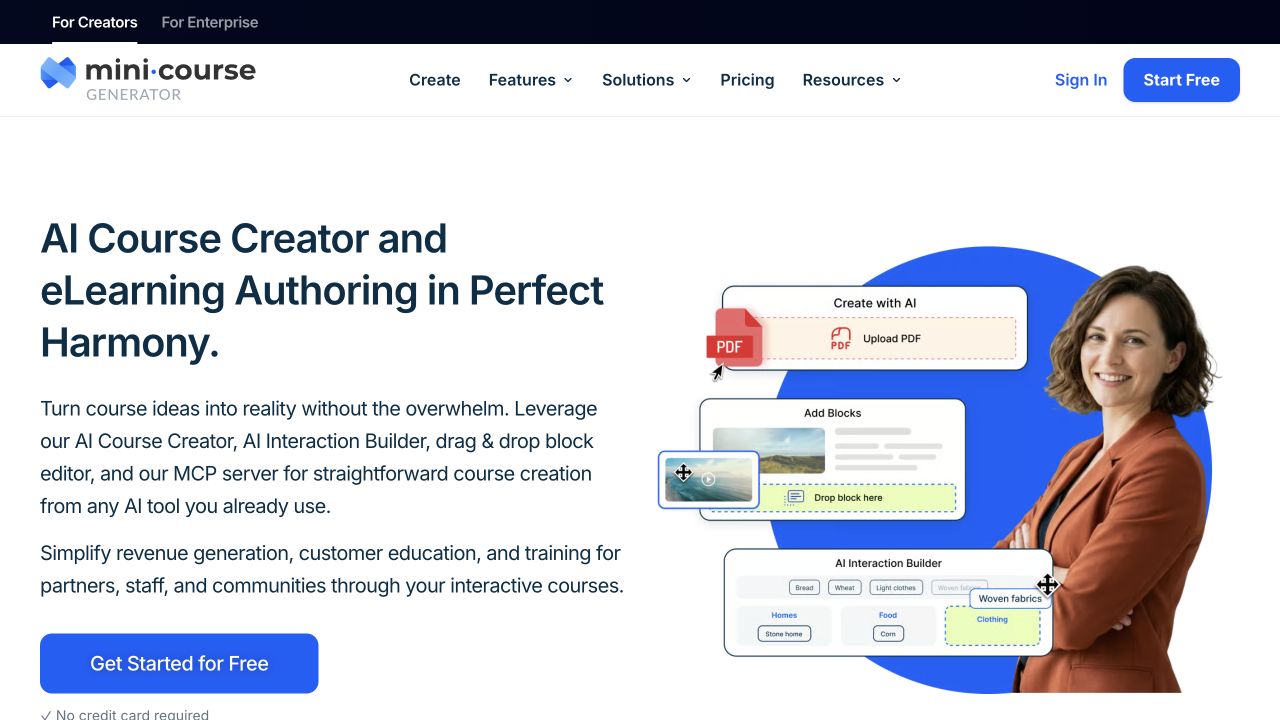
Mini Course Generator helps you create short courses with AI-generated content and voiceover. Its AI Interaction Builder can turn lesson text into a drag-and-drop exercise or dialogue simulation. You can refine the generated activity through chat or edit its source code, giving you a way to adjust the interaction itself within the course editor.
If you only need to share a few short lessons by link or embed, Coursebox’s free plan already covers that. Mini Course Generator is worth considering when you want the control its interaction editor offers. The Creator Plus plan includes that builder and link or embed delivery for approximately €42.90 a month with monthly billing. A free trial lets you try the editor before subscribing, while dynamic SCORM delivery requires an Enterprise plan.
How to choose the right AI course creation tool
Start with the work you need help completing and what you already have. That gives you a clearer shortlist than choosing the platform with the longest feature list.
-
Have the expertise and source material, but no clear lesson sequence? Storyflow helps you organise the course visually. If the structure is already clear and you need help explaining it, use ChatGPT to develop lesson text, examples and scripts from your sources.
-
Need to make a video lesson? Choose Synthesia for a presenter explaining a prepared script, or Guidde for a walkthrough that shows actions in an application. If you already have a workshop or demonstration recorded, Descript helps edit that material into lessons.
-
Need video from a training document? X-Pilot produces an explanatory MP4 for use in your course. SkillStudio combines presenter video and questions in a SCORM package, with selective updates when the source changes. It suits recurring procedure-based training, subject to confirming commercial-use rights if you plan to sell it.
-
Want learners to practise decisions? Choose Mindsmith when you need to develop the paths through a scenario as well as the lesson text. Its canvas connects dialogue, choices and video, with dynamic SCORM for delivery through an LMS.
-
Need a whole course from a topic or existing documents? LearningStudioAI and Coursebox both cover this job. LearningStudioAI includes downloadable SCORM on the Starter plan. Choose Coursebox if you want learners to ask an AI tutor questions about your material, using hosted or dynamic delivery to keep it connected. Coursebox also offers self-hosted packages on higher plans, but those omit the tutor.
-
Planning to sell through your own online school? LearnWorlds brings authoring, learner access and checkout together. It is a practical starting point when the school will be the course’s home, but it does not export your finished course for delivery elsewhere as SCORM.
-
Want to shape the interactive exercises within a short course? Mini Course Generator lets you generate activities from lesson text and refine them through chat or source-code edits. Its Creator plans support link sharing and embedding. If sharing a few short lessons is all you need, Coursebox’s free plan may be enough.
Once you have a shortlist, take one lesson through the tool from source material to the format your learners will use. That gives you a practical basis for comparing the output and the editing work still involved.
Create learning videos — we’ll handle delivery
Bring videos from the tools above into one library, add subtitles and chapters, and embed them in your course.
FAQ
Choose by the content you need: ChatGPT for lesson text and scripts, Synthesia for presenter videos, or LearningStudioAI for a complete course with lessons, quizzes and downloadable SCORM.
Give an AI course builder your topic or source material and describe what learners should be able to do. Review its outline, generate the lessons and quizzes, then edit the results. Publish by link or export to your LMS, depending on the tool.
ChatGPT can draft the outline, lessons, scripts and quiz questions. You still need to check the content and put it into a course platform to publish it and manage learner access.
Yes. ChatGPT's free plan helps with outlines and lesson text, Descript's lets you edit recordings, and Coursebox's lets you create and share a short course. Usage limits, branding and export restrictions vary by tool, so check that the free plan covers the result you need.
Yes. Coursebox and LearningStudioAI can turn a PDF into editable lessons and quizzes. Check the lesson order, explanations and questions before publishing.