















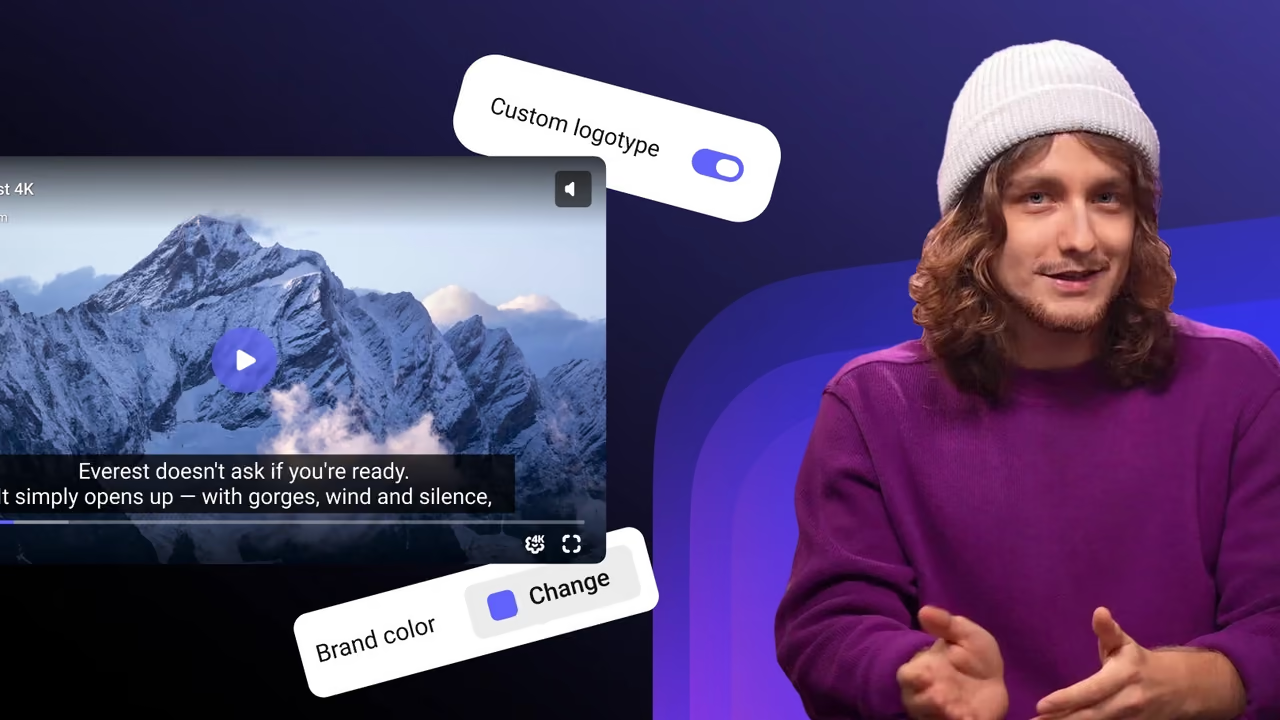
Video infrastructure for the agentic era

One video streaming API for resumable upload, parallel transcoding, Widevine and FairPlay DRM, live streaming, CDN delivery and analytics. Your AI agent manages videos, live events and analytics through the MCP server, and your apps play them with cross-platform and native SDKs.

Connect your AI agent to Kinescope

Kinescope MCP Server, now in public beta, lets Cursor, Claude Desktop, Claude Code and other MCP clients work with your workspace in plain language. It uses your API token and your account’s access rights, and delete operations are turned off.

What your agent can do

  • Videos Search by title, description and tags, edit metadata and privacy, copy and move videos between projects.
  • Projects Create projects and organise videos into folders and playlists.
  • Analytics Views, engagement, viewer geography and custom reports.
  • Live streams Create and schedule events, configure restreaming, get recordings.
  • Subtitles and chapters Add subtitle files, read the subtitle text, update chapters with timestamps.
  • And more Posters, supplementary materials, upload requests, usage and billing statistics.
mcp.json Cursor Claude Code Qwen3
{
  "mcpServers": {
    "Kinescope MCP": {
      "type": "streamable-http",
      "url": "https://api.kinescope.io/mcp",
      "headers": {
        "Authorization": "Bearer YOUR_API_TOKEN"
      }
    }
  }
}
Claude Desktop terminal
npx -y @smithery/cli@latest mcp add kinescope/kinescope-mcp --client claude

Then ask

  • Show view statistics for all videos in the “Marketing” project for the last month
  • Create a live stream event “Product Launch Q4” for next week
  • Add chapters to the video: at 5:30 — “API Overview”, at 12:15 — “Pricing Discussion”

Deliver video features faster. We’ll take care of the infra behind you.

Kinescope runs its own video CDN — owned capacity, not resold — with points of presence across Latin America, the United States, Europe and the CIS. Live signal comes in over RTMP, RTMPS and SRT at ingest servers on four continents.

North America Brazil Europe CIS Asia
Live ingest servers: North America, Brazil, Europe, Asia and the CIS — server list
uptime SLA
99.98%
videos hosted
73M+
minutes watched a day
5M
live streams run through the API
10,000+
  • RTMP
  • RTMPS
  • SRT
  • HLS
  • CMAF
  • LL-HLS
  • Widevine
  • FairPlay

From upload to protected playback in three steps

Three snippets from the docs: the upload and transcoding API takes the file, an iframe plays it, and your backend decides who watches. Swap in your API token and IDs.

  1. 1

    Upload

    Import a file by URL, as here, send it in a single request, or create an upload link for client apps. Large files go in chunks over TUS.

    cURL · import by URL
    curl -X POST https://uploader.kinescope.io/v2/video \
      -H "Authorization: Bearer $KINESCOPE_API_TOKEN" \
      -H "X-Parent-ID: $PARENT_ID" \
      -H "X-Video-Title: Lesson 1" \
      -H "X-Video-URL: https://example.com/lesson-1.mp4"
  2. 2

    Embed

    Kinescope encodes every upload into adaptive renditions up to 4K. Paste the iframe, or drive the player from JavaScript with the IFrame Player API.

    HTML · iframe
    <iframe src="https://kinescope.io/embed/VIDEO_ID"
      allow="autoplay; fullscreen; picture-in-picture; encrypted-media;"
      frameborder="0" allowfullscreen
      width="560" height="315"></iframe>
  3. 3

    Protect

    Turn on DRM and point Kinescope at your authorization backend. Before it issues a decryption key, it asks your server, and your 200 or 403 decides who watches.

    cURL · authorization backend
    curl -X PUT https://api.kinescope.io/v1/drm/auth \
      -H "Authorization: Bearer $KINESCOPE_API_TOKEN" \
      -H "Content-Type: application/json" \
      -d '{"url": "https://api.example.com/drm/authorize"}'
    
    # The viewer comes from the embed: ?drmauthtoken=USER_JWT
    # Answer 200 to allow the play or 403 to deny it.

Control the player from your code

A real Kinescope player. Each button calls an IFrame Player API method, the panel shows the code that ran, and the log shows the events the player sends back.

currentTime
0
paused
true
playbackRate
1
quality
volume
1
muted
false
Playback
Speed
Quality
Sound
Subtitles
player.js
import { load } from '@kinescope/player-iframe-api-loader';

const factory = await load();
const player = await factory.create('player', {
  url: 'https://kinescope.io/56Jg27MqvvttAwHcrCzEA4',
  size: { width: '100%', height: '100%' },
});

player.on(player.Events.TimeUpdate, ({ data }) => {
  console.log(data.currentTime, data.percent);
});
// Click a button on the left to run a call
Events Loads as you scroll here
  1. Events appear here once the player loads.

Every method and event is in the IFrame Player API docs.

Video streaming SDKs for web and mobile

Eight open-source SDKs for the same player, in the order developers download them. Each install line comes from the package README.

  • JavaScript IFrame Player API

    @kinescope/player-iframe-api-loader
    npm install @kinescope/player-iframe-api-loader
  • React video player component

    @kinescope/react-kinescope-player
    npm install @kinescope/react-kinescope-player
  • Flutter video player plugin

    flutter_kinescope_sdk
    flutter pub add flutter_kinescope_sdk
  • Vue video player component

    @kinescope/vue-kinescope-player
    npm install @kinescope/vue-kinescope-player
  • iOS Swift SDK

    KinescopeSDK
    pod 'KinescopeSDK' or Swift Package Manager
  • Android Kotlin SDK

    io.kinescope:kotlin-kinescope-player
    implementation 'io.kinescope:kotlin-kinescope-player:<version>' Maven Central
  • React Native video player component

    @kinescope/react-native-kinescope-video
    yarn add @kinescope/react-native-kinescope-video plus the peer dependencies listed in the README
  • Angular video player component

    @kinescope/angular-kinescope-player
    npm install @kinescope/angular-kinescope-player

What you build on the API

The endpoints, events and tools behind the player. Each card links to its part of the docs.

Video upload and transcoding API

Upload videos, organise projects and folders and pull analytics over JSON at api.kinescope.io/v1 with an API token. Each upload is encoded into adaptive renditions up to 4K, so there is no separate video encoding API to wire up.
Live streaming API

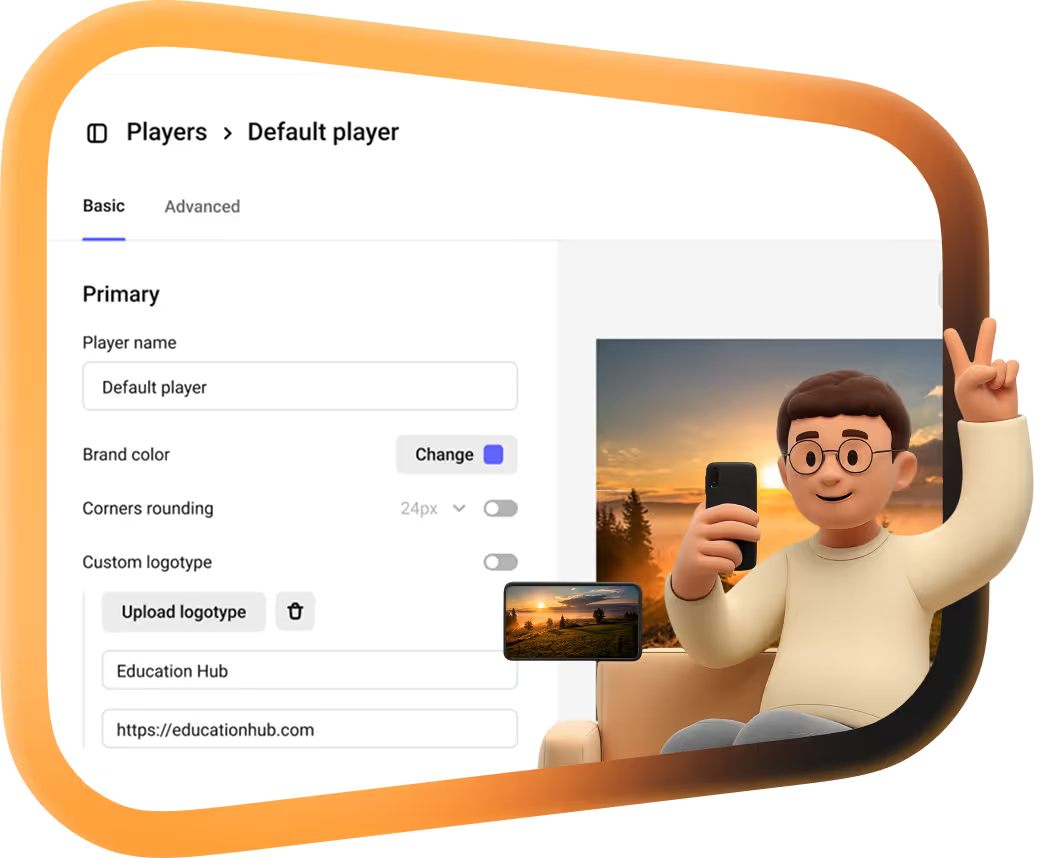
A live video streaming API: create and schedule events and restreams, push RTMP or SRT from OBS or any encoder and keep an automatic recording. The web player and the iOS and Android SDKs play the stream live.

Playback security

Widevine and FairPlay DRM on paid plans, domain restrictions, signed links with an expiry and your own backend approving each play.

Webhooks

Seven events posted as JSON: media.update.status for processing and six for the live-stream lifecycle.

Analytics API

Playback totals, a timeline and top lists by country, city, device, OS and browser from /v1/analytics/overview, for the workspace or one video, plus CDN, encoding and storage usage from /v1/billing/usage.

AI subtitles and chapters

Generate subtitles in the video’s language with one API call, and AI chapters and a short description from the dashboard. Through the MCP server, an agent can read the subtitle text and write chapters back.

No separate developer plan: the full API comes with paid plans from €10/month, with storage and CDN delivery from €0.03 per GB, processing €0.01 per minute. Pricing and calculator

FAQ

Can’t find the answer you need? Check out our Developer docs.

Yes. Kinescope's REST API covers upload (a single request, upload links, import by URL and TUS for large files), automatic transcoding into adaptive renditions up to 4K, live streams over RTMP, playback protection and analytics. Requests go to api.kinescope.io/v1 with an API token — see the API reference.

Yes, in public beta. Kinescope MCP Server runs at https://api.kinescope.io/mcp and works with Cursor, Claude Desktop, Claude Code, Qwen3 and other MCP clients. With your API token, your agent can search and edit videos, organise projects and playlists, pull analytics and manage live streams in plain language; delete operations are disabled. Setup is in the MCP docs.

Open-source SDKs for iOS (Swift), Android (Kotlin), Flutter, React, React Native, Vue and Angular, plus the JavaScript IFrame Player API for any web page. All of them are on GitHub.

Yes, with the IFrame Player API. Load it with @kinescope/player-iframe-api-loader, create the player, then call methods such as play(), seekTo(), setPlaybackRate(), setVideoQuality() and setOptions() and subscribe to events like Playing, TimeUpdate and Ended. Try it in the live demo on this page or read the API docs.

Use the TUS protocol: Kinescope takes large files in chunks, so a dropped connection resumes the upload instead of starting it over. Smaller files can go in a single request, and a video that already lives elsewhere can be imported by URL. Details in the TUS guide.

Yes. With an authorization backend, Kinescope asks your server before each play whether this user may watch this video. Your server answers 200 to allow or 403 to deny, by your own rules — courses, subscriptions, roles. See the authorization backend guide.

Yes, seven event types posted as JSON to your URL: media.update.status when a video changes processing status, and six live-stream events — created, connected, disconnected, finished, cancelled and enabled. Full list in the docs.

There is no separate developer plan. The full API comes with paid plans from €10 a month, and usage is billed pay-as-you-go: storage and CDN delivery from €0.03 per GB, processing €0.01 per minute. A free plan lets you try it first — see pricing.

Get an API token and ship your first video.

Free to start, then from €10/month for the full API. No credit card required.