











Plays only inside your LMS or intranet
Domain allowlisting, included on all paid plans, makes the player load only on the domains you approve: your LMS, intranet or portal. A copied embed shows a blocked player anywhere else.
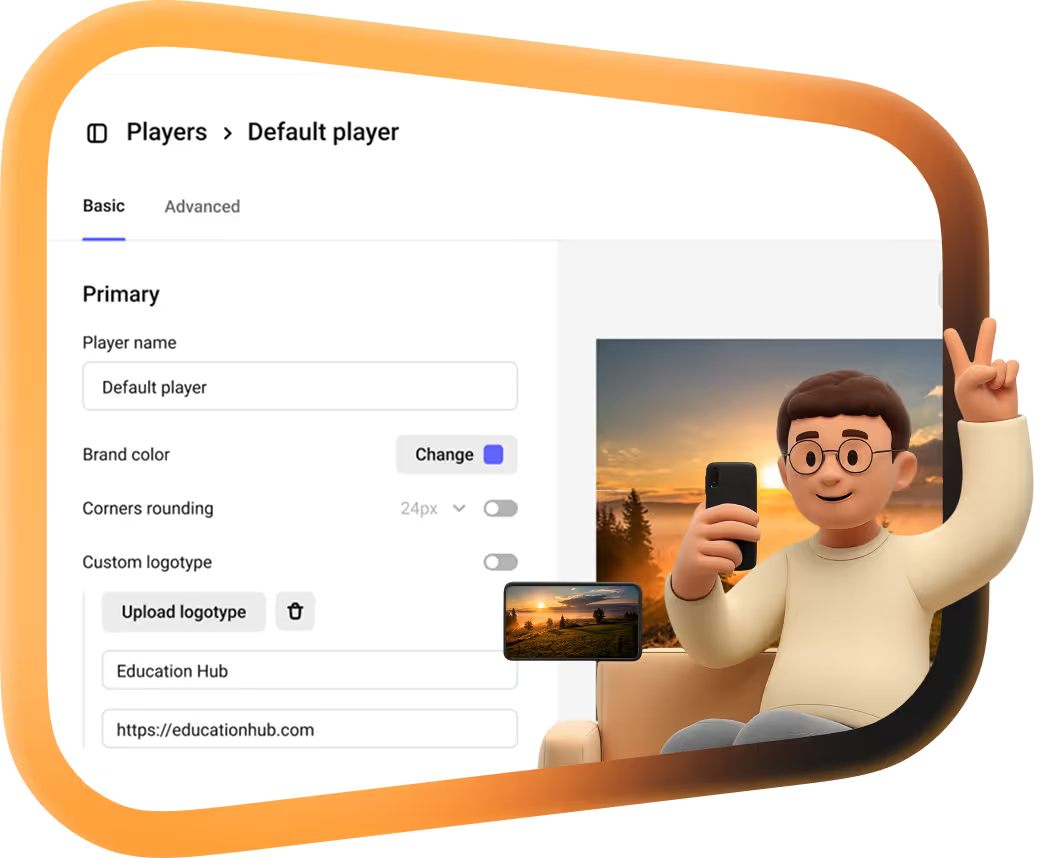
 PlayerAd-free, 4K, yours to brand
 An embeddable video player: ad-free, 4K, yours to brand
Fast, customizable and ad-free video player for websites, CMS and platforms.
 Video hostingFor content you can’t afford to lose
 Secure video hosting for content you can’t afford to lose
Secure video storage, processing and global delivery with high performance.
 DRMWidevine and FairPlay on paid plans
 Multi-DRM video hosting: Widevine and FairPlay on every paid plan
Encryption, with watermarks and access rules that turn it into a full protection stack.
 AnalyticsTurns views into insights
 Video analytics that turns views into insights
Real-time video analytics: views, retention, engagement and audience behavior.
 StreamingLive and on demand, at any scale
 Low latency streaming for enterprise: live and on demand, at any scale
Stable low-latency live streaming for events, webinars and product launches.
 ManagerVideo CMS built for teams
 Video content management system built for teams
Central dashboard for upload, organization, access control and permissions.
 CDNFast delivery worldwide
 Video CDN, built in: fast delivery for your video, worldwide
Global infrastructure for reliable storage and fast playback — at the cost of rented servers.
 Video API Developer hub, MCP server and 8 SDKs
 Video infrastructure for the agentic era
One video streaming API for resumable upload, parallel transcoding, Widevine and FairPlay DRM, live streaming, CDN delivery and analytics.
curl -X POST https://uploader.kinescope.io/v2/video \
  -H "Authorization: Bearer $KINESCOPE_API_TOKEN" \
  -H "X-Parent-ID: $PARENT_ID" \
  -H "X-Video-Title: Lesson 1" \
-H "X-Video-URL: https://example.com/lesson-1.mp4" API reference REST API with one Bearer token
 API reference
Send REST requests with JSON to api.kinescope.io/v1, passing your API token as a Bearer header.
 Player docs Iframe, IFrame API and playlists
 Player docs
Paste the iframe, or drive the player from JavaScript with the IFrame Player API.
<iframe src="https://kinescope.io/embed/VIDEO_ID"
  allow="autoplay; fullscreen; picture-in-picture; encrypted-media;"
  frameborder="0" allowfullscreen
width="560" height="315"></iframe> SDKs 8 open-source player SDKs
 Eight open-source SDKs for the same player
 Integrations WordPress, Moodle, Zoom and more
 Integrations
 MCP server For AI agents, in public beta
 Connect your AI agent to Kinescope
Kinescope MCP Server, now in public beta, lets Cursor, Claude Desktop, Claude Code and other MCP clients work with your workspace in plain language. It uses your API token and your account’s access rights, and delete operations are turned off.
"Kinescope MCP": {
  "type": "streamable-http",
  "url": "https://api.kinescope.io/mcp",
  "headers": {
    "Authorization": "Bearer …"
  }
} BlogGuides and product updates Video BlogShort tutorials and tours
  Customer storiesHow six teams switched
  Mathijs de RuiterJoJoschool
 Whole catalogue · within a week ~8×lower projected video costs …a human touch, stable performance, and fair prices
  Denis KorovkinEBAC
  16 TB · a couple of weeks ~60%lower video costs Kinescope’s affordable, scalable, and accessible video solution has been a game-changer…
  Eriky KunitakeAda
  Around 700 hours · under two months
  Glossary25 terms in plain English
  Knowledge base Guides, API and player docs Getting startedMigrating from other platformsContent protectionPlayer setup and embeddingLive streamsAPI reference
 Search the docs or ask AI right inside the help center.

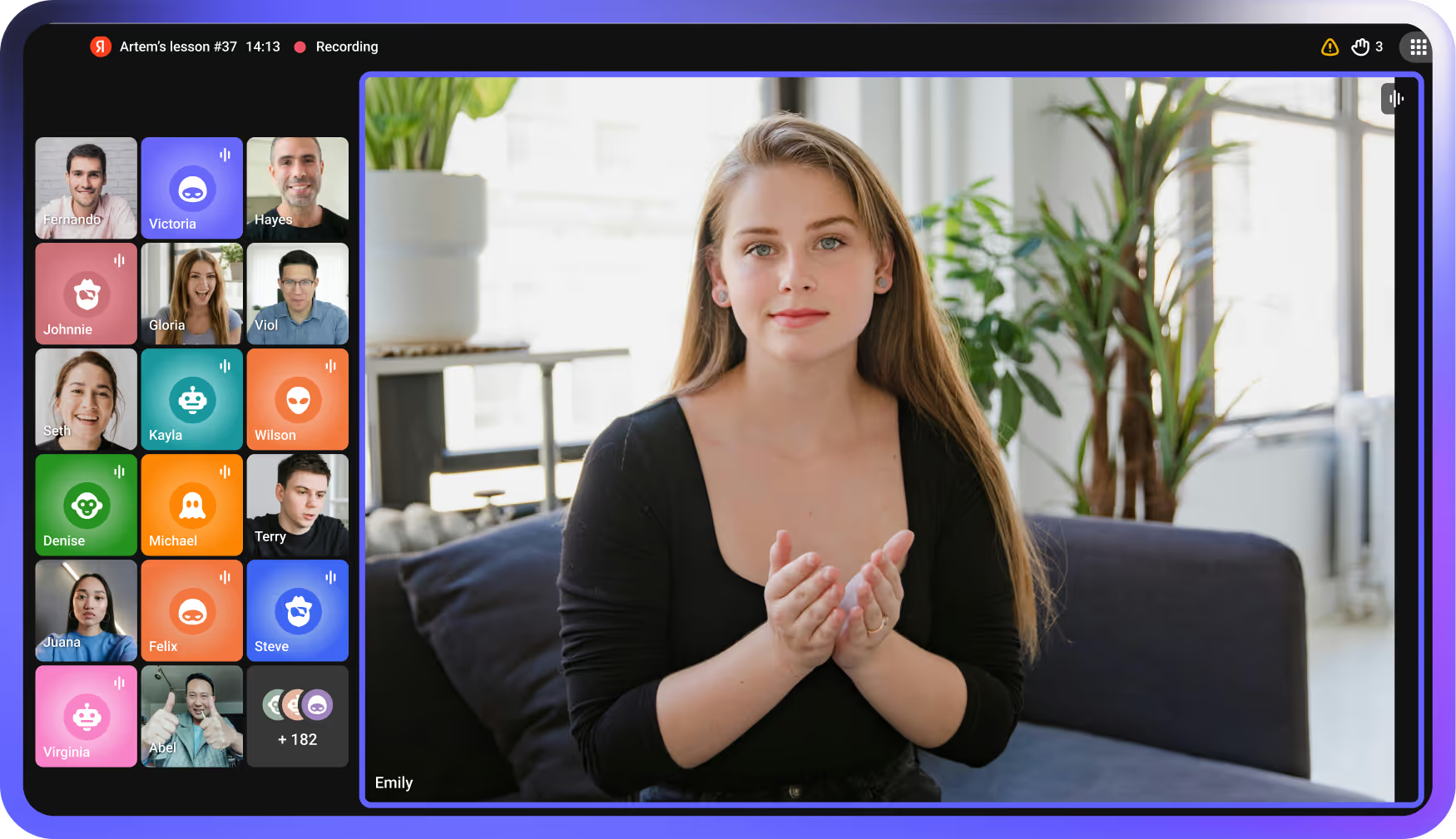
Host onboarding and team training on a private, ad-free player that plays only inside your LMS or intranet. See who finished each module, protect confidential sessions with DRM and keep video data in the EU. From €10/month, with no per-seat fees.

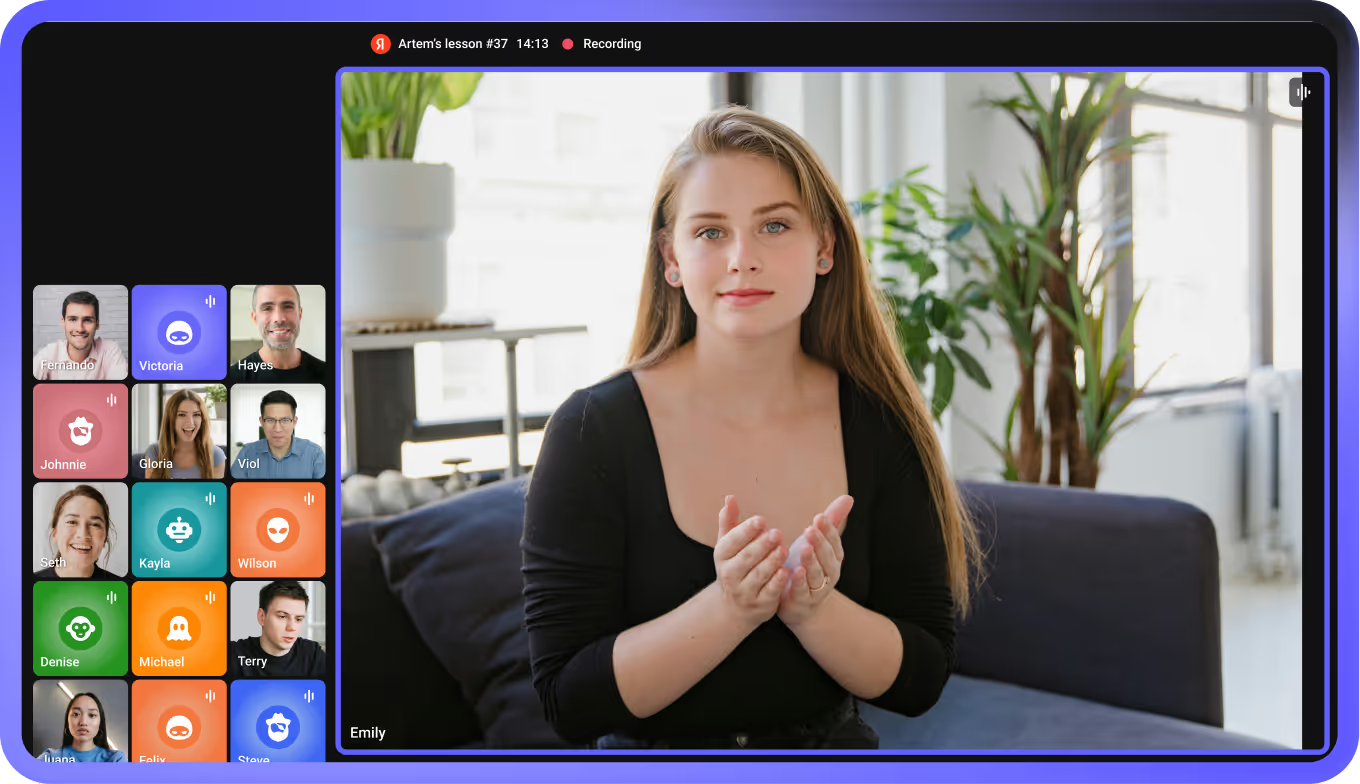
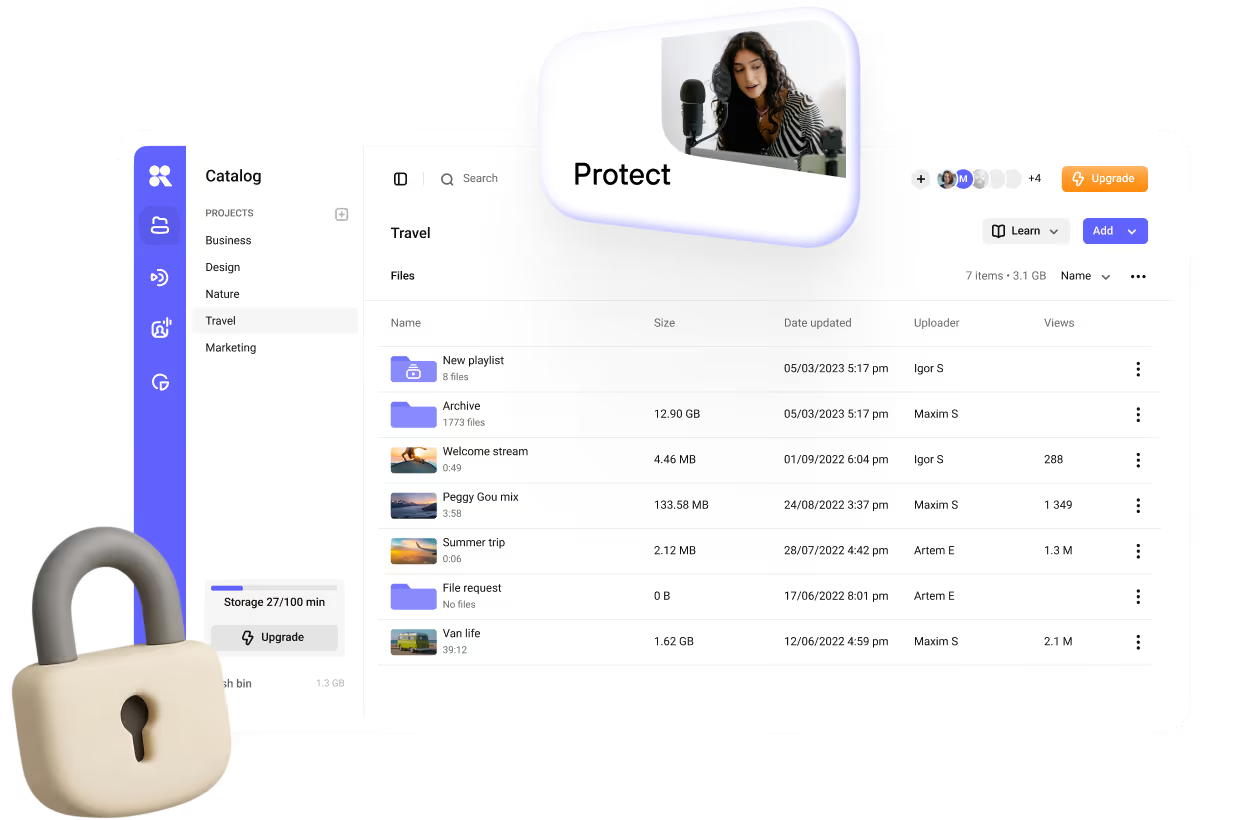

Decide where a video can play and who can open it, then protect what is confidential.
Domain allowlisting, included on all paid plans, makes the player load only on the domains you approve: your LMS, intranet or portal. A copied embed shows a blocked player anywhere else.
When an employee presses play, Kinescope passes their identifier to your server and your rules decide whether the video loads, so access stays in the system you already run. More on private video hosting.
Widevine and FairPlay DRM on every paid plan, and a dynamic watermark with the viewer's ID in every frame. Downloaders get nothing, and screen recording is blocked at the OS level wherever the system allows it.
Completion for every employee, plus subtitles, chapters and audio tracks for the people who need them.
Pass an employee ID to the player and every view is tied to a person: who finished, where they dropped off and what they rewatched. All metrics are available through the API, so the data can go into your LMS or BI tool.
Generate subtitles in the video's language and chapter markers at logical breakpoints from the video's page, then edit them before publishing. Auto subtitles are on the Super plan.
One video can carry several audio tracks, for example one per language, and viewers switch between them in the player, next to subtitles and playback speed.
Your LMS and single sign-on, live sessions with automatic recording, and video data kept in the EU.
Embed videos in Moodle, Canvas, iSpring, Open edX or any other LMS with an embed code or the REST API; step-by-step guides cover Moodle and Open edX. Your team signs in through single sign-on on the Mega plan, and Zoom recordings come into the same library.
Stream instructor-led sessions and all-hands as live streams from OBS, vMix or any RTMP encoder. The recording lands in the library as soon as the stream ends, under the same access rules.
All video data is stored in the EU, and Kinescope B.V. is registered in the Netherlands and operates under GDPR. Workspace members are unlimited on the Super plan, from €10/month, so the bill does not grow with headcount.
Stairway Foundation trains police, social workers and teachers with its films. Ada runs employer-sponsored tech education for 500,000+ learners. Both moved their libraries to Kinescope.

Zero video glitches since the move
Child-protection nonprofit working for more than three decades
Vimeo 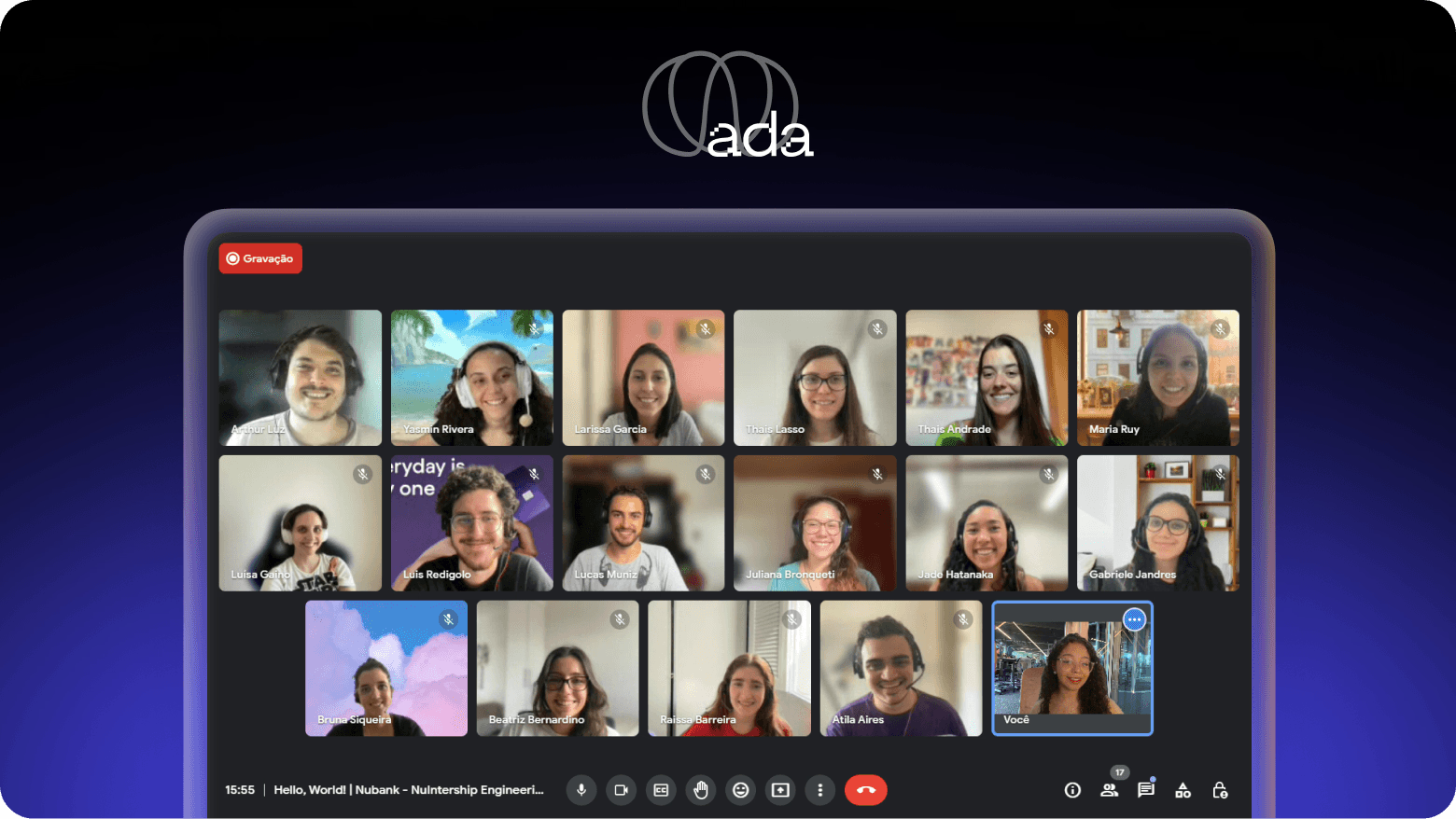
~60% lower video costs
Employer-sponsored tech education for 500,000+ learners
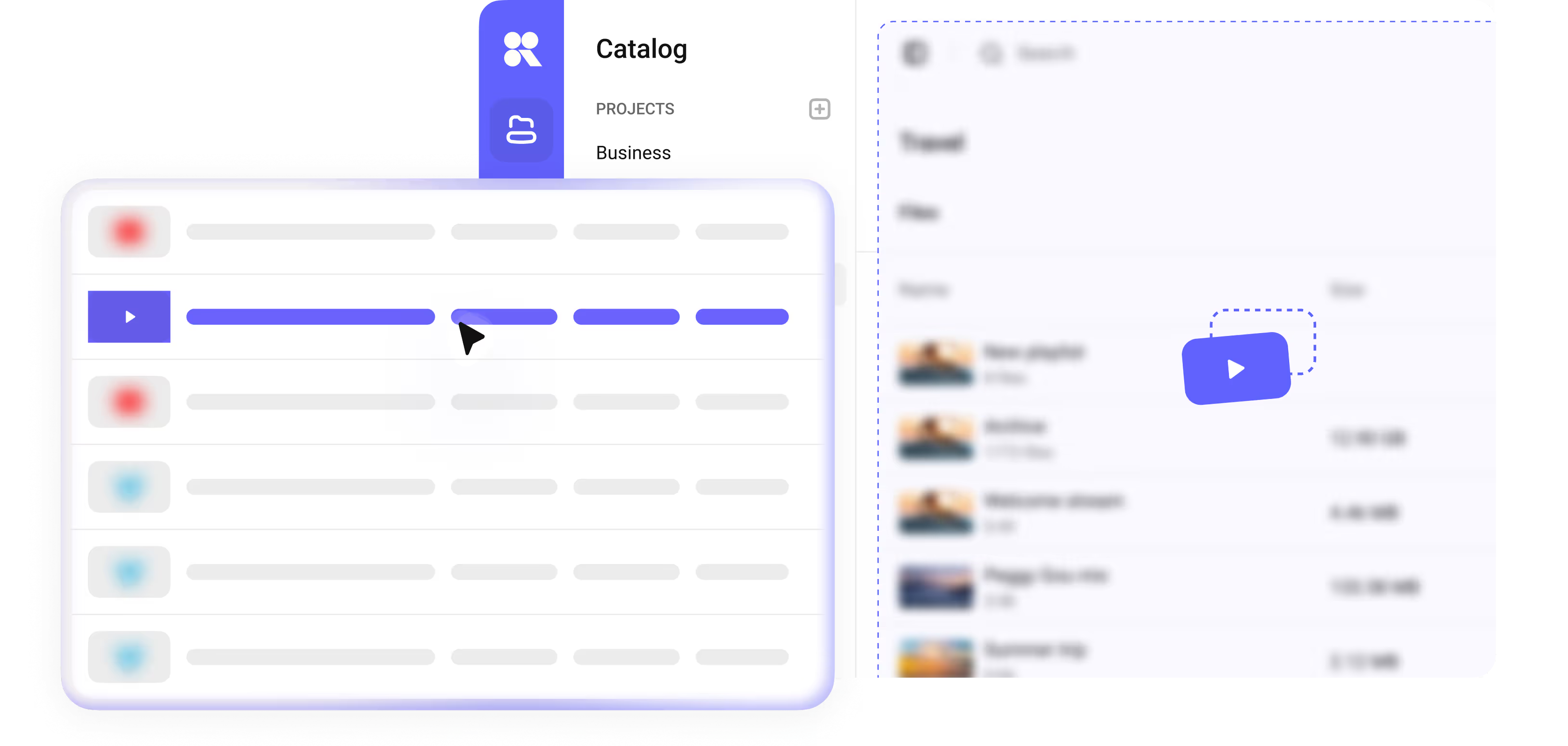
Mux Bring them into one private library with the same player, access rules and analytics for every video — recorded courses, workshop recordings and live-session replays.
Moving a library is on us — free on the Super and Mega plans. We pull everything across, metadata preserved, usually within a week.
Can’t find the answer you need? Check out our Help Center.
Try everything Kinescope has to offer. No card required.