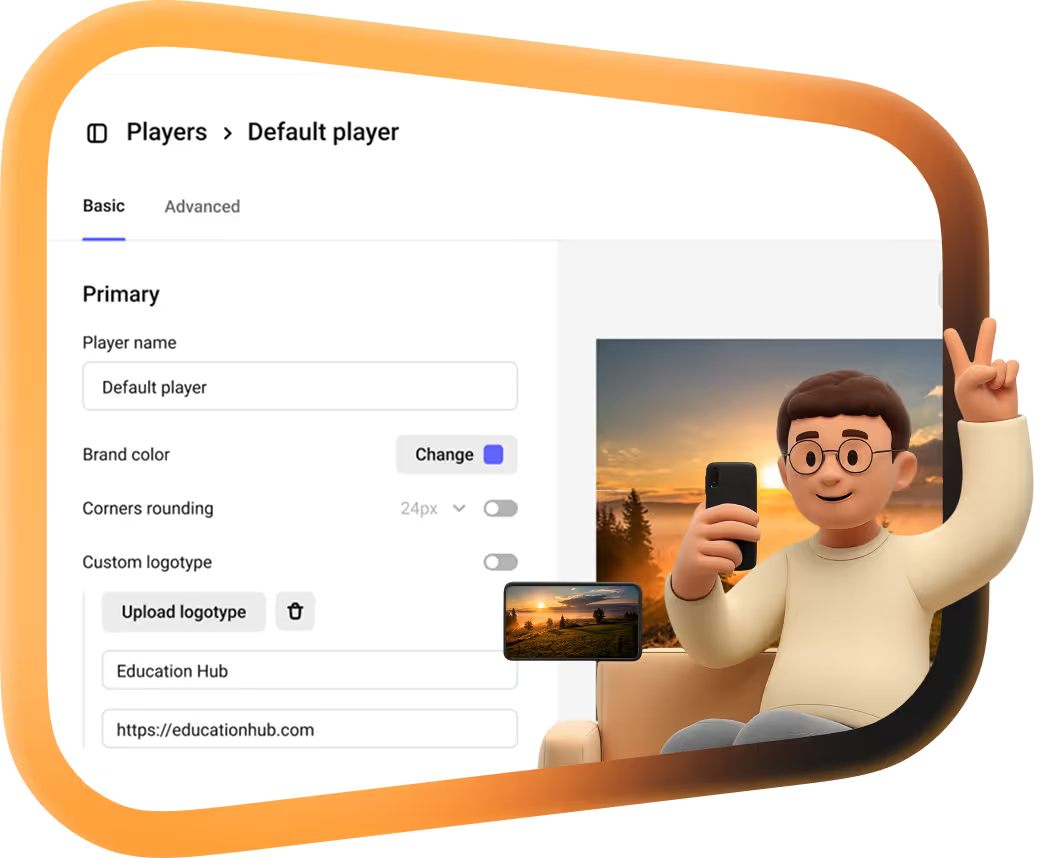
Move from Vimeo to Kinescope
Connect a Vimeo access token and Kinescope transfers your library into the project or folder you choose, in original quality. Later, Synchronize pulls in only the videos added to Vimeo since the last sync.
They left Vimeo, Kaltura and Mux
Every number is what they saved against the platform they left.
 16 TBmoved off Kaltura in about two weeksWith Kinescope we get a convenient API, a human touch, stable performance, and fair prices. We worked out the cost up front, and on our volumes it came out about 8× cheaper than Kaltura
 Denis Korovkin, LMS team lead
 −75%off the video hosting bill after Vimeo
 5×lower video costs than on Vimeo
 €10,000+a year saved against Vimeo’s quoteVimeo suddenly told us we had to pay 20× more. With Kinescope we save at least €10,000 a year — and get more stability for free…
 Mathijs de Ruiter, Co-founder
 −60%off the video hosting bill after MuxKinescope’s affordable, scalable, and accessible video solution has been a game-changer, empowering us to deliver world-class education…
 Eriky Kunitake, Head of Business & Operations
 9M+children reached by the films…reinvest our resources into other matters, like the direct work with children in our shelter…
 Ysrael C. Diloy, Child Protection Specialist
Move your Vimeo library
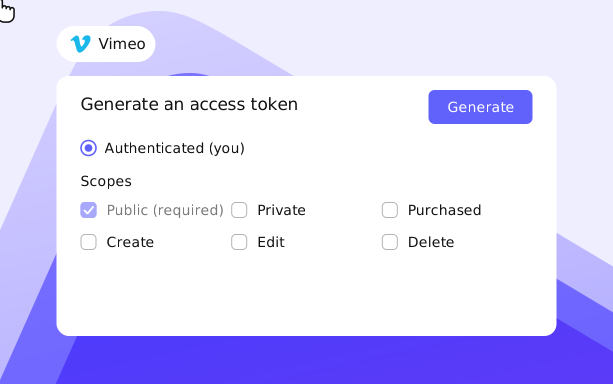
1. Sign in to the Vimeo Developer portal, create an app and generate a personal access token.
2. Give it at least read access to videos: Public and Private in the Videos scope. If your library uses albums, add the Edit permission.
3. Copy the token: Vimeo shows it only once.
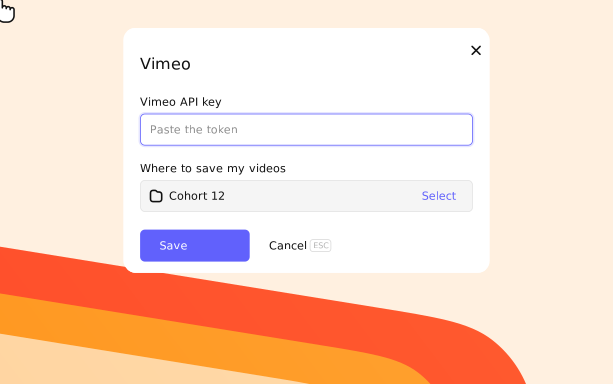
1. Open Integrations, choose Vimeo and go to the Settings tab.
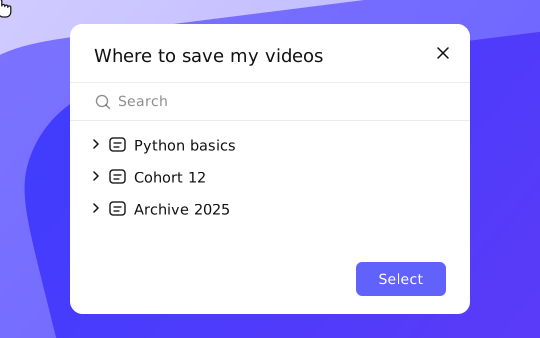
2. Paste the token into the Vimeo API key field and click Select to choose a project or folder.
3. Click Save: Kinescope transfers the library. Later, Synchronize pulls in only the new videos.
What the migration gives you
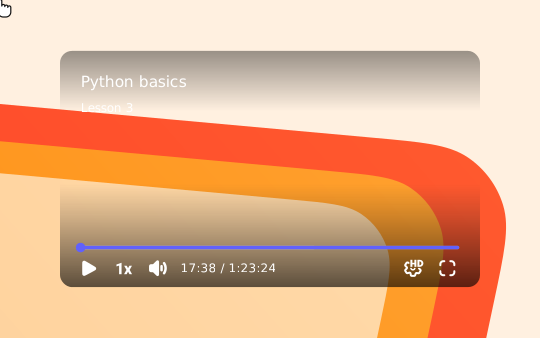
Original quality
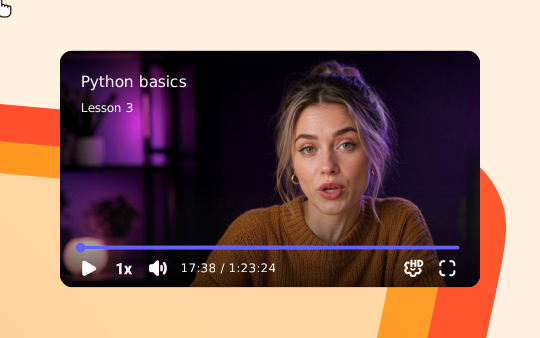
Videos arrive in the folder you choose in their original quality, with metadata.
Your structure
Pick the project or folder for the transfer. Libraries organized in albums need the token’s Edit permission.
Start your Vimeo migration
Create a Kinescope account, paste your Vimeo token and choose a folder. Starting is free, no credit card required.
FAQ
Can’t find the answer you need? Check out our Setup guide.
Move from Vimeo without re-uploading a single file.
Free to start, then from €10/month. No credit card required.