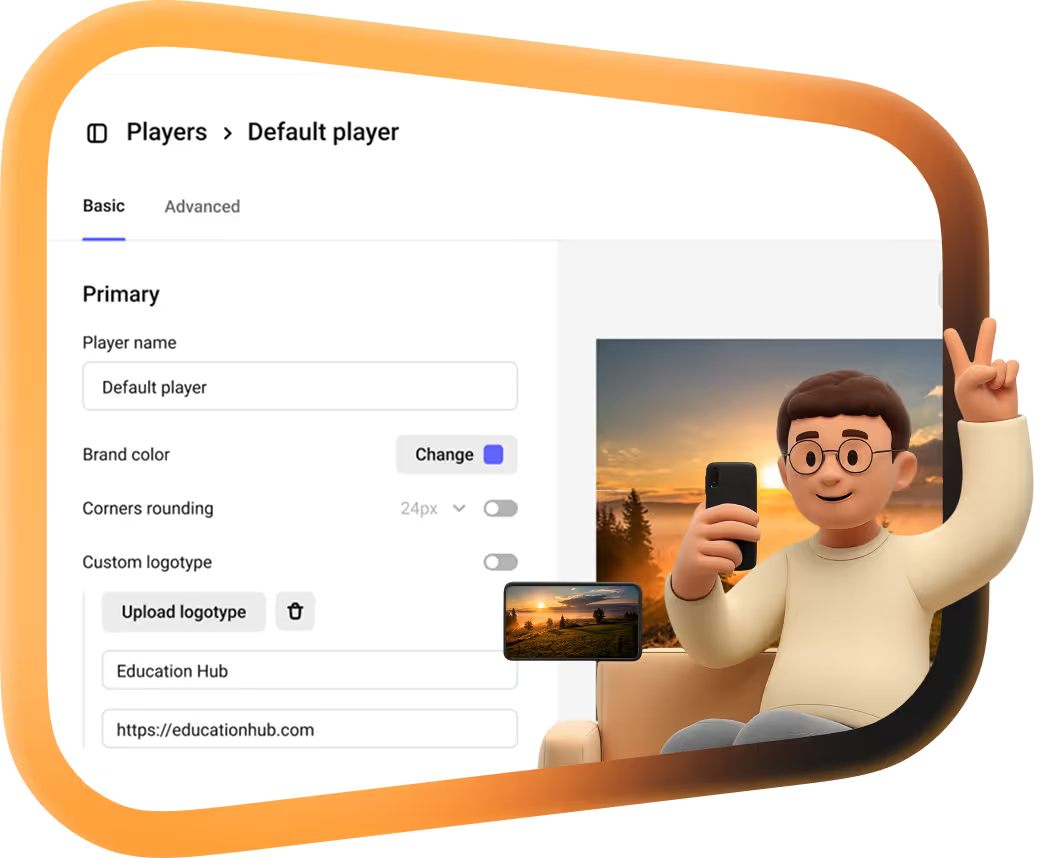
Kinescope single sign-on

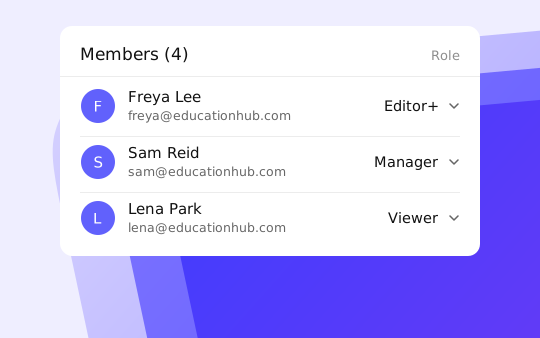
Team members sign in to Kinescope with your corporate identity provider, and their Kinescope roles come from it too. The setup guides cover Keycloak and AD FS.
They left Vimeo, Kaltura and Mux
Every number is what they saved against the platform they left.
 16 TBmoved off Kaltura in about two weeksWith Kinescope we get a convenient API, a human touch, stable performance, and fair prices. We worked out the cost up front, and on our volumes it came out about 8× cheaper than Kaltura
 Denis Korovkin, LMS team lead
 −75%off the video hosting bill after Vimeo
 5×lower video costs than on Vimeo
 €10,000+a year saved against Vimeo’s quoteVimeo suddenly told us we had to pay 20× more. With Kinescope we save at least €10,000 a year — and get more stability for free…
 Mathijs de Ruiter, Co-founder
 −60%off the video hosting bill after MuxKinescope’s affordable, scalable, and accessible video solution has been a game-changer, empowering us to deliver world-class education…
 Eriky Kunitake, Head of Business & Operations
 9M+children reached by the films…reinvest our resources into other matters, like the direct work with children in our shelter…
 Ysrael C. Diloy, Child Protection Specialist
Connect your identity provider
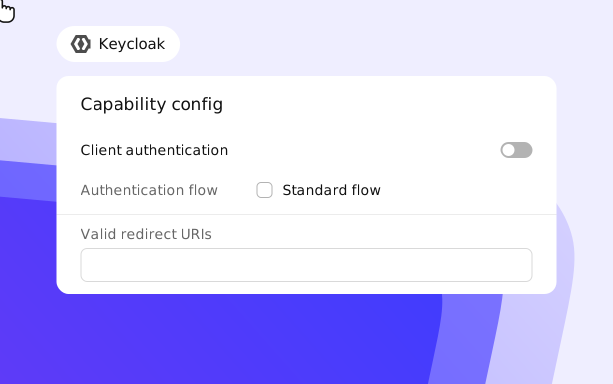
1. Create a client with Standard flow and Client authentication turned on.
2. Add https://app.kinescope.io/api/oauth2/callback/sso to Valid redirect URLs.
3. Create the Kinescope client roles, link them to your roles in Associated roles, and give Kinescope the client ID, the client secret and the provider URL.
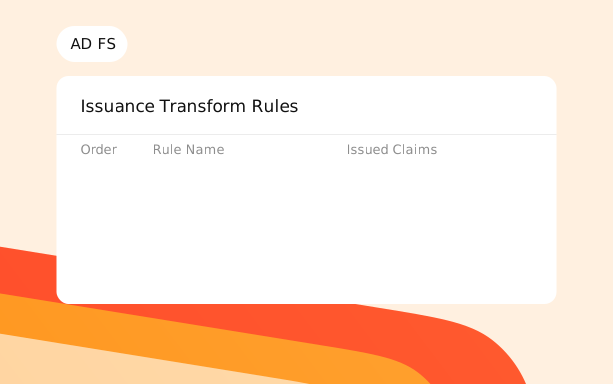
1. Create an Application Group with a Server Application that uses the same redirect URI.
2. Generate a shared secret, add a Web API with the client identifier and permit the openid, profile, email, allatclaims and aza scopes.
3. Add issuance transform rules that map LDAP attributes and roles to the Kinescope roles.
What single sign-on gives your team
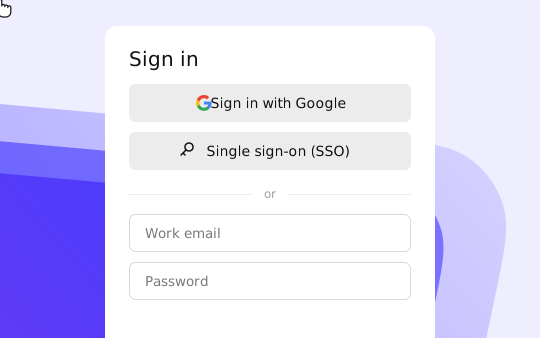
One corporate login
Team members get into Kinescope with the same username and password they use for other work services.
Roles from your directory
Six Kinescope roles, from admin to viewer, are mapped from your identity provider, so access follows your company structure.
Put Kinescope behind your company login
Single sign-on is part of the Mega plan. Book a demo and we will walk your admins through the setup.
FAQ
Can’t find the answer you need? Check out our Setup guide.
Bring Kinescope under your company login.
Free to start, then from €10/month. No credit card required.