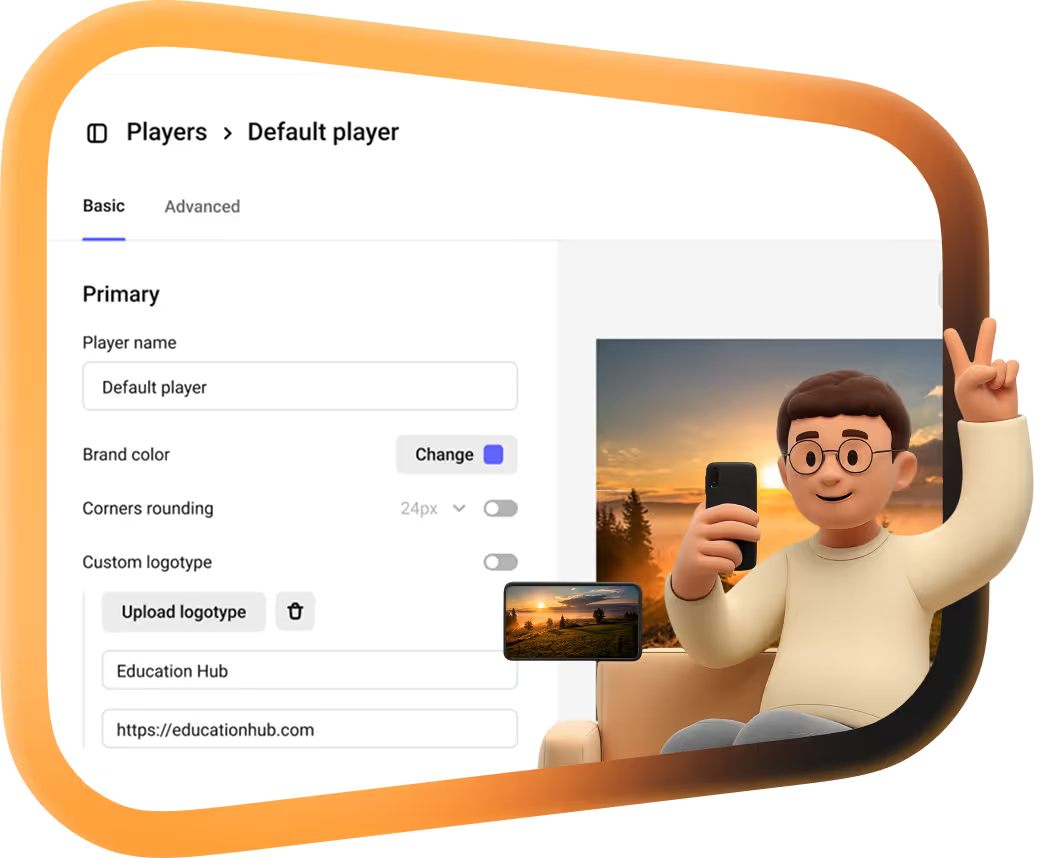
Kinescope for Hugo
A kinescope shortcode puts the Kinescope player into Hugo sites and documentation. One line in your Markdown renders a responsive, lazy-loaded player for a video or a whole playlist.
They left Vimeo, Kaltura and Mux
Every number is what they saved against the platform they left.
 16 TBmoved off Kaltura in about two weeksWith Kinescope we get a convenient API, a human touch, stable performance, and fair prices. We worked out the cost up front, and on our volumes it came out about 8× cheaper than Kaltura
 Denis Korovkin, LMS team lead
 −75%off the video hosting bill after Vimeo
 5×lower video costs than on Vimeo
 €10,000+a year saved against Vimeo’s quoteVimeo suddenly told us we had to pay 20× more. With Kinescope we save at least €10,000 a year — and get more stability for free…
 Mathijs de Ruiter, Co-founder
 −60%off the video hosting bill after MuxKinescope’s affordable, scalable, and accessible video solution has been a game-changer, empowering us to deliver world-class education…
 Eriky Kunitake, Head of Business & Operations
 9M+children reached by the films…reinvest our resources into other matters, like the direct work with children in our shelter…
 Ysrael C. Diloy, Child Protection Specialist
Add the shortcode to your Hugo site
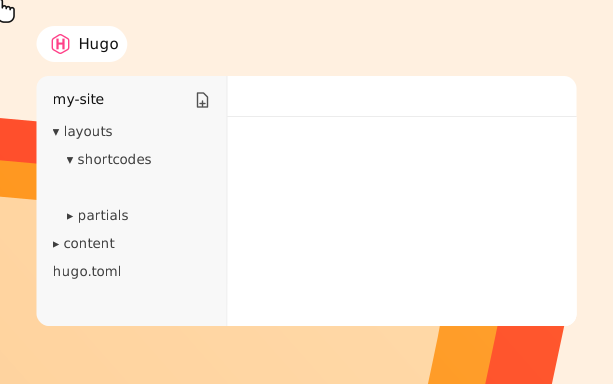

1. Create layouts/shortcodes/kinescope.html in your project, or in themes/your-theme/layouts/shortcodes/.
2. Copy the shortcode template from the Kinescope docs into it.
1. Put the shortcode where the video should go, with the video URL or ID.
2. Build the site: the shortcode renders an iframe that adapts to the container width and loads lazily.
What your Hugo pages get
Start time and fragments
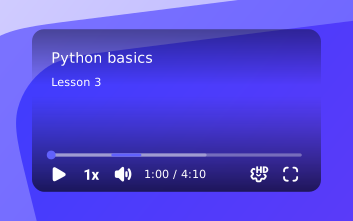
seek sets the start time in seconds and duration the length of the fragment, right in the shortcode.

Videos and playlists
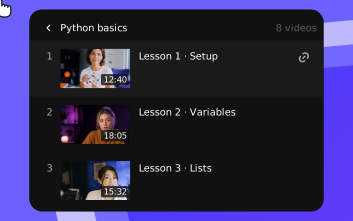
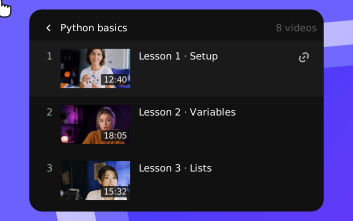
Pass a video URL or ID, or a playlist URL (/pl/…) or type="pl" with the playlist ID.
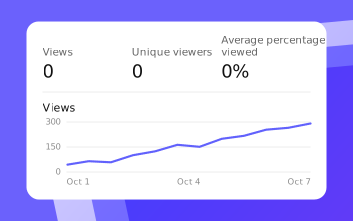
Analytics for every video
Views, retention and engagement for each video embedded in your docs. More on video analytics.
Add your first video to Hugo for free
Upload a video to Kinescope and drop the shortcode into a Markdown page. No credit card required.
FAQ
Can’t find the answer you need? Check out our Shortcode template.
Put video into your Hugo docs in one line.
Free to start, then from €10/month. No credit card required.