

















Kinescope for WordPress

Kinescope is video hosting for WordPress sites: it stores your videos and plays them in a fast, ad-free player. Add a video with the free Kinescope plugin by pasting its link, or with a standard embed code in any Custom HTML block.

Trusted by more than 6,000 clients in 48 countries and counting

Two ways to add a video to WordPress

Both give you the same Kinescope player with your privacy settings, player template and analytics.

With the Kinescope plugin

  1. In WordPress, open Plugins → Add New, search for “Kinescope”, then install and activate it.
  2. In Kinescope, copy the video link from the catalog or the video settings.
  3. Paste the link into the block editor, the classic editor, the Elementor widget or Bricks. The plugin turns it into the player.
Plugin page on WordPress.org

With the embed code

<div style="position: relative; padding-top: 56.25%; width: 100%">
  <iframe src="https://kinescope.io/embed/VIDEO_ID"
          allow="autoplay; fullscreen; picture-in-picture; encrypted-media;"
          frameborder="0"
          allowfullscreen
          style="position: absolute; width: 100%; height: 100%; top: 0; left: 0;"></iframe>
</div>
  1. In Kinescope, open the video settings, choose Embed and copy the adaptive code.
  2. In WordPress, add a Custom HTML block and paste the code.

Playback options go into the link

…/embed/VIDEO_ID?seek=60&duration=30

starts at 1:00 and plays a 30-second fragment

autoplaymutedloopqualitytexttrack

The adaptive code fills the width of the column. The fixed code keeps the size you set.

What visitors see: the same adaptive embed code, with a real video in place of VIDEO_ID.

What your WordPress videos get

  • No ads, no suggested videos

    The player ships without a share bar, channel links or suggested videos from anyone else, so viewers stay on your page.

    Video player
  • Your brand on the player

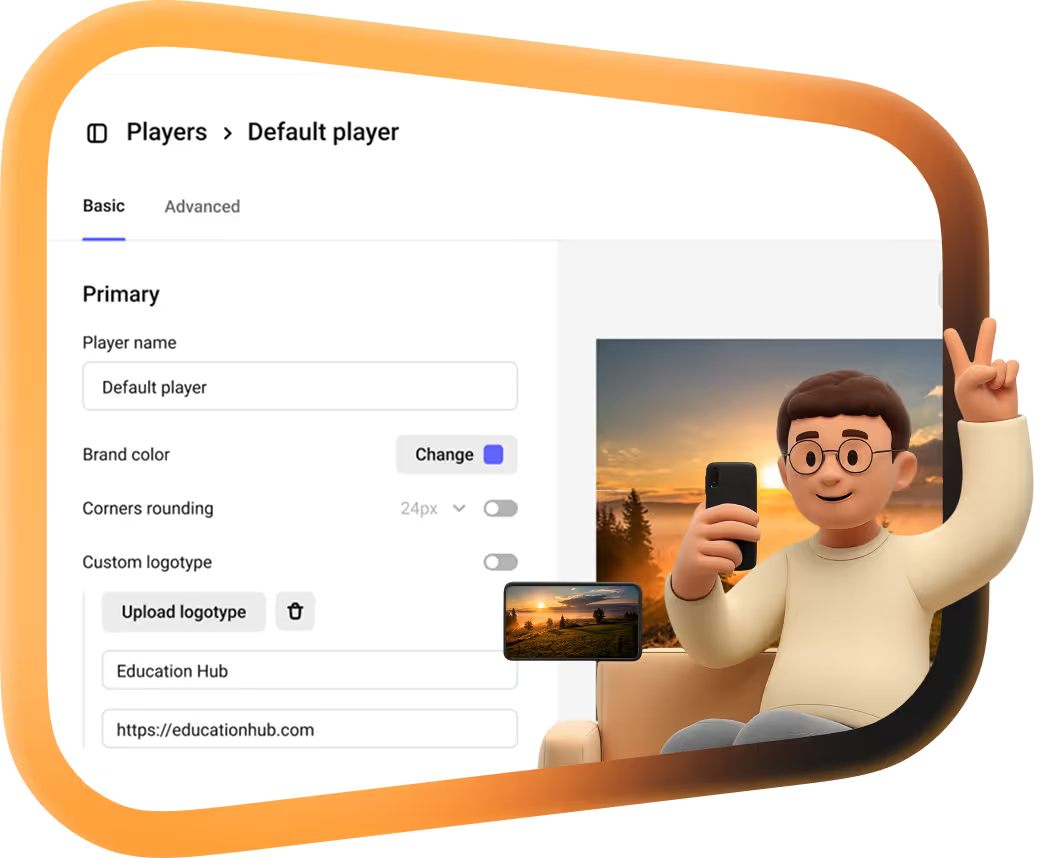
    Colors, controls and your logo are set once in a player template and apply to every video you embed.

    Player templates
  • A lighter WordPress site

    Video files are stored and streamed by Kinescope, not by your WordPress host. Viewers get adaptive quality from the Kinescope CDN.

    CDN
  • Plays only on your site

    Domain restriction ties the embed to the domains you approve, so an embed copied to another site shows a blocked player instead of your video.

    Private video hosting
  • DRM that works in WordPress

    Widevine and FairPlay DRM on paid plans encrypt the stream so the file cannot simply be downloaded. DRM playback needs HTTPS on your site.

    DRM video hosting
  • Analytics for every video

    Views, retention and engagement for each video, wherever it is embedded.

    Video analytics

Running courses on Moodle or Open edX, or moving a library over from Vimeo or YouTube? See all Kinescope integrations.

Put your first video on WordPress for free

Upload a video to Kinescope, paste the link into WordPress, and it plays in the Kinescope player. No credit card required.

FAQ

Can’t find the answer you need? Check out our WordPress setup guide.

Yes, the free Kinescope plugin in the WordPress plugin directory. Install it from Plugins → Add New, then paste a Kinescope video link into the block editor, the classic editor, the Elementor widget or Bricks, and the plugin shows the player.

No. Copy the embed code from the video settings in Kinescope and paste it into a Custom HTML block. The plugin only saves you that step: with it installed, pasting the video link is enough.

Yes. Widevine and FairPlay DRM are available on paid plans, and your site has to be served over HTTPS for DRM playback to work. Details are in the WordPress setup guide.

Turn on domain restriction in the video privacy settings and add your site. The player then checks the page it is loaded into and refuses to play anywhere else, whether the embed was copied or the link was shared.

In Kinescope, not in your WordPress media library. Your site only holds the player, and the video streams from the Kinescope CDN in the quality each viewer’s connection can handle.

Yes, with parameters in the embed link: autoplay, muted and loop control playback, and seek sets the start time in seconds. Seek does not work with DRM-encrypted videos.

Put your first video on WordPress in a few minutes.

Free to start, then from €10/month. No credit card required.