













What is a video CDN? How it works and when you need one




See what video delivery costs
When someone presses Play, the video has to travel from the server where it is stored to the viewer. If that server is far away, the requests needed to start playback take longer. If thousands of people press Play at once, the same server has to send the same video data repeatedly and may slow down or become overloaded.
A video content delivery network, or video CDN, reduces both problems. It keeps reusable video data on a distributed network of servers and directs each viewer to a suitable location. The main server where the CDN retrieves the video is called the origin, and the distributed CDN locations that serve viewers are called edge servers.
This extra delivery layer is useful for a dispersed audience or a sharp traffic peak, but it also costs money and adds another system to operate. In this guide, we follow a playback request through a CDN, explain what changes for video, and calculate when the improvement is worth paying for.
Key takeaways
- A video CDN stores reusable video data at distributed edge locations instead of making every viewer retrieve it from the main server.
- It helps most when viewers are far from that server or many people watch at the same time. It cannot improve the viewer’s own internet connection.
- Video requires special storage rules because a stream contains playlists and many short pieces, often in several quality levels.
- A small audience in one region may not need a separate CDN. Measure playback and server load before adding one.
Without a CDN, every viewer depends on the same server
Online video is usually delivered as a stream rather than one continuous file. A common streaming format called HLS divides the video into short files called segments. HLS also uses one or more small playlists: a master playlist lists the available quality levels, while a separate media playlist points the player to the video segments for each level.
Before showing the first frame, a player may need to request a master playlist, request the playlist for its chosen quality, and then request the first segment. These steps happen in sequence. When the viewer is far from the origin, each request has to cross that distance before the next one can begin.
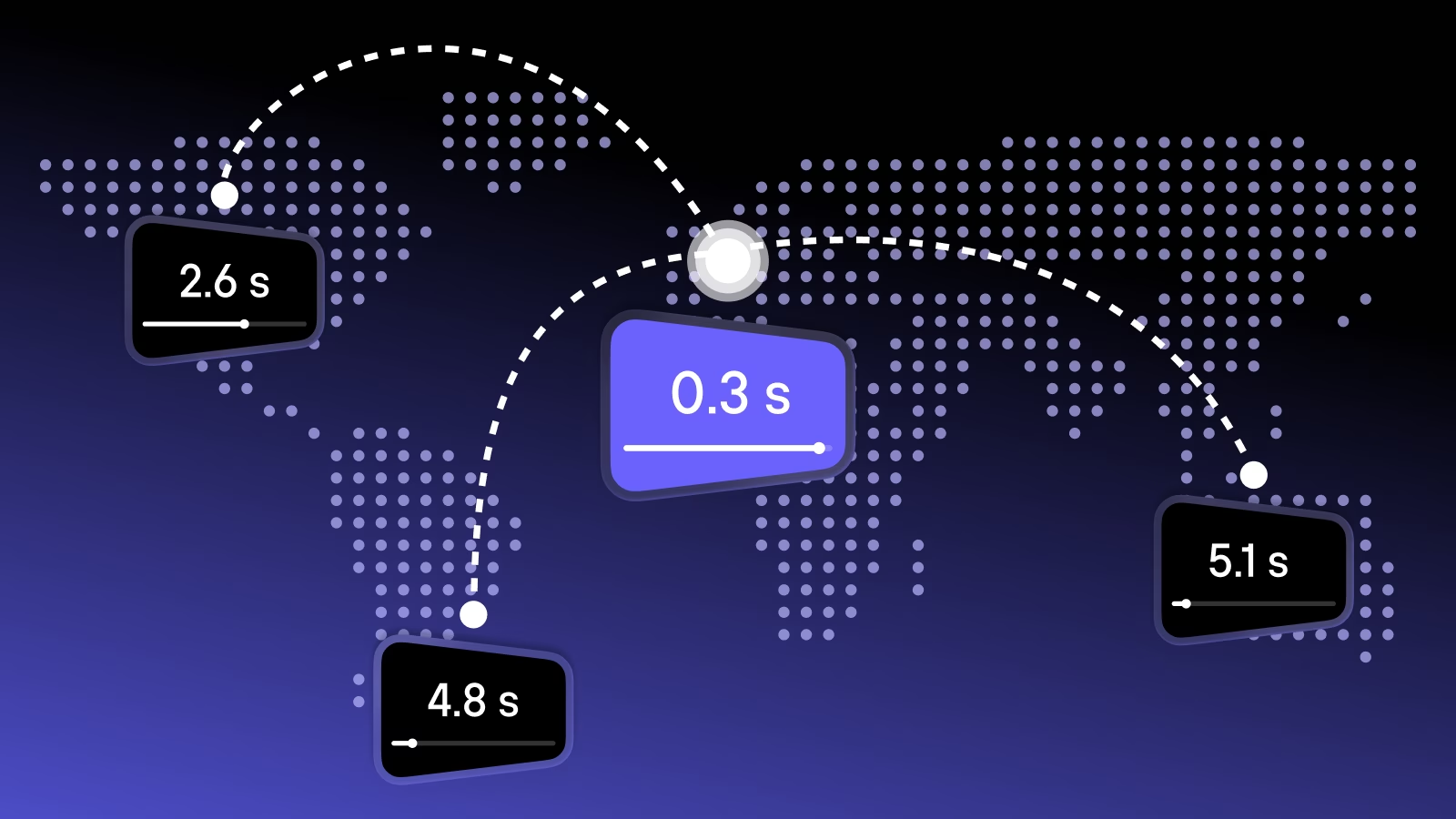
For example, imagine that the origin is in Europe and the viewer is in Brazil. Microsoft’s current Azure network latency table reports a 197 ms median round-trip time from Germany West Central to Brazil South. A round trip is the time needed for a request to reach the server and for the response to begin returning.
Three sequential requests at 197 ms account for 591 ms before the player transfers and decodes the video itself. If the player collects two seconds of video encoded at 4 Mbps and the connection delivers 8 Mbps, filling that initial buffer takes roughly another second. Under these simplified assumptions, the first frame appears after about 1.6 seconds. DNS lookup, connection setup, packet loss, Wi-Fi conditions, and player processing can add more time.
Microsoft’s figure comes from probes on its own network, while a viewer’s public-internet route and player behavior will differ. This calculation shows why distance can affect startup: several small waits accumulate before enough video is available to play.
Once playback begins, download capacity matters more than the time taken by one request. The amount of data a viewer requires each second is called video bitrate. A viewer whose connection cannot keep pace with the selected bitrate will still see buffering even when an edge server is nearby. While a CDN can shorten the delivery route and protect the origin from heavy demand, it cannot improve the connection between the viewer and their internet provider.
How a video CDN handles a request
When a viewer requests a playlist or segment, the CDN routes the request to an appropriate edge location, also called a point of presence or PoP. The best location is not always the one with the shortest straight-line distance. Available network routes, connections between providers, and current congestion also matter.
The edge checks its cache, the temporary store of files it can reuse. If the requested file is present, the result is a cache hit, and the edge sends it without contacting the origin. If the file is absent, the result is a cache miss. The CDN retrieves it from the origin, returns it to the viewer, and may keep a copy for later requests.
Some networks place an additional shared cache between their edge locations and the origin. This layer is often called an origin shield. If edges in São Paulo, Rio, and Santiago all need the same missing segment, the shield may retrieve it from the origin once and reuse it for all three locations. A related technique called request collapsing combines simultaneous requests for the same file into one trip upstream.
Video changes the shape of the cache
After the player reads the playlists and begins downloading segments, it can keep adjusting the video quality. If the viewer’s connection slows down, the player requests the next segments at a lower quality. If the connection improves, it can switch back to a higher one. This automatic switching is called adaptive bitrate streaming.
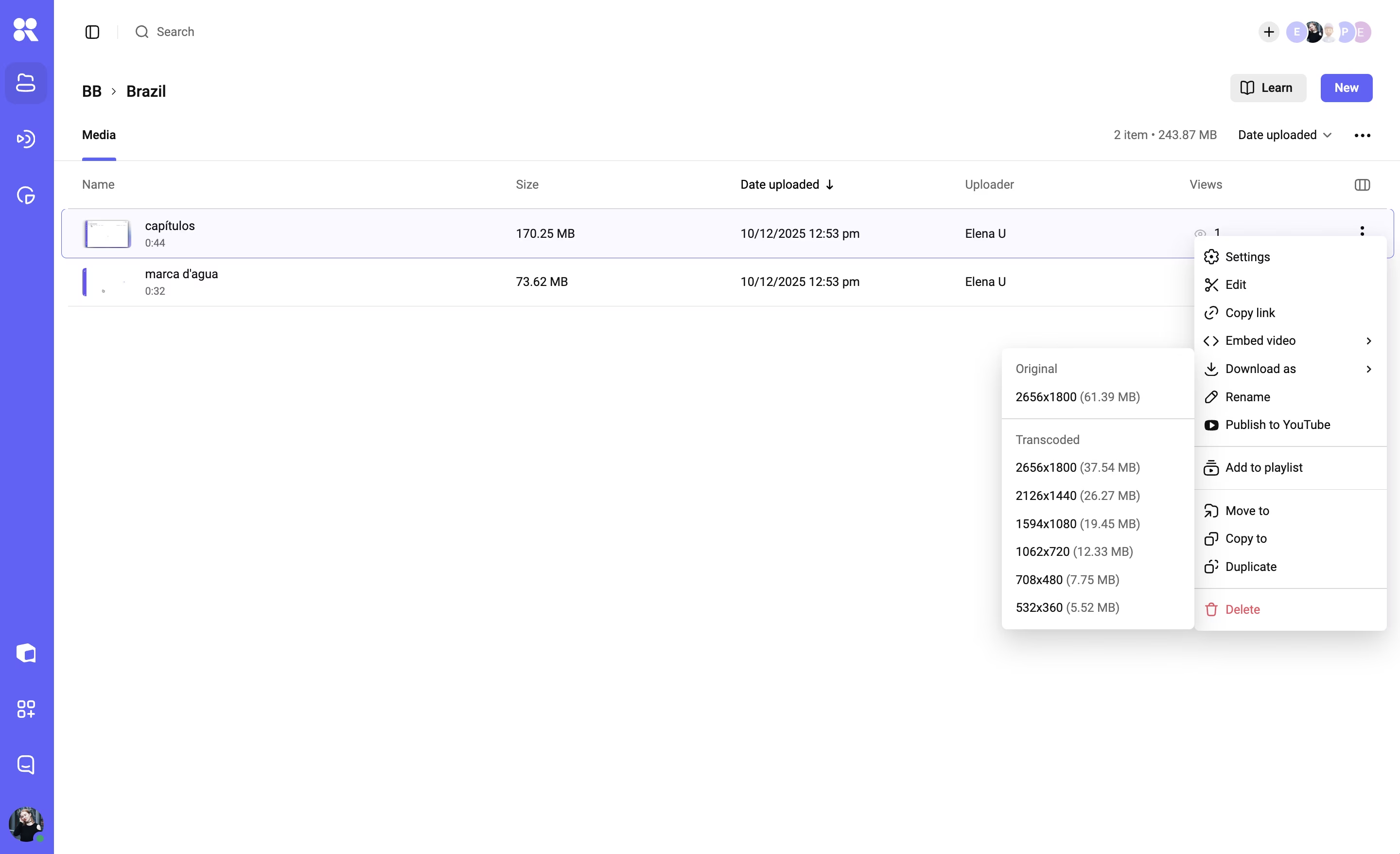
For the CDN, one video becomes a collection of playlists and many segments in several quality levels. These files do not all change at the same rate. An on-demand segment with a versioned address may remain unchanged for months, while a live playlist is updated whenever new segments become available. Refreshing every file as often as the live playlist sends unnecessary requests to the origin, while keeping the live playlist as long as an on-demand segment gives the player outdated instructions and leaves viewers behind the broadcast. The CDN therefore assigns different cache lifetimes to different file types.
Cache warming prepares content before the first viewer arrives. Some providers call this URL prefetching. Before a release or scheduled event, the CDN requests selected playlists and segments from the origin and stores them in its cache. This can improve the first playback for expected popular videos, while warming a large catalogue consumes origin bandwidth and cache space even for videos that nobody watches.
A large catalogue still leaves many rarely watched files cold, meaning they are not yet stored at a particular edge. The first viewer in that region may therefore trigger a trip to the origin. Origin shielding and request collapsing prevent a premiere audience from turning one missing segment into thousands of identical origin requests, which makes both techniques especially useful during traffic peaks and popular live events.
A pre-launch test should therefore run twice from each important region. The first run shows how the CDN behaves when a video is absent from the local cache, while the second shows performance after it has been stored. Compare time to first frame, buffering, the quality selected by the player, and how many requests reach the origin. Testing only a warm cache misses the harder first-viewer case.
A video CDN and a regular CDN share the same foundation
Both video-focused and general-purpose CDNs deliver files over the web. A regular CDN can also cache HLS or DASH, two common formats for segmented streaming, when its file-size limits, cache rules, partial-file requests, and access controls suit the workload. A video CDN uses the same basic network idea, but its configuration and related services are designed around streaming.
Before delivery, the source video is usually converted into several quality levels and split into playlists and segments. The resulting files also need storage. Encoding, storage, and CDN delivery remain separate jobs even when one provider combines them.
You can use a general CDN for video if you already have an encoder, storage, and a player, plus someone to configure the delivery layer. That team must give fast-changing live playlists and stable segments different cache rules, keep access controls compatible with caching, and protect the origin during peaks. A video-focused CDN or managed video platform reduces this integration work through streaming-oriented defaults, related media services, and playback diagnostics. The table shows where the work falls in each setup.
| Part of the workflow | General CDN used for video | Video-focused CDN or platform |
|---|---|---|
| Preparing the video | Another service creates the quality levels, playlists, and segments | Processing may be included or may remain a separate service |
| Delivering segments | Caches and delivers the files requested by the player | Performs the same core job, with defaults designed for streaming files |
| Adapting quality during playback | The player handles adaptive bitrate using quality levels prepared elsewhere, and the CDN delivers the requested segments | May create the quality levels and include the adaptive bitrate player |
| Preparing for peaks | The team configures cache warming and protection for the origin | May include video-aware warming, origin shielding, and live-event support |
| Measuring playback | Provides request, traffic, and cache logs | May connect delivery data to startup, buffering, and quality changes |
This table does not describe one universal package. Before comparing prices, identify who handles each step from the source file to the picture on screen.
When a separate CDN adds little
A nearby origin may be enough when viewing is low and predictable. If that server handles the workload comfortably, a CDN adds configuration, monitoring, support, and another service that can fail without solving a measured delivery problem. Test playback before buying capacity for a possible future spike with no known date or audience.
With a one-region audience, shorter distance leaves less latency for a CDN to remove, although caching can still protect the origin from concurrency. Internal video varies for the same reason: a library watched inside one office may stay on the local network, whereas a private company stream watched by remote staff across several countries has a distribution problem despite its restricted audience.
Managed video hosting can make a separate CDN redundant. If the existing platform already provides suitable regional delivery, adaptive streaming, access control, and useful diagnostics, adding another network duplicates part of the service. Our comparison of video CDN providers shows how that choice changes across managed platforms and delivery-only products. Using several CDNs adds further routing and monitoring work, so it is usually justified only by demanding reach, scale, resilience, or contract requirements.
The traffic bill begins with watch time
Video delivery traffic depends on how long people watch and the average bitrate they actually receive. Multiplying the uploaded master by the number of play clicks assumes every viewer downloads the full file at one quality, which is a poor model for adaptive streaming.
For decimal gigabytes, use:
monthly traffic (GB) = average delivered bitrate (Mbps) × watch hours × 0.45
The factor 0.45 comes from 3,600 seconds per hour, eight bits per byte, and 1,000 megabytes per decimal gigabyte. At an average 3 Mbps across 500 watch hours, delivery is about 675 GB. At Kinescope, CDN traffic starts at €0.03 per GB, so the CDN traffic charge for 675 GB would be €20.25.
The equation only becomes useful once the average bitrate reflects real playback. An adaptive player may spend part of a session at 1080p, fall to 720p on a crowded mobile connection, and rise again. For an existing service, divide the delivered data by total watch time for a representative month. Before launch, calculate low, middle, and high cases from the quality levels you plan to offer.
Even a sound traffic estimate covers only one part of the invoice. Add minimum commitments, request charges, storage, processing, logs, cache clearing, and support. Some hosting providers charge an egress fee when data moves from the origin to the CDN to fill its caches.
Check how the provider applies traffic tiers. Some charge each usage band separately, while fixed plans can cause a sudden bill increase once traffic crosses the limit. Live delivery may follow another price schedule, while a managed platform may bundle services that a delivery-only CDN bills separately. Compare the full scope and pricing before choosing a provider.
Decide from the route, the peak, and the bill
Before choosing a provider, test real videos with access controls, devices, and regions your audience uses. Run once with an empty cache, then repeat with a burst of simultaneous viewers. Compare time to first frame, buffering, selected quality, origin load, and expected cost.
A separate CDN earns its place when long delivery routes or concurrent demand cause a measurable playback or server problem that justifies the added cost and operation. If the tests show no meaningful improvement, the existing server or the delivery included with managed hosting is enough.
Kinescope is built for teams that need video delivery without assembling the processing, storage, CDN, and player themselves. One upload is prepared in several quality levels, stored, delivered through the CDN, and played with adaptive quality in the Kinescope player. See how Kinescope handles video delivery.