











8 best video CDN providers for business in 2026





Test Kinescope CDN for free
A video CDN decision starts one layer above the network map: do you want to deliver streams your team has already encoded and packaged, or hand a source video to a service and get a playable stream back? Some providers concentrate on delivery, while managed video platforms also handle encoding, storage, and playback.
In this guide from Kinescope, we compare eight providers, including our own CDN, by network coverage, streaming formats, DRM, pricing, and contract model. We then explain how to choose and test the right one for your workflow.
Key takeaways
Quick shortlist: Cloudflare Stream is a practical starting point for developers who want live and on-demand video behind one API. Bunny Stream has unusually low published per-GB rates for on-demand libraries. Kinescope combines per-GB delivery with built-in multi-DRM and a finished business-video platform, while Mux suits product teams that want a video API and integrated quality-of-experience analytics. If your media already lives in a cloud or broadcast stack, CloudFront, Fastly, Google Media CDN, and Akamai give you more control over the delivery layer.
- Choose a managed video platform when you want fewer moving parts. It accepts source media and handles several steps between upload and playback.
- Choose a delivery CDN when your team already owns the media pipeline. It expects a suitable origin and prepared streams, or companion services that create them.
- Do not compare per-minute and per-GB rates as if they were equivalent. A minute of 1080p video transfers more data than a minute at 480p, while with adaptive bitrate streaming the viewer’s selected rendition changes the bill.
- DRM belongs in the architecture and the cost model. It is included in Kinescope’s paid plan from €10, sold as an add-on by Mux and Bunny, and assembled through adjacent products or partners in most delivery-CDN stacks.
- Test with your audience map and your own content. A large global footprint matters, but cache behavior, origin placement, player configuration, bitrate ladder, and last-mile conditions all affect startup time and buffering.
Video CDN providers compared
The table separates video-platform pricing from raw CDN delivery pricing. “Not published” means the vendor does not expose a current number on the cited product or pricing page, though the capability or commercial option may still be available.
| Provider | Published network coverage | Delivery price | Video-specific delivery | DRM | Minimum or contract |
|---|---|---|---|---|---|
| Cloudflare Stream | Hundreds of cities | ≈€0.86 per 1,000 delivered minutes | HLS, DASH, live, VOD, LL-HLS and WebRTC | Signed URLs; no native multi-DRM listed | No contract stated; usage billing |
| Bunny Stream | 119 global PoPs on Standard; 10 on Volume | From ≈€0.0043/GB on Volume or region-based Standard rates | HLS VOD, adaptive encoding and player | Basic MediaCage included; Widevine/FairPlay add-on from ≈€85.51/month plus licences | ≈€0.86/month minimum |
| Kinescope | Latin America, the US, Europe, and the CIS | From €0.03/GB, tiering to €0.01/GB | HLS, DASH, adaptive VOD, live and LL-HLS | Widevine and FairPlay included in the plan | €10/month minimum; no annual contract required |
| Mux | Multi-CDN delivery; PoP total not published | From ≈€0.00069/delivered minute after included allowance | HLS, live, VOD and LL-HLS | Widevine, FairPlay and PlayReady add-on: ≈€86.37/month plus ≈€0.0026/licence | Free and pay-as-you-go entry; no credit card required to start |
| Amazon CloudFront | 700+ PoPs | Region-based; ≈€0.0734/GB in an AWS live-streaming US example | HLS, DASH and CMAF delivery; packaging is separate | Via AWS Elemental MediaPackage and a SPEKE DRM provider | No minimum for pay-as-you-go; optional one-year savings commitment |
| Fastly | Global high-density PoPs; live location list | First 100 GB free, then ≈€0.1036/GB in North America and Europe for the next tier | HLS and DASH live or VOD delivery; origin and packaging are separate | Bring your own packaging and DRM workflow | Usage-based entry; fixed packages start at ≈€1,295.56/month |
| Google Media CDN | Google’s global edge and ISP cache footprint; metro list published | Quote-based Media CDN pricing | High-throughput HLS/DASH delivery, origin shielding and dual-token authentication | Bring your own packaging and licence service | Contact sales for Media CDN terms |
| Akamai Adaptive Media Delivery | Globally distributed edge; current PoP total not published | Custom quote | HLS, DASH, CMAF, live and VOD ABR delivery | Encryption and content-protection options; DRM depends on the media stack | Sales-led contract; 30-day trial available |
Prices were checked on providers’ official pages on September 2, 2026. Rates originally published in US dollars are shown as approximate euro equivalents, calculated at the European Central Bank’s September 2 reference rate of €0.8637 per US dollar. Providers may bill in another currency, and final amounts may vary with exchange rates, taxes, region, volume, resolution, request count, origin traffic, storage, encoding, support, and security add-ons.
We selected these eight providers because each has a documented video-specific product and a distinct use case, and together they cover four managed platforms and four delivery-layer CDNs across self-service, cloud, and enterprise buying models. The profiles begin with services that manage more of the video workflow, then move to delivery CDNs that give your engineering team more control.
1. Cloudflare Stream: for a compact developer video stack
Cloudflare Stream handles upload, storage, encoding, live ingest, and delivery behind one API. It produces adaptive H.264 renditions from 360p through 1080p and exposes its own player plus HLS and DASH manifests. The service runs on Cloudflare’s network in hundreds of cities, so a product team does not have to configure a separate origin and CDN before its first playback.
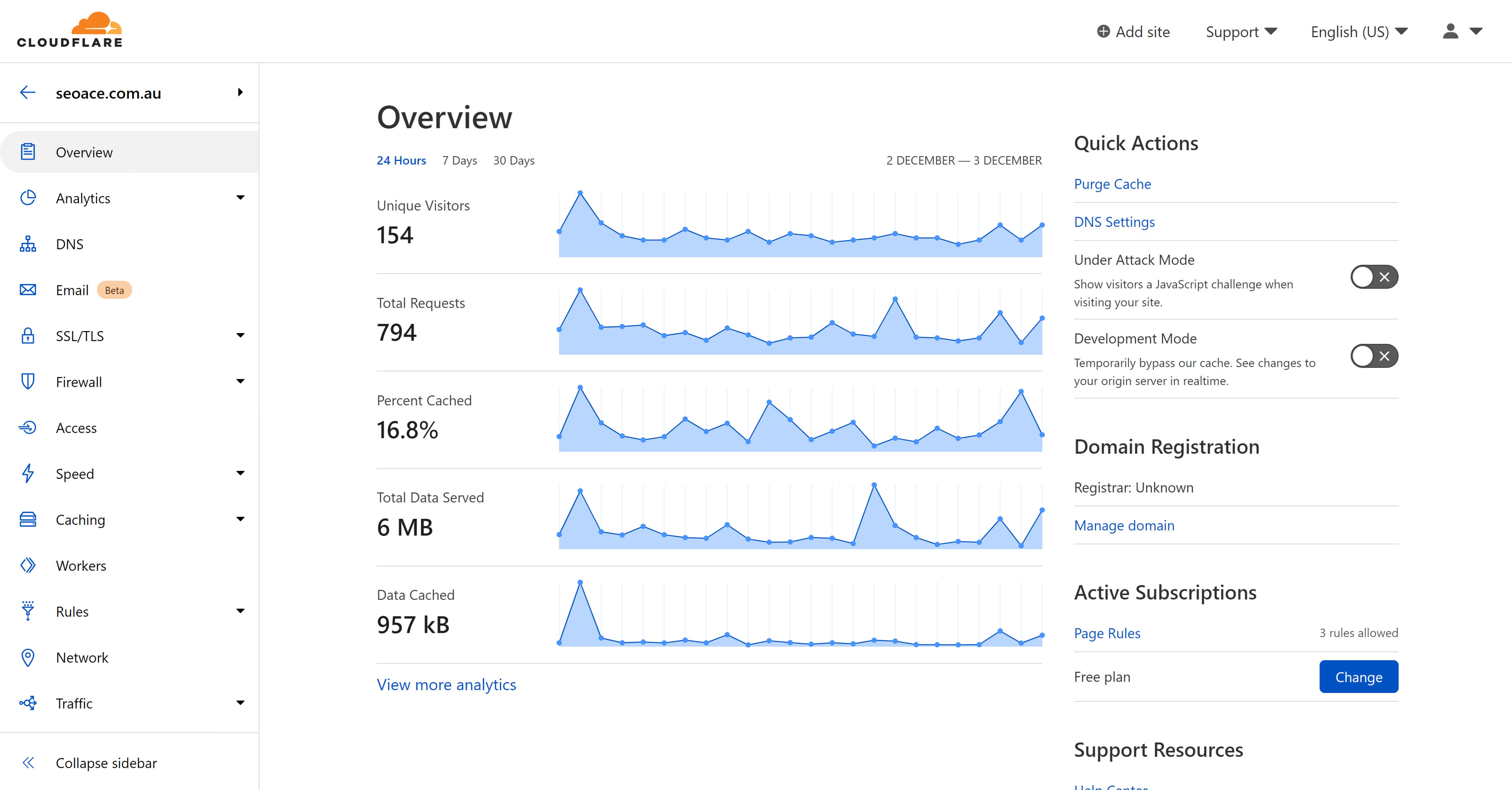
The pricing is short: ≈€4.32 per 1,000 stored minutes and ≈€0.86 per 1,000 delivered minutes, with ingress and encoding included. Storage starts at ≈€4.32 per month for a prepaid block of 1,000 minutes, while delivery is billed after use. Billing by duration makes a first estimate easy when viewing time is known, and the same delivery-minute price applies across supported resolutions. Stream charges for the segments it sends, however, so video loaded into the player’s buffer is billable even when the viewer leaves before watching it.
For live video, Stream accepts RTMPS or SRT and outputs HLS/DASH. Cloudflare also offers LL-HLS and WebRTC modes, although the WebRTC path has a different feature envelope from recorded HLS delivery. Check recording, analytics, simulcasting, and ingest compatibility against the current WebRTC limitations before building a real-time product around it.
A small engineering team can therefore move from upload to global playback without stitching together storage, encoding, and delivery services. Premium protection remains the boundary, though, because Cloudflare documents signed-token access control but does not list native multi-DRM, so premium courses, studio content, and subscription libraries that require device-level DRM need another design.
2. Bunny Stream: for cost-sensitive on-demand delivery
Bunny Stream packages storage, transcoding, an embeddable player, and global delivery into a developer-oriented service. Its Standard network reaches 119 PoPs, while its lower-cost Volume tier only uses 10 PoPs. That choice is unusually explicit: use the broader network when regional proximity matters, or accept a smaller footprint when the economics of high-volume delivery matter more.
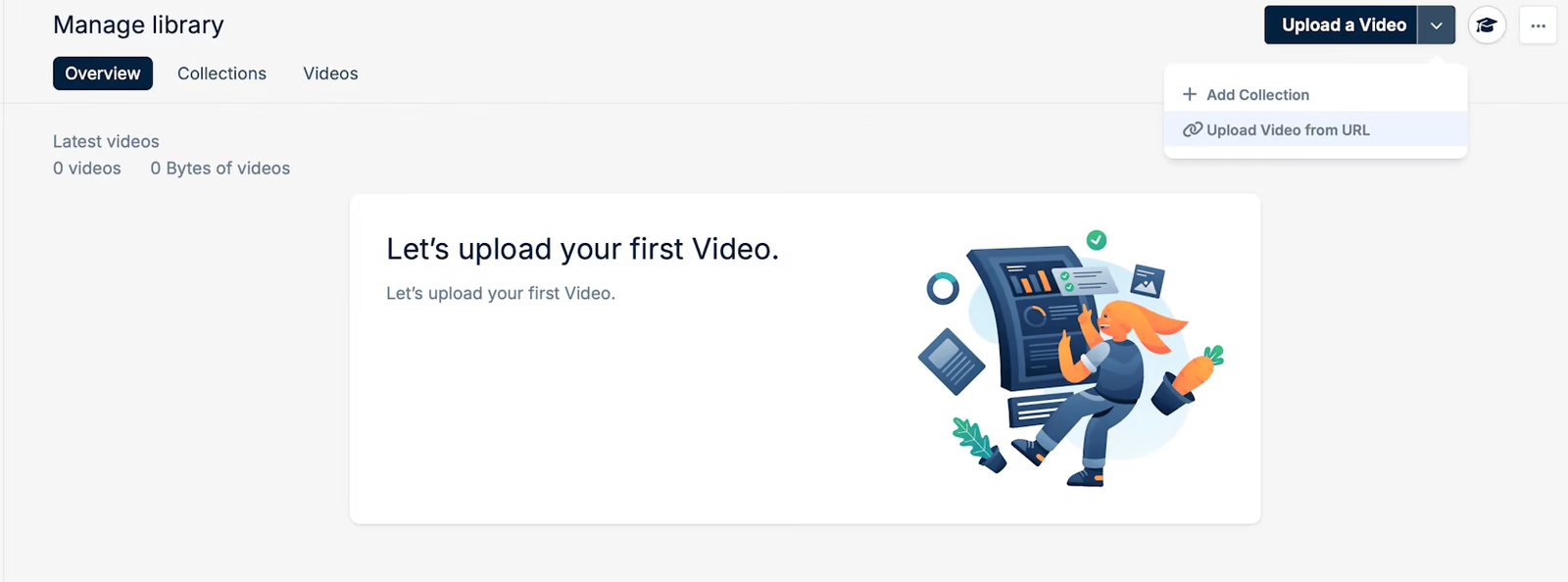
The official Stream pricing page lists storage from ≈€0.0086/GB and CDN delivery from ≈€0.0043/GB, with a monthly minimum of ≈€0.86. Standard encoding and the player are included. The lowest delivery rate belongs to the Volume network, while Standard delivery is region-priced, starting at ≈€0.0086/GB in Europe and North America (and rising in other regions). Replicating the stored library to additional regions also changes the storage bill.
Bunny Stream is strongest for on-demand video, with a narrower feature set for broadcast workflows. It transcodes uploads into adaptive renditions, serves HLS, supports token authentication and hotlink protection, and leaves developers access to manifests if they prefer another player. The broad delivery feature set is available without an enterprise contract.
As for protection, the included MediaCage Basic option uses ClearKey AES-128, while MediaCage Enterprise adds Widevine and FairPlay from ≈€85.51 per month plus per-licence charges.
The best Bunny fit is a large VOD library where transparent per-GB economics matter more than a broad live-production toolkit.
3. Kinescope: for secure business video without assembling the stack
Kinescope’s CDN is part of a complete video platform. Upload, transcoding, adaptive delivery, the customizable player, analytics, live streaming, and access controls all run in the same ecosystem, backed by an independent network with points of presence in Latin America, the US, Europe, and the CIS.
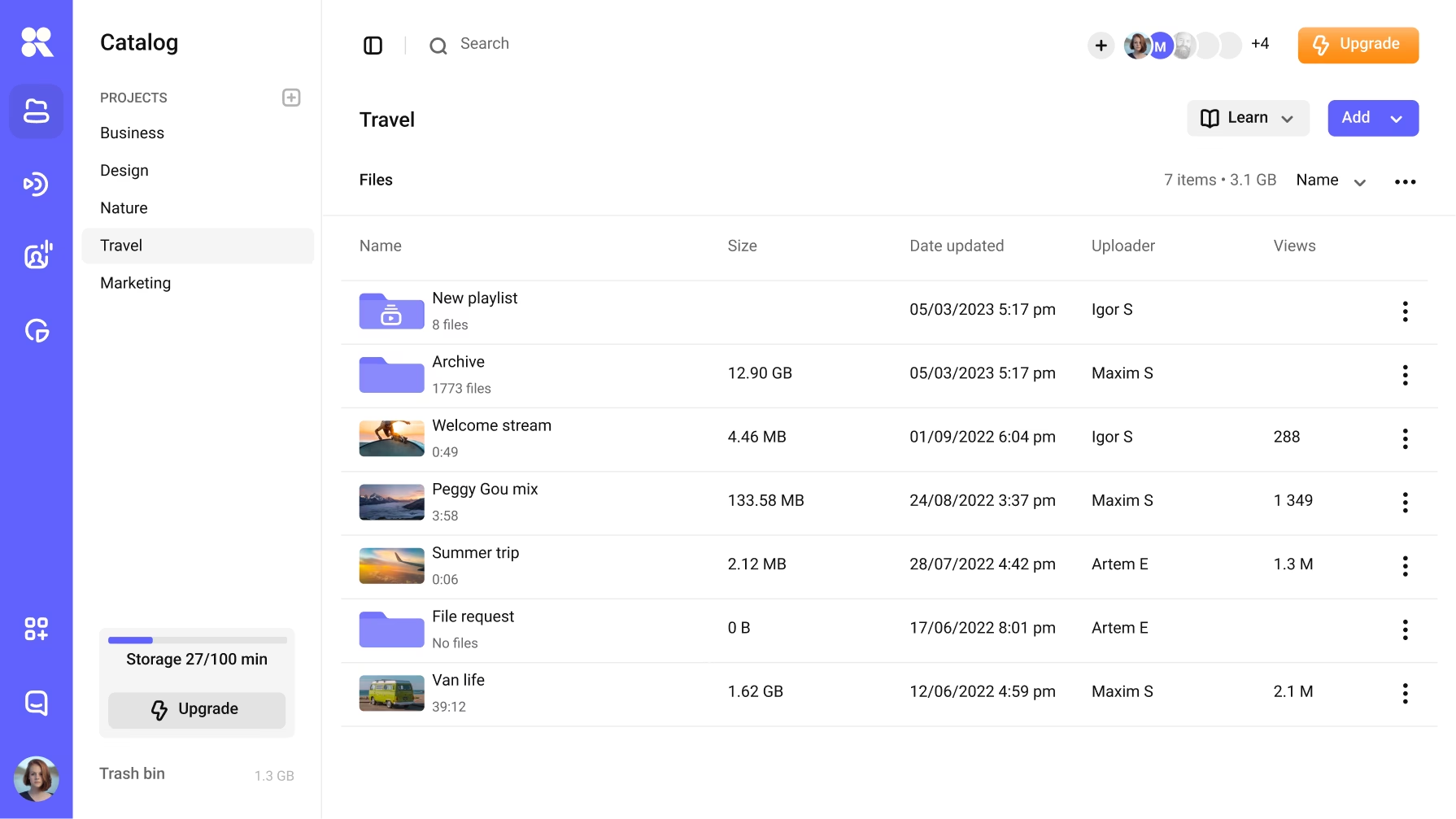
That integrated model works especially well for education, media, SaaS, and internal-video teams that want to operate video without coordinating several infrastructure vendors. Once you upload a video, Kinescope creates the renditions for adaptive playback and delivers them over HLS or DASH, while live streams can use LL-HLS. The Super plan includes Widevine and FairPlay DRM alongside domain restrictions, signed access, analytics, and player controls. For the device split behind those systems, see Multi-DRM explained.
The price starts with a €10 monthly minimum (at the Super plan), which absorbs all usage up to that amount. Delivery costs €0.03/GB for the first 1,000 GB, €0.02/GB for the next 5,000 GB, €0.015/GB for the next 15,000 GB, and €0.01/GB for the next 30,000 GB, with custom discounts at larger volumes.
Kinescope also offers a free tier, and our paid plans do not require an annual contract. At the €10 entry point, you are already getting a finished secure video-hosting platform, including CDN delivery, transcoding, the player, analytics, live streaming, and Widevine/FairPlay DRM. There is no separate DRM licence service to procure or connect, and the per-GB billing model keeps the infrastructure cost tied to the video you actually deliver.
4. Mux: for API-first video products and playback telemetry
Mux Video is designed for teams building video into an application. The API accepts uploads and live inputs, creates streamable assets, issues playback IDs, and delivers HLS through multiple CDNs. Analytical module Mux Data is included with delivery, which gives developers a coherent path from media processing to playback-quality and engagement telemetry.
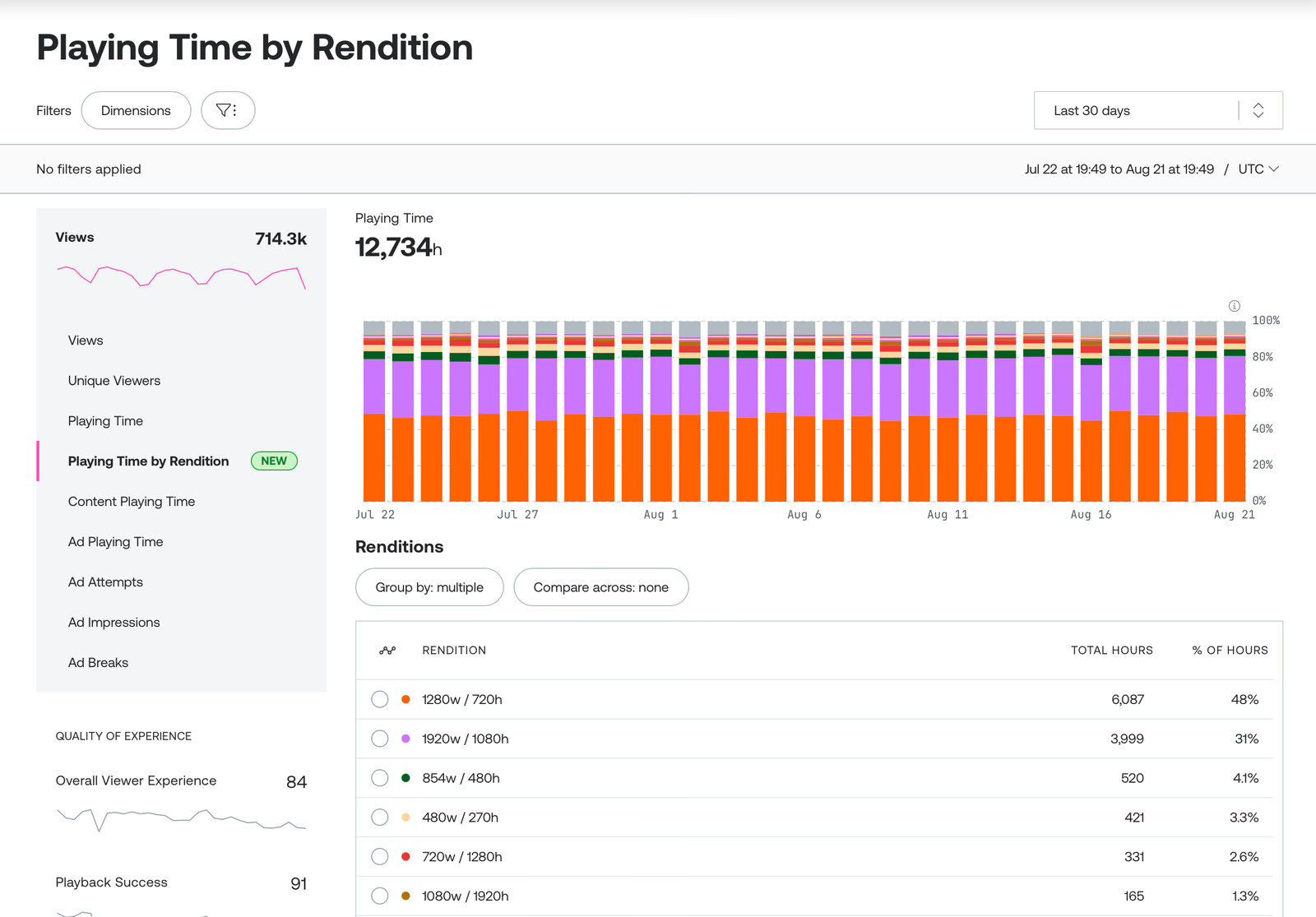
The current Mux pricing page shows delivery starting at ≈€0.00069 per minute, with 100,000 delivery minutes included monthly on the displayed plans. Input, storage, resolution, static renditions, live captions, custom domains, and some security features have their own rates or multipliers. This is not a per-GB offer, so a comparison with Bunny, Kinescope, or a raw CDN must start with viewing minutes and the expected resolution mix.
Mux accepts RTMP and SRT live inputs and delivers HLS. Its low-latency mode implements LL-HLS and targets glass-to-glass latency as low as five seconds, subject to encoder, network, player, and viewer conditions. That makes Mux relevant to product teams that need live video but do not want to operate packaging infrastructure.
Its Media-grade DRM supports Widevine, FairPlay, and PlayReady for ≈€86.37 per month plus ≈€0.0026 per licence, with volume discounts. Custom video-delivery domains add another ≈€86.37 per month at the converted rate. Smart signed URLs and domain or referrer restrictions are included.
Mux earns its place when engineers need to create and debug a video experience programmatically, because the API, player, multi-CDN delivery, and observability share one product model. However, the base delivery minute is only one part of the bill, so model input, storage, resolution tier, DRM licences, and any custom-domain requirement together.
5. Amazon CloudFront: for teams already building on AWS media services
Amazon CloudFront is the delivery layer in a modular AWS media architecture. AWS lists more than 700 points of presence and documents both video on demand and live streaming at large scale. CloudFront can serve pre-packaged HLS, MPEG-DASH, CMAF, and Microsoft Smooth Streaming from S3, a custom HTTP origin, or AWS Elemental services.
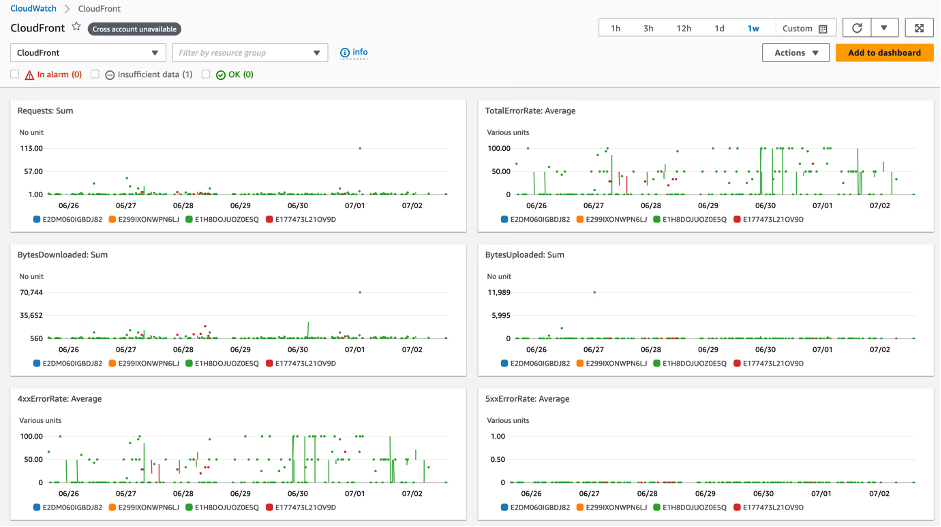
AWS separates the workflow across services: MediaConvert encodes on-demand video, while MediaLive handles live input and MediaPackage prepares the endpoints and streaming formats. CloudFront then caches and delivers the resulting manifests and segments, so a team already using S3, IAM, CloudWatch, and other AWS services can keep delivery controls, logs, and automation in the same cloud.
CloudFront itself does not turn a source file into a video platform. AWS explicitly requires the content to be encoded and packaged first. DRM is available through MediaPackage’s SPEKE integration, which connects packaging to a compatible third-party DRM key and licence provider. The stack can cover Widevine, FairPlay, and PlayReady, but those dependencies and their charges are outside the CloudFront bandwidth rate.
CloudFront pricing varies by destination, usage tier, and requests. AWS’s own live-streaming cost example converts to ≈€0.0734/GB for US delivery, while the first 1 TB of data transfer and 10 million requests are included in the standing free tier, with no minimum commitment. A Security Savings Bundle can reduce spend in exchange for a one-year monthly commitment, and private pricing is available for committed traffic, typically from 10 TB per month.
CloudFront now also offers flat-rate plans for one distribution. Free includes 100 GB and 1 million requests, while Pro at ≈€12.96 per month, Business at ≈€172.74 per month, and Premium at ≈€863.71 per month each include 50 TB, with 10 million, 125 million, and 500 million requests respectively. AWS treats these allowances as baselines, charges no overages, and requires no annual commitment, although it may adjust delivery performance after substantial sustained excess. The plans also include WAF, DDoS protection, Route 53, CloudWatch Logs ingestion, and S3 credits, so a workload that fits the Business allowances cannot be represented by the on-demand per-GB example alone.
For AWS teams, this is a proven global delivery layer with a broad set of adjacent media services and no imposed end-to-end application model. Its strength and its cost caveat are the same modularity, because bandwidth is only one line in the full video-platform budget. Also include storage, encoding, packaging, requests, logging, DRM, and engineering ownership in the estimate.
6. Fastly: for programmable delivery and live-event operations
Fastly Streaming Media Delivery serves live, linear, on-demand, and user-generated video over standard HTTP streaming formats, including HLS and MPEG-DASH. Its architecture uses a smaller number of high-capacity PoPs near major internet exchanges, and its live network map lists active locations and exposes PoP information through an API.
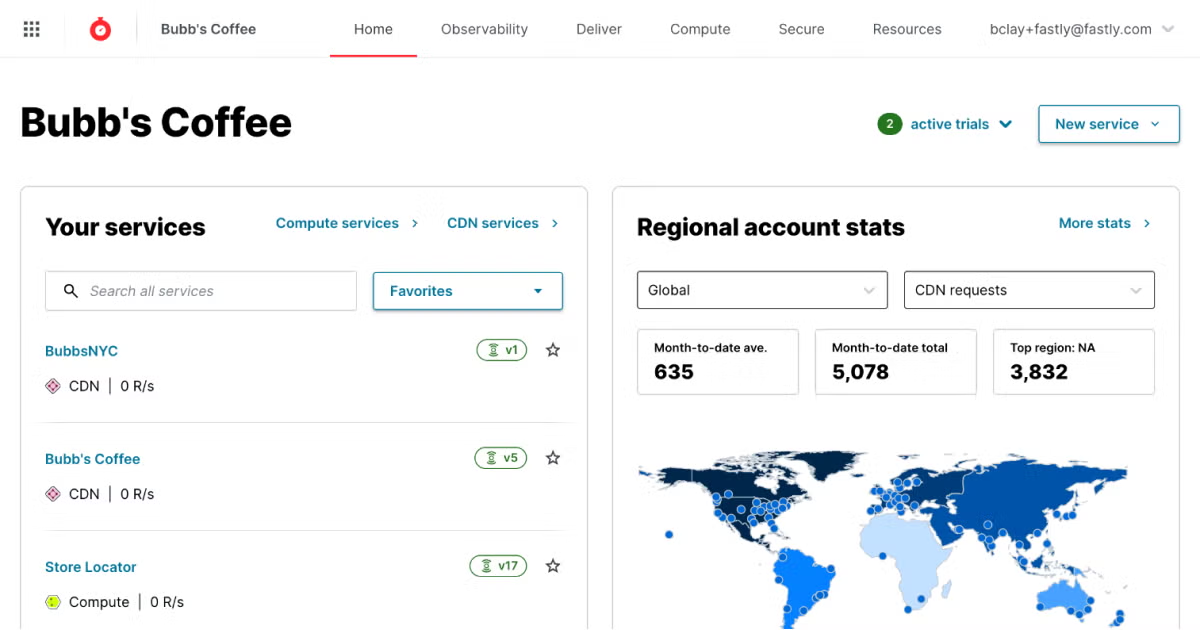
Fastly is a delivery service for teams that want to shape cache behavior and origin interaction. Persistent connections between Fastly PoPs and the origin help retrieve fresh live segments quickly. Shielding, failover design, instant purge, real-time logs, and edge logic give platform engineers fine-grained control. Fastly also offers live-event monitoring for scheduled broadcasts.
On the published usage schedule, the first 100 GB are free. The next tier converts to ≈€0.1036/GB in North America and Europe, ≈€0.1641/GB in several other regions, and ≈€0.2418/GB in Africa, India, and South Korea, while request charges are billed separately. Fastly also sells fixed packages starting at ≈€1,295.56 per month and custom enterprise arrangements.
This CDN delivers the HLS or DASH streams that your origin supplies, while your stack remains responsible for encoding, packaging, DRM licensing, and video management. That boundary is useful when those components already exist and limiting when the project still needs them.
Fastly is a specialist choice for media engineering teams that value programmable cache behavior, fast purge, detailed observability, and operational options for high-stakes live delivery. The public regional rate is substantially higher than low-cost VOD platforms before volume negotiation, and a packaged support plan may introduce a meaningful monthly floor.
7. Google Media CDN: for high-throughput media on Google’s edge
Google Media CDN is distinct from Google’s general-purpose Cloud CDN. It is optimized for high-throughput egress such as streaming video and large downloads, and uses the same global edge infrastructure that serves Google’s consumer properties. Its caching hierarchy includes deep edge caches, Google’s peering edge, and long-tail caches that shield the origin.
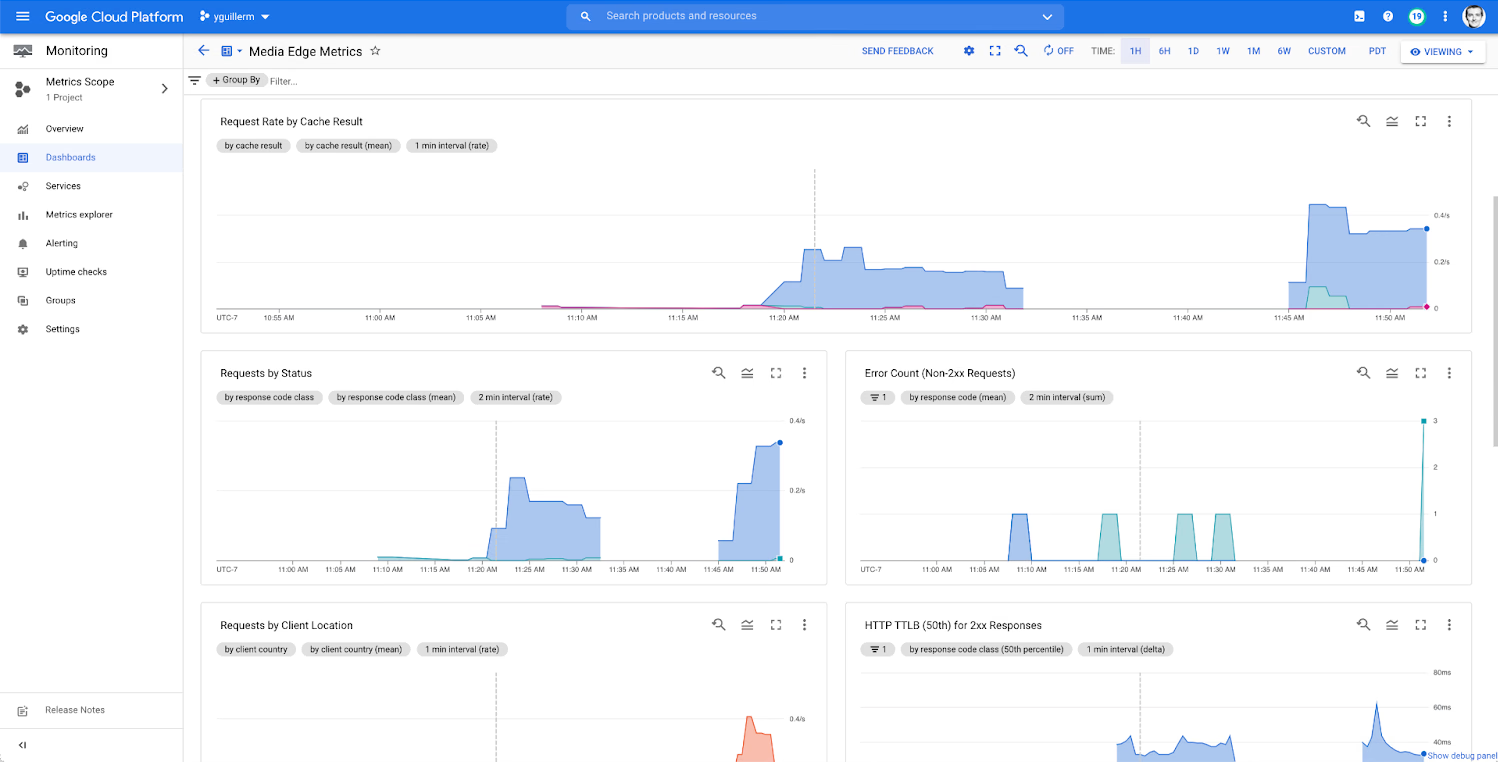
The origin does not have to live in Google Cloud: Media CDN can fetch from a publicly reachable Google Cloud, other-cloud, or on-premises HTTP endpoint. Route-level cache policies, request collapsing, origin shielding, signed requests, and dual-token authentication make it well suited to a team that already packages its own media and needs to protect access to manifests and segments.
Google documents HLS and DASH routing, including CMAF segments. It does not position Media CDN as a transcoder, player, or DRM licence service. Device DRM therefore remains part of the upstream packaging and entitlement architecture, while Media CDN enforces delivery and token policies at the edge.
Google publishes Media CDN locations by metropolitan area but does not give one total PoP count. It does not publish a standard per-GB price either, so you need to request a quote. Cloud CDN’s ≈€0.0173–€0.1727/GiB schedule is not a substitute because that is a separate product with a different workload target and billing model.
Google Media CDN makes sense when a large media workload needs Google’s ISP-connected edge, layered origin shielding, and configurable routes while keeping the origin elsewhere. You still need to own encoding, packaging, playback, and DRM, and you need to request a price quote, so evaluate it as one delivery layer in a larger media architecture.
8. Akamai Adaptive Media Delivery: for enterprise broadcast scale
Akamai Adaptive Media Delivery is purpose-built for large live and on-demand adaptive-bitrate workloads. It supports HLS, MPEG-DASH, and CMAF, and applies network, cache, and connection optimizations across the first, middle, and last mile. Akamai does not publish a current PoP count on the product page, though it describes the service as running on its widely distributed edge platform.
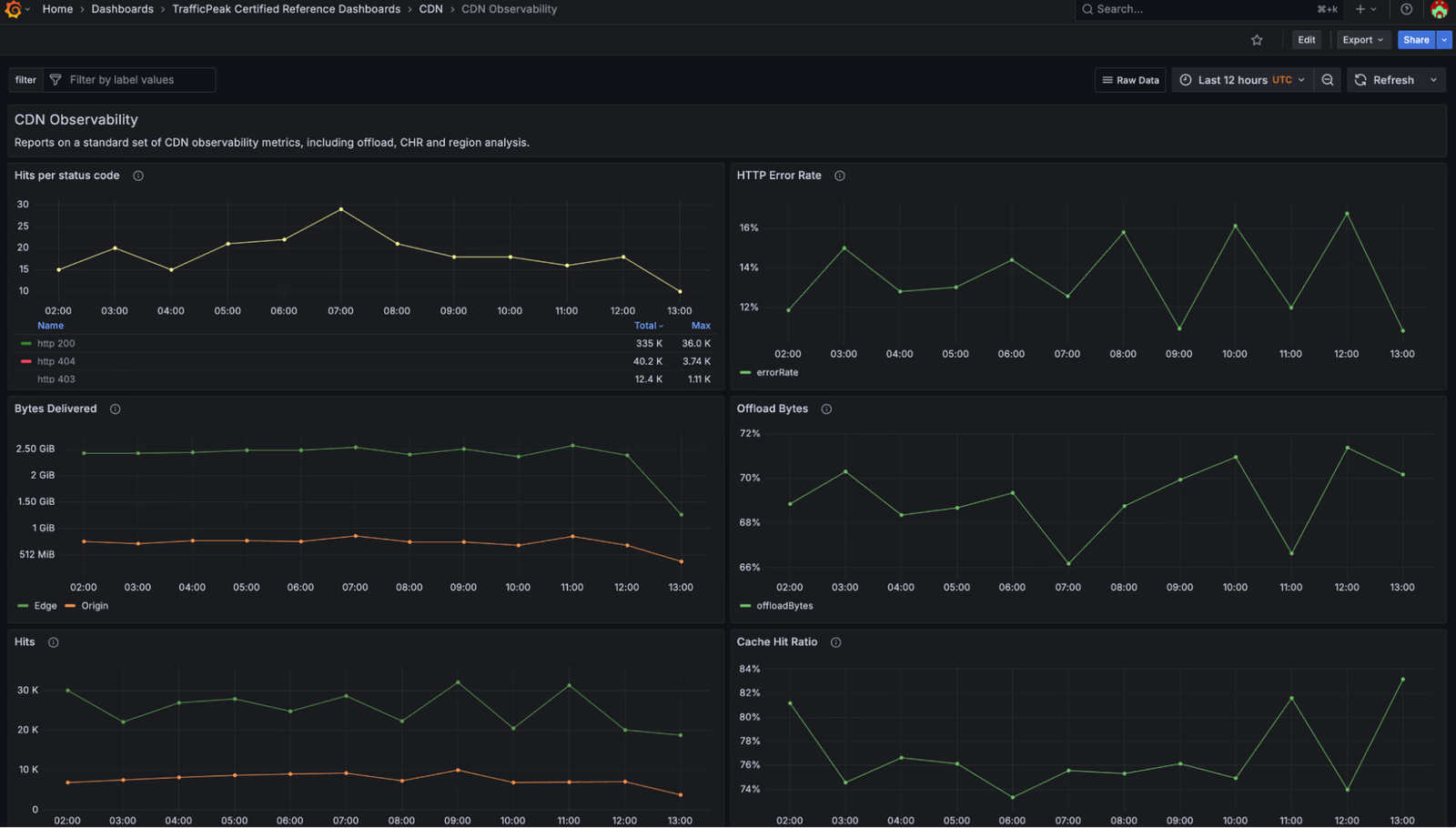
Adaptive Media Delivery extends beyond caching with a 100% availability SLA, optional origin failover, token authentication, access revocation, geo controls, proxy detection, reporting, and support for dynamic ad-insertion workflows. Edge IP Binding can provide a constrained set of predictable delivery addresses where downstream systems require it.
Akamai also lists encryption and watermarking as content-protection capabilities. Before you commit, ask which component performs packaging, which DRM systems and security levels are included, who operates the licence service, and how each option is priced. “Content protection” is broader than device multi-DRM.
Pricing comes by custom quote through an enterprise sales process, with a 30-day trial available. Although that makes Akamai harder to compare with self-service per-GB services, the contract can reflect your traffic shape, regions, event scale, support, and availability requirements. This model suits broadcasters, OTT services, and large media businesses that need mature traffic engineering and contractual operations, while a small team would have to take on more procurement, solution design, and companion services than the project is likely to justify.
How to choose a video CDN
The best provider is the one that removes the largest risk in your actual workflow. Use these eight criteria to turn a broad vendor list into a testable shortlist.
1. Who owns encoding, packaging, and the player?
Start with a source file or live camera and draw every component required before a viewer can press play. A managed video platform covers more boxes, while a delivery CDN gives the engineering team more control but expects a prepared origin. If you already run MediaPackage, a new all-in-one platform may duplicate work. If you only have MP4 uploads and a website, buying a raw CDN leaves several jobs undone.
2. Audience geography and network conditions
Map your audience by country and network so you can test from the markets that matter with the actual player and bitrate ladder. Total PoP count is a rough reach indicator, not a quality score, because providers define and size PoPs differently and last-mile peering can matter more than the distance to an edge shown on a marketing map.
3. The complete streaming path
For VOD, confirm who creates the HLS or DASH manifests, adaptive renditions, captions, thumbnails, and player integration. For live, include ingest protocol, encoder settings, packaging, DVR, recording, latency mode, failover, and audience concurrency. A CDN may deliver LL-HLS perfectly while offering no tool to create the LL-HLS stream.
For a deeper mechanism-level explanation, read how a video CDN works and when you need one
4. DRM and access control solve different problems
Signed URLs, referrer checks, domain restrictions, and geo rules decide who may request a stream. DRM encrypts the media and controls device playback through a licence exchange. Paid courses and premium entertainment commonly need both. Record whether DRM is included, an add-on, enterprise-only, or supplied by a separate vendor, then test Safari/iOS as well as Chromium and Android.
5. What will one real viewing month cost?
Build the estimate from stored source and renditions, new input minutes, delivered minutes or GB, average bitrate, geographic mix, cache-fill traffic, requests, logging, player or analytics fees, DRM licences, live encoding, and support. Use at least a quiet month and a peak-event month, and remember that a five-second segment requested into the buffer can be billable even when the viewer closes the tab before watching it.
6. Origin protection and failure behavior
Ask what happens on a cache miss, an origin slowdown, or a regional failure. Look for origin shielding, request collapsing, failover, stale-content controls, signed origin requests, and the ability to prevent viewers from bypassing the CDN. For live events, define the fallback feed and the person or service responsible for switching it.
7. Logs, QoE data, and debugging tools
Bandwidth graphs alone do not explain a playback failure, so your diagnostic data should include startup time, rebuffering, rendition switches, errors, viewer region, ASN, cache status, and a request ID that can follow a segment through the system. Decide whether the CDN, the player, or a separate analytics product supplies that evidence.
8. Contract terms and exit costs
Confirm minimum spend, term, overages, traffic commitments, support response, data export, log retention, content migration, deletion timing, and fees for retrieving originals. If the platform owns encoding and storage as well as delivery, leaving it involves a full media migration instead of a DNS change. A pilot should test export as well as upload.
Run your video test on Kinescope
Bring one on-demand asset or live stream and test the full path — upload, transcoding, delivery, player, analytics, and DRM — in one platform. Kinescope Super starts at €10 per month, with usage included up to the monthly minimum, a free pilot and no annual contract. See what your setup would cost.