











Video hosting API: add video to your product without building the pipeline




Add video through the REST API
A video hosting API is part of every video hosting platform: the programmable layer over upload, transcoding, delivery, the player, and DRM. Instead of clicking through a dashboard, your product makes those same calls in code, at scale. This guide walks the practical flow: authenticate, upload a file, embed the player, and react to events with webhooks, with what each step gives you as you add video to a product.
Key takeaways
- A video hosting API is the programmable layer over the work of putting video online: ingest, transcoding to adaptive HLS, storage, CDN delivery, a player, DRM, and analytics.
- The core flow is small: authenticate with a bearer token, upload a file, embed the returned video by ID, and listen for a webhook when processing finishes.
- The player is an
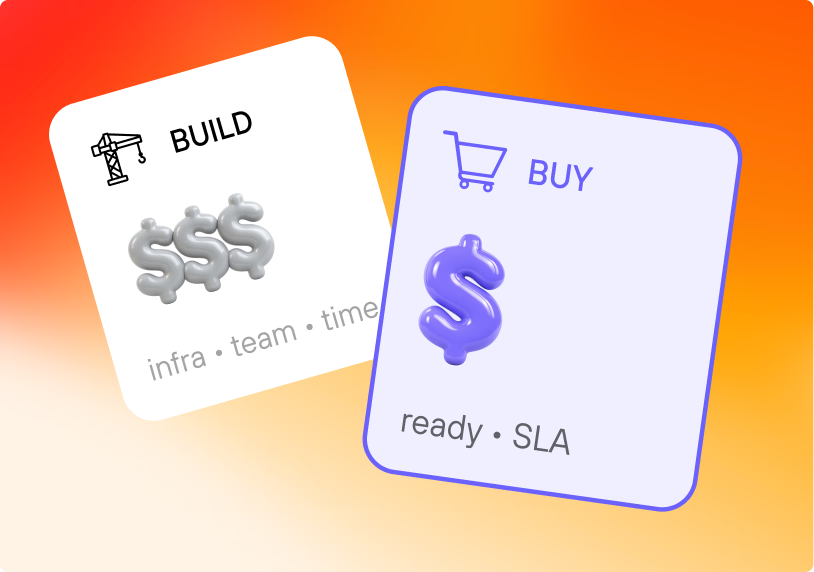
<iframe></iframe>you control from JavaScript through the IFrame Player API — useful for tracking lesson progress, gating actions, or syncing video with your own UI. - Building the same stack in-house means running an encoder, a multi-region CDN, a DRM license service, and a player you maintain. An API is the "buy" side of that decision.
- Kinescope exposes all of it through one REST API and open-source SDKs, usage-based from €10 a month, so the choice is mostly about whether video is core enough to your roadmap to build yourself.
What a video hosting API does
The API turns "put this video in our product" into a handful of requests. You send a file or a URL, the hosting platform transcodes it into adaptive renditions, stores it, and serves it over a CDN. You get back an ID and an embed code, and your app never touches the heavy parts of video.
The useful way to think about a video hosting API is by what it removes from your backlog. Uploading, encoding to multiple bitrates, packaging for HLS, signing playback URLs, enforcing DRM, and collecting watch analytics are all standard problems with standard solutions. An API lets you call those solutions instead of staffing them.
What you would build yourself
Building the video layer yourself means standing up a full system. To serve one uploaded file to a phone on a train and a laptop on fibre, you need:
- Ingest and transcoding. Take an arbitrary MP4 or MOV and produce several resolutions, because one file can't serve every connection. That means running and scaling an encoder.
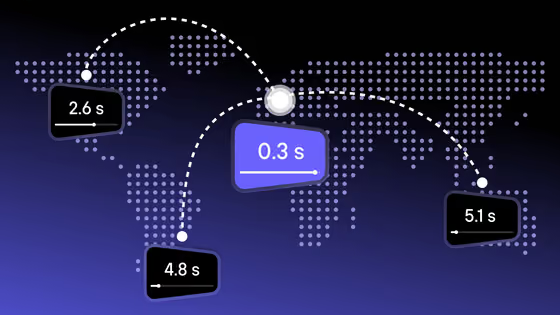
- Packaging and delivery. Segment each rendition for HLS, push it to a CDN with points of presence near your viewers, and keep adaptive bitrate switching smooth.
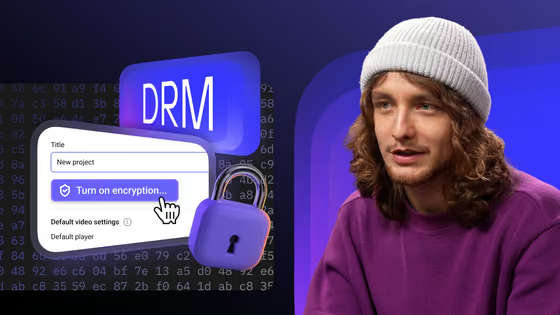
- Protection. Sign and expire playback URLs, restrict domains, and run a DRM license service for Widevine and FairPlay if the content is paid.
- A player. Build and maintain one that handles HLS, captions, fullscreen, mobile quirks, and DRM across browsers.
- Analytics. Collect view and engagement data and tie it to your own users.
Each of those is a team's worth of ongoing work. A hosting API is the decision to rent that stack and spend your engineers on the product instead.
Quickstart
The minimum path from nothing to a playing video is three steps: get a key, upload a file, embed the result. Here is the shape of it, using Kinescope as the example.
# 1. Your Access Key comes from the dashboard. Treat it like any secret.
export KINESCOPE_TOKEN="your_access_key"
# 2. Confirm the key works by listing your videos.
curl -H "Authorization: Bearer $KINESCOPE_TOKEN"  \
  https://api.kinescope.io/v1/videos
Once a video exists and its status is done, embedding it is one tag:
<iframe src="https://kinescope.io/embed/VIDEO_ID"
  allow="autoplay; fullscreen; picture-in-picture; encrypted-media;"
  frameborder="0" allowfullscreen></iframe>
The rest of this guide expands each step.
Authenticate and upload
Authentication
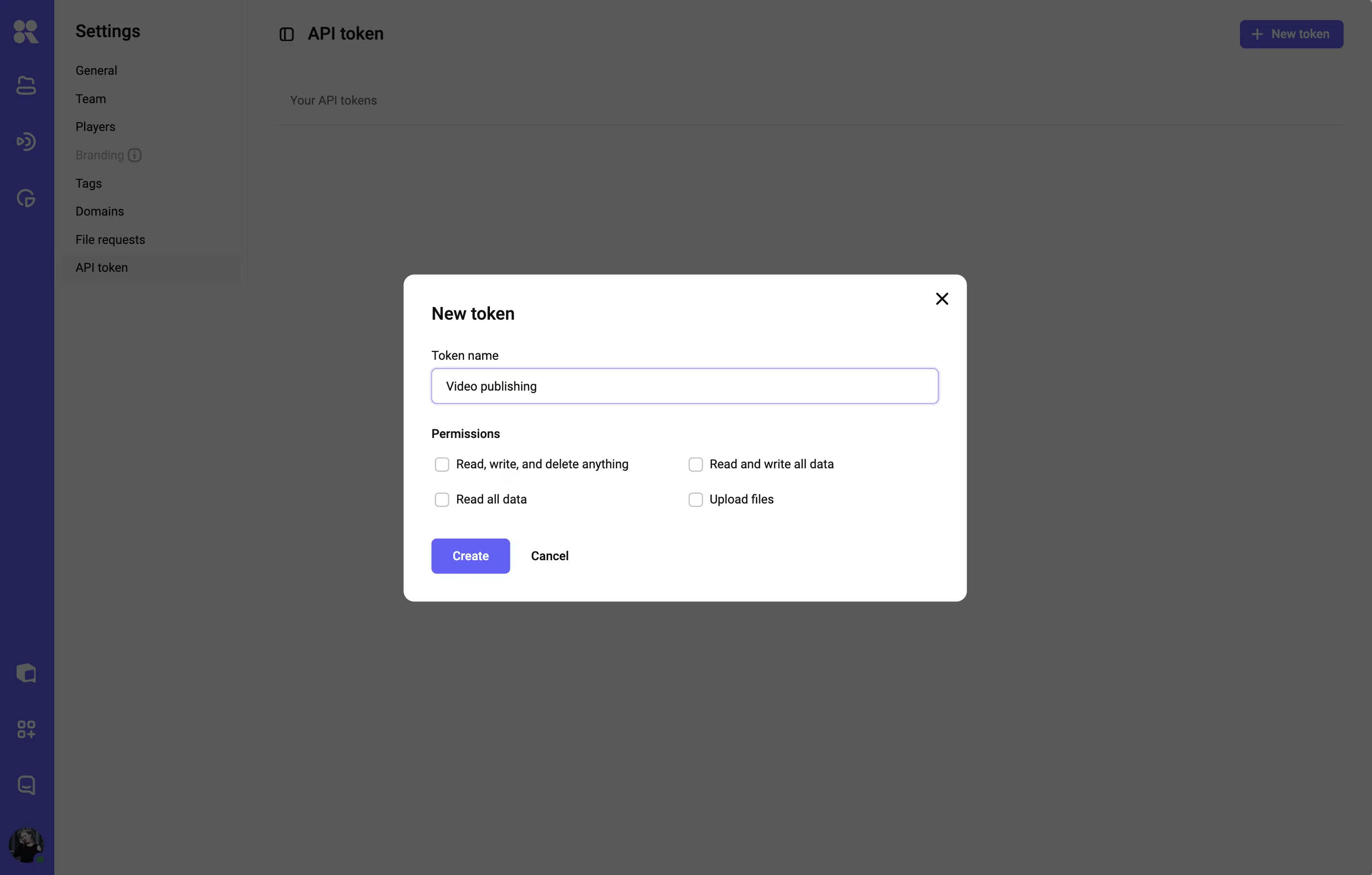
Every request carries your Access Key as a bearer token. Kinescope's API lives under https://api.kinescope.io/v1/, and a missing or wrong key returns 401.
curl -H "Authorization: Bearer $KINESCOPE_TOKEN"  \
  https://api.kinescope.io/v1/videos
Errors come back as a JSON error object with a code, message, and detail, so you can branch on them in your client.
Uploading a file
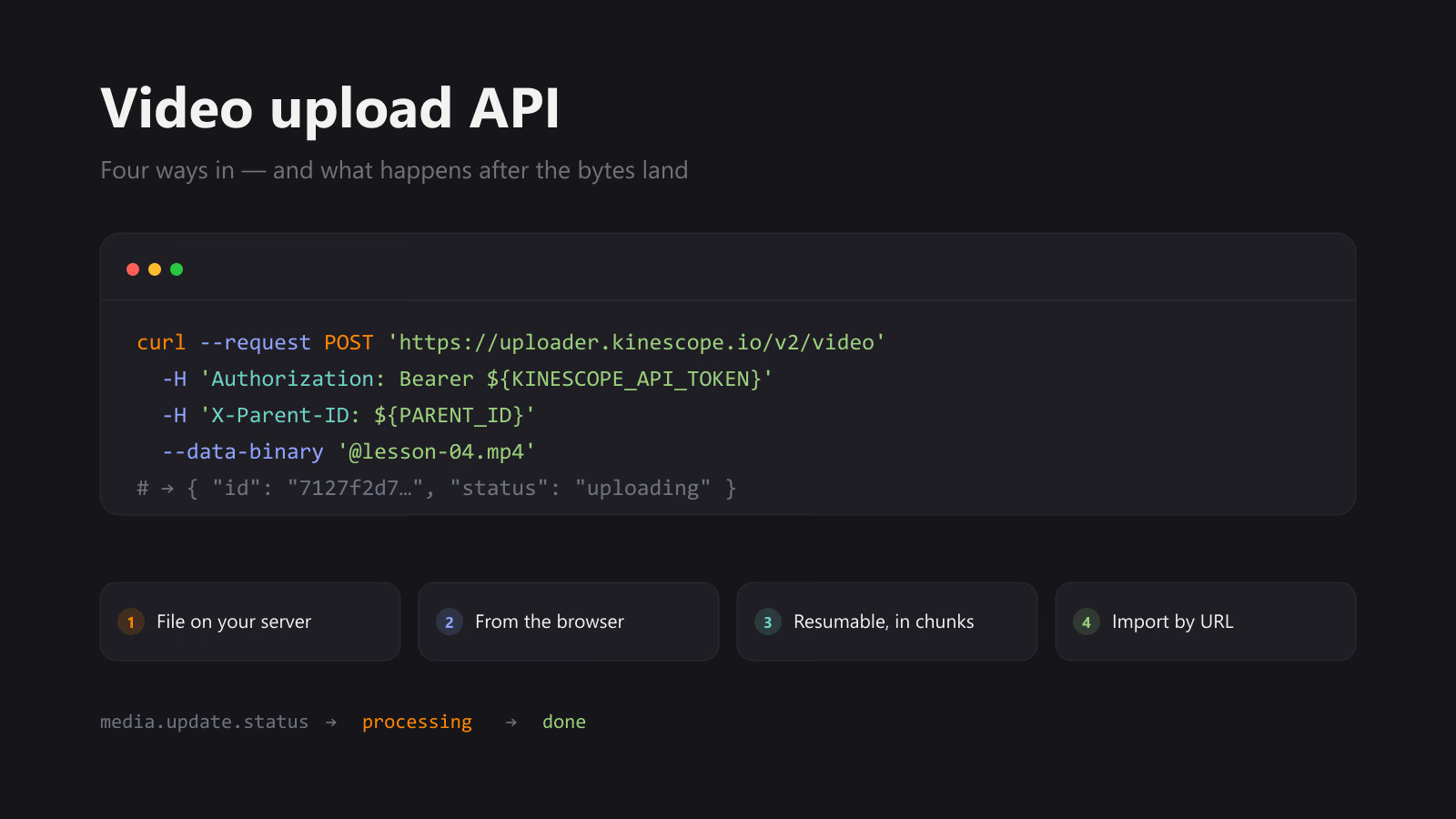
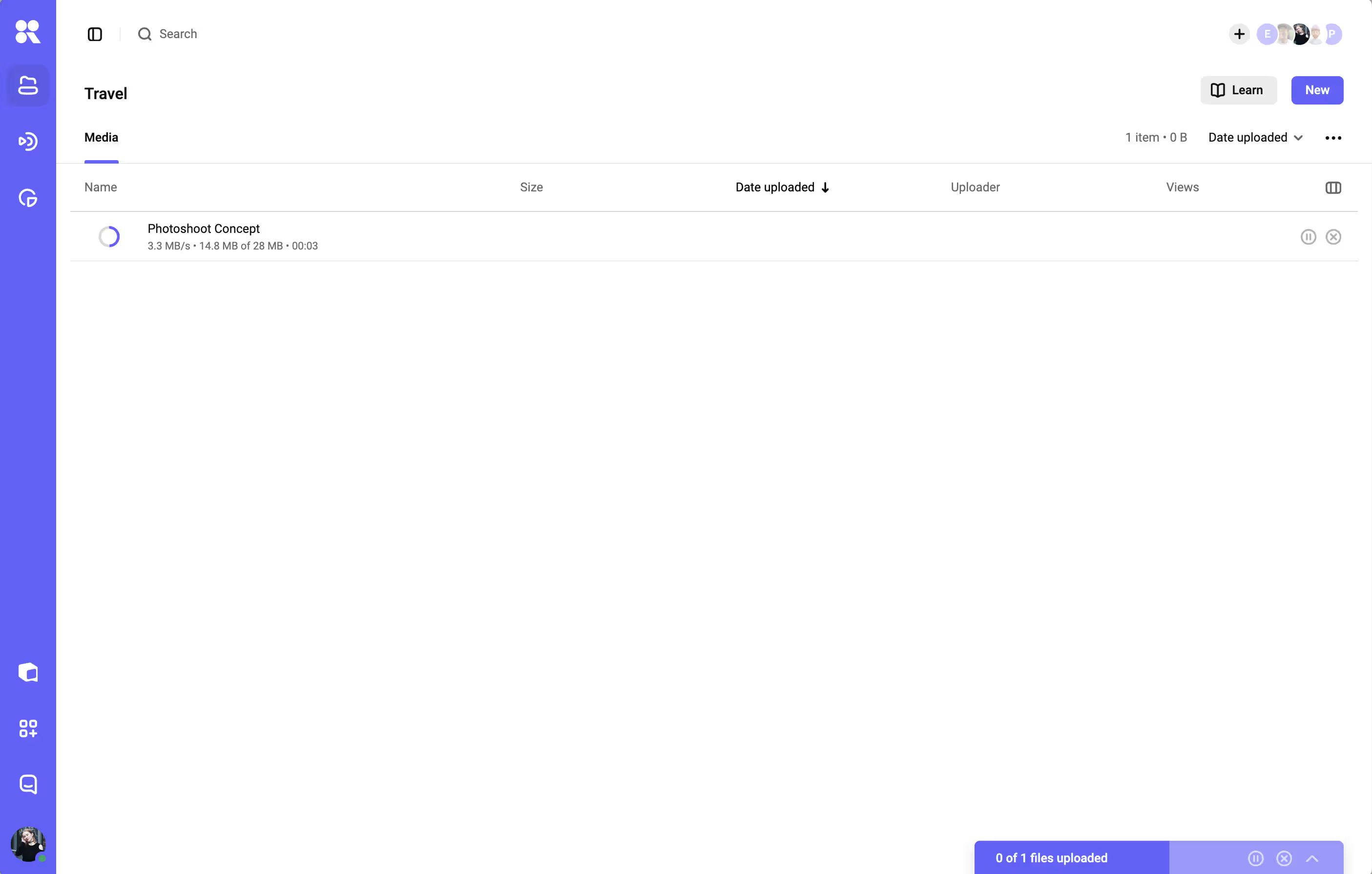
Kinescope accepts uploads as a resumable transfer (so a dropped connection resumes instead of restarting), and also supports importing from a URL or in bulk from CSV. The file push itself is handled by the official SDKs and the upload flow in the developer docs, which give the exact uploader call for your language. Build the upload on top of those; they wrap the multipart and resumable logic for you. The four request shapes — a single call, a browser upload that never sees your token, resumable chunks and import by URL — are compared side by side in the upload API walkthrough.
Checking when it's ready
A freshly uploaded video becomes playable once it clears a short processing lifecycle. You can read a video's status field, which is one of pending, uploading, pre-processing, processing, done, aborted, or error.
curl -H "Authorization: Bearer $KINESCOPE_TOKEN"  \
  https://api.kinescope.io/v1/videos/VIDEO_ID
Polling works, but the cleaner pattern is a webhook, covered below.
Embed and control the player
The embed code
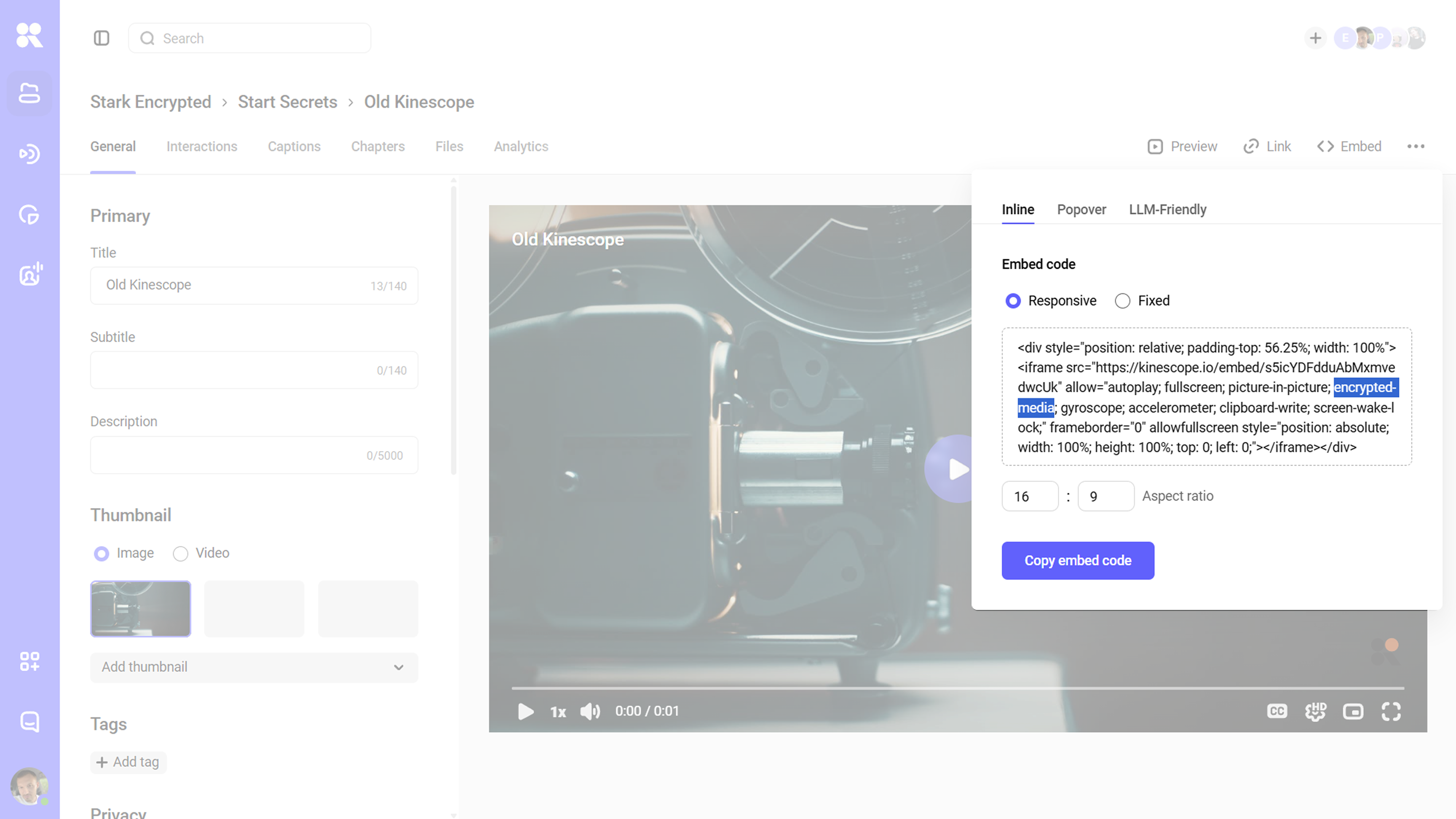
The player is an <iframe></iframe> pointed at your video ID. The allow attribute matters: encrypted-media is what lets DRM-protected video play, so keep it in even if you aren't using DRM yet.
<iframe src="https://kinescope.io/embed/VIDEO_ID"
  allow="autoplay; fullscreen; picture-in-picture; encrypted-media;"
  frameborder="0" allowfullscreen></iframe>
You can set playback behavior through URL parameters, for example ?autoplay=1&muted=1 or a quality cap like ?quality=720p to save data on mobile.
Controlling it from JavaScript
For anything interactive (tracking how much of a lesson a student watched, pausing to show a quiz, advancing to the next clip), the IFrame Player API gives you programmatic control. You load one script and declare onKinescopeIframeAPIReady, which runs once the API is available. If you want to see the methods fire before writing any of this, the Kinescope video API page runs them against a real player.
<div id="player"></div>
<script src="https://player.kinescope.io/latest/iframe.player.js"></script>
<script>
  function onKinescopeIframeAPIReady(playerFactory) {
    playerFactory
      .create('player', { url: 'https://kinescope.io/VIDEO_ID' })
      .then(function (player) {
        player.on(player.Events.Ended, function () {
          // e.g. mark the lesson complete in your own backend
        });
      });
  }
</script>
Methods return Promises, and you can subscribe to events like Play, Pause, and Ended, then tie them to state in your product.
Controlling who can play it
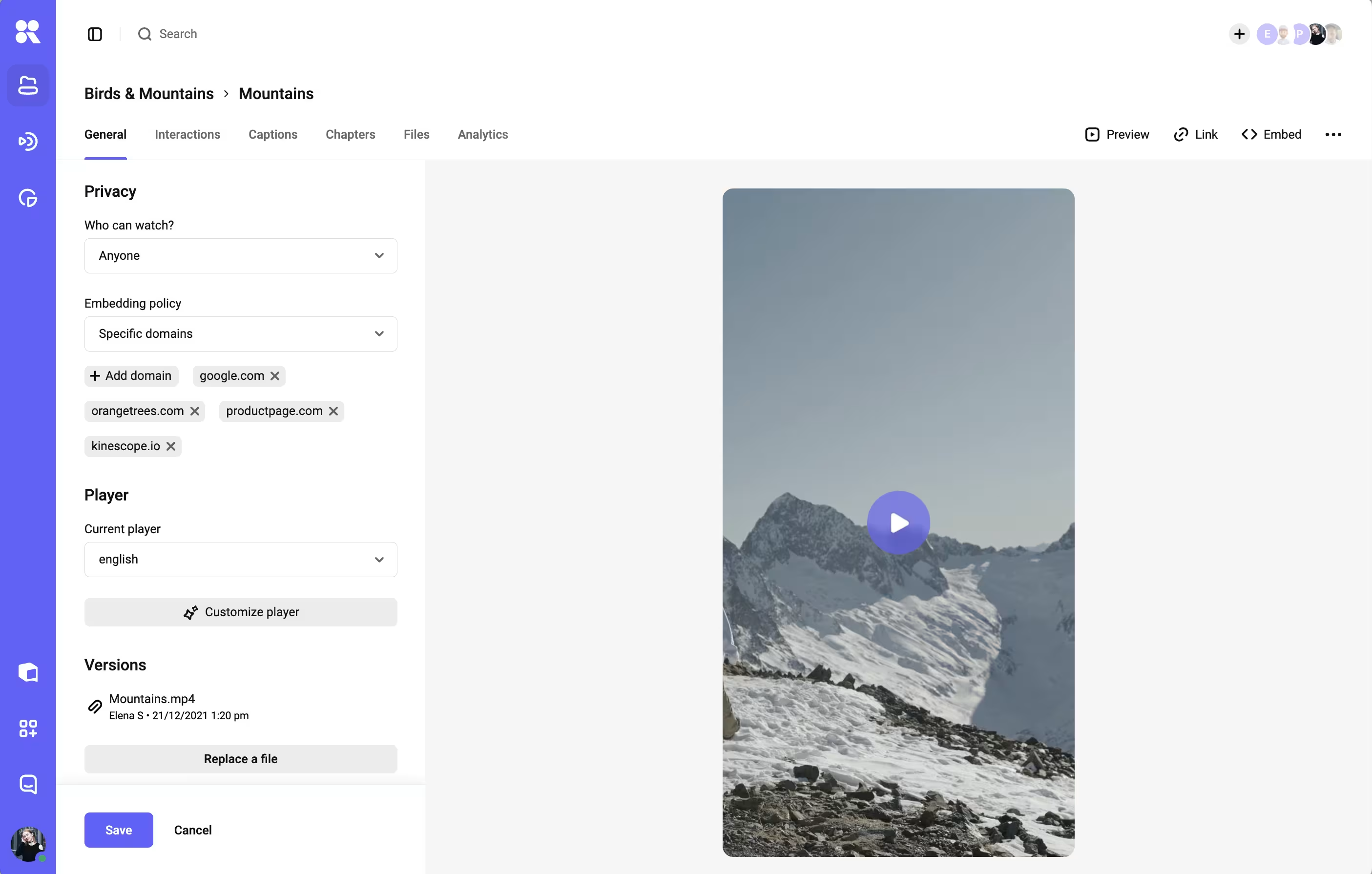
Embedding a video doesn't make it public. Access is set per video: a private link, a password, a domain allow-list, or DRM for paid content. The same controls are available through the API, so your backend can decide who receives a playable embed and on which domains it loads. For the full picture of what "secure" means in practice, see the guide to secure video hosting.
React to events with webhooks
Polling for status wastes requests. A webhook lets Kinescope call you when something changes, so your product reacts the moment a video finishes processing. You register an endpoint and the events you care about.
curl -X POST https://api.kinescope.io/v1/webhooks  \
  -H "Authorization: Bearer $KINESCOPE_TOKEN"  \
  -H "Content-Type: application/json"  \
  -d '{
    "name": "encoding-done",
    "endpoint": "https://yourapp.com/kinescope/webhook",
    "events": ["media.update.status"]
  }'
Your endpoint receives a POST when the event fires. Check that the status is done, then publish the video in your product.
// Express handler
app.post('/kinescope/webhook', (req, res) => {
  const { event, data } = req.body; // confirm payload fields against the docs
  if (event === 'media.update.status' && data.status === 'done') {
    // the video is ready — flip it live for your users
  }
  res.sendStatus(200);
});
That closes the loop: upload through the API, get notified on done, embed the ID.
SDKs for your stack
You don't have to call the REST API by hand, and the platform is built with developers in mind. We publish open-source SDKs on GitHub for JavaScript, React, Angular, iOS, Flutter, and React Native, with the player wrapped as a native component in each; Swift, Kotlin, and Vue round out the list. Each repo includes a demo you can fork.
There's also a native Model Context Protocol (MCP) server on every plan, so an MCP-capable assistant like Claude or Cursor can search your library or trigger uploads from inside the tool you already code in. The connection snippet for each client is in the developer hub. If you'd rather generate a client, the OpenAPI spec feeds straight into code generators.
Buy vs build: when the API pays off
Building video in-house makes sense when video is your product and you need control no vendor offers. For most teams, video is a feature, and the pipeline behind it is cost without differentiation.
An API moves the line from capital project to line item. With Kinescope, delivery and the player are usage-based from €10 a month: you pay per gigabyte stored and delivered, with transcoding charged once at upload. There are no per-seat fees and no enterprise contract to unlock the basics, so the protections that paid content needs (DRM, signed links, domain rules) are part of the same API rather than a separate tier.
The honest test: estimate the engineering months to build and run ingest, CDN, DRM, and a player, then compare that against a usage bill. If video isn't where your team's time should go, the API is the answer. Migration is usually part of that math too: most hosting platforms import an existing library for you, so moving off a self-built stack or another provider is a managed step rather than a second project.