Multi-DRM explained: Widevine, FairPlay, and PlayReady




Widevine and FairPlay together
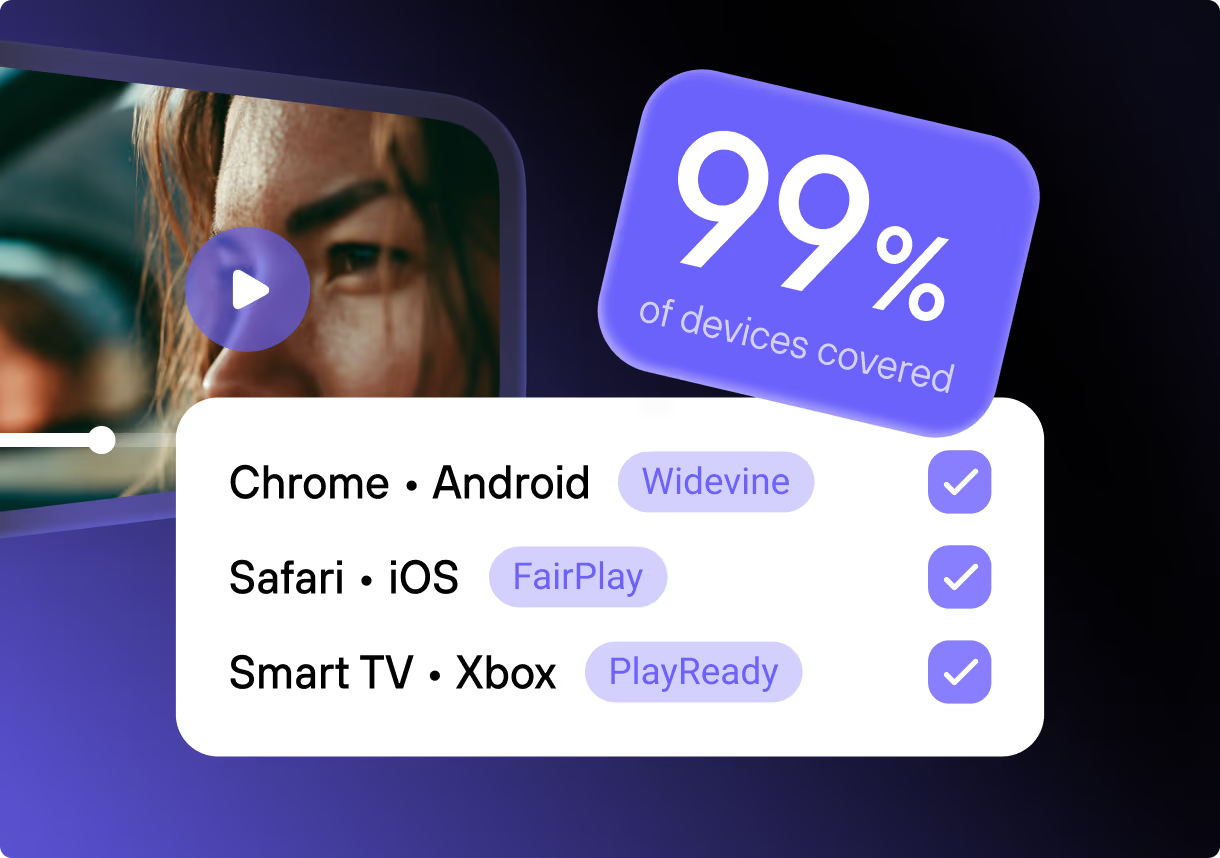
Multi-DRM is the practice of protecting a single video with more than one digital rights management system, so it plays encrypted on every device your viewers use. It exists because no single DRM reaches everyone: Google’s Widevine is absent from Safari and iOS, Apple’s FairPlay works only inside Apple’s ecosystem, and Microsoft’s PlayReady covers Smart TVs, consoles, and native Windows apps.
For a paid course or a members-area video, the devices outside a single DRM’s reach are lost revenue or an open door. This guide covers how the three systems divide the device map, what Widevine’s levels mean for playback quality, and where the line between needing all three and needing only two falls.
Key takeaways
- For an embedded course or members-area player, Widevine plus FairPlay is the pair that matters: that’s browsers and phones. PlayReady is the add-on for a native Smart-TV, Xbox, or Windows app.
- Apple doesn’t allow Widevine or PlayReady inside Safari or iOS
<video>, so without FairPlay those viewers either can’t play the protected file or fall back to an unencrypted stream. - The video is packaged once with Common Encryption (CMAF with cbcs), and each extra DRM is a license server on that same file.
- The device’s security level sets the quality ceiling: hardware-backed playback unlocks HD and 4K and blacks out screen capture, while software-only Widevine L3 is usually held to SD.
- DRM stops a download-and-redistribute leak. A phone pointed at the screen still gets through, and forensic watermarking is what ties that copy to one account.
Why one DRM can’t reach every viewer
Each DRM is tied to the platforms its owner controls, so what the viewer opens the video in decides which system applies, and what quality they can get:
| Platform or browser | DRM system | What the viewer gets |
|---|---|---|
| Chrome, Firefox, Edge (desktop) | Widevine | Usually SD to HD; desktop browsers run software-only Widevine |
| Android, Android TV, Chromecast | Widevine | Up to 4K on hardware-backed (L1) devices |
| Safari (macOS), iOS, iPadOS, tvOS | FairPlay | Up to 4K, hardware-backed on Apple silicon |
| Windows/UWP apps, Xbox | PlayReady | Up to 4K on hardware (SL3000) |
| Smart TVs (Samsung Tizen, LG webOS) | PlayReady or Widevine, varies | Up to 4K on certified models |
Apple is the hard constraint: it does not allow Widevine or PlayReady in the <video> element, so any protected video on iPhone, iPad, or Safari has to use FairPlay. A Widevine-only setup means every Apple viewer either can’t play the video or falls back to an unencrypted stream.
There’s no single authoritative figure for how viewers split across the three, but browser and OS share gives a reliable estimate. By StatCounter’s July 2026 data, Widevine browsers (Chrome, Edge, Firefox, Samsung Internet) run about 80% of sessions and Safari (FairPlay) about 16%; mobile splits roughly Android 68% to iOS 32%. Widevine and FairPlay together reach the overwhelming majority of browser and mobile viewers, and PlayReady’s territory is the TV, console, and Windows-app world those numbers don’t capture.
Packaged onto the same video, the three let each device load the one system it can use, with nothing for the viewer to pick.
Widevine: Google’s DRM, with the security levels that decide quality
Widevine is the most widely deployed DRM by device count: Chrome, Firefox, and Edge on the desktop, every Android device with Google services, Android TV, Chromecast, and most non-Apple Smart TVs. For an audience on browsers and Android, it alone reaches the large majority, which is why teams set it up first.
Widevine has three security levels, and they decide where decryption happens and, through licensing policy, what resolution a device is allowed to play.
| Widevine level | Where decryption runs | Typical maximum quality |
|---|---|---|
| L1 | Hardware enclave (TEE) | HD and 4K |
| L2 | Hybrid, rare in real devices | HD |
| L3 | Software only | SD, limited by license policy |
A Trusted Execution Environment (TEE) is a locked-off part of the chip, separate from the main operating system; most current smartphones and recent Smart TVs have one. On an L1 device, the keys and the decrypted frames stay inside that enclave, which the operating system can’t read, and the video runs a protected path to the display.
That hardware path is what studios require before they license HD or 4K: the industry benchmark, MovieLabs’ Enhanced Content Protection spec, calls for a hardware root of trust and HDCP, which in practice means Widevine L1, PlayReady SL3000, or FairPlay.
L3 has no such enclave, so protection runs in software that ends up in normal memory, and content owners hold L3 to SD. Desktop Chrome and Firefox report L3 even on capable hardware, which is why 4K on a Windows laptop routes through Edge and PlayReady rather than a Widevine browser.
This level split has a direct security consequence. On hardware-backed playback, screen recorders like OBS or the built-in OS capture return a black frame, because the decrypted video never reaches readable memory. On L3 software playback, screen capture can still work, which is another reason holding L3 to SD is standard practice.
FairPlay: the only way into Safari and iOS
FairPlay Streaming is Apple’s DRM, and its whole importance is exclusivity: it is the only DRM that works in Safari on macOS, and it is required for any protected playback on iOS, iPadOS, and tvOS. It’s tied to Apple’s HLS delivery and to hardware-backed key handling on Apple silicon.
Mechanically it’s a short handshake: the player sends a Server Playback Context (SPC) to your license server, which returns a Content Key Context (CKC). The friction is rarely technical; the slow part is Apple’s certificate-issuance process, which routes through the Apple developer programme and is often the slowest step when you add FairPlay to a multi-DRM setup.
Without FairPlay you can’t protect video on Apple devices, which makes it non-negotiable for any consumer audience.
PlayReady: Windows, Xbox, and Smart TVs
PlayReady is a DRM system built by Microsoft. It’s most associated with Smart TVs, but it runs on Windows and native Windows apps, Xbox, many Smart TVs, set-top boxes, and mobile platforms. The TV picture is shifting, though: Samsung’s Tizen specs (checked August 2026) mark PlayReady as deprecated and no longer recommended for new models. Current sets still ship it, but Widevine L1 is the path Samsung is steering toward, so a Widevine setup increasingly reaches those TVs too.
Like Widevine, it splits into a software tier (SL2000) and a hardware tier (SL3000), with SL3000 gating premium 4K the way Widevine L1 does. It also carries the richest licensing-rules model of the three: expiration dates, rental windows, and play-count limits are first-class features, which is why operators handling rentals and time-limited access lean on it.
For a video embedded in a web page or a mobile app, such as a course inside an LMS or a members-area lesson, you rarely need PlayReady. On Windows desktop browsers, Chrome, Firefox, and Edge all use Widevine, and Safari and iOS use FairPlay, so those two already cover where an embedded player runs.
PlayReady matters when your distribution is a native Smart-TV or Xbox app, a Windows/UWP application, or when you need its rental-and-expiry licensing controls. Outside those cases, PlayReady is a cost and an integration you can skip without losing meaningful reach.
What “multi-DRM” means in practice
Multi-DRM sounds like it should mean encoding the video three times, but it doesn’t. Modern DRM shares one encryption layer, Common Encryption (standardized as ISO/IEC 23001-7, which deliberately defines no DRM of its own), so you package the video once and all three systems decrypt the same file. FairPlay reads only the cbcs encryption mode while Widevine and PlayReady read both, so the industry now packages once as CMAF with cbcs. Storing one set rather than three also keeps storage and CDN costs flat as you add systems.
What differs per system is the license: each device talks to its own license server (Widevine’s, Apple’s, Microsoft’s) for the key it’s allowed to use. In the browser this is brokered by Encrypted Media Extensions, a W3C standard since 2017 that lets a page request keys through the browser’s built-in DRM module. So multi-DRM in practice means one encrypted master, several license paths, and a packager that writes the headers each system looks for.
A second layer enforces the quality-by-device rule. Multi-key packaging encrypts the SD renditions with one key and the HD or 4K renditions with another, and the license server releases the high-resolution key only to hardware-backed devices (Widevine L1, PlayReady SL3000, FairPlay hardware). So a compromised L3 laptop can decrypt SD but never receives the 4K key, and no player setting can override that.
How to get multi-DRM: three routes
There are three ways to get multi-DRM, depending on scale.
- Build it in-house. Each system has a client porting kit and a server SDK, so packaging is the easy part. The license fees are minor (Widevine charges no per-use fee, and FairPlay needs only an Apple developer account at $99 a year), so the real cost is engineering: operating license servers, the FairPlay certificate process, tracking CDM changes that can silently break playback, and cross-device testing. It’s justified mainly for a large streaming operation that already owns its encoding pipeline.
- Hire a DRM vendor. Specialist providers such as DoveRunner, BuyDRM, and castLabs sell multi-DRM license delivery as a service, so you don’t run the license servers yourself. You still wire up the packaging and player and pay per license or stream, so this fits teams that own their pipeline but want the DRM layer handled.
- Use a platform with DRM built in. Multi-DRM video hosting that already includes Widevine and FairPlay turns the whole question into a toggle: you upload, switch protection on, and the packaging, license servers, and player are handled. For a course platform, a membership site, or a business protecting training video, this is usually the right trade, because the license-server plumbing is undifferentiated work.
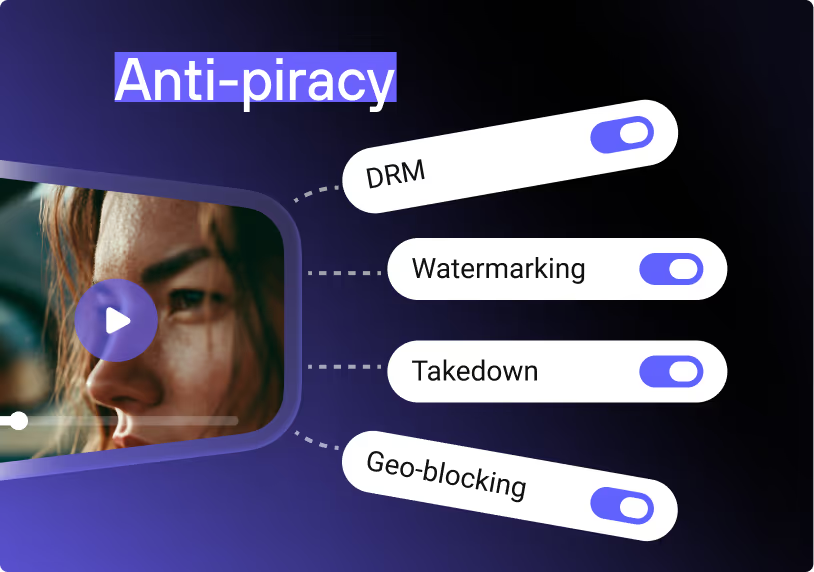
DRM is also one layer of a wider anti-piracy approach: encryption, signed links, and traceability work together, and running each in-house multiplies the maintenance.
Whichever route you pick, remember what DRM does and doesn’t do. It’s a studio-grade barrier against download-and-redistribute piracy, and on hardware-backed devices it blocks screen capture too. What it can’t stop is the analog hole — someone pointing a phone camera at the screen.
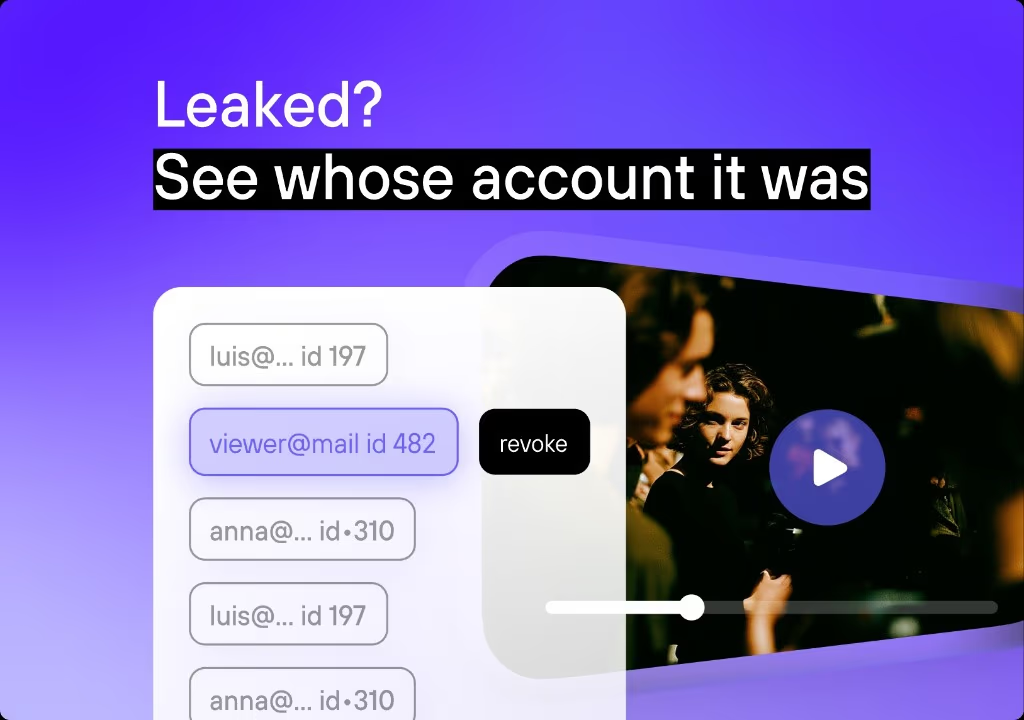
No DRM level closes that, and DRM gives you no way to tell who leaked a stream. That’s the job of forensic watermarking, which embeds a per-viewer identifier so a leaked copy traces back to one account. Mature setups run both: encryption plus a per-viewer mark that identifies whoever records the screen anyway.
How Kinescope handles multi-DRM
Kinescope has Widevine and FairPlay built in — the two that cover browsers and mobile, where embedded course and membership players run. DRM is a per-project toggle: switch it on, and every upload to that project is encrypted. The online-course platform Ada moved off Mux to this setup and now serves 500,000+ learners on it.
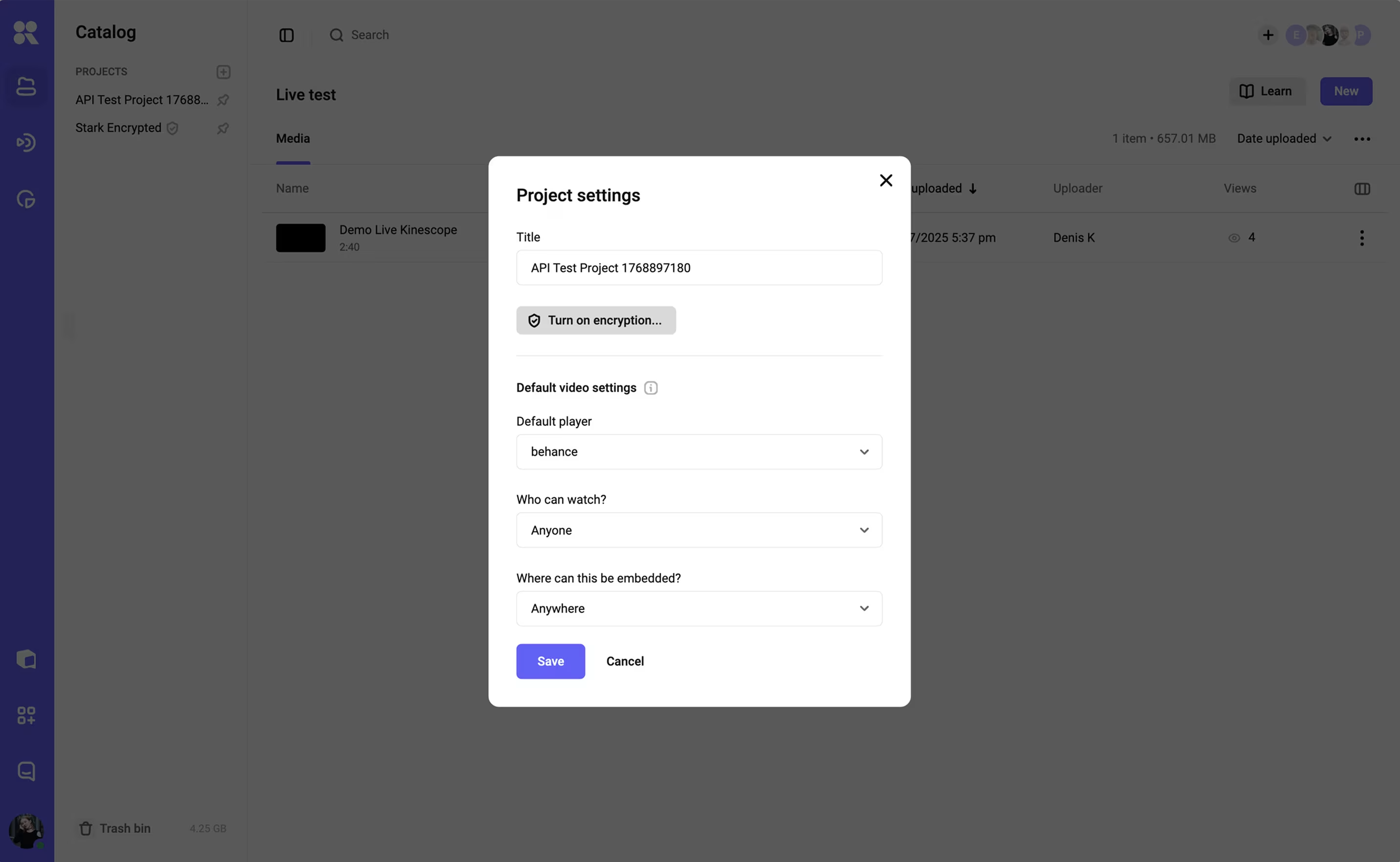
Each playback fetches a per-session license key, so SaveFrom or VLC get ciphertext, and on iOS, Android, Safari, and Edge, screen recording is blocked at the OS level. Protected playback works inside Moodle, Canvas, Teachable, Thinkific, and any LMS that takes an embed, with no plugin to install. For the analog-hole gap, dynamic per-viewer watermarks tie any screen recording back to the individual account.
On pricing, DRM is included in the first paid plan, Super, from €10/month billed by actual usage, with no enterprise contract. The free plan (100 minutes of storage, 200 GB of monthly traffic) lets you test protected playback first. See how Kinescope’s DRM and watermarking fit together.