


















Video for resident self-service: 8 tools for property managers




Keep your video library organised
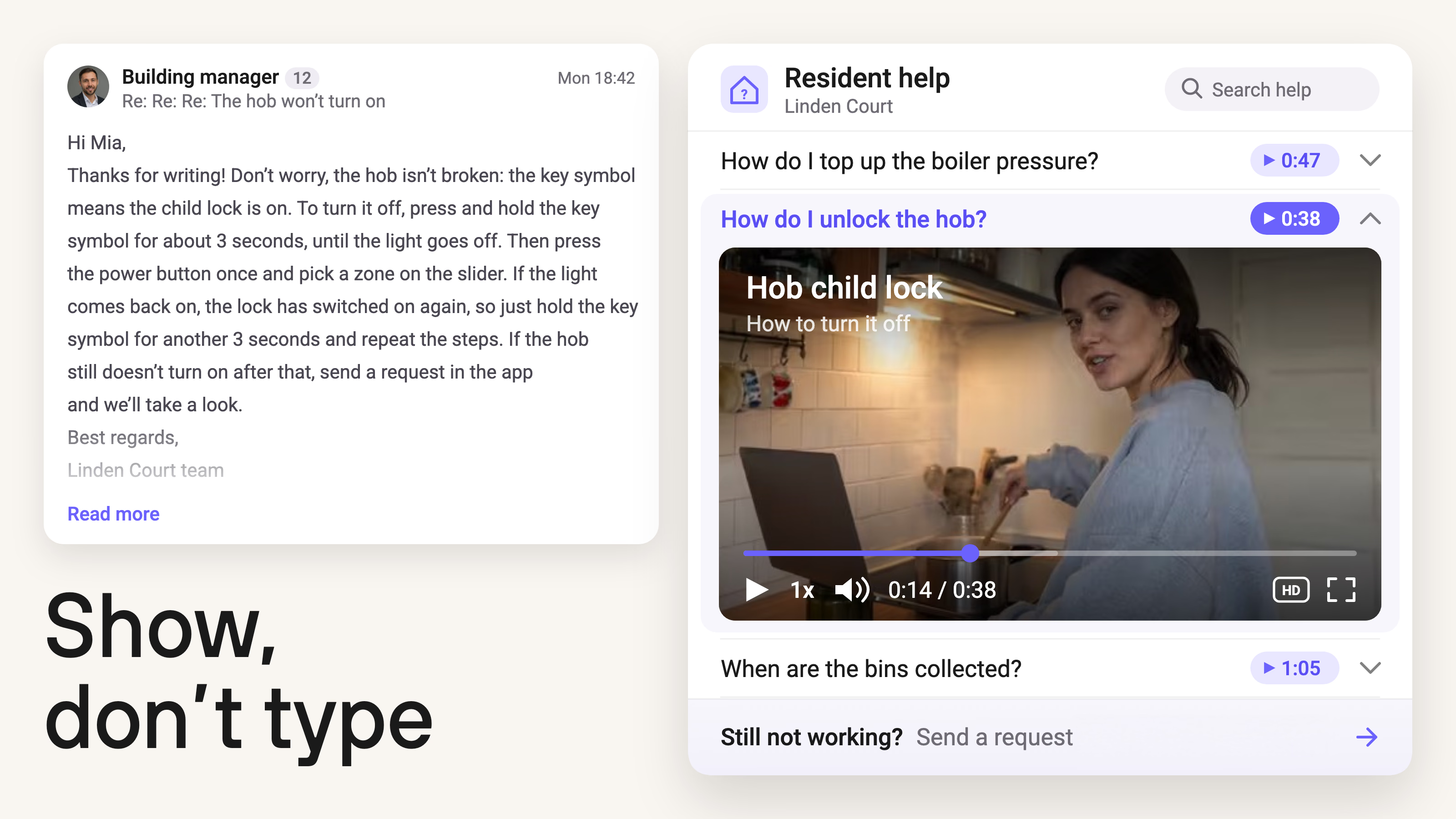
Property managers can reduce repetitive resident questions by making reusable instructions available where people already look for help. Short videos are particularly useful for showing how to use a resident portal, book a shared facility, report a maintenance issue, or operate building equipment.
A management team can record these explanations once and share them through a website, email, or resident communication platform. The right setup depends on how the team creates instructions, where residents access information, and what happens when someone needs further assistance.
In this guide, we'll compare eight tools that support different parts of resident self-service.
8 tools for video-based resident self-service
Resident self-service can involve several tools working together. Recording software helps staff create instructions, video hosting keeps them available, and resident platforms give people access to information or a way to request help.
The eight tools below cover different parts of that process. Some can work independently, while others complement software your property management team already uses.
| Product | Role in resident self-service | Relevant capabilities | Pricing |
|---|---|---|---|
| Kinescope | Host and maintain video guides | Video library, direct links, embeds, playlists, API | Free; Super from €10/month, usage-based |
| Loom | Record quick walkthroughs | Screen recording, video messaging, links and embeds | Free; paid plans per user |
| Realync | Create videos for residential communities | Maintenance tutorials, resident updates, playlists and analytics | Custom quote |
| Unitify | Manage resident requests and document completed work | Resident app, announcements, bookings, tickets, request tracking | Free; paid plans per apartment |
| Guidde | Turn digital workflows into step-by-step video guides | Automated capture, narration, captions, links and embeds | Free; Pro from $19/creator/month, billed annually |
| Ping Services | Give residents access to video guides and building information | Native video playback, searchable guides, resident app, access controls | Custom quote |
| Fixflo | Guide residents through repair reporting | Video advice, guided reporting, maintenance requests | Custom quote |
| BuildingLink | Make external guides accessible from the resident site | Custom Links, announcements, documents, video displays | Custom quote |
Pricing information checked November 5, 2026. Taxes may vary. Guidde's listed Pro price assumes annual billing; other commercial terms depend on the provider.
1. Kinescope: host and maintain a library of video guides
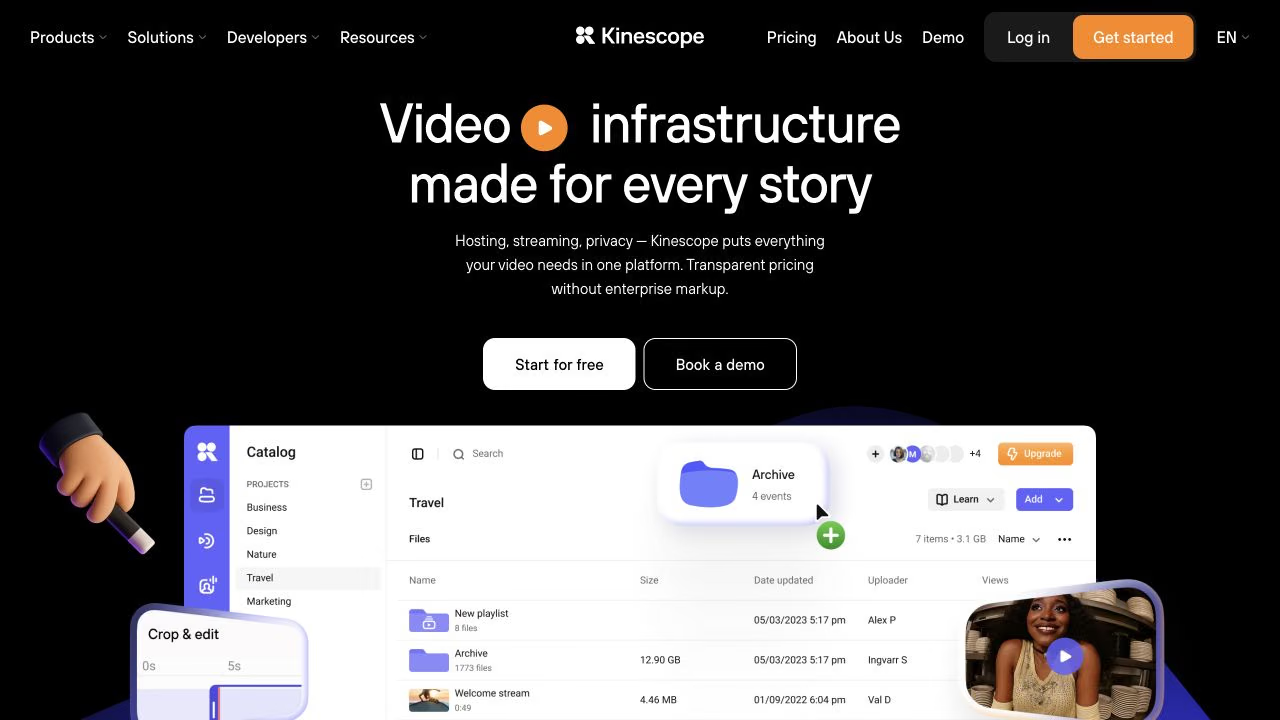
Kinescope provides video hosting with an organised media library, a customisable player, and several ways to publish recordings.
A property management company can keep instructions for different buildings in separate folders, then share individual videos through direct links or embed them on its website. Playlists help group related topics, such as moving in, using shared facilities, or navigating the resident portal.
We also support replacing a video file while preserving its existing link and embed code. When a building changes its access system or a portal interface is updated, the team can publish a corrected recording without replacing every reference to it. Viewing analytics show how residents interact with the guides.
Kinescope offers a REST API and player integrations for organisations building their own websites or resident applications. Custom integration work may require a developer.
The Free plan includes 100 minutes of stored video and 200 GB of monthly traffic. Super starts at €10 per month, with billing based on actual resource use.
2. Loom: record quick explanations and send them directly
Loom records a computer screen, camera, or both. A property manager can demonstrate a task in the resident portal, narrate the steps, and send the recording without preparing a separate video production project.
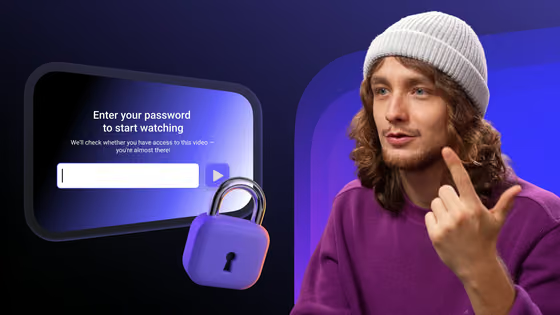
Videos can be shared through links or embedded on webpages that support Loom's player. Access settings control who can view a recording. For reusable resident instructions, staff should use a demonstration account to protect residents' personal information.
Loom also provides shared spaces for organising recordings. Teams can keep frequently used walkthroughs together and make them accessible to colleagues who answer resident questions.
The Free Starter plan allows up to 25 videos per person, with a five-minute recording limit for each video. Paid Business plans provide unlimited recordings and recording time, along with additional editing features.
3. Realync: create videos specifically for residential communities
Realync, part of Grace Hill's video offering, is designed for property teams working with residential communities.
Its prerecorded video tools cover maintenance tutorials, move-in guidance, building announcements, and introductions to staff. Teams can record and edit videos in the app or dashboard, then distribute them through links, email, or embedded content. The platform also provides playlists, QR-code sharing options, and viewing analytics.
In a Grace Hill case study, Akara Living estimated that its resident video tutorials could prevent approximately 1,100 maintenance work orders and save 272 staff hours. These figures are projected savings rather than a measured reduction in completed requests.
Realync's published examples and commercial positioning are strongly oriented towards the North American apartment-community market. European property managers should confirm availability and fit with their operating model. Pricing is provided through a sales enquiry.
4. Unitify: document completed maintenance work with video evidence
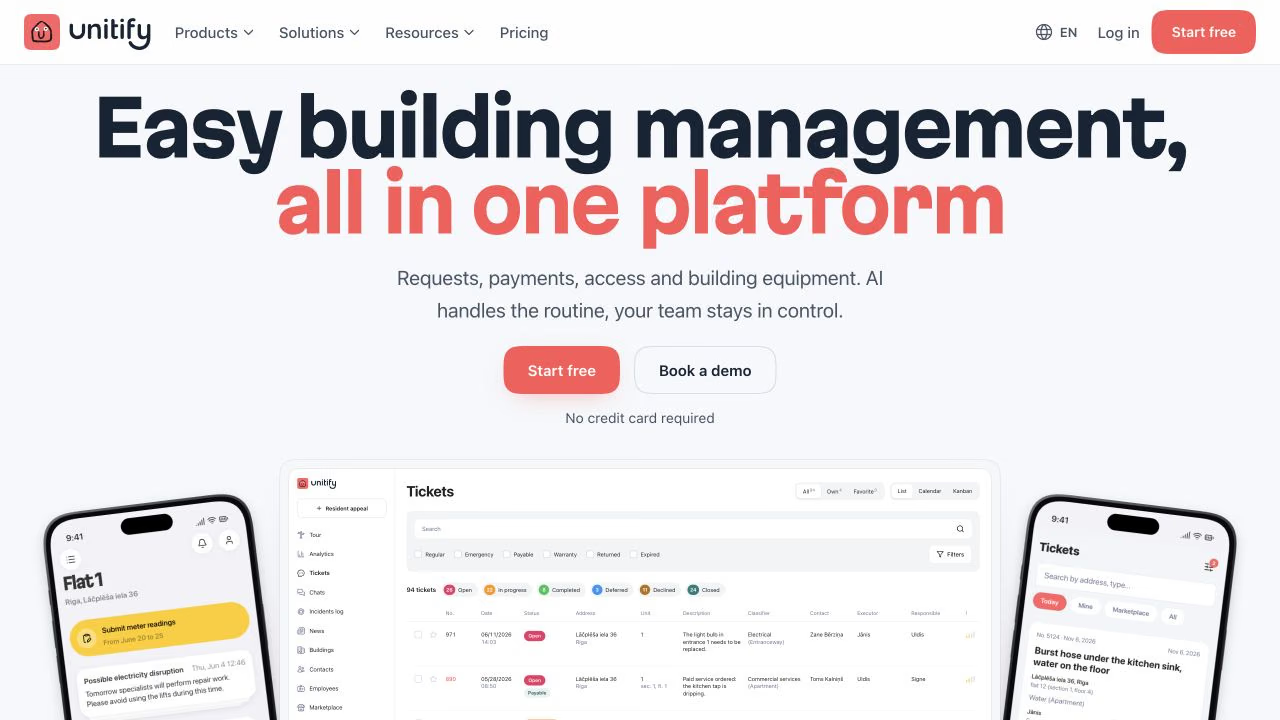
Unitify brings resident communication, building operations, and service requests into one platform. Residents can book shared facilities, submit meter readings, read announcements, and report problems through the app.
Unitify can also help property managers document completed maintenance work. After fixing an issue, a technician can record a short video showing the result, upload it to Kinescope, and add the video link to the corresponding ticket in Unitify. This gives managers and residents visual evidence of the completed repair alongside the request's status and history.
Requests submitted through the resident app or Telegram bot become tracked tickets with an address, status, and assigned team member. Technicians have their own app for receiving jobs and updating their progress, while residents can follow the status of their requests. Unitify also lets management companies publish building announcements and documents across the app, email, and building website.
The platform serves residential buildings, homeowners' associations, and management companies. It offers a permanent Free plan, while Base and Pro are billed per apartment. Free allows one resident news post per month; paid plans expand communication and management capabilities, with API access on Pro.
5. Guidde: turn resident portal workflows into video tutorials
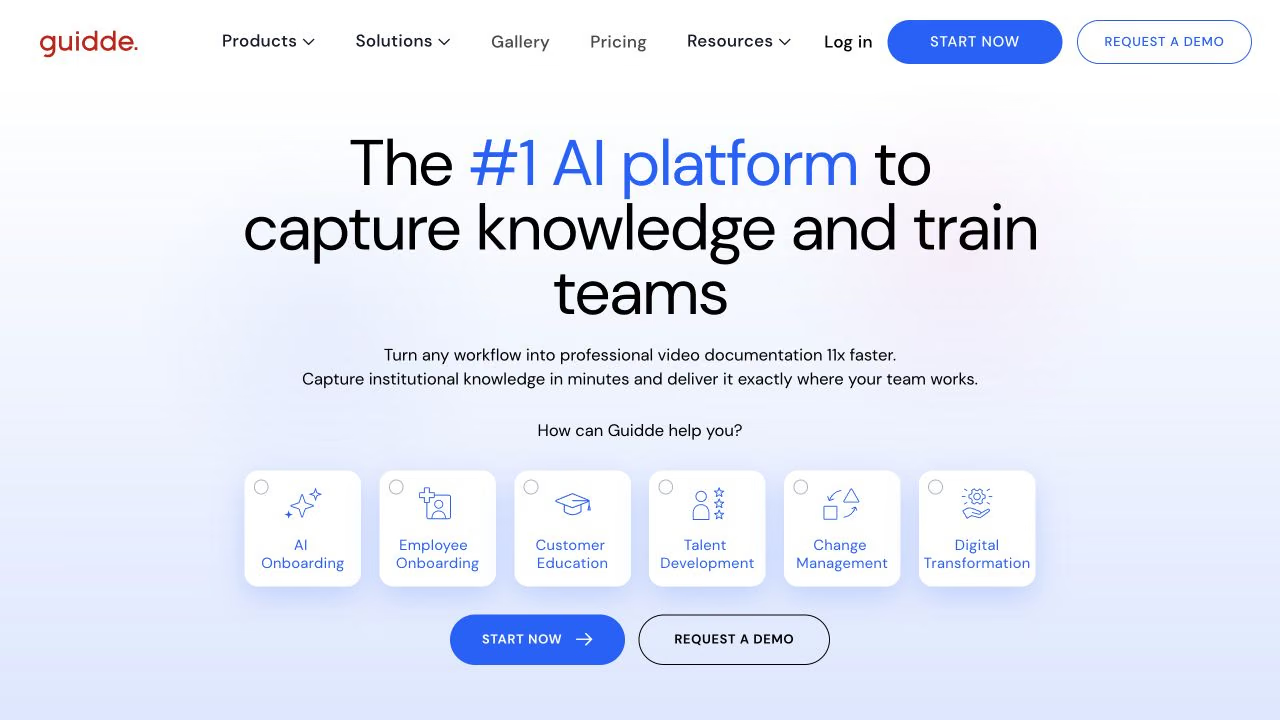
Guidde creates step-by-step video instructions from recorded screen activity. Staff can capture a process and turn it into a guide with explanatory steps, captions, and narration.
A property manager could demonstrate how to submit meter readings, book a shared facility, or complete a request in a resident portal. Guidde captures the actions and helps produce a structured tutorial that residents can follow at their own pace.
Guides can be shared through links or embedded on websites that support HTML. The embed can display the video, written steps, or both. When the original guide is updated, the embedded version reflects those changes, which is useful for instructions covering frequently updated interfaces.
Guidde supports recorded voiceovers and offers AI-generated narration on higher-tier plans. Business includes unlimited text-to-voice generation, while automatic multilingual translation is offered through Enterprise. Teams planning multilingual instructions should check which voice and translation features their subscription includes.
The Free plan includes up to 25 how-to videos. Pro starts at $19 per creator per month with annual billing and adds unlimited guides, exports, and additional editing options. Embedding is available across plans, although externally embedded guides must be public.
Guidde concentrates on screen-based procedures. Demonstrations involving physical building equipment generally require camera footage.
6. Ping Services: keep video instructions within the resident hub
Ping Services is a UK-based resident services platform covering communications, building operations, documents, and maintenance.
Its document management system supports how-to videos and onboarding recordings alongside manuals, welcome packs, and other resident information. Ping offers native video playback in its app and web portal, allowing residents to watch instructions within the service they use for building information.
Property managers can organise content by resident, unit, building, or block. An instruction for a particular access system, for example, can be made available to the residents who use that system.
Ping also supports embedded manufacturer walkthroughs and document replacement. Operators manage content through a dashboard with tags and access rules.
The wider platform includes resident messaging and maintenance requests. An integration with Fixflo makes the repair-reporting workflow available through an embedded web view in the resident app.
Commercial terms are available through the provider.
7. Fixflo: provide guidance during maintenance reporting
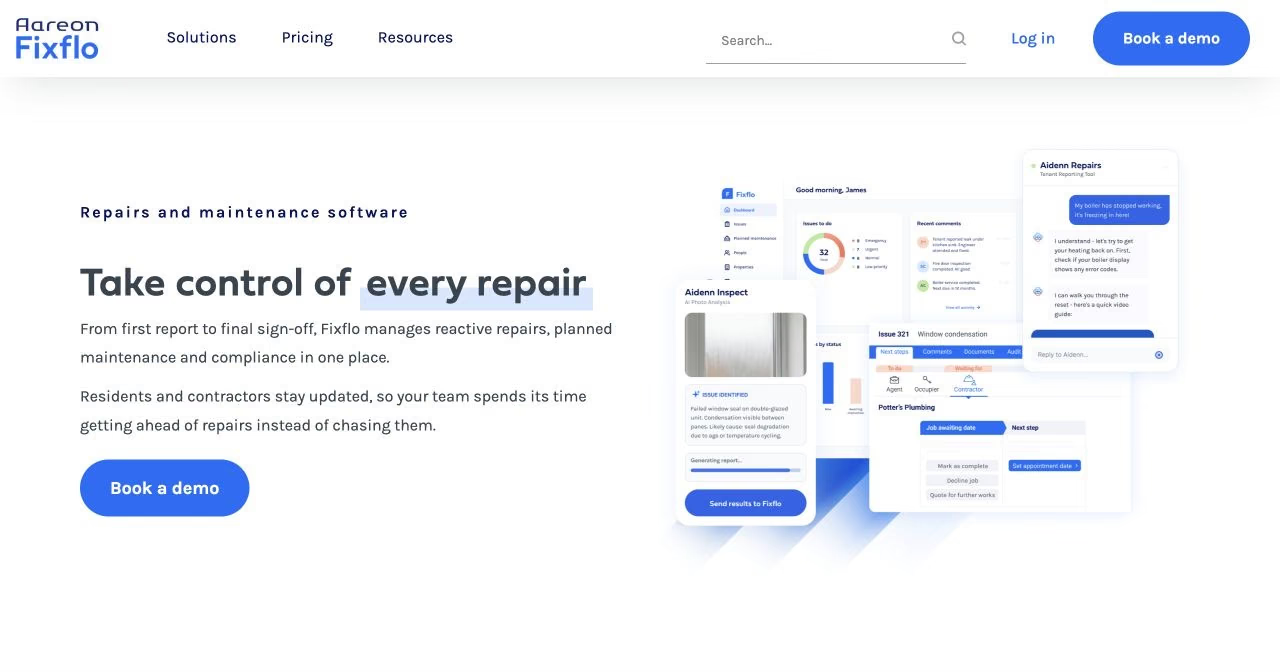
Fixflo specialises in property repair reporting and management. Residents or other occupants open a reporting page, select an issue category, and provide details about the problem.
Fixflo supports text and video advice pop-ups during reporting. These can show relevant guidance before someone completes a request. A resident reporting a boiler issue, for example, might see permitted checks or instructions for identifying the fault. If the problem remains, they continue through the reporting process.
Managers can customise which advice appears for particular issue types. The availability of prompts depends on how the reporting flow is configured.
Residents can also attach photographs, videos, or audio recordings showing the problem. These attachments give maintenance teams more information about the issue; they're separate from the instructional videos displayed during reporting.
Fixflo publishes a video walkthrough of its reporting process that property managers can share with occupants.
Pricing depends on the selected product and arrangement.
8. BuildingLink: make video resources accessible from the resident site
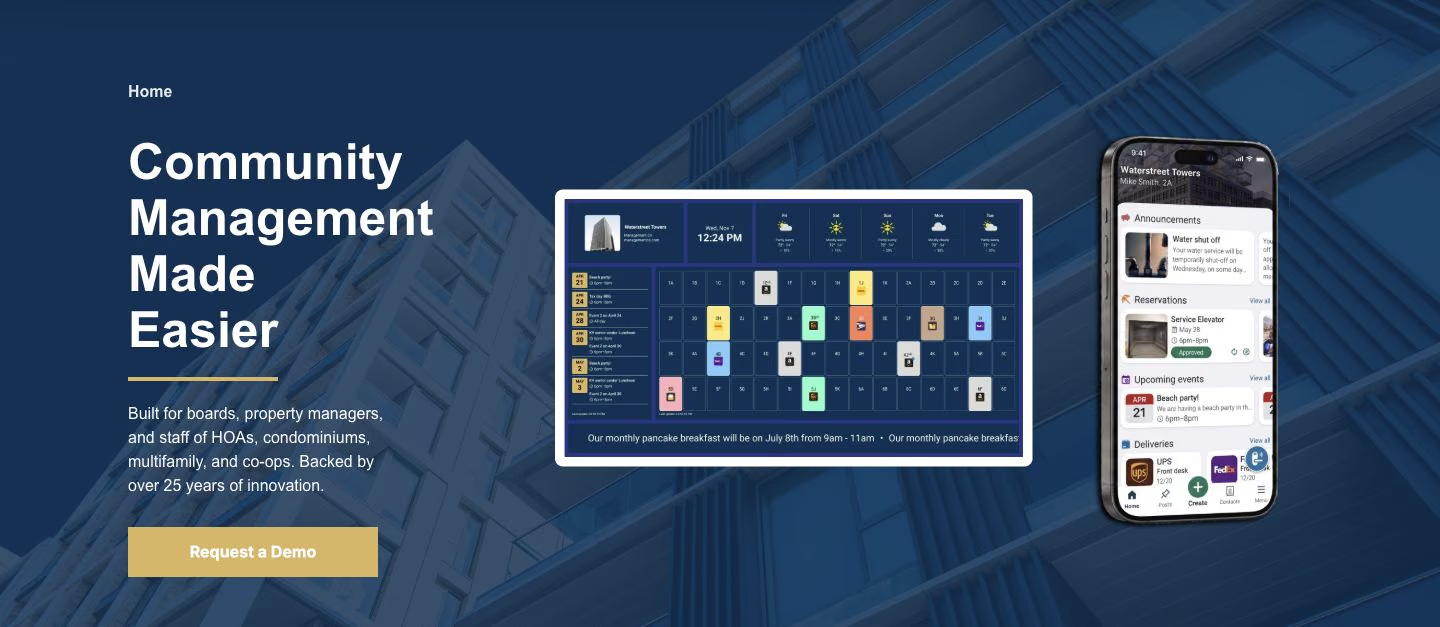
BuildingLink provides resident communication and building-management services, including announcements, documents, and repair requests.
Its redesigned Resident Site includes Custom Links, allowing managers to add up to ten external websites. A property company could use one of these links to direct residents to a separately hosted video help centre.
BuildingLink's Community Display also supports a video widget for screens in lobbies and other shared spaces. Managers can use a YouTube playlist or a custom playlist assembled from video URLs to show building-wide announcements and instructions.
Custom Links are part of the redesigned Resident Site, which is being introduced in phases. Managers should confirm that the feature is available in their account.
Pricing is provided through a vendor enquiry.
How to decide which tools your property management team needs
Before choosing software, look at how a typical resident question is handled today. The tools you need depend on where that process breaks down.
-
Staff keep explaining the same procedures. Review recurring questions from emails, calls, and maintenance requests. If the answers are easier to demonstrate than describe, look for a screen recorder or an automated tutorial creation tool. The latter can help when staff frequently document changes to digital workflows.
-
Useful videos exist, but nobody can find the latest version. If recordings are scattered across employee accounts and shared folders, look for video hosting with a shared video library, stable sharing links, and a way to update published content.
-
Residents don't see the instructions you've created. Check where people already receive building information. A resident portal, communication app, or building website may provide the right distribution channel. Look at whether residents can browse a permanent help library, receive a direct link, or watch an embedded video within the service.
-
Residents still need help after watching a guide. If questions regularly turn into maintenance issues, look for a request-management system that collects the necessary details and can provide guidance during reporting. Residents should have a clear route to assistance when self-service isn't enough.
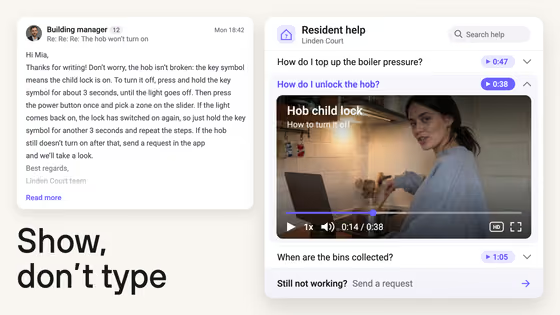
For example, a resident having trouble with heating controls might first watch a short instruction video. If the permitted checks don't resolve the issue, they can proceed to a maintenance request. The video could be available from a help library, linked from the resident portal, or presented during reporting, depending on the software in use.
How to keep a resident video library useful and up to date
Once you've published your video guides, a few simple practices will help residents find the right instructions and keep your library manageable as building procedures change.
-
Organise videos around specific questions. Titles such as How to book the shared meeting room or How to submit meter readings tell residents what they'll learn. Where instructions differ by building, identify the building clearly.
-
Assign responsibility for updates. Resident portals, building rules, and equipment change. Someone on the management team should know which videos need reviewing when those changes happen. If an instruction is shared across a website, email templates, and resident communications, keep track of those locations so outdated versions don't continue circulating.
-
Make videos easy to watch on a phone. Check that text is readable on smaller screens and add subtitles so residents can follow instructions without sound. Detailed screen recordings may need 1080p to keep interface elements clear, while simple announcements or demonstrations may work well at 720p. Recording everything in 4K rarely adds value to a short instructional library.
-
Retire outdated material. An old instruction for a replaced access system or previous resident portal interface can generate more questions than it answers. Remove obsolete recordings from public navigation and review links in older notices before residents continue following them.
One video library. Many ways to use it.
Keep all your videos in Kinescope and share them on your website, in resident communications, or through maintenance tickets.
FAQ
Start with recurring questions about tasks residents can complete themselves, such as booking shared facilities, submitting meter readings, or using the resident portal. Focus on procedures that are easier to demonstrate than explain in writing.
It depends on the portal. Some support embedded video players, while others allow only external links. Check the available options before choosing how to publish your guides.
Use translated subtitles, separate voiceovers, or automatic translation tools. Review translations carefully, especially for instructions involving building equipment or safety.
They can help residents resolve simple issues without submitting a request. For problems requiring a technician, videos can explain basic checks and help residents report the issue correctly.
Track recurring resident questions and maintenance enquiries before and after publishing the guides. Video analytics can show engagement, but fewer repeat questions are a stronger sign that the instructions are useful.