






















iOS video player SDK for Swift apps

Add a Kinescope player to your iOS app in Swift. It plays videos, live streams and FairPlay-protected content from your dashboard, downloads HLS for offline viewing and supports AirPlay and picture-in-picture.
Quick start
Install KinescopeSDK and play your first video. Commands and code are from the package README.
-
Install the SDK
Add KinescopeSDK with Swift Package Manager, then link your target with the
KinescopeSDKproduct. CocoaPods works too:pod 'KinescopeSDK', '~> 0.2'.dependencies: [ .package(url: "https://github.com/kinescope/ios-kinescope-player.git", exact: "0.2") ] -
Configure the SDK at startup
Initialize the SDK once, for example in your app delegate.
Kinescope.shared.setConfig(.init()) -
Create a player and attach a view
Create a player with the video ID and connect it to
KinescopePlayerView. All controls are already in the view and can be hidden.let player = KinescopePlayer(videoId: "yourVideoId") let playerView = KinescopePlayerView() view.addSubview(playerView) player.attach(view: playerView)
What is in the iOS SDK
FairPlay DRM out of the box
Offline downloads
VideoDownloader saves HLS videos with AVAssetDownloadURLSession, with pause, resume, cancel and progress events. Separate downloaders handle files and attachments.AirPlay, PiP and background audio
Live streams
KinescopePlayerView shows a live indicator and an announcement with the planned start time.Customizable player view
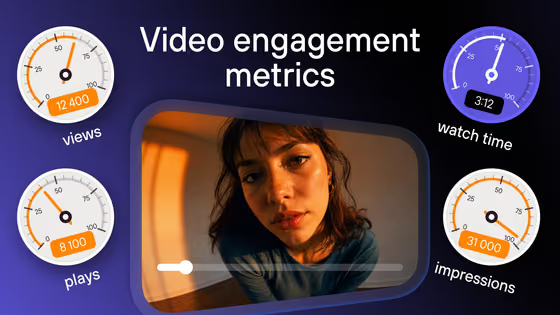
Error handling and analytics
AVPlayer on its own vs the Kinescope SDK
What you would build around Apple’s player yourself, and what the SDK already does.
The platform behind the SDK
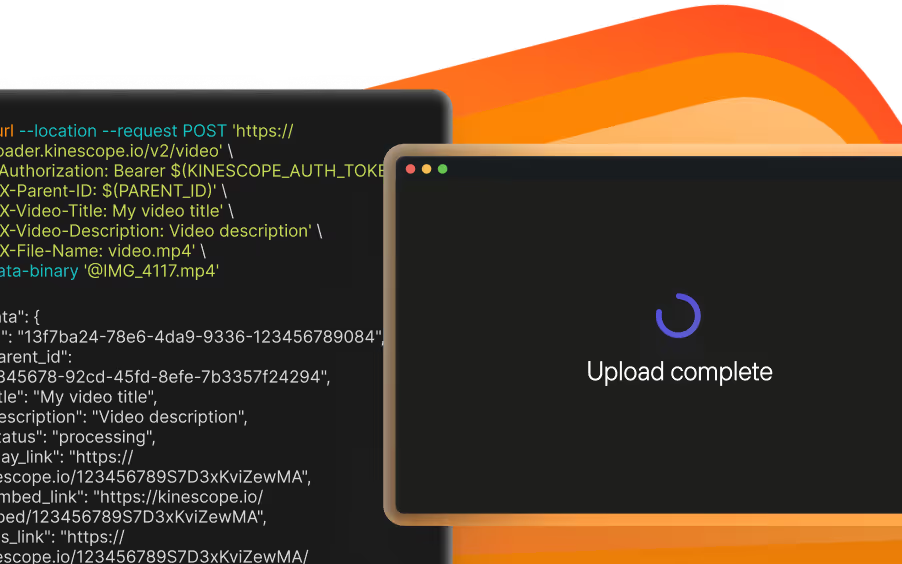
Upload and transcoding
Own CDN

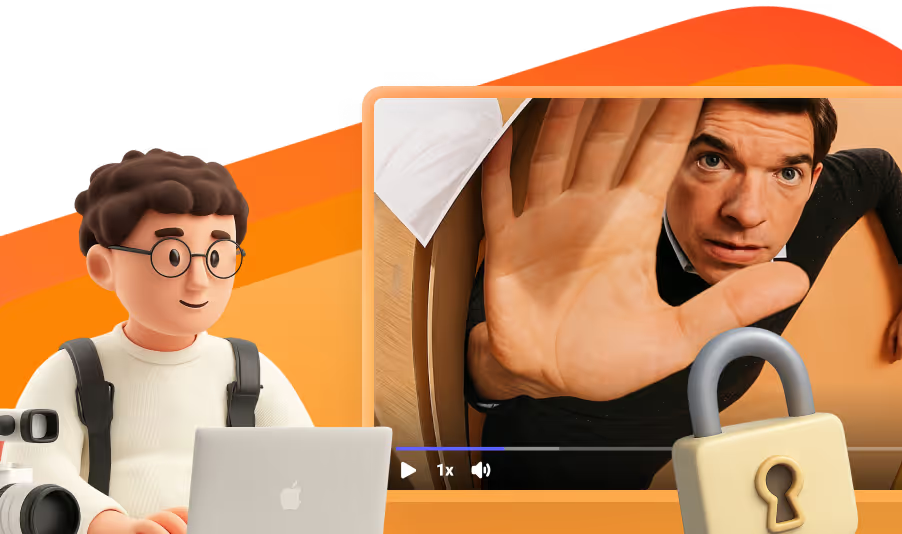
DRM on the Super plan
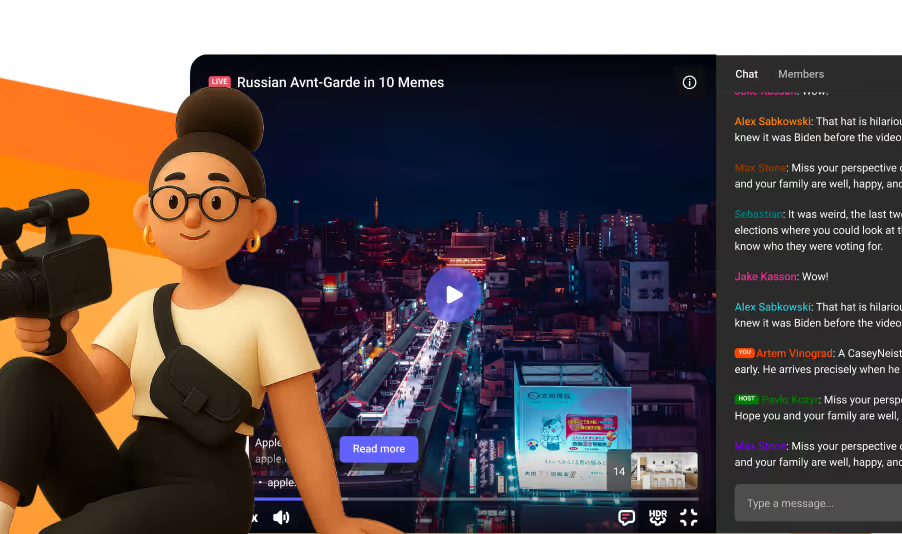
Live streams
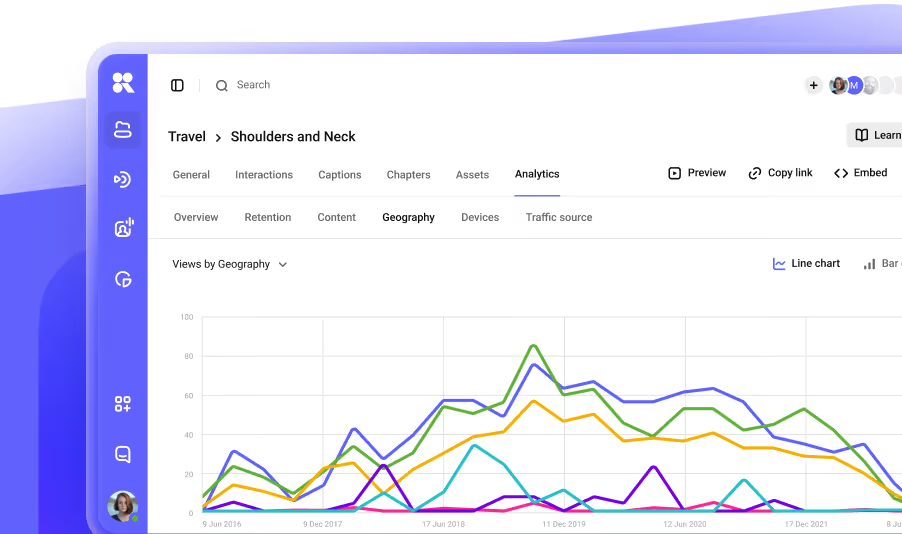
Analytics
Pay as you go

Documentation
Every guide for this SDK in its repository, on GitHub.
App integration
Project
FAQ
Can’t find the answer you need? Check out our All developer tools.