

























DRM test
Does your browser support DRM? This DRM test checks Widevine and its security level (L1 or L3), FairPlay, PlayReady, protected codecs and HDCP on this device in about a second.
Result for this browser
Checking DRM support…
The test asks the browser which DRM systems it can use. It takes about a second.
- Checking
Widevine
Google · Chrome, Edge, Firefox, Android, smart TVs
- Security level
- —
- Codecs
- —
- Encryption
- —
- Offline licences
- —
- Checking
FairPlay
Apple · Safari, iPhone, iPad, Mac, Apple TV
- Security level
- —
- Codecs
- —
- Encryption
- —
- Offline licences
- —
- Checking
PlayReady
Microsoft · Edge on Windows, Xbox, smart TVs
- Security level
- —
- Codecs
- —
- Encryption
- —
- Offline licences
- —
- Checking
ClearKey
W3C · test system without a licence server
- Security level
- —
- Codecs
- —
- Encryption
- —
- Offline licences
- —
HDCP on this display
—
HDCP protects the cable between the device and the screen. A protected stream can refuse HD when the display doesn’t support the version it needs.
Environment
- Browser
- —
- System
- —
- Secure page (HTTPS)
- —
- EME API
- —
The test only asks the browser what it supports. It doesn’t request a licence, play protected video or send anything to Kinescope.
Protect your videos with Widevine and FairPlay
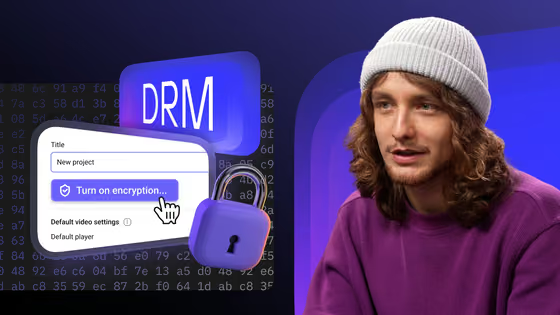
Turn DRM on for a project in Kinescope, and the player requests licences in Chrome, Edge, Firefox, Android, Safari and iOS. There is no licence server to buy or DRM vendor to integrate.
- Widevine and FairPlay on every paid plan
- Paid plans from €10 a month, no DRM licence fees
- Per-viewer watermarks and signed links on top
What the DRM test checks
Widevine and its level
FairPlay
PlayReady
Protected codecs
HDCP
Encryption and offline
FAQ
Can’t find the answer you need? Check out our DRM explained.