

















Top 11 B2B webinar tools, from LinkedIn invites to replays




Host your webinars on your website
If you’re looking for the best B2B webinar tools, start with how you plan to use them. Livestorm is a good starting point for recurring marketing webinars with registration and follow-up, while Demio is better suited to scheduled automated presentations. Contrast combines detailed webinar engagement analytics with a contact-level view in HubSpot, and Zoom Webinars makes sense when you already use Zoom for live presentations.
Not every team needs an all-in-one webinar platform. Kinescope can handle live streaming, audience interaction, recordings, and video hosting in one place if you’re comfortable managing registration separately. For larger content programs, Goldcast helps turn recordings into new marketing assets, and ON24 supports personalized content experiences.
The other tools solve specific problems around the webinar: LinkedIn Events helps attract a professional audience, HubSpot connects participation to your CRM, StreamYard helps produce multi-speaker broadcasts across channels and can also host webinars through On-Air, and Naoma AI provides interactive product demos after the event.
11 B2B webinar tools compared
| Tool | Type | Best for | Main consideration |
|---|---|---|---|
| LinkedIn Events | Event promotion | Reaching professionals through LinkedIn | Registration and viewer analytics provide different information |
| HubSpot | CRM and marketing automation | Connecting webinar activity to contact records | Data depends on the webinar integration |
| StreamYard | Live production and webinars | Producing and hosting multi-speaker webinars across channels | On-Air availability and audience limits depend on the plan |
| Zoom Webinars | Webinar platform | Structured presentations with familiar Zoom controls | Requires webinar licensing |
| Livestorm | Webinar platform | Recurring webinars with registration and follow-up | Attendee credits and integration conditions |
| Demio | Marketing webinar platform | Scheduled automated and on-demand webinars | Some integrations require higher-tier plans |
| Contrast | Webinar platform | Tracking individual webinar engagement, including in HubSpot | Viewing engagement data in HubSpot requires integration |
| Goldcast | B2B event platform | Events that generate reusable marketing content | Event hosting and video repurposing serve different needs |
| ON24 | Digital engagement platform | Personalized content hubs and engagement reporting | Enterprise-oriented requirements |
| Kinescope | Live streaming and video platform | Running webinars and managing all video afterward | Registration and CRM workflows are separate |
| Naoma AI | AI demo agent | Interactive product demos for interested prospects | Provides interactive product demos instead of hosting webinars |
The 11 best B2B webinar tools
1. LinkedIn Events: for reaching professional audiences
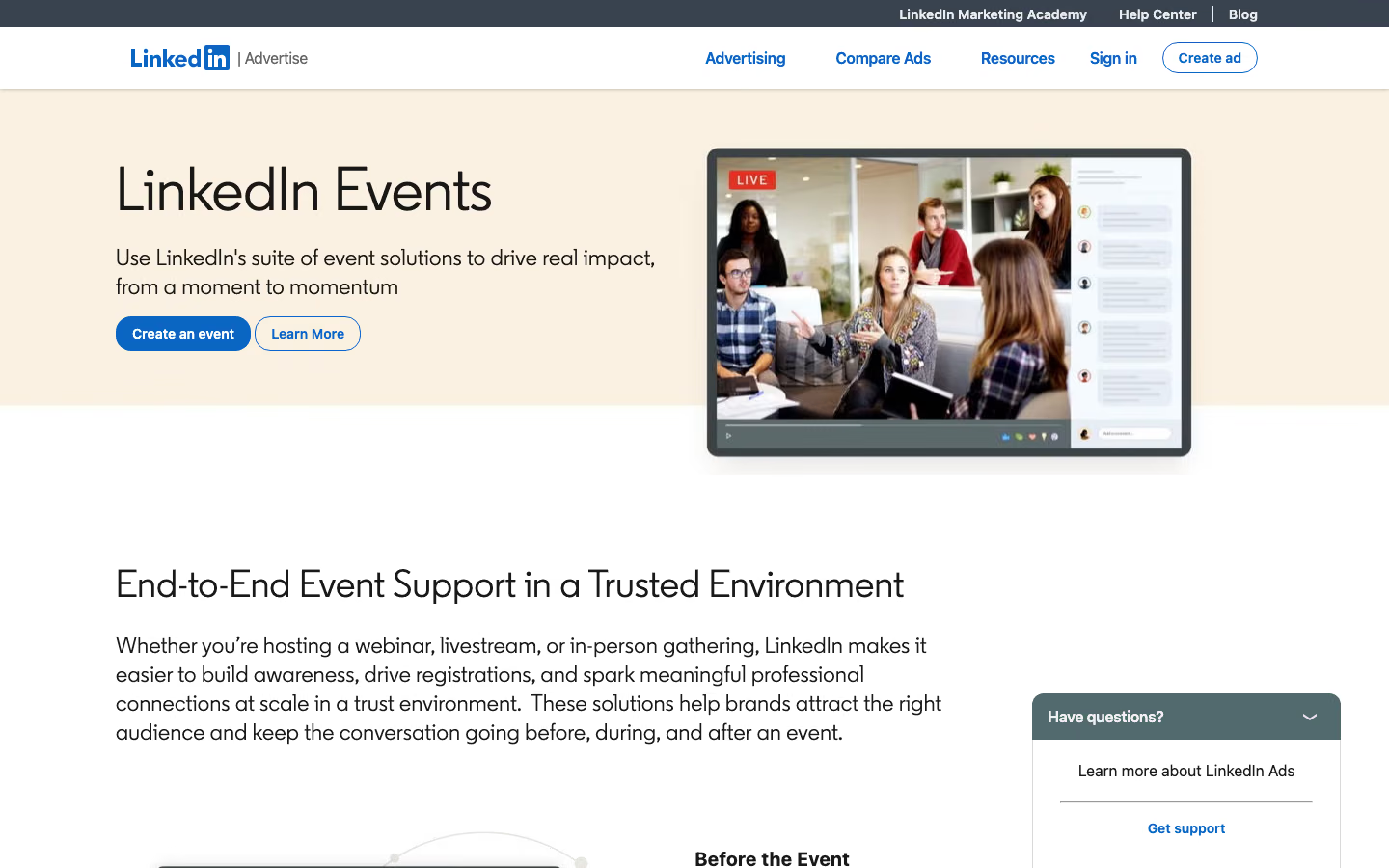
LinkedIn Events helps companies promote webinars to professional audiences, including people beyond their existing email lists. You can use it to promote an event hosted elsewhere or broadcast directly on LinkedIn through LinkedIn Live, which requires a compatible external streaming tool.
With Events, your team can create a page with the webinar’s topic, schedule, and speakers, invite LinkedIn connections, and share the event through posts. Attendees can also invite their connections, extending the event’s reach. Company Pages can use LinkedIn Event Ads to promote webinars to a targeted audience.
For lead generation, company Page events can use LinkedIn registration forms that collect information such as names, email addresses, job titles, and company names. The collected details can be downloaded for follow-up, subject to the permissions and consent provided by registrants.
LinkedIn also provides event analytics, including visits, audience demographics, and engagement with event posts. LinkedIn Live also adds video metrics such as peak concurrent viewers and total watch time.
2. HubSpot: for connecting webinar engagement to your CRM
HubSpot helps marketing and sales teams work with webinar registrations and attendance alongside their existing contact records. It doesn’t host the broadcast itself: the webinar platform needs to send the relevant information through an integration.
Registration data can identify people who expressed interest but never attended, while attendance and replay activity can help distinguish those who spent time with the content. Depending on the integration, HubSpot may also receive watch time, poll responses, questions, or CTA interactions.
Those records can feed contact lists and marketing workflows. For example, a team can follow up differently with someone who missed a session and someone who attended and engaged with its content. The available options depend on the data the webinar platform transfers and the HubSpot features included in the company’s subscription.
3. StreamYard: for live production and broadcasting across channels
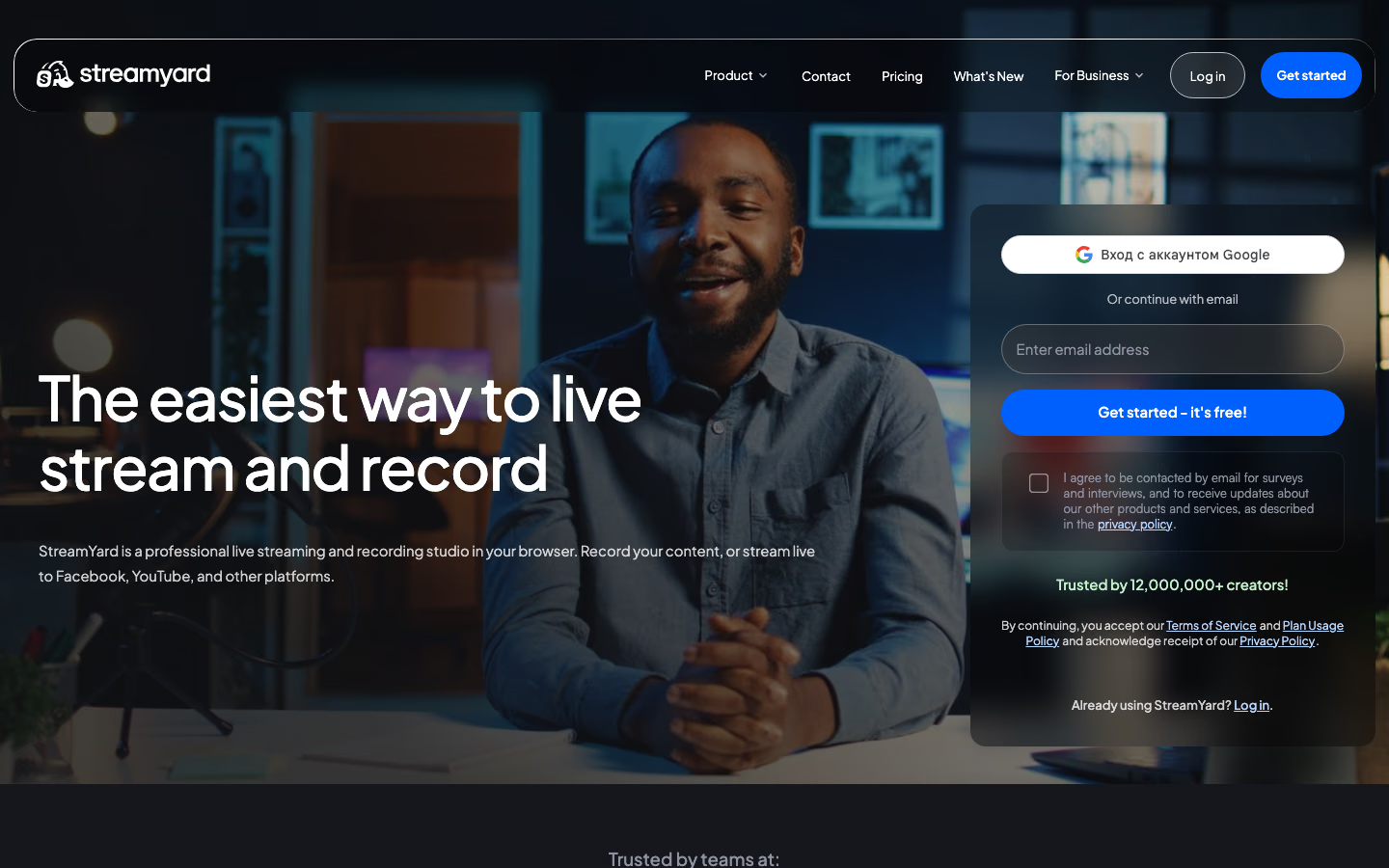
StreamYard is a browser-based studio for producing live webinars, interviews, and panel discussions. Hosts can bring speakers into the studio, share presentations and screens, switch camera layouts, and add branded backgrounds, logos, and overlays. They can also display audience comments on screen, which is useful for live Q&A sessions.
One of StreamYard’s main strengths is multistreaming. You can produce a webinar once and broadcast it simultaneously to LinkedIn, YouTube, Facebook, and other supported destinations.
StreamYard also has its own webinar platform, On-Air, so teams can use the same studio to produce a broadcast and host a webinar. On-Air provides a viewing page that can also be embedded on a website, along with registration forms, confirmation and reminder emails, live chat, and recordings for on-demand viewing. Teams can export attendee information and review registration and viewing reports.
StreamYard On-Air is available from the Advanced plan, with audience limits depending on the subscription. It’s worth considering when your team wants more control over how a live presentation looks, needs to broadcast across several channels, and still wants registration and replays without using a separate webinar platform.
4. Zoom Webinars: for structured live presentations
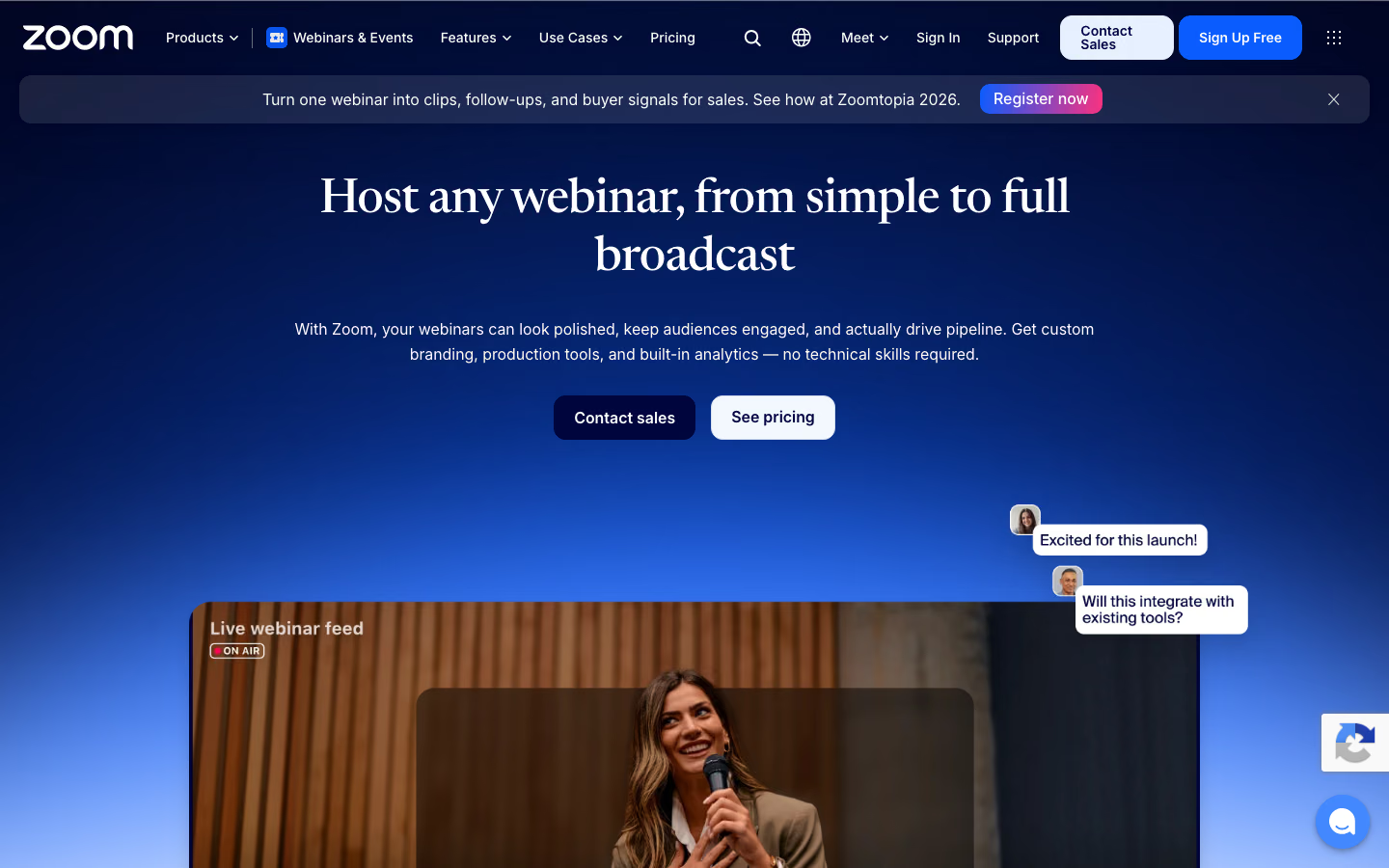
Zoom Webinars is designed for presentations where a small group of speakers addresses a larger audience. Unlike a regular Zoom meeting, it separates hosts and panelists from attendees, so participants can watch without appearing on camera or interrupting the presentation.
Before the event, your team can set up a registration page and collect attendee information. During the webinar, hosts can share slides and screens, manage speakers, and use polls and Q&A to involve the audience. Attendees can submit questions without taking over the conversation, with hosts deciding which ones to address.
After the session, Zoom provides attendance reports and cloud recordings. You can also make a recording available on demand, allowing people who missed the live event to register and watch it later.
Zoom Webinars requires a separate webinar license. For companies already using Zoom, it’s a way to run audience-facing presentations with familiar controls, registration, and recordings without introducing an entirely new event platform.
5. Livestorm: for recurring webinars with registration and follow-up
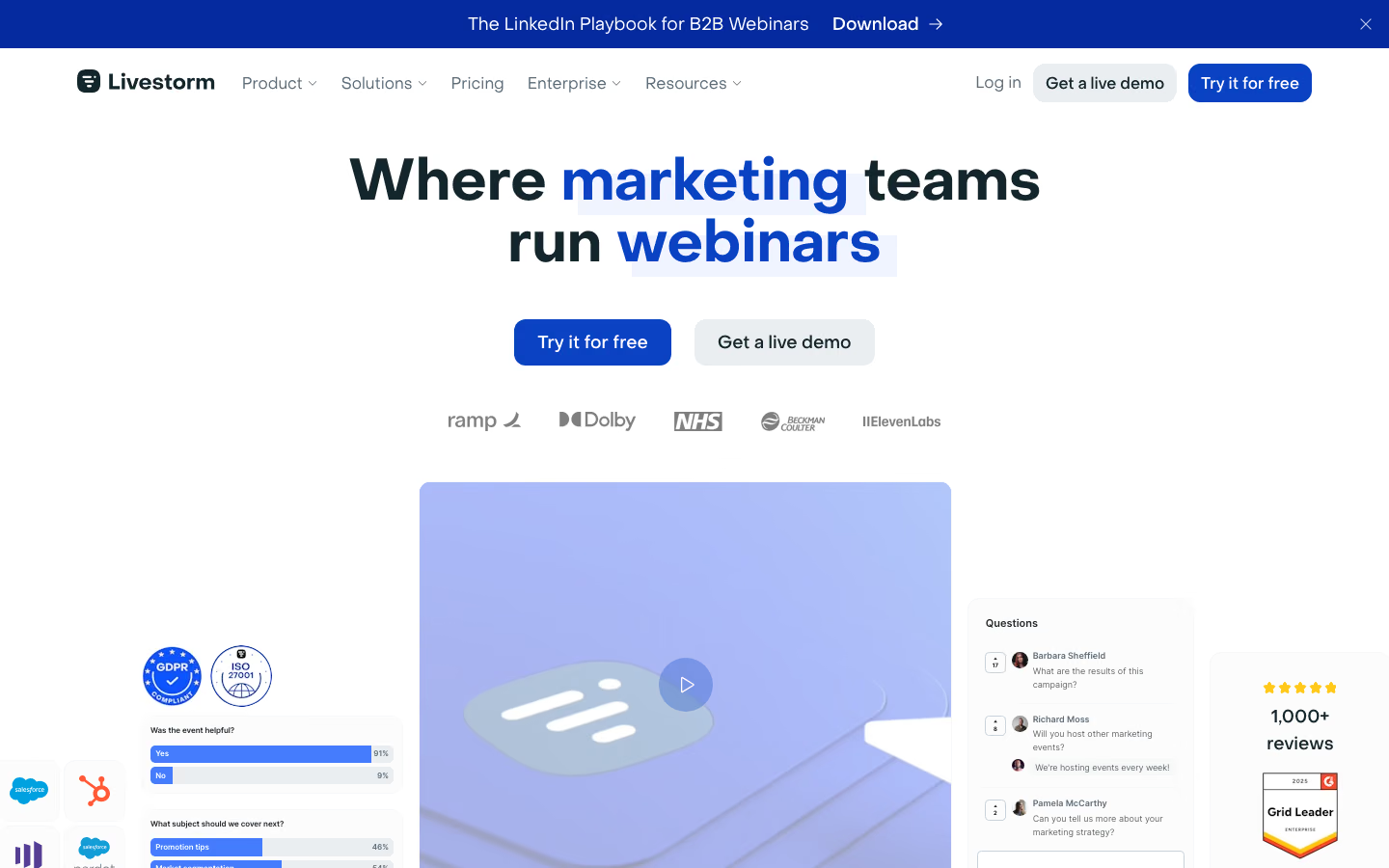
Livestorm combines registration, reminders, browser-based live sessions, and recordings in one platform. That gives marketing teams a repeatable process for running webinar series without setting up a separate registration and delivery workflow for every event.
Its HubSpot integration extends that process beyond the live session. Livestorm can create Marketing Events and synchronize registration, attendance, replay activity, and mapped contact fields. Marketers can then use supported events in HubSpot lists and workflows, such as following up with registrants who missed a session or viewers who returned to watch the recording.
Livestorm’s Pro and Enterprise plans use attendee credits. Registrations alone don’t consume credits: they’re counted when someone joins a live session or watches a recording. A viewer who attends live and later watches the replay of the same session counts once, while attending separate sessions uses additional credits.
Livestorm’s pricing page lists the HubSpot integration as an Enterprise plan feature, and some registration and automation workflows also depend on the customer’s HubSpot subscription. Existing customers using the legacy HubSpot integration may also need to review their field mappings and workflow triggers when migrating to the current version.
6. Demio: for automated webinars and on-demand sessions
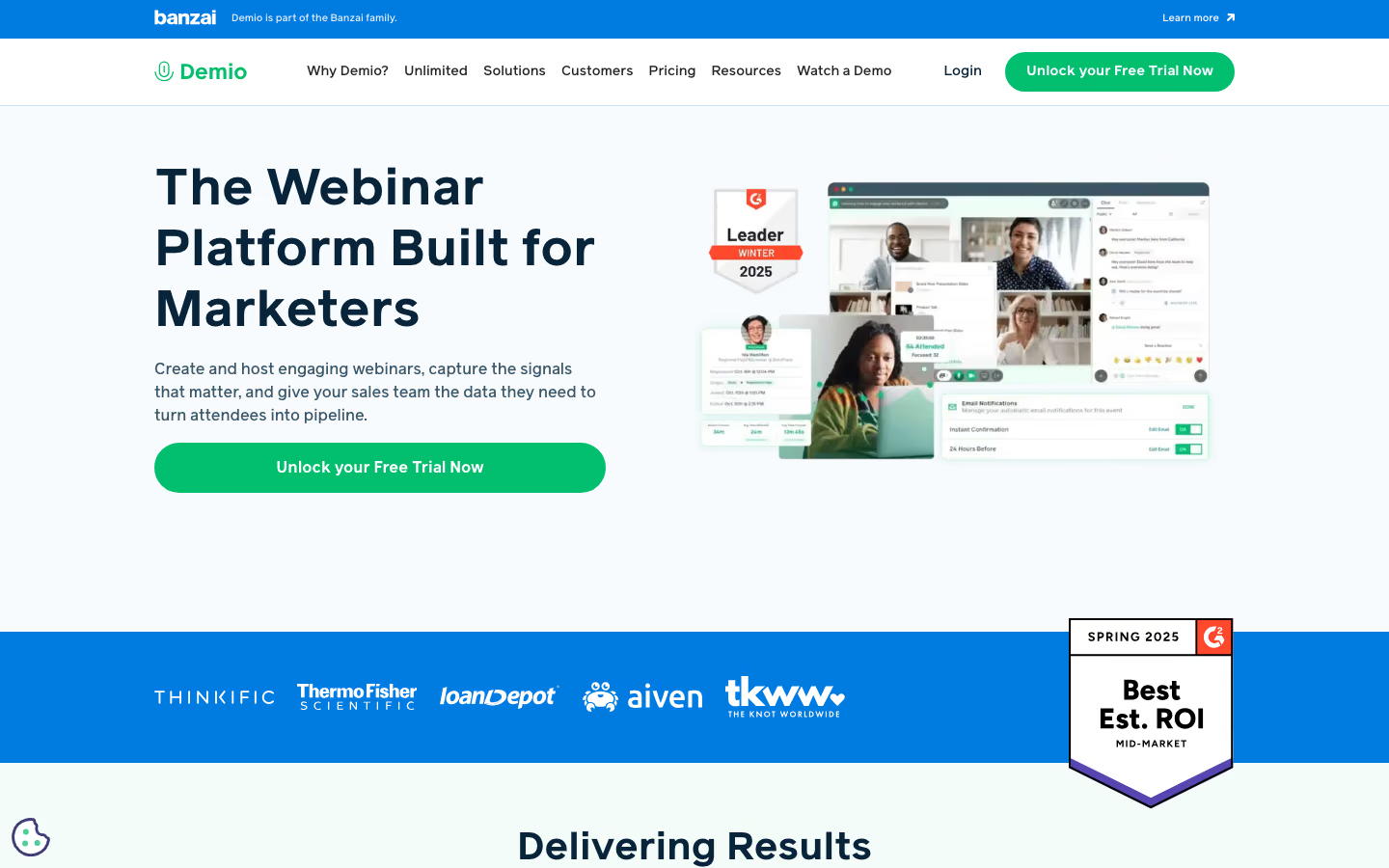
Demio combines live webinars with automated sessions built from recorded presentations.
A team can schedule an existing webinar to run at specific times, with polls, handouts, and calls to action appearing at predefined moments. This is useful when a company repeatedly presents material that doesn’t need a speaker to deliver it live every time.
Demio also supports on-demand webinars, where visitors register and start watching whenever they choose. The distinction is the viewing schedule: an automated event can recreate a planned session, while an on-demand event begins when the viewer is ready.
With Demio’s HubSpot integration, new webinar registrations can create or update CRM contacts, while attendance records show who joined a session and who missed it. Marketers can use this information to segment contacts and automate different follow-up emails. They can also register existing HubSpot contacts for Demio events through workflows. The native integration is available on the Premium plan and higher.
7. Contrast: for tracking individual webinar engagement
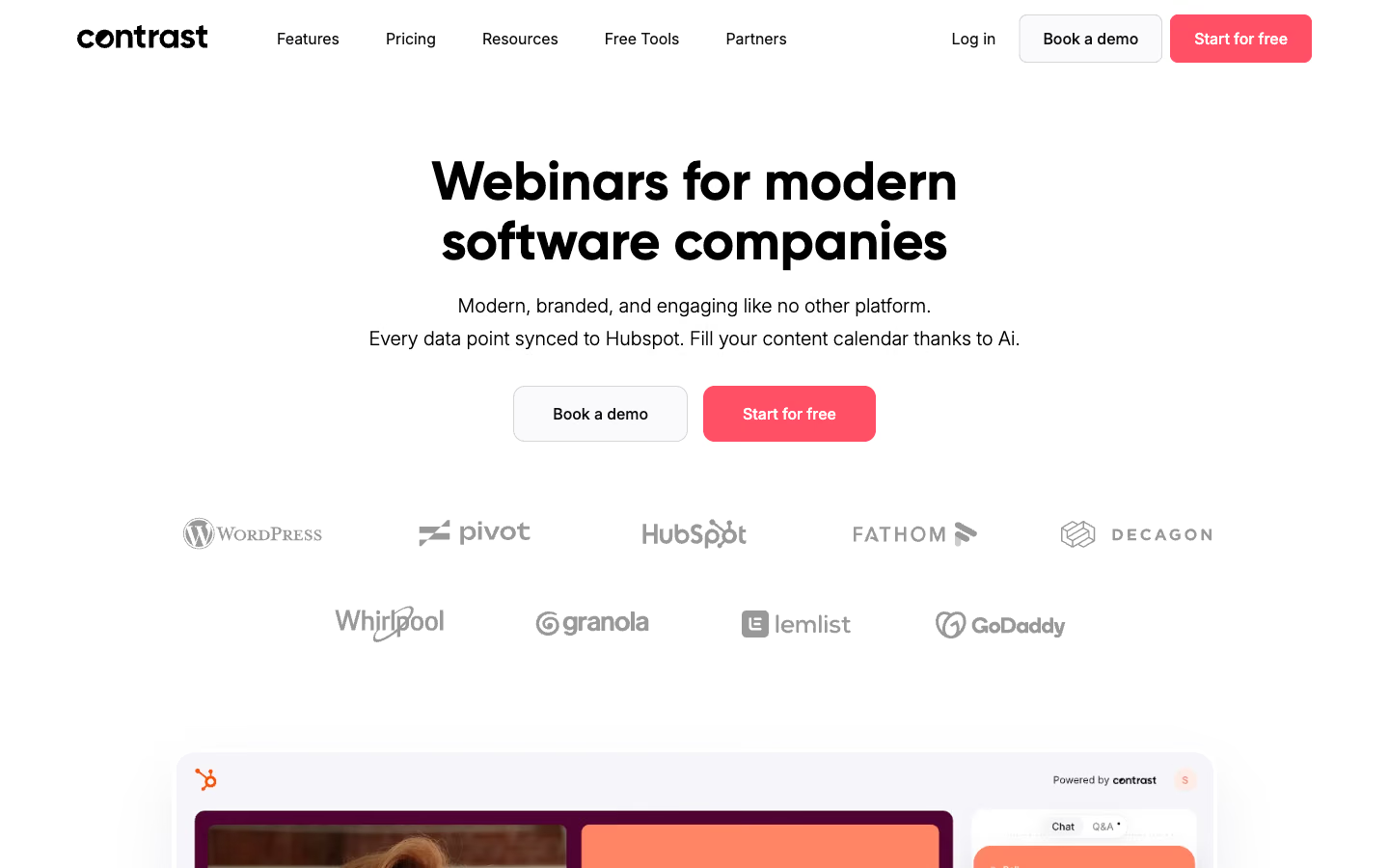
Contrast combines webinar hosting, audience interaction, and detailed engagement analytics in one platform. Teams can create branded registration pages, invite speakers into a browser-based studio, and send automated confirmation and reminder emails.
During a live webinar, presenters can use chat, polls, Q&A, and calls to action to engage viewers. Contrast also supports prerecorded presentations that can be streamed as live events. After the session, the recording is automatically saved, and the event page can become an on-demand replay page where registered attendees can watch it.
Contrast’s analytics show more than total attendance. Teams can review registrations, compare live and replay viewers, examine watch time and the most-watched moments, and see individual responses to polls. Registration and engagement reports are available within Contrast and can be exported as CSV files, so analyzing a webinar doesn’t require a CRM integration.
For companies using HubSpot, Contrast can bring those individual interactions directly into contact records. Its Engagement Timeline card shows a person’s viewing percentage, poll answers, chat messages, and CTA interactions alongside other CRM information. Marketers and sales teams can therefore examine what a particular contact did during a webinar without switching between HubSpot and the event reports.
8. Goldcast: for turning webinars into marketing content
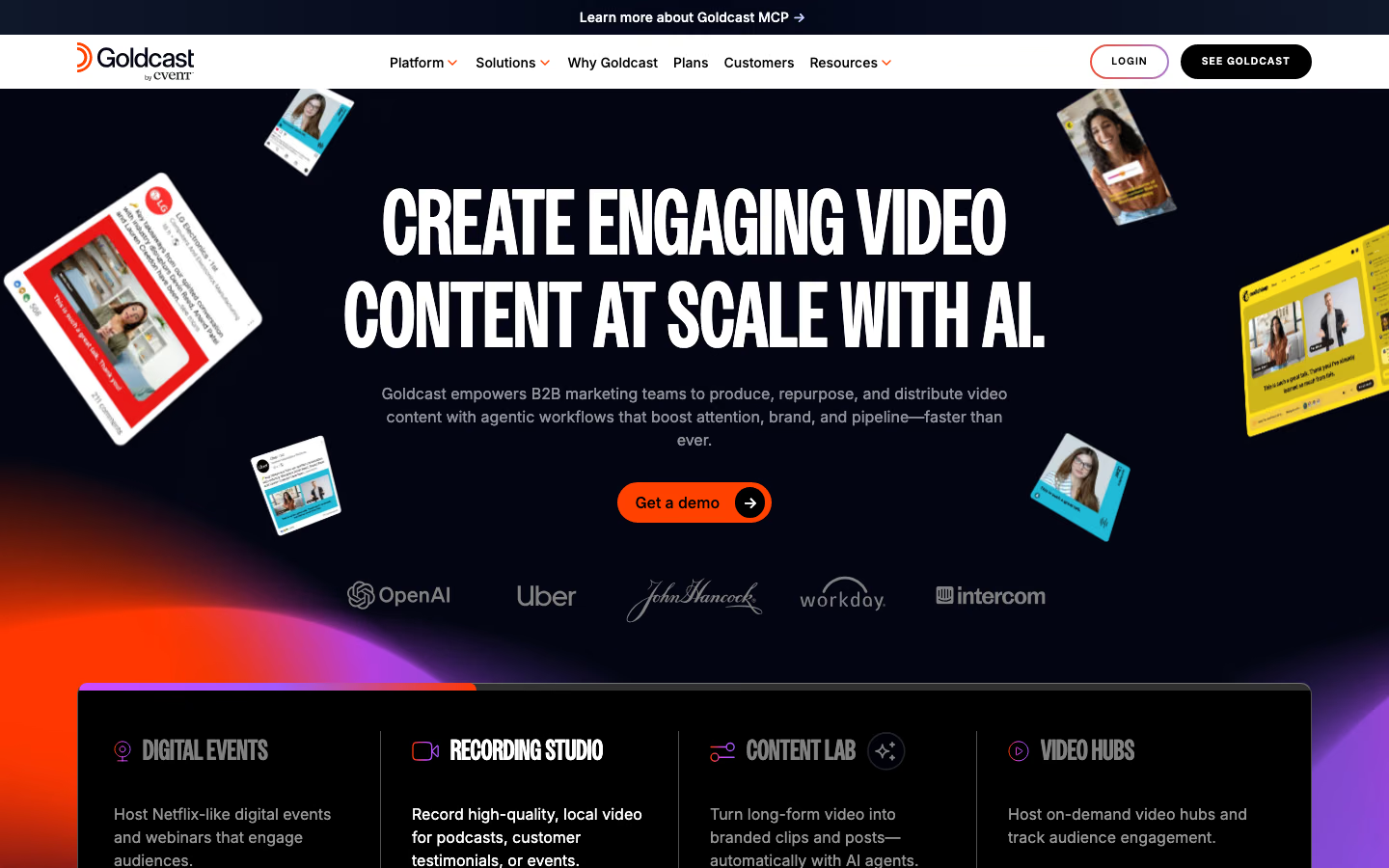
Goldcast is a B2B events and video content platform that connects webinar production with the work of turning recordings into marketing materials. Teams can use it for individual webinars, recurring event series, and larger virtual events with multiple sessions.
One of Goldcast’s main features is Content Lab, which helps marketers turn long webinar recordings into material for other channels. It can identify useful moments and generate short clips that teams can review and edit. The transcript makes it possible to find specific passages, while AI-assisted tools help draft articles, emails, and social posts based on the video. Rather than distributing only the full recording, a marketing team can reuse different parts of the discussion across its campaigns.
Goldcast also handles the webinar itself, with branded registration pages, automated emails, a production studio for managing speakers and presentations, and interactive features such as polls, questions, and chat. After the event, teams can publish the recording for on-demand viewing and review registration, attendance, and engagement reports. That data can then be passed to the team’s CRM for follow-up.
Content Lab also accepts uploaded videos, so teams can repurpose webinars recorded on other platforms without moving their live events to Goldcast.
9. ON24: for personalized webinar and content experiences
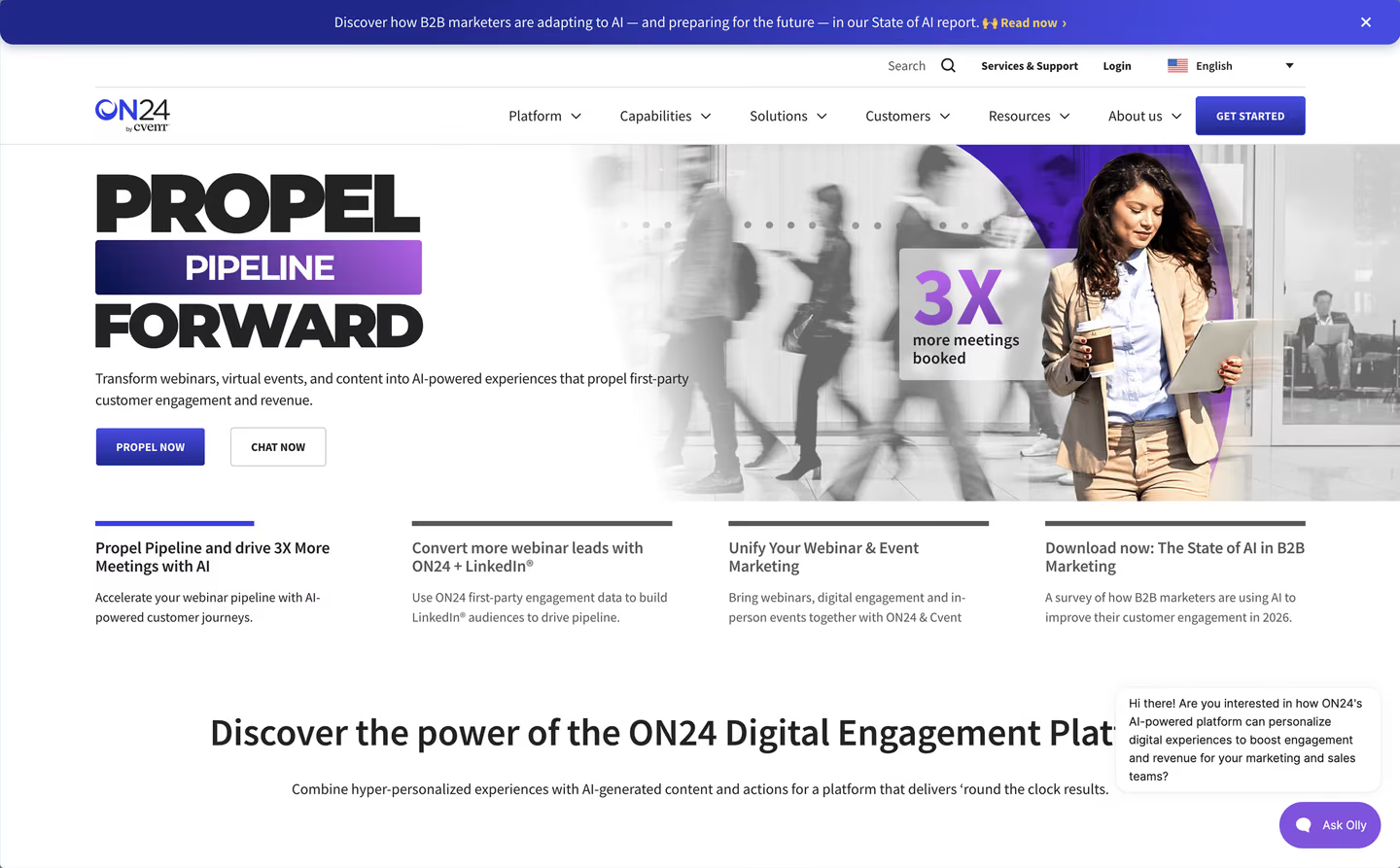
ON24 brings webinars, interactive content, and audience analytics together in a digital engagement platform.
Live, on-demand, and simulive webinars can include polls, questions, downloadable resources, and other interactions. These give marketers information about what participants did during the presentation, which can contribute to reporting and CRM workflows.
ON24 also extends that experience through personalized content hubs. A company can group webinars, videos, and related materials in a branded destination, then use registration information to tailor which content different audiences see.
For example, instead of sending everyone to the same collection of recordings, a company could organize content for different industries or customer segments and use registration fields to determine which materials appear. ON24 provides reporting on engagement with those assets at the individual or account level, giving marketers a view of activity beyond a single webinar.
Both ON24 and Goldcast can run events and work with recordings. Goldcast’s Content Lab focuses on creating new marketing assets from video, while ON24’s content hubs can personalize how existing assets are presented and measure engagement across that experience.
10. Kinescope: for running webinars and managing all your video in one platform
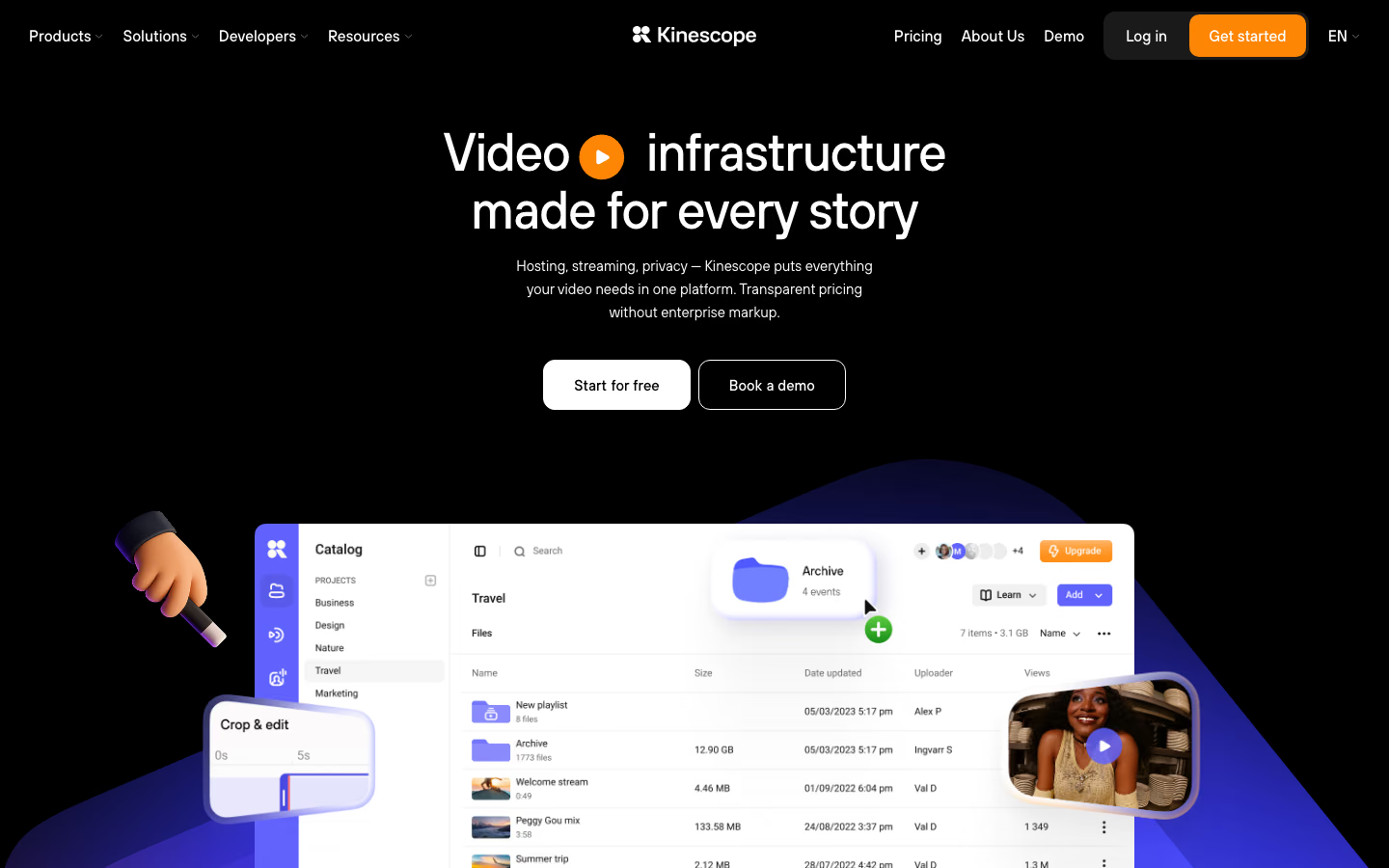
Kinescope handles the video workflow from a live webinar through to the recording and its continued use on a company website.
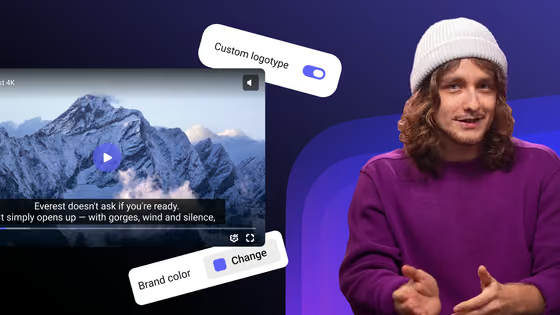
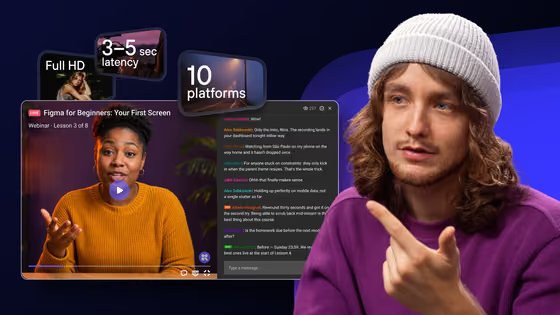
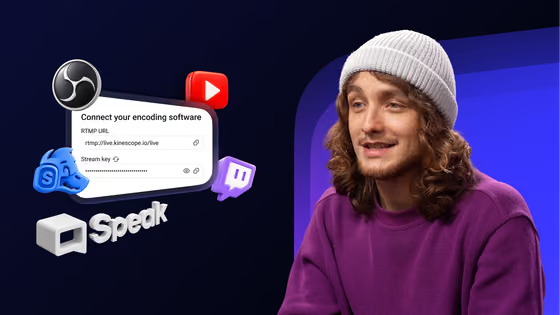
A team connects streaming software such as OBS or another compatible encoder, then delivers the broadcast through Kinescope’s video player. The player can be embedded on the company’s website, alongside the event agenda, speaker information, and other content. The broadcast can also be restreamed to additional destinations.
Kinescope also supports audience interaction during the broadcast. Organizers can enable chat, moderate messages, and collect questions in a dedicated Q&A tab where participants can vote on the topics they want addressed. Clickable banners can direct viewers to relevant pages during the live event.
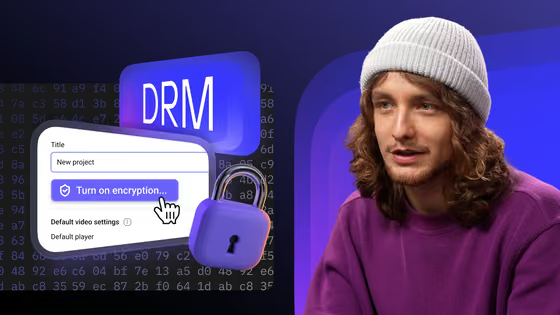
When recording is enabled for the stream, the event video is saved to the Kinescope library. The team can publish it as a replay, add subtitles, organize it with other videos, and manage access through supported restrictions such as passwords, domain controls, or DRM on eligible plans.
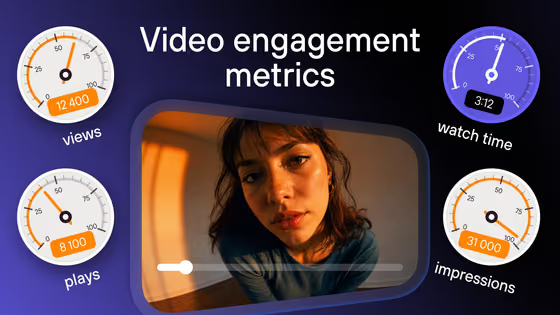
The same video library can hold product tutorials, training materials, webinar recordings, and other on-demand content. Analytics show how people consume that content, including views, watch depth, and traffic sources. End-of-video calls to action can guide viewers to another resource or product page.
As Kinescope focuses on live streaming and video hosting rather than managing webinar registrations, teams can use their existing website forms, CRM, and marketing tools to handle sign-ups and follow-up emails. Connecting individual playback activity to CRM contact records may require additional integration work.
Kinescope offers a Free plan with usage limits. Its Super plan has a €10 monthly minimum that covers the first €10 of video processing, storage, and delivery usage. If monthly usage exceeds €10, the bill increases according to the resources consumed.
11. Naoma AI: for interactive product demos after a webinar
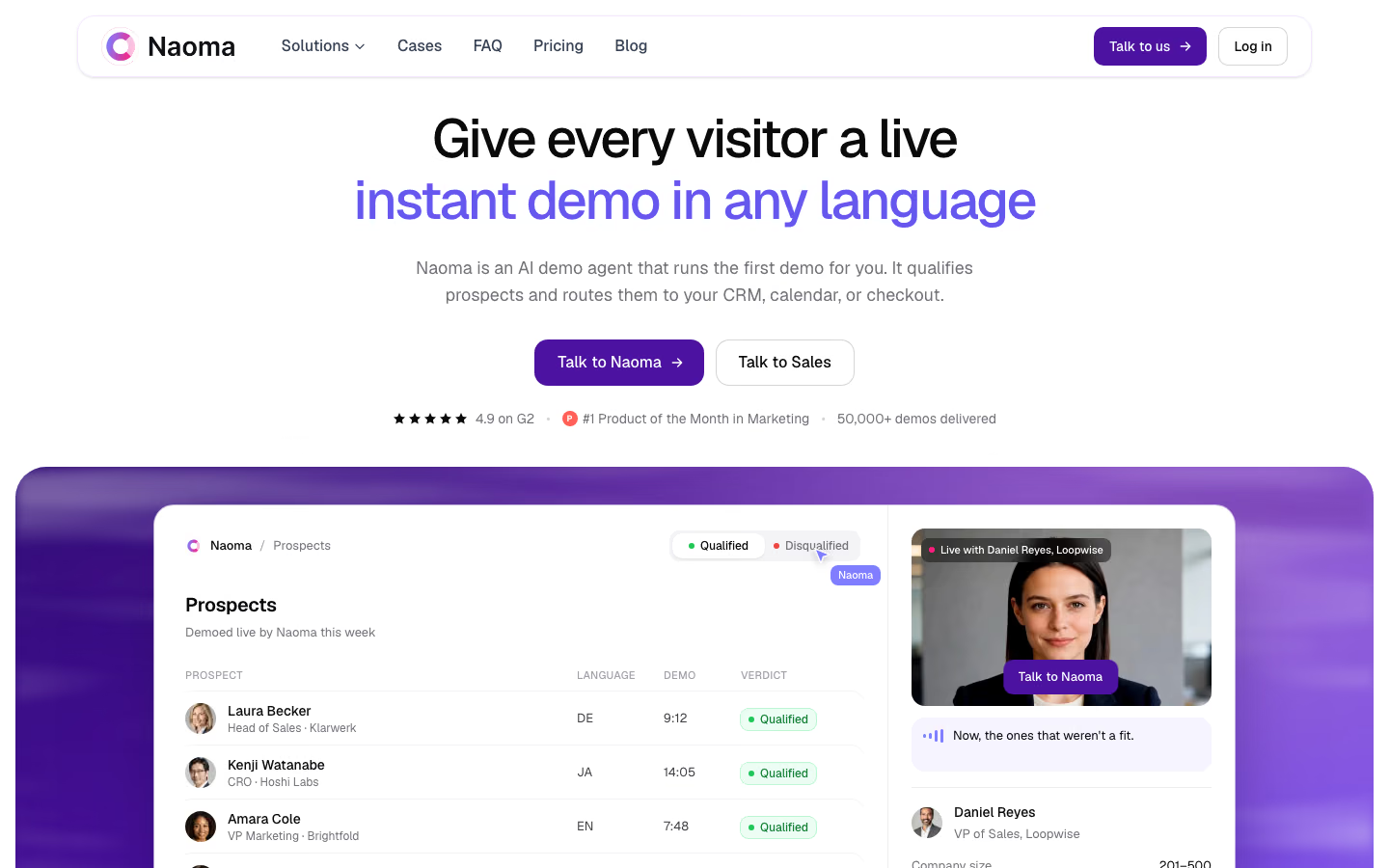
Naoma AI is an AI video demo agent that can appear as a speaking avatar or a branded character while guiding prospective customers through a software product. Visitors interact with the agent in their browsers, asking questions as it presents the product rather than watching a prerecorded demonstration.
On the Starter plan, a company uploads slides and screenshots that Naoma uses to build a step-by-step presentation. The AI agent explains each part, responds to questions, and moves through the prepared material during the conversation. On the Growth plan, Naoma can demonstrate the actual product in a browser, navigating its interface and showing how features work.
Naoma also collects lead information and records conversations for sales follow-up. The Starter plan supports lead enrichment and CRM export, while higher plans add capabilities such as meeting booking. Plans include allowances for engaged demos, defined as conversations lasting at least three minutes.
A company can offer these demonstrations to people who want to explore its software after a webinar. A link on the replay page or in a follow-up email gives interested viewers access to an individual product walkthrough without requiring them to book a sales call first.
How to choose your B2B webinar setup
If you’re starting from scratch, a platform such as Livestorm or Zoom Webinars can cover registration, the live event, and access to recordings. You can connect HubSpot when you need webinar participation alongside other marketing and sales data, or use LinkedIn Events to reach an audience beyond your existing contacts. Neither is a required addition to every webinar.
Another option is to build the event around your own website. Kinescope handles live streaming, audience interaction, recordings, and video hosting, while your existing forms and CRM manage registration and follow-up. Unlike an all-in-one webinar platform, this setup keeps those processes under your control and requires you to connect them. It makes sense when webinars are part of a wider video library and you want to manage live and on-demand content through the same platform.
If you already run webinars, you may not need to replace your existing platform to improve what happens afterward. Goldcast’s Content Lab can work with recordings uploaded from elsewhere, while Naoma AI can provide interactive product demos through links on replay pages or in follow-up emails. Other requirements may affect the choice of your main platform: if detailed contact-level engagement in HubSpot is essential, for example, it’s worth comparing Contrast and Livestorm before committing to either.
Live webinars and replays, all in one place.
Stream on your website, engage viewers, and keep recordings in one video library.

FAQ
Livestorm, Demio, and Contrast are useful options for recurring B2B webinars. Livestorm combines registration and live events, Demio supports automated sessions, and Contrast offers detailed contact-level engagement reporting in HubSpot. Kinescope can also serve as the video platform for live webinars and replays when registration is handled separately.
Webinar software costs depend on what the provider charges for. Livestorm, for example, uses attendee credits: its Pro plan costs €2.50 per attendee who joins a session or watches a replay.
Kinescope takes a different approach, charging for video processing, storage, and delivery rather than the number of webinar attendees. Its Super plan has a €10 monthly minimum, which already covers the first €10 of usage.
So these prices aren’t directly comparable: one reflects webinar attendance, while the other reflects video consumption. Enterprise platforms typically offer custom pricing. To compare options, estimate how many people will attend or watch your webinars each month and how long you’ll keep the recordings available, then calculate the cost under each provider’s model.
Not necessarily. Zoom Webinars includes registration, live presentation controls, and recording features with the appropriate license. You may only need another tool if your program requires different event workflows, independent video hosting, or capabilities that your current Zoom setup doesn’t provide.
An automated webinar uses a prerecorded presentation delivered at scheduled times, sometimes with predefined interactions such as polls. An on-demand webinar lets viewers start a recording whenever they choose. Both allow companies to reuse presentations without delivering every session live.
Yes. Several B2B webinar platforms, including Livestorm, Demio, Contrast, and Zoom Webinars, offer HubSpot integrations. Depending on the provider and plan, they can synchronize registration, attendance, and selected engagement information. The available fields, contact views, and workflow options differ.
Not always. Many webinar platforms include recordings and on-demand access. A dedicated video platform such as Kinescope becomes useful when you want to manage live broadcasts, their recordings, and other video content together, with consistent playback, access controls, and analytics across your website.