



















8 best live streaming platforms for business events in 2026



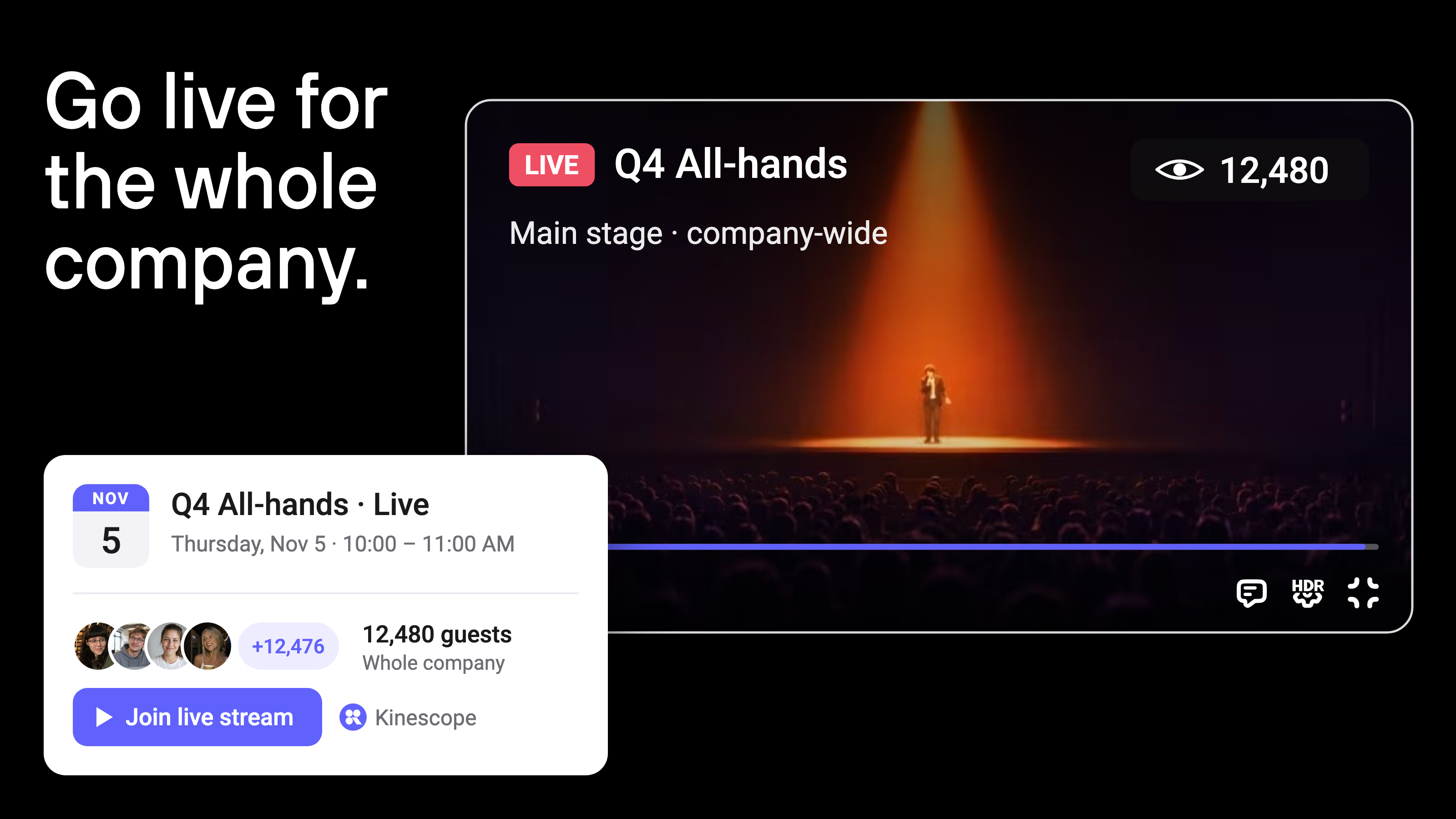

Stream events on your own site
The best live streaming platforms for business events in 2026 include Kinescope and Vimeo for broadcasts on company websites, Dacast for paid streams, and Zoom Events for virtual conferences. StreamYard helps produce events with remote speakers, Castr distributes streams across multiple channels, Kaltura handles large internal town halls, and BoxCast supports regular broadcasts from one venue.
These platforms cover different parts of an event. Some host the video, others provide a production studio or manage registration and attendee interaction. The comparison below explains what each service does, what its starting price covers and when a different option may be a better fit.
A quick note before you compare platforms
Most platforms in this list host and deliver the stream, but something still has to produce it, and three setups are common.
For one camera and slides, you can run a software encoder such as OBS Studio, which is free, or vMix on a laptop. If you're broadcasting from a venue with several cameras, you'll usually need a hardware encoder to take the camera feeds and send one stream to the platform. When your speakers join remotely and you don't want to run an encoder, a browser studio such as StreamYard can mix their video into the broadcast instead.
That last option is the one we use for our own webinars. We used to run them in StreamYard and send the broadcast to Kinescope over RTMP. Speakers only needed a link to join, and the webinar played on our site in our own player. Because the stream went through Kinescope, the recording was already in our video library with subtitles when it ended. StreamYard is the only platform in this list we've used for our own events. The others we compared through their documentation, pricing pages and user reviews.
8 live streaming platforms compared
Scroll sideways to see all columns (Shift + mouse wheel).
| Platform | Best for | How the event works | Access and interaction | Starting price | What to budget for |
|---|---|---|---|---|---|
| StreamYard | Panels and events with remote speakers | Browser studio; On-Air viewing or RTMP delivery | Guest links, On-Air webinars; SSO as a paid add-on | ~€227/mo ($249), the Business plan, billed annually | Production seats; external hosting if needed |
| Vimeo | Marketing events and video libraries | Browser studio or encoder, embedded player, registration and recordings | Passwords, domain restrictions; SSO on Enterprise | ~€364/mo ($400), the Studio plan, billed annually | Annual commitment, storage and bandwidth allowances |
| Kinescope | Public and internal events on company websites | Encoder or Speak, embedded player, chat and video library | Moderated chat, passwords, domain restrictions; SSO on Mega | Free plan; the Super plan from €10/mo (~$11) | Video delivery and storage usage |
| Dacast | Ticketed live streams | Hosted player with built-in paywall | Tickets, passwords, domain and geographic restrictions | ~€57/mo ($63), the Event plan, billed annually | Prepaid bandwidth, overages and transaction fees |
| Castr | Events streamed to a site and social channels | One source distributed to an embedded player and multiple destinations | Paywall, passwords; domain restrictions on higher plans | ~€15/mo ($16.67), the Starter plan, billed annually | Monthly bandwidth allocation and ticket commissions |
| Kaltura | Large internal town halls | Corporate event site or video portal with eCDN support | SSO, email login, magic links, Q&A and polls | Custom quote | Enterprise licensing and delivery infrastructure |
| BoxCast | Regular broadcasts from one venue | Installed encoder or browser Producer, embedded player and TV apps | Passwords; ticketing add-on | ~€99/mo ($109), the Standard plan, billed annually | Viewer-hour allowance, hardware and add-ons |
| Zoom Events | Multi-session virtual and hybrid conferences | Event hub, registration, up to 15 concurrent tracks and networking | Tickets via Stripe or PayPal, attendee lobby, session chats and networking | ~€113/mo ($124.17), the Events plan, billed annually | Your paid Zoom Meetings license, attendee capacity, per-attendee overages |
Prices checked November 20, 2026. Approximate prices use the ECB rate of €1 = US$1.0992; taxes may vary.
The 8 best live streaming platforms for business events
1. StreamYard: a browser studio for producing live events
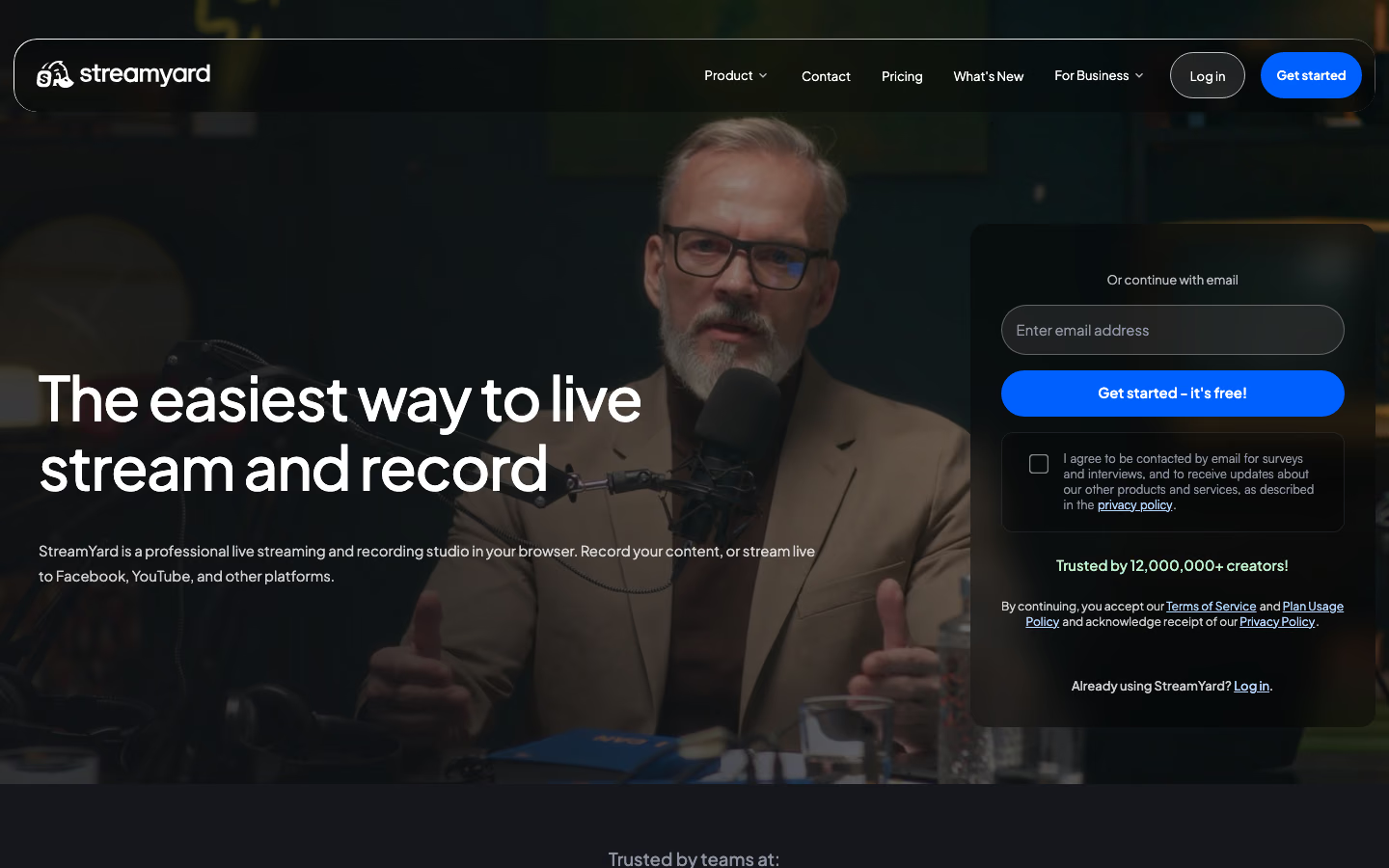
StreamYard gives you a browser studio where presenters join through a link from their laptops or phones. You bring speakers on screen, switch layouts, share slides and add branding. No encoder is needed, whatever the format of your event.
Once the broadcast is ready, you have two ways to reach viewers. The first is StreamYard's On-Air service, which hosts the webinar itself, so production and the viewing page stay in one service. You can buy extra viewer capacity as a paid add-on.
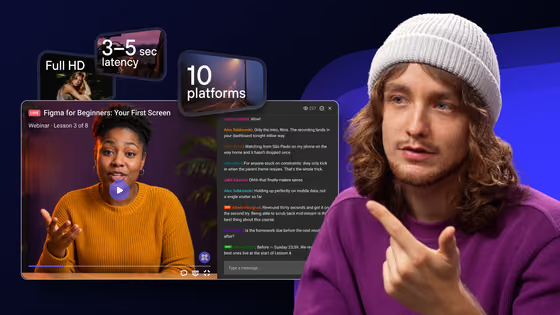
The second, if you have your own event website, is to send the video elsewhere. StreamYard sends a 1080p feed to up to 10 destinations, including custom RTMP addresses, so your event can appear on LinkedIn and YouTube alongside a player hosted by Kinescope, Vimeo or another video service.
In this second setup, you use StreamYard to manage the speakers and produce the finished broadcast. The hosting platform takes care of playback, access and the recording library, with its own hosting and delivery charges.
To use StreamYard, you'll need the Business plan, which starts at approximately €227 ($249) per month with annual billing and includes two seats and a 99.9% uptime SLA, while SSO is a paid add-on. The cheaper plans are intended for individual use, and company accounts are moved to Business at renewal.
2. Vimeo: live events inside a video workspace
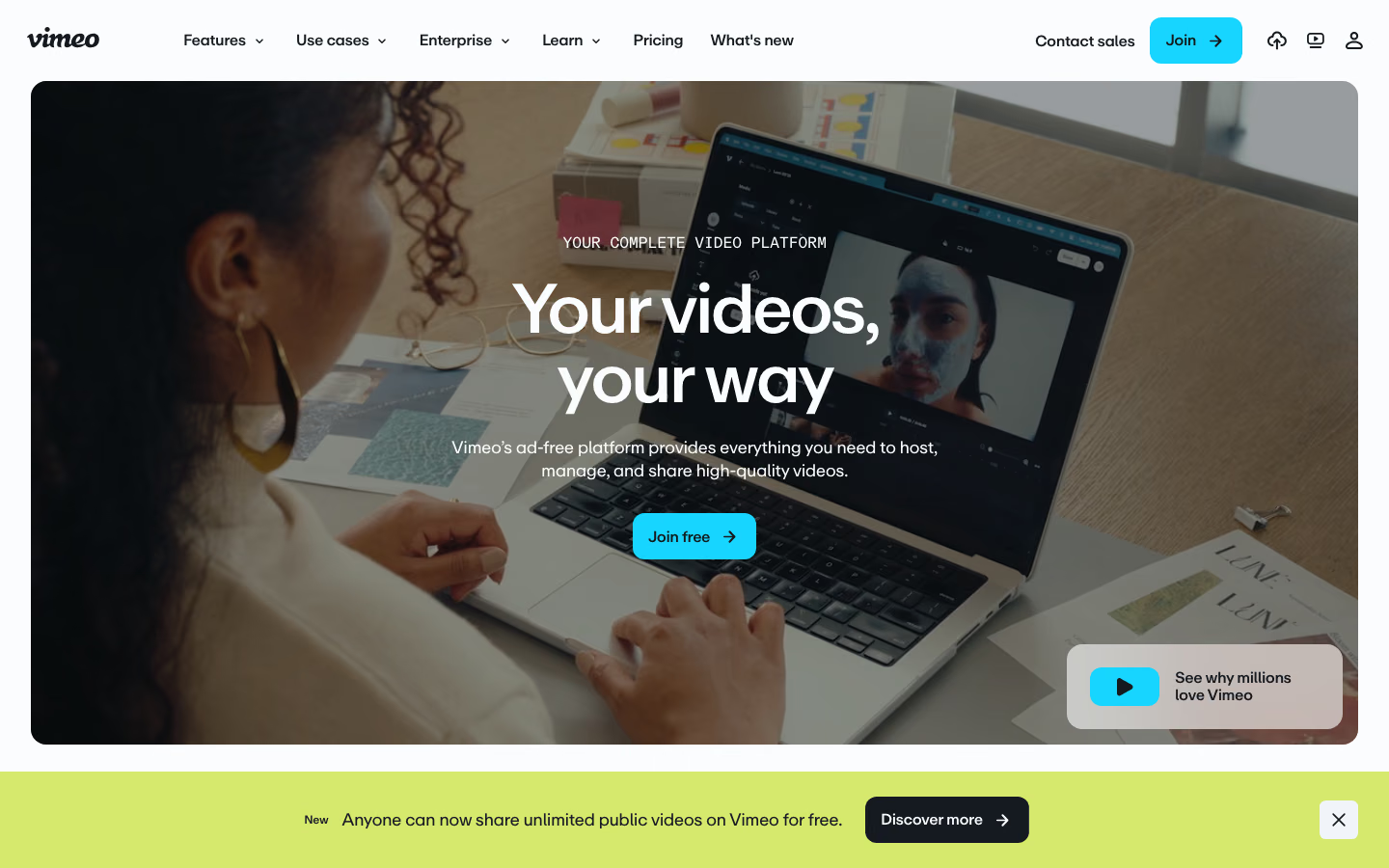
If your marketing team already keeps its videos in Vimeo, you can run live events in the same account. The registration page, the live player on your website and the replay for people who missed the event stay in one place.
Vimeo builds the registration form for your event. With the Studio plan, up to 200 people can register per event, and their data goes to HubSpot, Mailchimp and other marketing tools, so you can follow up afterward. The Marketo integration is only available on Vimeo's Enterprise plan, though.
To control who watches, you can set a password, allow embedding only on your domains or send invitation links. The Enterprise plan adds corporate SSO, moderated Q&A and automatic switching to a backup stream, which keeps your event on air if the main encoder or internet connection fails.
Since the plan changes in autumn 2026, Vimeo directs business accounts to the Studio plan, which costs approximately €364 ($400) per month with annual billing, about €4,370 ($4,800) for the year. Even if you run only a few events, you pay for the whole year.
The Studio plan limits how many videos you can keep, and the count includes every video available for embedding, even one you haven't put on your site yet. If you have a large archive, plan for those videos as well as the traffic you expect from live events. Our Vimeo vs YouTube comparison covers the subscription changes in more detail.
3. Kinescope: public and internal events from one account
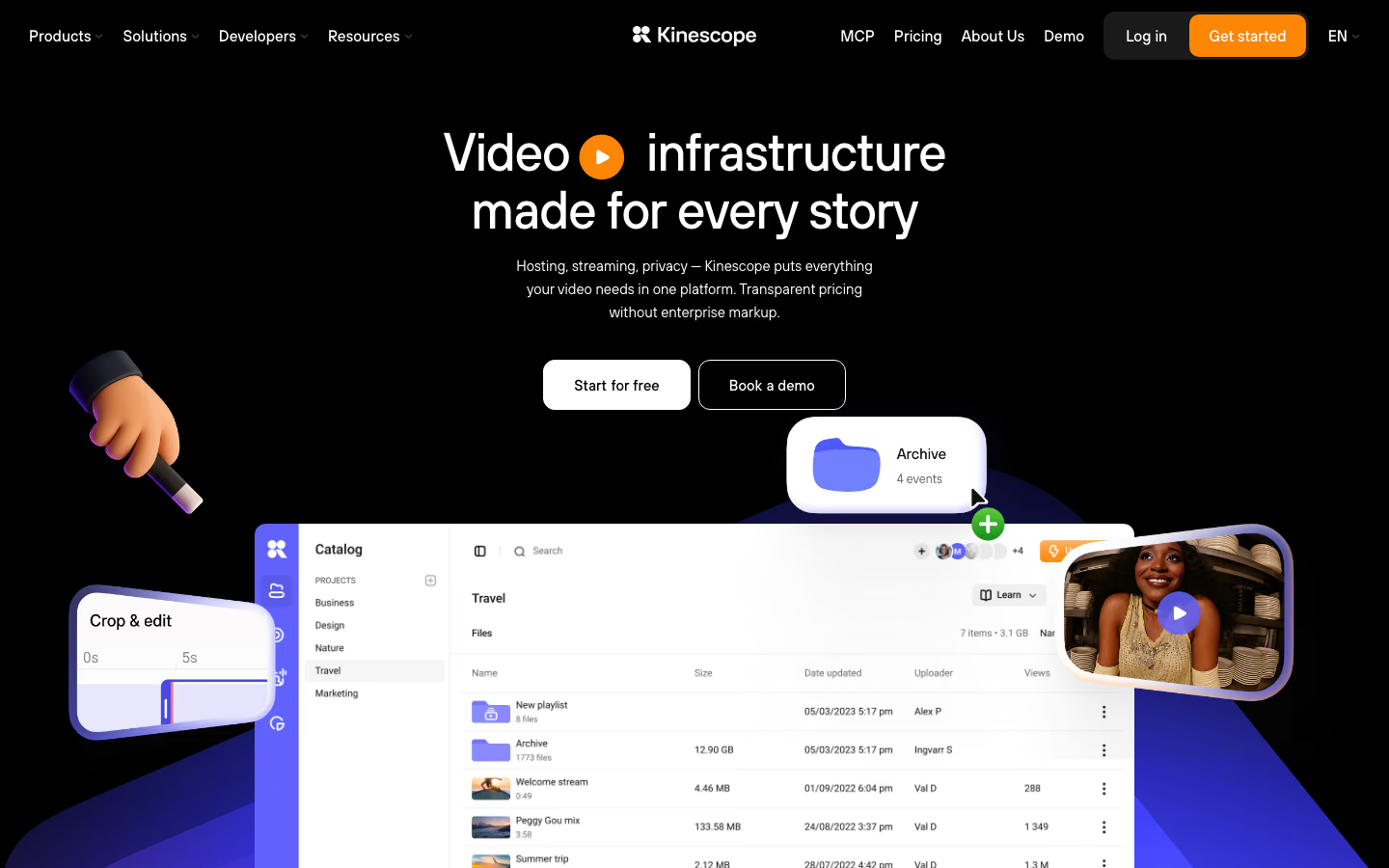
Kinescope lets you stream events on your own website and keep the recordings in the same video library. You can host a public conference or an internal town hall without switching services: each broadcast has its own access settings. Public events can be open to everyone, while private ones can use passwords, expiring links or corporate SSO, available on the custom Mega plan.
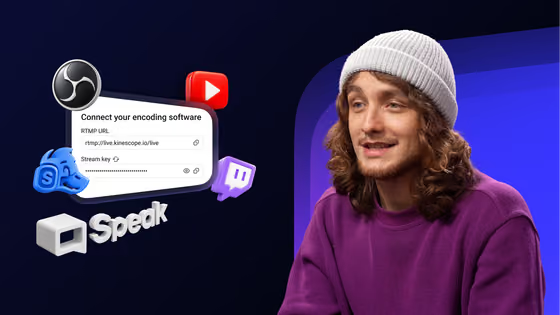
To run the event, you can send video from OBS Studio, vMix or another RTMP encoder. For remote speakers, there's Speak, our browser and mobile meeting room currently in beta. In either case, viewers watch through a player embedded on your event page, where they can rewind if they join late.
The live chat supports premoderation, and messages stay synchronized with the recording. Once the event ends, you can trim the video, add subtitles and AI chapters, and publish the replay on your site. For confidential corporate recordings, paid plans include DRM to prevent unauthorized video downloads. Dynamic watermarks can also identify whose account was used if someone shares a screen recording. If you need to sell tickets, you'll have to connect an external payment service.
The Free plan allows test streams of up to 20 minutes for 20 viewers. The Super plan starts at €10 (~$11) per month, credited toward usage. You pay for storage and delivery traffic, starting at €0.03 per GB for traffic. The same pricing model covers live streams, recordings and videos from Speak.
4. Dacast: paid events and delivery in China
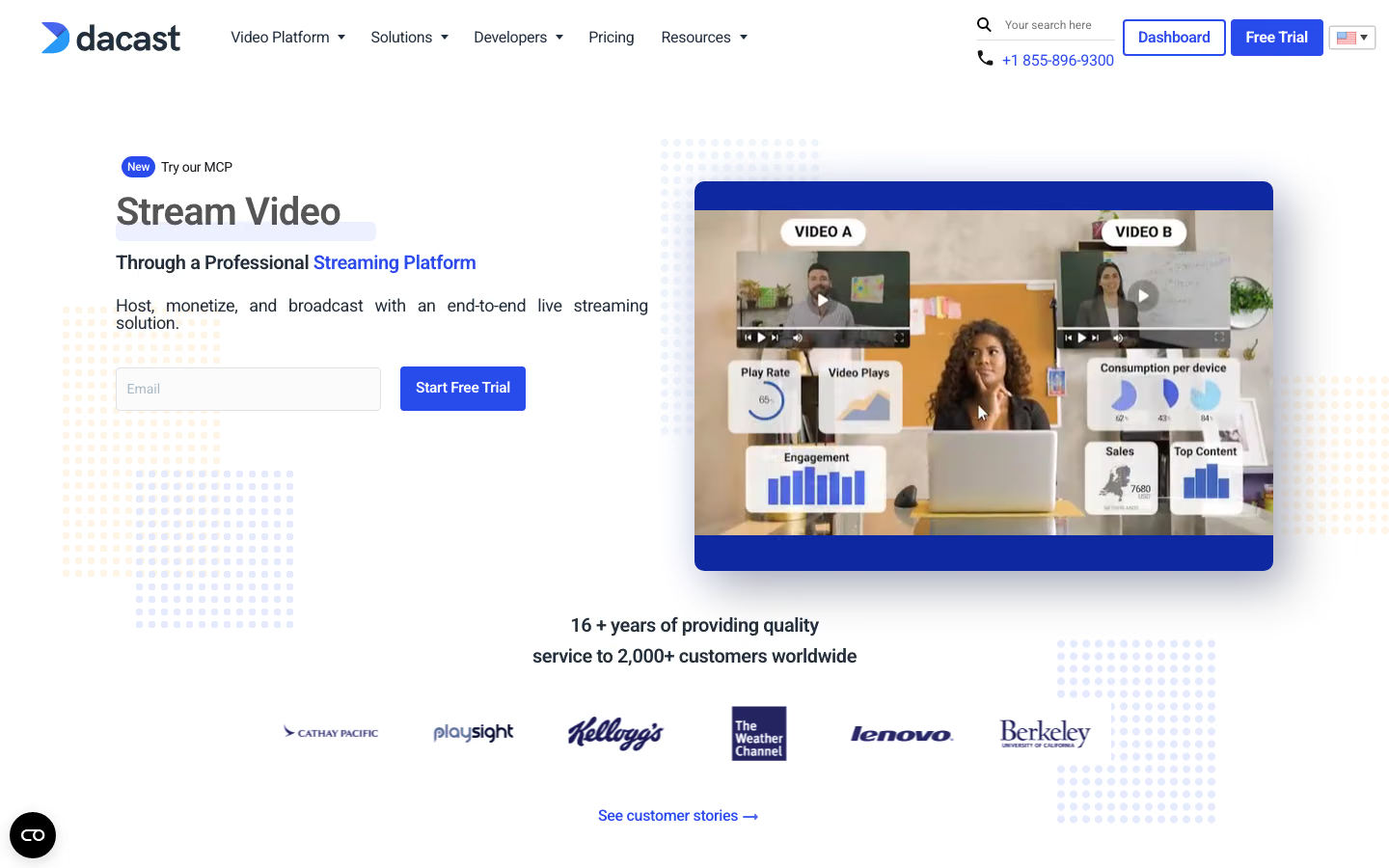
Dacast combines live hosting with ticket sales, so people can pay to watch through the same service that delivers your stream. From the Event plan, its built-in paywall supports one-off tickets, subscriptions and promo codes. You don't need to arrange a separate payment flow for a paid workshop or conference.
Each sale carries a fee of 9.9% plus $0.40, or the equivalent in the buyer's currency, including card and PayPal processing. You can brand the player and restrict access with passwords, approved domains, geographic rules or security tokens.
There's another cost to plan for once tickets start selling: bandwidth. Dacast's Event plan includes 6 TB purchased upfront rather than a fresh monthly allowance. More viewers, longer sessions or a higher bitrate use it faster. If the prepaid traffic runs out, delivery can continue with additional charges when overage protection is on. Turn that protection off, and the stream stops at the limit — a risk worth checking before you open ticket sales.
Streaming to social platforms uses a separate allowance, from five hours on the Starter plan to 28 on the Scale plan. If you need to reach viewers in mainland China, licensed delivery is offered as a separately quoted add-on from the Event plan.
5. Castr: one stream to your site and social channels
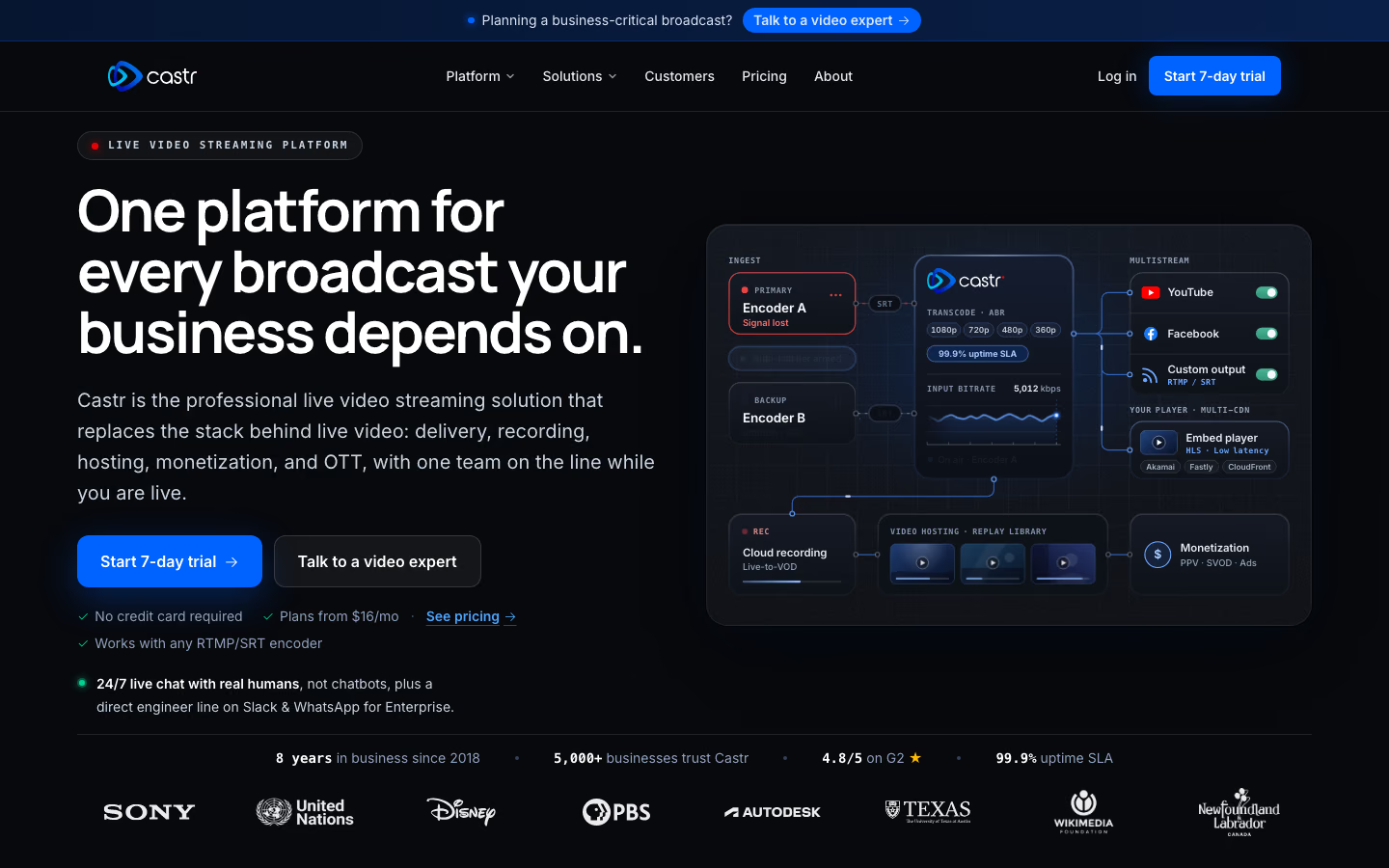
Castr is built around getting one broadcast into several places. You send Castr a live feed, and it delivers the video to the player on your event page as well as social platforms such as LinkedIn and YouTube. The Starter plan allows six destinations, increasing to 30 on the Ultra plan, so you can run the event once and reach audiences across different channels.
Castr also has a paywall on every plan, with a 9% commission on sales. You can charge for access to the stream on your site and use the service for public broadcasts too. If viewing must be limited to particular websites or countries, you'll need the Premium plan or higher: domain and geographic restrictions aren't included with the Starter plan.
Bandwidth is the more important limit to check before a large event. On the Starter and Standard plans, your stream is disabled once the included allowance runs out. Overage protection starts with the Premium plan, with additional bandwidth priced at $0.10 per GB. On the Ultra and Events plans, you can also prepare a second signal through a backup ingest URL, though you still need to arrange how to switch sources if the first one fails.
After the event, you have three days to download the recording. Keeping it online longer means moving it into Castr's video hosting service, so it's worth planning the replay before that download window closes.
6. Kaltura: internal town halls at a large company
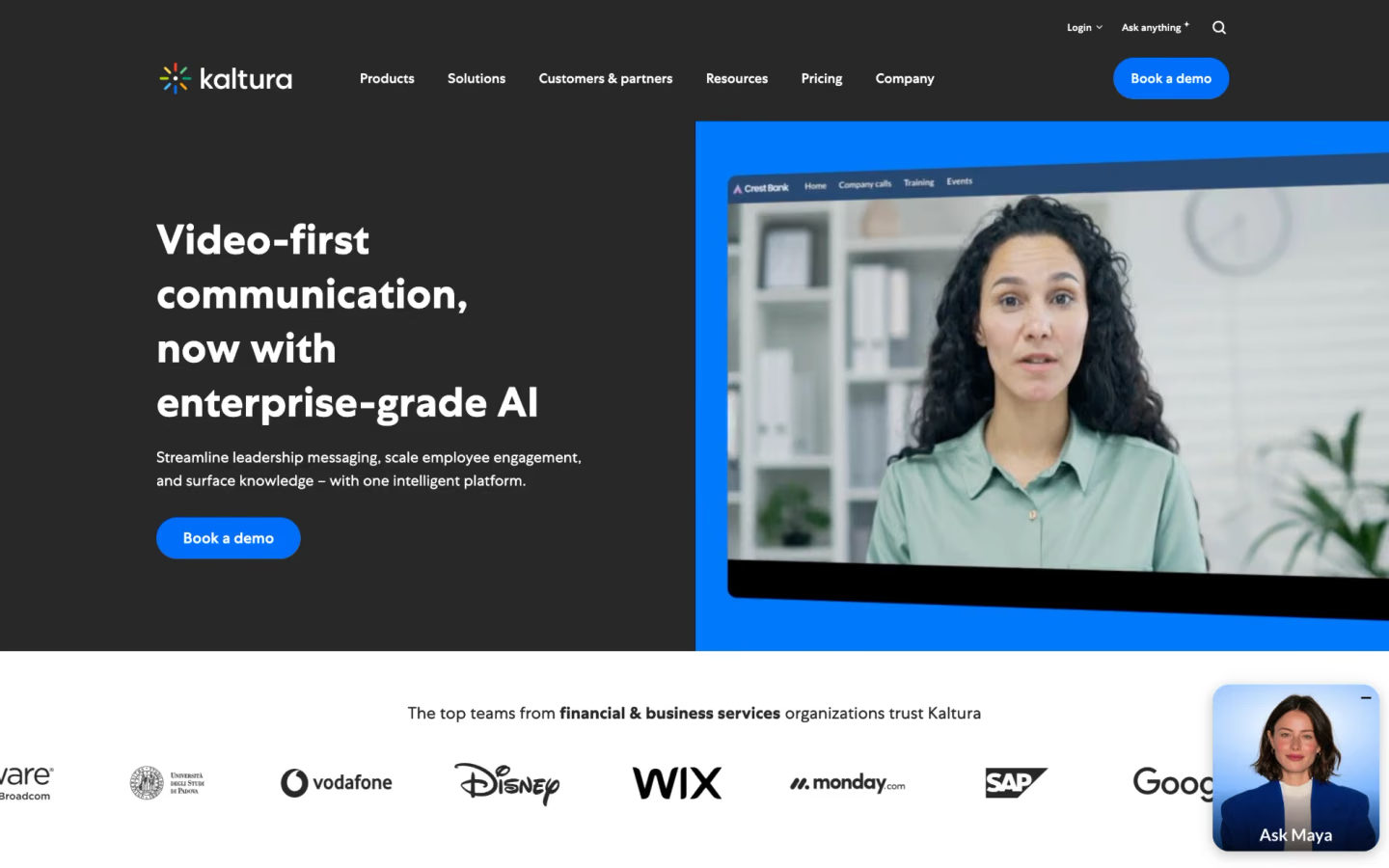
If you need to broadcast a town hall to employees across several offices or regions, Kaltura offers a corporate event platform for that scale. You go live from Kaltura's app, an RTMP encoder or a video-conferencing room, and employees watch on an event site or your company video portal. With Kaltura Virtual Events, you can let staff sign in through corporate SSO, email or magic links and restrict access to groups from your identity provider. You can run Q&A and polls alongside the presentation, then keep the recording in your company's video library.
For employees watching from offices, access is only part of the problem. If thousands of devices request the same stream over a shared corporate connection, video traffic can put pressure on that network. Kaltura's eCDN addresses this with Edge Servers installed inside the company network. They distribute the video inside the network, so the same stream doesn't travel over the external connection thousands of times. Your IT team has to install and maintain these servers before the first event.
Kaltura uses custom enterprise pricing, so your deployment and cost depend on your audience, network and existing systems. If you're comparing a lighter setup with a larger internal video platform, our Kaltura alternatives guide covers other options.
7. BoxCast: recurring streams from one venue
If you broadcast regularly from a campus auditorium, sports hall or conference space, BoxCast lets you keep the production setup in place between events. Its Spark hardware encoder connects to the venue's cameras and can stay there between broadcasts. Once you've installed the equipment, you can use the same setup for your next event rather than starting from scratch.
Viewers watch through an embedded player, social platforms or BoxCast TV apps. Branded Apple TV and Roku apps cost extra. When your event moves away from the usual venue, you can use a third-party RTMP or SRT encoder or BoxCast's browser-based Producer. And if you already own a compatible encoder, the Spark device isn't a requirement for using the hosting service.
BoxCast's subscriptions include at least 10,000 viewer hours per month. A two-hour keynote watched by 2,000 people uses 4,000 of those hours, leaving 6,000 for the rest of the month. You'll therefore need to account for the size and length of each event, even if you broadcast from the same venue every week.
The Standard plan starts at about €99 ($109) per month with annual billing and supports one broadcast at a time. If two of your events overlap, you'll need the Advanced plan. Spark hardware starts at $999, and ticketing is sold separately; BoxCast keeps 25% of ticket revenue after card fees.
8. Zoom Events: multi-session virtual and hybrid conferences
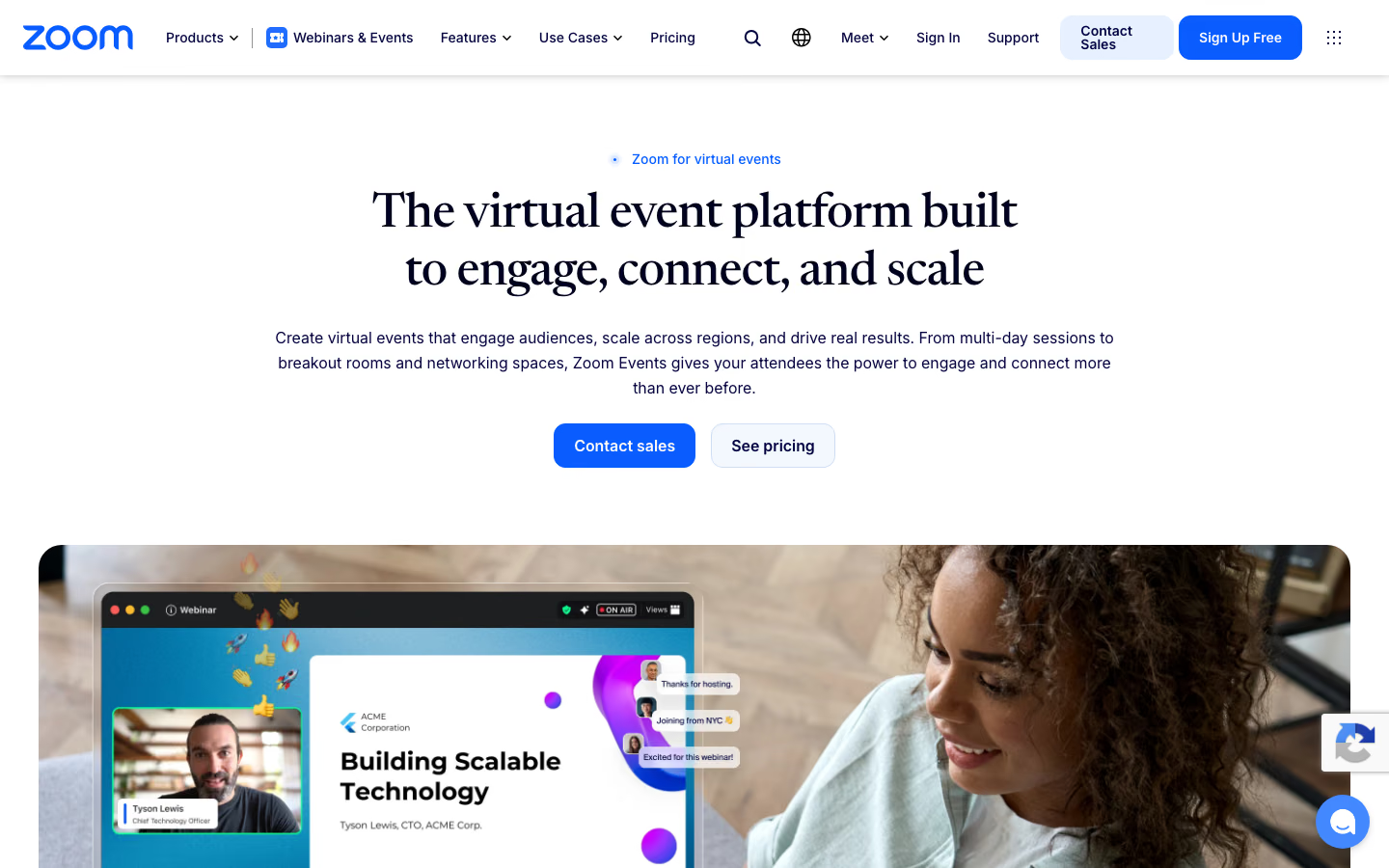
Zoom Events is for conferences where attendees need to do more than watch one stream. You can set up an event hub, sell different ticket types — including early bird or VIP — and run up to 15 tracks at once. Attendees can browse the agenda and move between sessions instead of following one continuous broadcast.
Your attendees enter through a lobby, and they don't need a Zoom account to join. Each session has its own chat, and you can add an expo floor with sponsor booths and space for networking. For a hybrid conference, you can also use check-in and badge printing for people coming to the venue.
Ticket payments run through Stripe or PayPal. The Events plan starts at about €113 ($124.17) per month with annual billing at the smallest attendee capacity; larger capacities cost more. An annual Events subscription also includes a Zoom Webinars license at the same capacity. You'll need a paid Zoom Meetings license under Zoom's terms, although your attendees can join from a link without an account.
Zoom also sells Pay-Per-Attendee licenses, which provide a pool of attendee slots you can use across events over 12 months. If you exceed that pool, extra attendees incur charges. This suits companies that run several events a year with uneven attendance: you pay for the total number of attendees instead of a capacity tier sized for your largest event.
Which live streaming platform should you choose?
For a single event on your company website, start with Kinescope or Vimeo. Kinescope makes more sense if you want to pay for storage and traffic as you use them, especially when events are occasional or attendance varies. Choose Vimeo if registration and marketing follow-up are central to your workflow: its Studio plan connects registration data to tools such as HubSpot and Mailchimp. Keep in mind that Vimeo requires an annual commitment, and Kinescope needs an external service if you're selling tickets.
For a paid broadcast, Dacast is the more direct choice. Its built-in paywall handles ticket sales without a separate payment system. If your event has multiple sessions, ticket types and networking, choose Zoom Events instead. You're paying for conference management, not simply video delivery, and you'll need the required Zoom licenses.
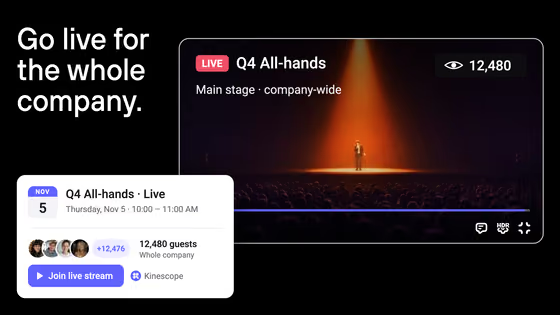
For internal events across multiple offices, consider Kaltura when network capacity is a concern. Its eCDN can reduce the traffic generated when thousands of employees watch the same town hall. That requires infrastructure inside your corporate network. If you only need a private broadcast with employee sign-in, Kinescope or Vimeo may be a simpler starting point.
For recurring broadcasts from one venue, BoxCast is worth considering if you want equipment that stays connected between events. If your main goal is distributing one stream to several social channels, Castr is a closer match. StreamYard solves a different problem: it gives remote speakers a browser studio and can feed the finished broadcast into whichever hosting platform you choose.
Ready for your next event stream?
Get live streaming with chat, access settings and automatic recording. Start free and pay only for what you use.

FAQ
Your best choice depends on the event. Zoom Events handles conferences with several tracks and networking, StreamYard gives remote speakers a browser studio, and Kaltura serves large internal town halls. For a live event on your own website, Kinescope and Vimeo provide embedded video hosting; Dacast includes a paywall for ticketed broadcasts, and Castr distributes the stream across your site and social channels.
YouTube is one of the largest platforms for public live broadcasts, but it isn't a complete solution for every business event. If you're hosting an employee town hall, you may need individual sign-in; for a paid conference, you may need access tied to a ticket. You can still stream publicly to YouTube alongside your event page when you want to reach a wider audience.
Yes. You can sell tickets, subscriptions or access to individual sessions. Dacast's paywall charges 9.9% plus $0.40 per sale, and Castr charges a 9% commission. Zoom Events supports paid tickets through Stripe or PayPal. With Kinescope, you use an external service to sell tickets and give buyers access to the stream.
Starting prices range from the Kinescope Super plan at €10 (~$11) per month plus usage, Castr at about €15 ($16.67), the Dacast Event plan at about €57 ($63), and the BoxCast Standard plan at about €99 ($109). These plans include different services and allowances, so your event's total cost depends on the audience, viewing time and any extra production, ticketing or storage you need. For an enterprise system such as Kaltura, you'll need a custom quote.
A live stream is a way to broadcast video to an audience. A webinar is an event format that usually adds registration, presentations and interaction such as polls or Q&A. You can run a webinar using live streaming technology, with a webinar platform helping you manage registration and attendee participation. See our guide to B2B webinar tools for more options.
Choose access controls for the people you're inviting. A password may be enough for your clients or partners, and corporate SSO lets your employees enter using their work accounts. Domain restrictions keep your video player on approved sites, but they don't identify who is watching.