

























JavaScript video player for any website

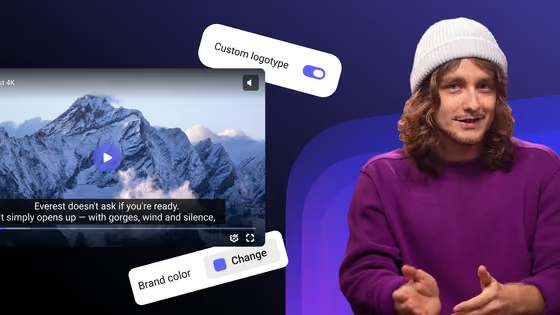
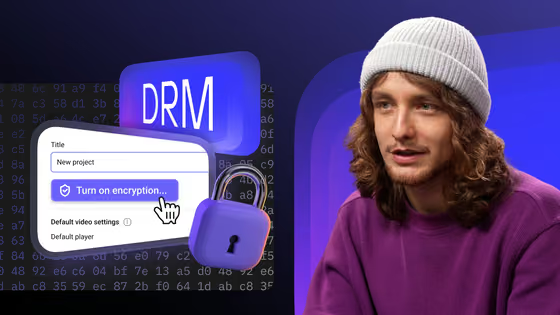
Embed the Kinescope player with a script tag or npm, then shape it from your code: brand color, controls, watermark, chapters, autoplay, or buttons of your own. Hosting, adaptive streaming and DRM come with it.
Build your player and copy the code
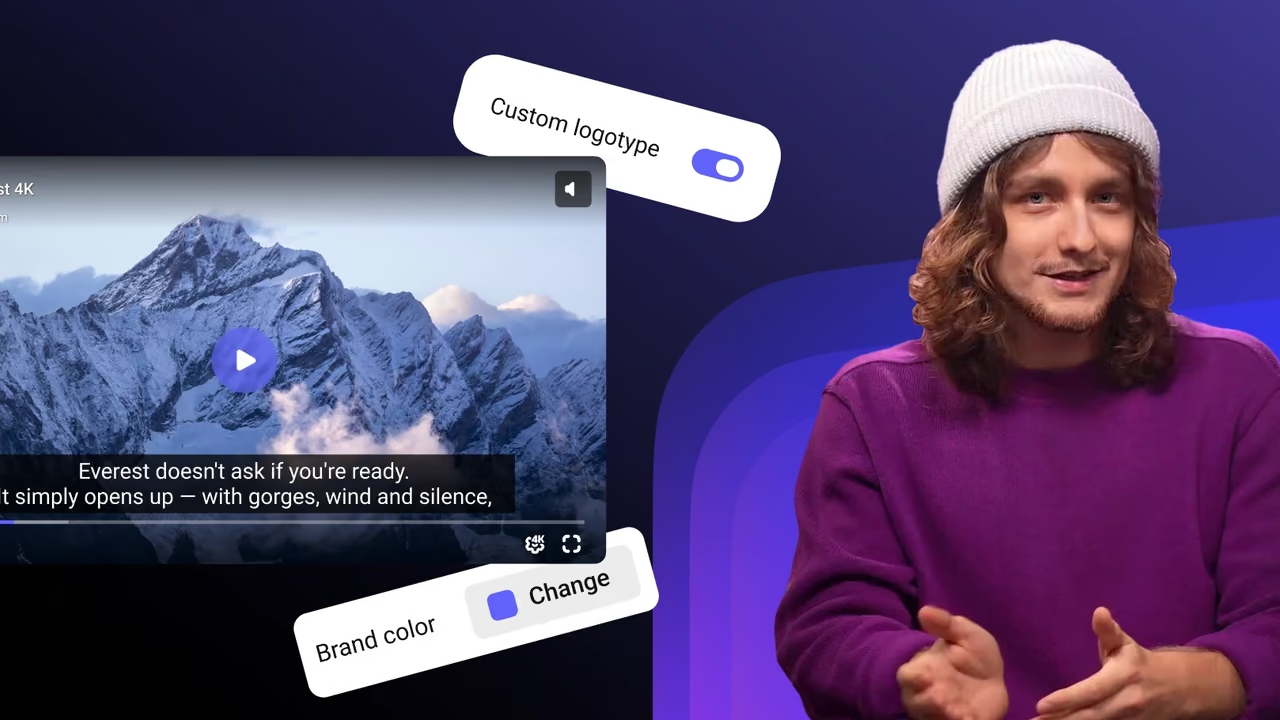
A real Kinescope player. Every setting rebuilds it with the same options you see in the code, so what you copy is what you just watched.
Controls
Look
Content
Behavior
 Loads as you scroll here
import { load } from '@kinescope/player-iframe-api-loader';

const factory = await load();
const player = await factory.create('player', {
  url: 'https://kinescope.io/56Jg27MqvvttAwHcrCzEA4',
  size: { width: '100%', height: '100%' },
});
Three ways to add the player
From a plain iframe to full control in code. Pick the one that fits your page.
-
Just the player: an iframe
No JavaScript at all. Paste the iframe; the embed code generator adds autoplay, start time and quality to the link.
<iframe src="https://kinescope.io/embed/VIDEO_ID" allow="autoplay; fullscreen; picture-in-picture; encrypted-media" style="border: none; width: 100%; aspect-ratio: 16 / 9;" ></iframe> -
An iframe you can control
Already have iframes on the page? Add
?enableIframeApito their links and?autoto the API script, and every player connects to the API.<script defer src="https://player.kinescope.io/latest/iframe.player.js?auto"></script> <script> function onKinescopeIframeAPIReady(factory) { factory.on(factory.Events.Created, ({ data: player }) => { player.setVolume(0.5); }); } </script> <iframe src="https://kinescope.io/embed/VIDEO_ID?enableIframeApi" allow="autoplay; fullscreen; picture-in-picture; encrypted-media"></iframe> -
Full control: create the player in code
Install the loader for async/await and TypeScript types, then pass every option to
create(). This is the code the studio above writes for you.import { load } from '@kinescope/player-iframe-api-loader'; const factory = await load(); const player = await factory.create('player', { url: 'https://kinescope.io/VIDEO_ID', ui: { watermark: { text: 'student@example.com' } }, theme: { colors: { primary: '#6b61fc' } }, }); player.on(player.Events.Ended, () => showNextLesson());
A bare
ui.watermark: text in random spots or stripes.chapters, vtt and a playlist with next() and switchTo().ui.controls: false for your own.externalId ties them to your users.What developers build with it
Save lesson progress
TimeUpdate for the position and Ended for the finish, then store both in your backend. seekTo() brings the student back.Sell from the video
CallAction event.Put the viewer’s email on the frame
ui.watermark. A screen recording then shows whose account it came from.Match your brand
theme.colors.primary sets the player color; hide the big play button, the speed or fullscreen button through ui.Build a course playlist
behavior.playlist.autoSwitch moves to the next lesson by itself.Autoplay below the fold
autoPlay: 'viewable' starts the video when the visitor scrolls to it; if sound is blocked, the player retries muted.Documentation and code
FAQ
Can’t find the answer you need? Check out our Player docs.
<div id="player">, load iframe.player.js or install @kinescope/player-iframe-api-loader, and call factory.create('player', { url }) with your video link. The studio on this page writes that code with your settings.ui: { controls: false } and call play(), pause(), seekTo(), setPlaybackRate() or setVideoQuality() from your buttons. Events such as TimeUpdate keep your progress bar in sync. Switch the studio to “Your own buttons” to try it.theme: { colors: { primary: '#hex' } } when you create the player. The progress bar and the play button take that color.<script> tag that loads iframe.player.js and a function called onKinescopeIframeAPIReady are enough. The npm loader adds async/await and TypeScript types.