


























Next.js video player for App Router and Pages Router

Play Kinescope videos in a Next.js app with the open-source React component. The player runs in the browser, so you load it as a client component without server rendering; the rest of the page stays a Server Component.
Quick start
Install @kinescope/react-kinescope-player and play your first video. Commands and code are from the package README.
-
Install the package
The React component works with React 16 to 19.
npm install @kinescope/react-kinescope-player -
Create a client component
In the App Router,
ssr: falseis allowed only in a Client Component, so put the import in a file that starts with'use client'.'use client'; import dynamic from 'next/dynamic'; const KinescopePlayer = dynamic( () => import('@kinescope/react-kinescope-player'), { ssr: false } ); export default function Player({ videoId }: { videoId: string }) { return <KinescopePlayer videoId={videoId} />; } -
Use it on a page
The page itself can stay a Server Component. Pass the video ID from your Kinescope dashboard.
import Player from '@/components/kinescope-player'; export default function LessonPage() { return ( <main> <h1>Lesson 1</h1> <Player videoId="yourVideoId" /> </main> ); } -
React to player events
Events are props of the component, for example to save progress or unlock the next lesson. In the Pages Router, the same
next/dynamicimport works without'use client'.<KinescopePlayer videoId={videoId} onTimeUpdate={({ currentTime }) => saveProgress(currentTime)} onEnded={() => unlockNextLesson()} />
Try the player API
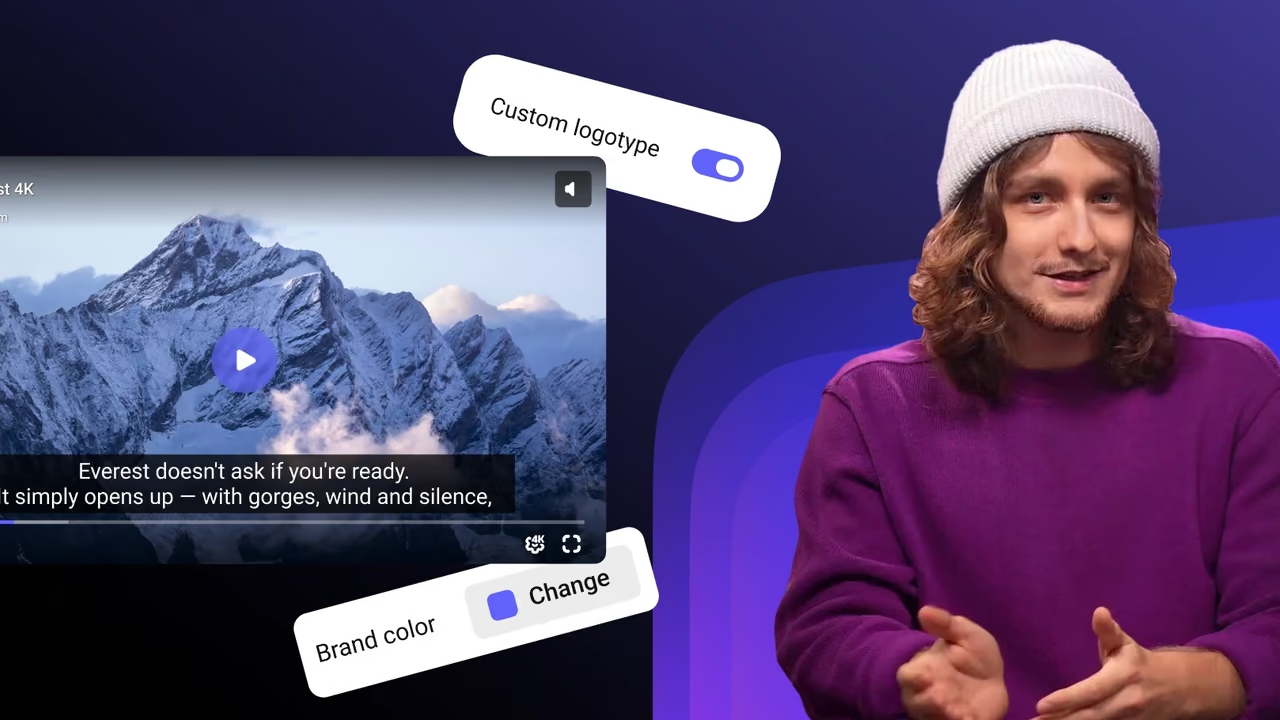
The Next.js component controls the Kinescope web player. Call its methods on a live player below.
- currentTime
- 0
- paused
- true
- playbackRate
- 1
- quality
- —
- volume
- 1
- muted
- false
import { load } from '@kinescope/player-iframe-api-loader'; const factory = await load(); const player = await factory.create('player', { url: 'https://kinescope.io/56Jg27MqvvttAwHcrCzEA4', size: { width: '100%', height: '100%' }, }); player.on(player.Events.TimeUpdate, ({ data }) => { console.log(data.currentTime, data.percent); });// Click a button on the left to run a call
- Events appear here once the player loads.
Every method and event is in the IFrame Player API docs.
What you get in a Next.js app
App Router and Pages Router
next/dynamic and ssr: false in the App Router, the README example in the Pages Router.Server Components stay
Playlists
videoId accepts one ID or an array; playlistOptions sets up the playlist.Events
onReady, onPlay, onTimeUpdate, onEnded, onQualityChanged, onError and other player events.Protection and analytics
watermark, drmAuthToken for your authorization backend and externalId to tie views to your users.Layout and autoplay
width and height default to 100% of the container; autoPlay="viewable" starts the video when it scrolls into view.The platform behind the SDK
Upload and transcoding
Own CDN
DRM on the Super plan

Live streams
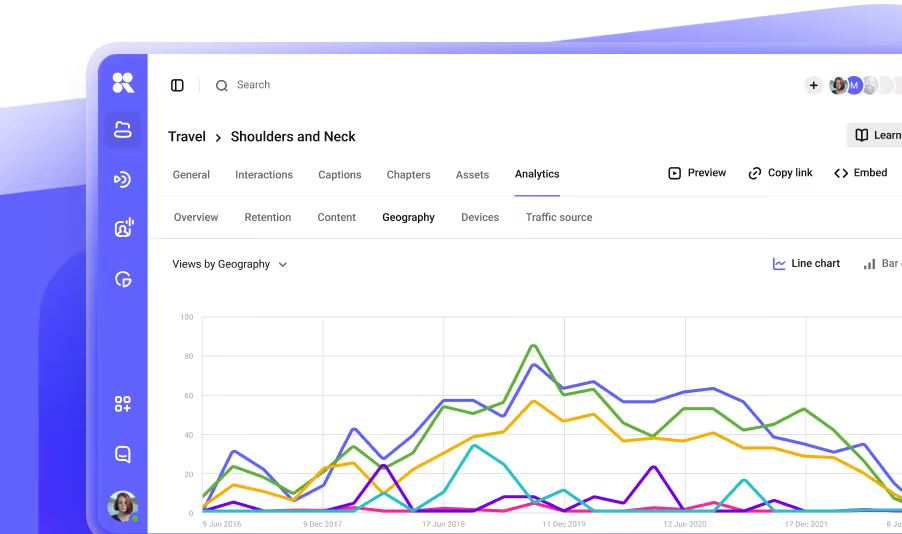
Analytics
Pay as you go

Documentation
Every guide for this SDK in its repository, on GitHub.
FAQ
Can’t find the answer you need? Check out our All developer tools.