

























Video player API for JavaScript

Control the Kinescope player embedded on your page: play, seek, change speed and quality, switch subtitles and playlists, and react to what the viewer does.
Quick start
Install @kinescope/player-iframe-api-loader and control your first video. Code from the package README and the API types.
-
Install the loader
The loader fetches the IFrame API and ships TypeScript types for every method and event.
npm install @kinescope/player-iframe-api-loader -
Create the player
Pass an element or its ID and the video link.
sizeandbehaviorare optional.import * as iframeApiLoader from '@kinescope/player-iframe-api-loader'; const factory = await iframeApiLoader.load(); const player = await factory.create('player', { url: 'https://kinescope.io/VIDEO_ID', size: { width: '100%', height: 400 }, }); -
Call methods and listen to events
Every method returns a Promise. Subscribe with
on,onceandoff.player.on(player.Events.Ended, () => { console.log('Lesson finished'); }); await player.seekTo(90); await player.setPlaybackRate(1.5); await player.play();
Control the player from your code
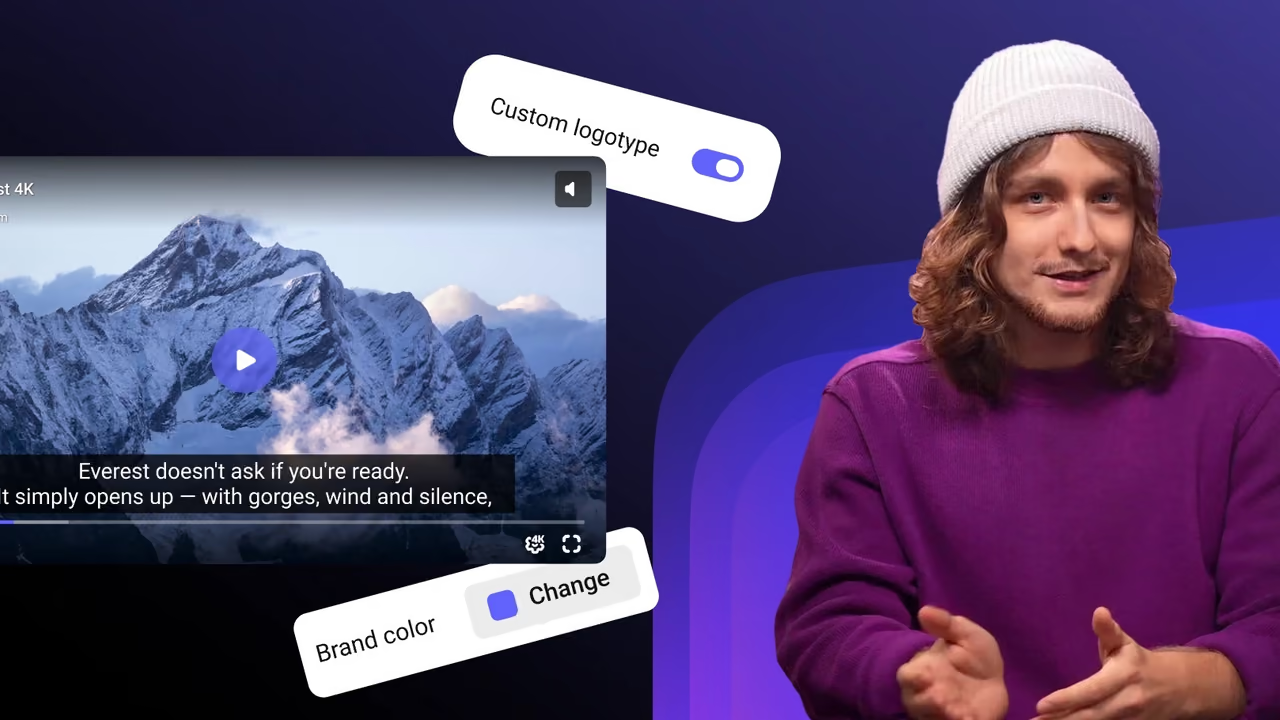
A real Kinescope player. Each button calls an IFrame Player API method, the panel shows the code that ran, and the log shows the events the player sends back.
- currentTime
- 0
- paused
- true
- playbackRate
- 1
- quality
- —
- volume
- 1
- muted
- false
import { load } from '@kinescope/player-iframe-api-loader'; const factory = await load(); const player = await factory.create('player', { url: 'https://kinescope.io/56Jg27MqvvttAwHcrCzEA4', size: { width: '100%', height: '100%' }, }); player.on(player.Events.TimeUpdate, ({ data }) => { console.log(data.currentTime, data.percent); });// Click a button on the left to run a call
- Events appear here once the player loads.
Every method and event is in the IFrame Player API docs.
Methods you’ll use most
play() · pause()seekTo(time)getCurrentTime()getDuration()setPlaybackRate(value)setVideoQuality(q)enableTextTrack(lang)setFullscreen(on)switchTo(id) · next()setOptions(options)Events
LoadedPlay · PauseTimeUpdateEndedQualityChangedCallActionErrorplayer.on(Events.Ended, fn)once and off.Documentation and code
FAQ
Can’t find the answer you need? Check out our Player docs.
@kinescope/player-iframe-api-loader, call load() to get the player factory, create the player with factory.create(element, { url }), then call its methods and subscribe to events with player.on(player.Events.Ended, handler). The quick start on this page has the code.Ended for the end of the video and to TimeUpdate for the current position, then save progress on your backend. getCurrentTime() and getDuration() return the values on demand.onKinescopeIframeAPIReady callback and adds TypeScript types. If the IFrame API script is already on the page, use window.Kinescope.IframePlayer directly; the types are available on their own from @kinescope/player-iframe-api-loader/types.