


























8 Vidyard alternatives for sales video, demos, and hosting




Turn demo videos into next steps
Vidyard covers several jobs at once: recording video messages, personalizing them for prospects, hosting the files, and reporting views back to your CRM. Most teams lean on one or two of those jobs, so the right alternative depends on what you actually use Vidyard for.
Pricing shapes the choice too. Vidyard charges per seat, so the bill grows with every person who records. Some alternatives include seats in a plan or charge for usage instead. Here’s how eight alternatives handle recording, prospecting and hosting, where each one fits, and how each one charges.
Vidyard alternatives at a glance
| Tool | Best for | Recording | Per prospect | CRM sync | Pricing model | Entry paid plan |
|---|---|---|---|---|---|---|
| Loom | Companies where everyone records quick updates | Browser, desktop app, phone | One video per person | Salesforce on Enterprise | Per user | Business ~€16.34/mo ($18) |
| Tella | Demos that stay on a website for months | Screen and camera as separate tracks | One video per person | No | Per user | Pro ~€11.80/mo ($13), billed annually |
| Sendspark | Outbound teams sending video at volume | Browser and webcam | Name, cloned voice, prospect’s website | From Growth | Per plan, seats included | Solo ~€44.49/mo ($49), 1 seat |
| Hippo Video | Sales teams running video campaigns in one tool | Screen and webcam | Campaign fields, AI avatars | HubSpot from Teams, Salesforce on Enterprise | Per user | Pro ~€18.16/mo ($20), billed annually |
| BombBomb | Real estate, mortgage and account managers | Gmail, Outlook, phone | One video per person | From Pro | Per user | Core ~€32.69/mo ($36), billed annually |
| HeyGen | One message in many languages | AI avatar from a script | Avatar videos from HubSpot data | HubSpot workflows | Per plan, extra seats on Business | Creator ~€21.79/mo ($24), billed annually |
| Wistia | Marketing teams collecting leads from website video | Screen and camera in the browser | No | HubSpot, Marketo on Business + Signals | Per plan, extra users | Business ~€71.73/mo ($79), billed annually |
| Kinescope | Teams embedding demos and training on their site | No recorder of its own, upload from any device | No | Build it with the API and webhooks | Usage-based, unlimited members | Super, €10/mo minimum |
Prices checked November 19, 2026. Approximate euro prices use the ECB rate of €1 = US$1.1014. Taxes may vary.
Tools for recording and async video
These tools take over Vidyard’s recorder and differ in how much editing happens before a video goes out.
1. Loom: quick async video for internal and sales updates
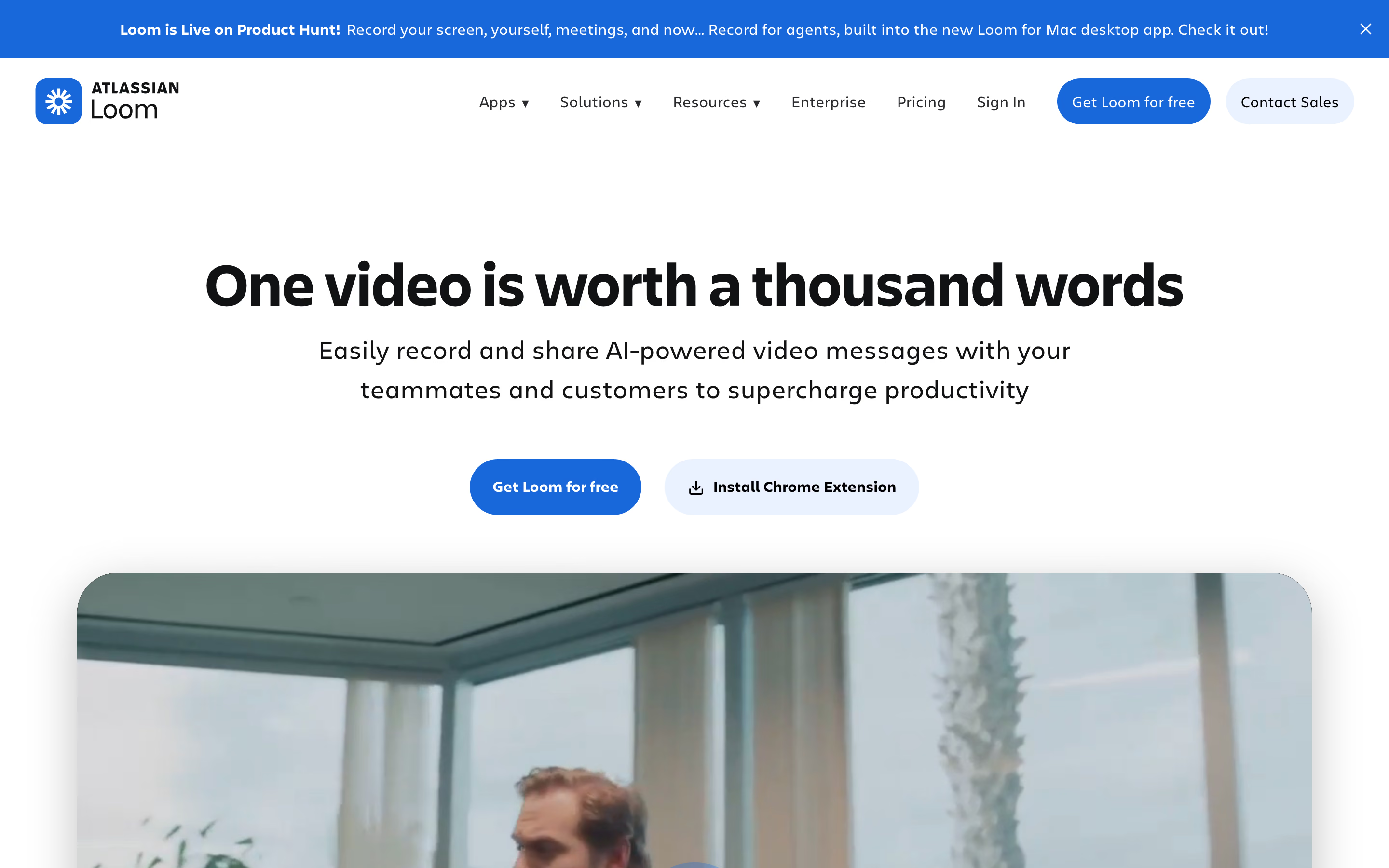
Loom is usually the first tool teams compare with Vidyard, because recording works the same way. You start from the Chrome extension, the desktop app or a phone, capture your screen and camera, and share a link that plays as soon as you stop.
Around the recording, Loom keeps the conversation inside the video. Viewers reply with comments and emoji reactions at specific moments, and before sending you can trim the video, stitch clips together or add arrows and text. Transcripts and captions are available in more than 50 languages.
Because Loom was built for async communication inside a company, the same habit covers a sales follow-up, a bug report and a weekly update. Compared with Vidyard, a sales team gives up the prospecting layer. Loom doesn’t personalize videos in bulk or push viewing alerts into a sequence, and the Salesforce integration comes only with Enterprise.
2. Tella: polished demos and product videos
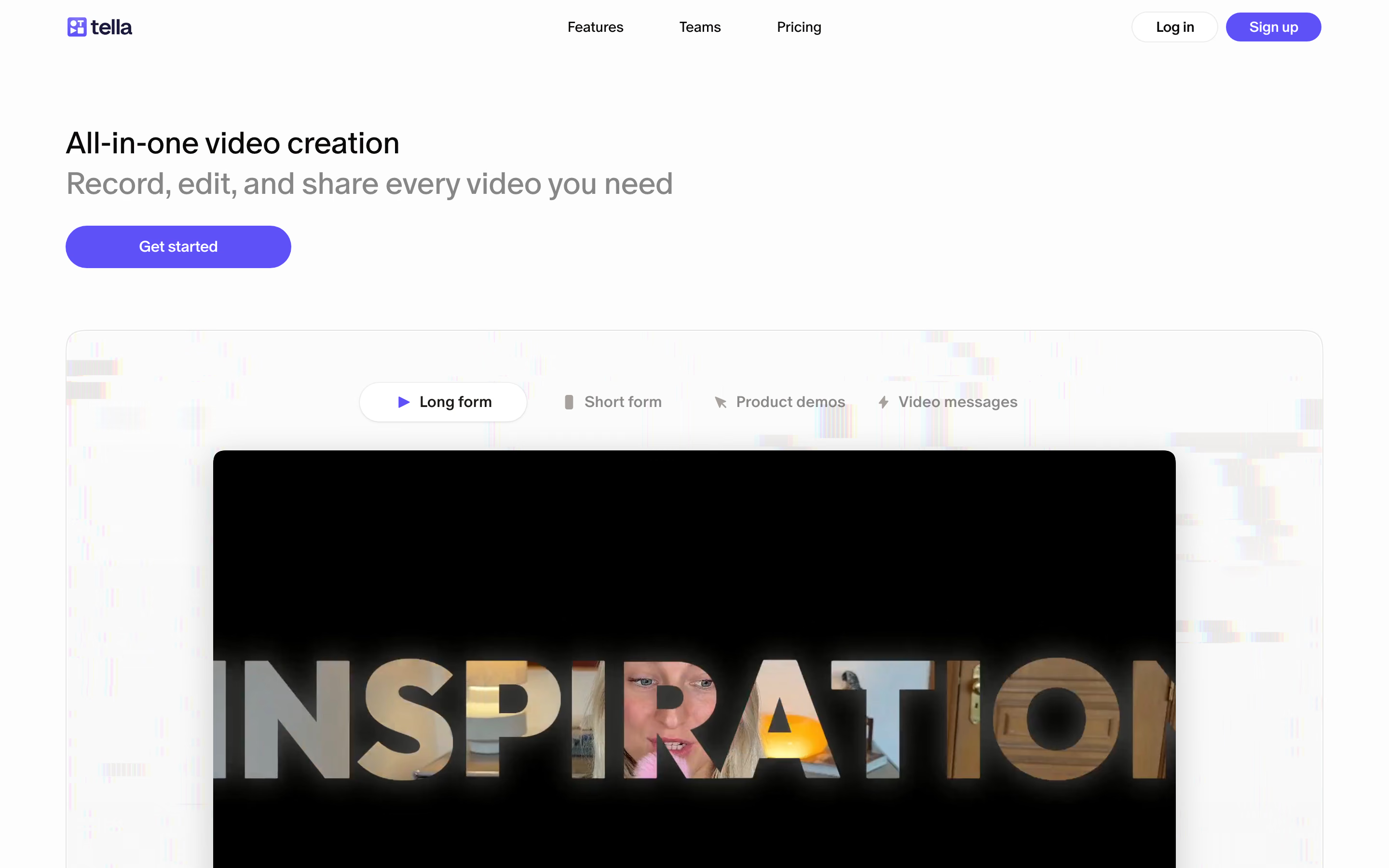
Tella suits sellers and marketers who want a recording to look finished before it goes out. It records the screen and camera as separate tracks, so afterwards you can change the layout, resize or hide the camera, and add zoom effects without filming again.
Editing works on a timeline or through the transcript, and Tella’s AI agent can cut filler words and long pauses, add subtitles or switch layouts from a chat. That editing takes longer than recording a quick message, so it pays off on videos people keep watching for months, such as a product tour on a pricing page or an onboarding video for new customers.
Finished videos are shared as a link or an embed, optionally behind a password, or exported in 4K. Tella focuses on making the video rather than tracking who watched it, so outreach and follow-up stay in your sales tools.
Tools for sales prospecting
These platforms keep Vidyard’s main sales job, video inside a prospecting sequence, and differ in how they personalize it and where the viewing data goes.
3. Sendspark: personalized outreach at scale
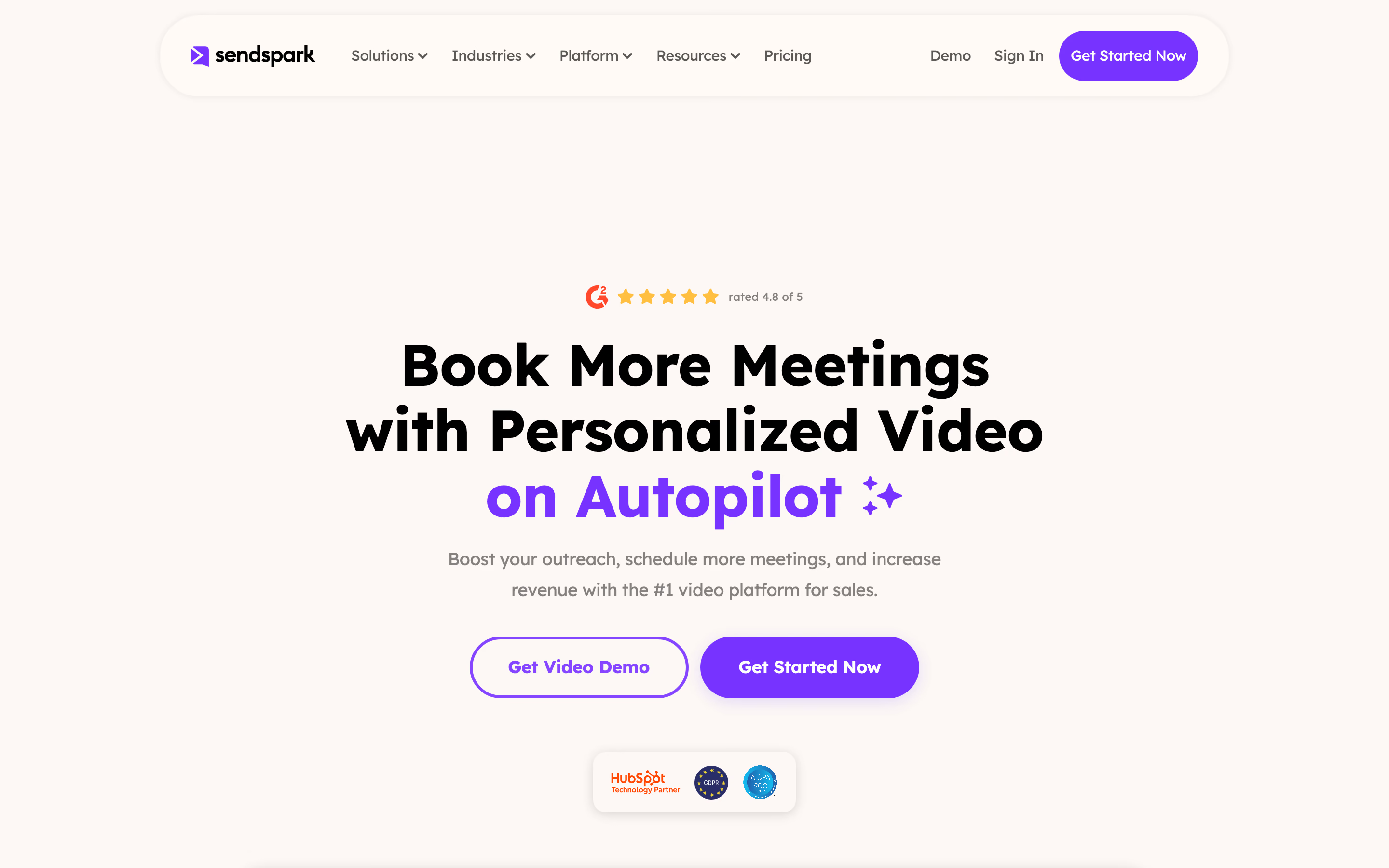
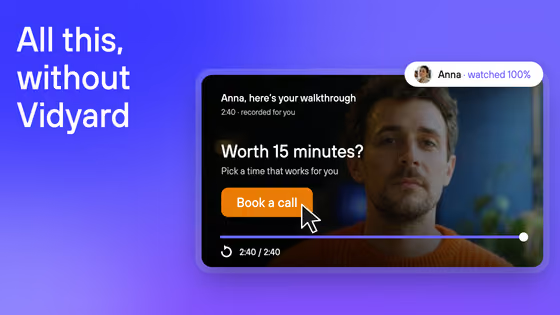
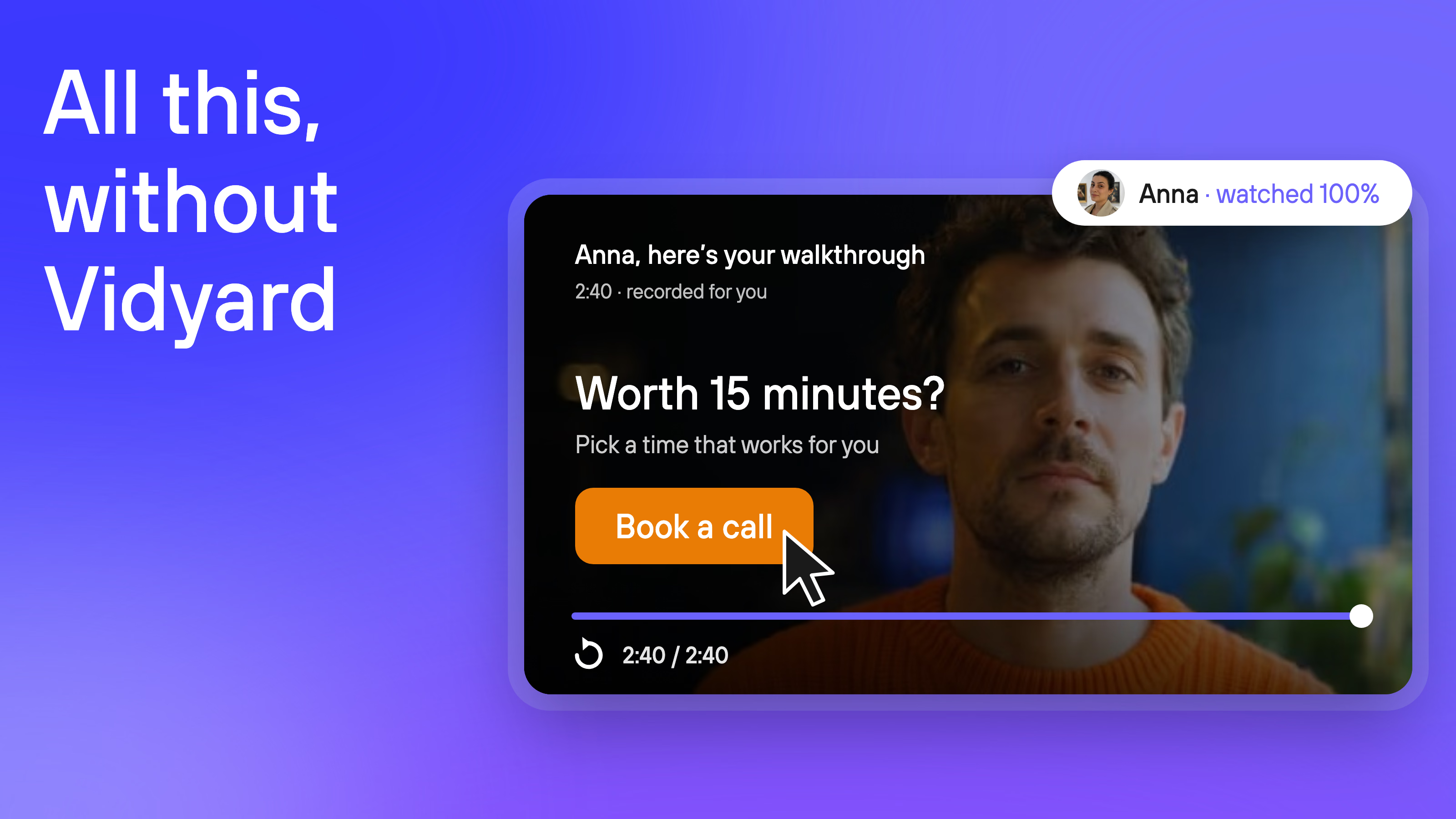
Sendspark is built around one idea: record a video once and let AI personalize it for each prospect. You record with a placeholder for the first name, load contacts from a CSV, your CRM or an automation, and Sendspark generates a version for every contact, with their name spoken in your cloned voice and their website as the background.
Each prospect then gets a personalized thumbnail in email and lands on a page with your branding, a call to action and an embedded calendar for booking a meeting. Viewer analytics show who watched and how much of the video they saw.
This workflow suits outbound teams that send video at volume, where recording a separate message for each prospect isn’t realistic. For a one-off follow-up after a call, a recorder like Loom is faster. Salesforce, Outreach and Salesloft integrations start on the Growth plan.
4. Hippo Video: sales videos with pages and templates
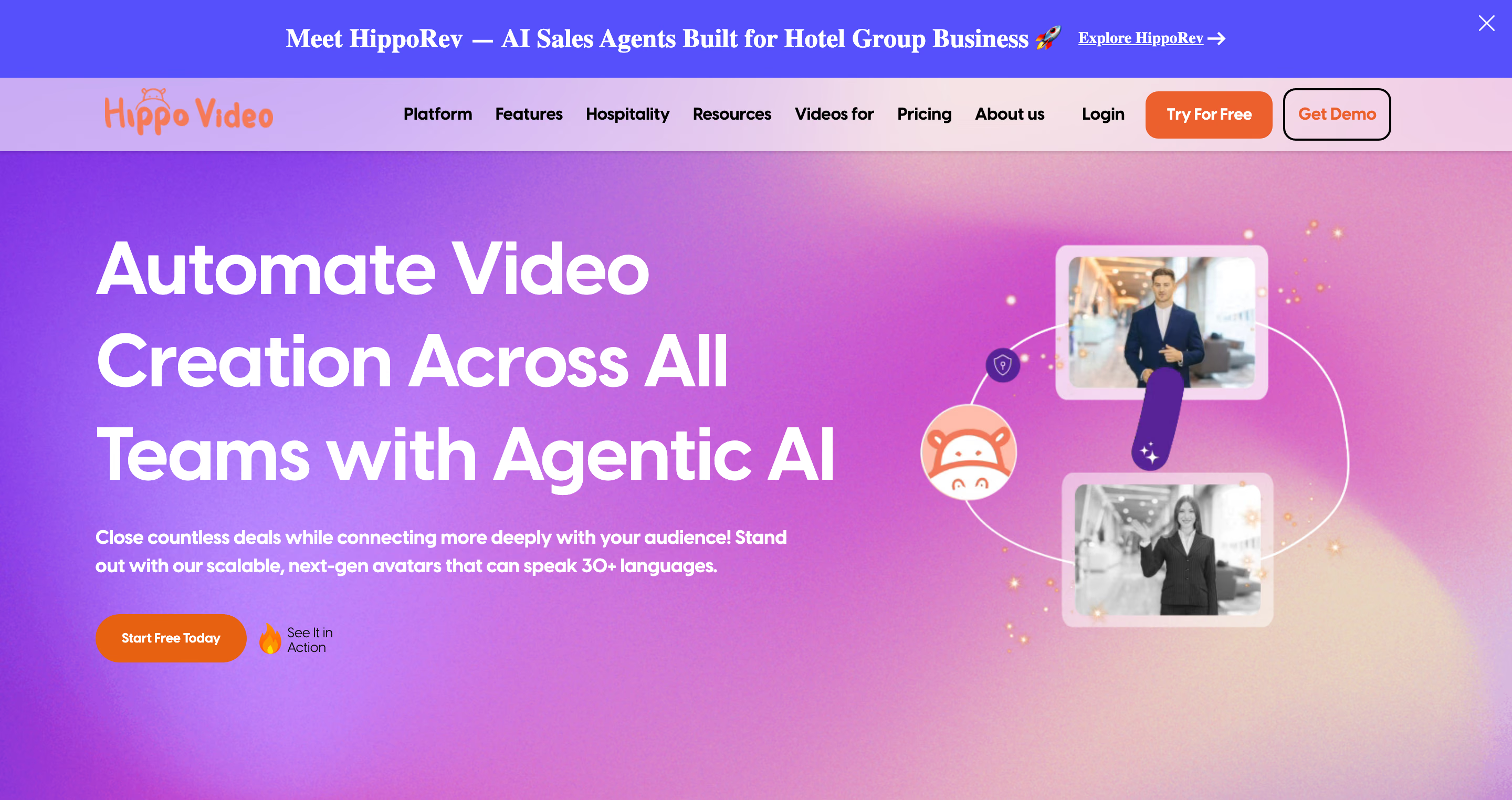
Hippo Video covers most of Vidyard’s sales toolkit in one product, so a team moving from Vidyard keeps the recorder, personalized campaigns, video pages and viewing reports. Reps record demos and walkthroughs with a screen and webcam recorder, then send them through automated campaigns that personalize each version for the contact.
Instead of a bare link, the video can arrive on a custom sales page that combines it with CTAs and resources such as a pricing sheet or a case study. An AI editor removes filler words, and interactive avatars can present a script when no one has time to record.
CRM access is what depends on the plan. Integrations with Outreach, Salesloft and HubSpot start on the Teams plan, and Salesforce is reserved for Enterprise, which requires at least ten seats. A team that relies on Salesforce should compare Hippo Video’s Enterprise quote with Vidyard’s Teams plan rather than with the entry plan.
5. BombBomb: video email for relationship-based sales
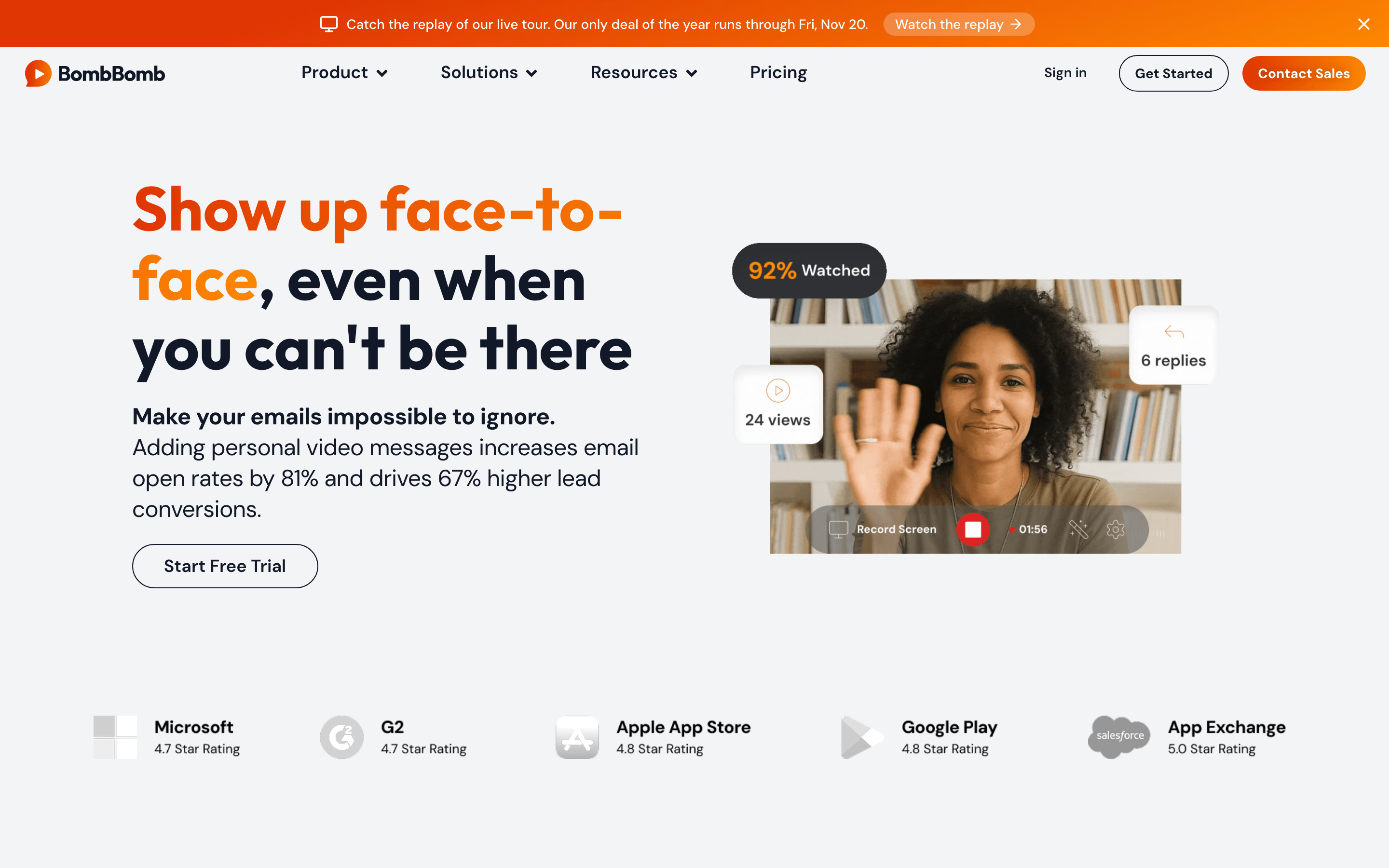
BombBomb puts video inside email, which suits sales roles built on ongoing relationships, such as real estate, mortgages, home building or account management. Reps record and send from plugins for Gmail and Outlook, browser extensions or a mobile app, so a quick face-to-face message fits into the inbox they already work in.
Each video plays on a branded page, and a dashboard shows views and engagement for every rep and for the team. Admins organize videos in team workspaces and set permissions by role, which helps when dozens of agents or loan officers share the same templates.
Coming from Vidyard, reps keep quick one-to-one recording and view tracking. Bulk personalization and videos embedded across a website would need another tool, so BombBomb fits teams where each rep sends a steady stream of personal messages. Logging those messages in a CRM starts on the Pro plan.
6. HeyGen: AI avatar videos and translation
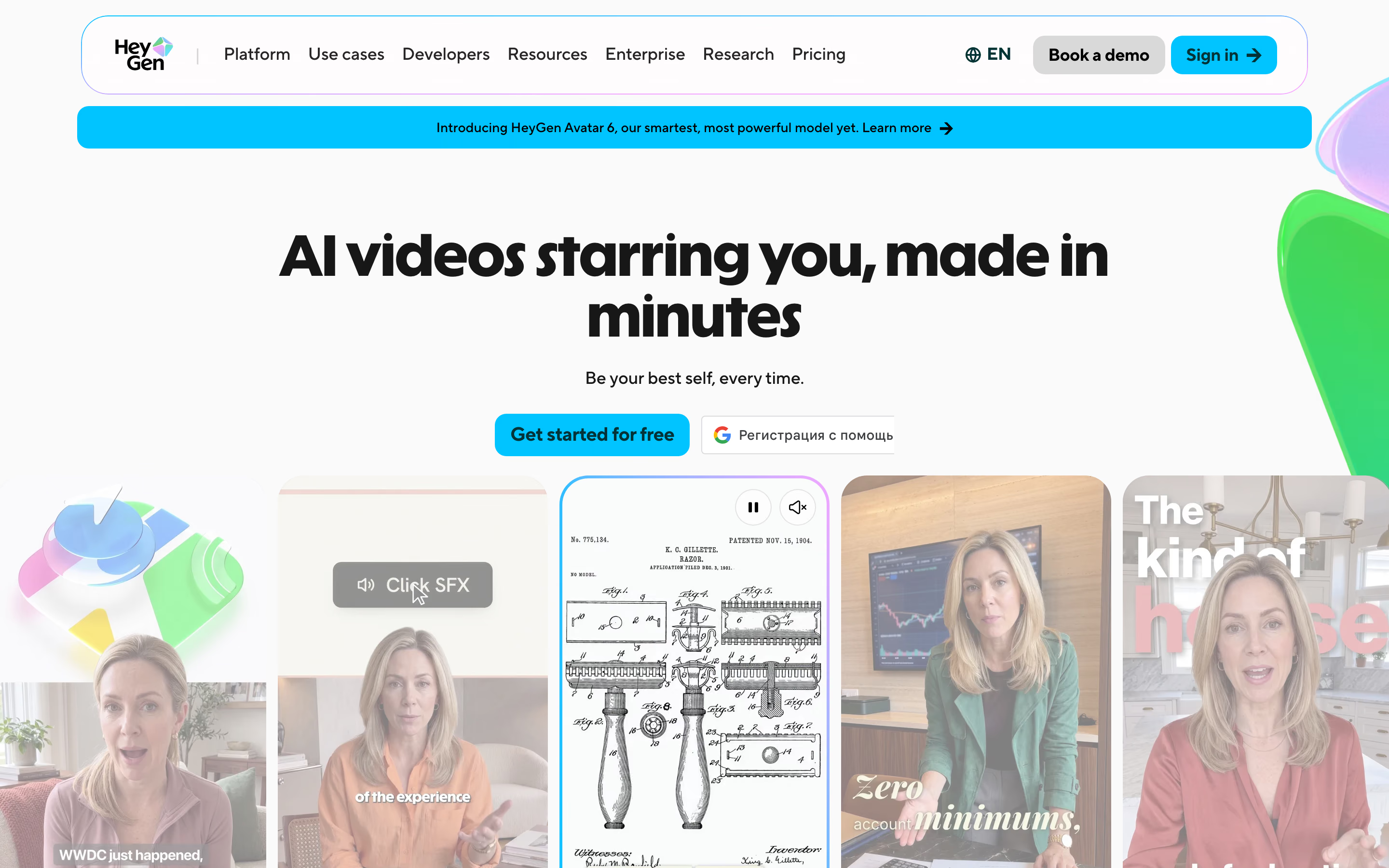
HeyGen answers a newer part of Vidyard’s offer, its AI avatars and Video Agent. Instead of recording each message, you create an avatar with your own likeness and voice, type a script and let HeyGen generate the video, including translations into more than 175 languages and dialects.
That approach helps when one message needs many versions, for example a product update for different regions or an onboarding sequence in several languages. When the product changes, the team edits the script and regenerates the video instead of booking another recording.
HeyGen replaces Vidyard’s avatar and translation features, but it doesn’t show which prospect watched, so viewing data has to come from another tool. Avatar videos also suit scaled content better than a personal reply, where a rep’s own face feels more natural.
Platforms for hosting and marketing video
If your Vidyard account mostly holds videos for your website, landing pages and campaigns, a hosting platform replaces it more directly than a recorder.
7. Wistia: marketing video hosting and lead capture
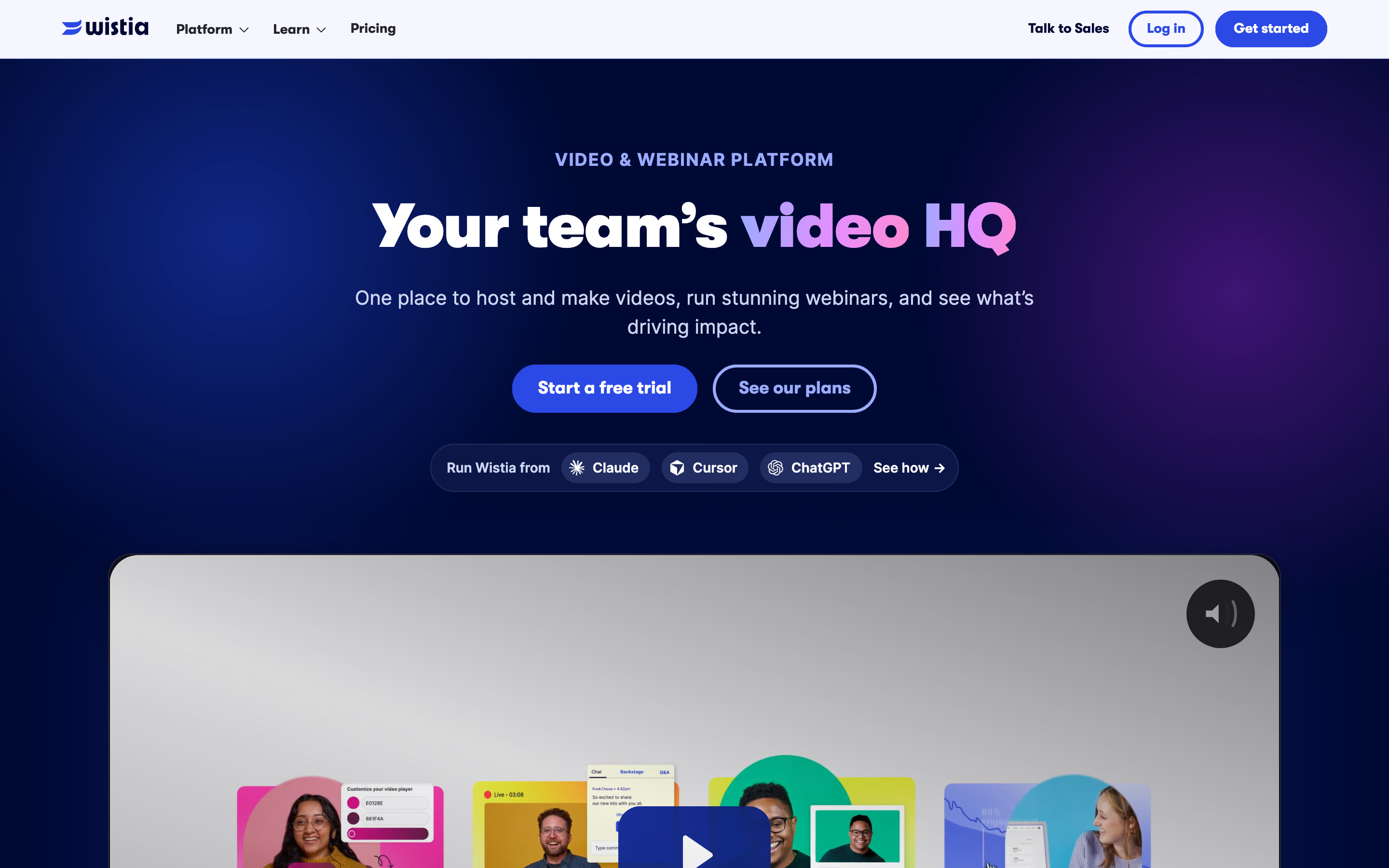
Wistia is the closest alternative for marketing teams that use Vidyard to host website videos. Its ad-free player embeds on your site, Channels group a video or webinar series on one page, and in-video forms collect leads while people watch.
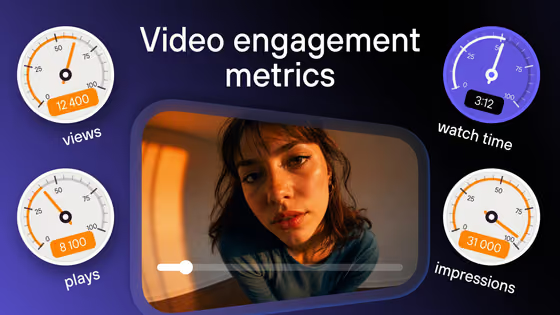
The analytics are built for marketing decisions. Engagement reports show how viewers watch each video, and paid plans add heatmaps and A/B tests for versions and thumbnails. Wistia also runs webinars, and their recordings go straight into the same library instead of being uploaded again.
The main difference from Vidyard is on the sales side, which Wistia sells as a paid layer. Sending viewing data into HubSpot, Marketo or Pardot contact records, with lead scoring and sales alerts, requires the Business + Signals plan. Our comparison of Wistia alternatives looks at cost and protection in more detail.
8. Kinescope: video library and branded player without seat pricing
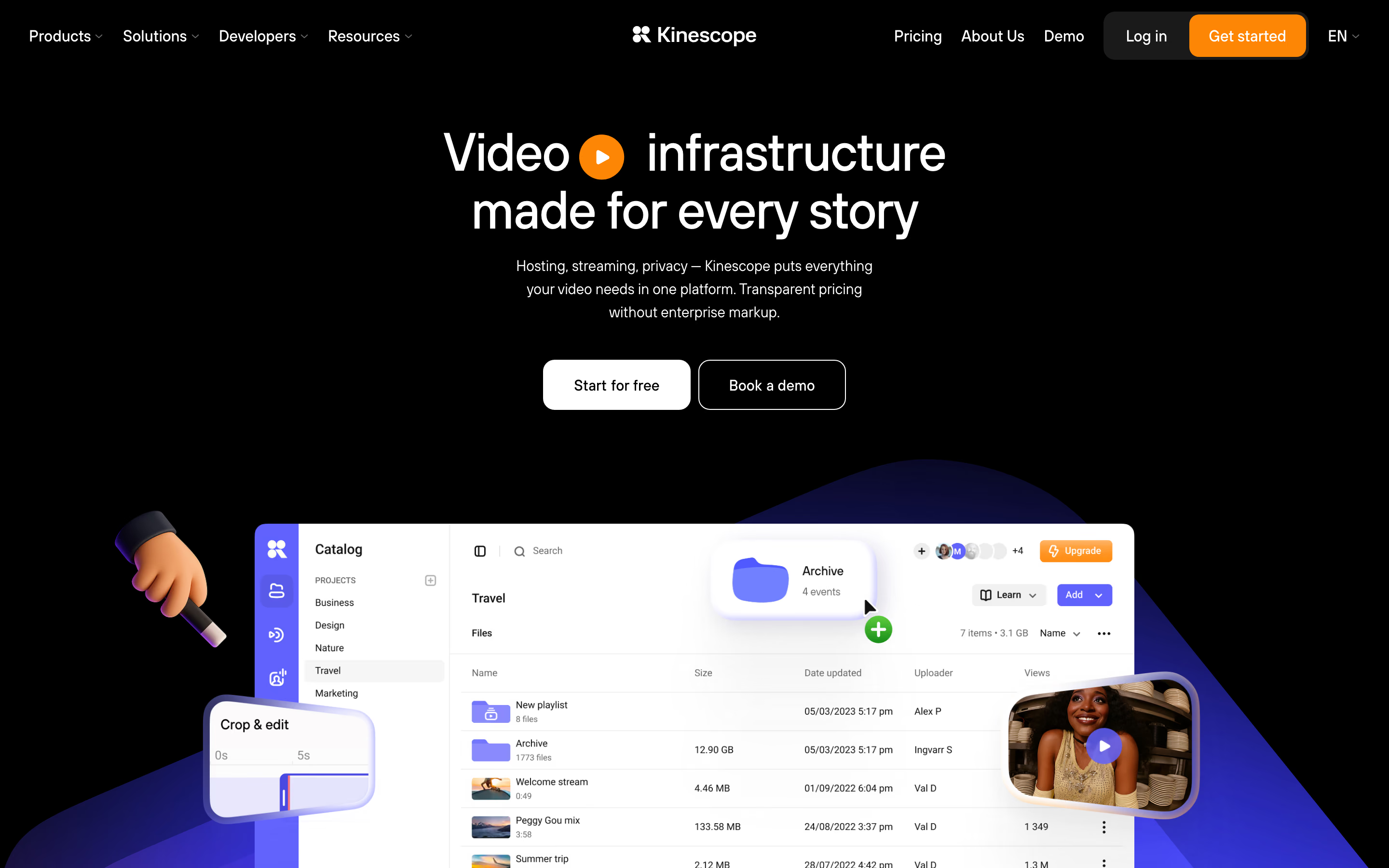
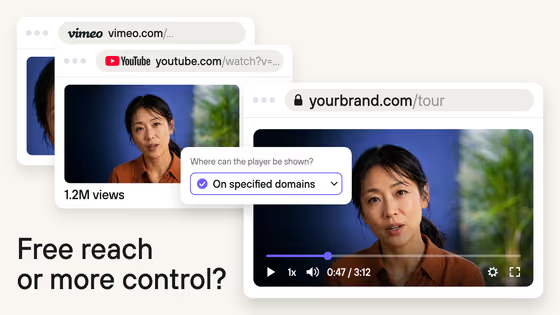
For many teams, Vidyard ends up as the place where demos, webinar recordings and training videos live. Kinescope is built for that job: one library for the company’s videos and an ad-free player to show them on a website or inside a product.
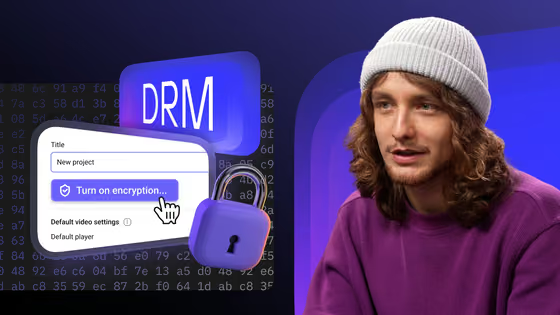
Projects and folders keep each team’s videos apart, and the player carries your colors and logo. CTA buttons can appear at the end of a video, at set moments or on pause, which turns a demo on a landing page into a next step. Analytics then show where viewers drop off, and DRM keeps protected videos from being downloaded.
Getting videos into that library takes little effort. A rep records a walkthrough with the screen recorder already built into their laptop or phone and uploads it to a project. The video picks up that project’s player, allowed domains and encryption, so it’s ready to embed without extra setup.
That model also changes what a bigger team costs. Kinescope charges for storage and traffic, so inviting more colleagues doesn’t add licenses.
Kinescope doesn’t replace Vidyard’s prospecting tools, so personalized outreach and sequences stay in a sales platform. Viewing data can still reach your CRM through the player and analytics APIs, which developers connect themselves, and lead forms are set up with help from our support team. Our Kinescope vs Vidyard page has the full comparison.
How to choose a Vidyard alternative
Start with the part of Vidyard your team uses most. That narrows the list faster than comparing feature pages.
- Need everyone to record quick updates and follow-ups? Loom is the easiest switch when one recorder should serve sales and the rest of the company. If those videos need editing before they go out, compare it with Tella.
- Sending video to long prospect lists? Start with Sendspark, which personalizes one recording for each name on the list. Hippo Video is the closer match if reps also rely on sales pages and campaign templates, the way they did in Vidyard.
- Answering clients one conversation at a time? BombBomb lets a rep reply with a video without leaving Gmail or Outlook. It suits reps who manage their own clients rather than running campaigns.
- Need one video in many languages? HeyGen saves a new recording for every market, so it works best next to a sales tool that tracks who watched.
- Embedding videos on landing pages and in your product? Pick between Wistia and Kinescope. Choose Wistia if marketing wants built-in forms and webinars, and Kinescope if the whole team should share one branded library billed by usage.
- Need CRM data from every view? Check the plan before the tool, because CRM sync usually comes a tier or two above the entry plan. Kinescope has no seat tiers, so the question there is whether your developers will build that link.
Once you have a shortlist, send one real video through each tool, from recording to the page a prospect opens. That shows how much of your current routine carries over.
Keep your team’s videos in one library
Upload from any device, embed in a branded player, and invite the whole team at no extra cost.


FAQ
Vidyard has a free plan with five recorded videos a month. Starter costs about €80.81 ($89) per seat a month, or about €53.57 ($59) with annual billing, and the Teams and Enterprise plans are priced on request.
Yes. On a video’s edit page in your Vidyard library you can download the original file or an MP4 at a lower resolution. That’s normally where a move begins, before you upload the files to the new platform and replace the embed codes.
Loom, Hippo Video and HeyGen have free plans with limits. Loom caps each person at 25 videos of up to five minutes, Hippo Video includes 50 personalized videos, and HeyGen’s free videos are watermarked and up to one minute long.
Loom is simpler and cheaper for recording quick videos across a company, at about €16.34 ($18) per user a month on Business. Vidyard goes further for sales teams, with CRM integrations, custom CTAs and AI avatar videos built for prospecting.
You can host sales videos on YouTube for free, but its player shows YouTube branding, may suggest other videos and doesn’t report who watched. Our Vimeo vs YouTube comparison explains when free hosting is enough.