


















Angular video player component for Kinescope

Add the Kinescope player to an Angular app as a component. Pass a config with the video ID and control playback from your component code.
Quick start
Install @kinescope/angular-kinescope-player and play your first video. Commands and code are from the package README.
-
Install the package
npm or yarn.
npm install @kinescope/angular-kinescope-player -
Import the component
Add
KinescopePlayerComponentto your module or standalone component imports.import { KinescopePlayerComponent } from '@kinescope/angular-kinescope-player'; @NgModule({ imports: [KinescopePlayerComponent], }) export class AppModule {} -
Render and control the player
Pass a config with the video ID and call player methods through
ViewChild.@Component({ template: '<kinescope-player #kinescope [config]="config"></kinescope-player>', }) export class LessonComponent implements AfterViewInit { config: KinescopePlayerConfig = { videoId: 'yourVideoId' }; @ViewChild('kinescope') private kinescope: KinescopePlayerComponent; ngAfterViewInit() { this.kinescope.play(); } }
Try the player API
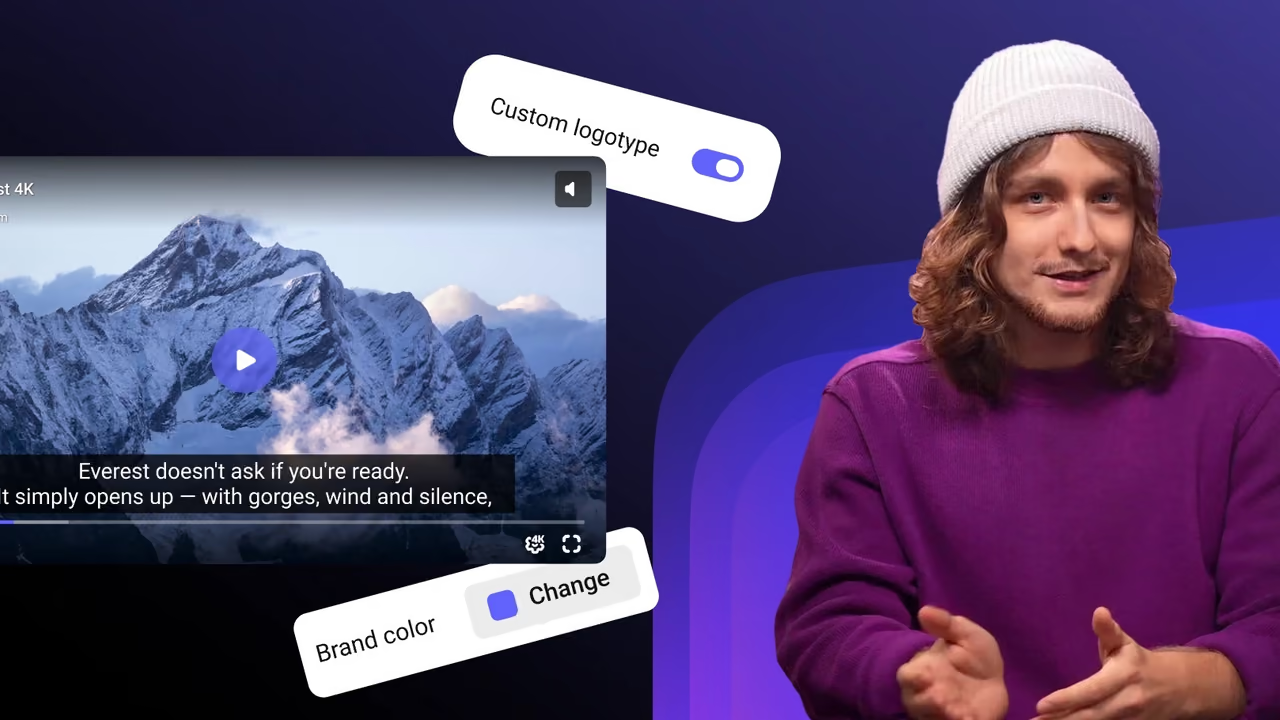
The Angular component controls the Kinescope web player. Call its methods on a live player below.
- currentTime
- 0
- paused
- true
- playbackRate
- 1
- quality
- —
- volume
- 1
- muted
- false
Playback
Speed
Quality
Sound
Subtitles
import { load } from '@kinescope/player-iframe-api-loader'; const factory = await load(); const player = await factory.create('player', { url: 'https://kinescope.io/56Jg27MqvvttAwHcrCzEA4', size: { width: '100%', height: '100%' }, }); player.on(player.Events.TimeUpdate, ({ data }) => { console.log(data.currentTime, data.percent); });// Click a button on the left to run a call
- Events appear here once the player loads.
Every method and event is in the IFrame Player API docs.
What the Angular component gives you
Config object
Pass
videoId and other player settings in one typed KinescopePlayerConfig.Methods through ViewChild
Reference the component and call methods such as
play from your code.Player events
onReady, onPlay, onTimeUpdate, onEnded, onQualityChanged, onCallAction and other player events.Playback and content options
autoPlay, muted, loop, poster, chapters, bookmarks, vtt text tracks and actions in the player.Protection and analytics
watermark, drmAuthToken for your authorization backend and externalId to tie views to your users.Open source
Apache 2.0 license, with the source on GitHub.
The platform behind the SDK
Upload and transcoding
Upload through the dashboard, the API or resumable TUS upload. Every video is encoded into adaptive renditions up to 4K. Video hosting
Own CDN
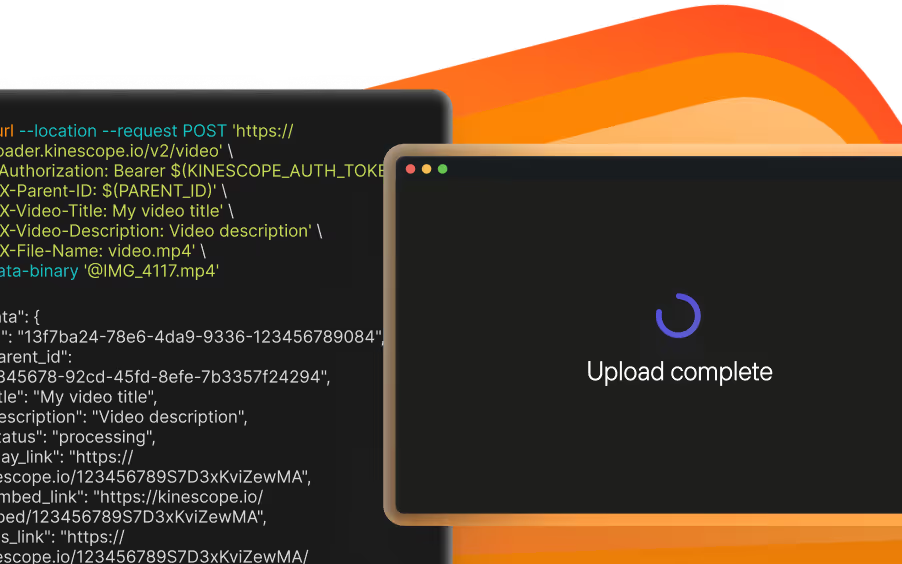
Kinescope delivers the streams your app plays from its own CDN, with points of presence in Latin America, the United States, Europe and the CIS. Video CDN
DRM on the Super plan
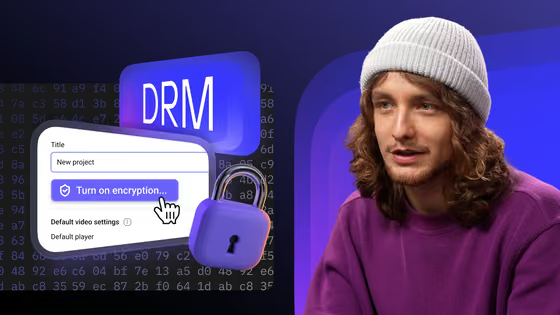
Widevine and FairPlay licenses are included on the Super plan. Your backend can approve each play. DRM video hosting

Live streams
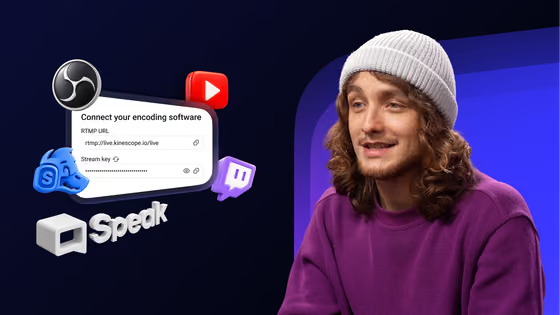
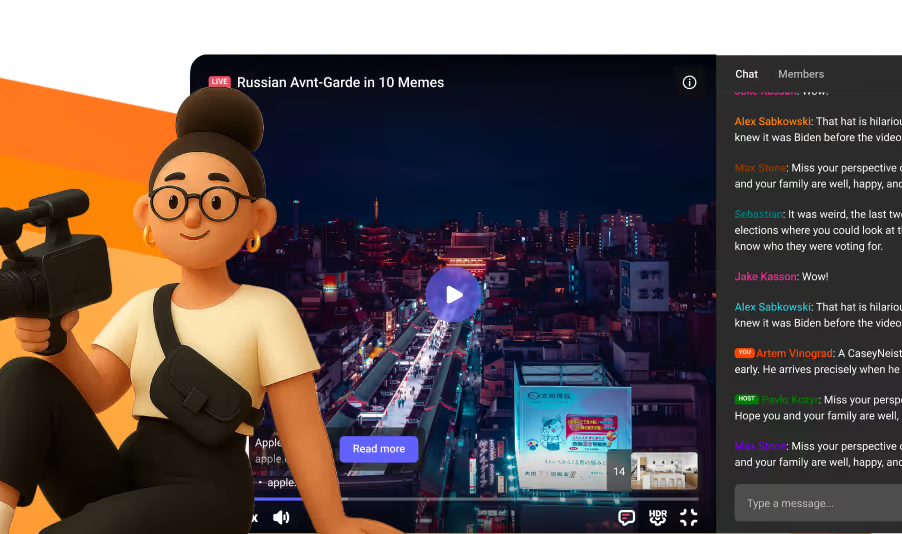
Send RTMP or sRTMP from OBS, vMix or a hardware encoder and keep an automatic recording. The SDK players show the stream live. Live streaming
Analytics
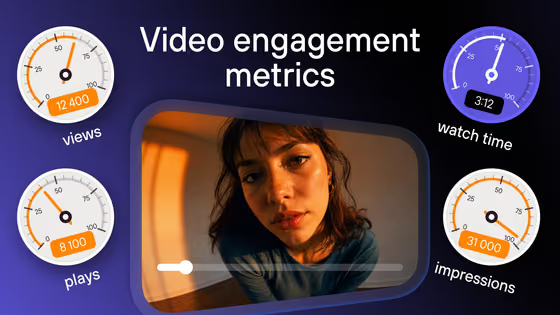
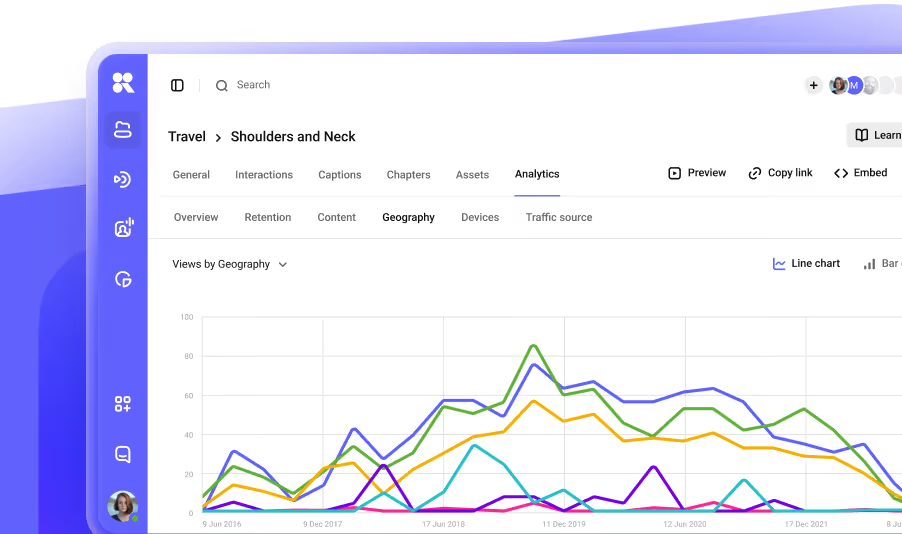
Views, watch depth and drop-off points for every video. Pass your user ID from the app to see data per viewer. Video analytics
Pay as you go
Start on the free plan with 100 minutes of video and 200 GB of traffic a month. Paid usage: storage and delivery from €0.03/GB, processing €0.01/min. Pricing

Documentation
Every guide for this SDK in its repository, on GitHub.
Guides
FAQ
Can’t find the answer you need? Check out our All developer tools.
Reference the player with ViewChild and call play() after the view initializes.
At minimum the videoId from your Kinescope dashboard; other player settings are optional.
Apache 2.0. The component is free; you pay only for Kinescope hosting and delivery.