


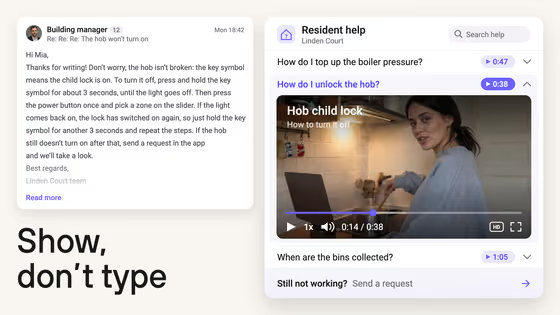








React Native video player built on react-native-video

Play Kinescope videos in your React Native app with one component. It wraps react-native-video, so its props and events keep working, and adds video loading by ID, quality selection, DRM tokens and viewer IDs for analytics.

Quick start

Install @kinescope/react-native-kinescope-video and play your first video. Commands and code are from the package README.

  1. Install the package

    Add the SDK with its peer dependencies: react-native-video 6.19 or later and AsyncStorage.

    terminal
    npm install @kinescope/react-native-kinescope-video react-native-video@^6.19.0 @react-native-async-storage/async-storage
  2. Install iOS pods

    Link the native modules on iOS.

    terminal
    npx pod-install
  3. Render the player

    Pass the video ID from your Kinescope dashboard. Any react-native-video prop, such as controls or style, goes to the same component.

    tsx
    import KinescopeVideo from '@kinescope/react-native-kinescope-video';
    
    export default function Lesson() {
      return (
        <KinescopeVideo
          videoId="yourVideoId"
          controls
          style={{ width: '100%', aspectRatio: 16 / 9 }}
        />
      );
    }

What the React Native SDK adds

Built on react-native-video

All react-native-video props and events are supported, so existing player code and know-how carry over.

Video by ID

Pass videoId and the component loads the stream from Kinescope. Set preload to start loading right away.

Quality control

Pick a starting quality. On iOS, autoSeekChangeQuality keeps the position when the quality changes.

Protected playback

Pass drmAuthToken for videos checked by your authorization backend and referer for domain-restricted videos.

Viewer analytics

Set externalId to tie views to your own user IDs in Kinescope analytics.

Manifest events

onManifestLoadStart, onManifestLoad and onManifestError report when the stream description loads or fails.

react-native-video on its own vs the Kinescope component

The component wraps react-native-video. Here is what it adds on top.

react-native-videoKinescope component
Native playback on iOS and Android✓built in✓same engine and props
Hosting, transcoding and CDN✗your own backend✓Kinescope platform
Load a video by ID✗you resolve stream URLs✓videoId prop
Tokens for protected playback✗you wire them up✓drmAuthToken and referer props
Viewer analytics✗your own pipeline✓externalId into Kinescope analytics
react-native-video
Native playback on iOS and Android
✓built in
Hosting, transcoding and CDN
✗your own backend
Load a video by ID
✗you resolve stream URLs
Tokens for protected playback
✗you wire them up
Viewer analytics
✗your own pipeline
Kinescope component
Native playback on iOS and Android
✓same engine and props
Hosting, transcoding and CDN
✓Kinescope platform
Load a video by ID
✓videoId prop
Tokens for protected playback
✓drmAuthToken and referer props
Viewer analytics
✓externalId into Kinescope analytics

The platform behind the SDK

Upload and transcoding
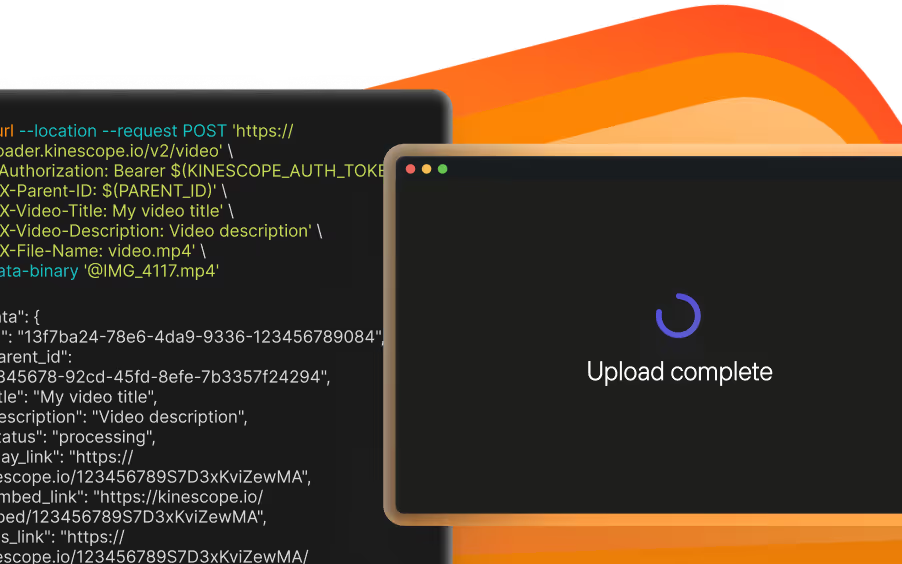
Upload through the dashboard, the API or resumable TUS upload. Every video is encoded into adaptive renditions up to 4K. Video hosting

Own CDN

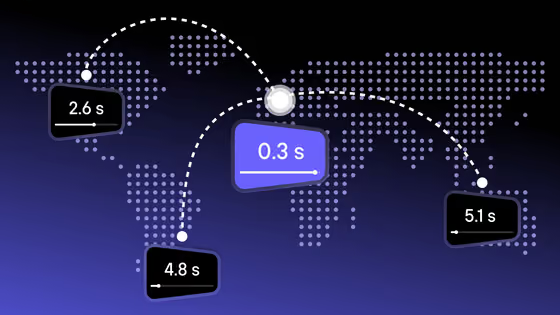
Kinescope delivers the streams your app plays from its own CDN, with points of presence in Latin America, the United States, Europe and the CIS. Video CDN

DRM on the Super plan

Widevine and FairPlay licenses are included on the Super plan. Your backend can approve each play. DRM video hosting

Live streams

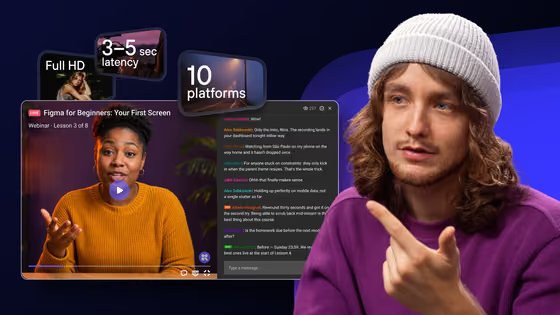
Send RTMP or sRTMP from OBS, vMix or a hardware encoder and keep an automatic recording. The SDK players show the stream live. Live streaming

Analytics

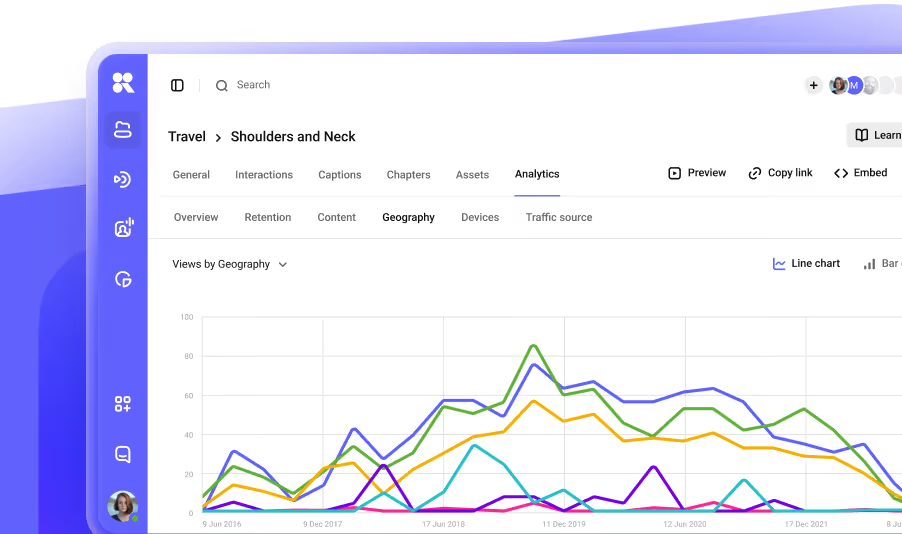
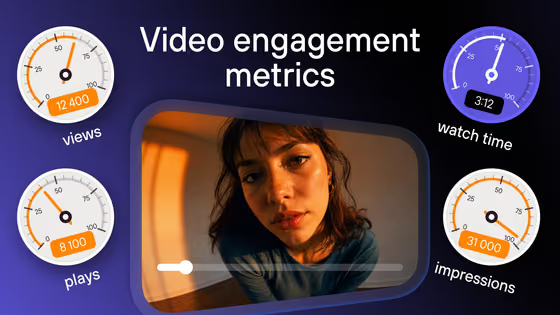
Views, watch depth and drop-off points for every video. Pass your user ID from the app to see data per viewer. Video analytics

Pay as you go

Start on the free plan with 100 minutes of video and 200 GB of traffic a month. Paid usage: storage and delivery from €0.03/GB, processing €0.01/min. Pricing

Documentation

Every guide for this SDK in its repository, on GitHub.

FAQ

Can’t find the answer you need? Check out our All developer tools.

Yes. The package is open source under the Apache 2.0 license. You pay only for Kinescope hosting and delivery, and there is a free plan to start.

Version 6.19.0 or later, installed as a peer dependency together with @react-native-async-storage/async-storage.

On Android, subtitles do not show with react-native-video 6.16.0 and later because of an upstream issue in react-native-video. The README tracks it.

Pass your own user ID in the externalId prop. Kinescope analytics then shows views per viewer.