Speak. Make room for conversation.

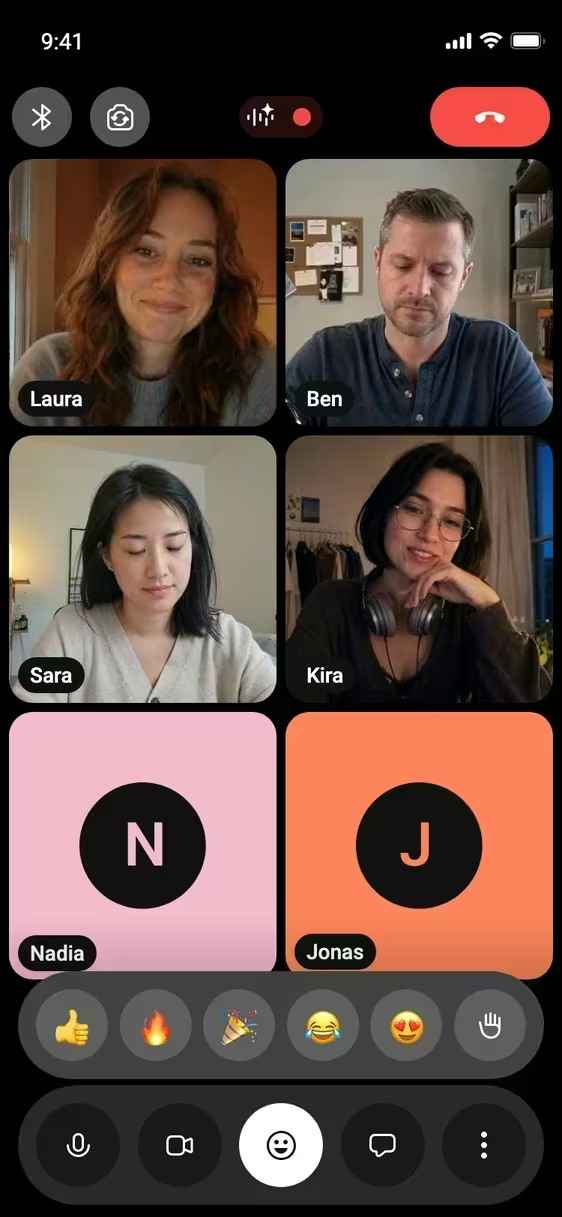
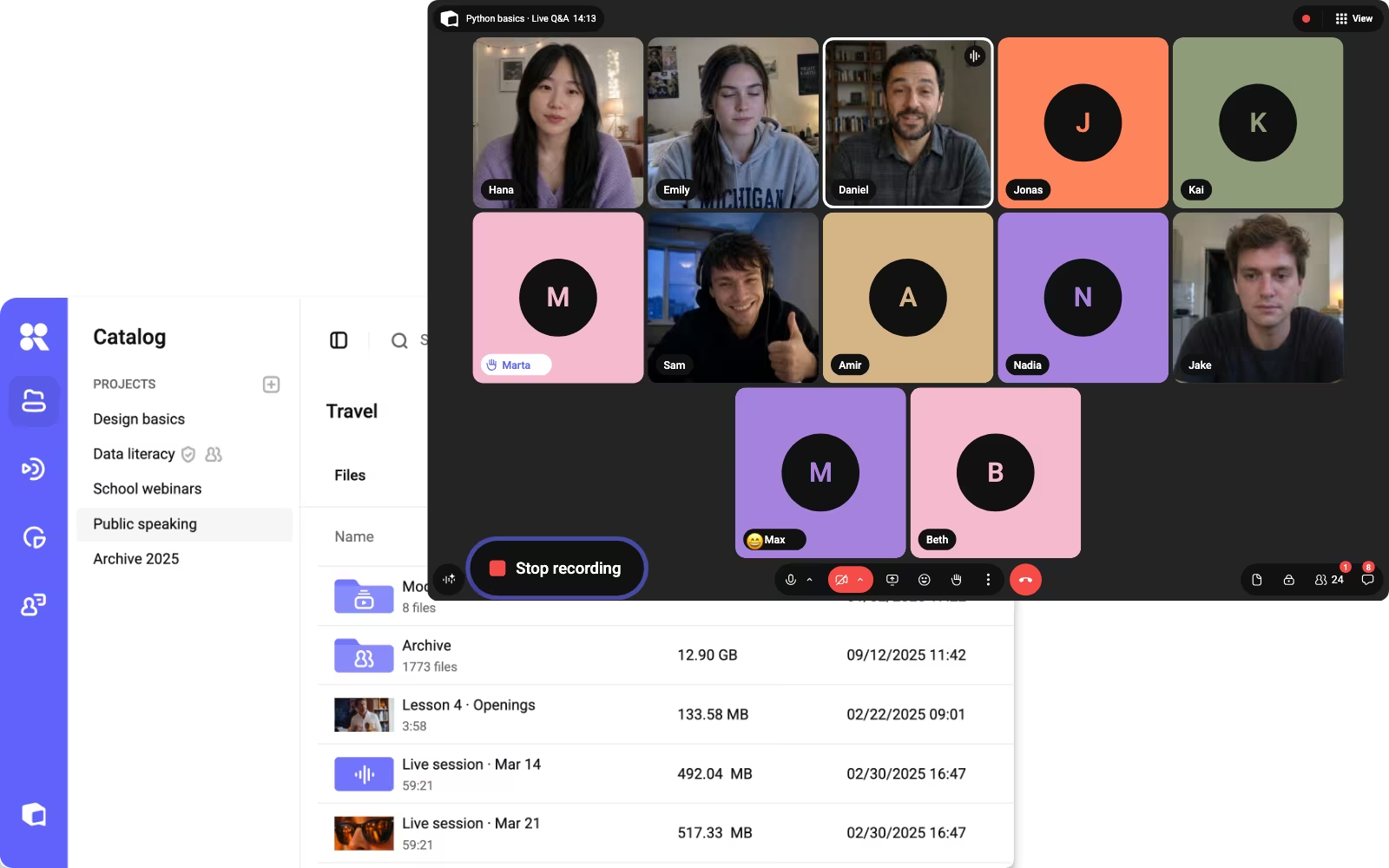
Video meetings built into Kinescope. Host calls, share your screen, record sessions and broadcast them live — all in one place.

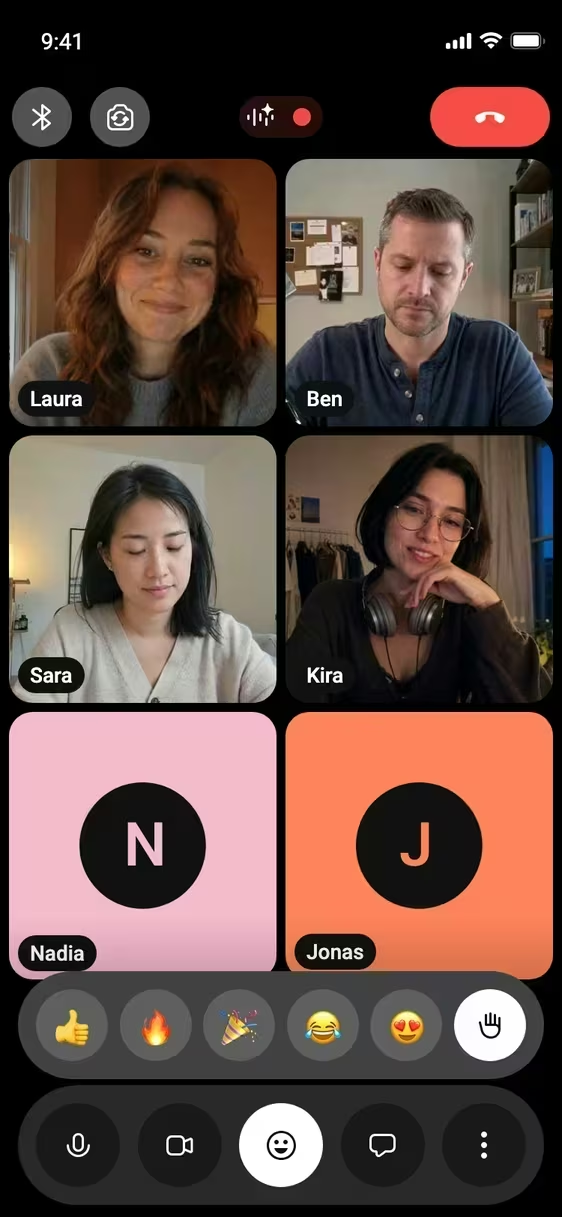
Interactive demo — try the buttons








 Your turn — send a reaction















 You
You Nadia
Nadia
-
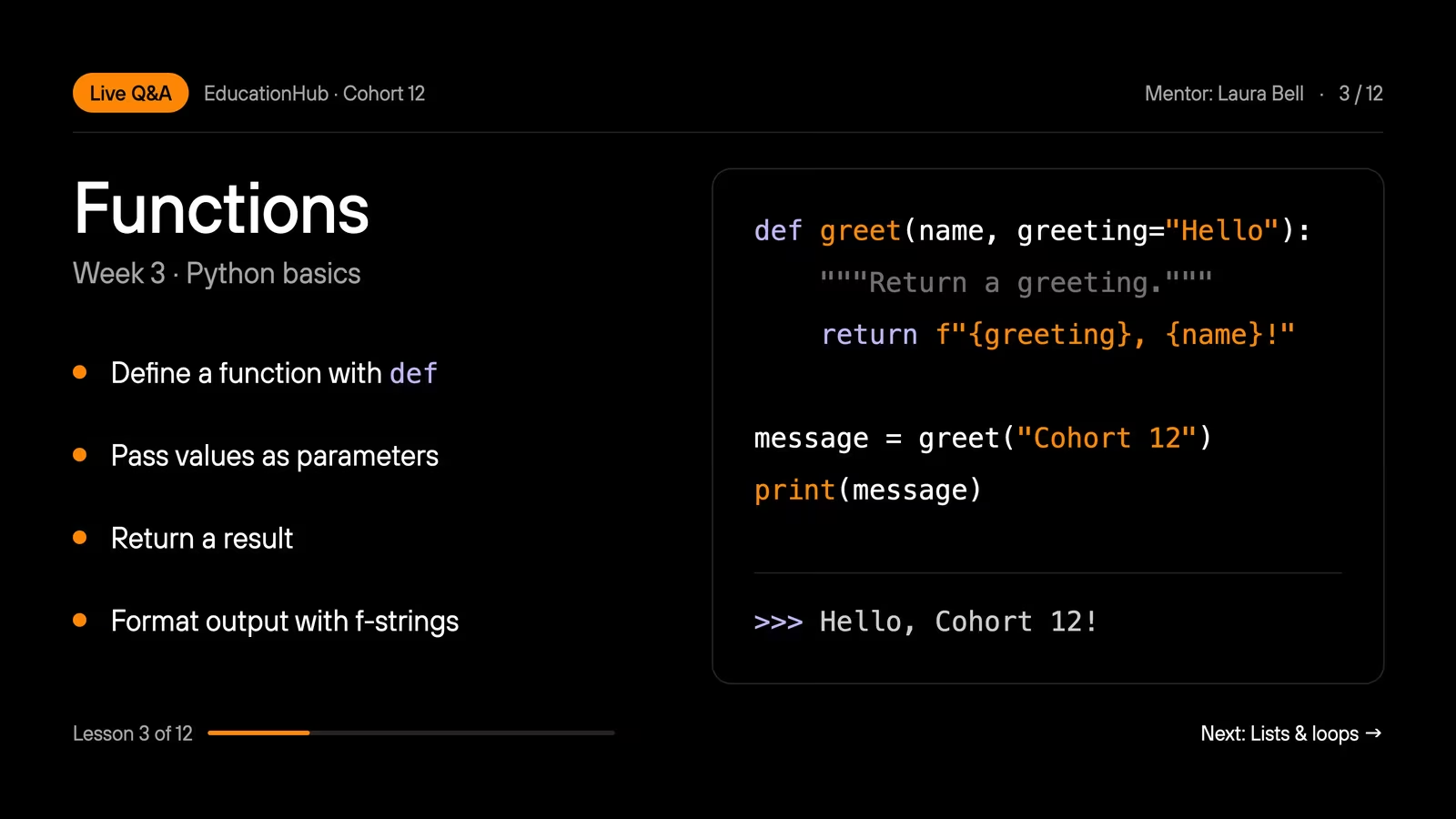
 Oliver Grant Quick question about default values: if I pass greeting myself, does it replace the default everywhere?
 -
 Clara Weiss Only for that call, the default stays 👍
 -
 Nina Rossi The f-string example finally clicked 🙌
Liked it? Start your own meeting




 Ryan ColeHi everyone 👋
- Oliver GrantQuick question about default values: if I pass greeting myself, does it replace the default everywhere?
- Clara WeissOnly for that call, the default stays 👍
 Noah FischerCan we get the slides after the call?
- Nina RossiThe f-string example finally clicked 🙌

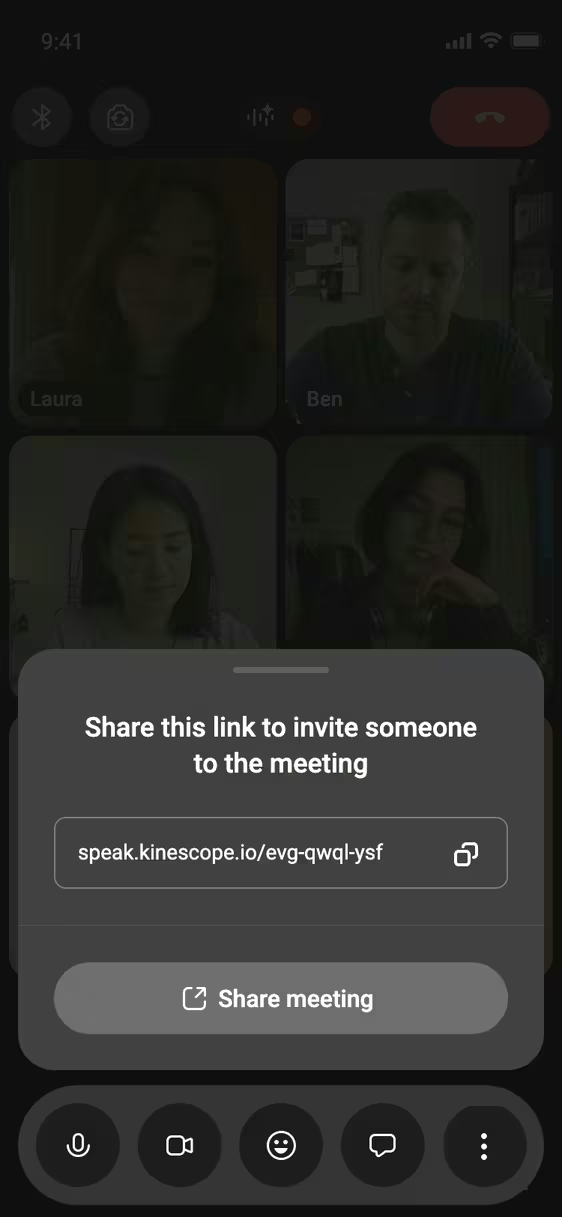
Give your meetings a home




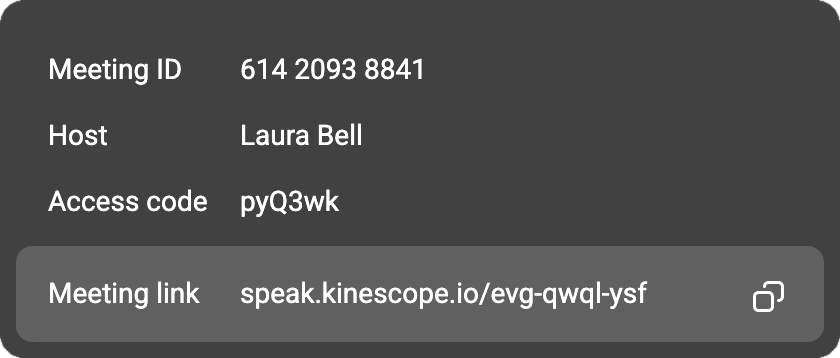
 Copy linkLink copied


Meet, share and collaborate
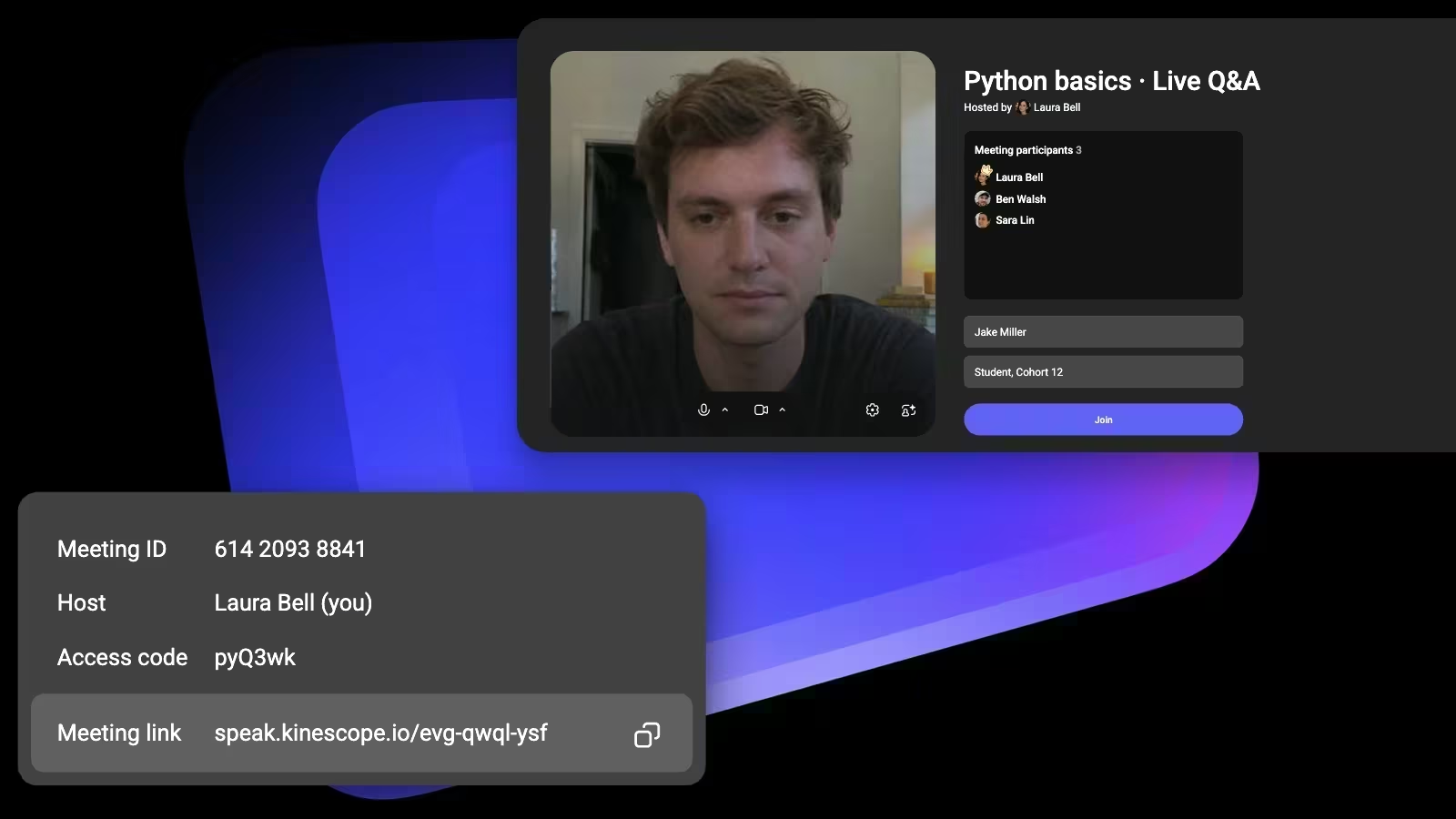
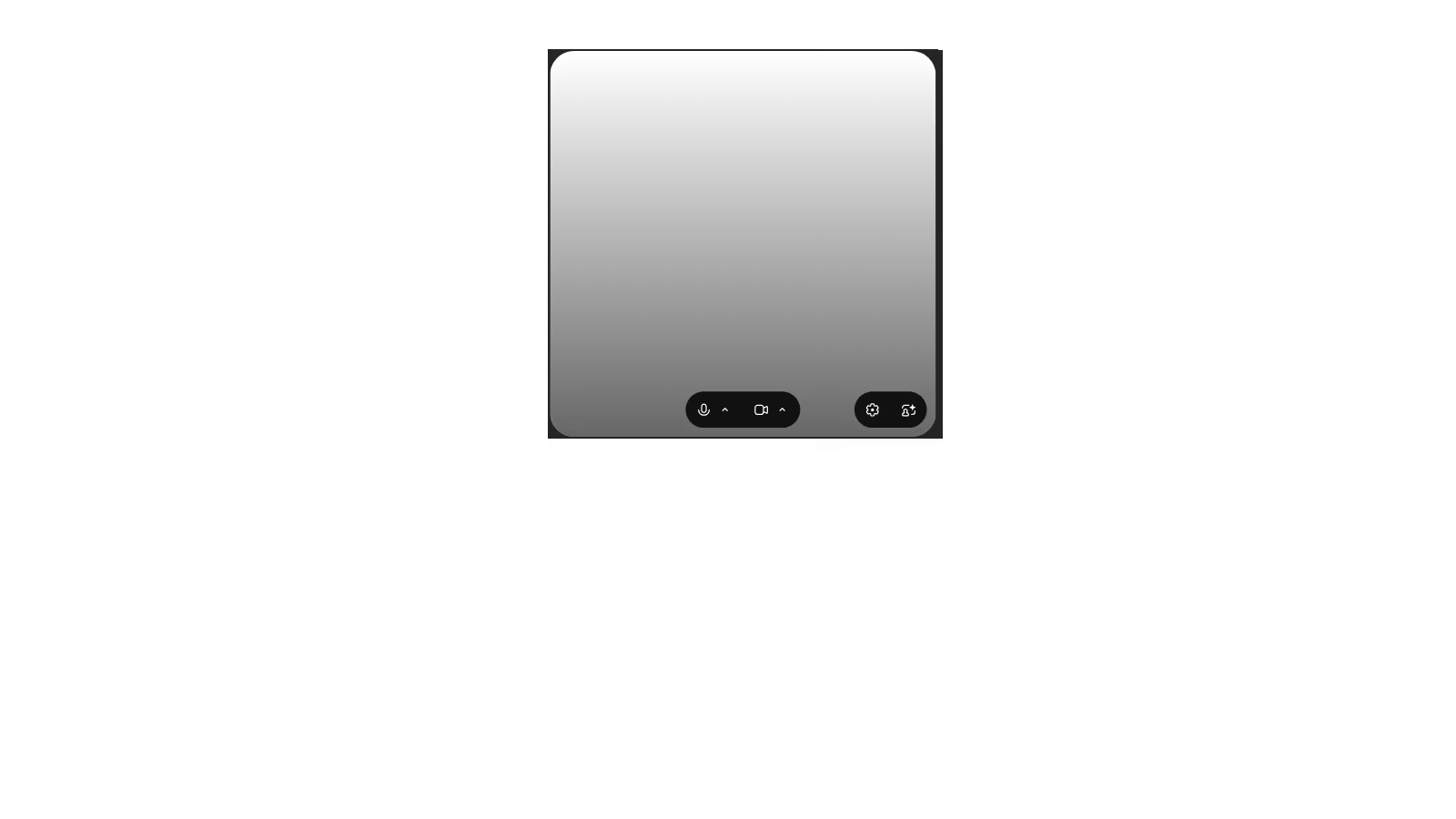
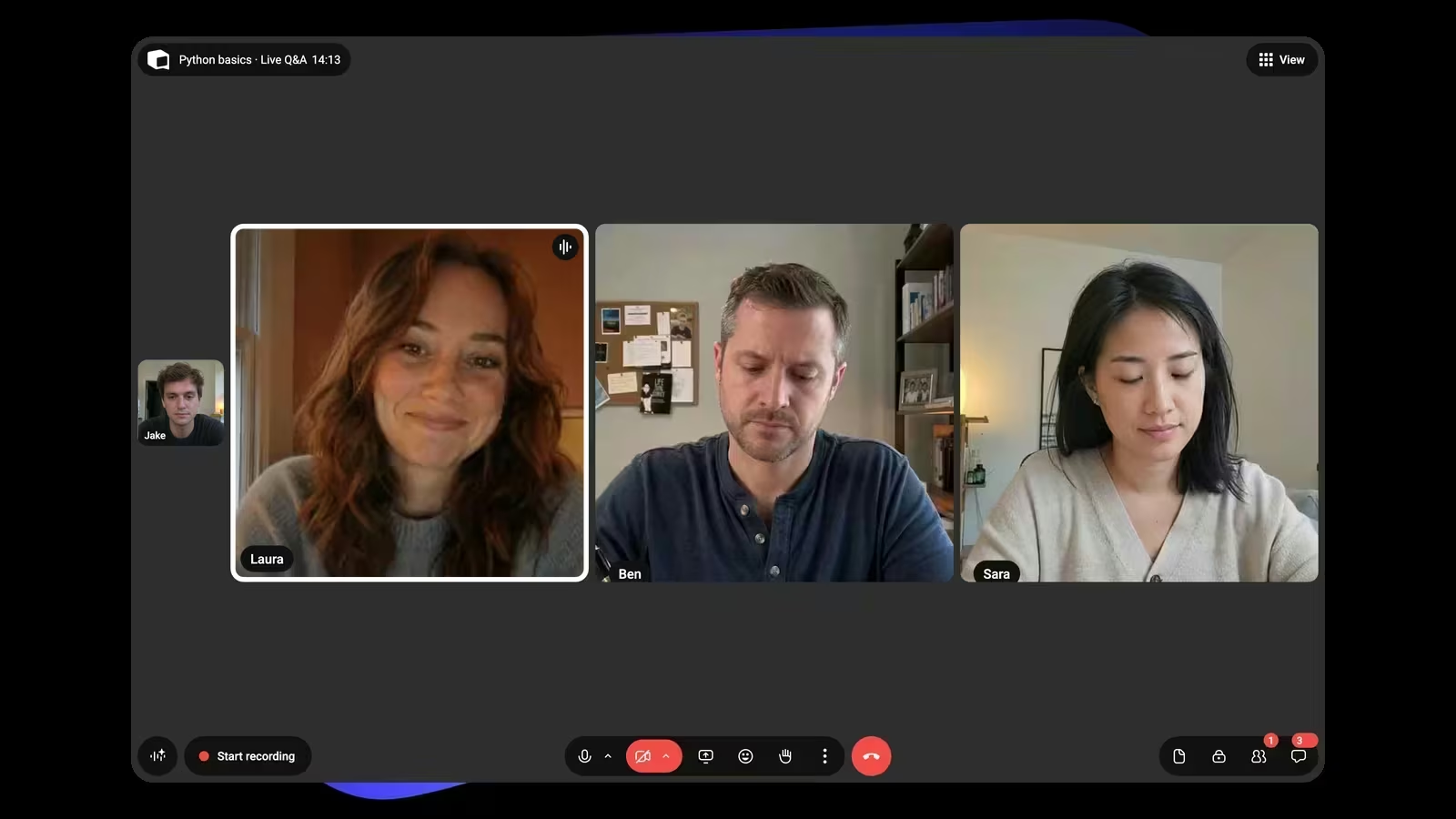


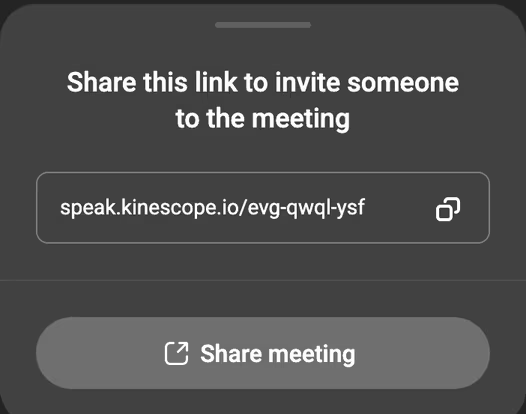

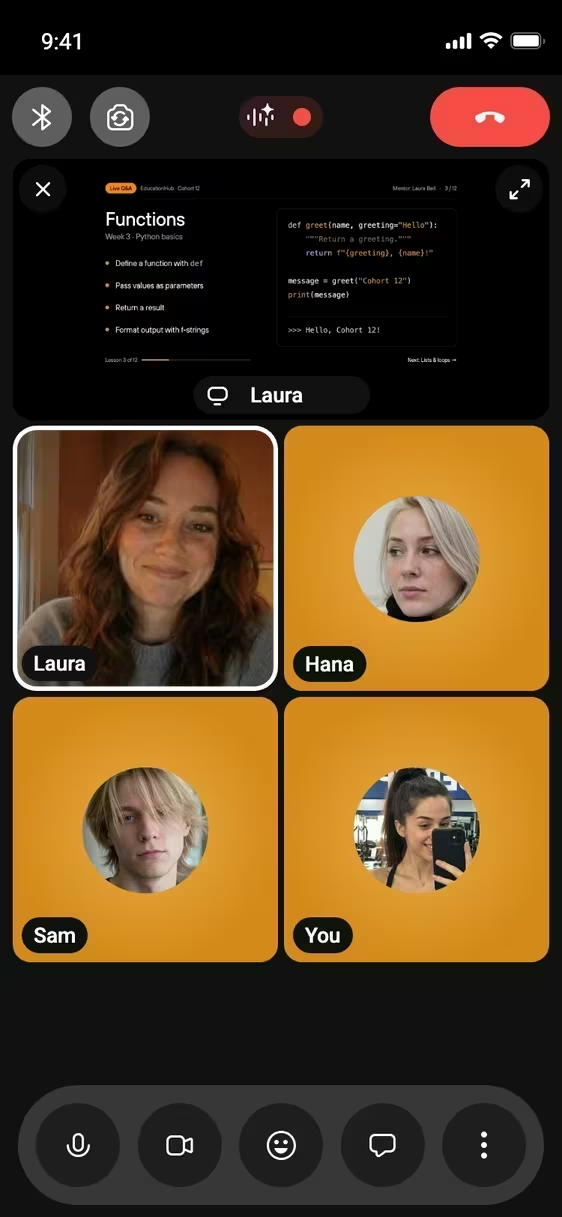

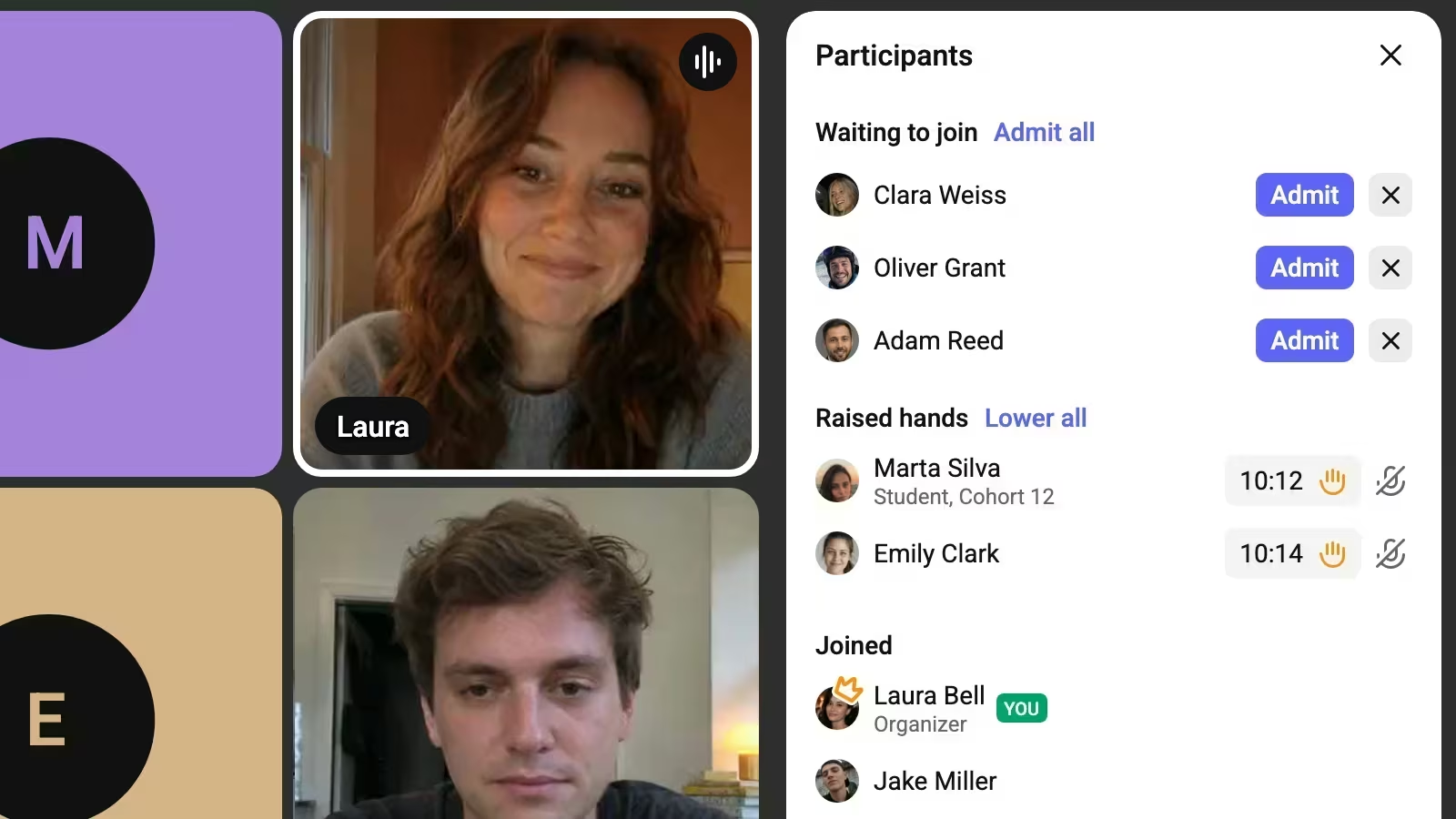
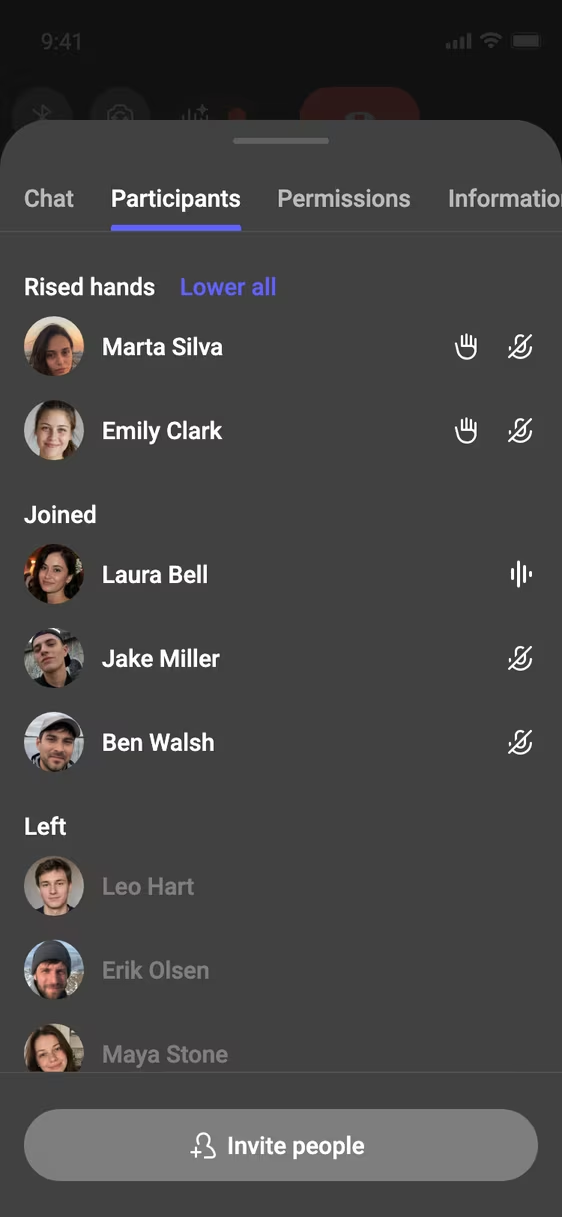
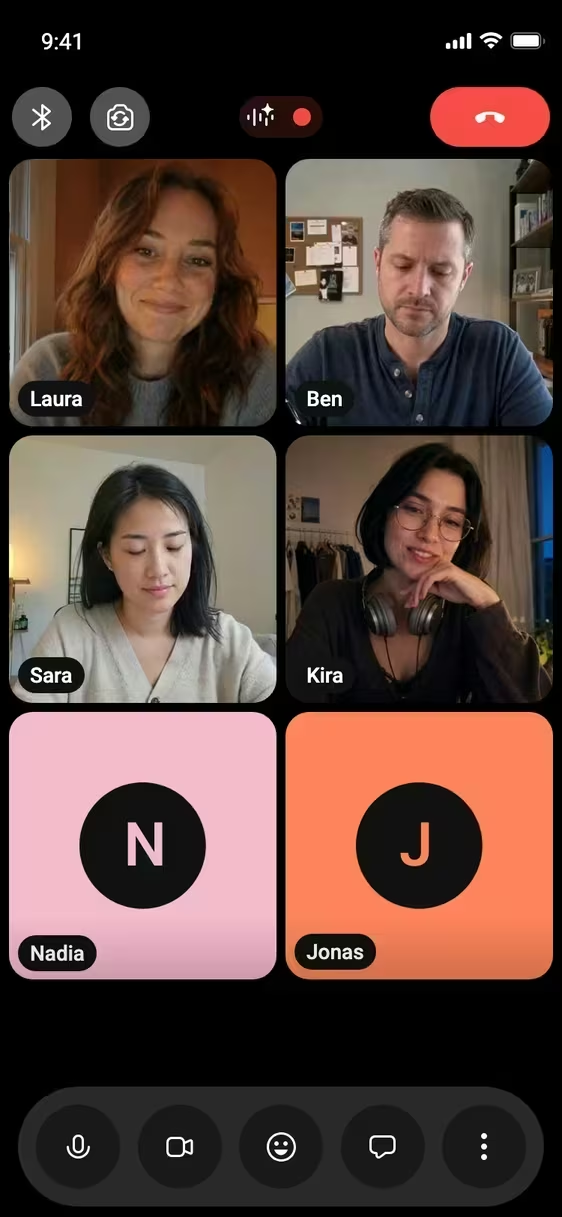
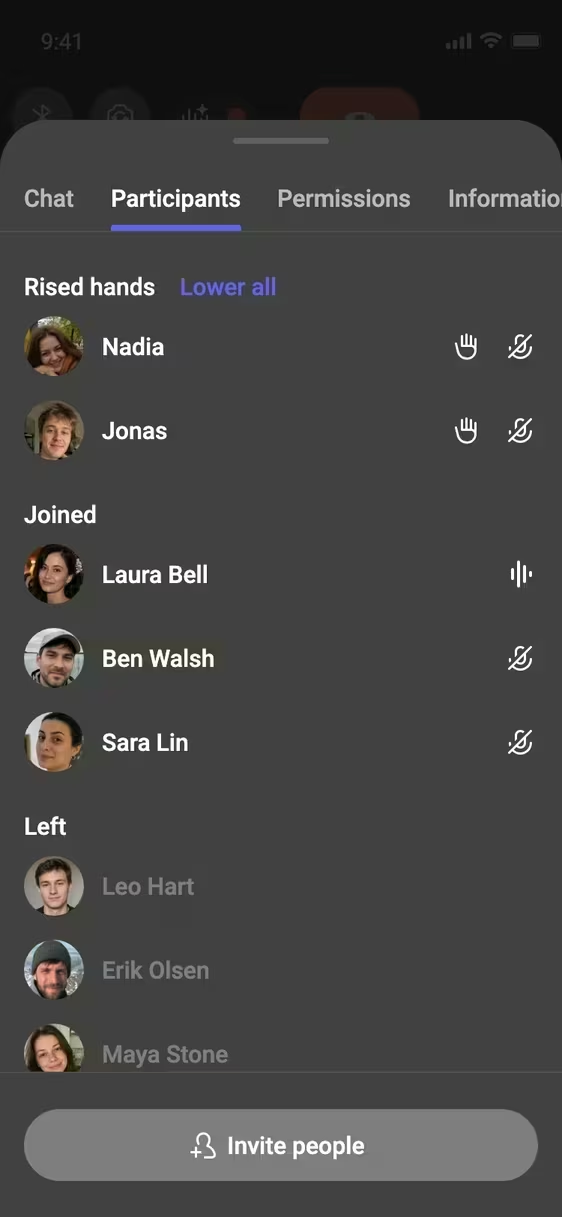
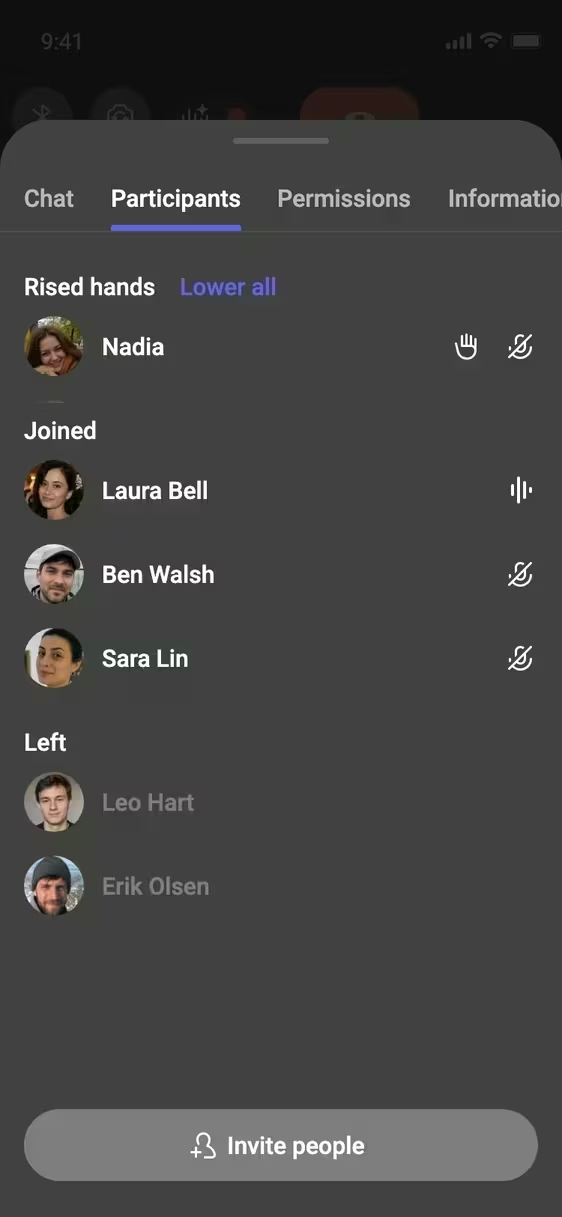
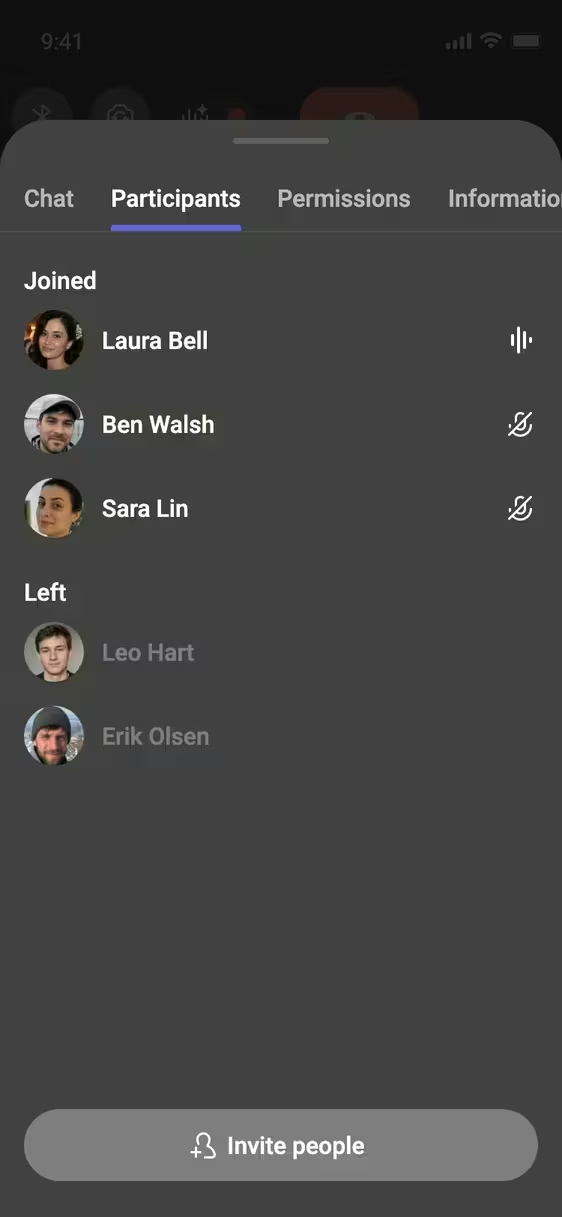
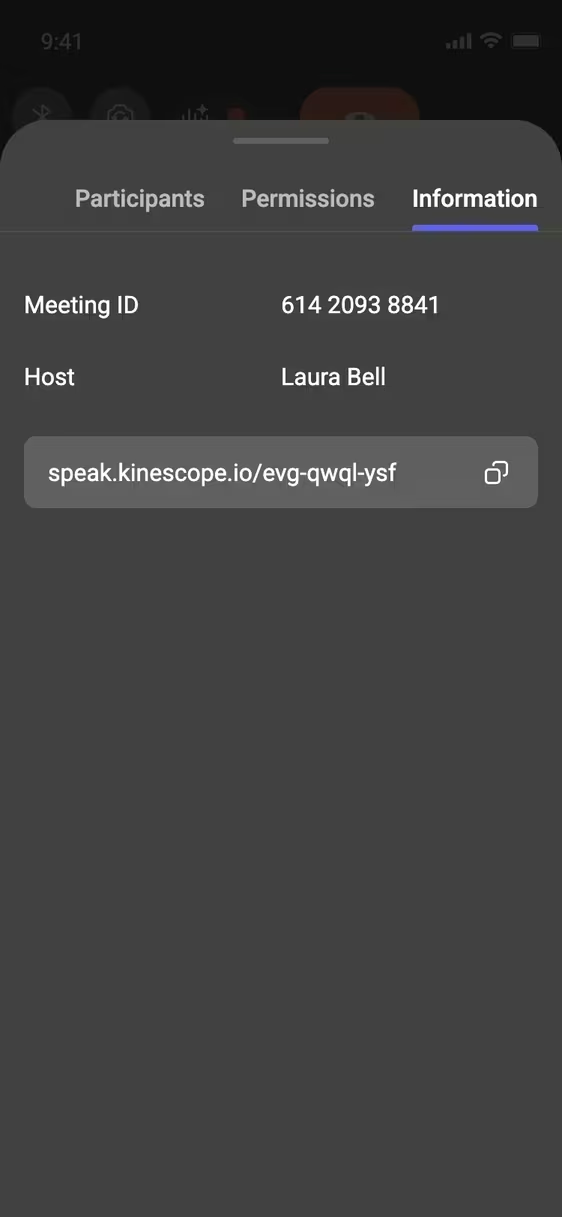
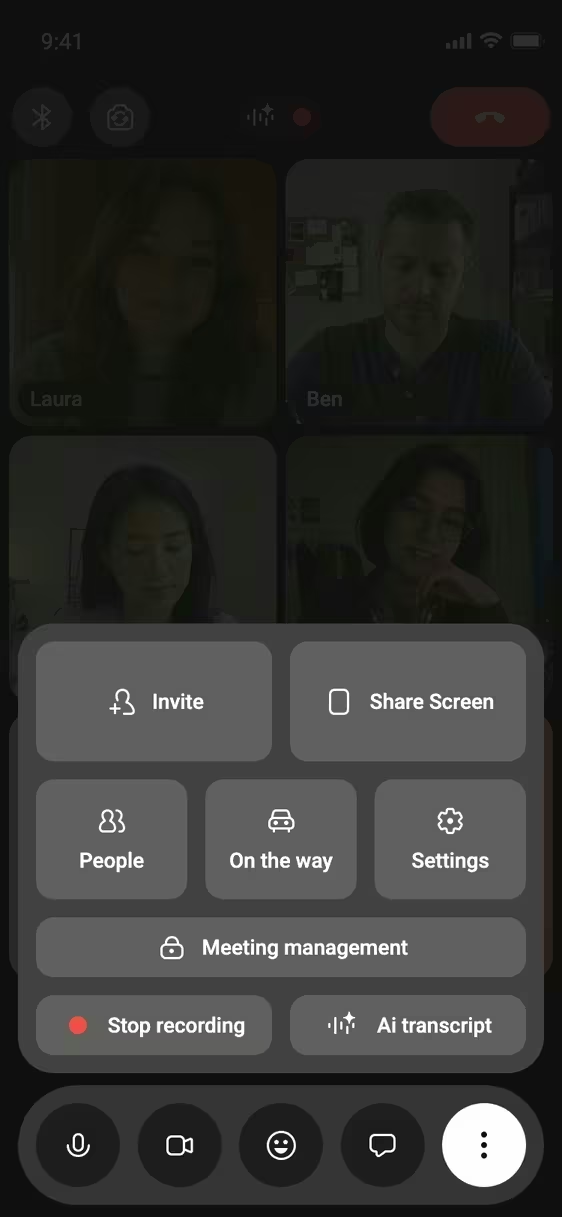
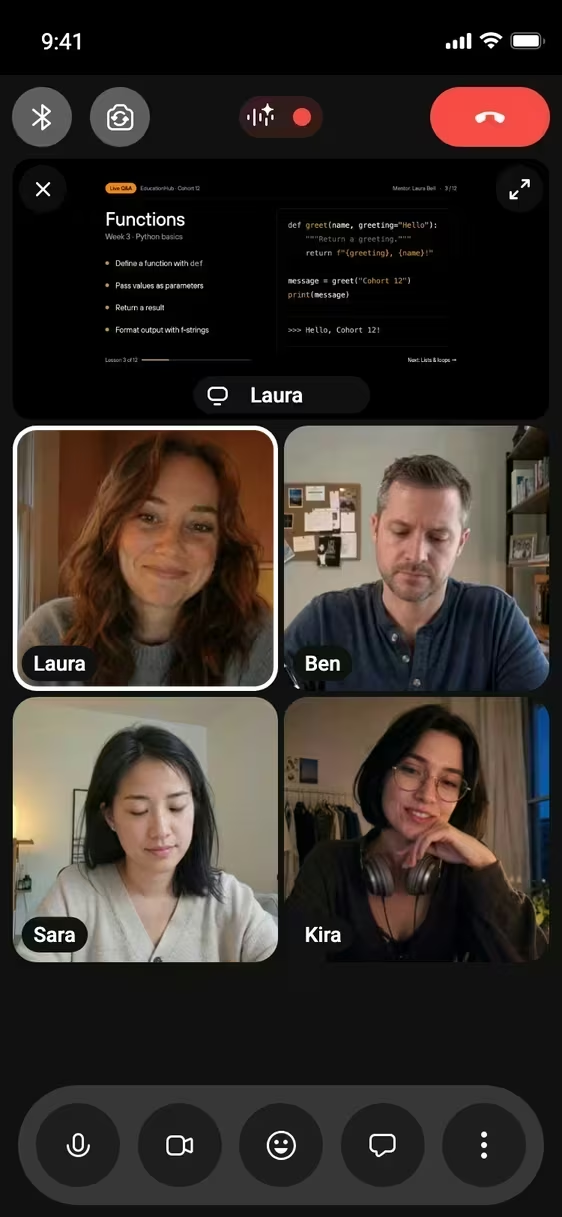
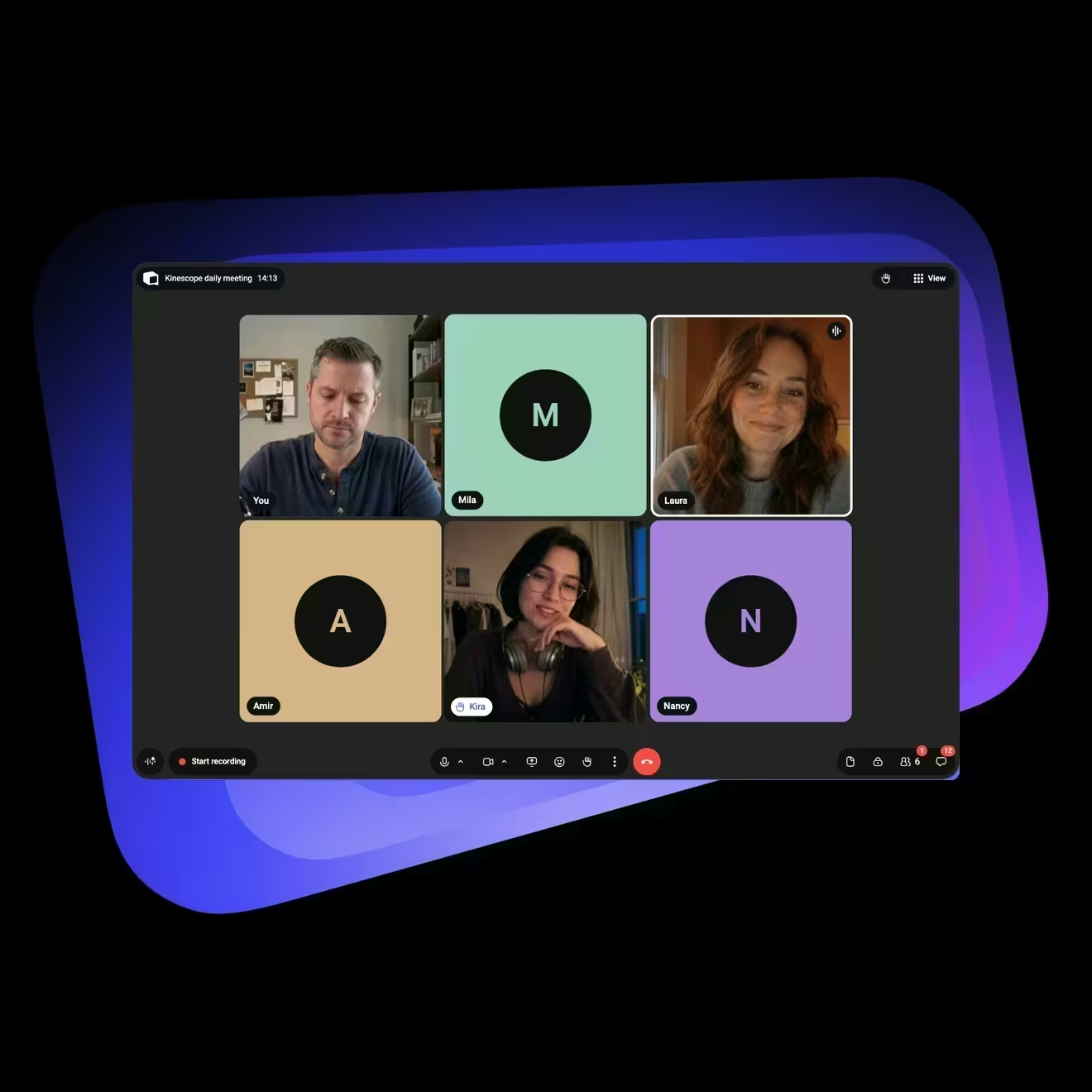
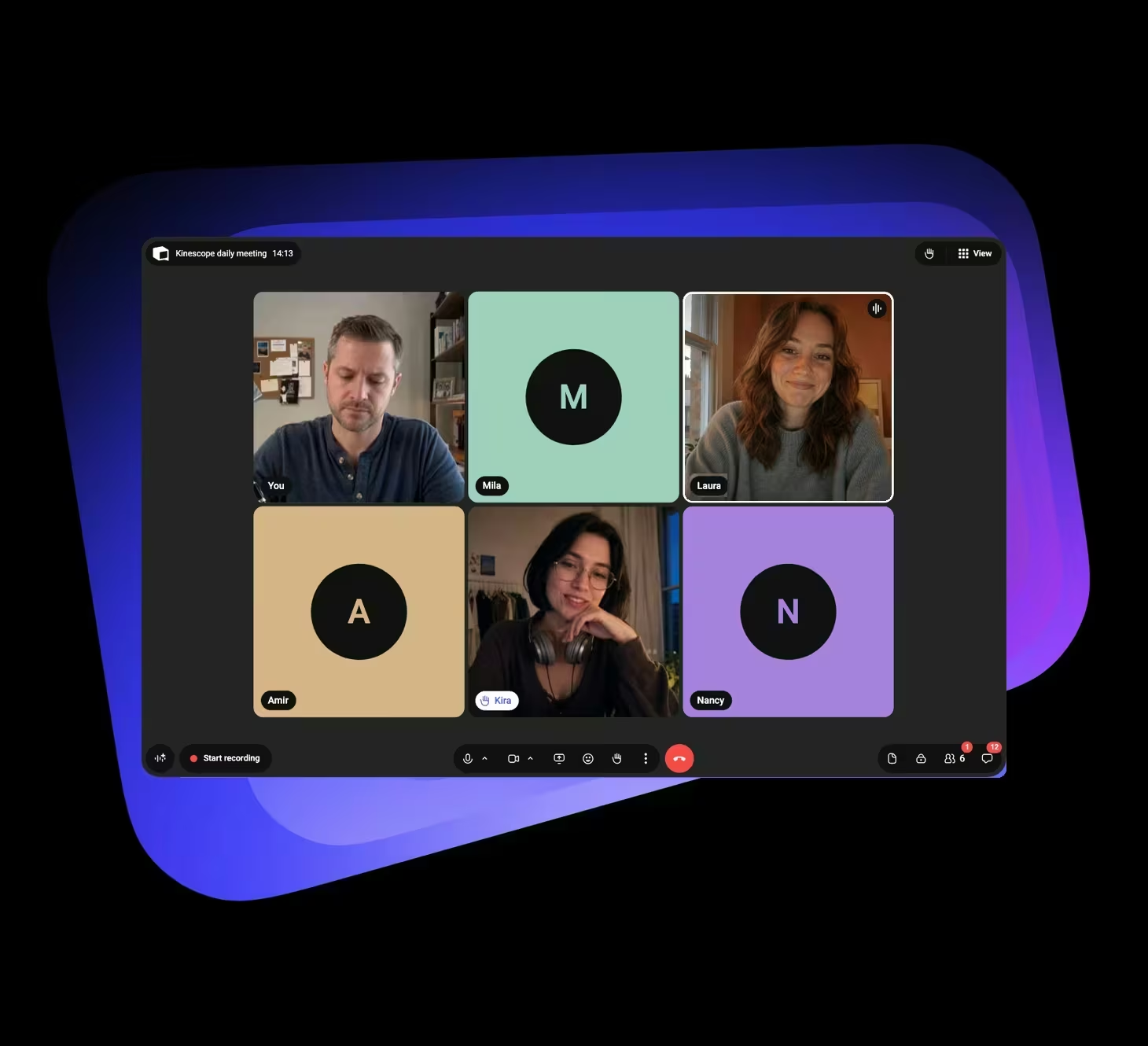
Host meetings with up to 100 participants — no account needed to join. Guests can show their role or company below their name, so everyone knows who’s who.
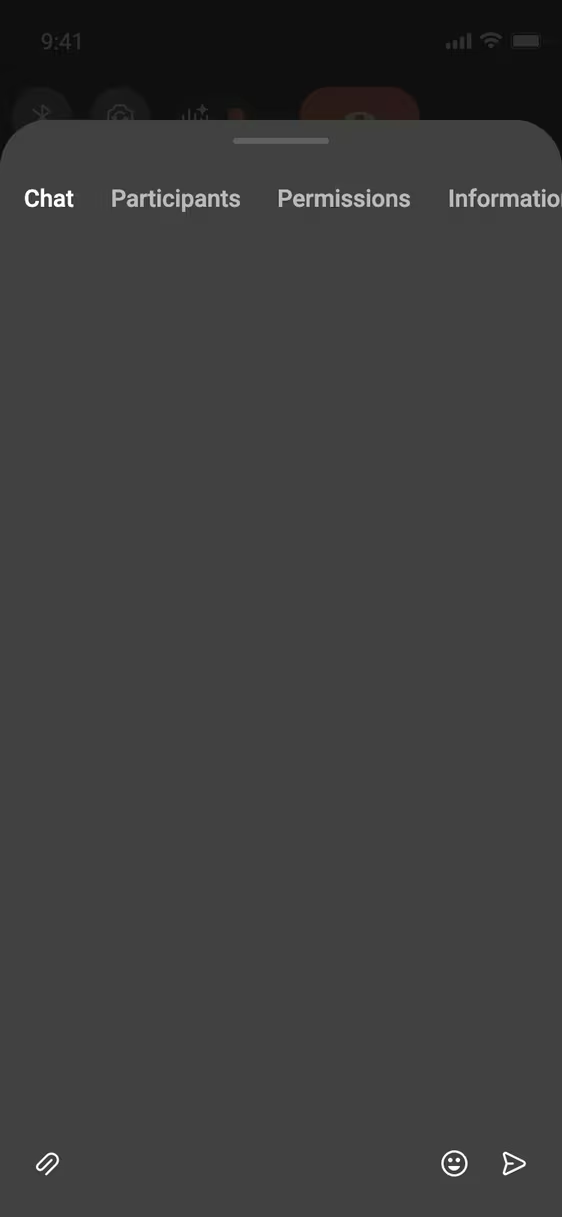
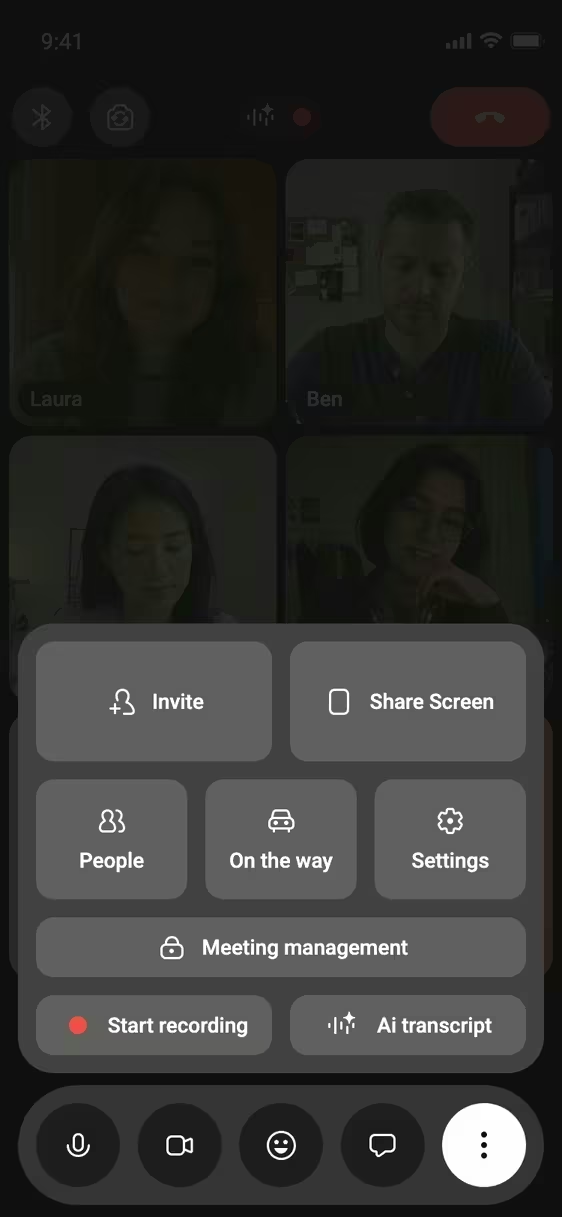
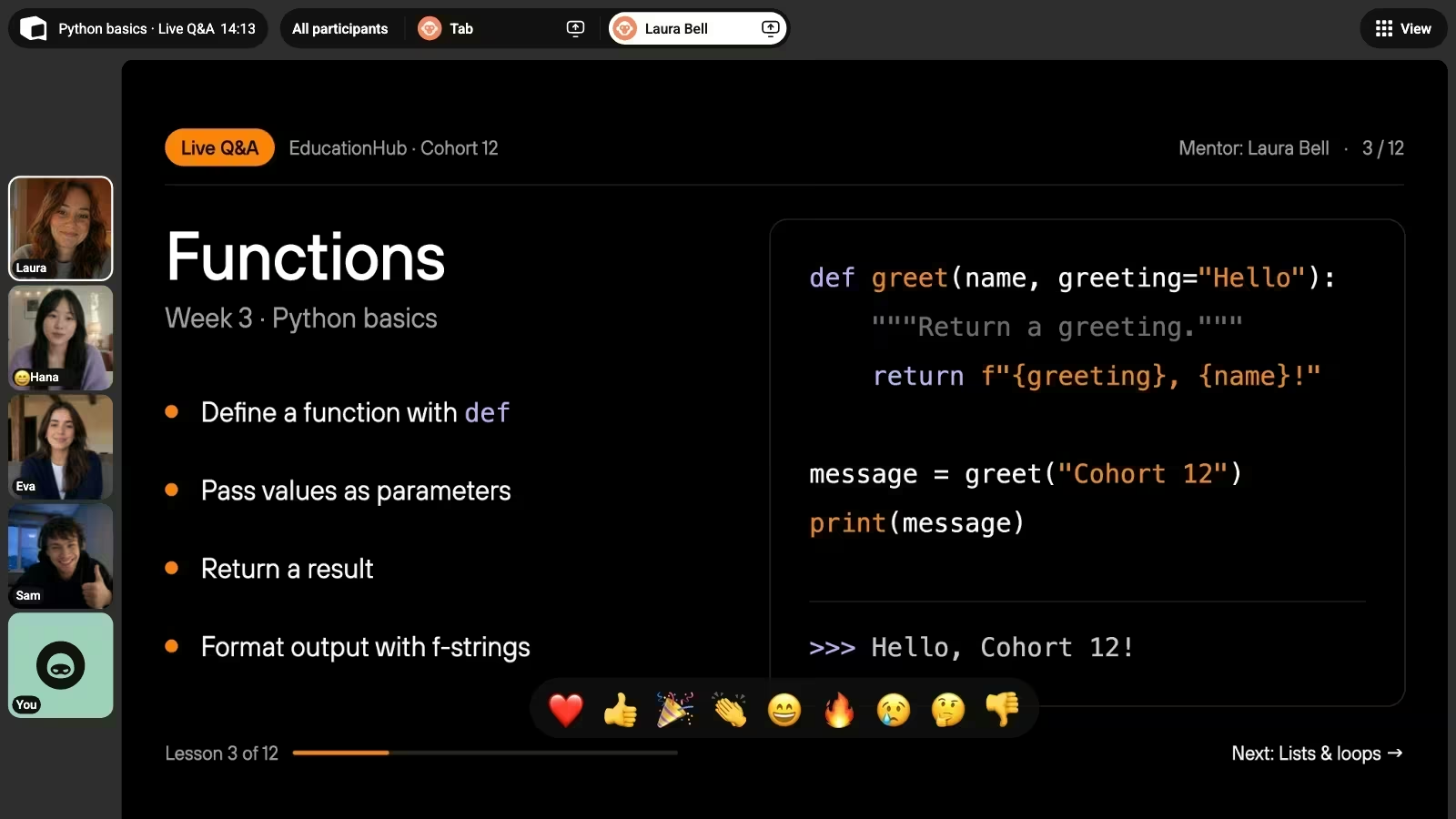
Share your screen, a window or a browser tab. Participants can use chat and reactions without interrupting the speaker.
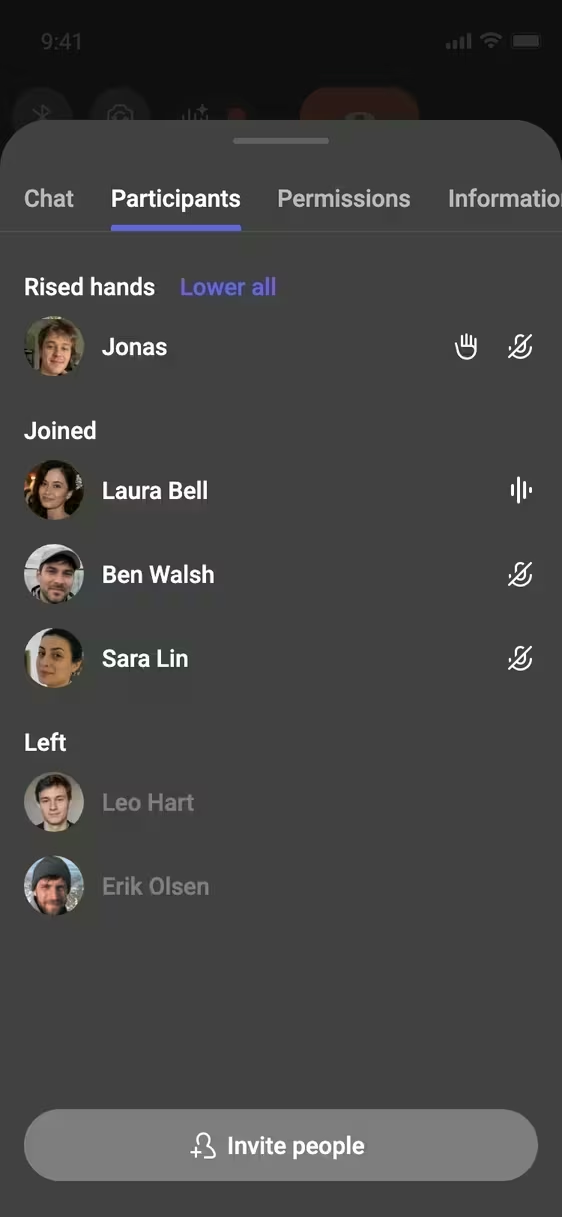
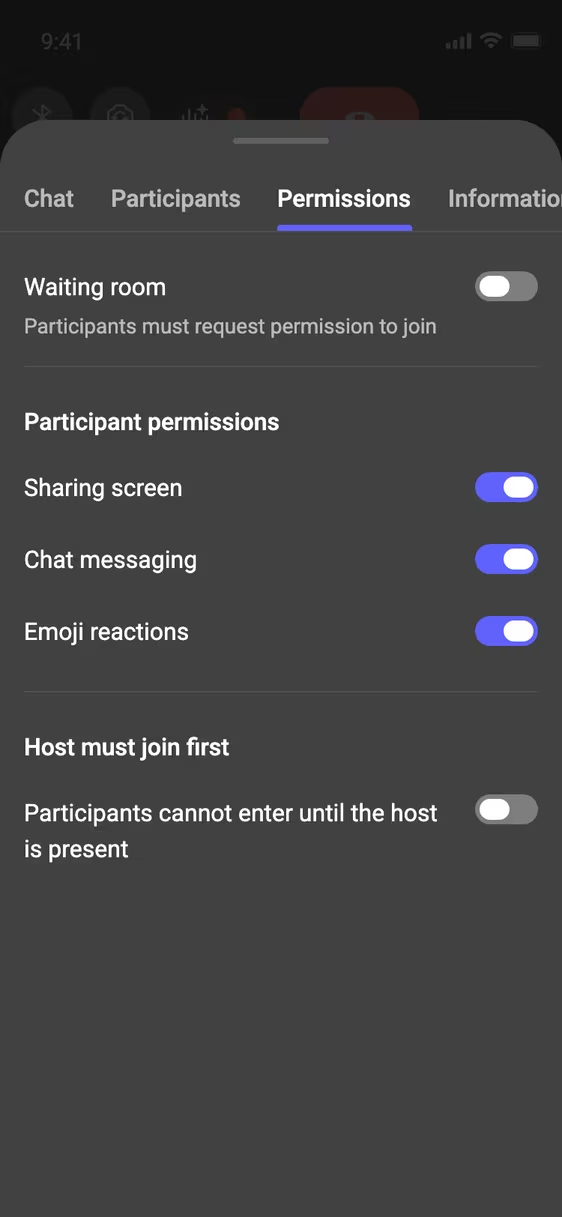
Use the waiting room to admit, decline or block guests, set participant permissions and moderate the chat.
Take the conversation beyond the room
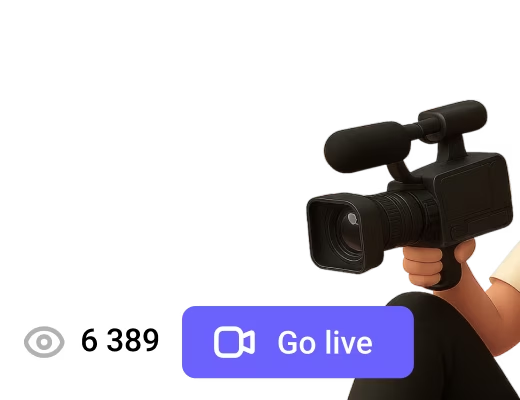
Go live on multiple platforms
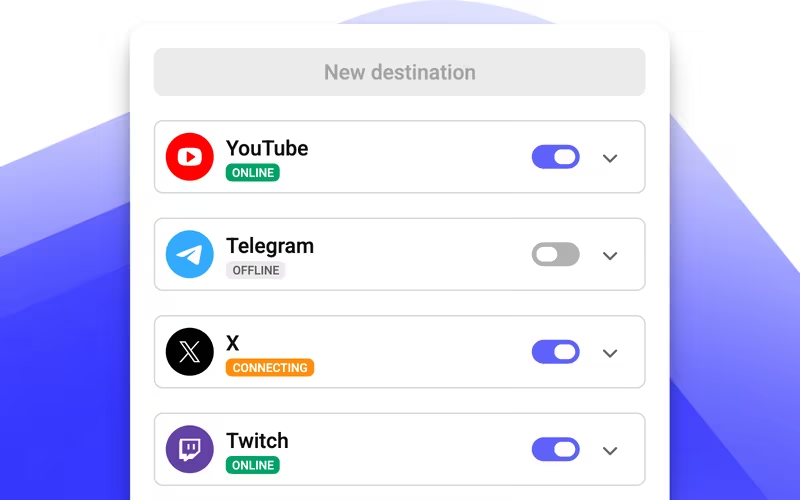
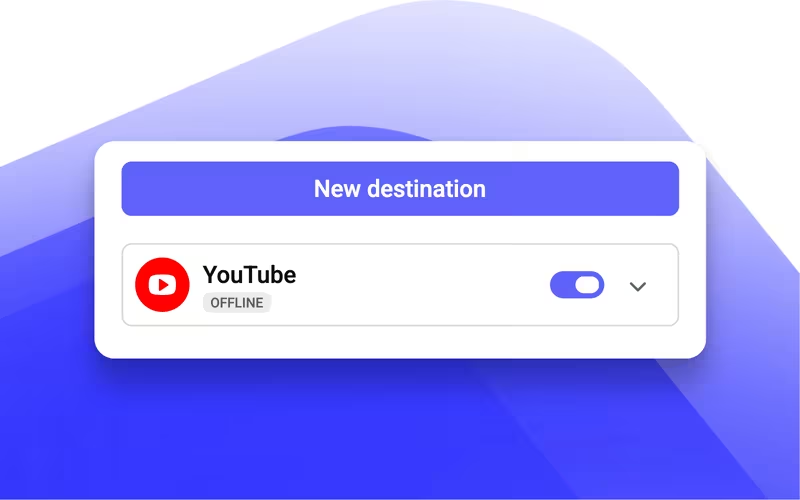
Restream your meeting to up to five destinations, including YouTube, Twitch, Telegram or any other RTMP service.
Show the full picture
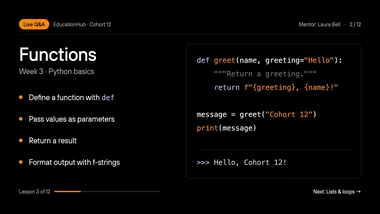
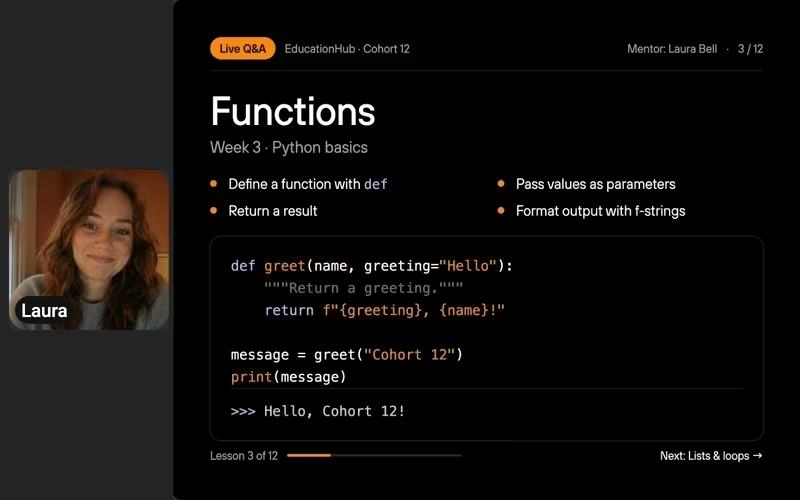
Your viewers see the meeting and whatever you share on screen. The meeting chat stays private to participants.

Be ready for your next broadcast
Your destinations stay saved in the room. Just switch them on and go live anytime.
Secure video conferencing: you decide who gets in
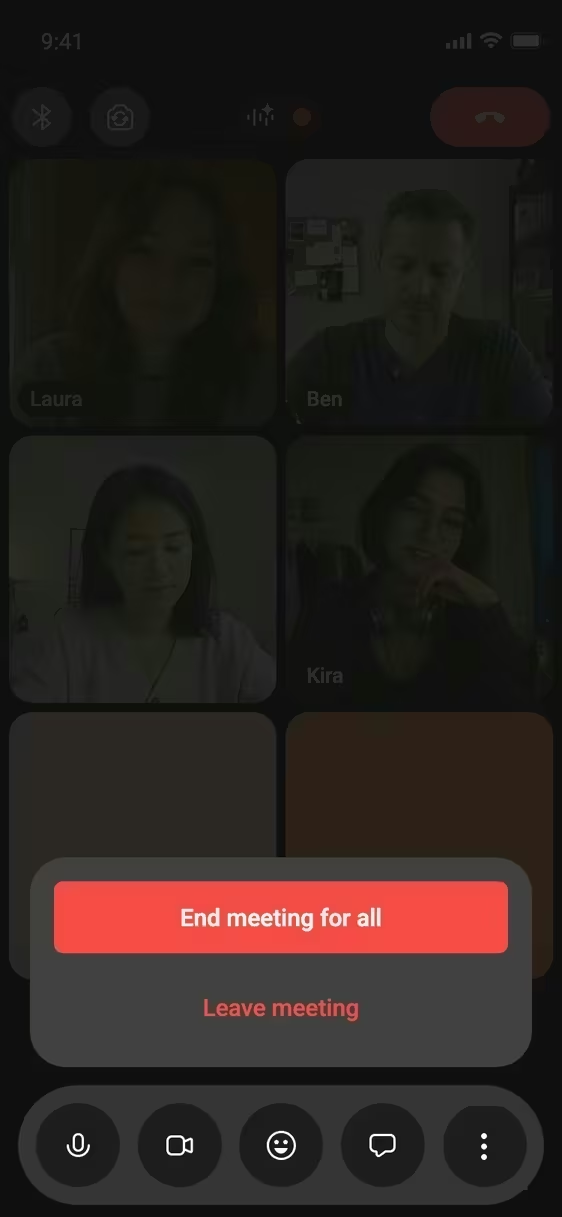
The host controls who joins, what guests can do in the meeting and where the recording goes.
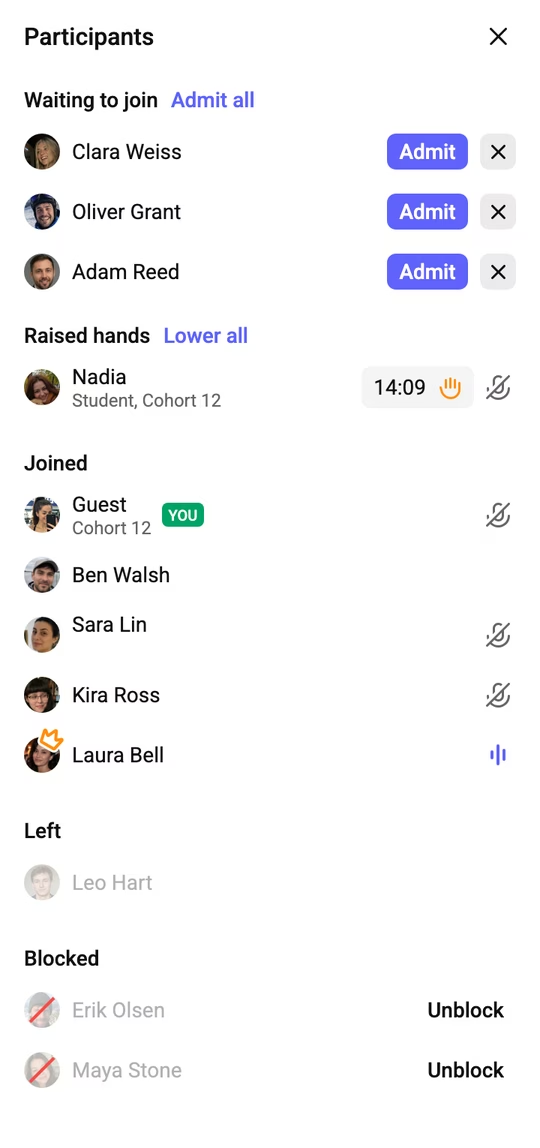
Guests wait until you let them in
With the waiting room on, guests press Ask to join and wait. The host admits, declines or blocks each one, or admits everyone at once. Blocked guests stay in a separate list and can be unblocked.




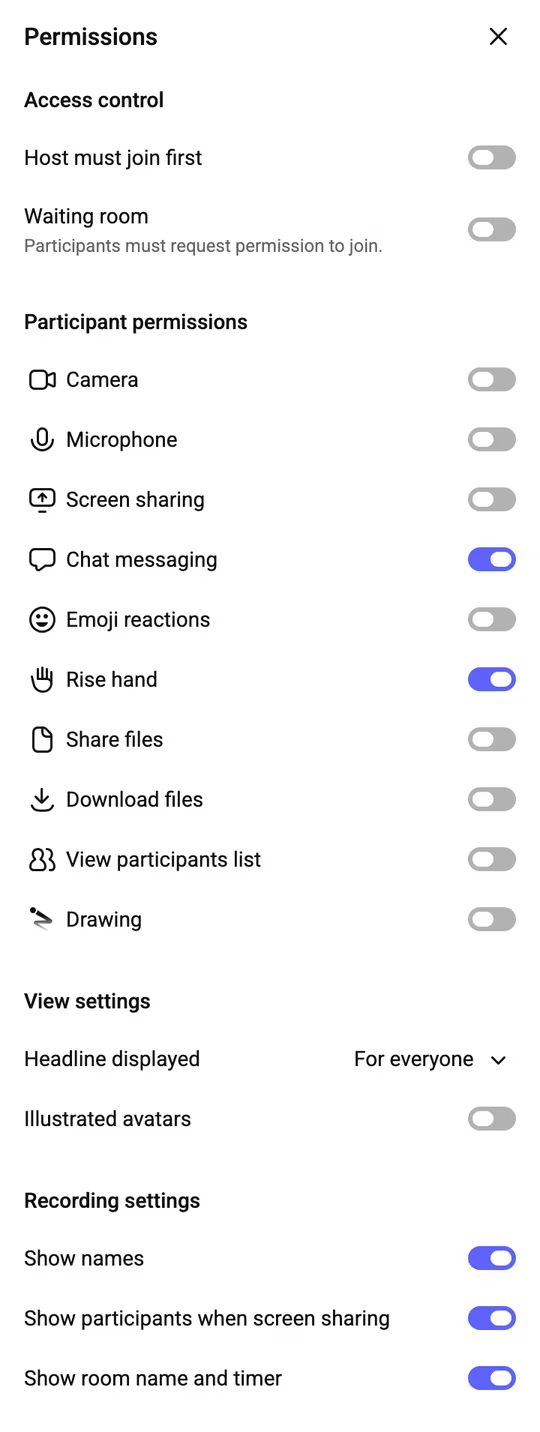
Permissions for every participant
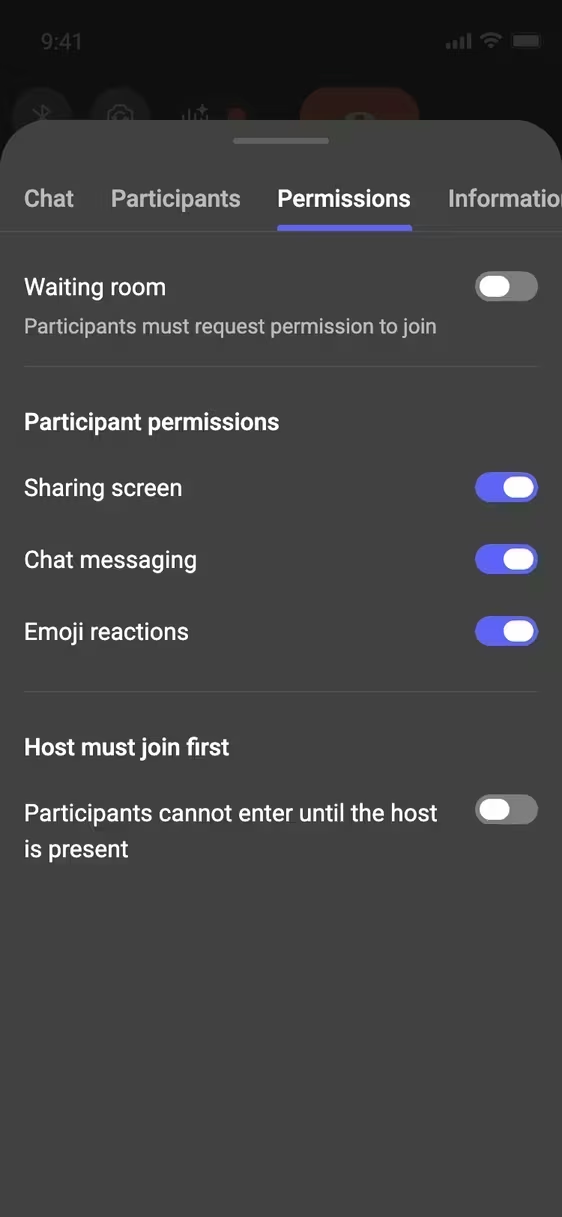
In Permissions the host turns on the waiting room and decides what participants may use: camera, microphone, screen sharing, chat, reactions, files and drawing. The waiting room setting stays with the room for future meetings.
Permissions
Access control
Participant permissions
 Screen sharing
  Chat messaging
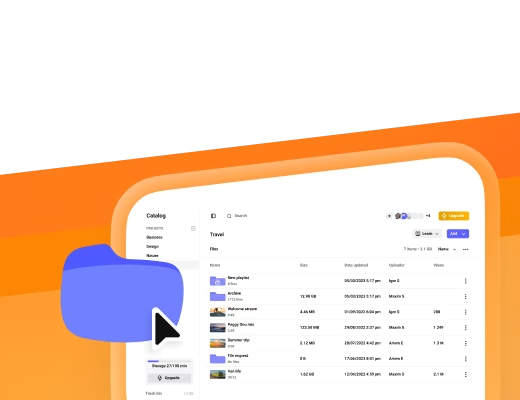
 Recordings go to your private catalog
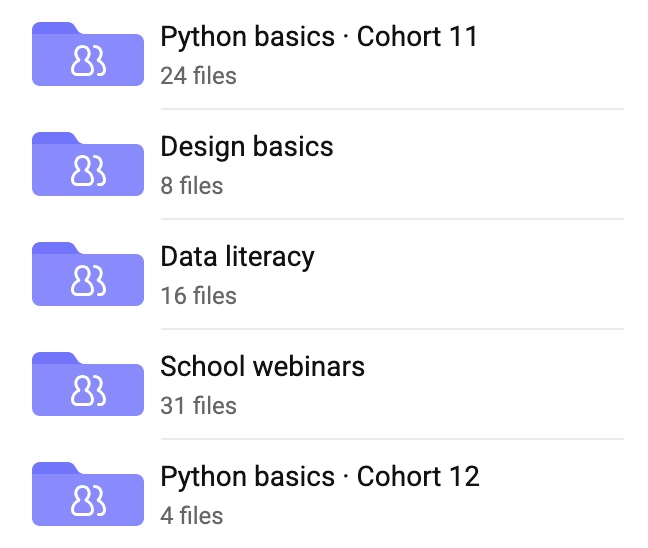
Each recording is saved to your Kinescope catalog after the meeting. Protect it with Widevine and FairPlay DRM on paid plans, set access rules and track views in analytics.
Catalog
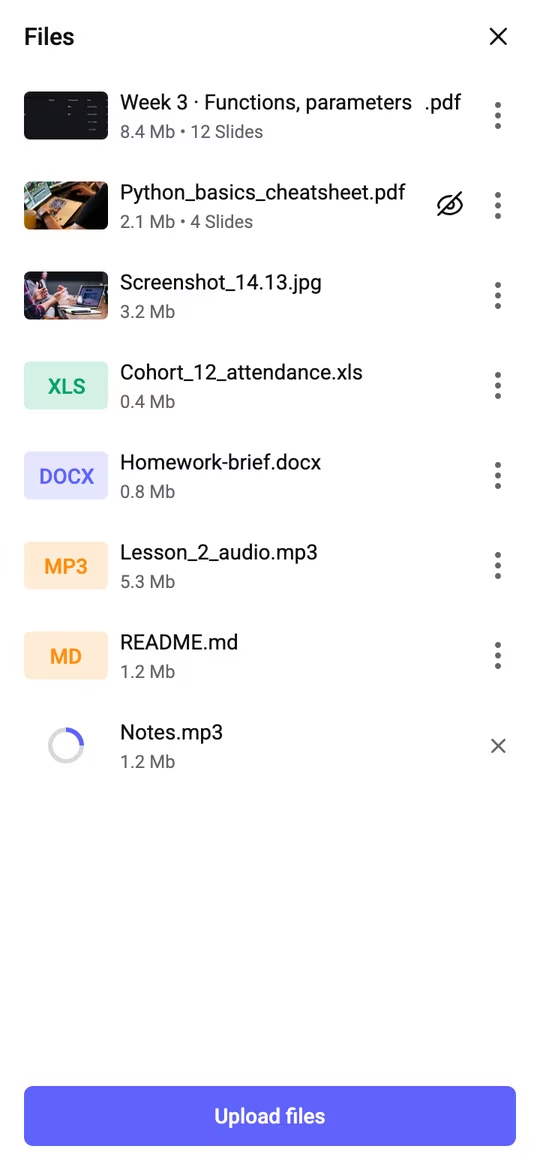
 Python basics · Cohort 114 filesPython basics · Cohort 124 files5 files
 59:21Week 3 · Live Q&A
Who can watch?
AnyoneUsers with private linkDRMWidevineFairPlay
59:21 Ready to Speak?
Start your first meeting or try the demo room now.

- Ryan ColeHi everyone 👋
- Oliver GrantQuick question about default values: if I pass greeting myself, does it replace the default everywhere?
- Clara WeissOnly for that call, the default stays 👍
- Noah FischerCan we get the slides after the call?
- Nina RossiThe f-string example finally clicked 🙌
FAQ
Can’t find the answer you need? Check out our Help Center.