



























9 tools for solo course creators in the US: from all-in-one platforms to bookkeeping





Protect your course videos
The best tools for solo online course creators depend on how you plan to sell and deliver your courses. Thinkific and Teachable combine course creation, payments, and student access in one platform, while Podia also brings digital products and email marketing into the same system. If you prefer your own website, you can use Kinescope for video hosting and protection, alongside separate storefront and payment tools.
Beyond course delivery, creators may need Canva for lesson materials, Kit for email marketing, Albato for integrations, and Jupid for US bookkeeping. We’ve compared nine tools by their features, pricing, and limitations to help solo creators in the US decide which services they need and which they can skip.
Online course software at a glance
| Tool | What it handles | What’s still needed to sell a course | Pricing |
|---|---|---|---|
| Thinkific | Course delivery, checkout, enrollment, student access | Course materials; optional marketing tools | Start plan: $109/mo or $82/mo annually |
| Teachable | Course creation, checkout, enrollment, student access | Course materials; optional external marketing tools | Starter plan: $39/mo or $29/mo annually; 7.5% transaction fee |
| Podia | Courses, storefront, digital products, email marketing | Course materials; optional specialist tools | Mover plan: $49/mo or $42/mo annually; 5% transaction fee |
| Canva | Presentations, workbooks, graphics | Checkout, lesson delivery, student access | Free plan; Pro plan: $144/year |
| Kinescope | Video hosting, playback, protection, analytics | Checkout, enrollment, student access | Free plan; Super plan: €10/mo minimum (≈ $11.20), including usage |
| SpreadSimple | Storefront and catalog managed through Google Sheets; checkout integration | Lesson delivery and controlled student access | Business plan: $13.90/mo annually |
| Kit | Email marketing, landing pages, subscriber automations | Course delivery and student access | Free plan; Creator plan: from $33/mo annually |
| Albato | 1,000+ app integrations and multistep workflow automation | Connected apps for course sales and delivery | Free plan; Pro plan: from $15/mo annually |
| Jupid | Bookkeeping, financial reports, US tax support | Storefront, checkout, course delivery | Solo plan: $50/mo or $390/year |
Prices checked November 11, 2026. Annual rates require annual billing; additional fees may apply. Kinescope bills in EUR, so USD equivalents may vary.
1. Thinkific: creating and selling complete courses
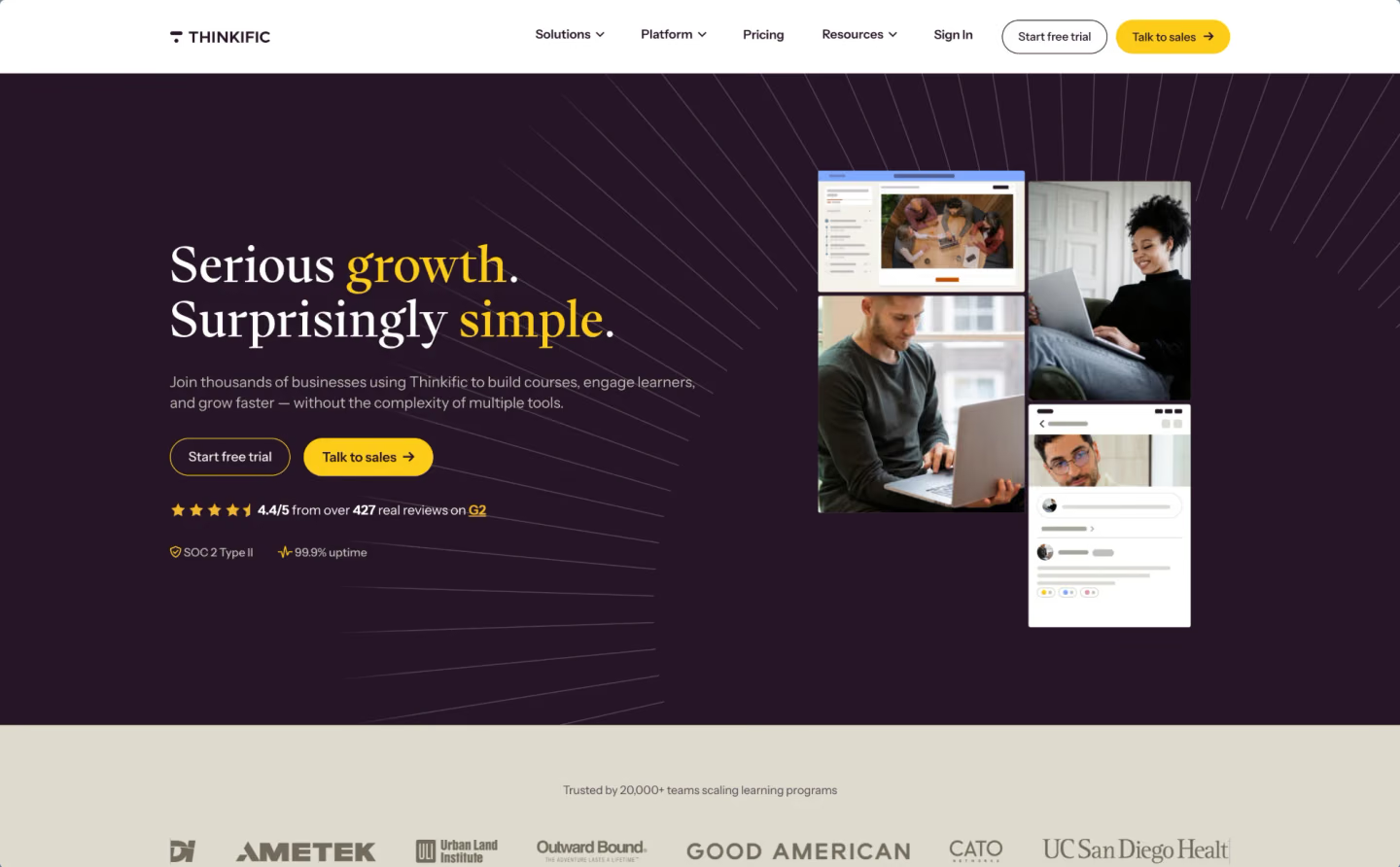
Thinkific is built around the learning experience. Creators can organize videos into lessons and modules, add quizzes and assignments, and track student progress through a branded course website. The structured course features are especially relevant for programs where students complete assessments or work through lessons in a particular order.
The teaching tools are connected to checkout and enrollment. When someone purchases a course through Thinkific’s payment system, they can access the lessons in the same environment. That removes the need to connect a separate storefront to a learning platform. Thinkific also supports memberships, subscriptions, coaching, and live learning.
For US sellers, qualifying transactions through Thinkific Payments receive automated sales-tax handling through TCommerce, including calculation, collection, and remittance.
The Start plan costs $109 per month, or $82 per month with annual billing. It’s a substantial expense for someone testing their first course, although it combines functions that would otherwise require several services.
We’ve covered the platform’s teaching features, pricing, and limitations in our detailed Thinkific review.
2. Teachable: launching a course with built-in payments
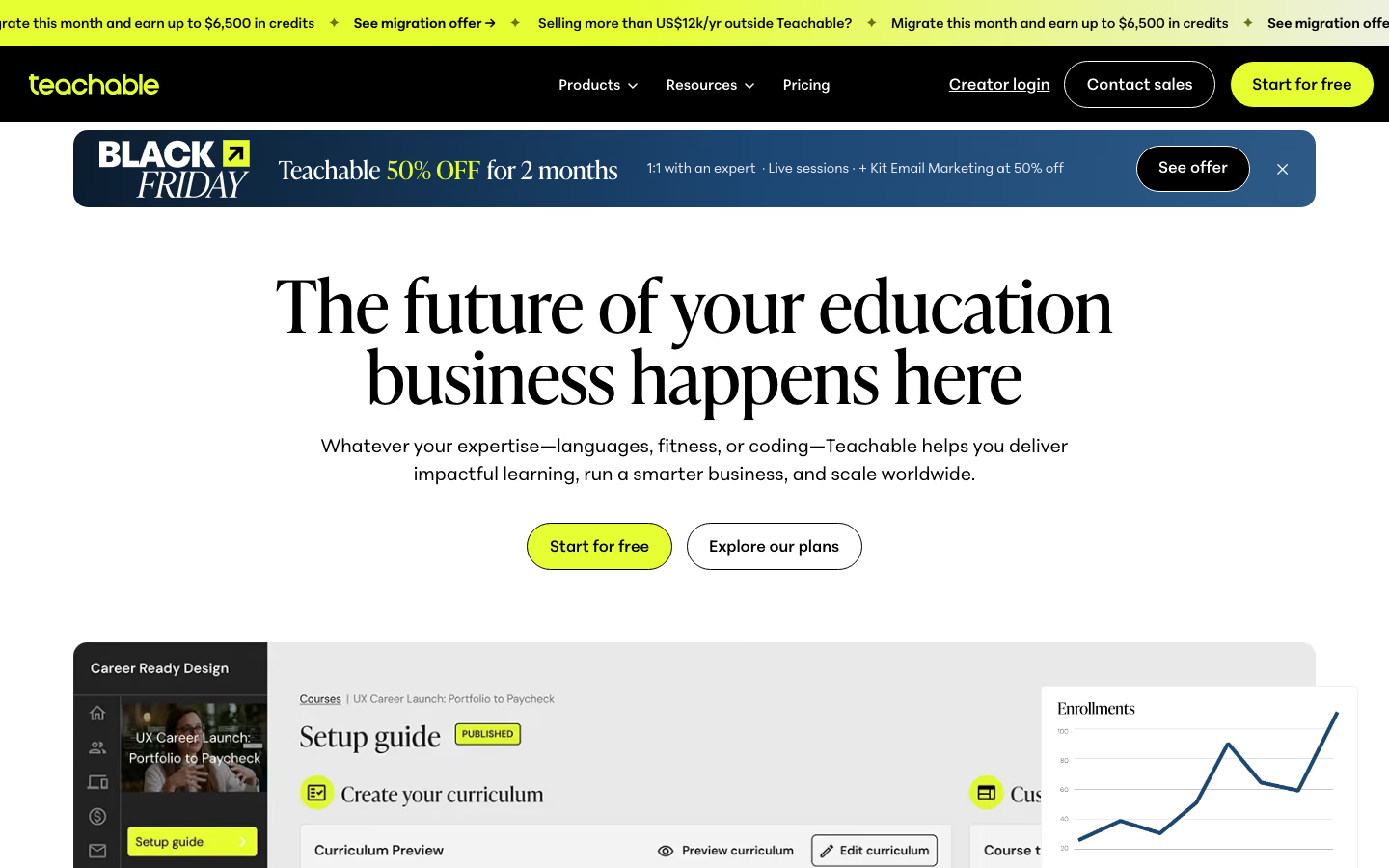
Teachable also combines course delivery, checkout, and student enrollment, with selling features that can be useful when launching a paid course.
You can build lessons from video, text, and downloads, set prices, and sell access through the platform’s checkout. Teachable also supports coaching and digital products, while features such as upsells and abandoned-cart recovery help creators work on sales without setting up separate tools.
Teachable’s Starter plan costs $39 per month, or $29 per month with annual billing, making the subscription cheaper than Thinkific’s Start plan. The trade-off is a 7.5% platform transaction fee on Starter sales, plus applicable payment-processing fees.
The Builder plan removes the platform transaction fee but costs $89 per month, or $69 with annual billing. The difference between plans matters once a course starts generating regular revenue. A lower monthly subscription won’t necessarily mean a lower overall cost if each sale also carries a platform fee.
For eligible sales through Teachable Payments, the platform also handles applicable sales-tax calculation, collection, and remittance. Creators using a custom payment gateway need to manage their tax obligations separately.
3. Podia: selling courses alongside other digital products

Podia brings online courses, digital downloads, memberships, and email marketing into one platform. You can build a website, sell a recorded workshop alongside templates or guides, and email customers without connecting a separate storefront and marketing service.
Podia also handles course delivery, with video and text lessons, quizzes, scheduled content releases, certificates, and student progress tracking. Students can access their purchases through their accounts, whether they’ve bought a course or another digital product.
The Mover plan costs $49 per month, or $42 per month with annual billing, and charges a 5% transaction fee on sales, plus payment-processing fees. The Shaker plan costs $99 per month, or $84 with annual billing, and removes Podia’s transaction fee. The plans also differ in included features and usage limits, including email subscribers.
For US sellers, Podia can calculate and collect sales tax at checkout, while filing and remittance remain the creator’s responsibility.
4. Canva: creating course materials
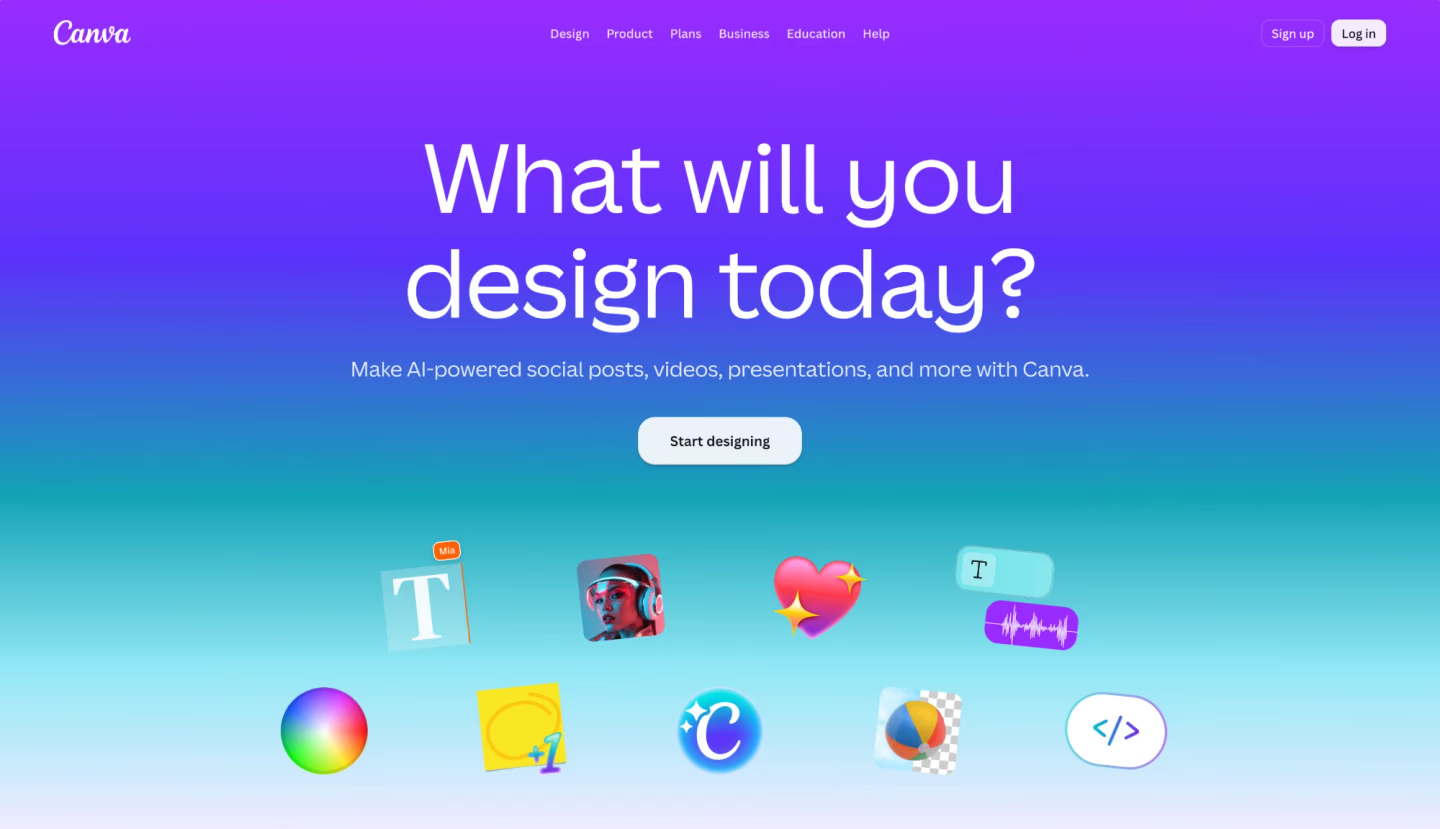
Canva covers the visual materials that students use during a course, from lesson presentations and workbooks to infographics and downloadable worksheets.
Its templates make it possible to reuse the same design across different formats. A creator can prepare slides for a recorded lesson, adapt them into a worksheet, and use matching graphics to promote the course.
Canva also offers AI-assisted design and editing tools. The Free plan may be enough for straightforward materials, while the Pro plan, at $144 per year, adds premium templates, background removal, and Brand Kits to keep course slides, workbooks, and promotional graphics consistent.
All the materials can be used with any of the course platforms in this list, since Canva doesn’t manage checkout, lesson delivery, or student enrollment.
5. Kinescope: hosting and protecting video courses
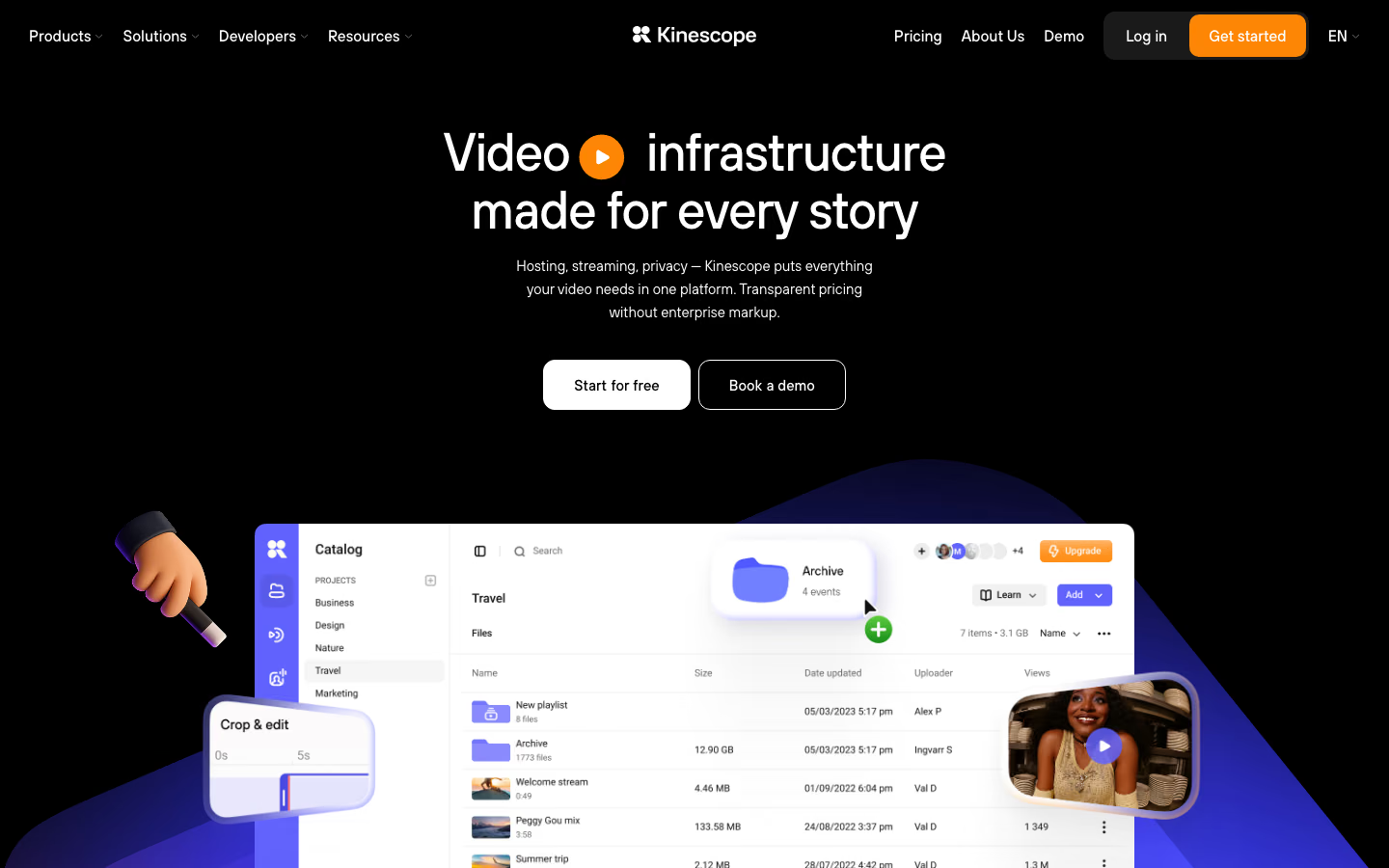
Video hosting becomes a separate consideration when a creator wants to manage recordings independently of the website where students buy courses.
With Kinescope, you can organize videos in a library, embed them into course pages, and replace a recording without changing its link or embed code. If the same library serves several courses or websites, the videos can stay in one place even when the storefront changes.
For paid lessons, Kinescope offers domain-based embedding restrictions and DRM encryption on paid plans. Together, these help protect recordings and control where they can be embedded, but the course website or LMS still determines which students have access to the videos.
Kinescope also provides viewing analytics, including engagement and retention data, which can help creators understand how students watch individual lessons.
The Free plan includes limited storage and traffic. The Super plan has a €10 monthly minimum (about $11.20), covering the first €10 of usage. Charges depend on video processing, storage, and streaming traffic, so costs vary with the size of the library and how much students watch.
We recommend Kinescope for creators who want independent video management and protection while selling paid lessons through their own website.
6. SpreadSimple: building a digital-product storefront
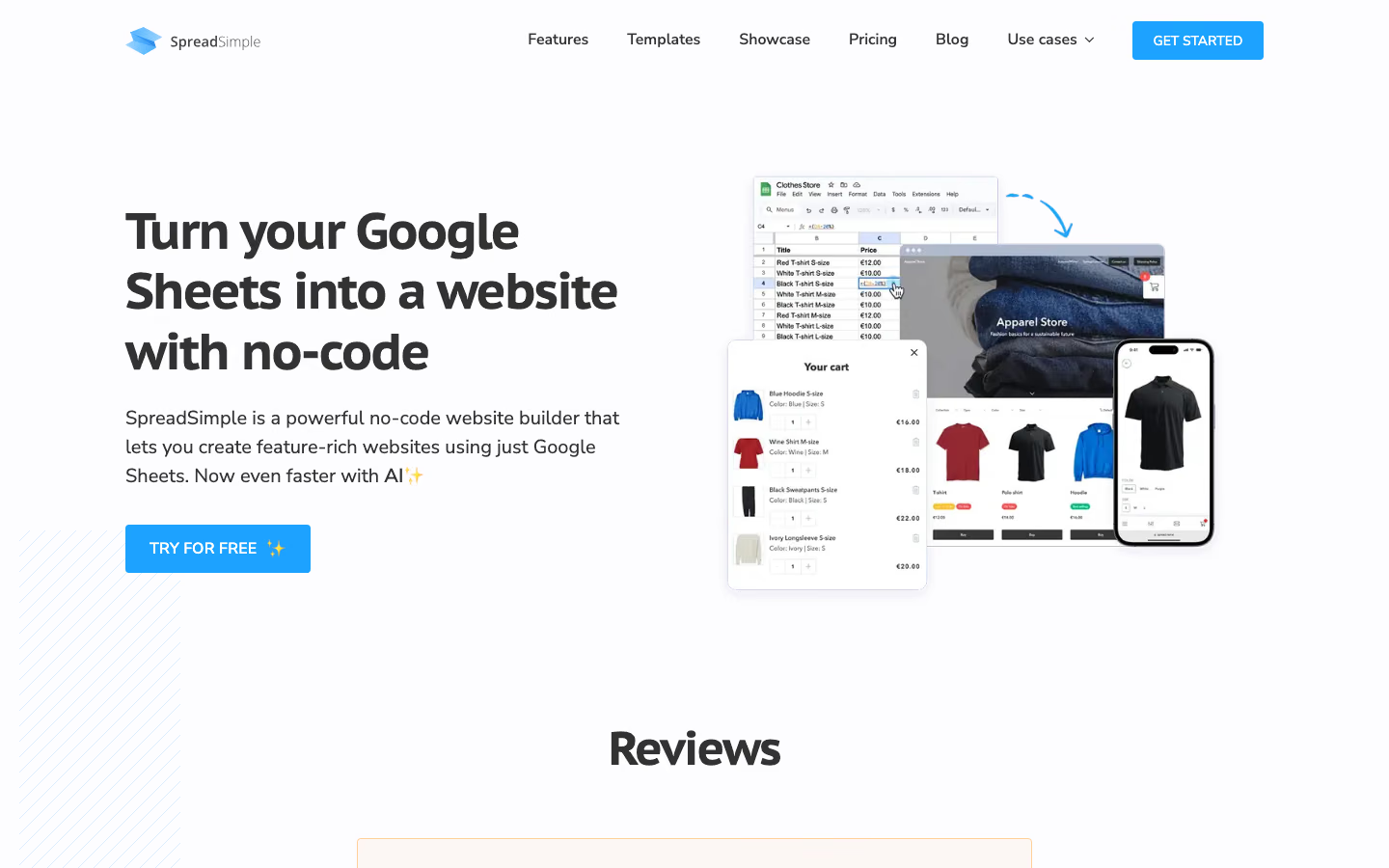
SpreadSimple uses Google Sheets as the source of content for a storefront. Product names, descriptions, prices, images, and categories are managed in a spreadsheet, which updates the website as the catalog changes.
That workflow is useful for creators selling recorded workshops alongside templates, workbooks, and other downloads. They can maintain the product catalog in one sheet instead of editing individual pages.
The Business plan supports checkout features, including Stripe integration, and costs $13.90 per month with annual billing. SpreadSimple also offers a Free plan and a Connect plan with customer accounts and permission features currently listed in beta.
A storefront built with SpreadSimple still needs additional software for structured course delivery. Unlike Thinkific or Podia, it doesn’t provide the full learning environment for quizzes, lesson progression, and student access.
7. Kit: email marketing and course launches
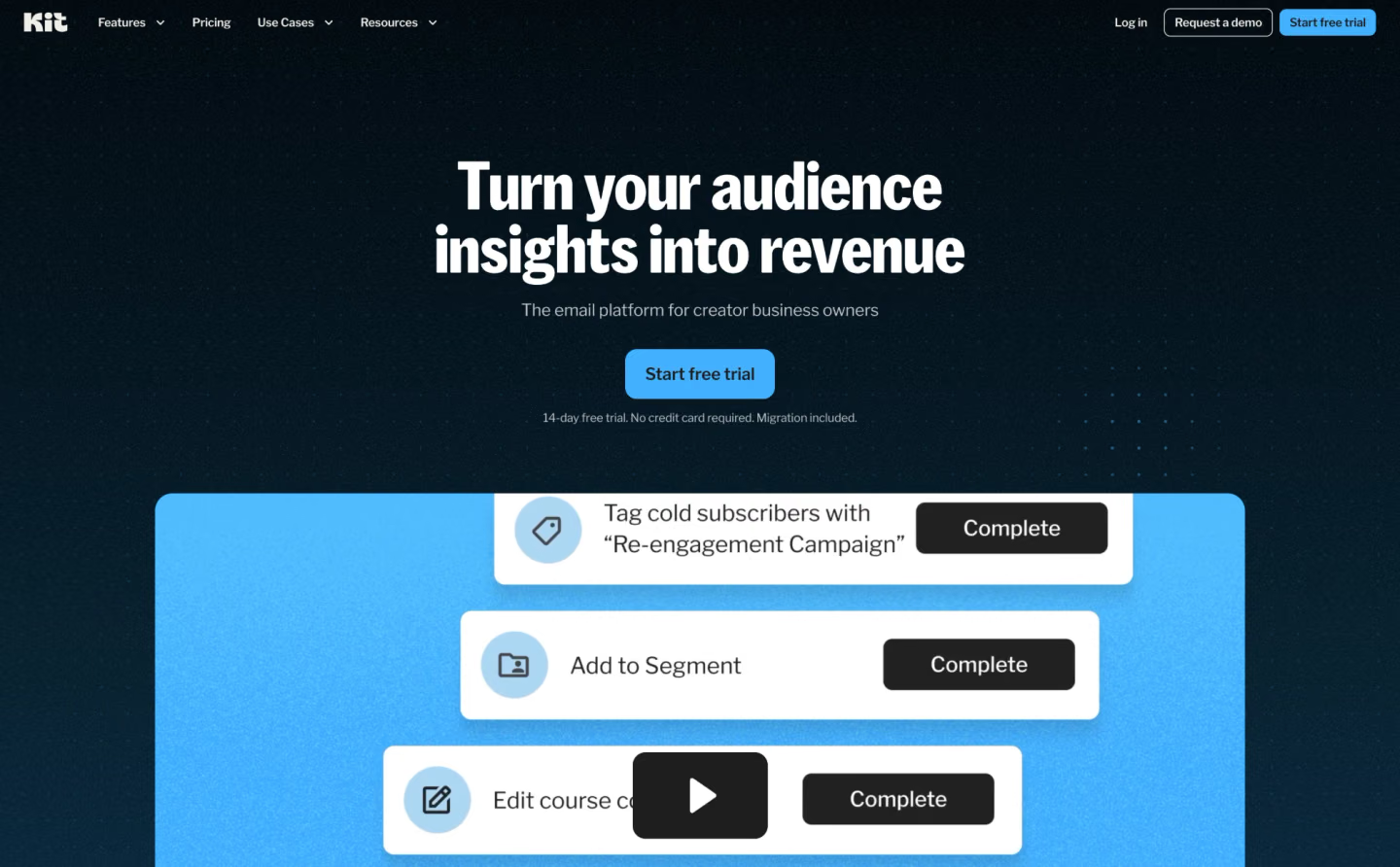
Kit focuses on the relationship with subscribers before and after a course launch. Creators can collect email addresses through landing pages and forms, segment their audience, and send newsletters or automated sequences.
For example, someone who downloads a free workbook could receive a short series of related lessons before getting an invitation to join the paid course. The sequence can continue automatically while the creator works on the course itself.
Kit’s Free plan supports up to 10,000 subscribers, with automation limits. The Creator plan adds more advanced email sequences and visual automations, starting at $33 per month with annual billing. Paid pricing depends on subscriber count, so it can increase as the audience grows.
Unlike Podia’s built-in email tools, Kit is a dedicated email marketing platform for creators who manage subscriber segments and automated campaigns across several products or sales channels.
8. Albato: connecting course and business tools
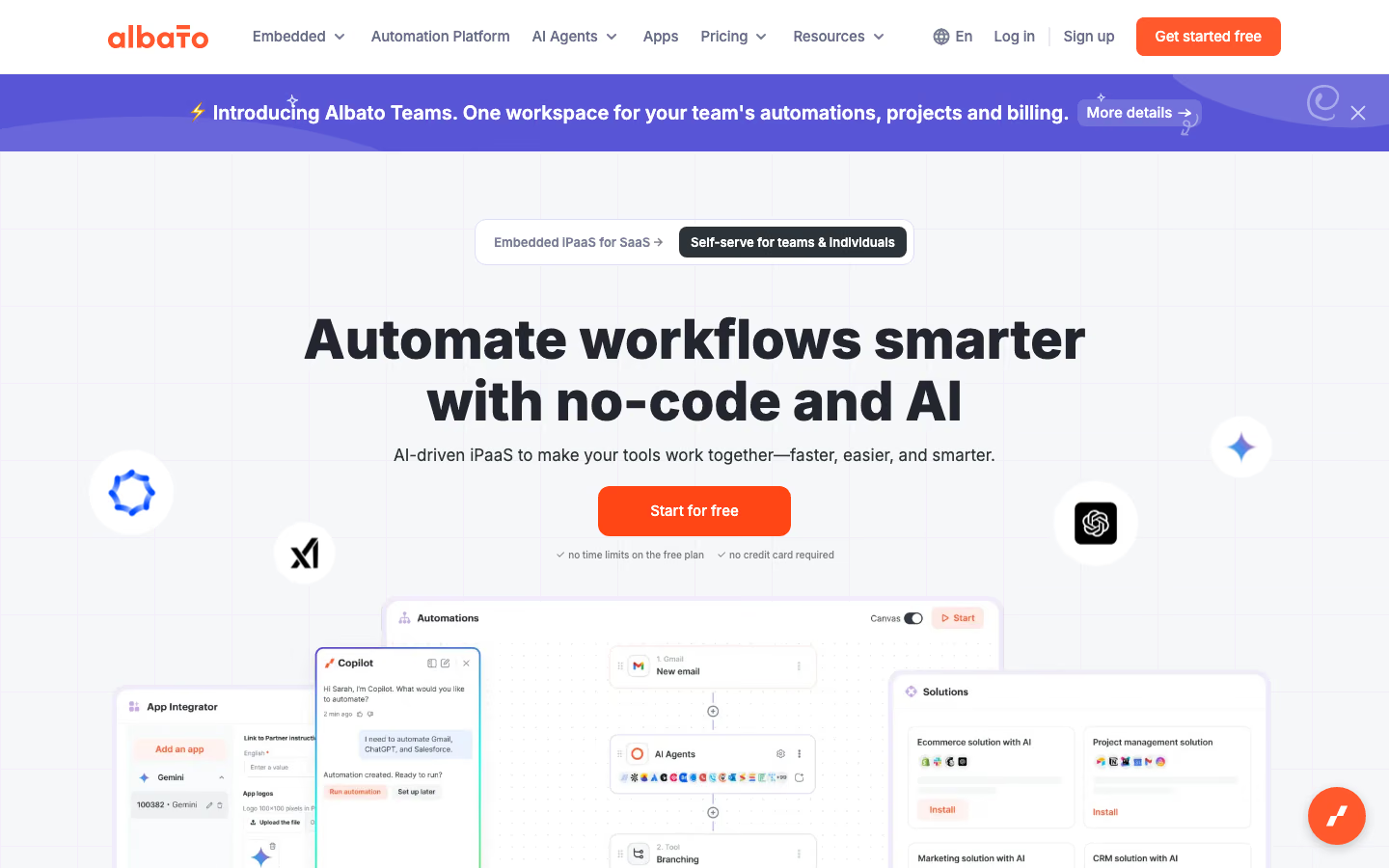
Albato is a no-code automation platform with integrations for more than 1,000 applications. Its catalog covers CRM systems, email marketing, ecommerce, spreadsheets, and communication tools, allowing course creators to connect the services they use for sales, student communication, and business operations.
Instead of transferring information manually, you can connect applications and create workflows in which an event in one service triggers actions in others. Albato supports both simple automations and multistep processes, with filters, data transformations, and webhooks for more advanced connections.
The Free plan includes up to five active automations, with two steps per workflow and 100 transactions. The Pro plan starts at $15 per month with annual billing and includes 1,000 transactions, unlimited automations and steps, and shorter intervals between automation checks. A transaction is a completed action in a workflow, so the number of actions matters when estimating usage.
Albato handles the connections between applications, but it doesn’t replace the services themselves. The available triggers and actions depend on each integration, which is worth checking before choosing it for a particular course workflow.
9. Jupid: US bookkeeping and tax-related workflows
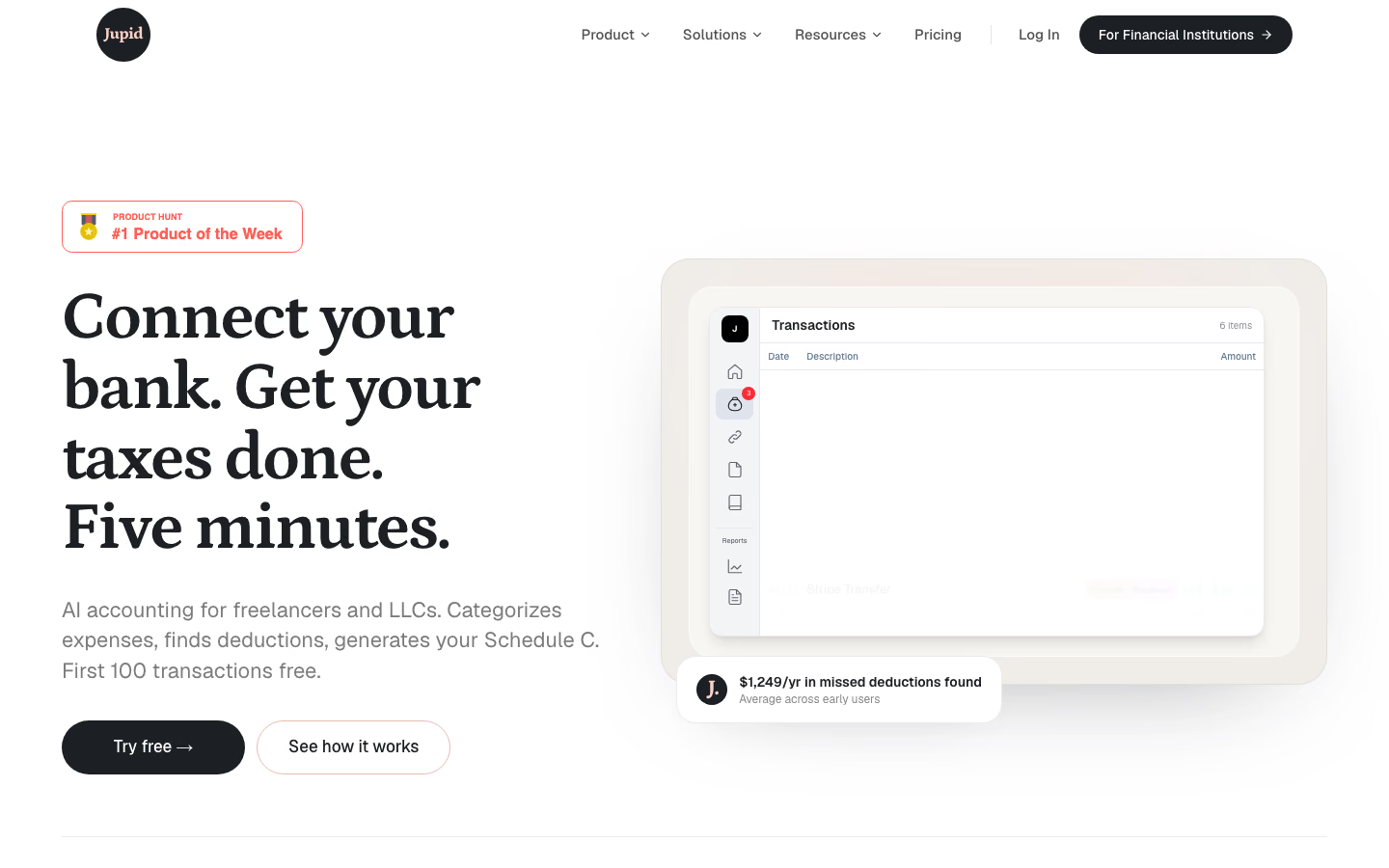
Jupid helps US freelancers and small business owners keep track of their finances. It connects to bank accounts, organizes transactions into income and expense categories, and generates financial reports. The service also provides quarterly tax estimates and tax-filing support.
For a course creator, this means keeping sales income and business expenses in one set of records rather than tracking them separately. Jupid also supports Schedule C, the tax form used by many US sole proprietors to report business income and expenses.
The Solo plan costs $50 per month or $390 per year and includes bookkeeping and CPA review. State filing fees may apply separately.
At that price, Jupid is more relevant to creators with regular sales and expenses than to someone who has only started testing a course idea.
Which tools should you choose for your course business?
You don’t need all nine tools. Which ones make sense depends on what you’re selling, how you deliver it, and which parts of the business you need help managing.
-
Launching a structured self-paced course? Thinkific and Teachable both handle lessons, payments, and enrollment. Thinkific emphasizes the learning environment, including assessments and student progress, while Teachable offers a lower-priced entry plan with transaction fees. Canva can help prepare materials for either platform.
-
Selling courses alongside other digital products? Podia combines course delivery, a storefront, and email marketing. If you already have a website and prefer managing products through Google Sheets, SpreadSimple offers another route, although course delivery and access require additional setup.
-
Selling paid video courses on your own website? Kinescope gives you an independent video library with playback and protection controls. You can pair it with an existing learning platform or use it alongside your own storefront and a payment service such as Stripe. That setup involves more connections, but keeps video management separate from the website.
-
Managing a business that already has regular sales? Kit can support ongoing email campaigns, while Albato connects tasks across compatible applications. Jupid handles bookkeeping and US tax-related workflows when revenue and expenses need more systematic attention.
Host and protect your course videos with Kinescope
Keep recordings in one library, manage playback and protection, and embed lessons in your existing website or learning platform.


FAQ
No. You can sell a course through your own website, but you still need somewhere to host the lessons and a way to restrict access to paying students.
Thinkific, Teachable, and Podia already combine course delivery with checkout and enrollment. Without a complete platform, you’ll have to connect those functions through your own storefront and access-management system.
It depends on what you’re selling. Thinkific is a strong option for structured courses with assessments and progress tracking. Teachable combines course delivery with checkout and selling features, including a lower-priced entry plan with transaction fees.
Podia becomes more attractive when courses are only part of your business and you also sell downloads, memberships, or other digital products. It includes email marketing, though its Mover plan also charges a transaction fee.
Yes. You can host recordings with Kinescope and embed them into your course pages while using your website or membership system to manage purchases and student access.
The video host handles delivery and protection. Your website still needs to decide which students can view each course.
For a catalog of downloadable products or recorded workshops, SpreadSimple can handle the storefront and connect to checkout. Its Google Sheets-based catalog also makes product updates straightforward.
It doesn’t provide the structured learning environment of an LMS, including quizzes and lesson progression. You’ll need additional software if your course requires those features.
Yes, if your storefront and access-management system support the necessary integrations. An automation tool such as Albato can pass purchase information between compatible services, but the system controlling lesson access must still create or update the student’s permissions.
For qualifying US sales through Thinkific Payments and TCommerce, Thinkific calculates, collects, and remits applicable sales tax. Teachable also handles those steps for applicable sales through its supported native payment system; the same automatic handling doesn’t extend to custom payment gateways.
Podia can calculate and collect sales tax at checkout in jurisdictions where the creator is registered to collect it, but doesn’t file or remit the tax. Podia creators remain responsible for meeting those obligations.