Best video hosting for online courses: 7 platforms compared




A course video host stores the lessons, protects paid content from downloading, embeds inside the LMS or site where students learn, and keeps playback steady when a launch sends hundreds of people into the same module.
This guide compares seven platforms on those jobs, shows what “private” protects on each, and works out the bill for a 500-student cohort; if you are already evaluating the product, Kinescope’s secure video hosting for online courses page shows how it handles that job.
Key takeaways
- Course video has four hard requirements: protection for paid lessons, clean embedding, predictable bandwidth cost, and access control.
- YouTube shows ads and other creators’ videos around a lesson and does not encrypt the stream, so a browser extension can download it.
- On usage-based pricing a launch month costs more and a quiet month costs less. On plans with a bandwidth cap, a launch can force an upgrade.
- DRM costs €10 a month on Kinescope, about €11 on VdoCipher and about €108 on Gumlet with its add-on. Vimeo offers it only on Enterprise, Wistia not at all.
- A cohort of 500 students watching ten 40-minute lessons costs about €158 on Kinescope, and 96% of that is delivery.
Choose a video course hosting platform
Pick the card that matches how you deliver lessons. Each one lists three things to test on a trial before you move the library.
Paid courses and memberships
Lessons behind a paywall on your site, Teachable, Thinkific or WordPress.
- DRM, so a downloaded file is useless outside the player
- A watermark with the student’s ID to trace leaks
- Usage pricing that survives a launch spike
Internal and partner training
Onboarding, compliance and product training inside your LMS or intranet.
- Playback only on your intranet or LMS domains
- Sign-in through your company account
- Completion data per lesson and per viewer
Your own LMS or learning app
Video inside a product you build, for your users or your clients’ students.
- An upload and playback API with webhooks
- Your backend decides who gets a DRM key
- White-label player SDKs for web and mobile
How to choose video hosting for online courses
Course video is different from a marketing clip or a team recording (for those, see the general video hosting comparison; for courses you run for your own employees, see training video hosting). Students have paid for it and watch it on their own devices, and for many course sellers it is the whole product. Seven requirements follow from that.
Upload
One master file per lesson.
Transcode
Into adaptive renditions for every device.
Embed
In your LMS or your own site.
Measure
Per-lesson engagement and completion.
The life of a course video, from upload to completion data.
Protection for paid content
Password pages and unlisted links slow down casual sharing. They don’t stop a browser extension or a screen grabber. To stop downloads you need encryption plus DRM, so a pulled file won’t play anywhere else. YouTube and other free platforms don’t offer it. Without it, one buyer can download the course and pass the files around.
Clean embedding in your LMS or site
A lesson belongs inside a course page, a membership site, or an LMS. The host has to give you an embed that drops into those places, keeps your branding, and hides distractions like recommended videos or channel links. Recommended videos at the end of a lesson send students to another platform. Most course hosts support a standard iframe or oEmbed, which is what LMS platforms and page builders expect, so a lesson slots in without custom work.
Predictable bandwidth and cost
Courses have spiky traffic: a launch, a cohort start, or a sale sends everyone to the videos at once. On a plan with a monthly bandwidth allowance, crossing the cap triggers an upgrade. On usage-based pricing you pay for the gigabytes delivered, so the bill follows the number of students watching.
Privacy and access control
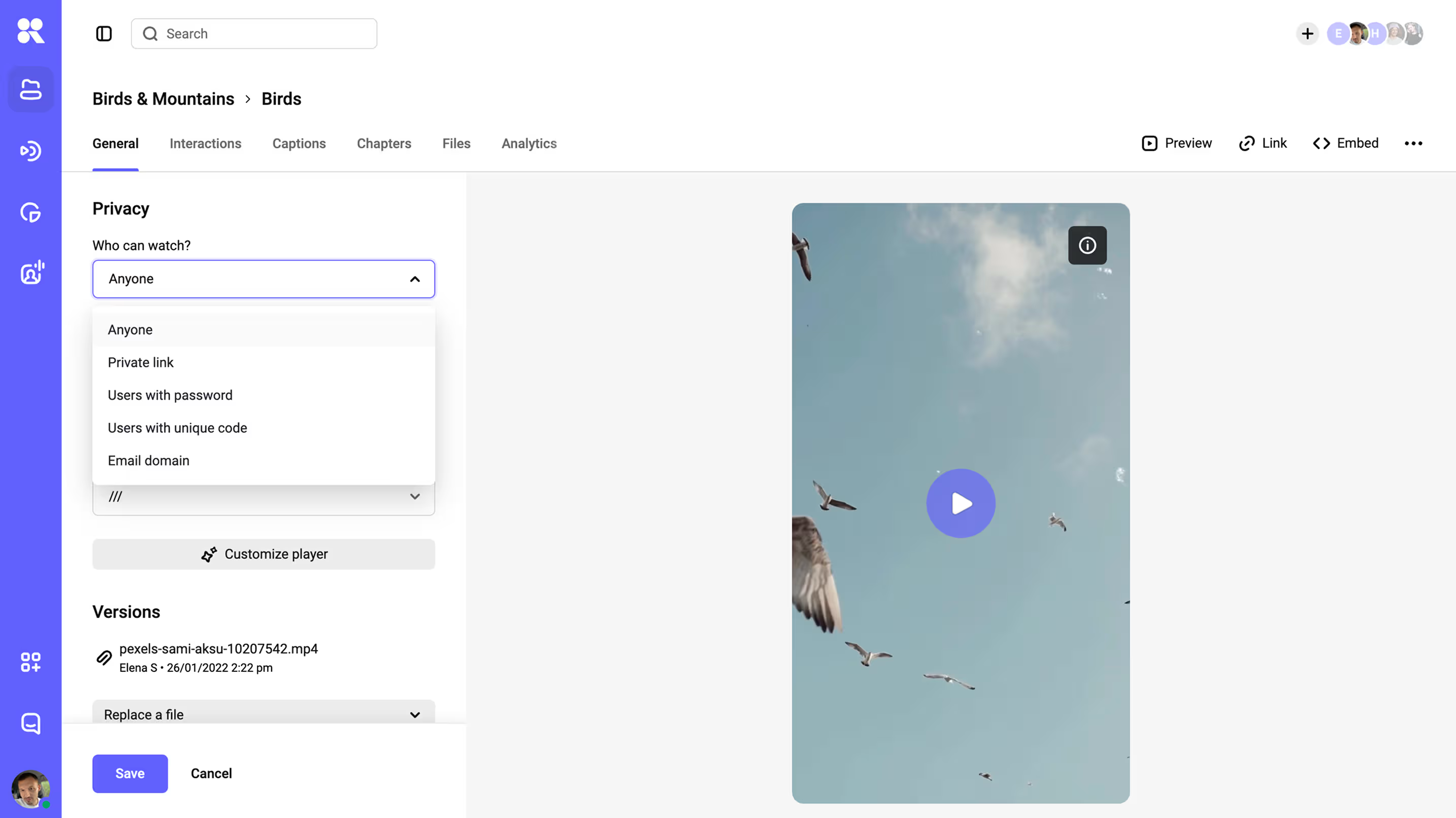
Beyond DRM, you need to decide who can watch: only logged-in members, only on your domain, only for a set window. That calls for signed, expiring links and domain rules, so a URL copied out of your course stops working somewhere else. You can also scope access by course or module, so someone who bought one program can’t reach another.
Reliable playback on any device
A lesson that stalls leads to refund requests. Students watch on whatever they have, from an old laptop to a phone on mobile data to a tablet on hotel wifi, so a lesson has to hold up across connections. Adaptive streaming over a CDN adjusts quality to each one, serving a 4K desktop and a phone on patchy data from the same file, each getting the quality its connection can hold.
Captions and accessibility
Captions widen your audience, support non-native speakers, and are a legal requirement in many markets. A course host should make uploading or generating captions straightforward, and the player should present them cleanly across devices, including where buyers expect accessibility standards like WCAG.
Engagement and completion analytics
Course creators need to know which lessons hold attention and where students drop. Per-video engagement data feeds completion tracking and shows which lessons to re-record.
Best video hosting for course creators: seven options
YouTube and social platforms are built for public audiences. They show ads and recommendations and don’t encrypt the stream.
The other six hosts embed and protect lessons. They differ in DRM, pricing model and integrations. Prices are for 2026; confirm them on each vendor’s page before you commit.
YouTube (private or unlisted)
YouTube is free and has the largest audience. A paid course fails three checks there: an unlisted link opens for anyone who has it, the stream has no protection, and the player shows ads and other creators’ videos. Use the channel to promote the course and host the lessons on a platform with DRM. If you are choosing that platform now, see the YouTube alternative for paid content.
Vimeo
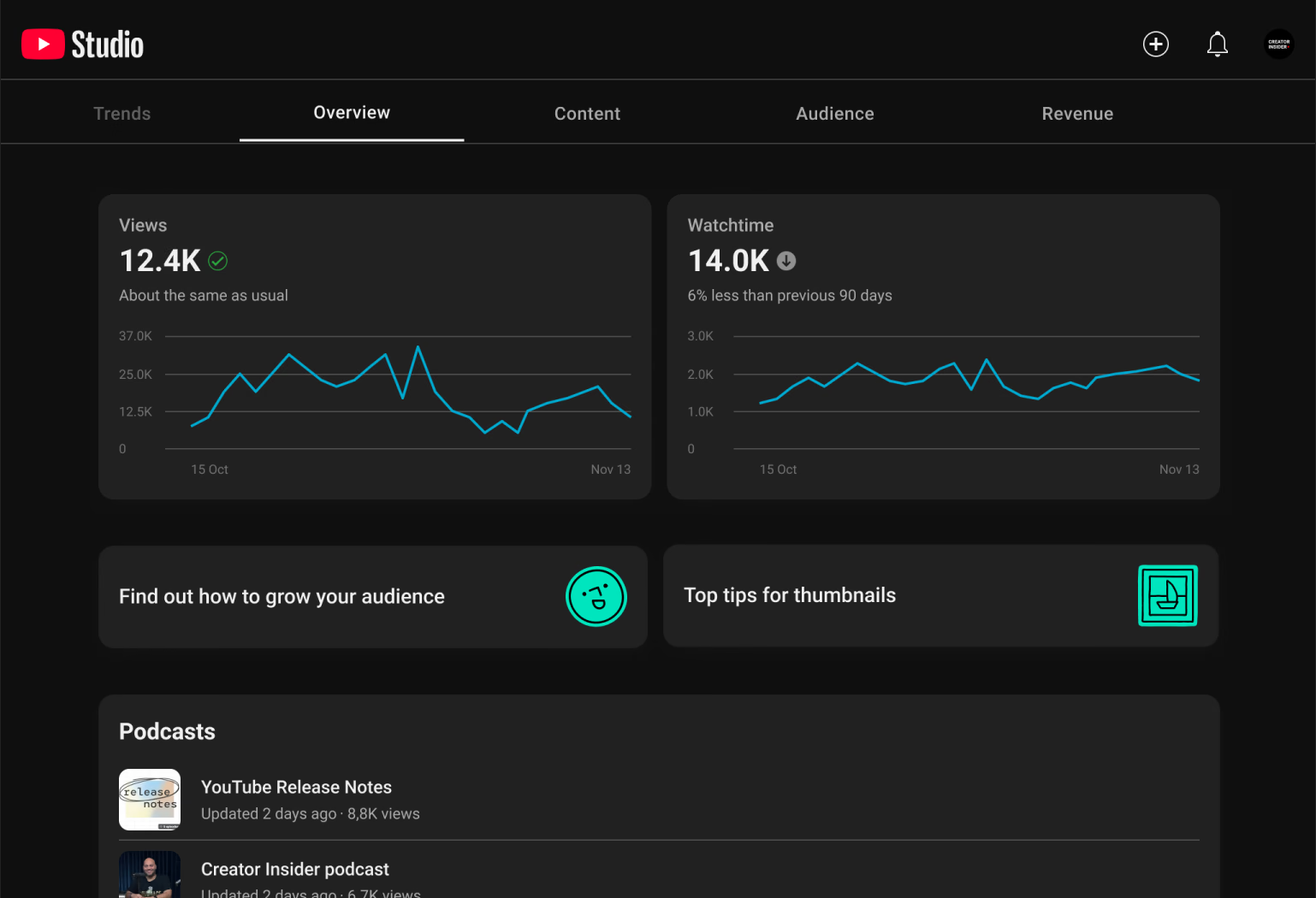
A long-standing pick for creators who want an ad-free, branded player. Its self-serve tiers, billed annually, are Starter at €8 a month, Standard at €19, and Advanced at €69, with Enterprise priced on request.
Two things decide it for a course. DRM is available only on Enterprise; the self-serve tiers protect the page with passwords and domain rules but don’t encrypt the stream. And self-serve plans carry a monthly bandwidth cap, so a launch that runs hot can push you toward a custom Enterprise contract.
Kinescope
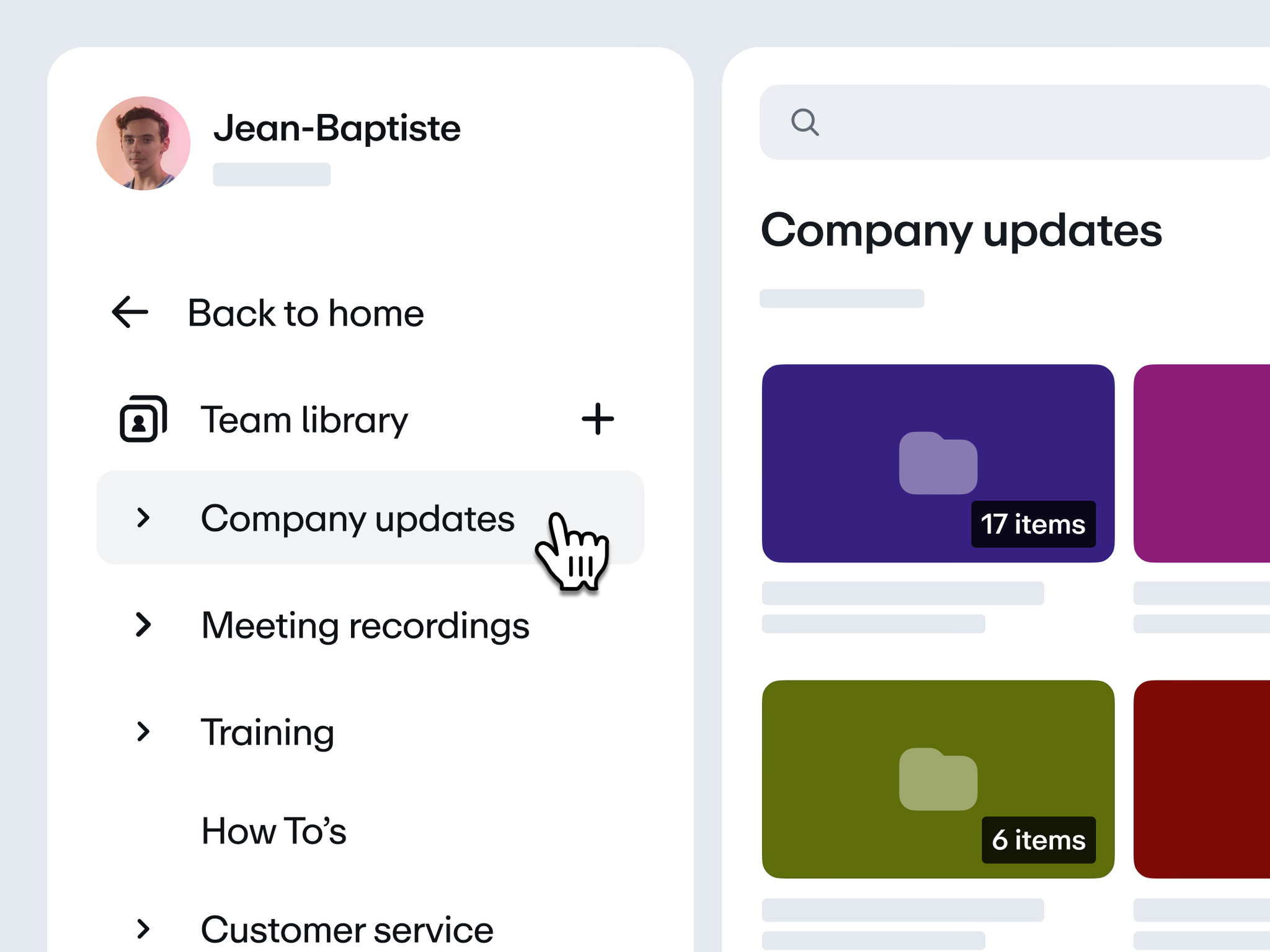
Kinescope is a full video platform: hosting, an adaptive branded player, multi-DRM, delivery, and per-video analytics in one place. Every paid plan includes encryption and DRM (Widevine and FairPlay), signed and expiring links, domain rules, and a dynamic per-viewer watermark.
AI features generate subtitles in 90+ languages, chapter markers, and a short on-screen summary on demand. Pricing is usage-based from €10 a month: €0.03 per gigabyte delivered and stored, where €10 is a monthly minimum that already covers usage up to that amount, so a quiet month is €10 and a busy one scales with views, with no bandwidth cap.
It embeds inside any LMS or your own site, with simple integrations for Moodle and WordPress, and because we’re EU-based the content stays under GDPR. DRM is part of the €10 base price.
Bunny Stream
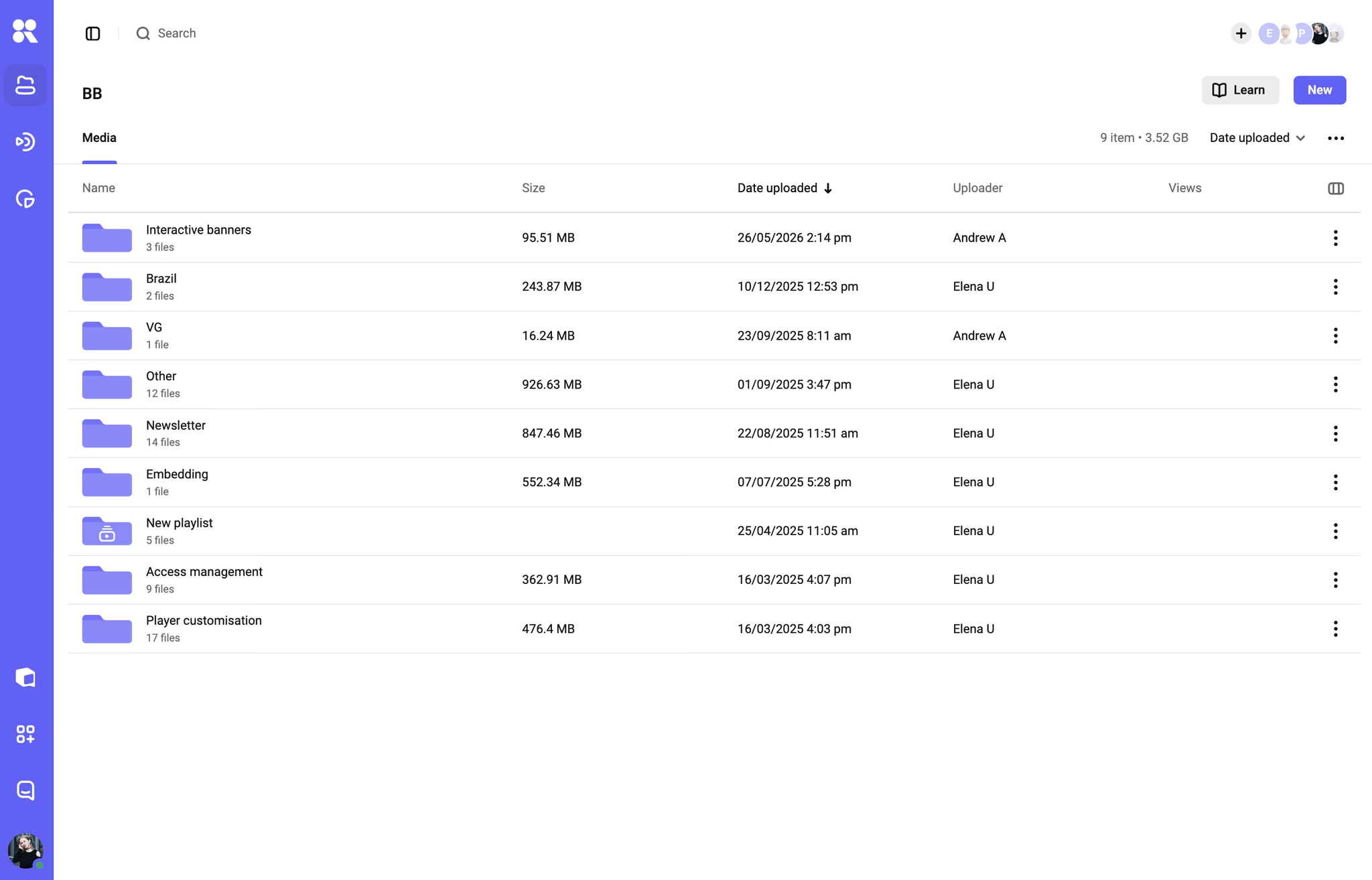
The closest option to our own model: pure usage-based pricing from about €1 a month, run by the European CDN provider bunny.net. You pay for storage (a fraction of a cent per gigabyte per month) and delivery bandwidth, with standard encoding and the player included at no extra charge.
Security covers signed URLs, domain and geo restrictions, and download blocking, and full multi-DRM (Widevine and FairPlay, branded MediaCage) is available, billed separately per playback-device license. It’s API-first and EU-hosted under GDPR, so it fits course creators comfortable managing videos in Bunny and embedding them into their own LMS or site.
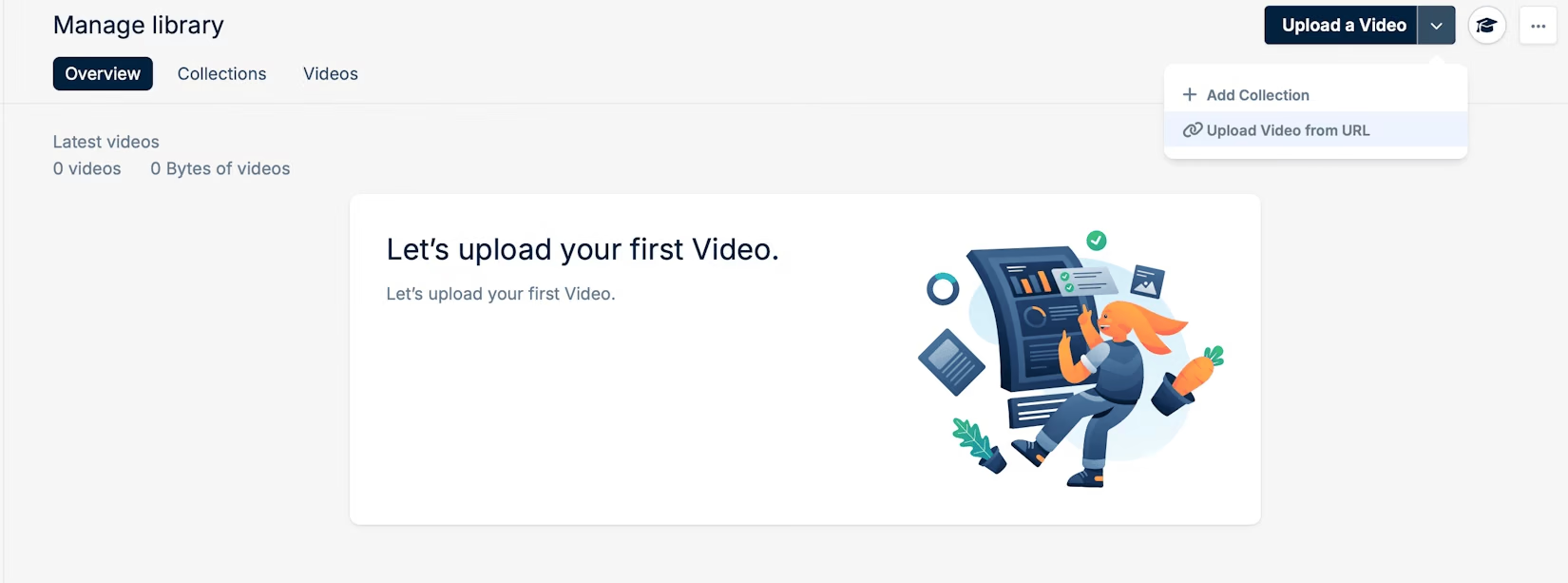
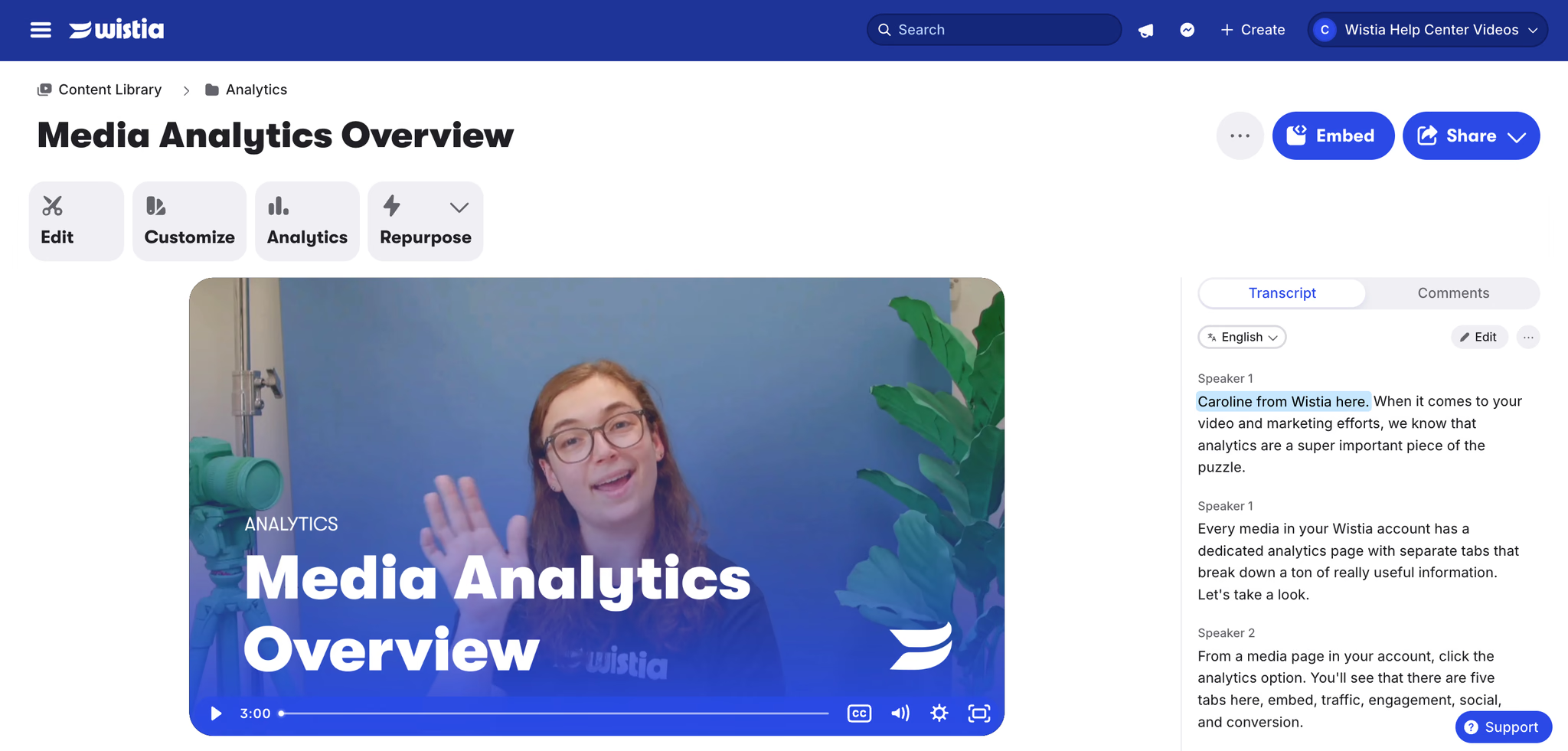
Wistia
The strongest marketing toolset in this group: viewer-level engagement heatmaps, email lead capture, and deep CRM integrations. Its 2026 structure is Free, Business (around €73/month billed annually, with 250 GB of storage and three users), and custom Enterprise, with add-ons for automation, webinars, and extra seats that stack well above the headline number.
The catch for a paid course is protection: Wistia has no DRM on any tier, guarding the page with passwords and domain rules but not encrypting the stream, so a browser extension can still pull the file. If you’re already on Wistia, the Wistia alternatives guide covers where to move.
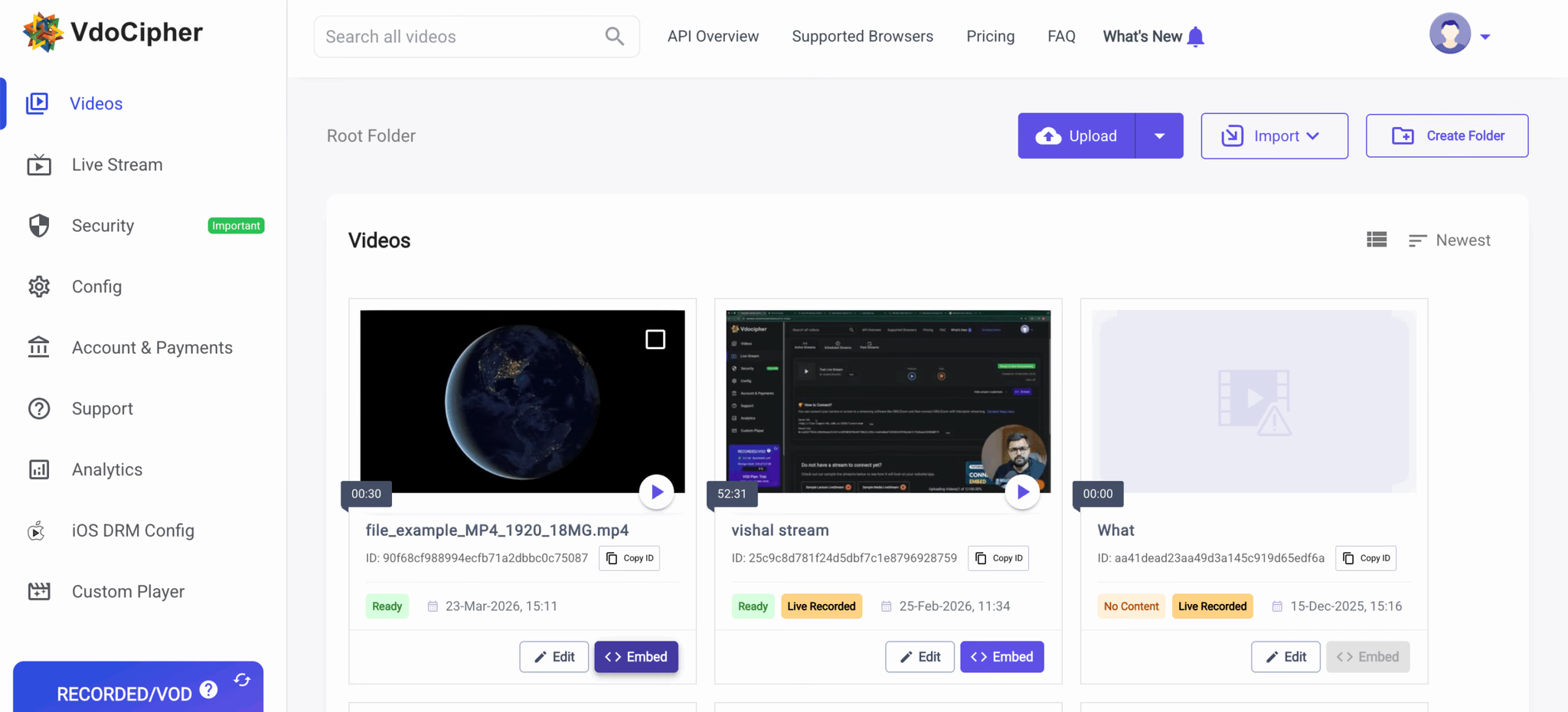
VdoCipher
A DRM-first specialist built around anti-piracy for paid content: multi-DRM (Widevine and FairPlay), dynamic watermarking, and geo-restriction, with plugins for WordPress, Moodle, Teachable, Thinkific, and Kajabi. Pricing is sold as annual bandwidth credits. The entry plan runs around €137 a year for 1,000 GB, then per-gigabyte overage, which suits a predictable annual library. It fits a course where protection matters most and marketing tools don’t.
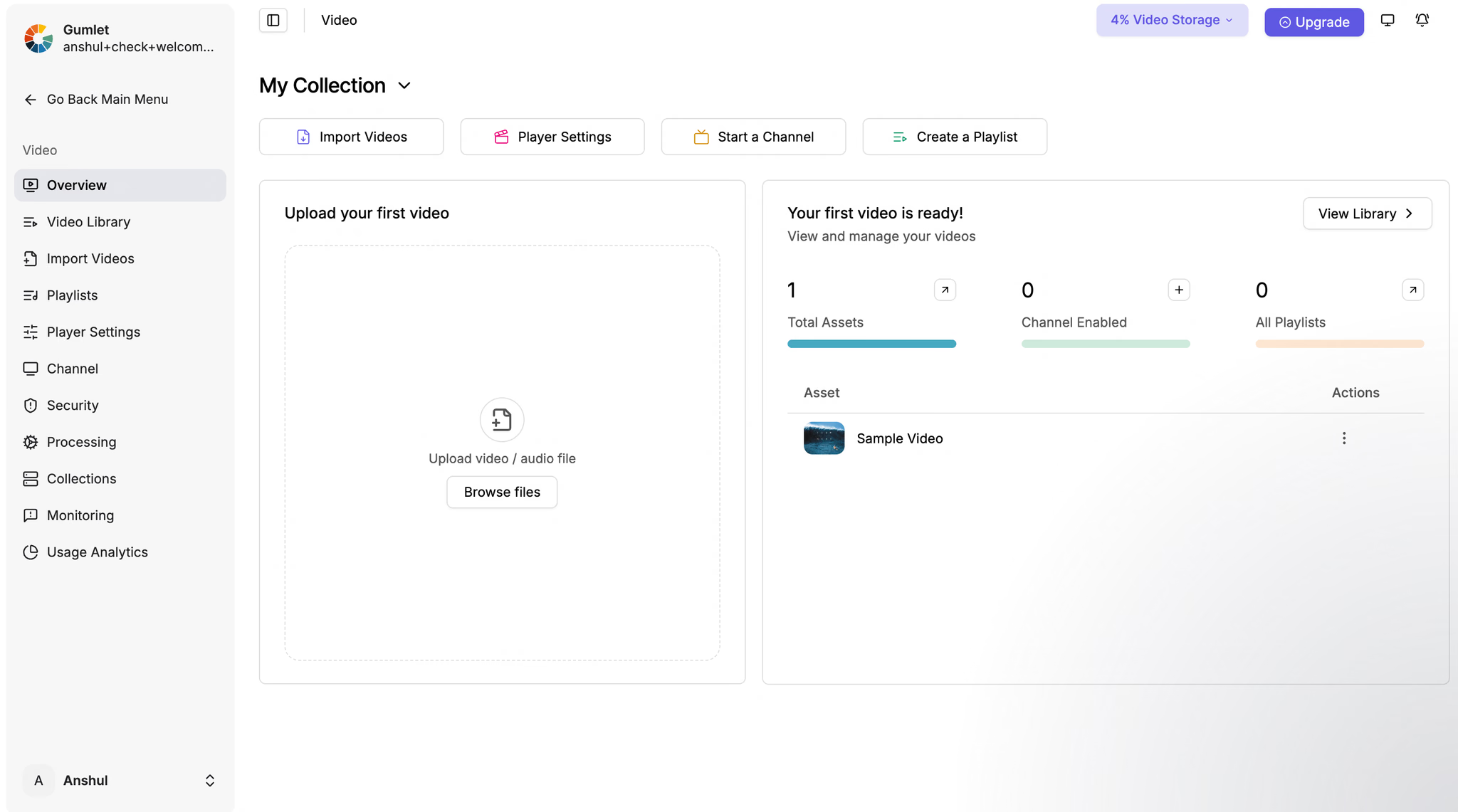
Gumlet
A newer host aimed squarely at creators, with flat plans (Creator around €5.50/month, Growth around €17/month, Business around €91/month billed annually) and DRM offered as a separate add-on (around €91/month, free for the first few videos). It carries SOC 2 and ISO 27001 attestations and includes analytics on every plan.
Video hosting for online courses compared
The grid compares DRM, LMS embedding, per-lesson analytics, captions and entry price. Vendors change plans often, so check the price columns on their sites.
| YouTube | Vimeo | Kinescope | Bunny Stream | Wistia | VdoCipher | Gumlet | |
|---|---|---|---|---|---|---|---|
| Protects paid lessonsDRM | No | Enterprise only | Yes, included | Yesper-license | No | Yes | Add-on |
| LMS / course embed | Embed with ads | Clean iframe | iframe + Moodle, WordPress | iframe / API | iframe + integrations | Plugins: Moodle, Teachable, Thinkific | iframe / API |
| Per-lesson analytics | Channel-level only | Engagement (plan-based) | Per-video engagement | Engagement + heatmaps | Heatmaps + CRM (deepest) | Usage + security | Per-video, all plans |
| Subtitles & AIlanguages, chapters | Auto captions, many languages | Auto captions + chapters | AI subtitles (90+ languages), chapters, summary, audio tracks | Subtitles (no AI) | Auto captions | Subtitles (no AI) | AI captions + chapters + translation |
| Starting price | Free | €8 / €19 / €69 | From €10/mo | From ~€1/mo | Free; ~€73/mo | ~€137/yr | ~€17/moDRM +~€91 |
Prices marked ~ are approximate, converted from each vendor’s USD pricing at about €0.92 to the dollar; Vimeo and Kinescope bill in euros. Verify on each vendor’s page.
In-video quizzes, branching, and SCORM packages aren’t a hosting feature: SCORM is how many corporate LMS platforms bundle lessons and report completion, but that bundle is built in authoring tools like Articulate Storyline or Camtasia, which embed the hosted video inside it. The host handles protected delivery, the LMS embed, and per-lesson analytics.
Cheapest monthly entry to DRM-protected lessons, from the prices in the table above. Usage above the plan is billed on top on every platform.
If you want a side-by-side on a specific platform, we keep detailed pages for Kinescope vs Vimeo, Kinescope vs Wistia, and Kinescope vs Bunny.
Where to host course videos in an LMS or on your site
The lesson has to play inside your pages and keep students there.
The embed code
A managed host gives you an iframe embed you paste into a lesson page, an LMS block, or a page builder. The player carries your branding and nothing else, so the student stays on your course. On Kinescope the embed is a single snippet per video, and the same code works across an LMS, a membership plugin, or a custom site.
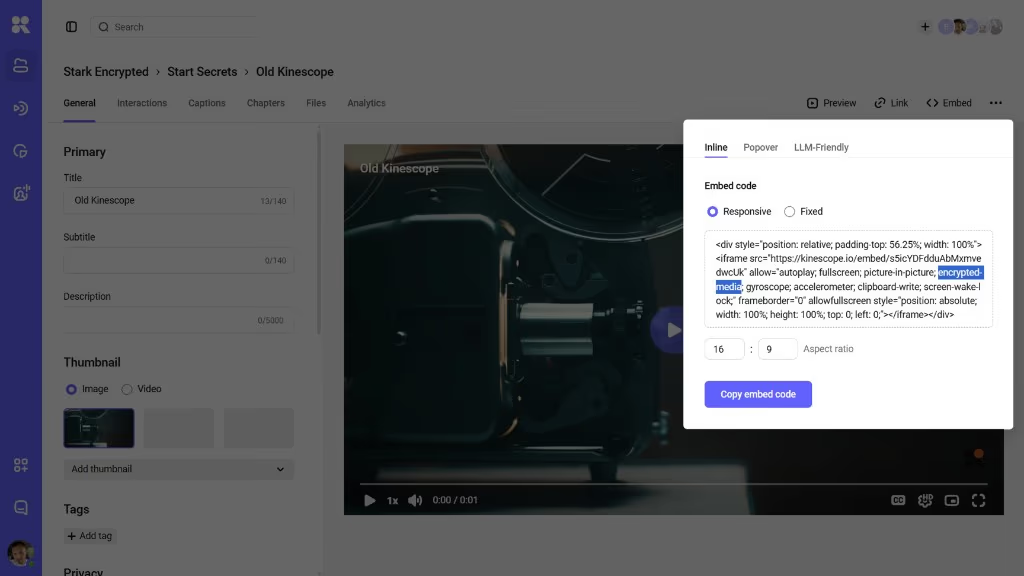
Keeping embeds private
An embed on its own can be lifted and dropped on another site. Domain rules fix that by letting the video play only on domains you list, and signed links add a per-viewer, time-limited token so a copied URL expires. Use both on paid lessons.
In common course platforms
The steps differ slightly by platform. In LMS and course builders like Teachable, Thinkific, and Kajabi, you paste the snippet into a lesson’s code or embed block and it renders inside your branded course player. In Moodle and other standards-based systems, the same iframe drops into an HTML block or a page resource.
On a self-hosted site or a membership plugin, such as WordPress with MemberPress, the embed sits in the page like any other block, with your membership rules deciding who reaches the page and domain rules deciding where the video plays. The test is the same everywhere: paste it, view the lesson as a student would, and check the player is yours and the distractions are gone.
Keeping course content secure
A leaked course loses sales on every later cohort and relaunch. Paid lessons leak four ways, and each protection layer covers some of them.
What each protection layer does against the four common ways paid lessons leak. A course needs several layers at once: no single row covers all four columns.
DRM, signed links and watermarks cover the three columns that passwords and domain rules leave open.
DRM for paid lessons
DRM encrypts the video and hands playback to the device’s secure path through Encrypted Media Extensions, the browser standard behind Widevine on Chrome and Android and FairPlay on Apple. A download attempt fails, and a copy pulled another way comes back scrambled and won’t play. Netflix and other streaming services use the same Widevine and FairPlay systems.
drmauthtoken you issued for this student.Your backend decides who gets a DRM key before every playback, so a refunded or expired student loses access on the next play.
Signed, expiring links
A signed link works for a set window and a set viewer, then stops. A lesson URL shared in a group chat stops working when the window ends.
Watermarking
A dynamic watermark burns a viewer’s identifier into the playback, so if a screen recording does escape, it traces back to the account it came from. It doesn’t block capture. A student who sees their own ID on screen knows a leak points back to them.
Estimating what a course costs
On a usage-based host the bill has three parts: delivery (the gigabytes streamed to students), storage (keeping your masters and their encoded versions), and a one-time transcode each time you upload or replace a video. Delivery grows with every student who watches. Storage grows with the size of the library. Transcoding is charged once per upload.
As a rough guide, an hour of video takes about eight gigabytes stored across all its resolutions and two to three gigabytes per viewing hour streamed, once quality adapts to each connection.
On Kinescope, delivery and storage start at €0.03 per gigabyte and tier down as volume grows, while each upload is transcoded once at €0.01 per minute. It all draws from a €10 monthly minimum that already includes your usage up to that amount, so it starts at €10 and scales with how much your course is watched.
Running the numbers
Say a course has ten lessons averaging 40 minutes each, about six and a half hours of video, and 500 students who work through most of it. Three lines make up the bill.
Transcoding is a one-time fee at upload: at €0.01 a minute, processing all 400 minutes costs about €4, charged once no matter how many people watch. Storage holds the source plus its rendered resolutions, about eight gigabytes an hour, so roughly 52 gigabytes at €0.03 per gigabyte: €1.56 a month.
Delivery is the big line. 500 students watching six hours each is 3,000 viewing hours. At 2.5 gigabytes an hour that is 7,500 gigabytes, priced in tiers: €0.03 for the first 1,000, €0.02 for the next 5,000, €0.015 after that.
Kinescope rates at 2.5 GB per viewing hour. Column height shows the price per gigabyte in each tier. At 2 or 3 GB an hour the delivery line is €130 or €175.
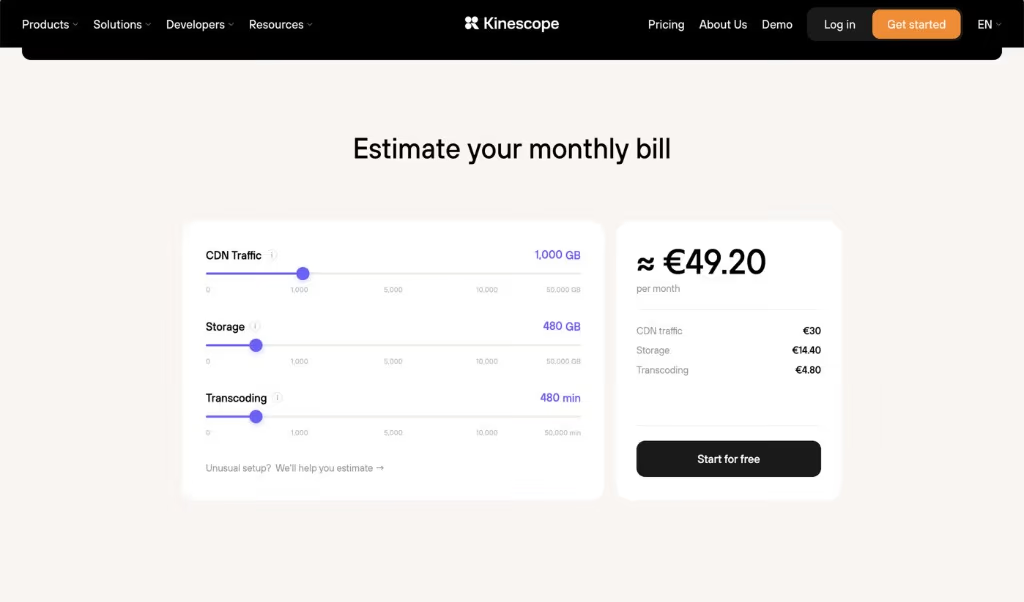
Delivery makes up 96% of the bill, and it grows only when more students watch. If you want a figure for your own course, the cost calculator turns your lesson lengths and audience into an estimate.
Setting up a protected course library
The path is the same on any managed host. Here’s how it looks on Kinescope, as an example.
Upload and organize
Upload your lessons and group them by course or module in the dashboard. Each video transcodes once into adaptive quality levels, ready to stream to any device.
Embed and protect
Turn on DRM and domain rules, copy the embed for each lesson, and paste it into your LMS or site; the setup docs cover each step.
DRM, domain rules and signed links are security settings on the same video, and the analytics show engagement per lesson once students start watching. Before you announce the course, run the download test yourself: open a lesson, point a browser download extension at it, and confirm it fails.