6 Kaltura alternatives: features, pricing, and use cases




Try your video in Kinescope
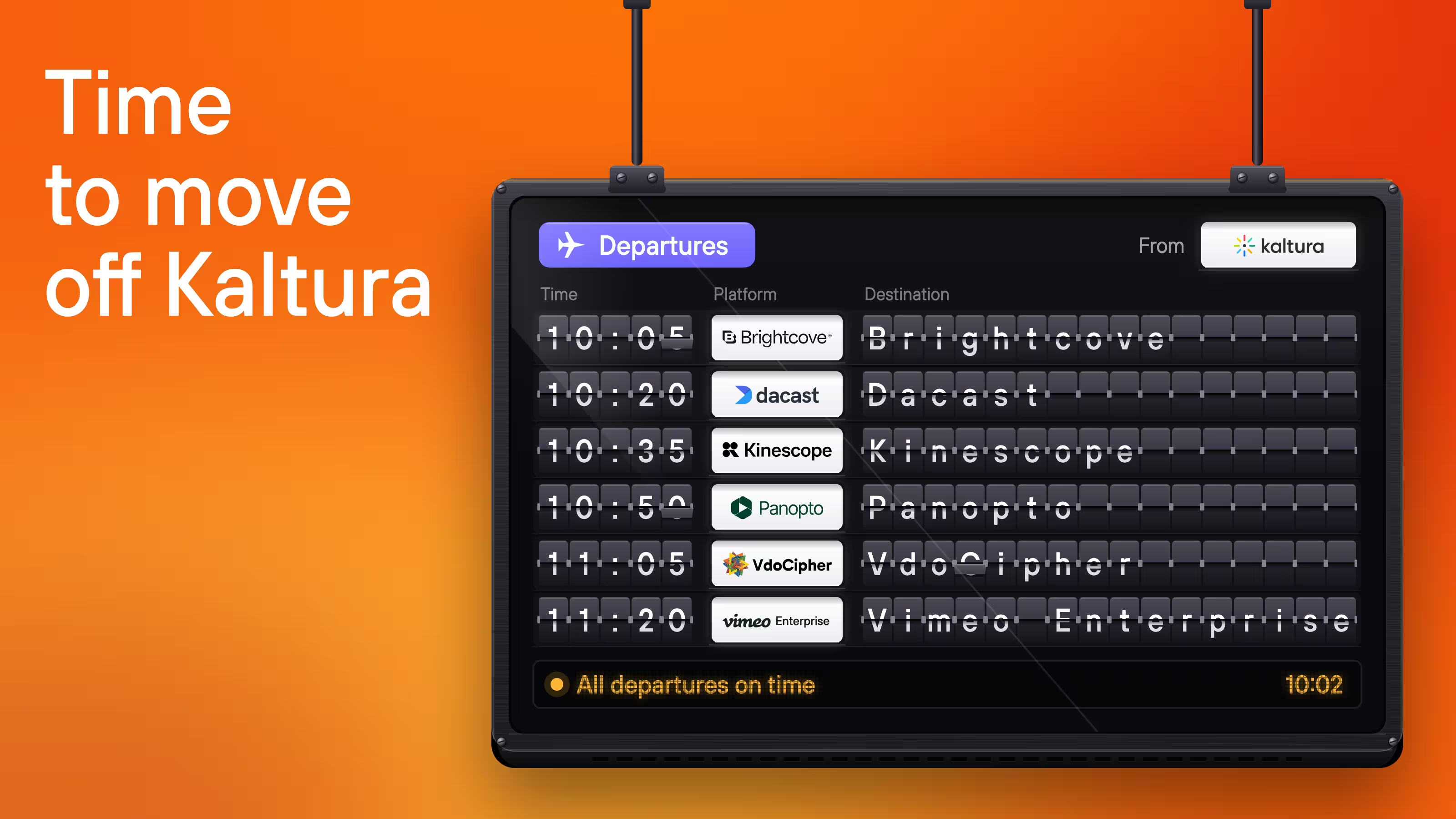
Kaltura alternatives include Kinescope, Brightcove, Panopto, Vimeo Enterprise, Dacast, and VdoCipher. The choice depends on whether you need video hosting within an existing website or a platform that also manages how your team records and publishes content.
This guide compares how the six platforms work, what their prices cover, and what changes when you move an existing library from Kaltura.
What does Kaltura do?
Kaltura is a family of video products for managing recordings, live events, and the ways people watch them. Its media management tools handle uploads, organization, and publishing. Other products connect that library to a university's learning management system (LMS), a company video portal, or a consumer streaming service.
In a university, for example, Kaltura can record a scheduled lecture and publish it into the learning environment, where an instructor can add a video quiz and send its results to the course gradebook. For a business embedding product videos on its website, the library and player may be enough. These organizations depend on different parts of Kaltura, so an alternative can cover everything one team needs without reproducing its entire product range.
Kaltura alternatives at a glance
| Platform | Pricing | Useful for | What to consider |
|---|---|---|---|
| Kinescope | The Super plan from €10/month, with usage-based billing | Video libraries, live streams, and protected playback within your website or learning platform | Storage, processing, and traffic affect the bill. Team single sign-on (SSO) is available with the custom Mega plan |
| Brightcove | Custom quote | Publishing to websites and social channels, with separate solutions for monetization and streaming apps | The proposal needs to include the relevant publishing, live, and monetization products |
| Panopto | Custom quote | Recording lectures and training, making them searchable, and connecting video to an LMS | Pricing depends on the deployment, integrations, and add-ons |
| Vimeo Enterprise | Custom quote | Shared business-video libraries, controlled team access, and live events | Event capabilities depend on the contracted features. Separate team libraries require the Workspaces add-on |
| Dacast | The Starter plan €36/month, billed annually | Live and on-demand streaming, with options to sell access | Paywall: the Event plan, €58/month. Encrypted playback for recordings: the Scale plan, €153/month. Both billed annually |
| VdoCipher | The Starter plan approximately €133/year | Encrypted on-demand video in a website or app | 1,000 GB of bandwidth and 100 GB of storage. The package expires after a year or when bandwidth runs out, whichever comes first |
Starting prices cover different amounts of service. Your total depends on storage, viewing traffic, and the features you need. Prices checked October 27, 2026. Approximate prices use the ECB rate of €1 = US$1.1188; taxes may vary. Exchange rate dated October 26, 2026.
1. Kinescope
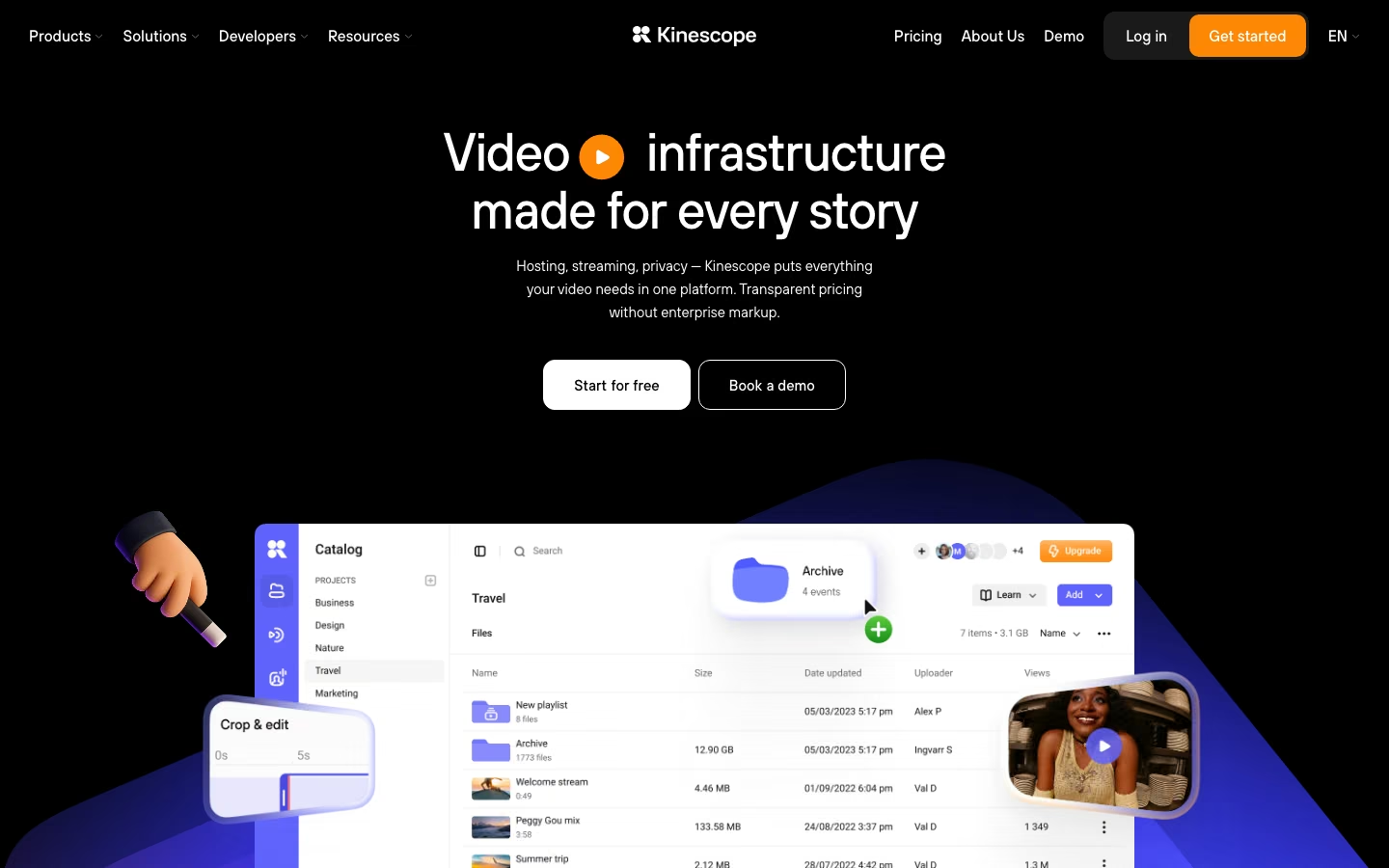
Kinescope combines video hosting, live streaming, and viewing analytics for teams publishing video on websites and learning platforms. You can manage your library in our dashboard or connect it to your own tools through the API.
For an online course, you can group lessons into projects and folders, then add captions and chapters to help students follow the material. Player templates apply consistent colors and branding across the videos.
Before publishing those lessons, you can decide who may watch them and where the player may appear. Built-in settings support passwords, unique access codes, and approved email domains, alongside restrictions on which websites can embed the player. If access depends on course enrollment, Kinescope can check permission with your server, although that connection requires development work. DRM protects the video through encryption and controlled playback licenses, while viewer-specific watermarks help trace redistributed recordings.
You can then embed the lessons beside assignments on your course pages. Our media plugin for Moodle turns a pasted video link into an embedded player. For live teaching, you can broadcast through Kinescope with chat alongside the video or hold interactive meetings through Speak. When recording is enabled for a broadcast or a Speak meeting, the video and synchronized chat remain available for students to revisit.
Once students start using the material, analytics shows whether they start a video and how much they watch. Kinescope counts player loads separately from views and reports watch depth, with breakdowns by device, geography, and referring page.
The cost depends on how much video you store, process, and deliver. The Super plan includes DRM and has a minimum payment of €10 per month, with usage-based charges rather than a fixed bundle of capacity. Organizations that need single sign-on for their team use the custom Mega plan, which also follows a pay-as-you-go model, with additional discounts at high volumes.
2. Brightcove
Brightcove combines video management, players, live streaming, and analytics with publishing and monetization products.
A media team can use its library to organize assets with folders, playlists, and tags, then distribute them to the places its audience watches. Those tags can also determine where new videos are published. Once Brightcove Social's Auto Sync rules are configured, an editor can tag a new clip and have it sent to the associated social accounts.
For a paid video service, Brightcove also has options for advertising, subscriptions, and individual purchases. Its Beacon product extends the library into a streaming experience across devices, including the pages and content collections viewers browse.
Brightcove's pricing is custom. Video Cloud covers publishing, while a consumer streaming service also needs a viewer application and payment integration. These are part of the scope to discuss when requesting a quote for Beacon.
A team that only needs hosted videos on an existing website may have little use for the broader publishing and application tools. Their value grows when they replace work the media team would otherwise manage across several systems.
3. Panopto
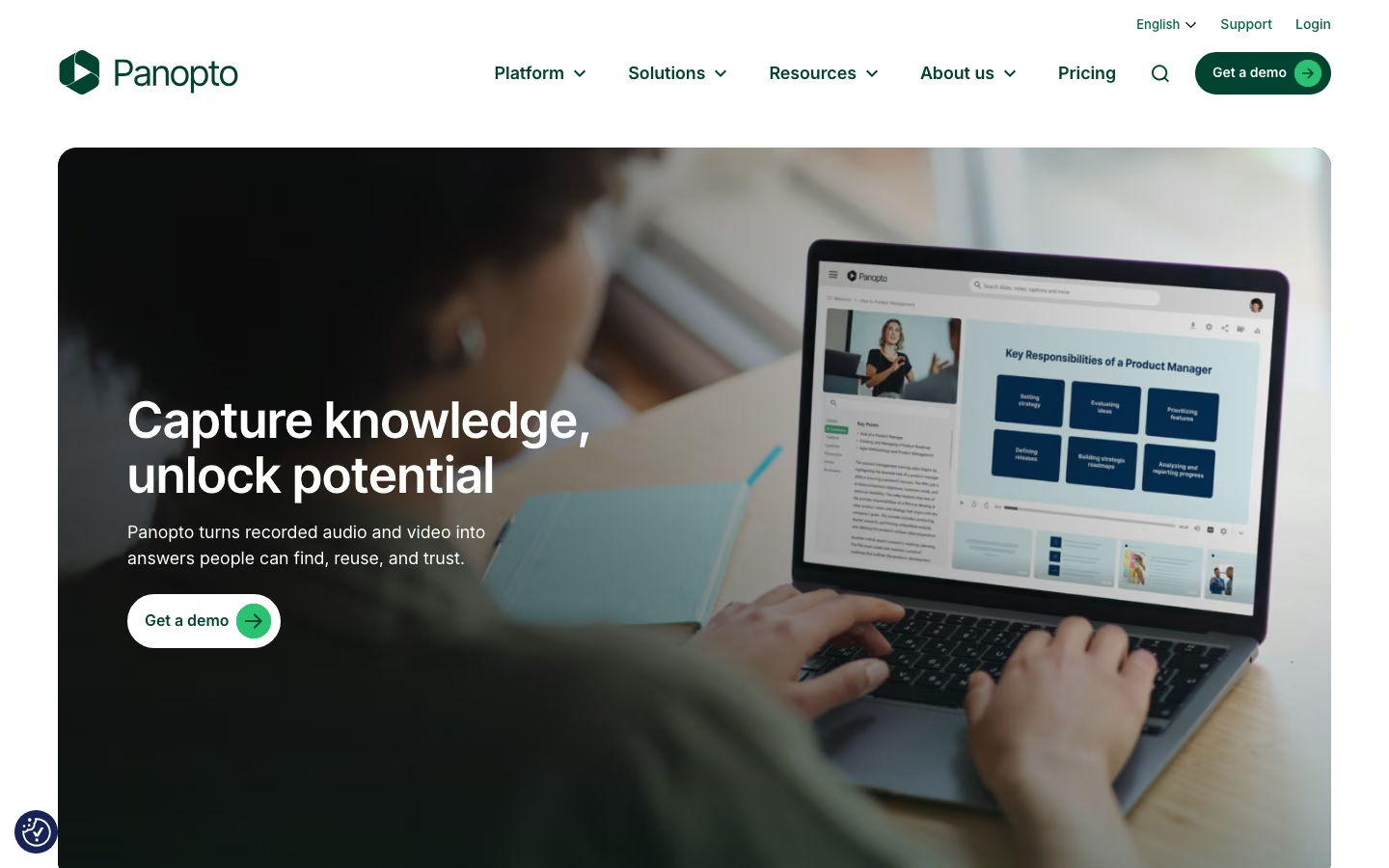
Panopto connects recording, a searchable video library, and learning-platform integrations. For a university, that means a lecture can become course material in the environment students already use.
In Blackboard, for example, each course is paired with a Panopto folder, and its roles and permissions determine who can access the videos. Instructors can record, upload, and embed material from within Blackboard. Once a recording is available, students can search for a word spoken in it or shown on screen and jump to the relevant passage while studying.
The integration extends to assessment: students can submit video assignments, and in-video quiz results can return to the gradebook. This makes Panopto relevant when replacing Kaltura's connected teaching workflow, although the supported activities depend on the LMS integration.
Panopto quotes for the organization's deployment. Its pricing separates optional products, including AI and video-portal additions, from the core offer, so the scope of the proposal matters alongside the number of users and integrations.
4. Vimeo Enterprise
Vimeo Enterprise brings hosting, shared video libraries, live events, and reporting under centralized account administration. For a company with several departments producing video, this provides a way to share the service while dividing responsibility for the content.
A training team, for example, can manage its own collection without administering the whole account. Folder permissions distinguish between viewing, editing, and managing content. Someone with management rights can organize subfolders and invite colleagues. Single sign-on connects those team accounts to the company's identity system.
The paid Workspaces add-on gives departments separate libraries, each managed independently. Storage and bandwidth are still managed across the organization, with usage attributed to each workspace.
For employees watching the content, private showcases bring recordings and live video together. A communications team can make a broadcast available after the event, then review individual viewing through user-level analytics. Live registration and moderated Q&A depend on whether the Enterprise plan includes the Events features.
Vimeo Enterprise is sold through a custom quote. The public prices of Vimeo's self-service plans do not represent this configuration.
5. Dacast
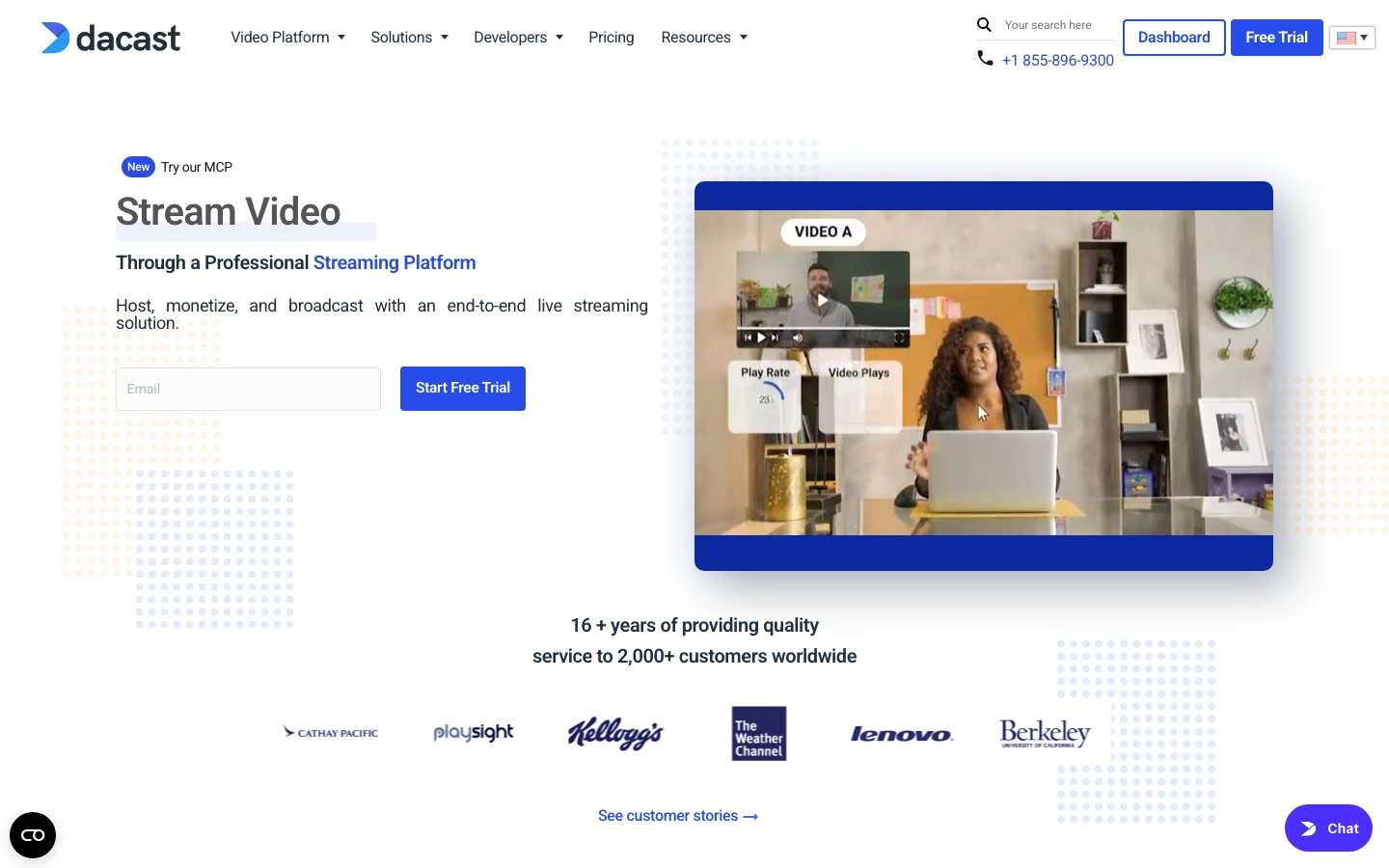
Dacast combines live broadcasting, a library of on-demand recordings, and tools for selling access to both. An event team can send a live feed from OBS, Wirecast, or vMix to its Dacast channel and publish the broadcast on its own website.
For a paid event, the organizer sets a price and viewing window through the built-in paywall. Viewers can buy access to an individual video, subscribe, or purchase a package covering several videos. The paywall is available from the Event plan, with a commission of 9.9% plus approximately €0.36 per viewer purchase for both pay-per-view and subscriptions. These transaction fees are additional to video delivery charges.
The audience watches through an embeddable player without Dacast branding, with quality adapting to each viewer's connection. After the event, the recording can remain in the video library for people who missed the broadcast. The team can review concurrent viewers, audience locations, and playback quality during and after the broadcast.
The plan choice depends on whether the team needs streaming alone, paid access, or DRM-protected recordings. Each plan also includes separate bandwidth and storage allowances: viewing consumes bandwidth, while saved recordings occupy storage even between events.
- For streaming without the built-in paywall, the Starter plan includes 2.4 TB of annual bandwidth and 500 GB of storage.
- For selling access, the Event plan provides the paywall and 6 TB of bandwidth upfront, with 250 GB of storage. It allows more viewing than the Starter plan but holds a smaller recording archive.
- For recordings that require DRM, the Scale plan includes encrypted on-demand playback, 24 TB of annual bandwidth, and 2 TB of storage.
6. VdoCipher
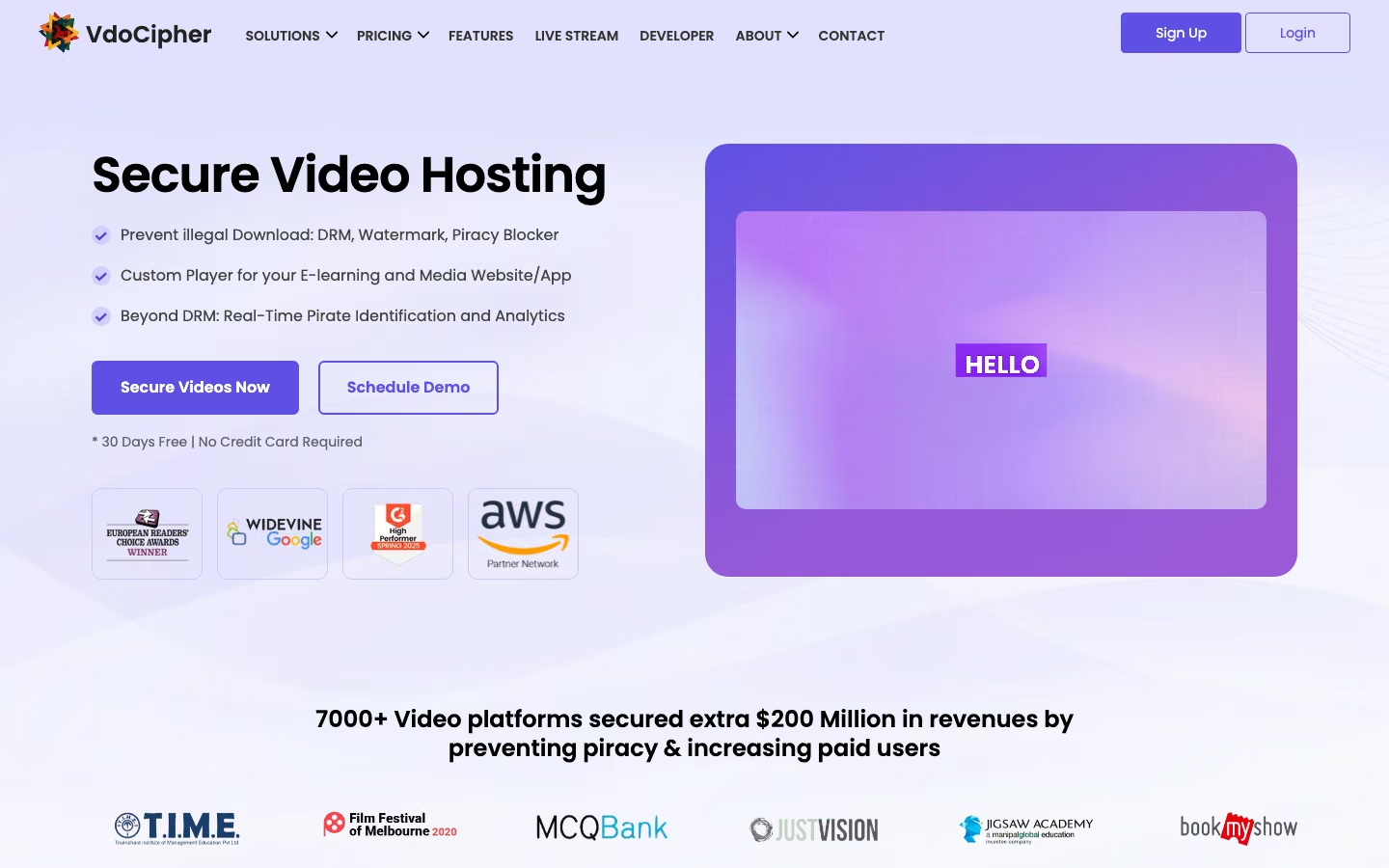
VdoCipher provides hosting, a customizable player, analytics, and integrations for websites and apps, with protected on-demand playback central to its offering. In addition to DRM, it can display a viewer's ID or email as a watermark over the picture. If someone redistributes a screen recording, that visible identity can help trace the copy. Watermarking adds a deterrent to the encrypted delivery, although it cannot make copying impossible.
The service fits into a website or application that already knows who has access. WordPress and Moodle plugins provide integration options, while APIs and player SDKs support custom sites and mobile apps. For a course business, that means the existing platform can continue handling enrollment as VdoCipher supplies protected playback within the lesson.
These integrations and protections are not exclusive to VdoCipher: Kinescope also supports DRM, viewer-specific watermarks, and Moodle integration. For a school comparing the two, the billing model is another useful distinction. Kinescope charges for usage with a monthly minimum, while VdoCipher sells packages of storage capacity and bandwidth credits with a limited validity period.
VdoCipher's Starter plan includes 1,000 GB of bandwidth and 100 GB of storage for approximately €133 per year. The storage allowance includes the processed versions used for different devices and quality levels, so a 100 GB source library would require more than 100 GB of accounted storage. Viewing can also exhaust the bandwidth credit before the year ends, making the package's usable duration dependent on how often students watch.
VdoCipher lists a separate live-streaming offering without DRM, so a school that also broadcasts classes needs to assess that service separately.
What changes when you move from Kaltura?
The video files are one part of a migration. Your website also needs to know which new video belongs on each page, and any connection that checks access or sends quiz results to an LMS has to work with the replacement service.
The EBAC move from Kaltura to Kinescope shows how transferring recordings and adapting the systems that use them can take different amounts of time. EBAC kept its learning platform and spent about two months adapting admin tools and scripts to our API. Its migration script transferred the 16 TB library in a couple of weeks, and students moved across in stages.
To find out what your own setup would need, a small pilot should test both the video transfer and the connections around it before you move the whole library:
- Move a few representative videos, including captions and restricted content, and connect them to their actual pages.
- Follow the experience as a viewer and as the person publishing the next video. For a course, this includes enrollment permissions and any graded activity. For an event, it includes the broadcast and replay.
- Put the integration work and any period of running both services alongside the recurring price. This shows what the change would cost to complete, as well as to operate afterward.
Choosing a Kaltura alternative
Still unsure which platform fits your needs? Here’s a quick guide to choosing from the six alternatives.
-
Need video hosting for a website or learning platform? Consider Kinescope for a library that combines embedded recordings, live sessions, and viewing analytics, with usage-based billing. For protected on-demand lessons, compare it with VdoCipher. Both offer DRM and viewer-specific watermarks, so compare the integration you need and the cost of your actual storage and viewing volume.
-
Replacing a university's lecture and assessment workflow? Look at Panopto. It connects recording and searchable lectures with course permissions, video assignments, and quiz results. Check the integration for your LMS, since it determines which teaching activities are supported.
-
Publishing across social channels or building a paid streaming service? Consider Brightcove. Its publishing tools help distribute a media library, while Beacon supports a viewer-facing streaming application. The quote needs to include the products required for your service.
-
Managing video across several company departments? Look at Vimeo Enterprise for shared libraries, delegated permissions, and centralized administration. If departments need separate libraries, include the Workspaces add-on in the comparison; live-event requirements also need to be reflected in the quote.
-
Selling access to live events and recordings through the player? Consider Dacast for its built-in paywall. Budget for the Event plan or above and transaction fees alongside delivery costs. If your recordings also require DRM, the relevant starting point is the Scale plan.
Try Kinescope on your website
Create a free account and upload a video to embed on one of your pages.