Adding video to your SaaS app: 9 video APIs and AI developer tools




Build video into your app with Kinescope
To add video uploads and playback to a SaaS app, connect a video hosting API to your backend and embed a player in your interface. The video service stores, processes and delivers the files, while your app links each recording to the relevant user or record and controls access. For existing videos, a player embed may be enough.
AI coding tools such as Cursor and Claude Code can help build this integration from the provider’s API documentation. Through MCP, the agent can also check a recording’s processing status in your video account, if the connected server supports that operation.
This guide brings together two groups of tools: six video platforms that handle the media and three AI developer tools that help connect those services to your product. Within each group, we compare their roles and integration options, with pricing references for the video platforms and a practical workflow for using the tools together.
Key takeaways
- Start with the video workflow your users need. Existing recordings may only need an embed, but user uploads also require application logic around the video API.
- Compare costs using the same library and viewing workload. Stored minutes, delivered minutes, gigabytes and media credits measure different things.
- AI coding tools can write and test API integrations without MCP. MCP adds a way for an agent to use a service's exposed tools and account data.
- An agent's access to your video account does not establish your users' viewing permissions. Your app still needs to connect playback access to its own records and accounts.
6 video APIs for SaaS applications
These platforms cover hosted video, processing and playback, but their suitability depends on whether you need a managed library, a developer-led upload workflow or transformations for a wider collection of media. MCP support is another consideration, but the available operations matter more than a yes-or-no label.
The table lists entry prices and included usage. Monthly costs depend on how much video you store, process and deliver.
| Platform | Relevant workflow | Pricing reference | Official MCP scope |
|---|---|---|---|
| Kinescope | Managed library, API integration and protected playback | Super plan from €10/month; initial storage and traffic tiers €0.03/GB; processing €0.01/minute | Public beta: library, projects, analytics and live operations; no direct file upload or deletion |
| Mux | Application-controlled uploads and playback | Free plan: up to 10 on-demand videos and 100,000 delivery minutes/month; Pay as you go plan includes approximately €17.96 monthly usage credit | Hosted server with documentation search and SDK execution |
| Cloudflare Stream | Upload, live video and delivery through one API | Approximately €4.49 per 1,000 stored minutes; €0.90 per 1,000 delivered minutes | Cloudflare-wide API MCP, including API discovery and execution |
| api.video | Video objects, uploads and playback integrated into an app | Advertised rates as low as approximately €0.00256/stored minute and €0.00153/delivered minute | Official vendor MCP not confirmed; REST API available |
| Bunny Stream | Hosted playback with storage and traffic billing | Storage from approximately €0.00898/GB; CDN from €0.00449/GB; approximately €0.90 monthly minimum | Official vendor MCP not confirmed; API integration available |
| Cloudinary | Video alongside image management and transformations | Free plan: 25 monthly credits; Plus plan approximately €88.92/month with monthly billing | Asset Management and other servers; video upload, management and transformation tools |
Prices checked October 29, 2026. Approximate prices use the ECB rate of €1 = US$1.1133. Taxes may vary.
Before choosing a provider, compare costs for the same library, viewing volume and video quality. Minute-based pricing needs stored and delivered minutes, gigabyte-based pricing also needs file-size and bitrate estimates. For credit-based plans, include the transcoding, storage and delivery your app will use.
1. Kinescope
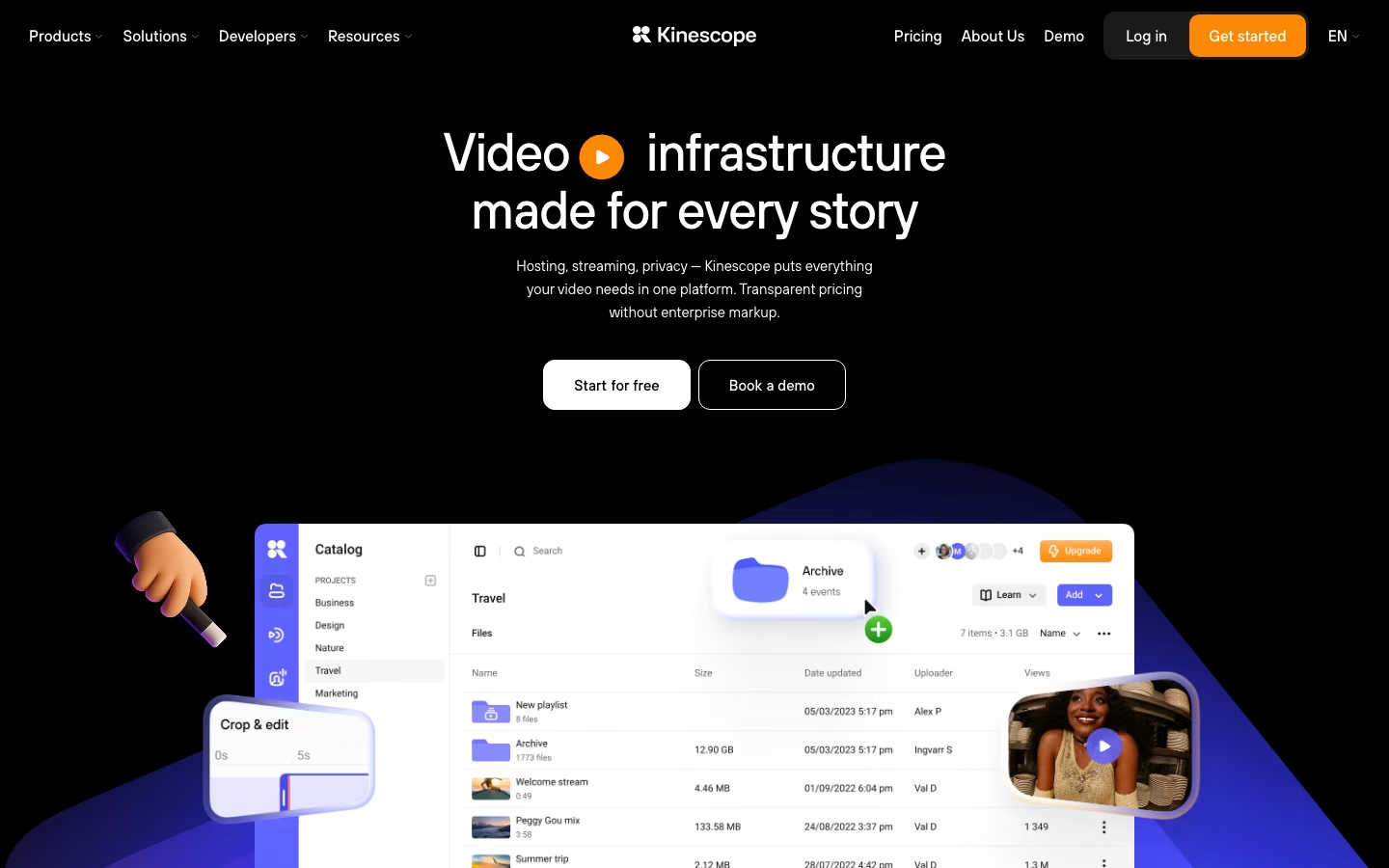
Kinescope gives a team a video library it can manage through the dashboard and connect to its own application through the API. That combination is useful when developers build the product integration while colleagues organize recordings, update descriptions or manage projects. The API covers uploads, webhooks, players and analytics, letting the application work with the recordings colleagues manage in that library.
For a learning product, for example, the application can associate a lesson with a Kinescope video and embed our player on the course page. The application still needs to determine whether the student has access to that course. Playback protection then works alongside that decision: DRM encrypts video and controls its playback licenses, while application permissions establish the student's entitlement.
Our MCP server gives an agent access to library searches, metadata, projects, analytics and live-stream operations. This can help when you want to find a particular recording or examine viewing data while working on the integration. The server is in public beta, deletion is disabled, and direct video-file upload remains in development, so uploads still need the supported API or dashboard route.
The Super plan starts at €10 per month, which includes €10 worth of resource usage. You pay extra only when usage exceeds that amount. DRM is included on the Super plan. Initial storage and delivery tiers are €0.03 per GB, and processing is €0.01 per minute.
2. Mux
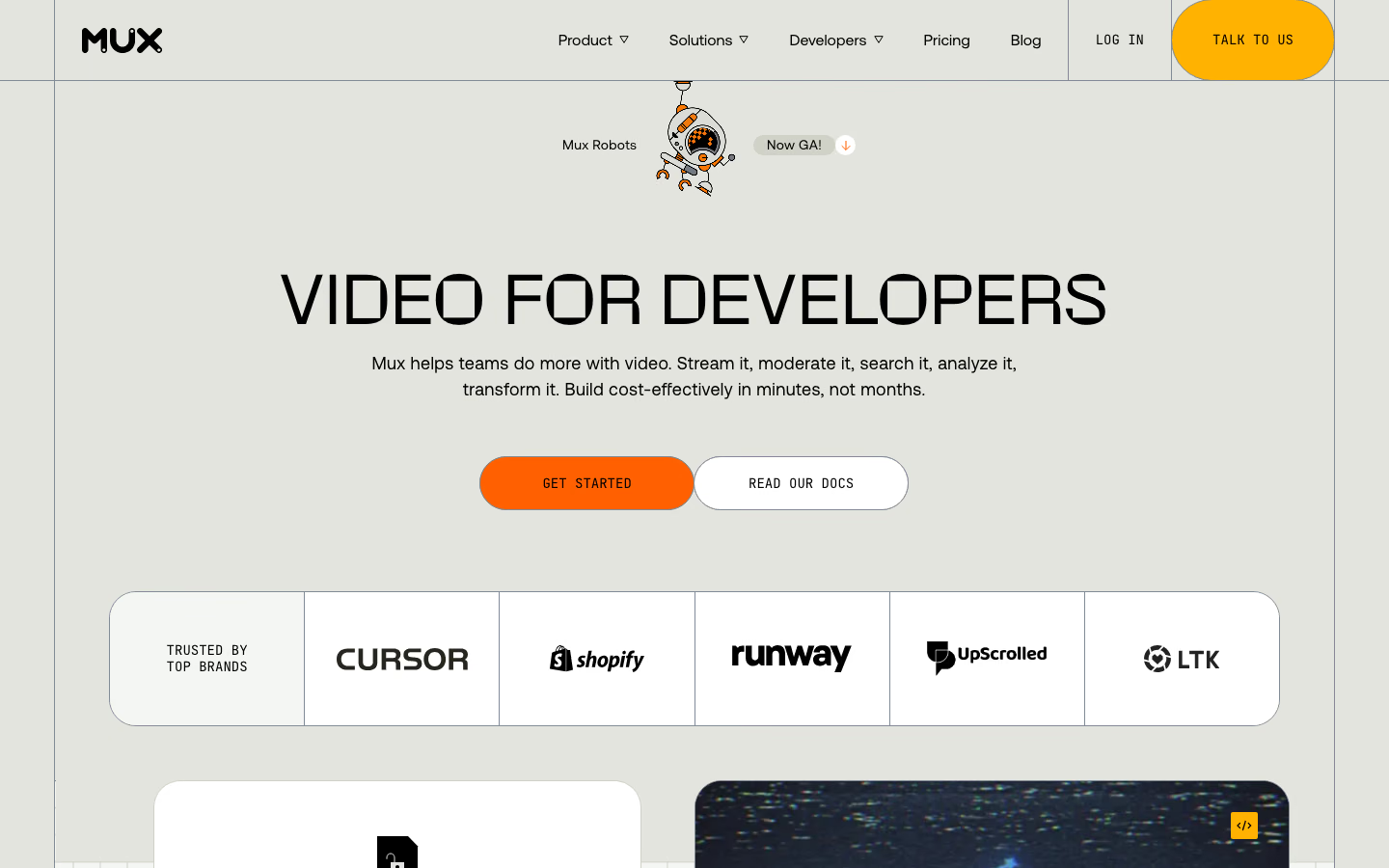
Mux provides video infrastructure for applications that need to control the upload and playback experience. Its direct-upload workflow lets your backend create an upload URL for the client. The file goes to Mux, and your application follows the resulting asset through processing before showing the playable result. This is a useful starting point for a support product whose customers upload recordings directly from a ticket.
Mux's hosted MCP server exposes search_docs and execute. The agent can look up documentation and run TypeScript against the Mux SDK, covering Video and Data operations. Its authority follows the environment and token used for the connection. Destructive operations receive no special server-side prohibition, so a read-only task should use read-only credentials.
The Free plan supports up to ten stored on-demand videos and 100,000 monthly delivery minutes. The Pay as you go plan adds live video and includes approximately €17.96 of monthly usage credit. Usage beyond applicable allowances is billed. Quality settings and optional capabilities also affect the estimate.
3. Cloudflare Stream
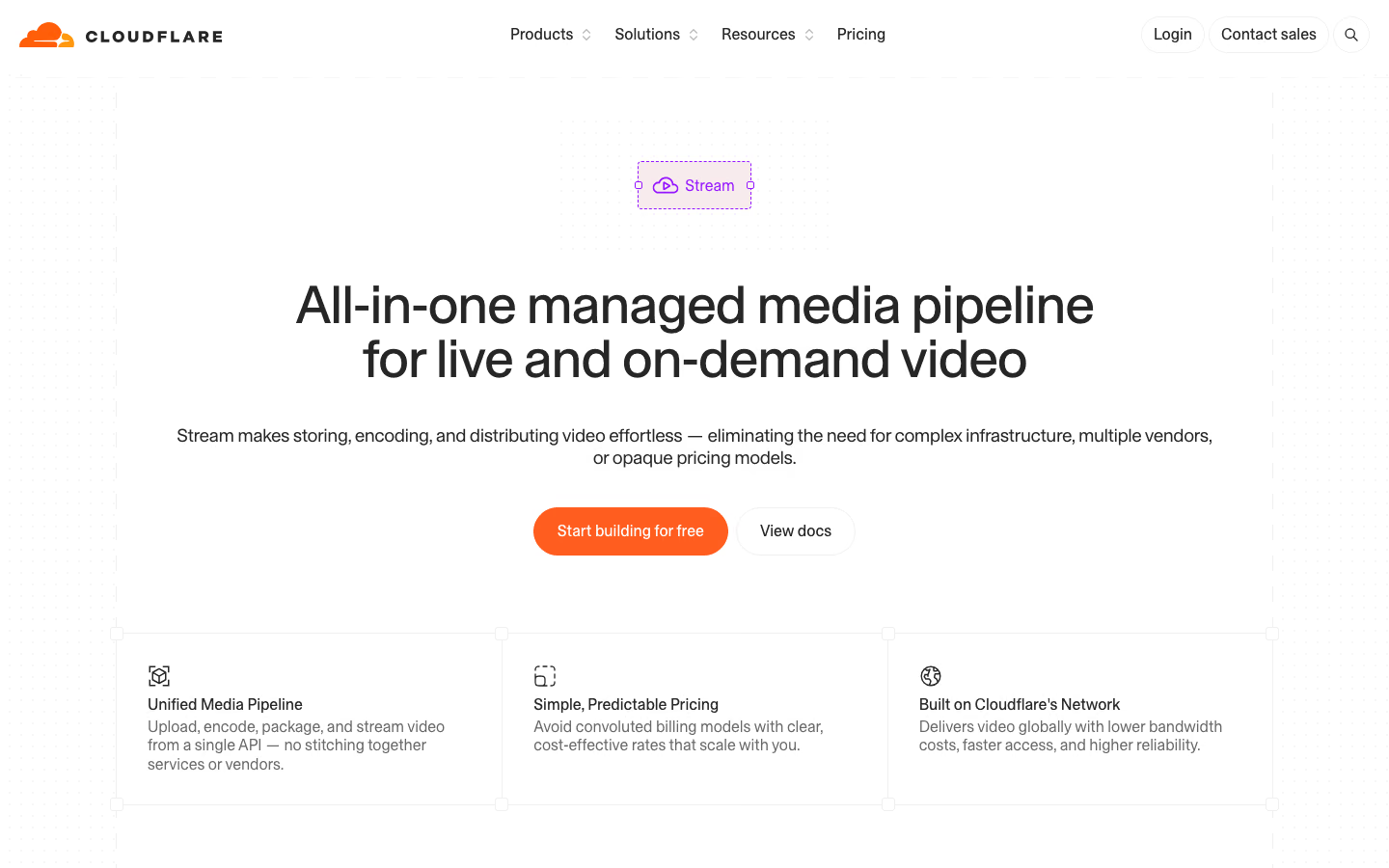
Cloudflare Stream combines uploading, encoding and delivery behind an API. It supports hosted playback and live video, with storage and delivery measured in minutes. For a team already building on Cloudflare, Stream brings video into the same provider's environment. Its minute-based billing also lets the team estimate ordinary delivery from viewing time without calculating bandwidth separately.
The billing model is particularly easy to relate to a recording library: stored minutes describe the duration you keep, and delivered minutes describe consumption. Storage is purchased in blocks of 1,000 minutes for approximately €4.49, while 1,000 delivered minutes cost approximately €0.90. Encoding and ingress are included, and delivery pricing includes bandwidth.
Cloudflare also provides a general API MCP server with tools to discover and call API endpoints and search documentation. Through this shared server, an agent can work with Stream endpoints alongside other Cloudflare services, subject to its account permissions.
4. api.video
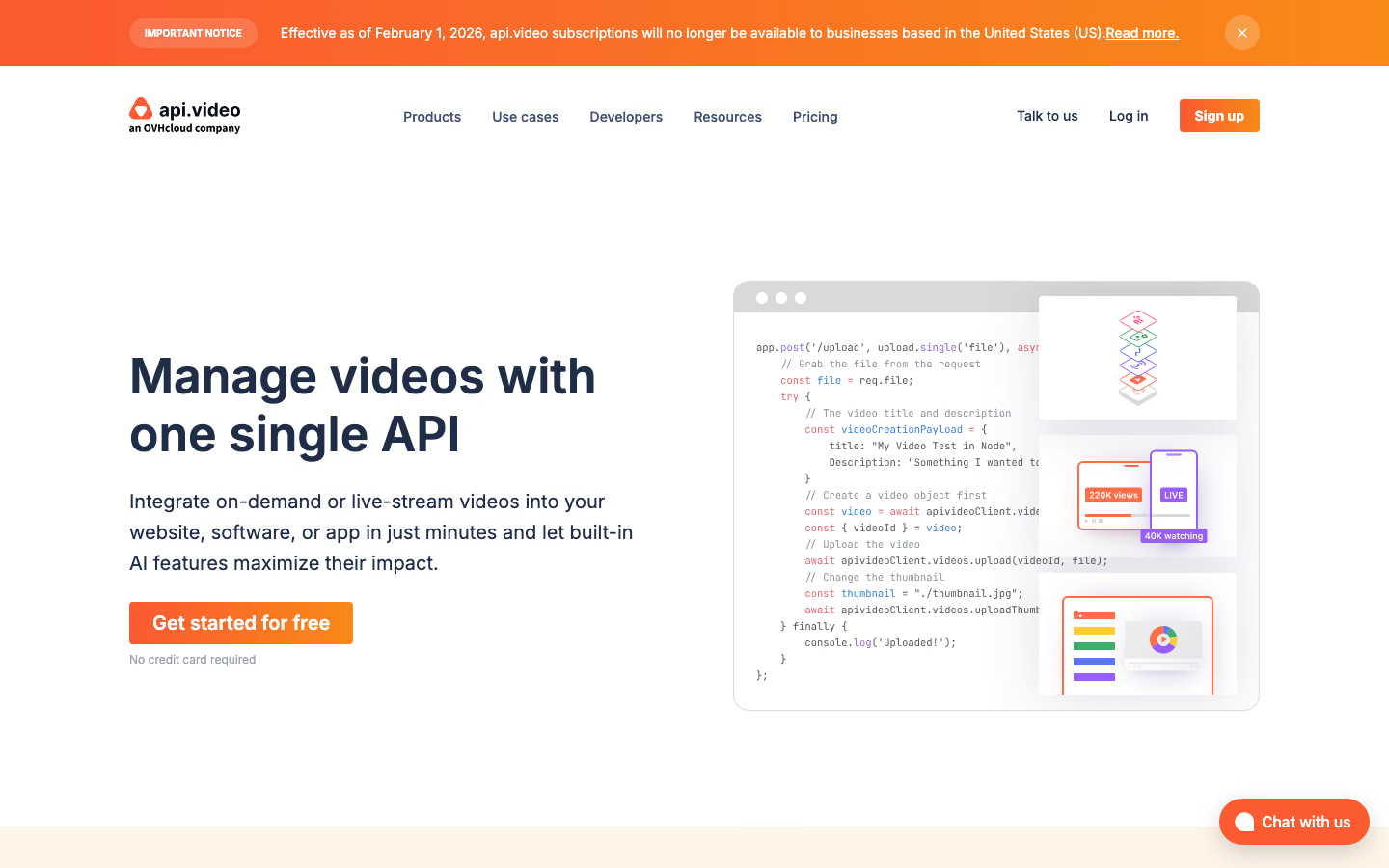
api.video provides API operations for a recording's lifecycle: creating a video object, uploading the file, retrieving its status and updating its details. Delegated upload tokens let a client upload through a limited authorization, and webhooks let the application receive processing updates. Captions and live-stream operations are available through the same API reference.
That makes it an option alongside Mux for user-upload workflows in recruiting, collaboration or support products. An official api.video MCP server was not confirmed in the sources checked for this comparison. The documented integration route is its API.
The public pricing page advertises storage as low as approximately €0.00256 per minute and delivery as low as €0.00153 per minute, with free encoding. The applicable volume conditions and calculator determine whether your workload qualifies for those rates.
5. Bunny Stream
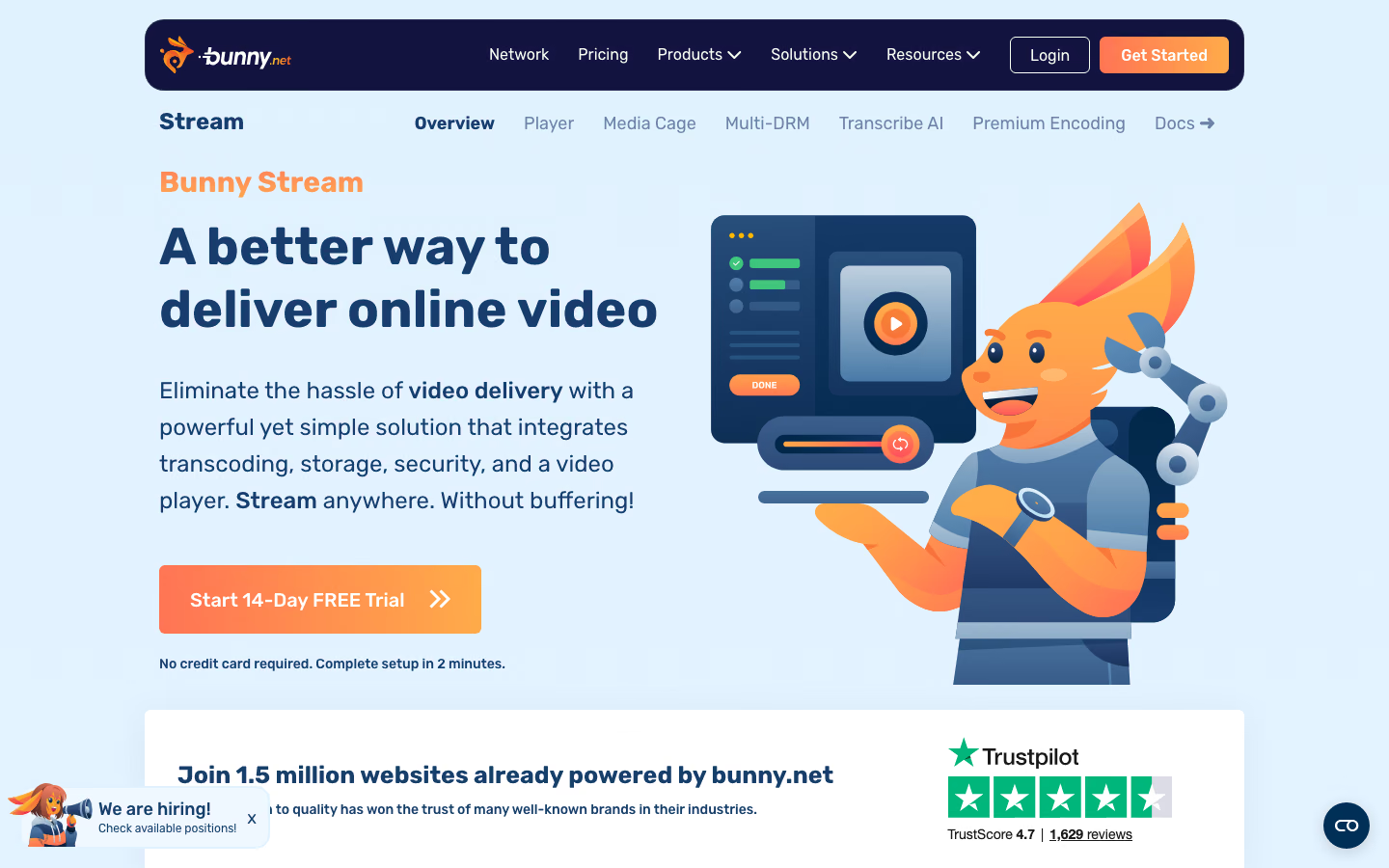
Bunny Stream combines video storage, encoding, delivery and an included player. Its published pricing uses gigabytes, which makes the amount of stored media and delivered data central to the calculation. A library of short recordings and one of high-bitrate training videos can therefore have different costs even if they contain the same number of files.
Published starting rates are approximately €0.00898 per GB for storage and €0.00449 per GB for CDN delivery, with an approximately €0.90 monthly minimum. Storage-region choices and the delivery configuration affect the bill. The low entry price is useful for an initial shortlist, but a meaningful comparison needs the same quality and viewing assumptions used for the other services.
An official vendor MCP server was not confirmed during this research. For development planning, use the documented API upload route for the integration and verify any community MCP wrapper separately before giving it account credentials.
6. Cloudinary
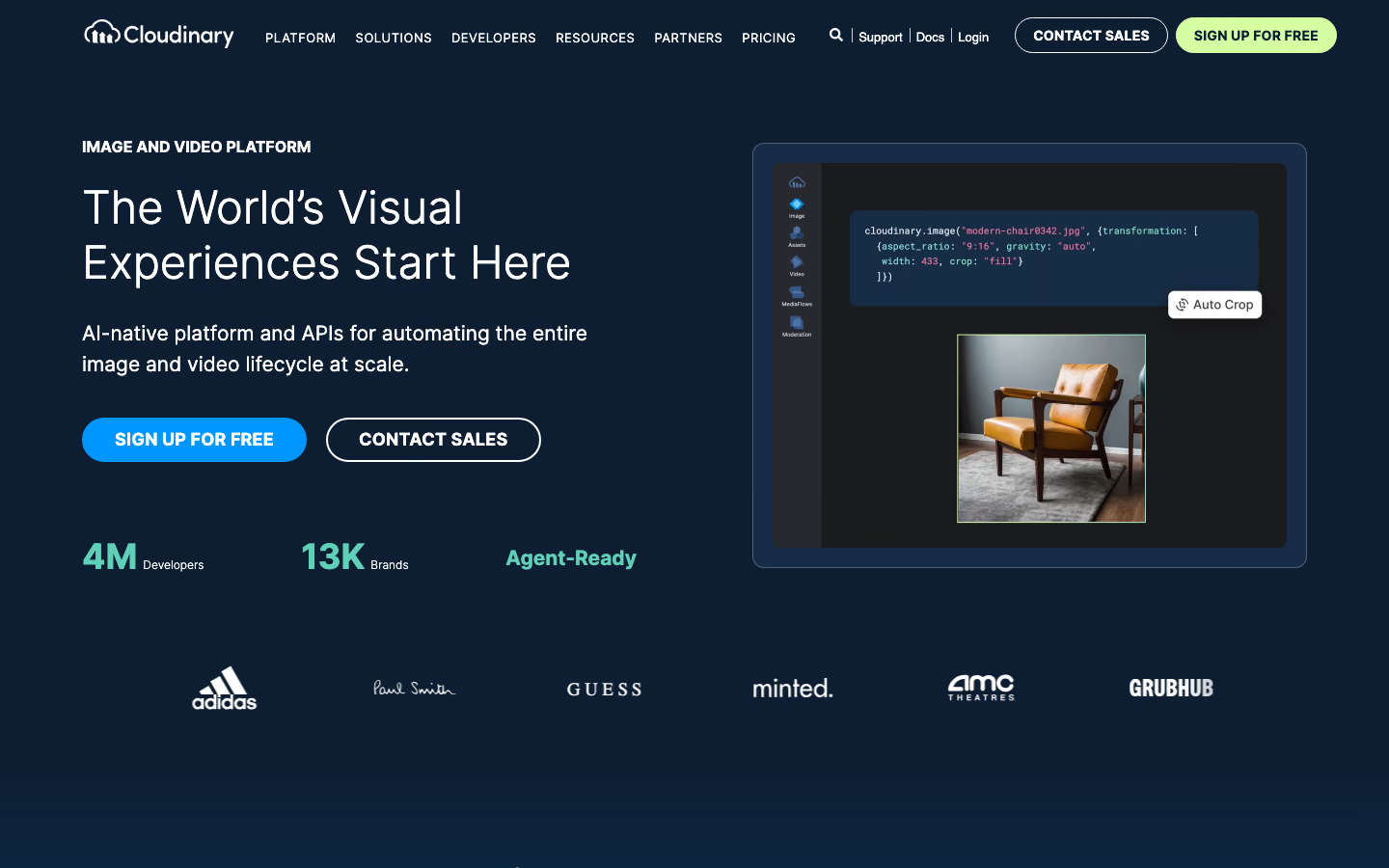
Cloudinary is relevant when video belongs to a broader media workflow. Its Image and Video APIs cover uploads, transformations, transcoding and delivery, so an application managing product images and demonstration videos can use one service for both. That scope is useful when the work includes adapting media for different pages and formats, as well as playing the original recording.
Its official MCP offering is divided by responsibility. The Asset Management server supports uploading and managing videos as well as images and raw files, with tools for transformations and derived assets. The Environment Config server handles settings such as upload presets and streaming profiles.
The Free plan includes 25 monthly credits, while the Plus plan includes 225 credits and costs approximately €88.92 per month with monthly billing. Credits cover different media resources, so a credit allowance cannot be read as a fixed number of video-viewing minutes. Estimate the transformations, storage and delivery your application will use together.
3 AI developer tools for video integration
Once you have a video service in mind, the next task is connecting it to your application or website. That may involve adding upload endpoints, embedding a player or finding why a recording is not available to watch. CodeAlive supplies repository context for that work, while Cursor and Claude Code can make and test code changes. You do not need all three.
| Tool | Role in the workflow | Repository capabilities | MCP role | Developer responsibility |
|---|---|---|---|---|
| CodeAlive | Locate where video fits into existing application logic | Find media models, page components and viewing-permission checks across repositories | Supplies code context to an agent implementing uploads or playback; REST also available | Verify source references and how video access follows application permissions |
| Cursor | Build video features and pages in an AI editor | Edit upload flows, player components and pages with video; run checks | Look up video IDs and processing status through supported provider tools | Review playback, error states, credentials and page changes before release |
| Claude Code | Implement and test video workflows from the terminal or IDE | Edit video integration code or pages; run tests, builds and release commands | Inspect supported video-account data while diagnosing integration issues | Set command and account permissions; verify viewing access and approve rollout |
1. CodeAlive
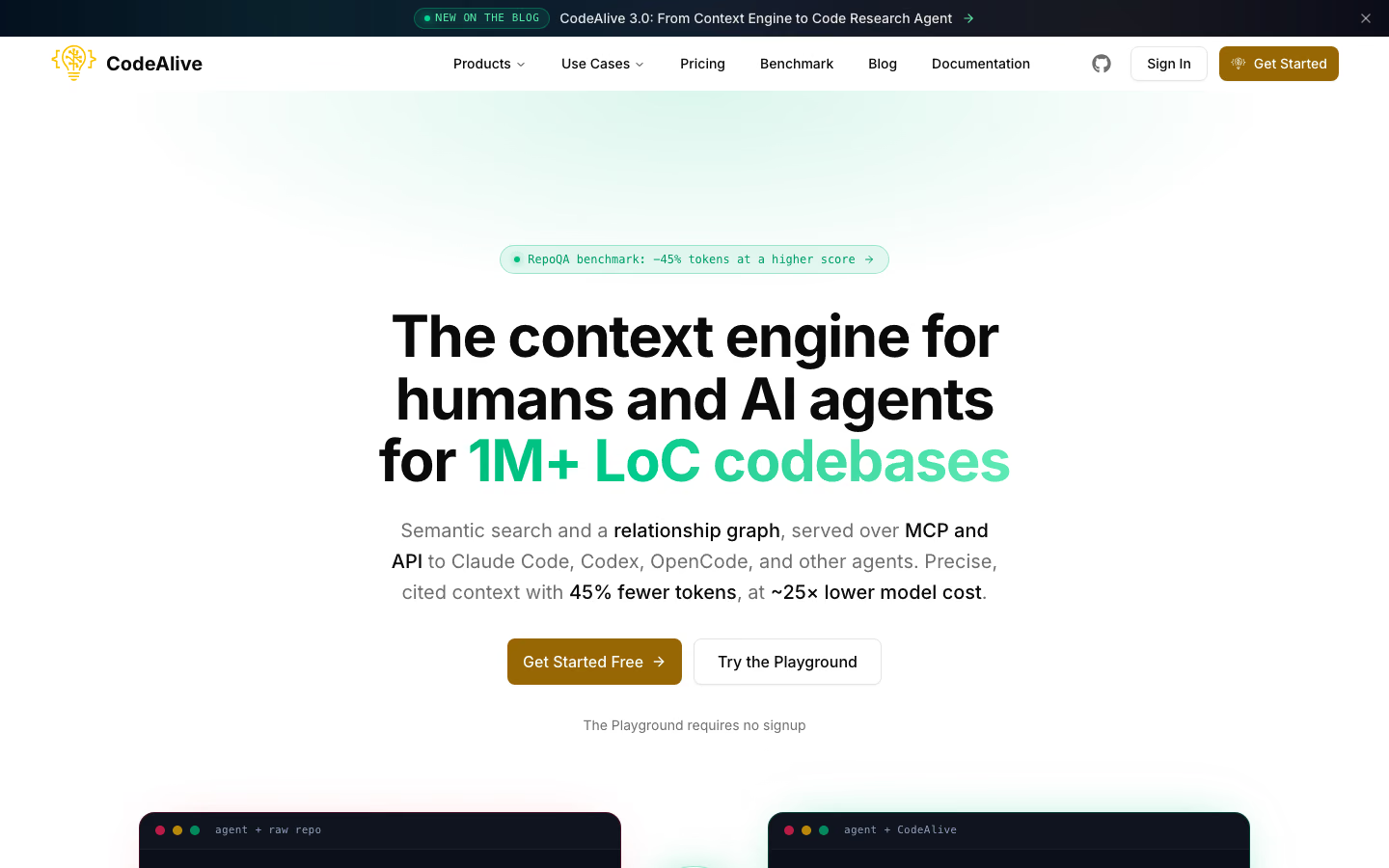
CodeAlive provides indexed code search and cross-repository context through MCP and REST. It helps trace the data models, services and permission checks that a video integration needs to work with.
For example, before adding video lessons to a SaaS learning platform, you can find where the application stores lesson data and how it checks access. Those references help determine where to associate the video ID and how playback should respect existing permissions.
Connecting CodeAlive’s MCP server to Cursor or Claude Code makes that search available during implementation. The coding agent can retrieve relevant code and dependencies, use them to guide changes to the upload flow or player integration, and run the project’s tests. CodeAlive’s separate review agent can then check the pull request for issues such as duplicated logic or changes that weaken access controls.
2. Cursor
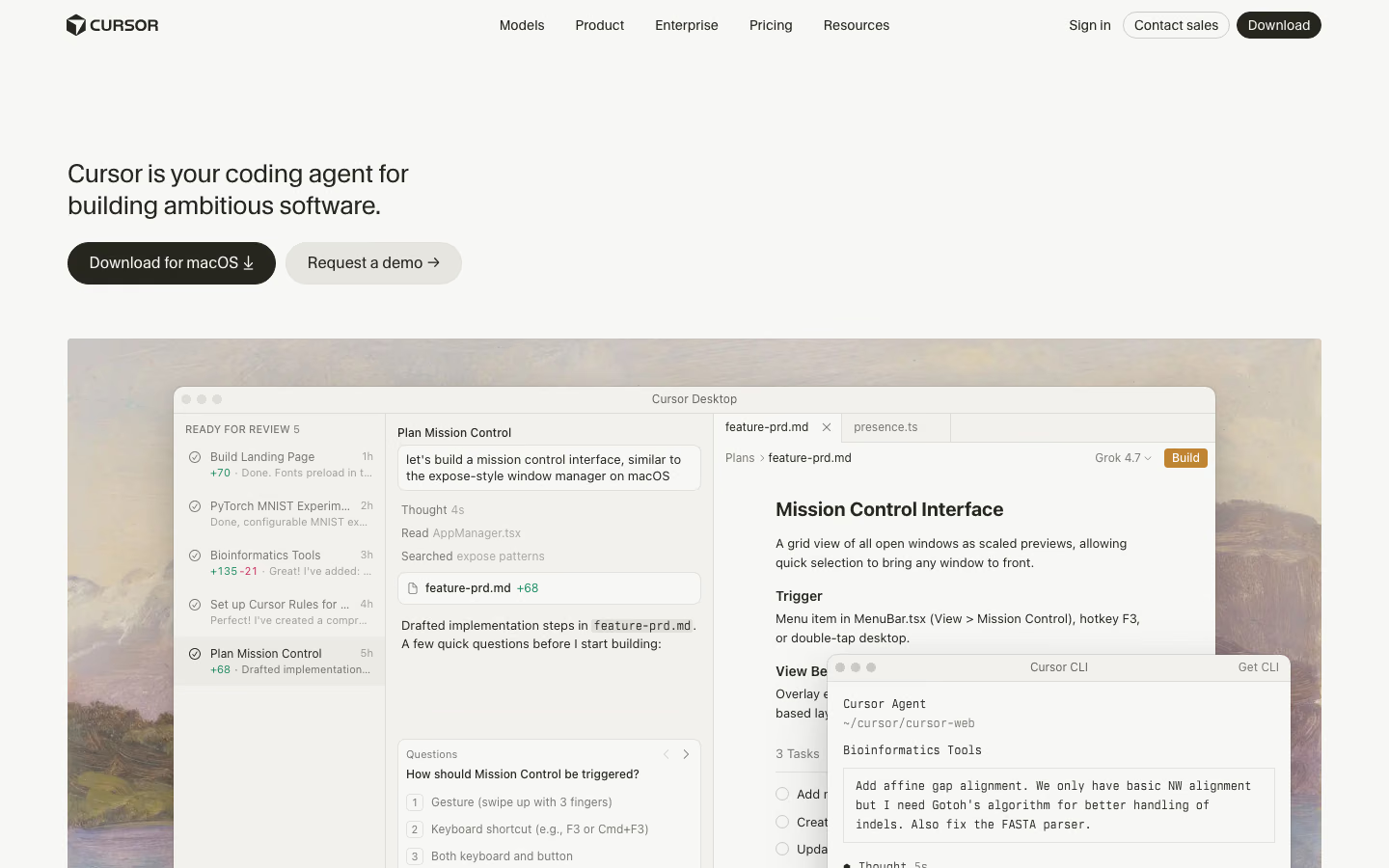
Cursor offers an AI editor and coding agent, making it a useful option if you want to work through the integration in an editor with the code and proposed changes close at hand. For a customer workspace, you can inspect the existing page, ask the agent to add a video upload form and processing states, then review the changes and run checks. For a website stored in GitHub, a smaller task is preparing a page with an existing video embed, ready for the site’s usual publishing workflow. Cursor also offers a CLI for working from the terminal.
Cursor supports models from several providers. That gives teams a choice of models within the same development environment, alongside project instructions and external tools. Its MCP configuration lets the agent look up a video asset or inspect account data while working on the integration, where the connected server permits those operations.
3. Claude Code
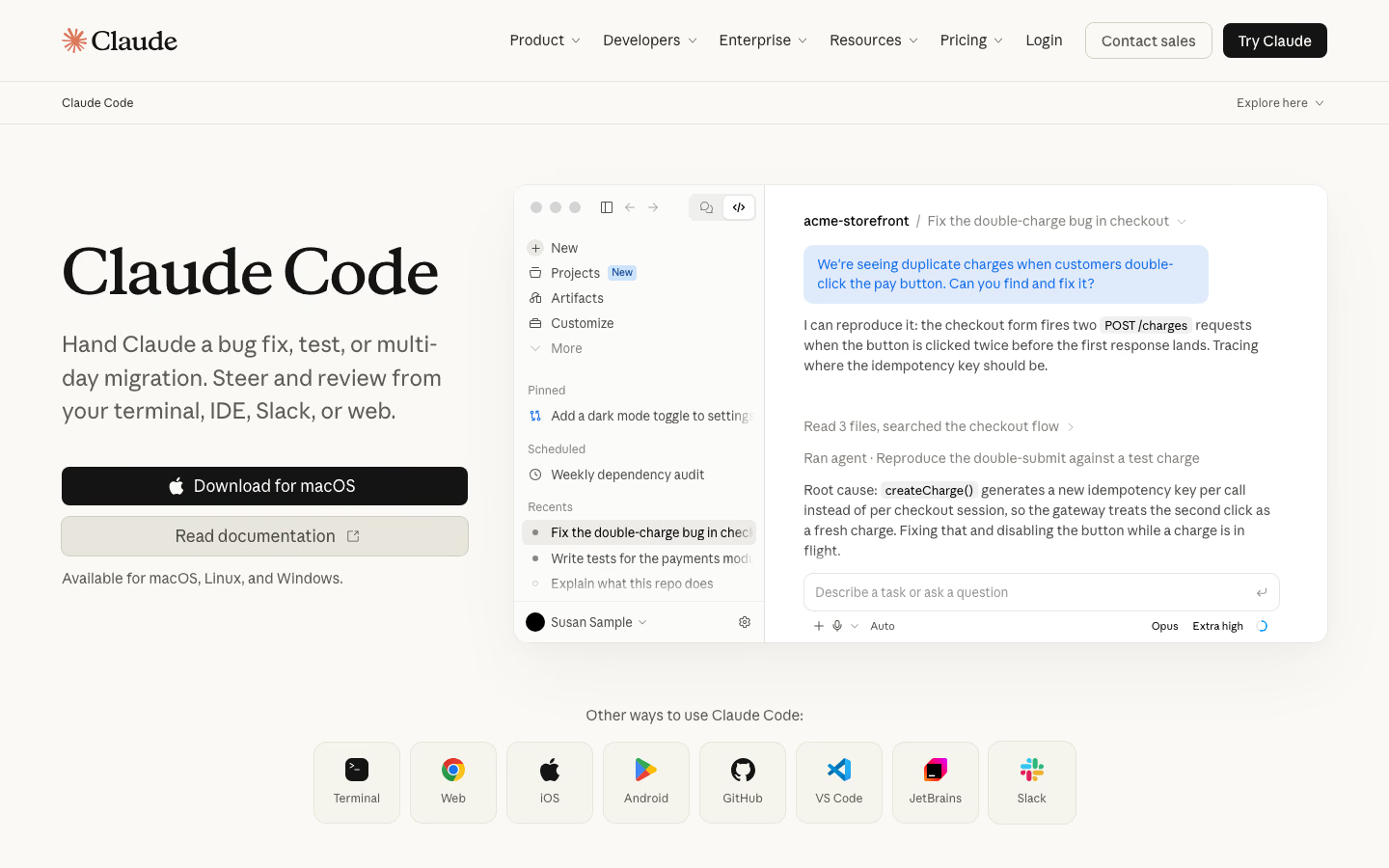
Claude Code is a practical option if you want to keep your existing editor and delegate video integration work from the project’s terminal. For example, the task could cover implementing a video upload endpoint, testing how the app handles processing failures and running the project’s build, with the resulting changes available for review in your usual tools.
It also has IDE integrations, a desktop app and a browser interface. There is substantial overlap with Cursor in video integration, testing and MCP access. The choice between the tools depends partly on how you prefer to work and which models you want to use. Claude Code gives you access to Claude through those environments, while Cursor offers a choice across model providers.
Claude Code can connect to the video provider's MCP server to check a recording’s processing status or retrieve its details while investigating an upload or playback problem, where those operations are supported. Local commands and external access remain governed by their respective permissions.
How video APIs and AI coding tools work together
AI coding tools can help build a video API integration, use a provider’s MCP server to work with video-account data, or call custom MCP tools that connect video to your product’s own records and permissions. These connections support different tasks, and you can use them separately or together.
Use the API documentation to build the feature
Give Cursor or Claude Code the video provider’s API documentation and access to the relevant project code. The agent can help identify where changes belong and implement the parts of the video workflow your application needs:
- Uploads and processing: add an upload flow and handle notifications when a video is ready or processing fails.
- Playback: embed a player and load the video associated with the current page, such as a recording attached to a project update.
- Access: connect playback controls to the application’s existing permissions, so private recordings follow the access rules of the workspace they belong to.
If those changes span several services, CodeAlive can supply the relevant code context. The coding tool can then help write and run tests, while your team checks the behavior against the product’s requirements. It can also help prepare deployment configuration and run release steps under your team’s review. The application uses the video API or SDK to serve its users. This development workflow does not require MCP.
Connect MCP to work with a video in your account
A provider’s MCP server gives the agent access to the account operations that server exposes. Alongside editing code, the agent can find a recording, retrieve its details or check its processing status. For example, it can use that status while investigating why a page still shows a video as processing, instead of asking you to copy the information from the dashboard.
To connect it, follow the provider’s setup instructions to add its server URL or launch command to Cursor’s MCP configuration or register it with Claude Code. Add your API token if required, then check that the connection is active and review the available tools. Try finding a known video to verify the setup. Our MCP setup guide links to connection instructions for both clients.
The server’s tools and the account permissions determine what the agent can do. This connection helps the agent work with the video service, but it does not replace the API integration used by your application or its checks on who may watch a recording.
Build a custom MCP server for recurring agent tasks
A provider’s server knows about its video library, but may not know how those videos relate to your customers, projects or other application records. A custom MCP server lets your team expose actions that combine that product context with the video API.
For example, a “find this project’s recordings” tool can check the requesting user’s project access, look up the associated video IDs in your database and retrieve their details from the video service. The assistant gets a reusable action, while your server enforces the product’s access rules.
This is useful when an internal agent or an assistant inside your product needs to repeat those tasks. For ordinary uploads and playback, the application’s API integration is enough.
How to choose the right setup
Choose the video service around your product’s workflow, then use Cursor or Claude Code to help implement it. Either coding tool can work with any of the providers below. Add CodeAlive when tracing the existing code across services is a recurring difficulty.
- Need a managed library as well as an API? Kinescope lets your team manage the video library through a dashboard and connect it to your application through the API.
- Building user uploads into a recruiting, collaboration or support app? Compare Mux and api.video for their upload authorization and processing workflows.
- Already building on Cloudflare? Consider Stream to keep video with the same provider.
- Prefer billing by storage and traffic? Compare Kinescope and Bunny Stream using the same library size and viewing volume.
- Managing images and video together? Consider Cloudinary when your app needs to adapt both media types for different pages.
Bring video into your SaaS app
Add video to your app through our API and let an AI assistant manage the video library through MCP.