12 best eLearning software platforms for 2026





Video that fits your LMS
An onboarding course with a short explanation, a recorded demonstration, and a quiz may need only one application. You can create the lessons there, assign them to new employees, and follow their results. The choice becomes more involved when learners need to practice using software, or when customers want to take the course in their own learning systems.
eLearning software covers all of that work, but every product approaches it differently. An LMS manages training from enrollment to completion. Authoring tools give you more control over the lessons, while delivery platforms help get the finished content to its audience.
In this guide, we compare 12 platforms across those three groups, with starting prices, SCORM support, integrations, and the limits that affect their fit.
Which type of eLearning software do you need?
LMS, authoring, and content delivery platforms cover the main work of building and running online courses. The wider eLearning toolkit also includes software for live classes, standalone assessments, and video editing.
-
LMS platforms to manage training and learner progress. An LMS gives learners access to their courses and lets the training team assign lessons and follow results. Many also include a course builder, so a team creating onboarding from explanations, recordings, and quizzes may be able to manage the whole course there. A separate authoring subscription becomes relevant when that builder cannot produce the activities the course needs.
-
Authoring tools to get more control over the lesson itself. A branching scenario or software exercise may require an editor with more control over what learners see and do. The author builds those activities in the editor, then publishes the finished course for an LMS to deliver. This also makes a separate authoring tool useful when the same course needs to work in different learning systems.
SCORM is a standard for packaging a course and exchanging learning data with an LMS. The editor exports the lesson as a package. A compatible LMS opens it and receives scores, completion status, and saved progress from the course, depending on its settings. SCORM 1.2 and SCORM 2004 are different versions, so the editor’s export must match what the LMS supports. Our guide to SCORM authoring tools explains how this works and compares the editors you can use.
-
Content delivery platforms to bring materials to the audience. The right service depends on where learners will take the course:
- On your course website. Thinkific and LearnWorlds combine a storefront, checkout, and lessons. They can serve as the main learning platform for a business selling training directly to customers.
- In a client’s LMS. SCORM Cloud distributes finished packages into compatible learning systems. It supplements the client’s platform, letting a course supplier deliver material without asking customers to change systems.
- Through a video library or embedded player. Video services manage recordings that learners watch on their own or inside an LMS lesson. When used alongside an LMS, they handle the videos while the learning system manages assignments and assessment results.
Cloud-based eLearning software is available across these groups, but the author and learner may still use different applications. Articulate 360, for example, combines browser-based Rise with Storyline for Windows. A course made in Storyline can then run in a browser-based LMS. For a team planning to author entirely online, the editor’s requirements therefore matter even when learners take every course in a browser.
Compare 12 eLearning software tools
Prices below are for entry plans, with billing periods and per-user or per-author charges stated where applicable. SCORM support and integrations may require a higher plan, as noted in the corresponding columns.
| Platform | Starting price | For whom | SCORM | Integrations and connections | Important limit |
|---|---|---|---|---|---|
| TalentLMS | Free | Small teams starting employee training | Imports 1.2 | API and SSO options on paid plans | Free plan: 5 users, 10 courses |
| MoodleCloud | Approx. €150/year | Teams wanting managed Moodle hosting | Imports 1.2 | Built-in connections, including PayPal | Starter: 50 users, 1 GB. No custom plugins |
| 360Learning | Approx. €7/user/month | Teams creating training with internal experts | Imports 1.2 and 2004 | HR and SSO integrations depending on plan | Team plan: up to 100 users |
| Docebo | Custom quote | Organizations training several audiences | Imports 1.2 and 2004 | HR and CRM connectors, some at extra cost | Minimum one-year contract |
| Articulate 360 | Personal: approx. €1,274/author/year | Authors making both standard and custom interactive courses | Exports 1.2 and 2004 | Compatible LMSs and built-in Reach delivery | Storyline requires Windows |
| iSpring Suite | €970/author/year | Teams building courses from PowerPoint | Exports 1.2 and 2004 | Desktop PowerPoint and compatible LMSs | Windows and supported desktop PowerPoint required |
| Adobe Captivate | €47.99/month, annual subscription billed monthly, including VAT | Authors creating software practice and responsive courses | Exports 1.2 and 2004 | Compatible LMSs | Classic project import is beta, with conversion limits |
| Easygenerator | €1,299/year | Subject experts building browser-based courses | SCORM export | Compatible LMSs. Native LMS integrations on Enterprise | Pro: 1 author, 10 courses |
| Thinkific | €39/month, billed annually | Businesses publishing and selling courses | Import on Plus only | Payment integrations; API available on Grow and above | Basic does not include SCORM |
| LearnWorlds | €24/month, billed annually, plus €5 per paid enrollment | Training businesses running an online school | Import from Pro Trainer | Stripe and PayPal, plus API on higher plans | Starter excludes SCORM. Pro Trainer allows 20 packages |
| SCORM Cloud | Free testing. Delivery from approx. €79 per 30 days | Course suppliers delivering into other systems | Runs 1.2 and 2004 | API and Dispatch to compatible LMSs | Entry delivery plan: 50 new registrations per period |
| Panopto | Custom quote for organizational deployment | Organizations managing training video libraries | Video export for SCORM delivery, including Cornerstone | Canvas, Moodle, and other LMS integrations | Cornerstone connection transfers completion, not detailed viewing analytics |
Prices checked on September 28, 2026. US-dollar prices are converted using the ECB reference rate for September 28: 1 EUR = 1.1378 USD. Other amounts are published euro prices or, for MoodleCloud, the provider’s euro estimate.
Taxes may apply, and regional prices may differ. Adobe’s displayed price includes VAT. MoodleCloud bills in Australian dollars, with the euro estimate taken from its pricing page.
LMS platforms for managing training
1. TalentLMS
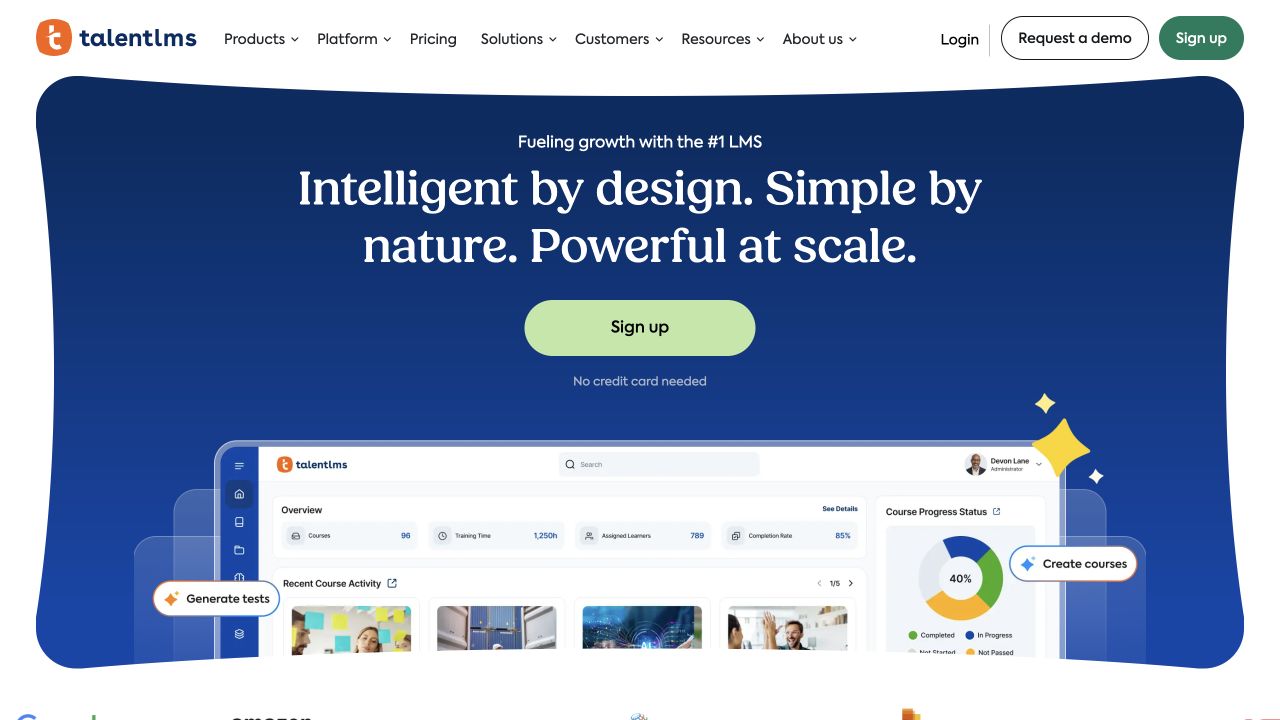
TalentLMS gives small teams a way to turn existing documents and videos into assigned training. Authors combine those materials with tests in its course builder, so an onboarding or product course can be created and delivered in the same system. Externally authored courses can join that training when the team needs material from another source.
The free plan allows five users and ten courses, so you can build a sample and try it with a few colleagues. Larger audiences need a paid plan, with pricing based on capacity and the features included.
Packaged courses supplied from elsewhere need to use one of its supported formats: SCORM 1.2, xAPI, or cmi5. xAPI and cmi5 are alternative standards for tracking learning activity, but support for them does not mean a platform can run every SCORM package. TalentLMS does not support SCORM 2004, so a supplier needs to export the course in a format it accepts.
2. MoodleCloud
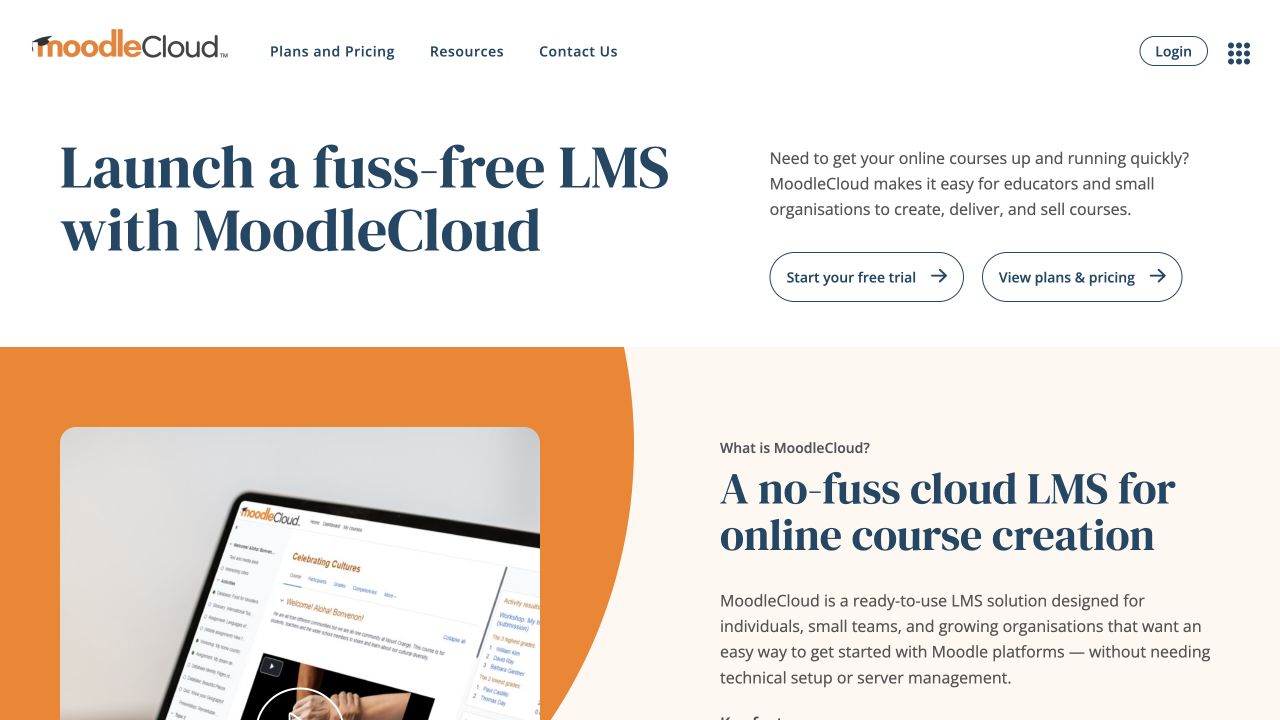
MoodleCloud is an option for teams that want Moodle without maintaining its server. The service handles hosting and updates, with a Starter plan covering 50 users and 1 GB of storage for approximately €150 a year, using MoodleCloud’s own euro estimate. Billing is in Australian dollars.
That arrangement also limits customization: MoodleCloud does not allow you to install your own plugins or integrations, even if they are available for other Moodle deployments. A team choosing managed hosting therefore needs its required connections to be available within the service.
The course library needs to fit as well. Recordings uploaded to MoodleCloud use the storage allowance, which can matter even for a small audience, and externally authored packages need to use Moodle’s supported SCORM 1.2 format. Learner capacity alone will not tell you whether the entry plan can accommodate the training.
3. 360Learning
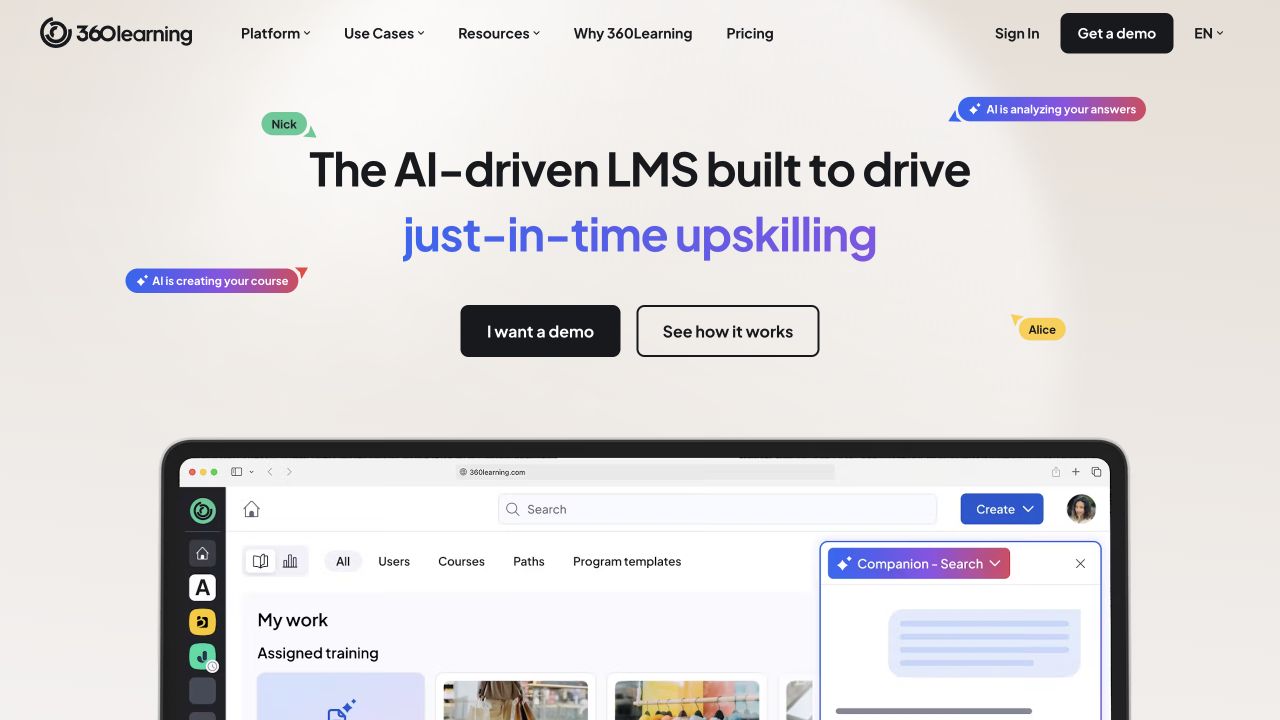
360Learning brings internal experts into course creation. A learning team can invite the people who know a product or process to coauthor the material, so their contribution becomes part of the course itself. After publication, learners can leave reactions that help authors identify material to revisit.
That feedback loop makes the platform worth considering when training changes with the business. For example, the expert who explains a new internal process can help update the lesson as colleagues begin using it and raise questions. The learning team coordinates the work, with subject knowledge coming from the people closest to it.
The Team plan starts at approximately €7 per user per month for up to 100 users. Larger deployments use custom pricing, with integration availability depending on the package. Existing SCORM courses can join the program, although the documented Rustici import workflow keeps each package as a separate course. Additional native questions or documents belong in another course, which can share the same learning path.
4. Docebo
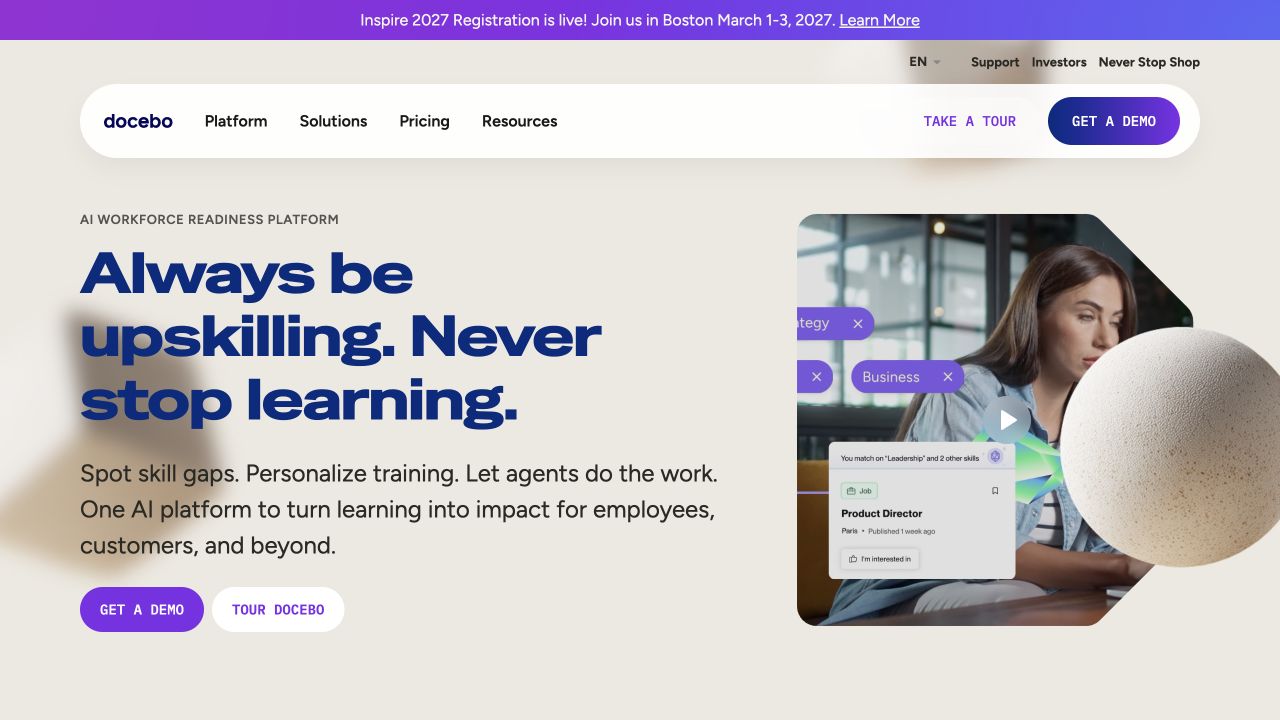
Docebo supports organizations that need to train employees, customers, and partners. Across those audiences, the training team needs to control course access and connect learning records with the relevant HR or customer systems.
When the same lesson belongs in several programs, Docebo’s central content library lets the training team manage that material in one place and reuse it across courses. It supports SCORM training materials, including SCORM 1.2 and SCORM 2004 third edition.
Pricing is custom, with a minimum one-year contract. Because some connectors and capabilities cost extra, the quote needs to account for the audiences and systems involved as well as the number of learners.
Authoring tools for creating courses
5. Articulate 360
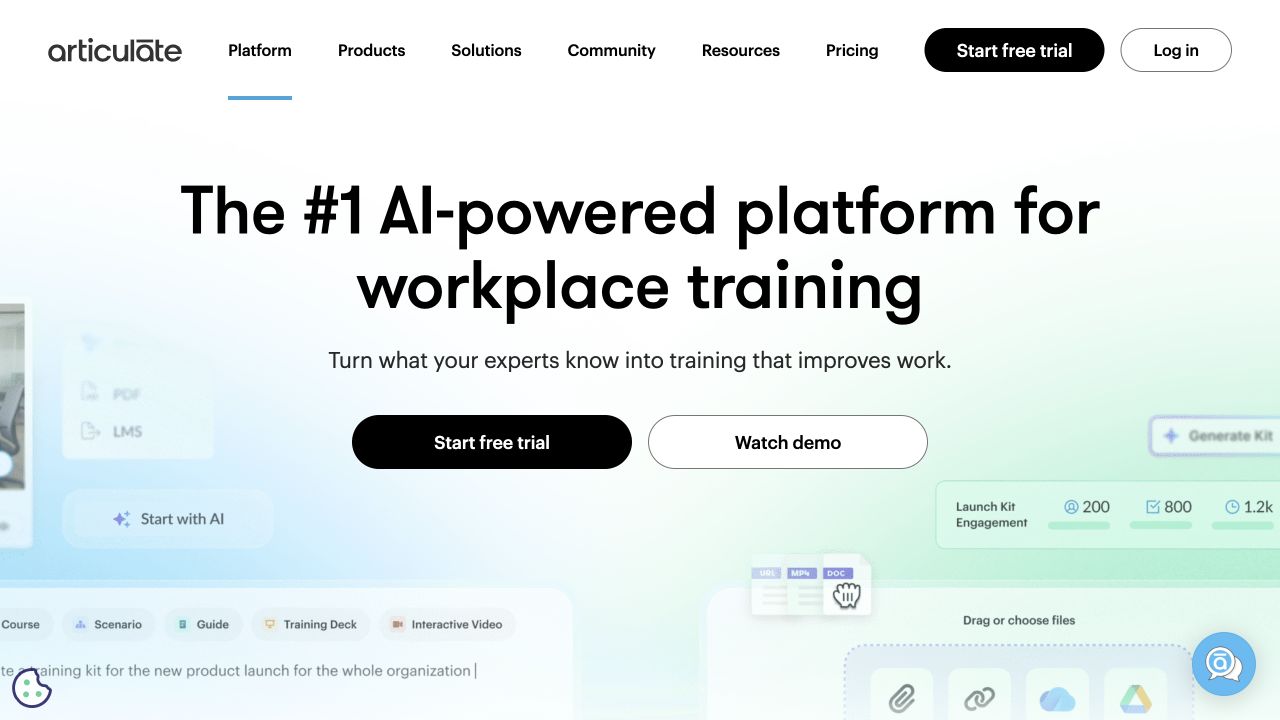
Articulate 360 includes two editors for different kinds of course work. Rise lets authors assemble text, media, and interactive blocks in a browser, while Storyline provides more control over custom activities. Having both is useful for a team that produces straightforward lessons as well as exercises learners need to work through.
In Storyline, for example, a screen recording can become a demonstration, a practice activity, or an assessment. The author can use the recorded sequence to explain a software task and then let learners try the steps. Courses can be exported to a compatible LMS that records the results. The suite also includes review tools and Reach for delivery.
The Personal Articulate 360 AI subscription starts at approximately €1,274 per author per year. Storyline itself requires Windows, so browser access to Rise does not cover every project in the suite.
6. iSpring Suite
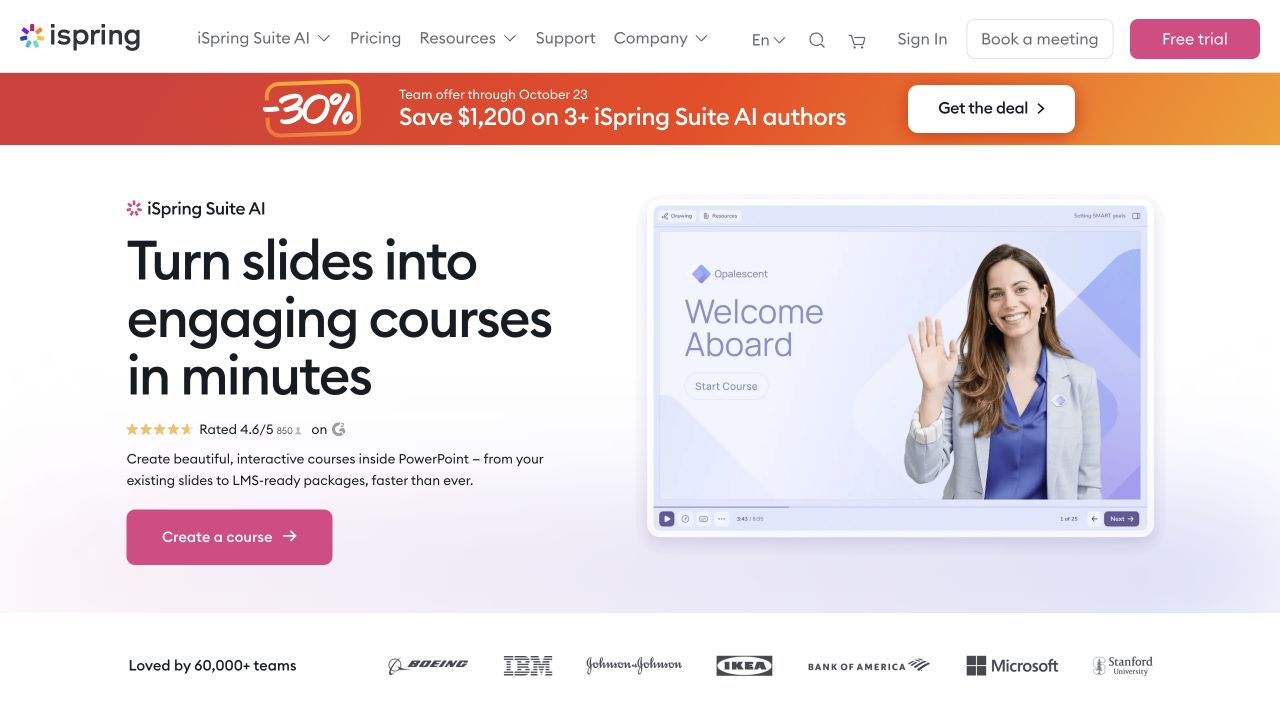
iSpring Suite is a practical starting point when trainers already maintain their material in PowerPoint. It extends that application so authors can keep their slides as the basis of a course and add quizzes or other learning interactions before publishing it to an LMS.
Working inside PowerPoint also determines the author’s setup. Suite needs Windows and a supported desktop version of PowerPoint. A Microsoft 365 subscription with browser access alone does not meet those requirements. Teams planning to build courses entirely online would need a browser-based editor.
The base Suite subscription costs €970 per author per year and supports LMS publishing through standards including SCORM 1.2 and 2004. That price covers the desktop Suite. The browser-based iSpring Cloud AI is sold separately.
7. Adobe Captivate
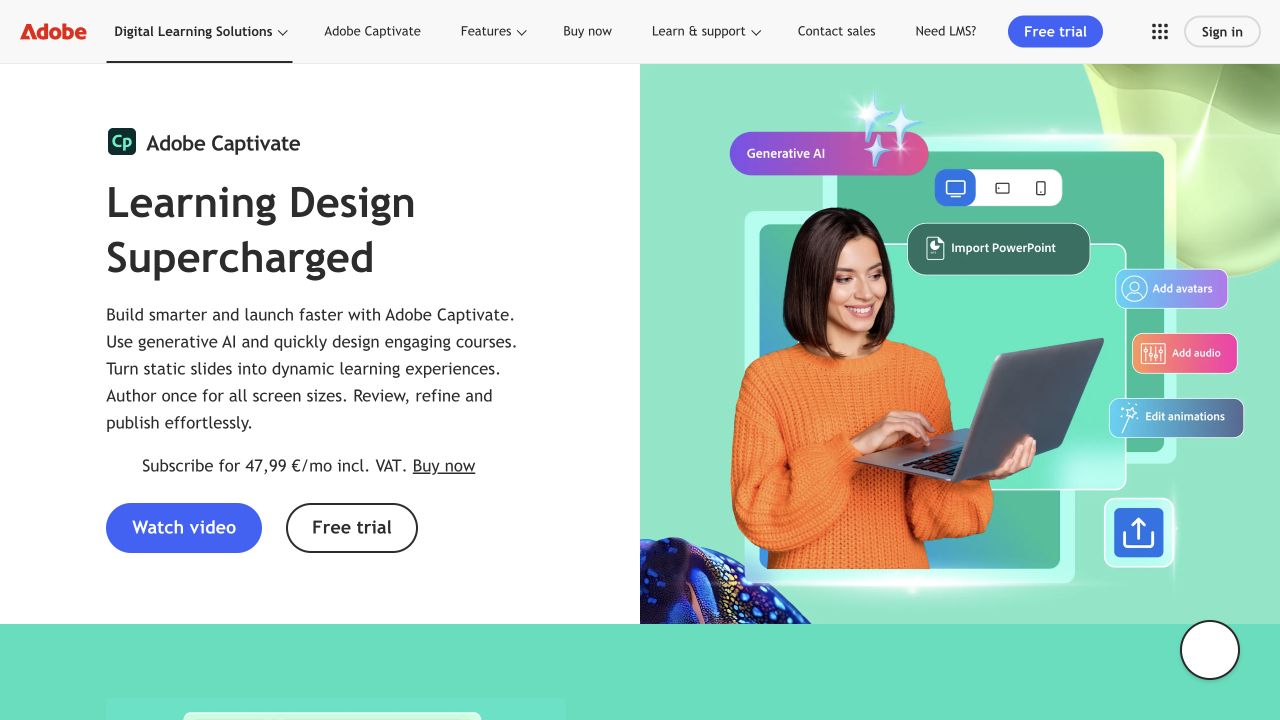
Adobe Captivate combines software simulations with responsive course creation. Authors can build a demonstration and let learners practice the steps, then publish the course for a compatible LMS. For lessons that mix text, media, and activities, its responsive layout controls let authors adjust spacing for desktop, tablet, and mobile views.
Compared with Articulate’s two-editor approach, Captivate is worth trying when you want to build those responsive lessons and software exercises in one desktop application. Articulate offers a different workflow: browser-based Rise for modular lessons, with Storyline for more customized activities. Captivate also runs on Windows and macOS, which matters if the authors making software exercises use Macs.
Adobe lists its individual subscription at €47.99 per month including VAT, on an annual subscription billed monthly, with access to current Captivate and Captivate Classic. Teams migrating older courses can use the beta Classic project importer, but some elements do not transfer intact and need rework.
8. Easygenerator
Easygenerator brings subject experts into course creation through a browser-based editor. It can be useful when the people who know a process need to explain it themselves and a specialist authoring team cannot build every lesson. Finished courses can be shared directly or exported as SCORM packages for a compatible LMS.
The Pro plan starts at €1,299 a year for one author and ten courses, including SCORM export.
Delivery requirements can also change the subscription you need. Pro lets authors transfer packaged courses into an LMS, while native LMS integrations are available on Enterprise. A team that needs a direct connection should therefore compare that plan with its requirements, rather than budget from the Pro price alone.
Platforms for publishing and delivering content
9. Thinkific
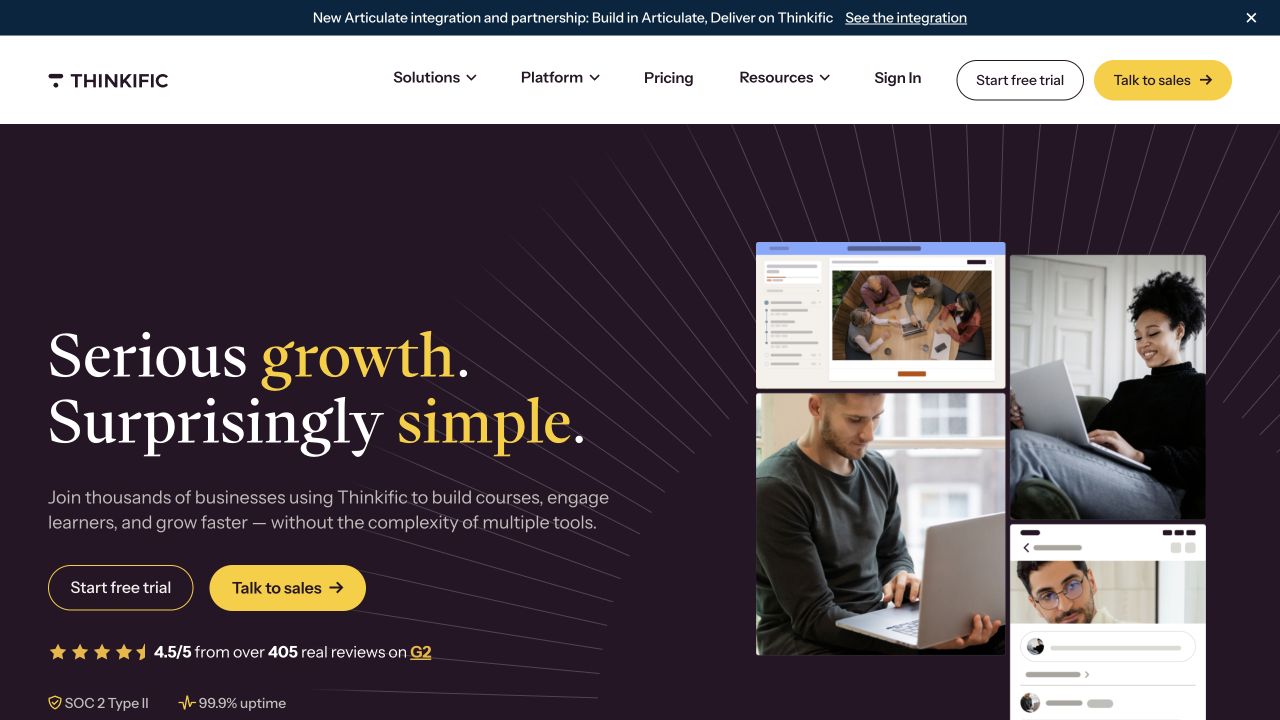
Thinkific brings course publishing, a website, and checkout together for businesses selling training. You can organize video lessons and quizzes, present the courses to prospective customers, and take payments through the same service.
Its communities give learners somewhere to discuss the material as well as work through it. Members can post and comment in topic spaces, allowing a course business to keep conversations around its lessons in the same learning environment. If discussion is central to your teaching, this is a useful part of Thinkific to try alongside the course builder.
Basic starts at €468 a year, equivalent to €39 a month when paid annually. Monthly billing costs €53. The plan includes one community with five spaces.
An existing SCORM library requires Thinkific Plus, which uses custom pricing. Each package becomes a complete course, rather than a lesson within a standard Thinkific course, so that workflow needs a Plus quote. For a closer look at the platform, read our Thinkific review.
10. LearnWorlds
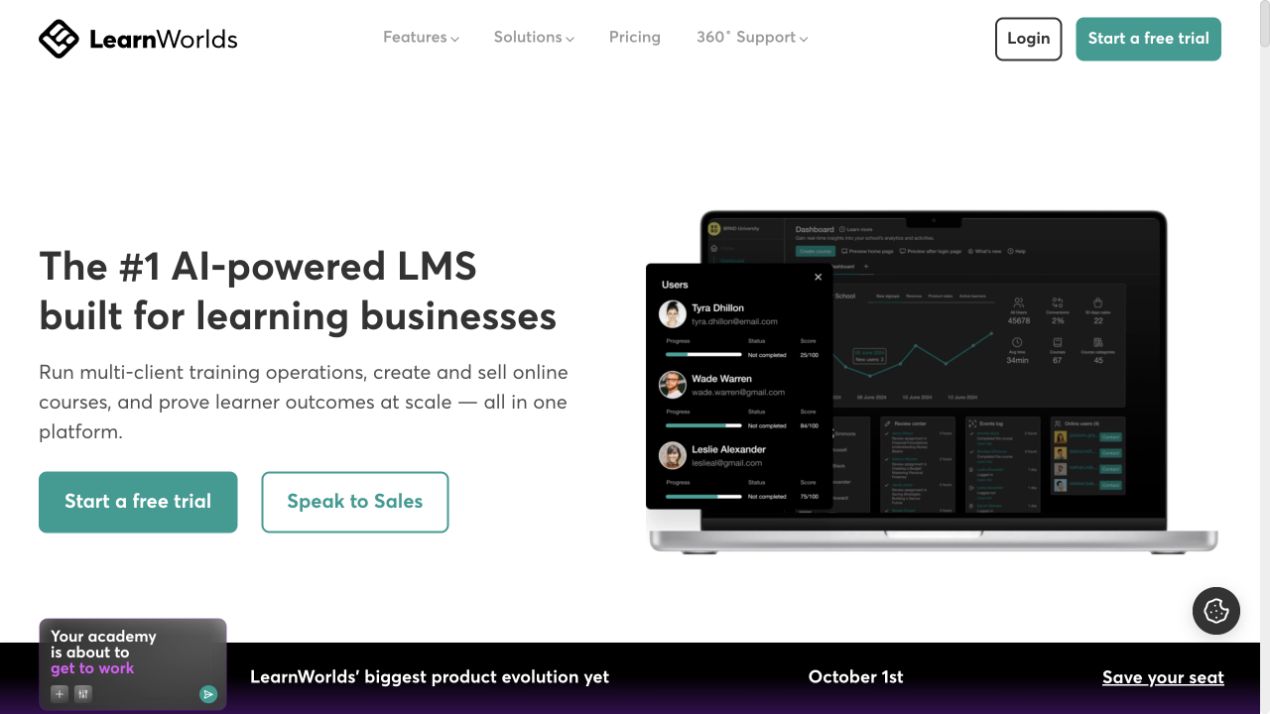
LearnWorlds combines course creation, hosting, and sales in an online school. Like Thinkific, it brings courses and community discussions together. It is also worth considering when you want learners to answer questions or complete activities within a video. A demonstration can therefore include a question while learners are watching, instead of leaving every activity until after the video.
The full interactive video editor requires Learning Center or above, starting at €249 per month when billed annually. That is the price to evaluate for this workflow, rather than the entry plan.
The Starter plan costs €24 a month on annual billing, plus €5 per paid enrollment. Pro Trainer costs €79 a month on annual billing, removes the enrollment fee, and adds up to 20 SCORM packages. Its SCORM allowance is 400 MB per package and 2 GB in total, which can affect the plan needed for an imported catalog.
11. SCORM Cloud
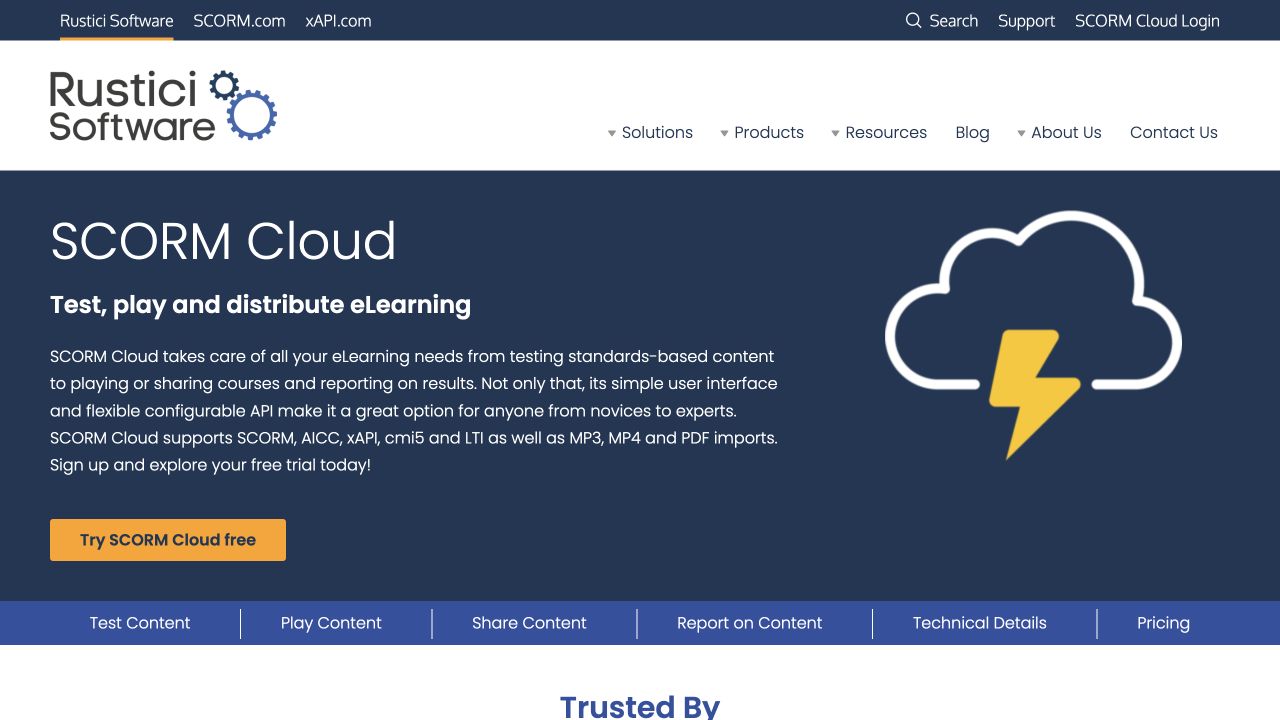
SCORM Cloud handles courses that have already been created. Authors can test a package outside the LMS where it will eventually run, and course suppliers can use Dispatch to deliver centrally hosted content through a customer’s compatible learning system. This makes it useful when delivery needs to work around platforms clients already use.
Testing is available on a free plan, while the entry delivery plan costs approximately €79 per 30 days for 50 new registrations. A registration connects one learner with one course. If 50 learners each start four courses, that creates 200 registrations, although returning to an existing learner-course registration does not add another.
The number of courses each person takes therefore affects the cost alongside the audience size. For a business that also needs a course shop and checkout, those remain additional requirements beyond this delivery workflow.
12. Panopto
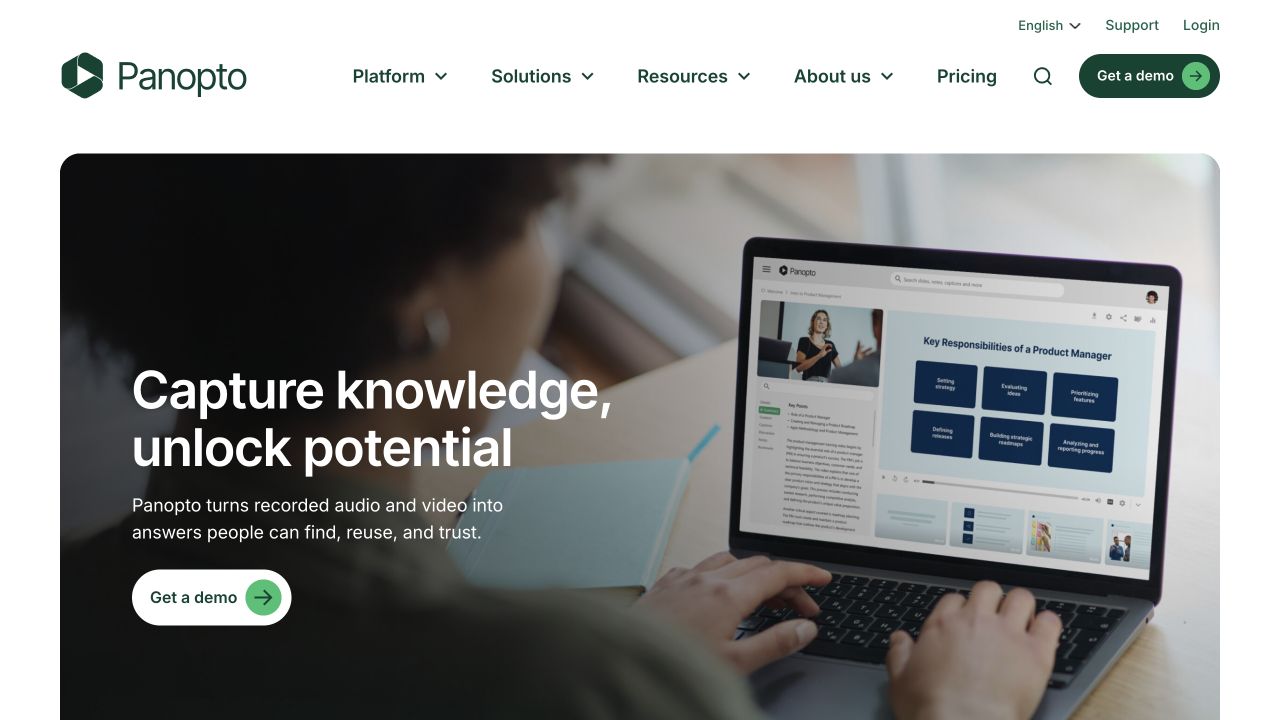
Panopto is worth considering when recordings need to function as a reference library after the training session ends. Its video search indexes spoken words and text shown on screen, letting learners find a topic and jump to the relevant moment. Someone looking for a particular step in a software demonstration can search for it without knowing which recording contains the explanation.
That gives the library a role alongside assigned courses: the LMS structures the training, while the recordings remain available for learners returning to a task. Organizational pricing is based on a custom quote.
The reporting connection depends on the LMS. With Cornerstone, Panopto packages video for SCORM delivery and passes completion into the learning system, while detailed viewing analytics remain in Panopto. Integrations with other LMSs need to be evaluated for the records your training requires.
Do you need separate video hosting for your LMS?
An LMS can include video hosting, but “supports video” does not always mean it stores your recordings. Some lesson editors accept an uploaded file, some display a video hosted elsewhere, and some offer both. With an upload, the learning platform stores the recording under its own plan limits. With an embed, a separate service stores and delivers the video while learners watch it inside the lesson.
Video hosting can be included in a learning platform’s subscription under different terms. Some plans give you a shared storage allowance for recordings, documents, and other course files, with more space available on higher tiers. Others leave total storage uncapped but limit the size of each upload. A platform may also set a monthly video bandwidth allowance, which measures the data delivered as learners watch. The plan you need can therefore depend on the size of your library, the size of individual recordings, and how often they are watched.
Separate hosting becomes useful when these limits or the built-in player get in the way of your lessons. The LMS can keep managing enrollment, assignments, and results while a video service handles the recordings. It adds another subscription, so compare its storage and delivery charges with the cost of upgrading your LMS, and check that your lesson editor accepts its player.
Here’s what a dedicated video service such as Kinescope can add:
- Room for a growing recording library. Host videos outside the LMS and embed them in lessons, so the recordings do not consume the LMS’s file-storage allowance. Video storage and delivery are then covered by your hosting plan.
- Playback that adapts to the connection. Kinescope creates different video resolutions and adjusts playback quality to the learner’s device and connection. You upload one recording instead of preparing a separate version for each screen.
- An easier way to revisit an explanation. Generate subtitles in 90+ languages and chapters, then review and edit them before showing them in the player. Learners can follow the explanation with captions and jump back to a particular step using chapters. You can also attach a worksheet or reference PDF so they can open the practice materials directly from the player.
- Updates across courses without replacing every embed. Replace a recording in Kinescope while keeping its link and embed code. Learners can watch the old version while the replacement is processed. Once it is ready, lessons using that video show the updated recording.
- More control over paid recordings. Domain restrictions limit where the player can be embedded, and DRM encryption adds protection against unauthorized downloading. With a developer integration, playback can also depend on your platform’s access rules, such as whether the learner has bought the course.
- Viewing reports for reviewing lessons. Video analytics show which recordings get watched and their average watch time. Use those figures alongside learner feedback and assessment results to decide what to revisit. Passing playback events into an LMS completion record requires an integration and a defined completion rule.
To check what your own tool includes, open its lesson editor and look for separate options to upload a video, paste a link, or insert embed code. Then check your plan’s maximum file size, total storage, and monthly video bandwidth, including what happens when you reach each limit. Upload one of your actual recordings and view the published lesson as a learner to test playback, captions, and navigation.
If you plan to use external hosting, test that player too: support for a YouTube link does not establish support for every video service. If the built-in option covers your library and the learning experience you need, a separate host may not be necessary.
How to choose the best eLearning software for your team
The right eLearning software depends on what is holding your training back. You may need a way to assign your first courses, more control over lesson design, or better delivery for content you already have.
Here’s where the platforms in this guide fit best:
- Starting employee training with a small team. TalentLMS lets you build and assign courses in one place, with a free plan for a pilot of up to five users and ten courses.
- Wanting Moodle without maintaining a server. MoodleCloud, provided its storage allowance and built-in connections cover your needs. However, you cannot add your own plugins.
- Relying on internal experts to create training. Consider 360Learning if you also need to deliver courses and collect learner feedback, or Easygenerator if those experts need a browser-based authoring tool for content you will deliver separately.
- Training employees, customers, and partners. Docebo is worth evaluating when access rules and connections to HR or customer systems are central to the program. Price the required integrations in the quote.
- Turning existing PowerPoint material into courses. iSpring Suite, if your authors use Windows and desktop PowerPoint.
- Building software practice or custom interactive lessons. Articulate 360’s Windows-only Storyline lets you build software practice and custom interactions, with browser-based Rise also included for modular lessons. Adobe Captivate is worth comparing if you want responsive lessons and software simulations in one desktop editor, including on macOS.
- Selling courses through your own online school. Thinkific or LearnWorlds. Both support courses and communities. If activities inside recorded lessons are a priority, test LearnWorlds’ interactive video editor and budget for Learning Center at €249/month on annual billing.
- Supplying finished courses to clients who use different LMSs. SCORM Cloud for package testing and distribution. Estimate costs by learner-course registrations, since one person taking several courses creates several registrations.
- Making training recordings easier to use. Panopto when learners need to search across a video library by spoken words or on-screen text. Kinescope when you want to improve videos embedded in your existing course platform with chapters, subtitles, access protection, and updates that preserve the embed code.
A trial with one of your own lessons will help you decide between the remaining options. Build it, make a typical update, and try it on the devices your learners use. If you are importing a packaged course, check that saved progress and assessment results reach the LMS. You can then compare the full cost of the setups that work, including author seats, learner allowances, storage, and integrations.
If one platform covers that workflow, you have a practical place to start. If the trial exposes a gap in lesson design or video delivery, you know what a separate tool needs to solve. Choose a setup your team can keep teaching with as courses change, and add tools when they make that work easier.
Make your recorded lessons easier to follow
Get any idea across with an intuitive player, auto-generated chapters and subtitles in 90+ languages.