White-label OTT platforms: what to check before you choose



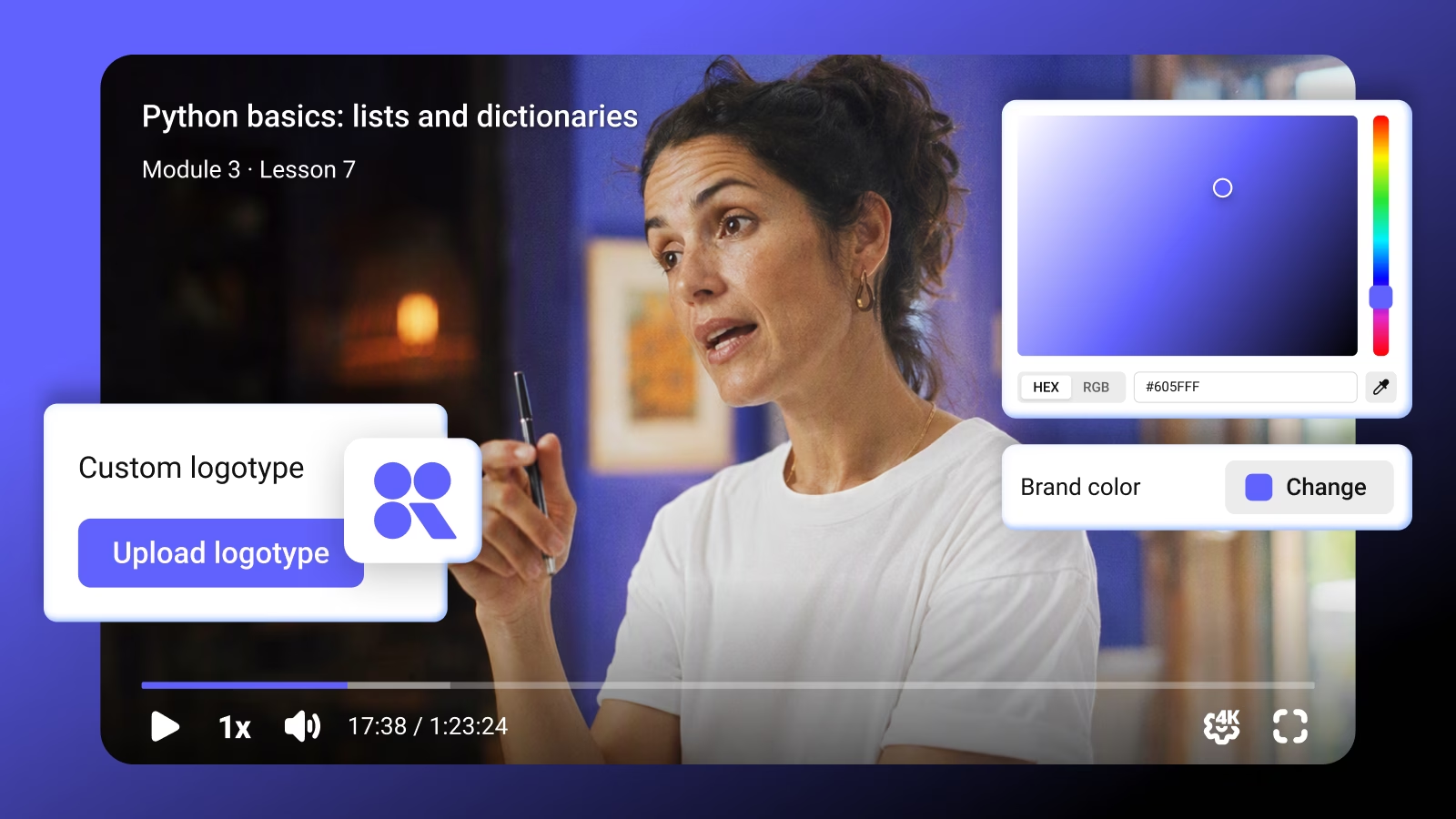

Kinescope offers white-label player
A viewer who cancels a video subscription may retain access until the paid period ends. In a white-label OTT service, the account page, confirmation email and viewing access all need to reflect that decision under your brand.
In this guide, we’ll examine the features and responsibilities behind a branded video service, compare ready-made OTT with a custom build, and explain how each approach is priced.
Key takeaways
- White-label coverage varies by provider and plan. Branding can extend across the website, player, apps and customer messages, with different limits on each.
- A ready-made service suits a business whose viewing and payment workflows fit the package. A custom application offers more freedom and leaves more development with your team.
- Customer data, app ownership and integrations determine how easily the service can evolve after launch.
- Monthly fees can grow with subscriber numbers, video usage or both. The useful comparison includes the software and ongoing work each price covers.
What white-label means in practice
A white-label OTT platform lets a media business offer an internet video service under its own brand using another company’s technology. OTT means “over the top”: viewers receive video over the internet without a conventional cable or satellite subscription. They might watch films, follow a sports channel or join a fitness membership. Access to the platform can be free, supported by advertising, paid per title or sold through a subscription. The available business models and support for websites, mobile apps and connected TVs vary by provider and plan.
The white-label part concerns how that service appears to viewers. Its website, player and apps can carry your identity while the supplier runs the software, including the account and payment workflows described above. How much of that experience you can change depends on the supplier’s design tools.
A ready-made OTT service or your own application?
You can buy the viewing experience as a package, or develop your own website and apps around video services. In a custom build, there is a second choice: use a managed video platform, or assemble the video pipeline from individual infrastructure services. That choice changes who maintains video processing and delivery alongside the customer-facing application.
| Approach | What the supplier provides | What your team builds and maintains |
|---|---|---|
| Ready-made OTT service | A website, content library, account and payment workflows, plus the apps included in the plan | Brand configuration and any integrations or customizations outside the package |
| Custom application with managed video | Video hosting, processing, player and delivery | Your website or apps, customer accounts, payment integration and viewing-access rules |
| Custom application and video pipeline | Individual services for storage, encoding and delivery | The application and the connections, monitoring and maintenance across the video pipeline |
The ready-made route works well for a standalone service whose main offer fits the supplied workflows. A film subscription with familiar browsing and checkout requirements can use those features without commissioning its own application. However, the package also determines what changes are possible. If the business needs an existing customer login or a purchase model that the supplier cannot support, that missing integration can make the package unsuitable.
For an existing media product, a white-label video platform can add branded playback to the website its audience already uses. Kinescope supports this route through video hosting, a customizable player and content delivery. Its API lets your team manage videos and integrate playback into its website or apps. Your own system handles customer accounts and determines who can watch.
Taking responsibility for the video pipeline as well gives the team control over encoding choices and how infrastructure services connect. It also means maintaining failed-processing recovery, playback diagnostics and delivery configuration. That route makes sense when a specific technical requirement justifies the engineering effort, such as a processing workflow the managed services under consideration cannot provide. Cloud services can supply the resources in either custom approach.
Ten criteria for choosing a white-label OTT platform
These criteria cover the viewing experience and the systems that support it.
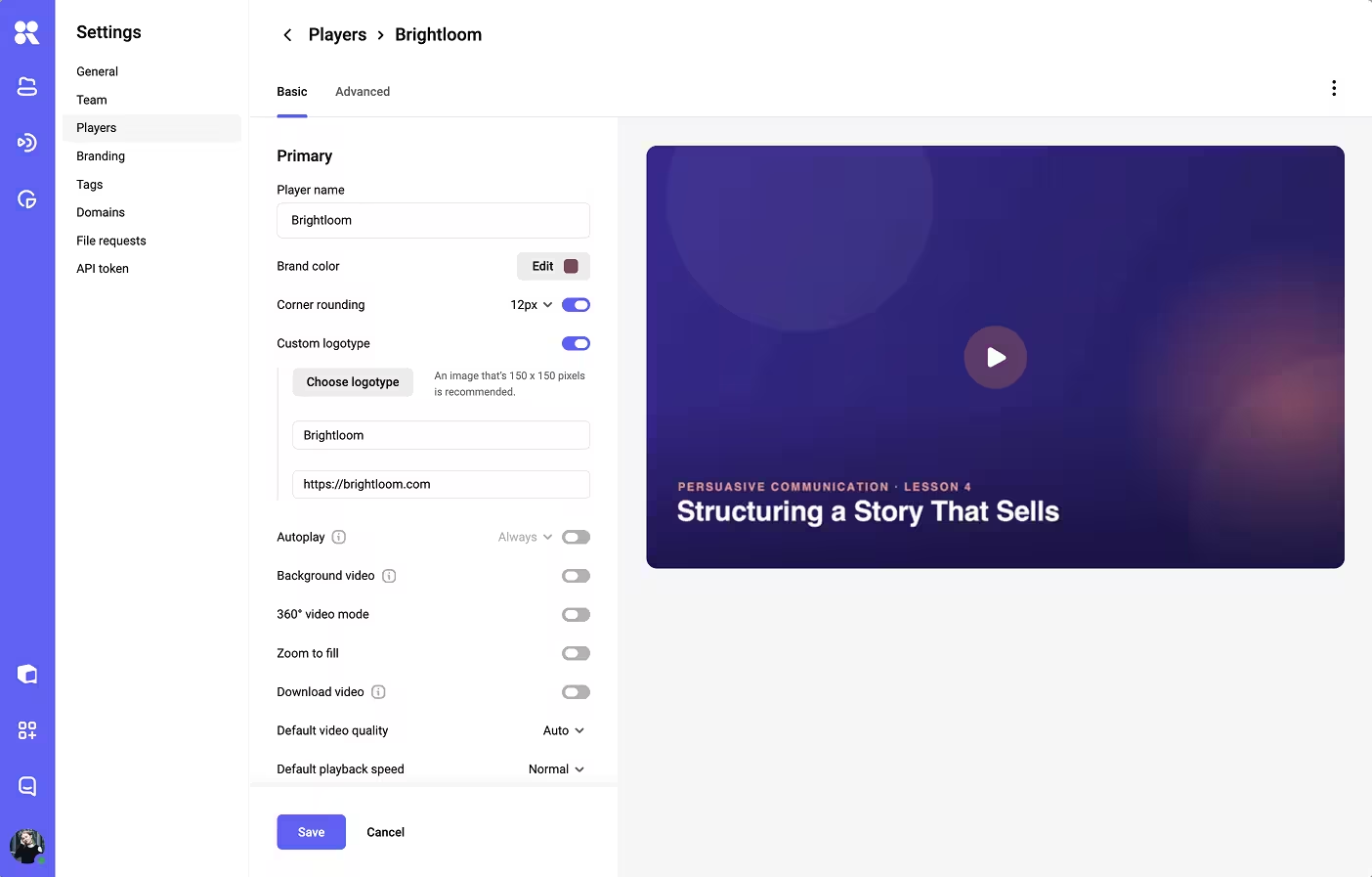
1. Consistent branding beyond the player
A service can display your logo during playback while retaining supplier branding in account emails or help pages. The relevant scope therefore includes the places viewers visit between watching sessions: sign-in, password recovery, subscription management and support.
A trial account makes these limits visible. Registration, password recovery and cancellation reveal which pages and emails carry your brand, where the supplier’s name appears, and whether those details can be changed on the plan you are considering.
2. A domain that follows the customer journey
A custom domain gives viewers an address associated with your business, but its coverage can stop at the main website. Checkout, account recovery and video delivery may use other addresses, depending on the implementation.
Uscreen, for example, lists a custom branded domain under Growth plan and whitelabeling under Custom. Domain support and the removal of supplier attribution are therefore separate capabilities to establish when comparing its plans.
3. Apps for the devices your audience uses
Support for a phone’s browser establishes web playback on that device; a dedicated app adds a different interface, distribution channel and maintenance obligation. On a television, browsing and signing in must work with a remote, which makes the viewing experience more than a resized website.
Vimeo OTT illustrates the scope difference: Starter plan is web-only, while Enterprise adds branded apps. A television service therefore needs an app-capable offering from the outset, even if a browser-only package is sufficient for another business.
4. Room to change the viewing experience
Logo and color settings establish a visual identity, but the arrangement of the service determines what viewers can do. A film library may need collections and seasons, while a sports service may need to make the next live event easy to find. A template that already supports these features reduces the amount of custom development needed. More extensive changes may require the supplier’s developers, both for the initial customization and to keep it working after platform updates.
5. Payments connected to viewing rights
A subscription may unlock the whole library, while a rental gives access to one film for a limited time. Following a purchase through renewal or expiry during a demo reveals whether the platform can apply the access rules your service needs.
If billing is handled separately, payment and subscription updates need to reach the software that controls viewing access. This becomes especially important when the service allows viewers to keep watching while a failed payment is retried: the integration must preserve access until that grace period ends.
6. Protection that matches the content and devices
Digital rights management (DRM) encrypts video and controls the release of playback keys. It becomes relevant when content needs protection against unauthorized copying, particularly where a licensing agreement specifies playback requirements. Device support matters here: the Widevine, FairPlay and PlayReady guide explains how protection choices relate to browsers and operating systems.
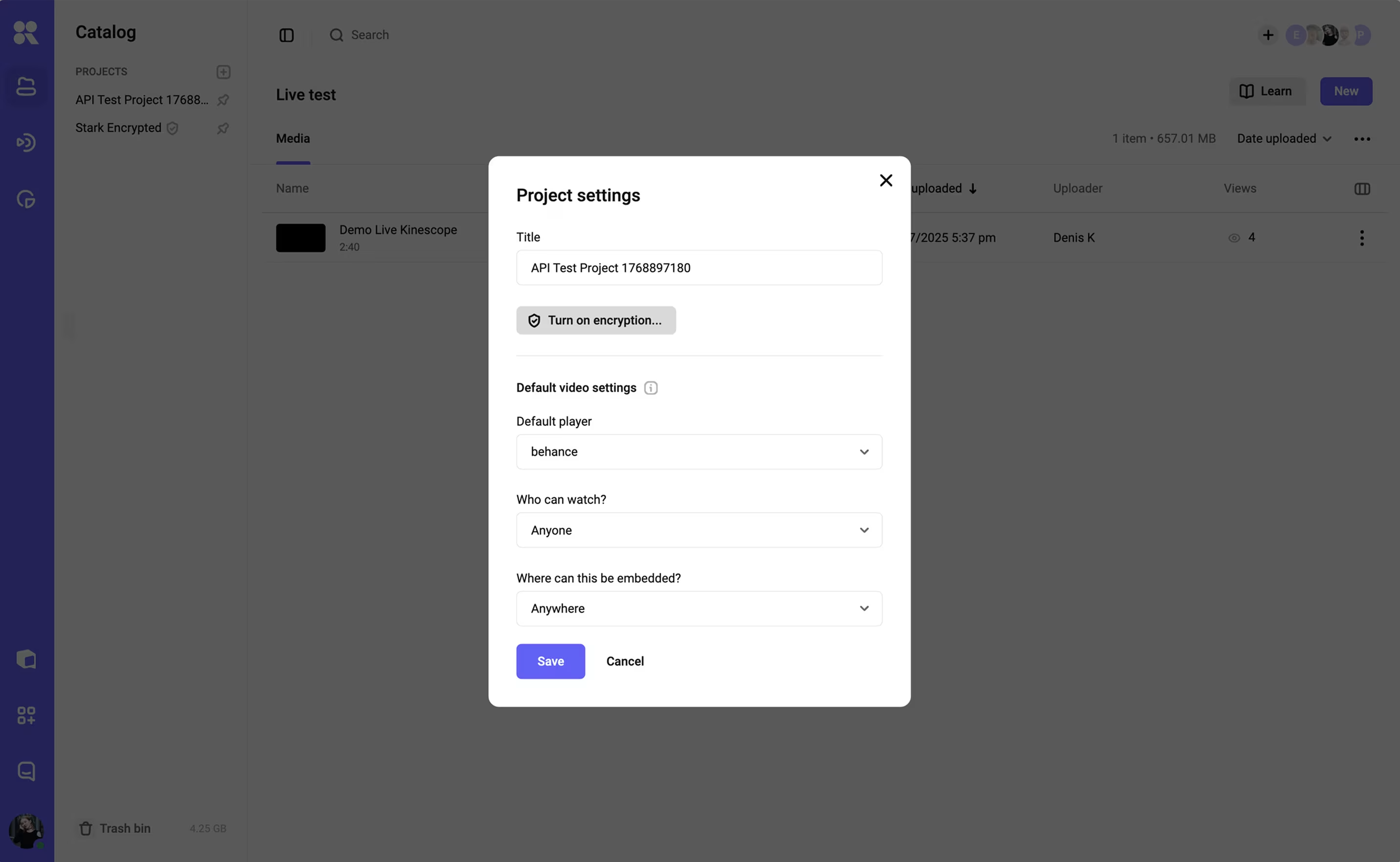
Access rules must also reflect the customer’s purchase. With Kinescope’s authorization-backend integration, the player can request permission from your system before a DRM key is released, connecting protected playback to your own viewing rules.
Geographic restrictions and limits on simultaneous streams need their own implementation if the business requires them. Investigating copies that have already leaked is another job, covered in the anti-piracy software guide.
7. Integrations that preserve customer context
Bringing subscription status and viewing history into one support interface requires records that can be matched to the same customer. Ask for a sample response from the platform’s API showing one viewer’s activity, including the identifier attached to each record. Also confirm which plan includes this API access. This establishes whether the data can be linked to your customer accounts. If viewing-event webhooks are available, they may also help keep those records current.
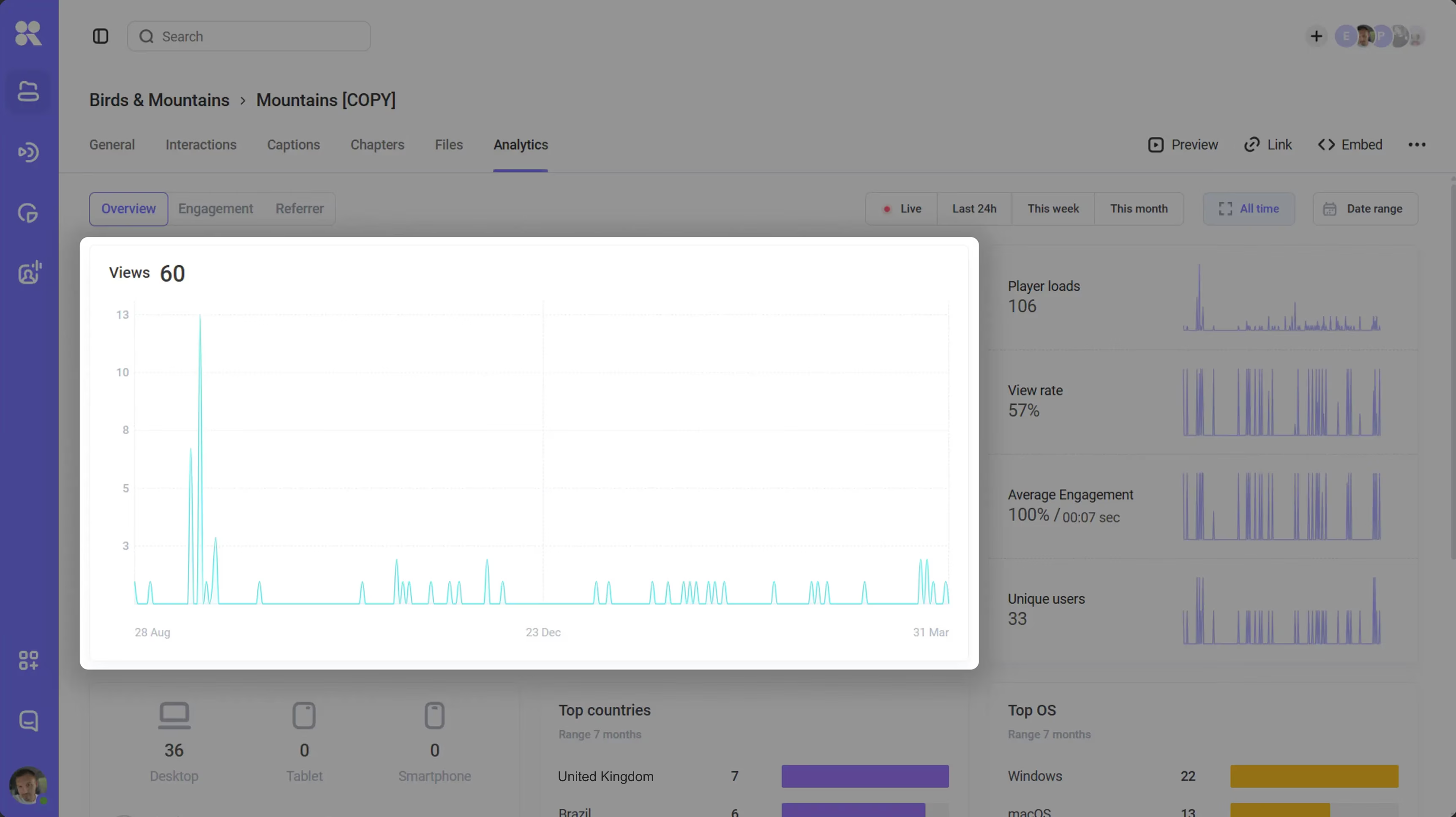
8. Analytics explaining viewing behavior
An OTT platform’s analytics should help you understand which videos hold attention and where viewing stops. When viewers leave an episode early, playback records can help establish whether loading failures or buffering contributed. This gives the team a basis for investigating the viewing experience before attributing the drop to the content.
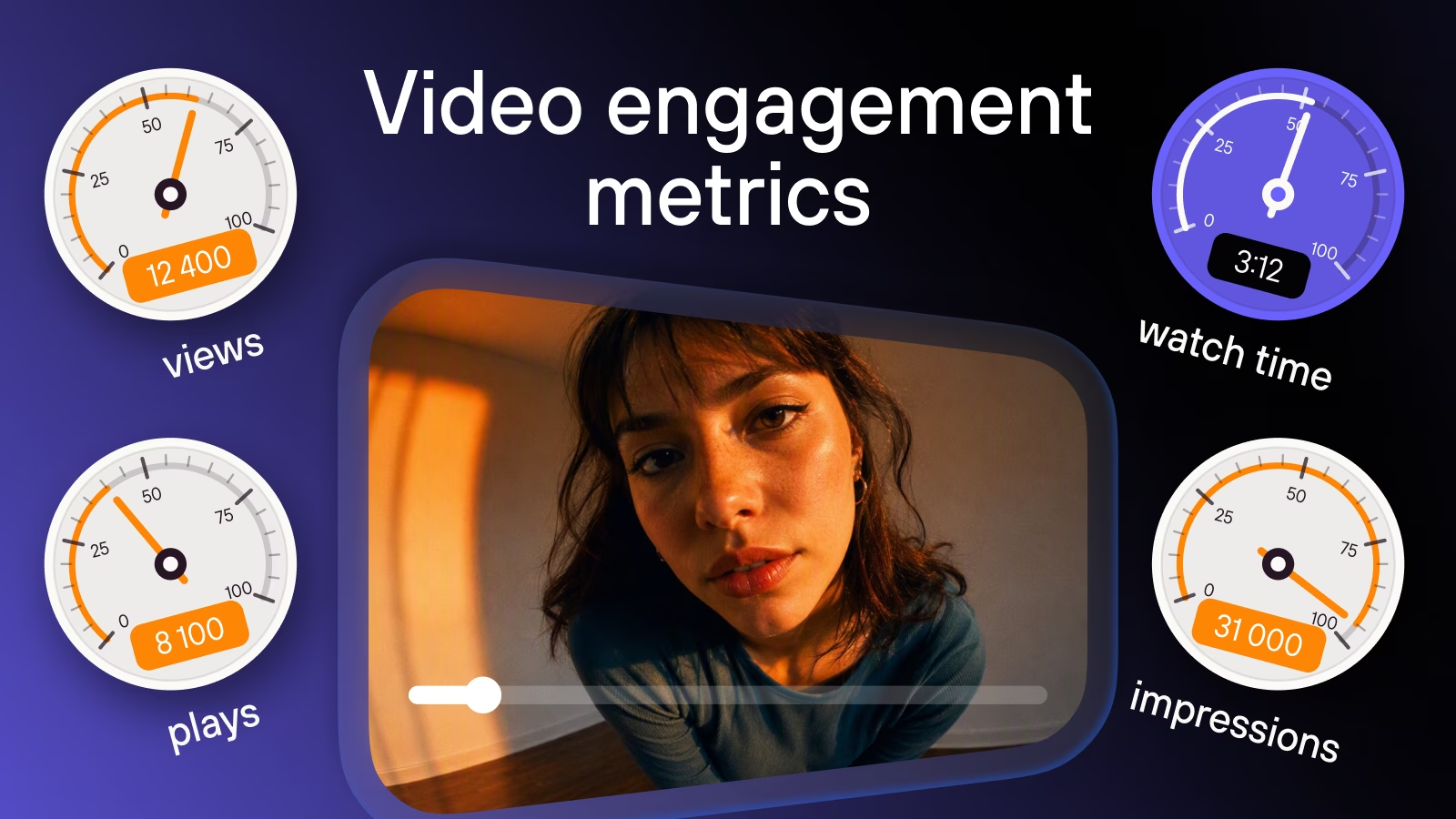
Our video engagement analytics guide explains how to interpret watch time, completion and retention, and connect those signals with business outcomes.
9. Maintenance with a clear owner
When a customer has paid but cannot play a video, the fault may involve billing, access permissions or playback. The support agreement should identify who receives the report and coordinates the investigation across those systems. A ready-made OTT provider may take that role across the service; with a custom application, your technical team usually coordinates with the video provider. Walking through this case before purchase makes the handoffs and gaps in support easier to identify.
10. A workable route to another provider
Moving a service involves more than retrieving its video files. A sample export should show whether titles, episode order, captions and customer-to-product relationships can be reconstructed elsewhere, and which information would need to be recreated manually. Active subscriptions may also require a separate payment migration.
If the service includes mobile or TV apps, migration also depends on who controls their app-store accounts and whether the provider supports transferring them.
How white-label OTT pricing works
OTT providers charge in different ways. Some combine a monthly platform fee with charges per subscriber or sale, while others bill for video storage, processing and delivery.
A few examples from the wider OTT and video-platform market
| Platform | Plan and price | What the offer covers |
|---|---|---|
| Vimeo OTT | Starter: approximately €0.86 per subscriber per month, plus upload and transaction fees | Web subscription service with bandwidth and checkout included; branded apps require an Enterprise quote |
| Kinescope | Super: usage-based, with a €10 monthly minimum | Managed video hosting, processing, delivery and DRM for integration into your service |
| Uscreen | Growth: approximately €171.32/month plus €1.71 per subscriber; App Essentials: approximately €429.58/month plus €0.85 per subscriber | Growth includes a custom domain; App Essentials adds iOS and Android apps; Custom lists whitelabeling |
Prices checked 10 September 2026. USD prices are converted to euros at the ECB reference rate for the same day (€1 = US$1.1616). Conversions are approximate and exclude applicable taxes and currency-conversion charges. Verify current prices on each vendor’s page.
The monthly subscriber-based charges grow with the number of billable customers. For Uscreen’s published plans, the platform fee is added to that subscriber charge; Vimeo OTT Starter starts with the subscriber charge itself. Processing payments and selling one-time products can introduce further fees. App requirements can also move the purchase to a different plan, as the table shows, so the web entry price answers a narrower budget question than the cost of a television launch.
Unlike Vimeo and Uscreen, Kinescope’s invoice follows video usage. Our starting rates are €0.03 per GB of stored files per month, €0.03 per GB delivered to viewers and €0.01 per minute of newly processed video. The first tiers cover up to 1,000 GB each for storage and delivery, and 60,000 processing minutes. The €10 minimum applies when the month’s usage charges total less than that amount. With the same number of subscribers, longer viewing sessions or a higher delivered bitrate increase traffic usage and can raise the monthly bill.
Meanwhile, a team choosing the custom route also pays to maintain its website or apps and the link between billing and viewing rights.
For either approach, the total budget includes platform fees, charges based on video usage or subscriber numbers, and ongoing maintenance, plus any one-time setup or migration costs.
Choosing the right level of control
A ready-made OTT service is a practical choice when its website, apps and payment options already fit your business. If you need to keep your existing website, customer accounts and billing, a managed video platform lets you add playback and delivery to that setup.
Kinescope supports this second approach, providing video hosting, a customizable player and DRM that can check viewing rights against your own system. Explore Kinescope’s OTT solution for media.