




























Extract audio from video
Pull the audio out of a video as MP3, in its original format or as WAV. Or do the opposite: remove the sound and keep only the picture. All in your browser.
What you need
Audio format Opens everywhere. 192 kbps.
The picture is copied without re-encoding, so quality stays the same.
0%
Everything runs in your browser with WebCodecs. Nothing is uploaded.
Publishing the video on a site or in a course?
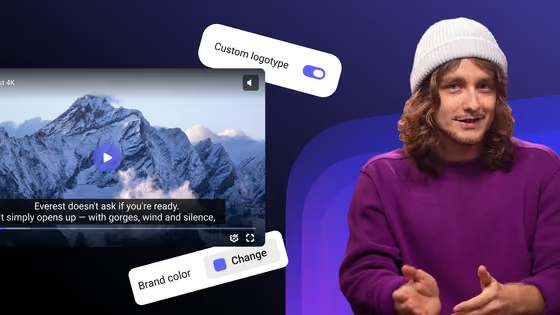
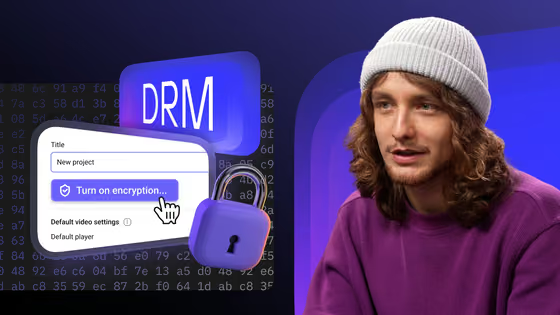
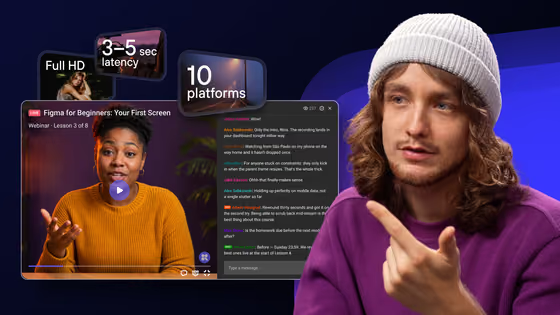
Upload the original to Kinescope: it creates every quality up to 4K, protects lessons with DRM and delivers them from its own CDN. The player has automatic subtitles and speed control.
- 100 minutes and 200 GB of traffic a month free
- No card required
- Paid plans from €10 a month
Which format to choose
MP3 to play anywhere
MP3 opens on phones, in cars and in any editor. The tool writes it at 192 kbps, good quality for voice and music.
Original to lose nothing
The audio track is copied as it is, with no re-encoding: it takes seconds and keeps the video’s quality. Phone videos usually carry AAC, saved as an .m4a file.
WAV for editing
Uncompressed, 16-bit: the format audio editors open without converting. The file is much larger.
Video without audio, same picture
When you remove the sound, the picture is copied without re-encoding. Use it to replace the soundtrack, publish without copyrighted music or send just the visuals.
From audio to text
Need what was said rather than the sound? The video to text tool extracts the audio and transcribes it in one step.
Nothing leaves your computer
The file is read and converted inside your browser. Not a byte goes to a server, so paid lessons and internal meetings stay with you.
FAQ
Choose the video, keep “Audio only” selected, pick MP3, Original or WAV and click Extract audio. Then play the result and click Download.
Choose MP3. The tool extracts the audio track and writes a 192 kbps MP3 that plays on any phone or computer.
Select “Video without audio” and click Remove audio. The picture is copied without re-encoding, so quality stays the same and it takes seconds.
No. Everything runs in your browser with WebCodecs. The video and the extracted audio stay on your computer.
There’s no fixed limit. The result stays in browser memory until you download it, so files of several GB work best on a computer with plenty of memory.
It works in browsers with WebCodecs, such as Chrome on Android. On iPhone it depends on the Safari version. Large files process better on a computer.