












Low-Latency HLS (LL-HLS)
The extension of HLS that brings live video within a few seconds of real time — close enough for chat, Q&As and live auctions.
LL-HLS publishes small parts of a segment as soon as they are encoded and lets the player wait on the server for the next one, so a live stream runs a few seconds behind real time instead of 10–30.
What is Low-Latency HLS?
Low-Latency HLS (LL-HLS) is an extension of HTTP Live StreamingHLS (HTTP Live Streaming)Apple’s adaptive streaming protocol. Uses .m3u8 manifests and segmented delivery; supported on every browser, device and smart TV.Open definition → that Apple published in 2019 and folded into the HLS specification. It keeps everything that makes HLS reach every browser, phone and TV — plain HTTP, ordinary CDNsCDN (Content Delivery Network)A global network of edge servers that caches video close to viewers, cutting latency and absorbing traffic spikes.Open definition →, an .m3u8 playlist — and changes how fast new video becomes available to the player.
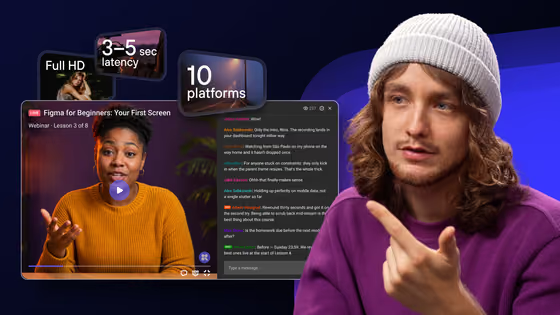
Standard HLS live typically runs 10–30 seconds behind real time. LL-HLS brings that down to a few seconds: not as tight as a two-way call, but close enough that viewers' chat questions arrive while the topic is still on screen.
How LL-HLS works
Each segment is published in parts of a few hundred milliseconds as soon as they are encoded — usually as CMAFCMAF (Common Media Application Format)One fragmented-MP4 packaging that HLS and DASH can both play — a single set of segments for every device and the base of low-latency live.Open definition → chunks — instead of waiting for the full segment.
The player asks for the next version of the playlist and the server holds the request until it exists, rather than the player polling on a timer and arriving late.
The playlist names the part that is about to appear, so the player can request it before it is finished and receive it the moment it is.
The playlist reports the latest state of other quality levels, so adaptive bitrateAdaptive Bitrate (ABR)Automatically adjusts video quality in real time to match each viewer’s connection speed — smooth playback from 480p to 4K with no buffering.Open definition → switching does not cost an extra round trip.
HLS vs LL-HLS vs WebRTC
| Aspect | Standard HLS | LL-HLS | WebRTC |
|---|---|---|---|
| Typical delay | 10–30 s | A few seconds | Under a second |
| Delivery | HTTP, any CDN | HTTP, CDN that handles held requests | Peer or media-server connections |
| Audience size | Unlimited | Very large | Costly beyond small rooms |
| Weak connections | Most forgiving | Less buffer to ride out dips | Drops quality fast |
| Best for | Broadcasts, VoD | Webinars, Q&As, live commerce | Calls, real-time interaction |
The trade-off: latency vs stability
Every second of latency is also a second of buffer. A standard HLS player can sit 20 seconds behind and use that cushion to survive a bandwidth dip; an LL-HLS player keeps only a few seconds, so a weak mobile connection reaches bufferingBufferingWhen playback pauses to load more data. ABR exists largely to prevent it by stepping quality down before the buffer empties.Open definition → sooner. Viewers on slow networks — common across large parts of Latin America, for example — are better served by a stream that keeps a deeper buffer and steps quality down early.
- Choose low latency when the audience reacts in real time: a webinar with a live Q&A, an auction, a sports watch-along with chat.
- Choose standard latency for one-way broadcasts, big audiences on mobile data, or anything where smooth playback matters more than being first.
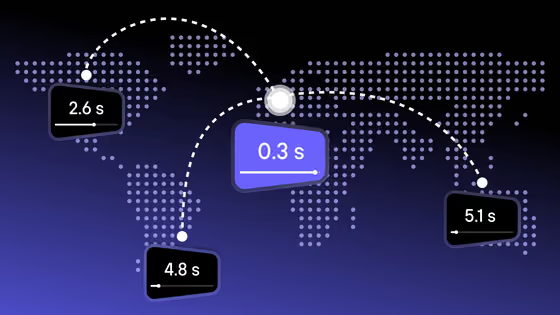
- Keep the edge close. Low latency also depends on the distance to the nearest CDN edge — a viewer in São Paulo should not be pulling segments from Frankfurt.
Further reading
- Low latency streaming: LL-HLS vs WebRTC and CMAF’s role — choosing between the three for your format.
- Enabling Low-Latency HLS — Apple Developer — the specification’s own guide.