











Hotlink protection
Stopping other sites from playing your video on your bandwidth bill — by deciding where and for whom a stream is allowed to start.
Hotlinking means someone embeds or links your video file directly, so their visitors watch it and you pay for the delivery; hotlink protection — domain locks, signed expiring links, playback tokens — makes the video play only where you allow.
What is hotlinking?
Hotlinking is when another website uses your media URL directly — a video file, an HLS playlistManifestA small index file (.m3u8 or .mpd) that lists every available rendition and segment so the player knows what it can request.Open definition → or your embed code — so the video plays on their page while the delivery is served, and billed, from your account. For images it is an annoyance; for video it is expensive, because video is the heaviest thing on the web. An hour of 1080p is around 1–3 GB per viewer.
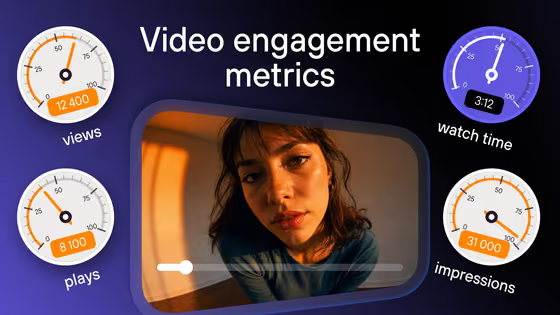
The usual symptoms: a sudden jump in delivery traffic without a matching rise in your own visitors, playback analytics showing referrers you do not recognise, and training or course videos turning up on forums and resellers’ sites.
Ways to protect video from hotlinking
| Method | How it works | Strength |
|---|---|---|
| Referer check | CDN refuses requests whose Referer header is not your domain | Weak — headers are easy to spoof or strip |
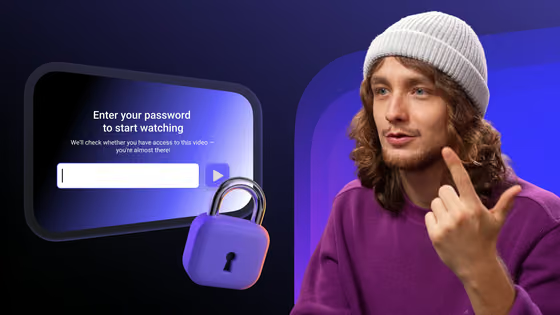
| Domain-locked embed | The player only starts on approved domains | Good for embeds; stops copy-pasted players |
| Signed URLsSigned URLA playback link carrying an expiry and a cryptographic token — it stops working once the window closes, and a tampered link never works.Open definition → | Playback links carry an expiry and a cryptographic token | Strong — a shared link dies when the window closes |
| Backend playback tokens | Your server approves each play for a signed-in user | Strongest access rule |
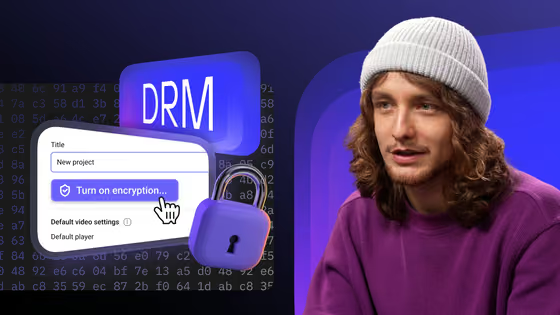
| DRMDRMEncryption of the video file plus a licence server that issues a per-session key — so a downloaded copy stays unplayable.Open definition → | Segments are encrypted; keys go only to licensed sessions | Stops playable copies, not just links |
The methods stack. A domain lock stops the casual copy of an embed; signed links and tokens stop direct links to the stream; DRM makes a captured file useless. See video access controlVideo access controlThe rules that decide who may start a video: approved domains, expiring signed links, geo and IP limits, passwords, one-time codes and SSO.Open definition → for the full set of rules.
How to stop hotlinking in practice
Compare delivery volume with your own page views, and check playback analytics for unknown domains.
List the sites — your LMS, intranet, membership site — where the player may start. A copied embed elsewhere stays blank.
Switch public file and playlist URLs to signed links with a short lifetime, so a link posted on a forum stops working.
For paid or internal video, let your backend approve each play, and add DRM so a recorded stream cannot be replayed elsewhere.
Further reading
- How to stop video piracy — the layered protection stack, in order.
- Stop video downloading with DRM — what DRM covers on top of access rules.